16

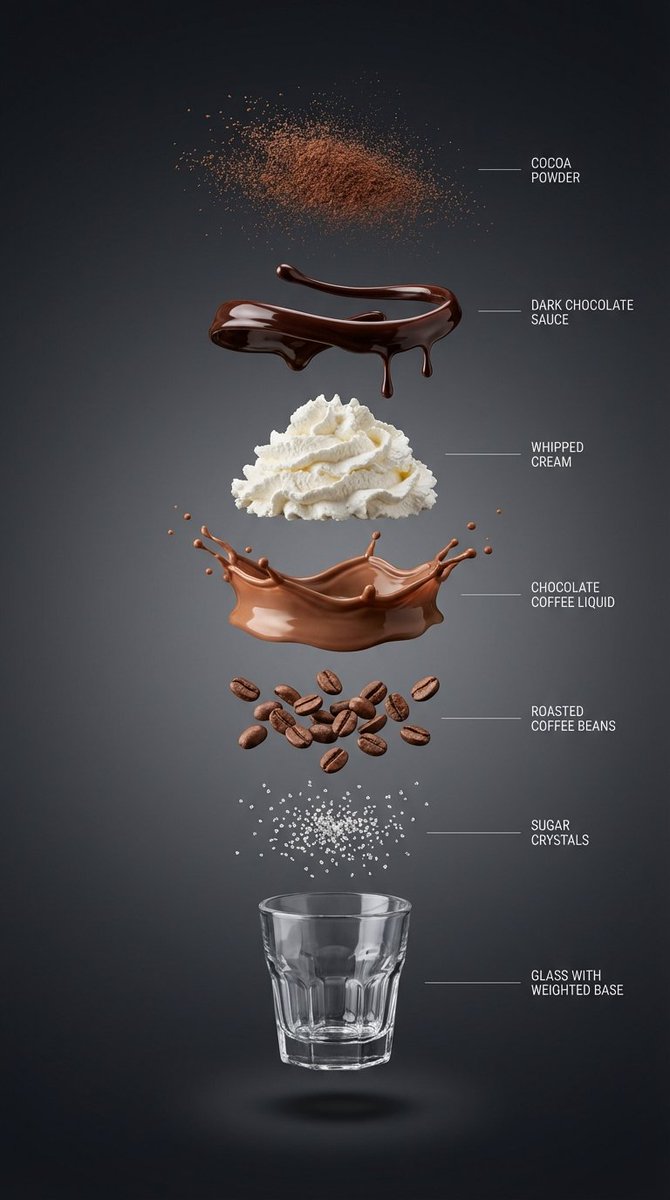
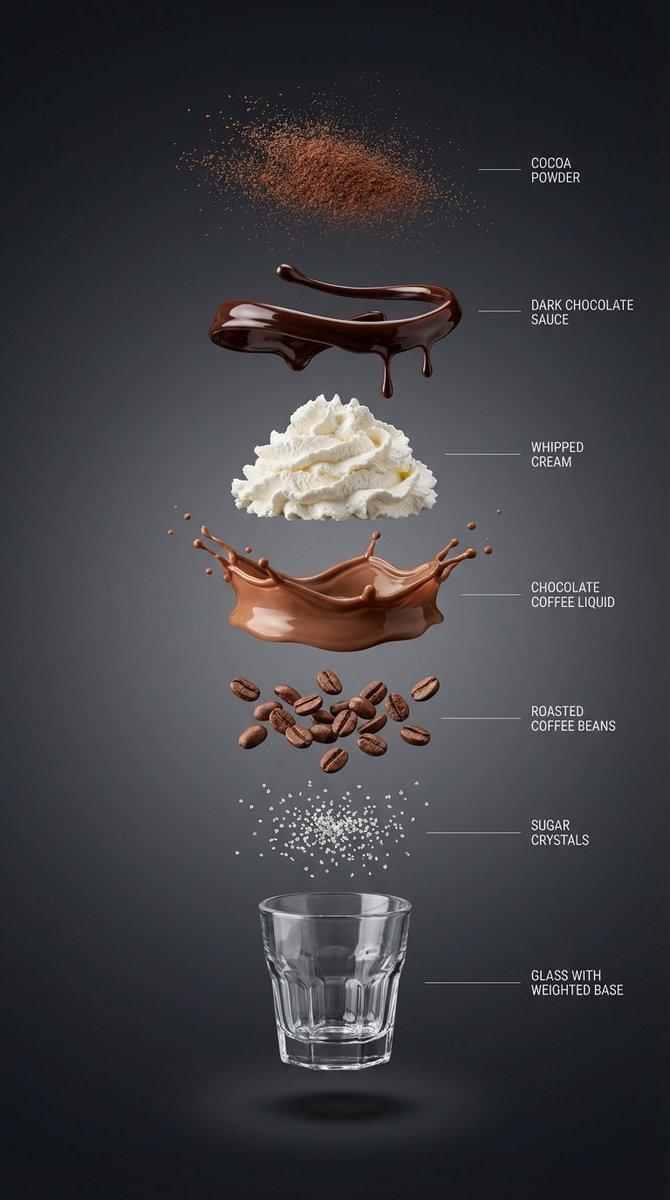
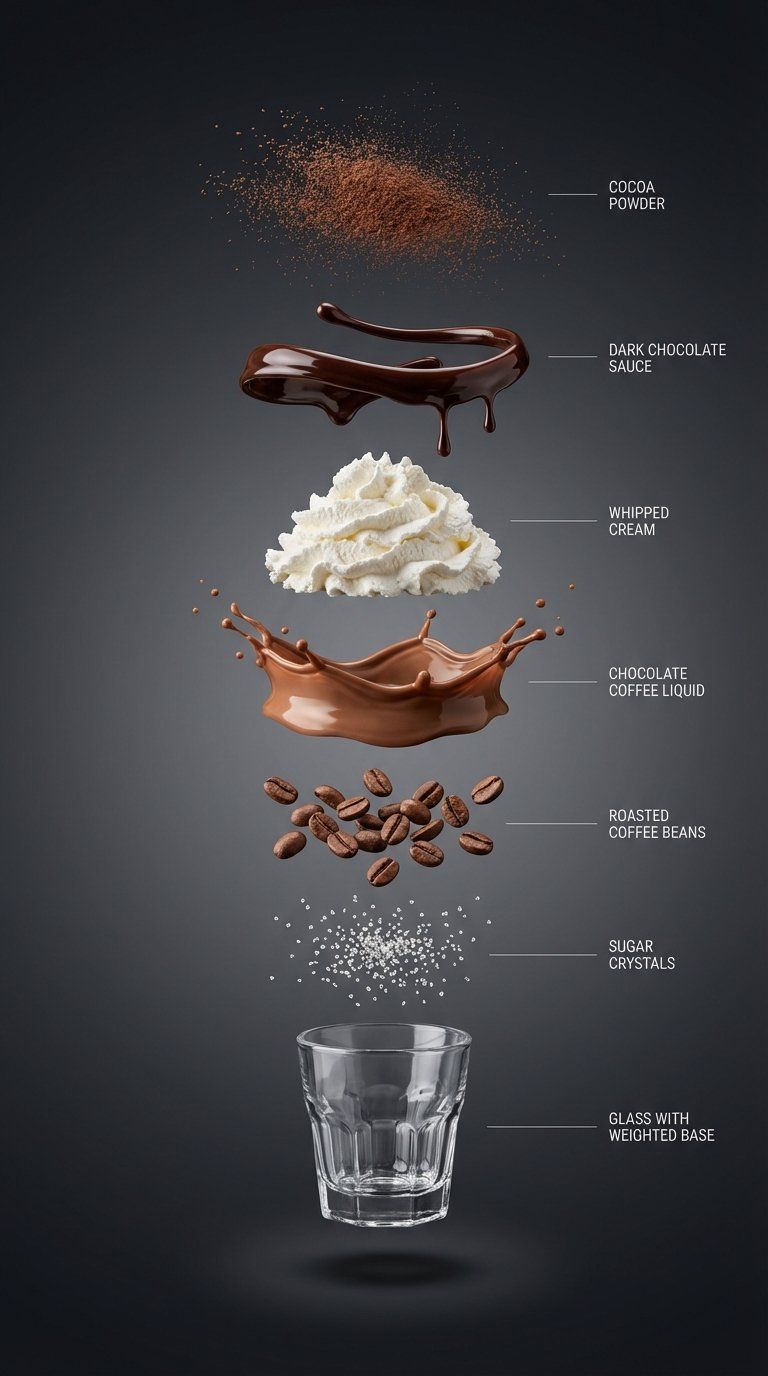
Chocolate coffee exploded shot: GPT Image 2 prompt
Enlarge

Example images

Chocolate coffee exploded shot: GPT Image 2 prompt

Prompt
{
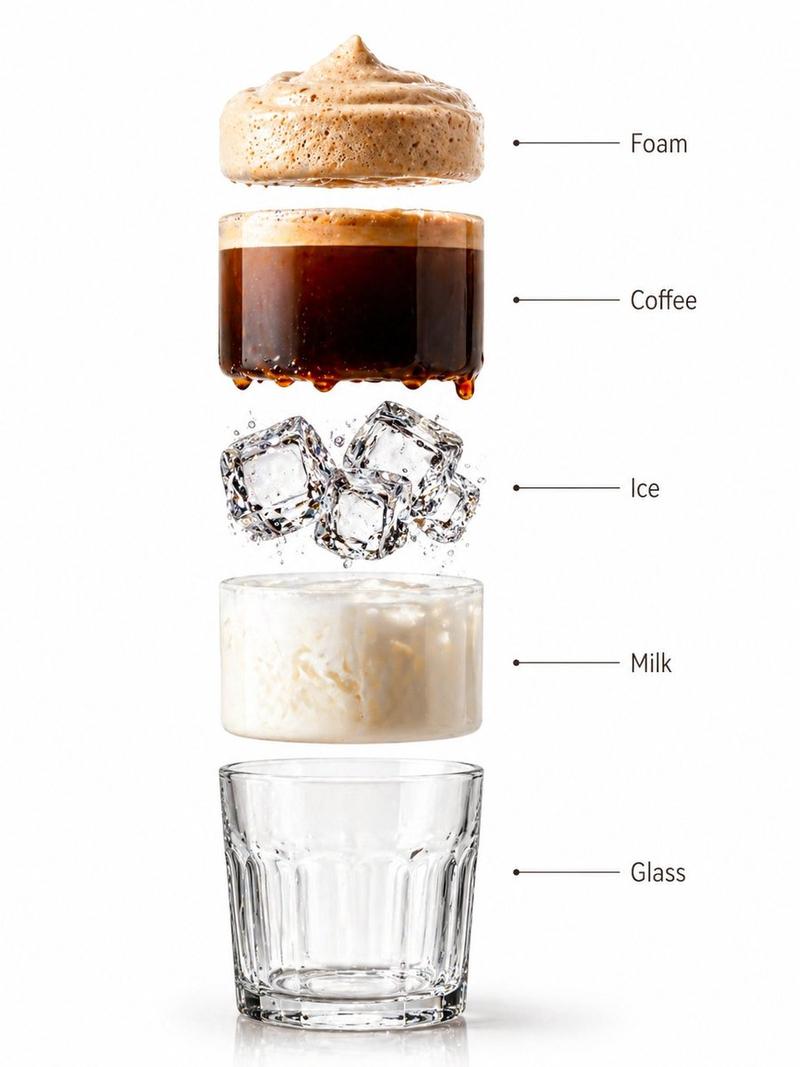
“subject”: “巧克力咖啡饮品的超写实垂直爆炸分解图”,
“layout”: “中心垂直对齐,各组件独立悬浮且间距清晰”,
“layers”: [
{
“component”: “可可粉微粒”,
“position”: “顶部”
},
{
“component”: “光泽深色巧克力酱丝带与滴落状”,
“position”: “独立层”
},
{
“component”: “轻盈的打发奶油堆”,
“position”: “独立层”
},
{
“component”: “丝滑的巧克力咖啡液态层”,
“position”: “独立层”
},
{
“component”: “烘焙咖啡豆”,
“position”: “独立层”
},
{
“component”: “糖晶体”,
“position”: “独立层”
},
{
“component”: “带配重底座的小型透明螺纹玻璃杯(空杯)”,
“position”: “底部”
}
],
“background”: “高级深色背景:干净的影棚背景,近黑色的石墨色至木炭色渐变,柔和且平滑”,
“lighting_and_style”: {
“lighting”: “柔和且受控的影棚光,每层下方有清晰的分层阴影”,
“detail”: “超锐利微距写实主义,右侧极简细指示线与英文标签”,
“category”: “高端产品信息图”,
“resolution”: “8K”
}
}
Category
Products & E-commerce
Model
GPT Image 2
Views0
Source ID
2008986705962123774
Published
Jan 7, 2026

Guide

About "Chocolate coffee exploded shot: GPT Image 2 prompt"

What is this prompt for?

"Chocolate coffee exploded shot: GPT Image 2 prompt" AI image prompt for GPT Image 2 (Products & E-commerce). { “subject”: “巧克力咖啡饮品的超写实垂直爆炸分解图”, “layout”: “中心垂…

The full copyable prompt and example visuals above are ready for AI image generation or one-click recreate in Picva.

How to use this prompt

  1. Step 1

    Open the prompt detail

    Review the example visuals, category, and full prompt text for "Chocolate coffee exploded shot: GPT Image 2 prompt".

  2. Step 2

    Copy the prompt

    Copy the prompt body from this page, or load it directly in Studio.

  3. Step 3

    Pick a model (GPT Image 2)

    Prefer GPT Image 2. If you switch models, keep subject and composition and tweak style terms.

  4. Step 4

    Generate and export

    Recreate the look in Picva, or export into your workflow for editing and publishing.

FAQ

What is the "Chocolate coffee exploded shot: GPT Image 2 prompt" prompt?
It is an AI image-generation prompt for GPT Image 2 in the Products & E-commerce category. This page includes the full prompt text, example visuals, and a one-click recreate path in Picva.
How do I use this prompt to generate an image?
Copy the prompt from this page, or use Generate / Studio. Paste it into a compatible image model, or recreate the look in Picva with optional reference images.
Which model is this prompt for?
This page lists GPT Image 2. Most descriptive prompts also transfer to nearby image models such as GPT Image, Flux, or Midjourney with light style tweaks.
Can I use the result commercially?
You can usually copy the prompt for creation, but commercial use of the final image depends on the model terms, reference-image rights, and the generated content. Follow the source author and platform rules.