20

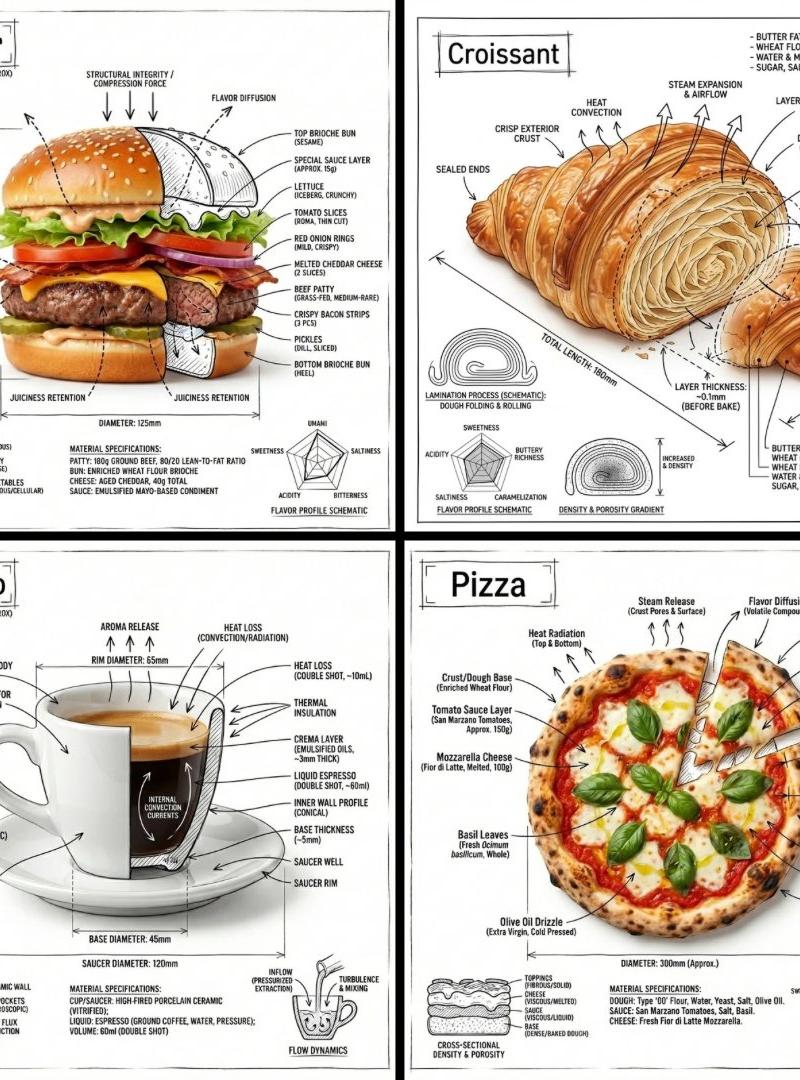
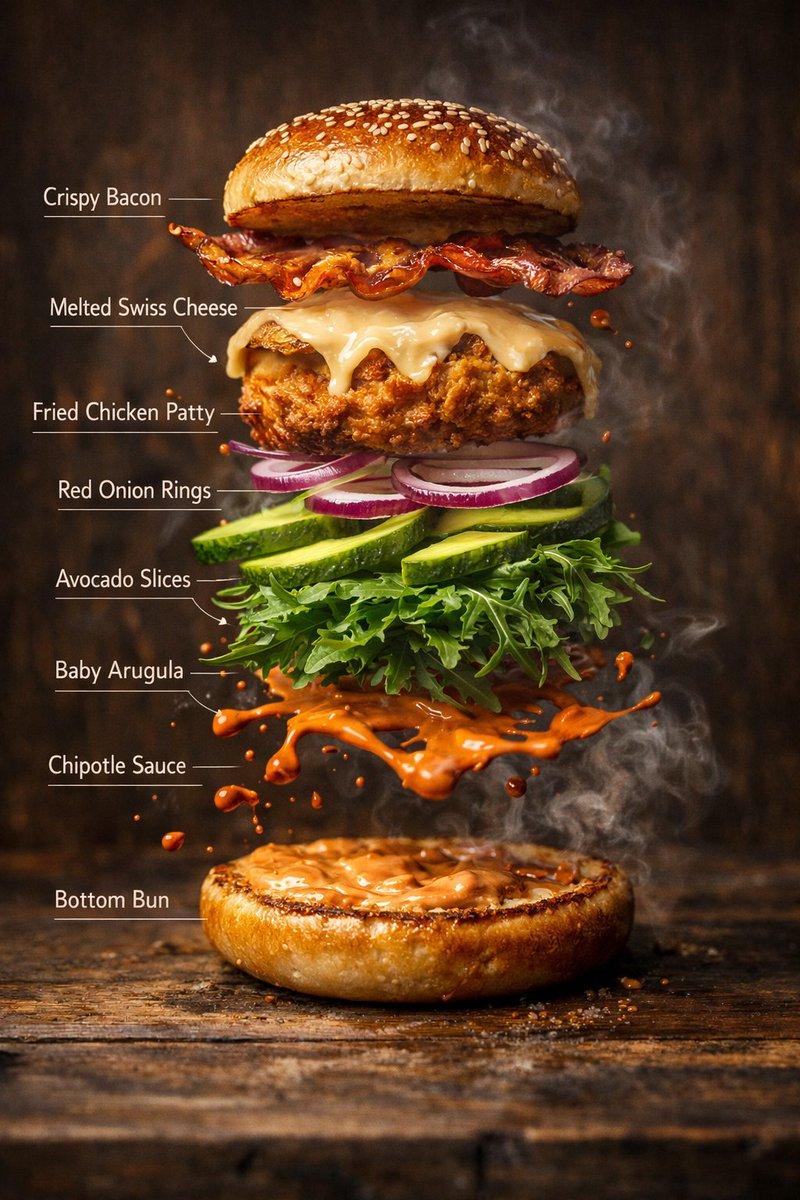
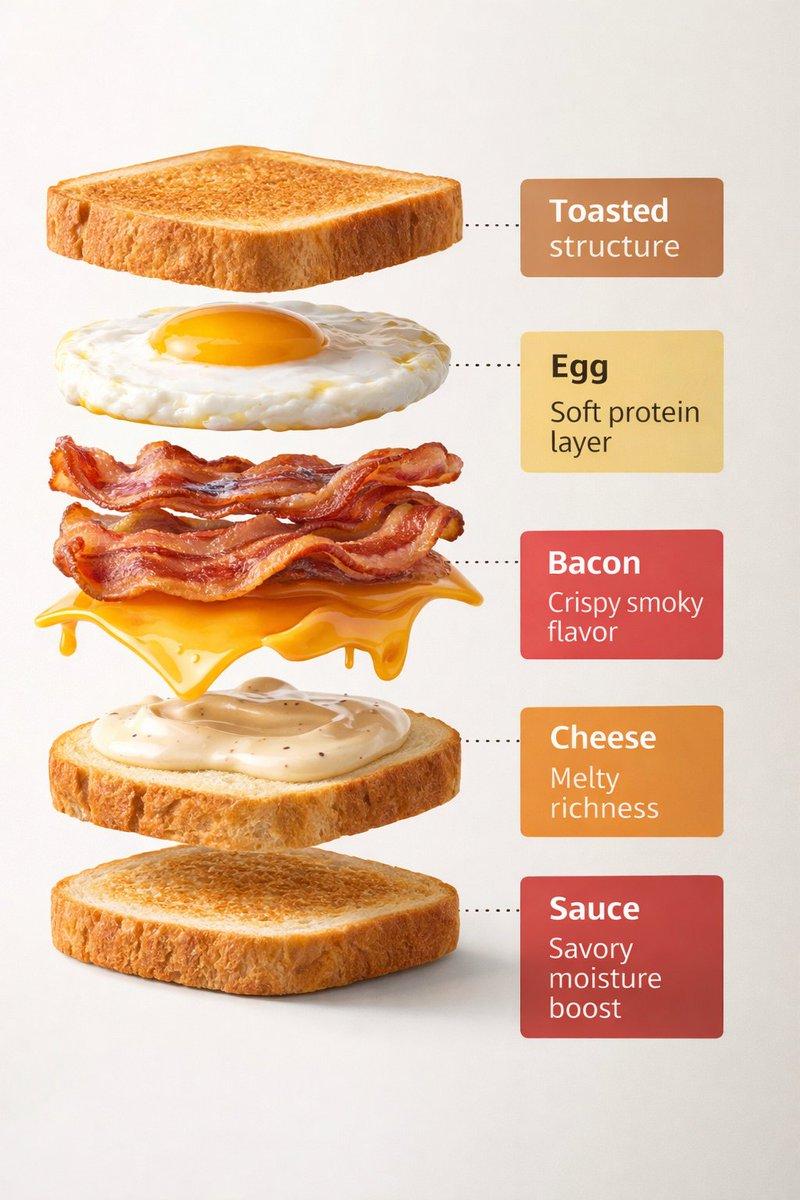
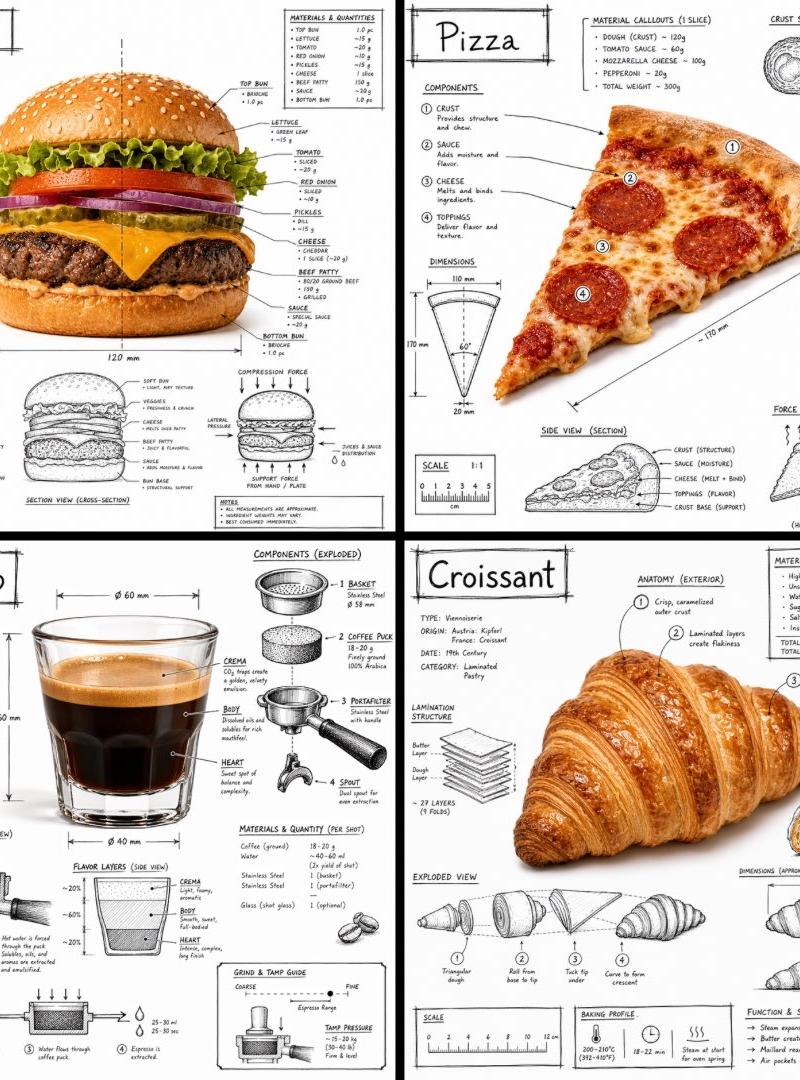
Exploded vertical food infographic: GPT Image 2 prompt
Enlarge

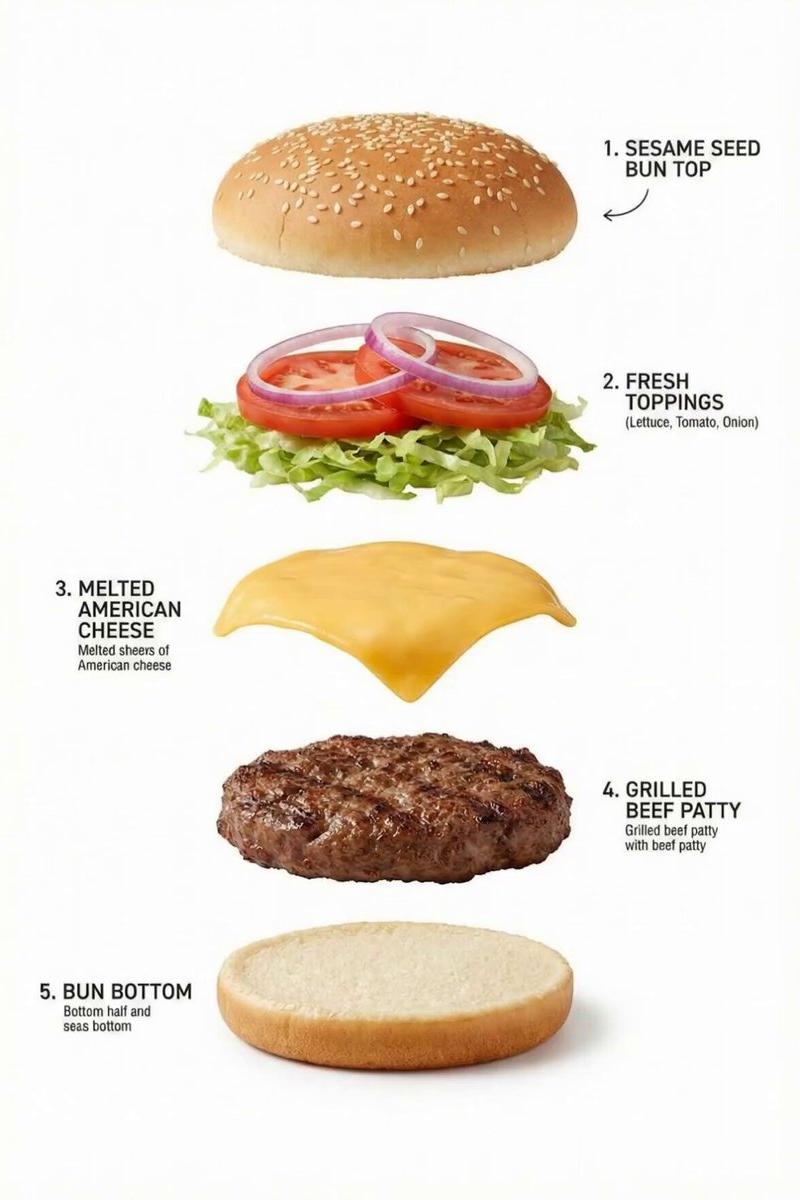
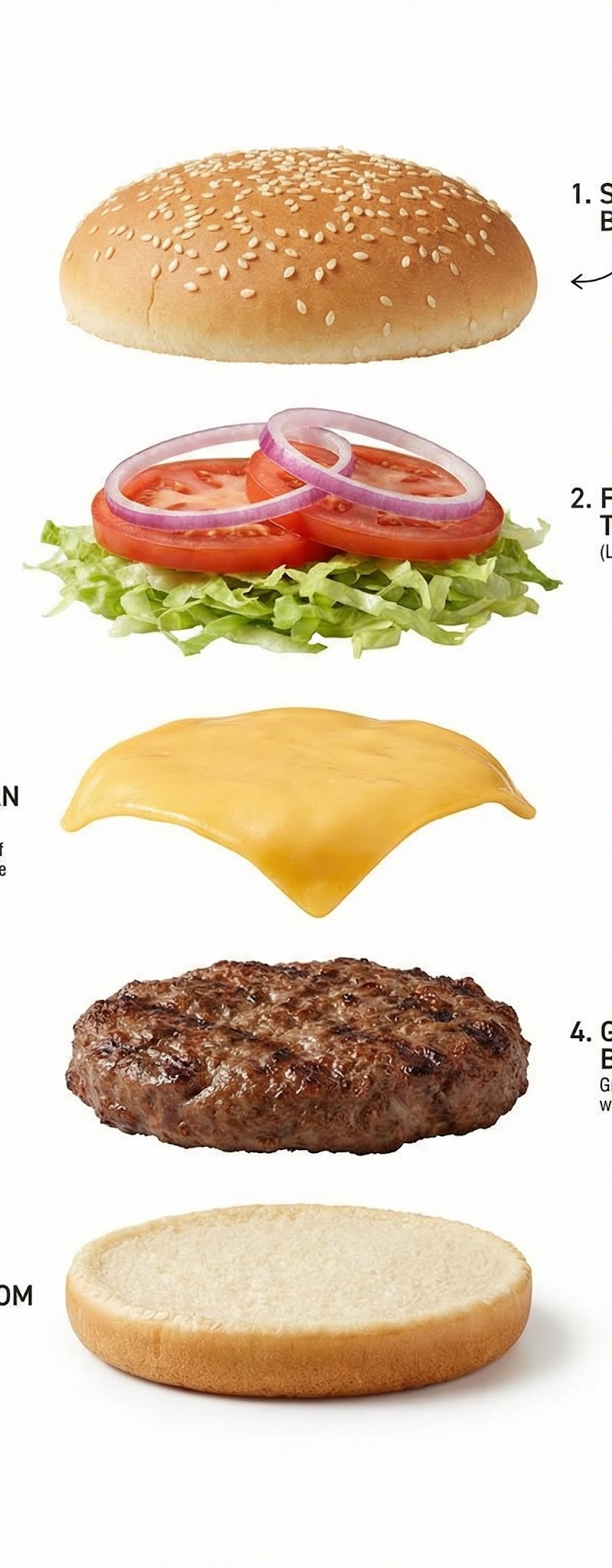
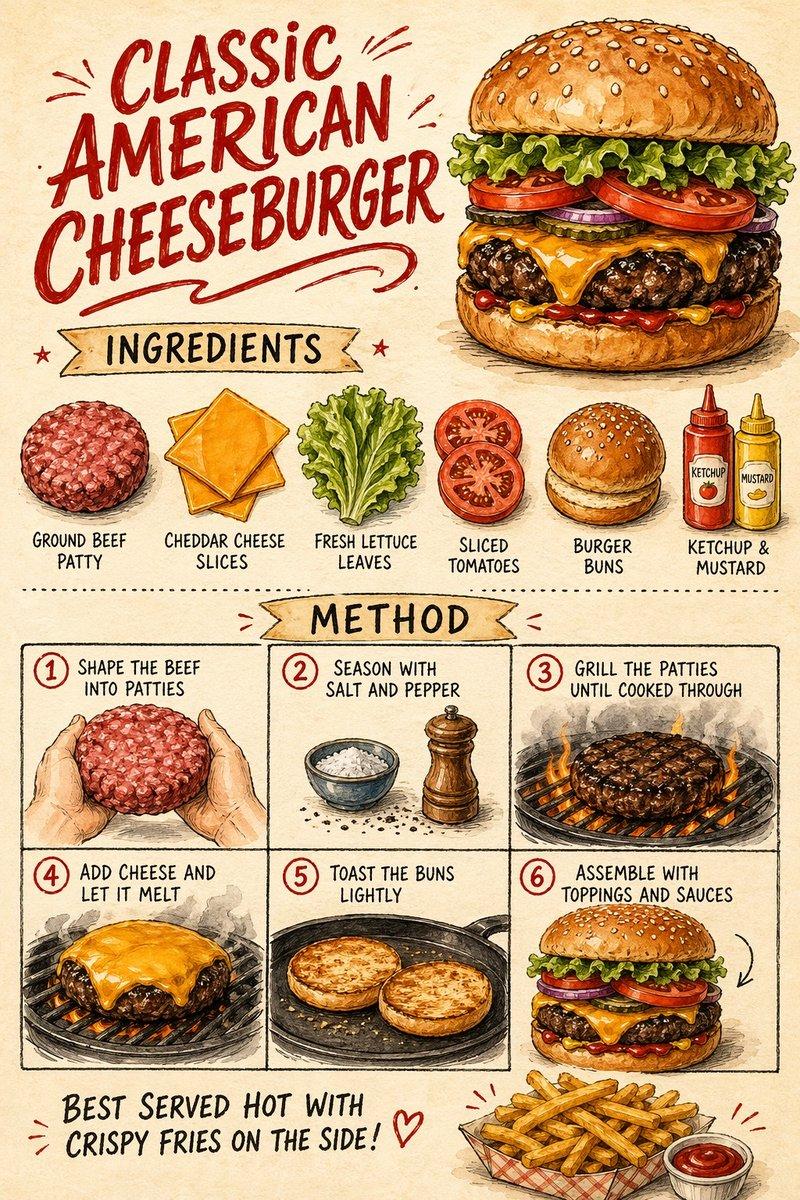
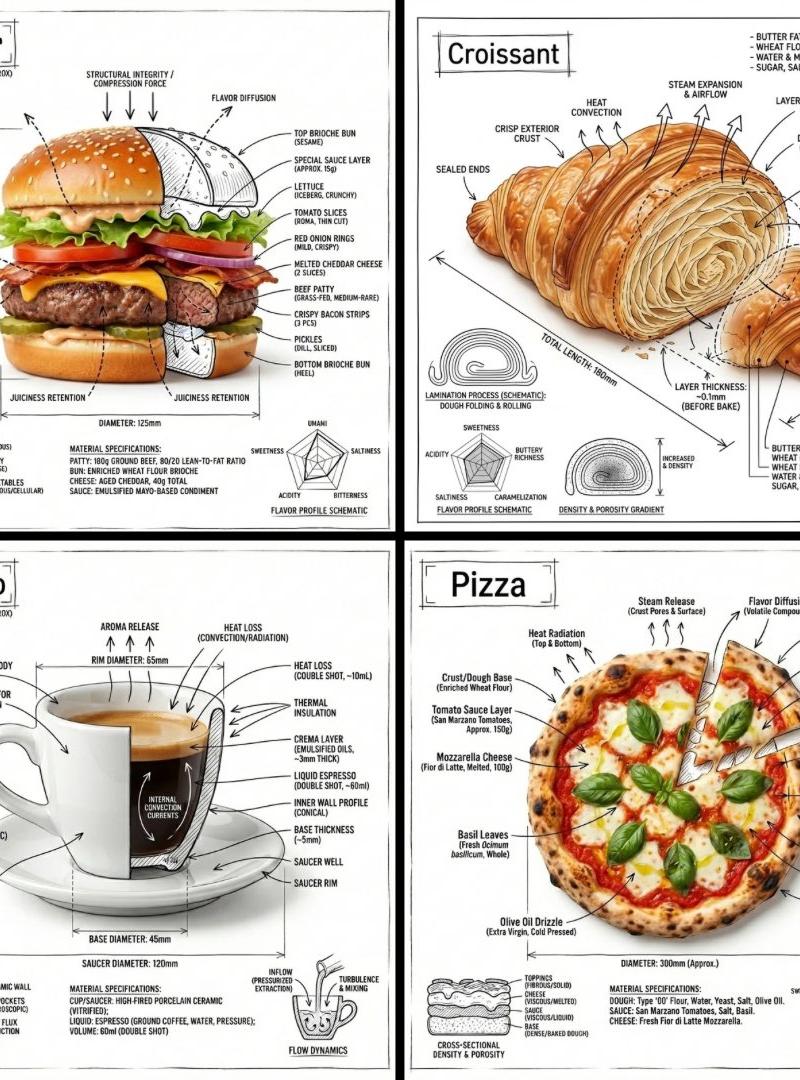
Example images

Exploded vertical food infographic: GPT Image 2 prompt

Prompt
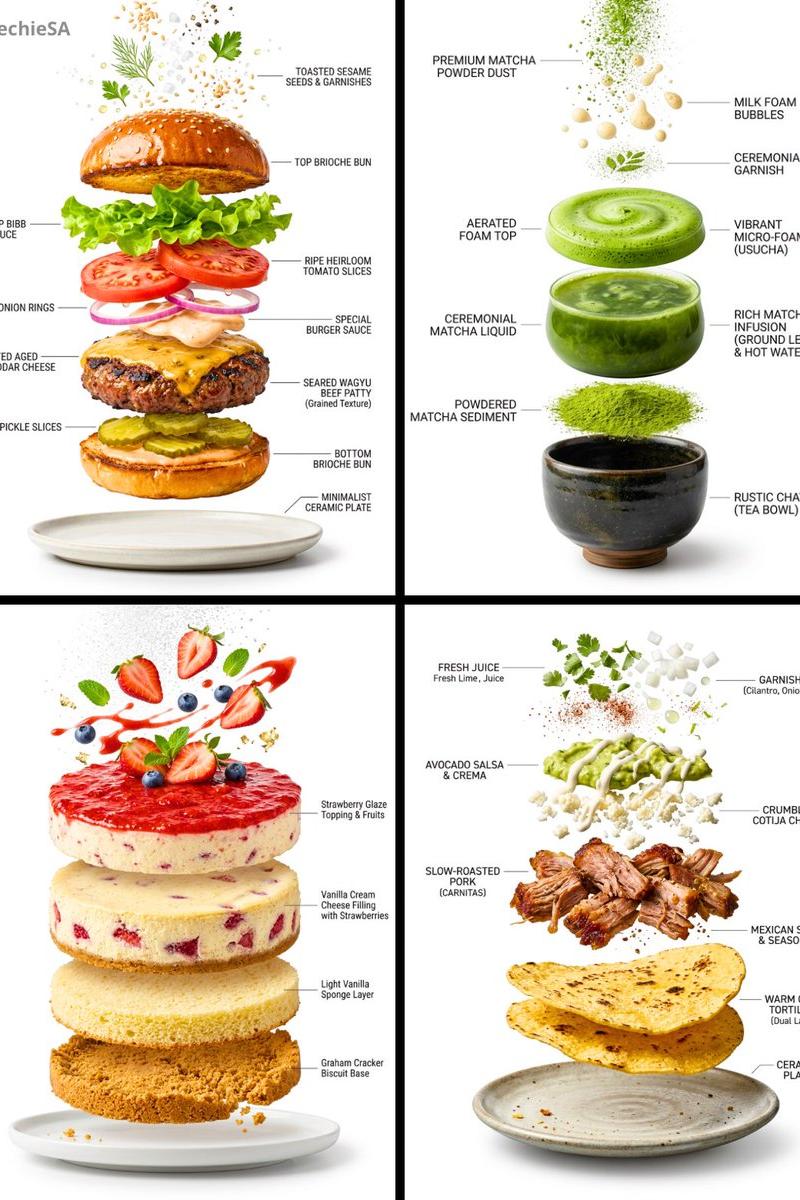
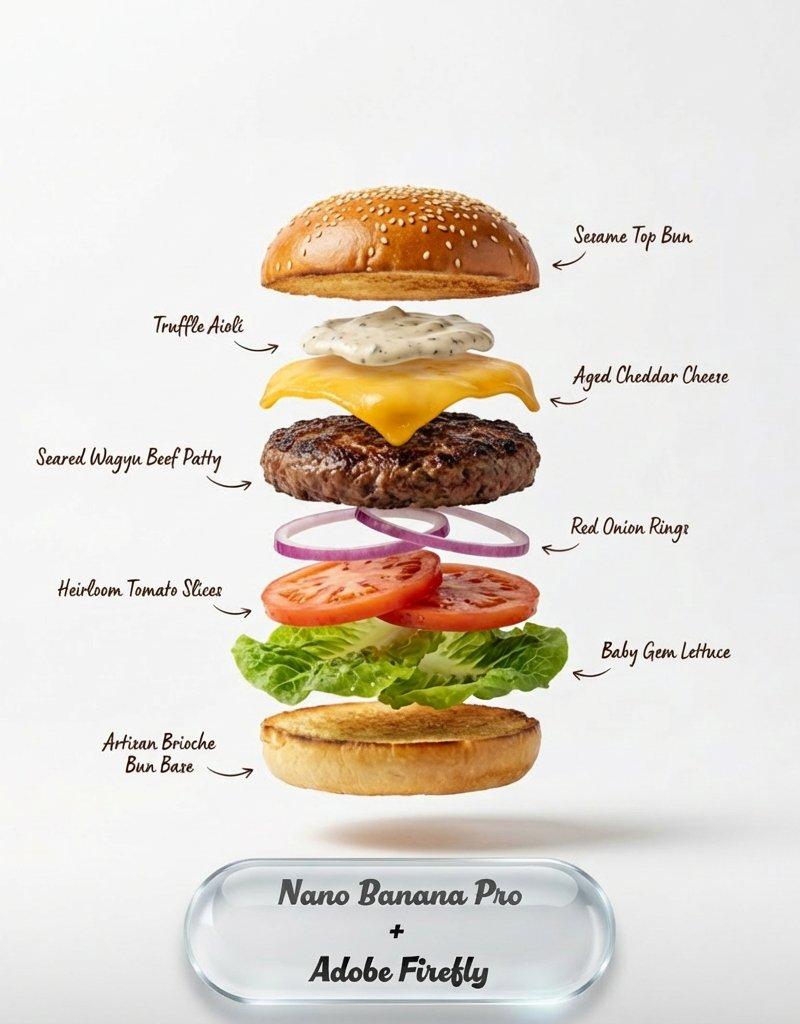
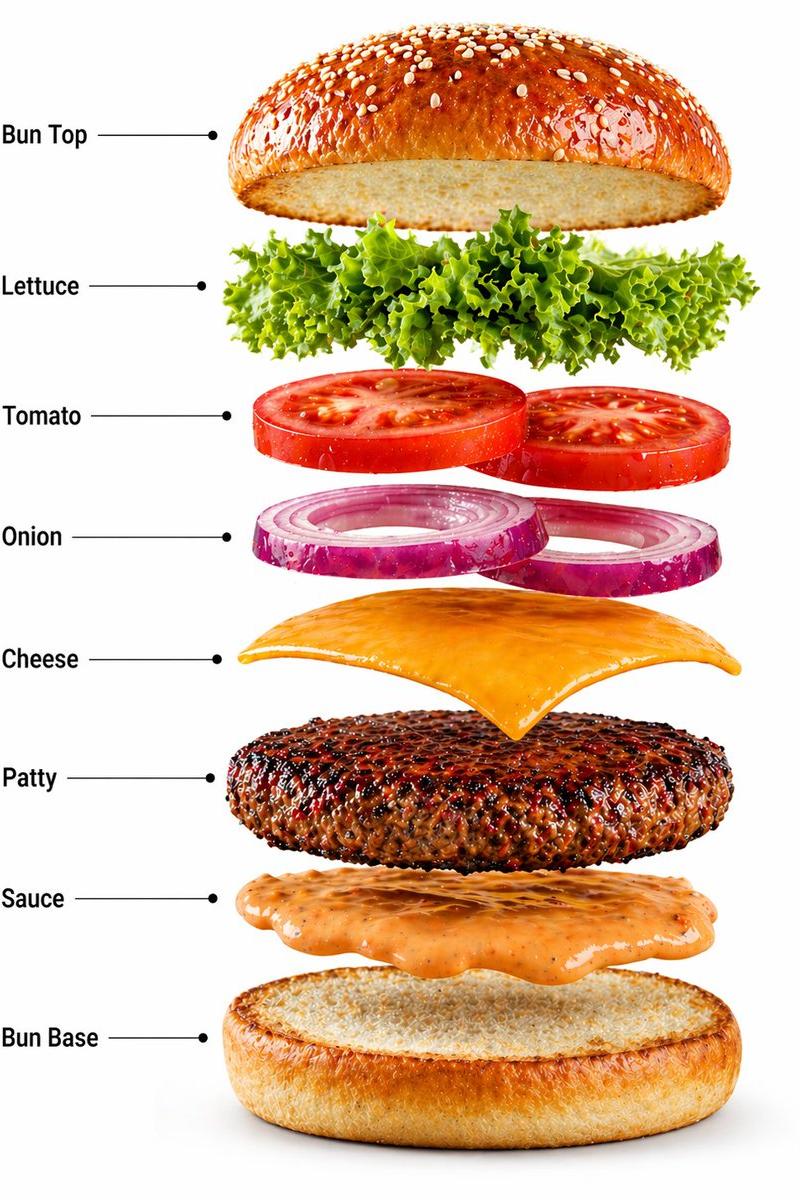
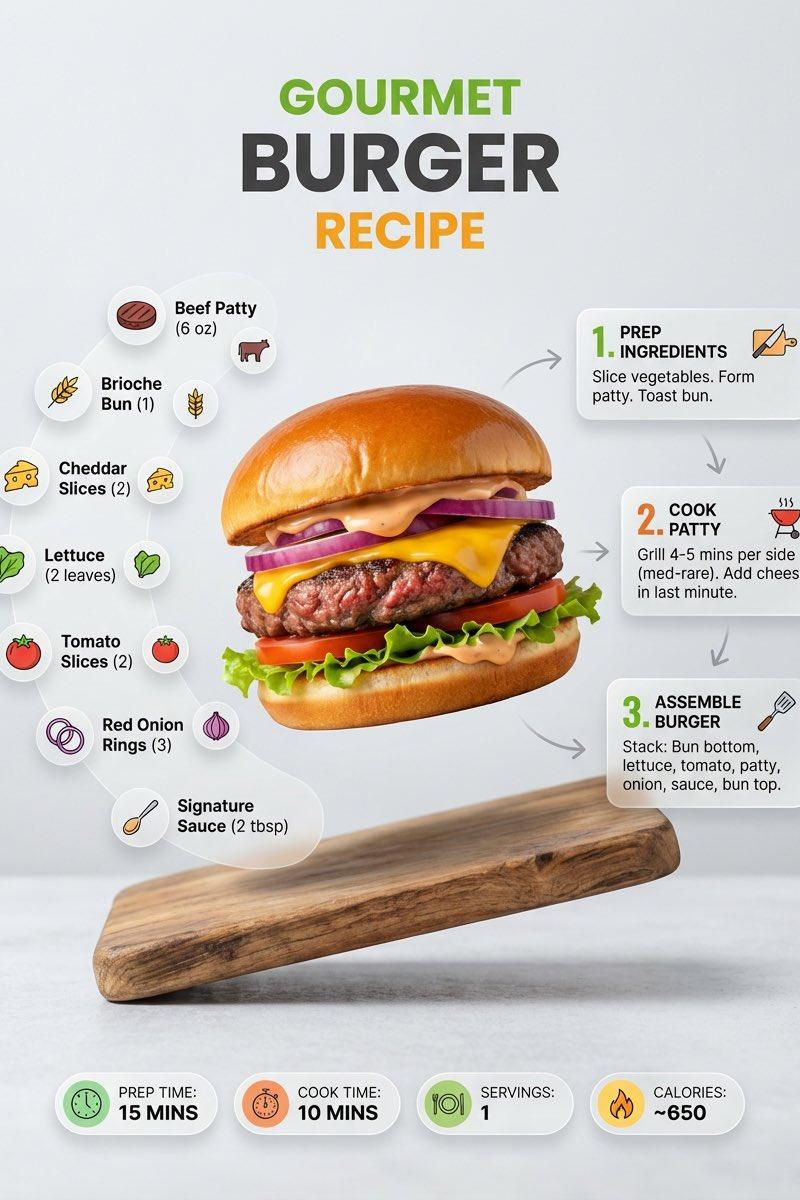
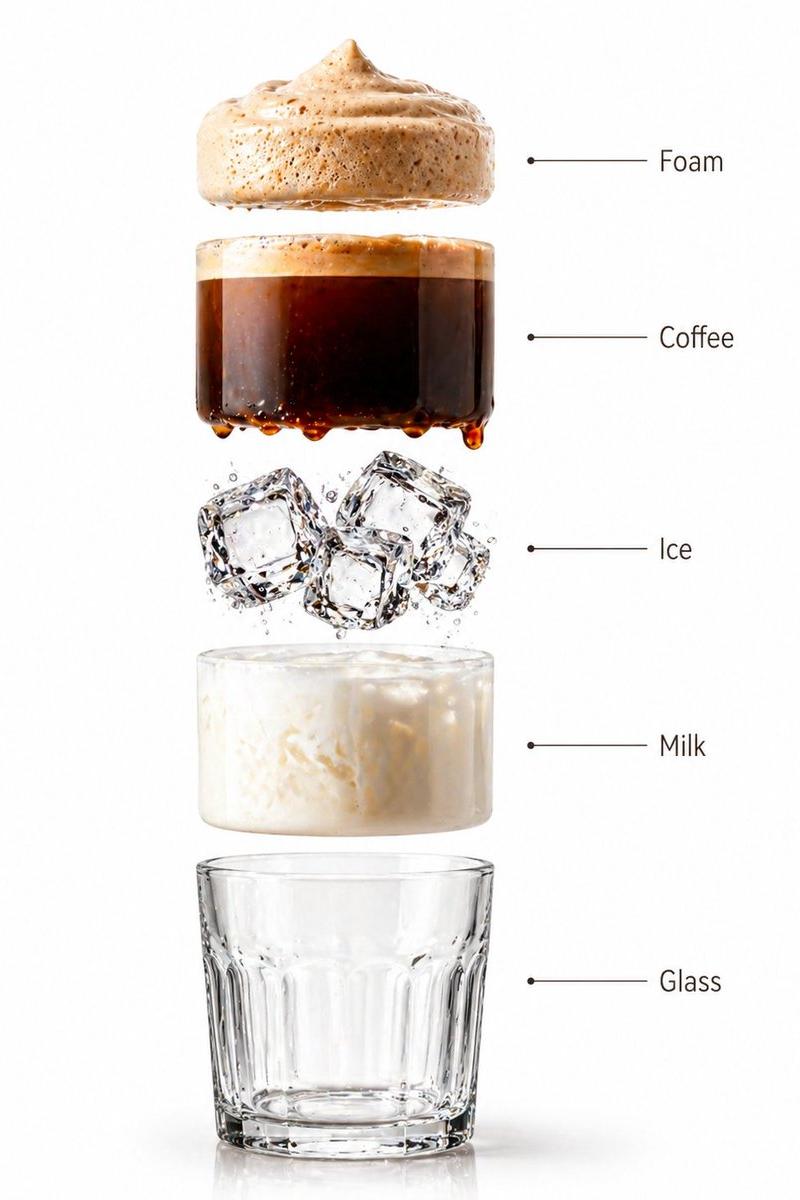
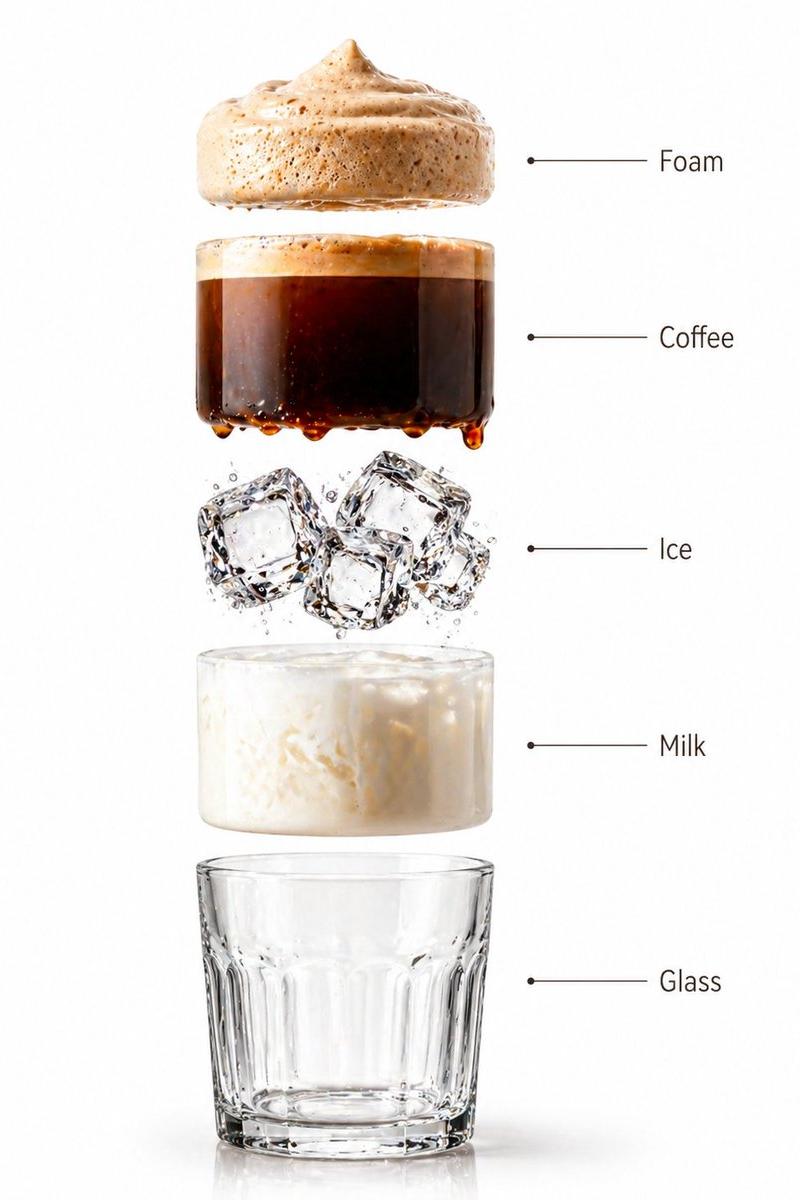
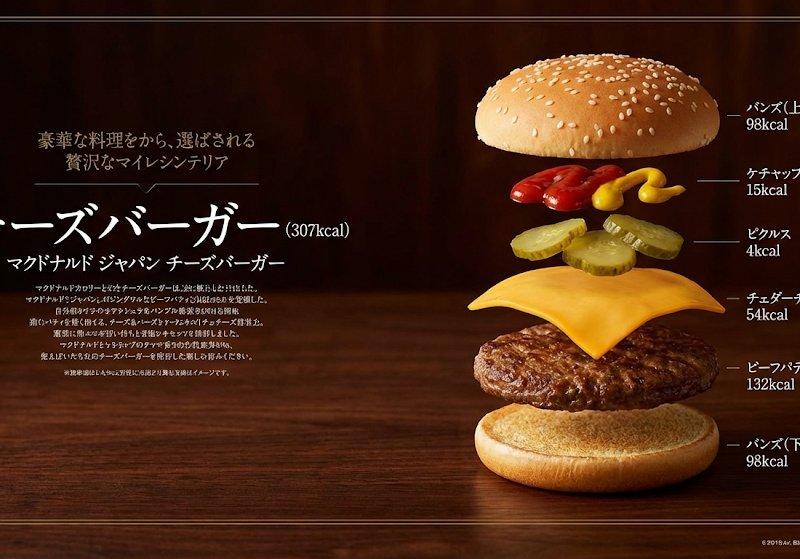
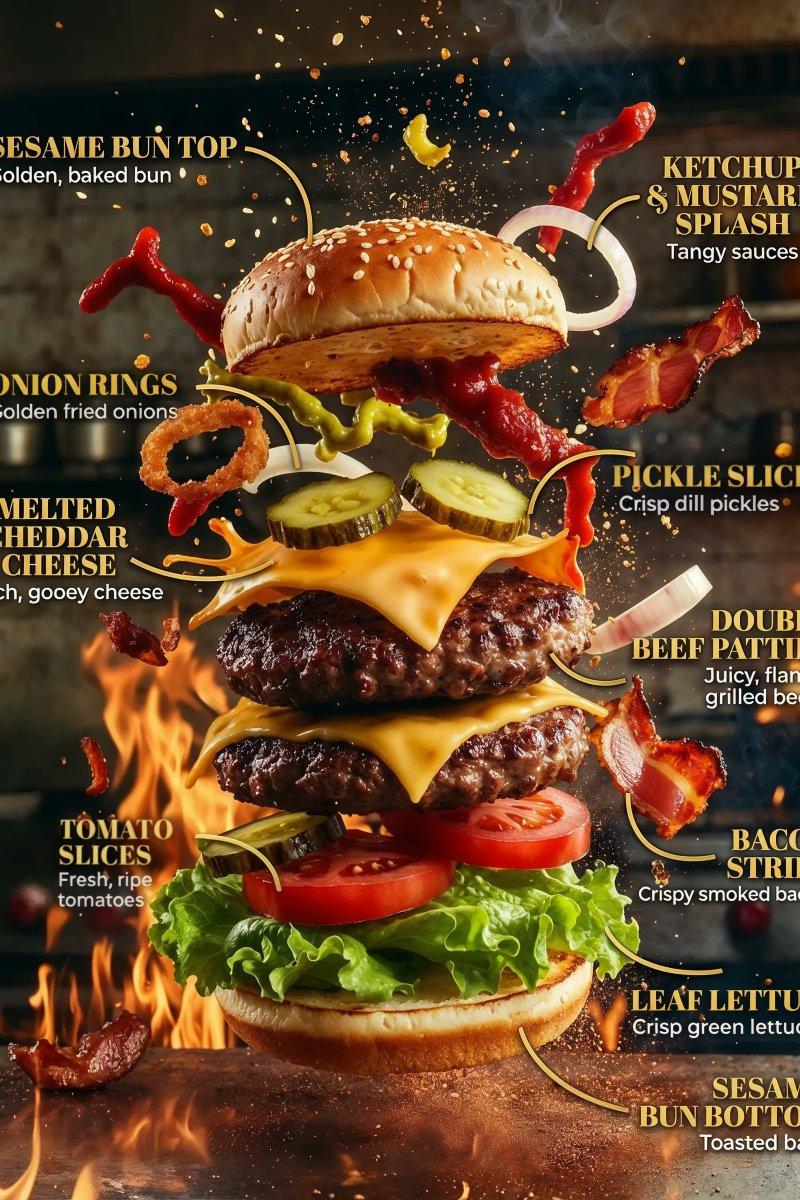
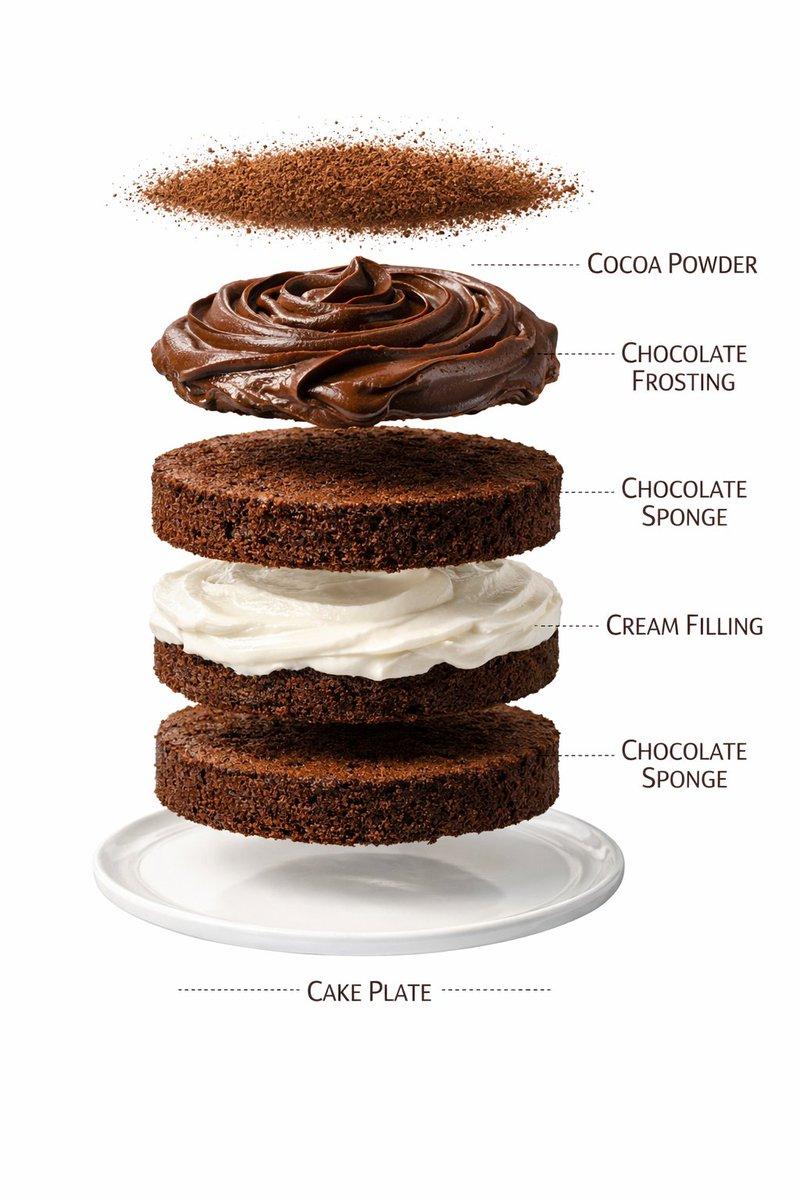
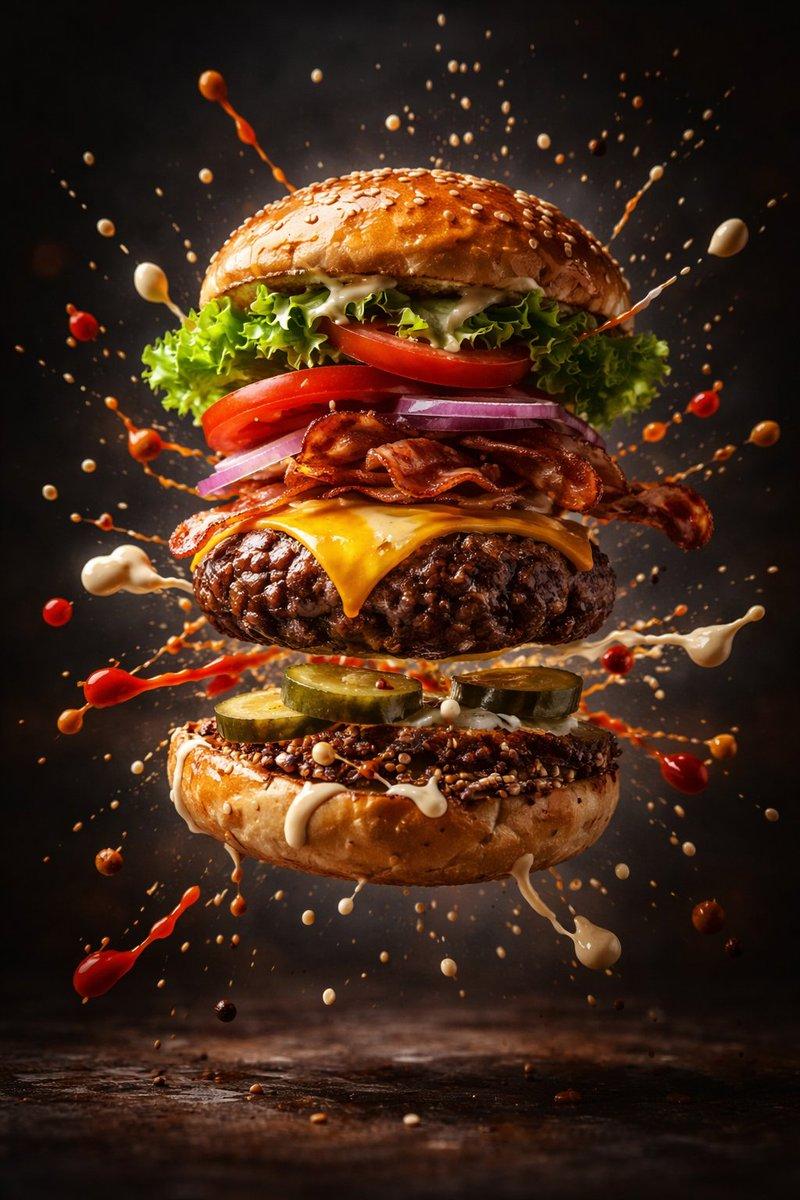
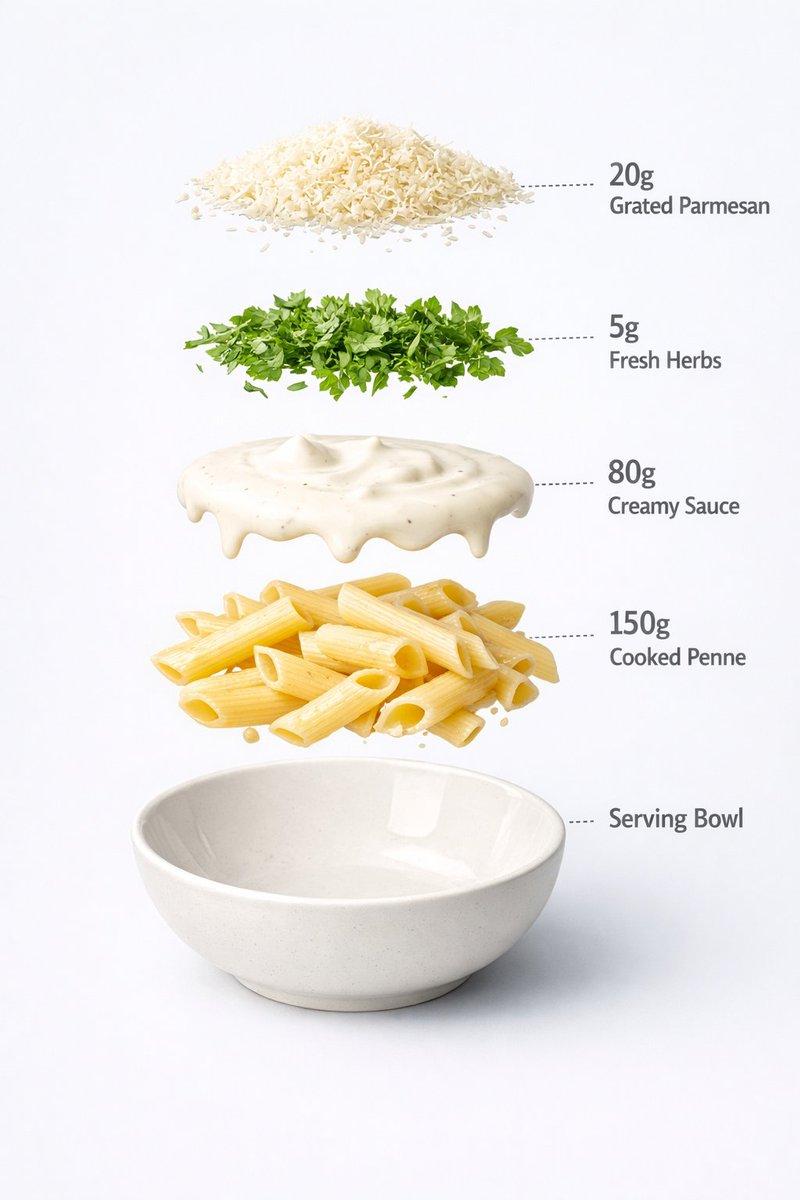
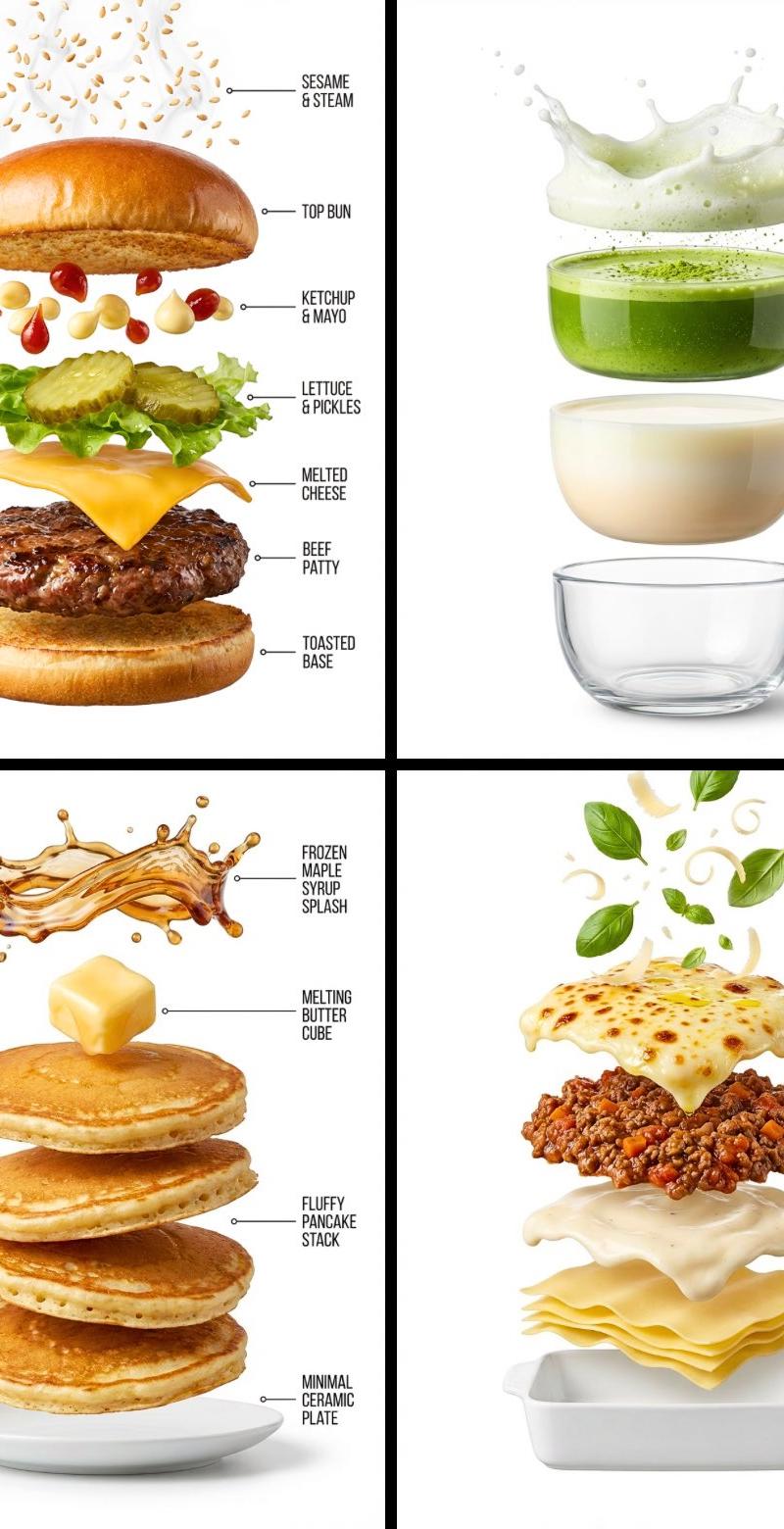
Create a hyper-realistic exploded vertical infographic composition of [FOOD].
At the top, characteristic particles, droplets, or garnishes associated with the food, frozen mid-air.
Below it, the primary surface or topping layer with rich texture and realistic material detail.
Underneath, the core ingredient layer showing structure, depth, and natural variation.
Below that, the supporting base or interior layer, slightly separated to reveal construction.
At the bottom, a minimal plate, bowl, cup, or base appropriate to the food’s presentation.
Pure white background, soft studio lighting, subtle shadows beneath each floating element, ultra-sharp focus, DSLR macro photography, clean infographic text labels with thin pointer lines, premium editorial food photography aesthetic, 8K quality.
Category
Products & E-commerce
Model
GPT Image 2
Creator
TechieBySA
Source language
en
Views0
Source ID
2010305720764551520
Published
Jan 11, 2026
Studio

Guide

About "Exploded vertical food infographic: GPT Image 2 prompt"

What is this prompt for?

"Exploded vertical food infographic: GPT Image 2 prompt" AI image prompt for GPT Image 2 (Products & E-commerce). Create a hyper-realistic exploded vertical in…

The full copyable prompt and example visuals above are ready for AI image generation or one-click recreate in Picva.

How to use this prompt

  1. Step 1

    Open the prompt detail

    Review the example visuals, category, and full prompt text for "Exploded vertical food infographic: GPT Image 2 prompt".

  2. Step 2

    Copy the prompt

    Copy the prompt body from this page, or load it directly in Studio.

  3. Step 3

    Pick a model (GPT Image 2)

    Prefer GPT Image 2. If you switch models, keep subject and composition and tweak style terms.

  4. Step 4

    Generate and export

    Recreate the look in Picva, or export into your workflow for editing and publishing.

FAQ

What is the "Exploded vertical food infographic: GPT Image 2 prompt" prompt?
It is an AI image-generation prompt for GPT Image 2 in the Products & E-commerce category. This page includes the full prompt text, example visuals, and a one-click recreate path in Picva.
How do I use this prompt to generate an image?
Copy the prompt from this page, or use Generate / Studio. Paste it into a compatible image model, or recreate the look in Picva with optional reference images.
Which model is this prompt for?
This page lists GPT Image 2. Most descriptive prompts also transfer to nearby image models such as GPT Image, Flux, or Midjourney with light style tweaks.
Can I use the result commercially?
You can usually copy the prompt for creation, but commercial use of the final image depends on the model terms, reference-image rights, and the generated content. Follow the source author and platform rules.