17

Forest light leak portrait: GPT Image 2 prompt
Enlarge

Forest light leak portrait: GPT Image 2 prompt

Prompt
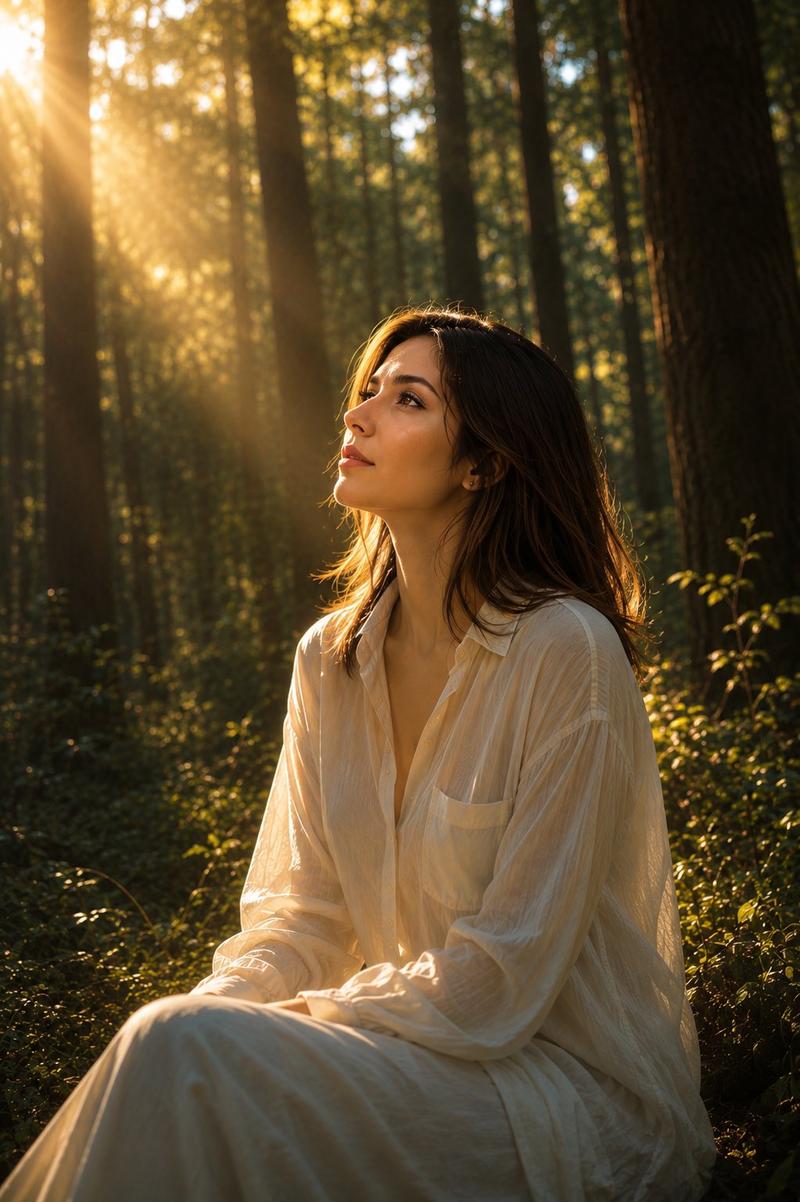
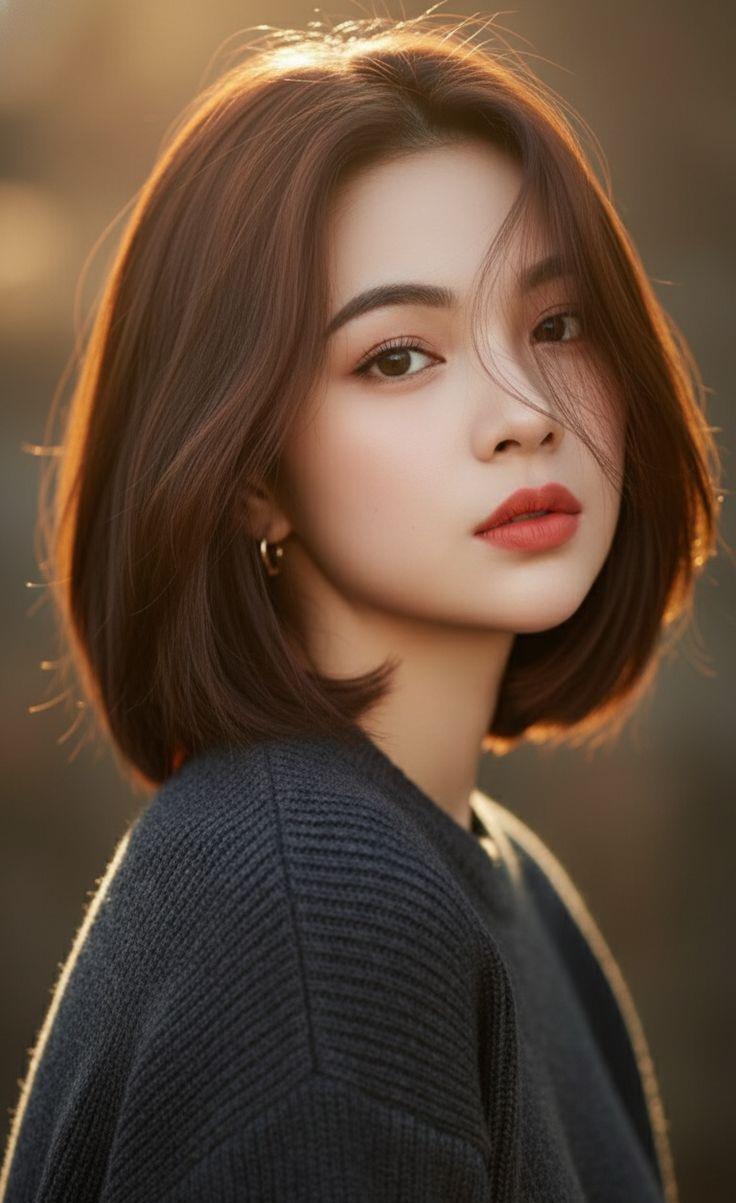
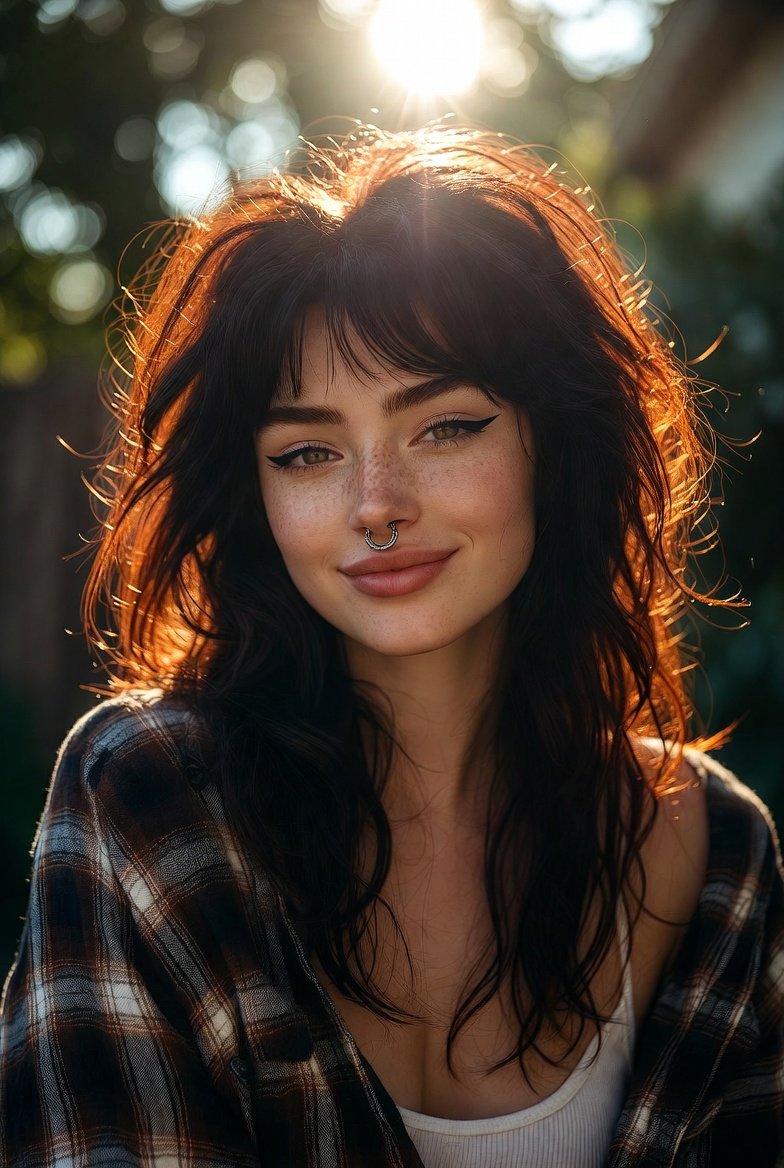
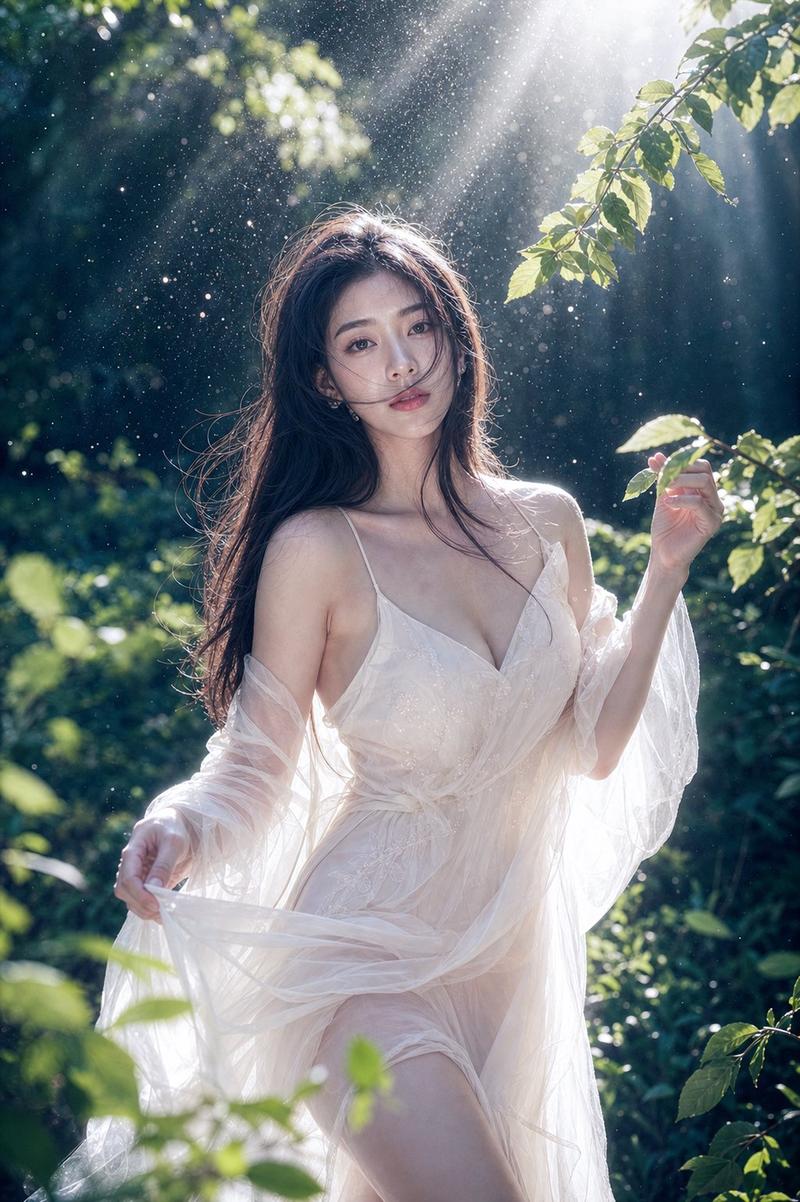
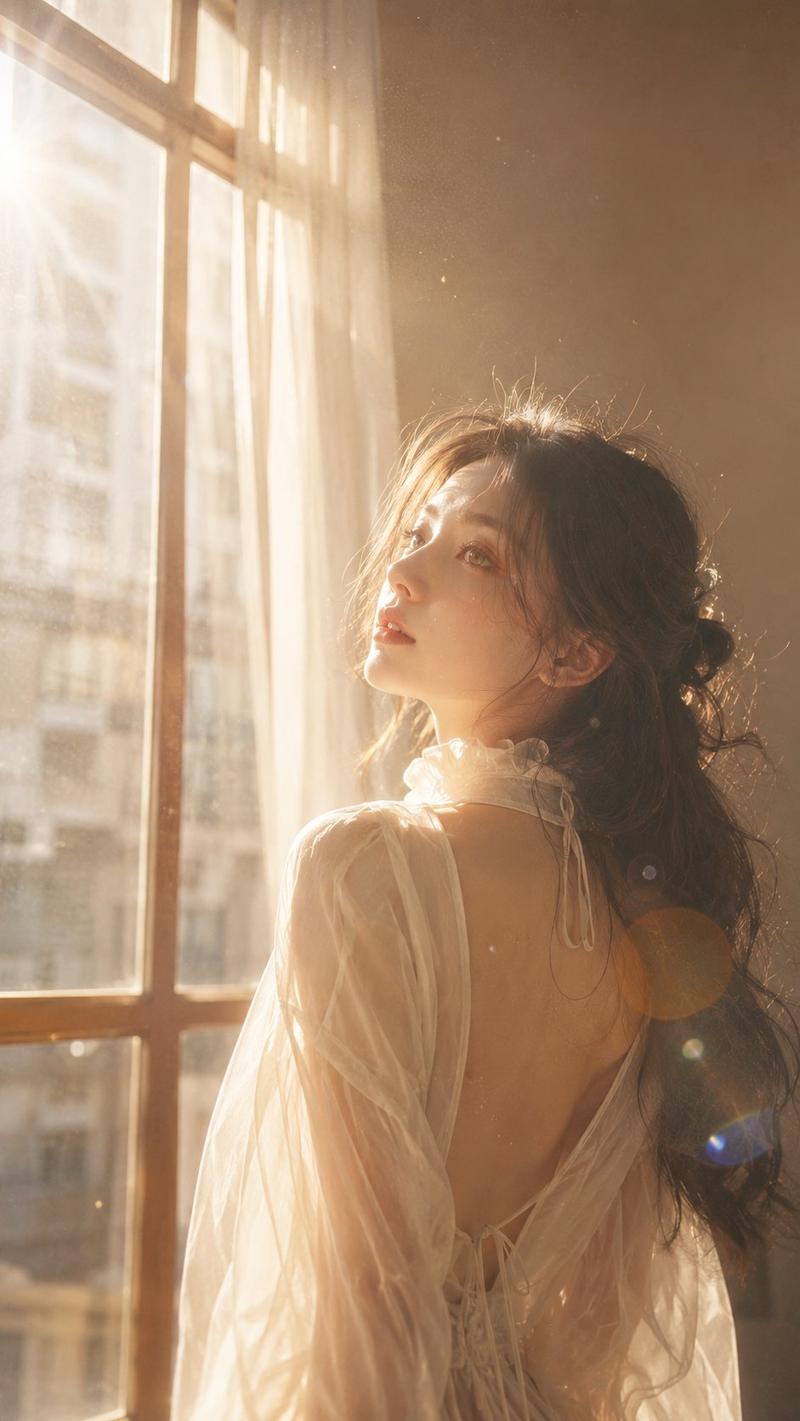
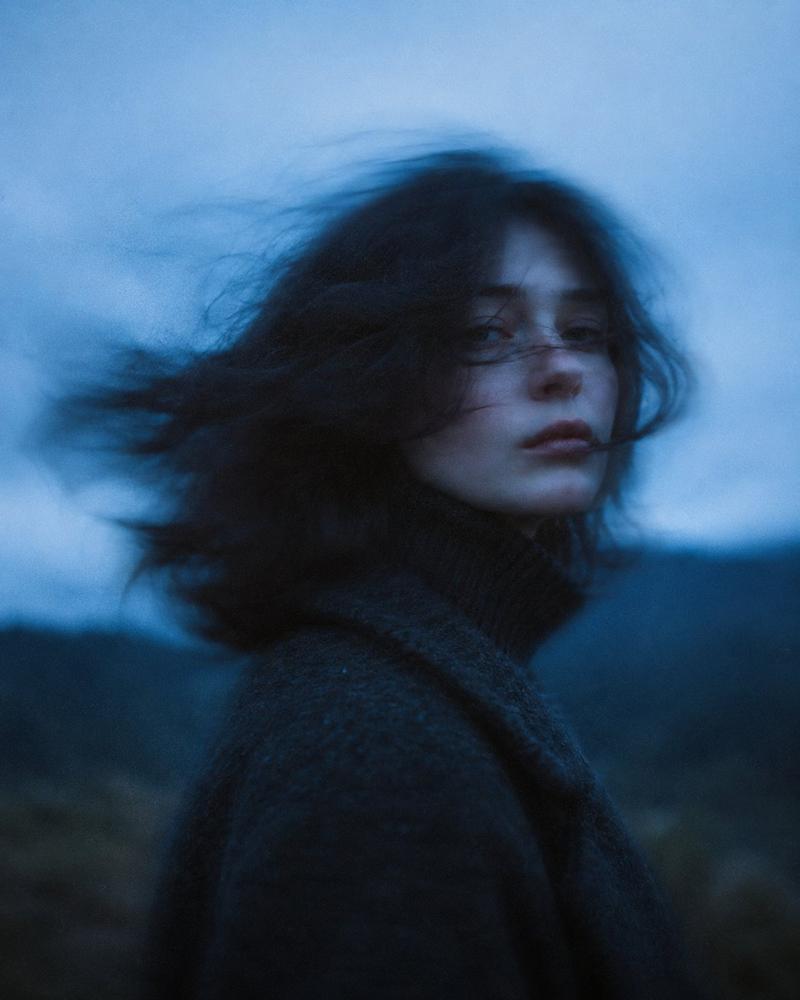
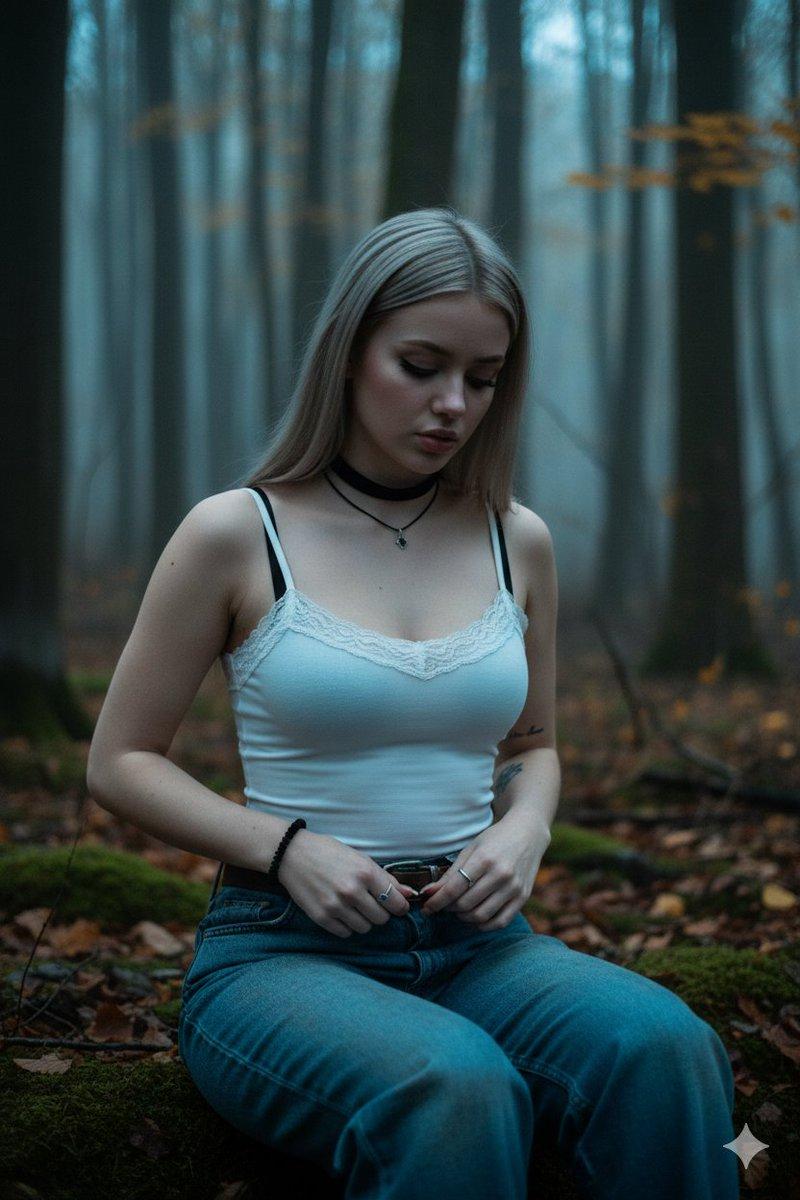
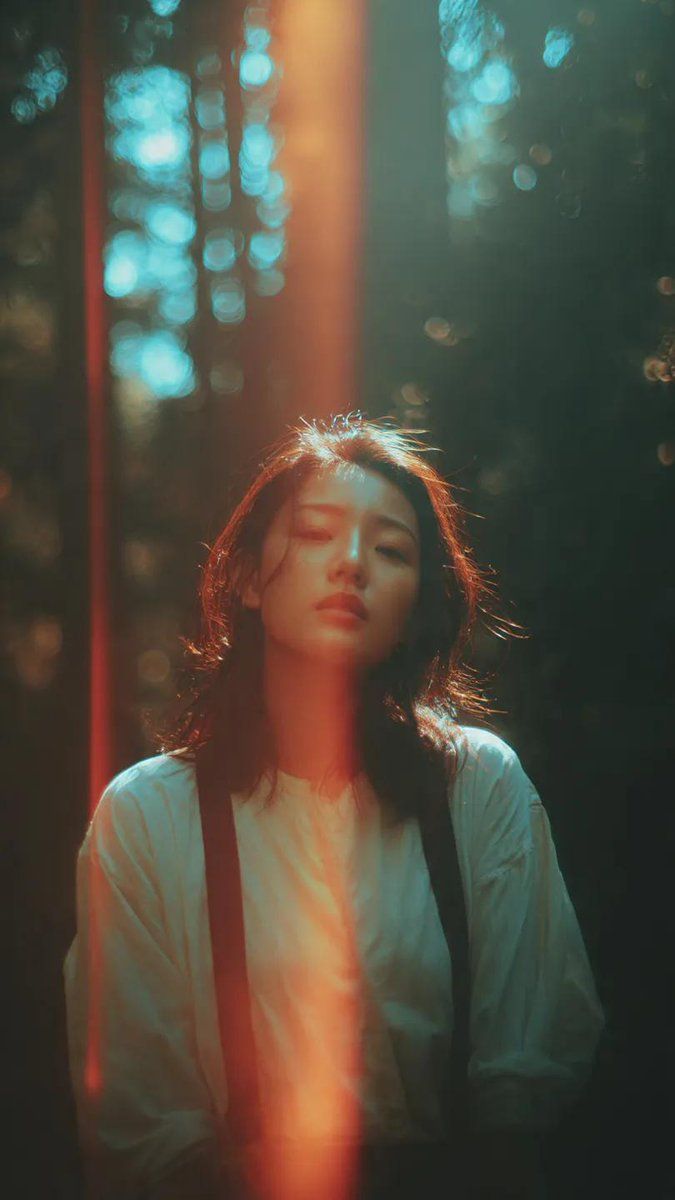
A cinematic portrait of an Asian woman standing in a quiet forest, captured in a spontaneous moment as she turns her head slightly back toward the camera. Soft sunlight filters through tall trees, creating dramatic patches of light and shadow across her face and body. A distinct vertical light leak streak cuts through the frame, adding a striking analog imperfection. Her hair moves gently in the breeze, with loose strands catching the light, adding natural motion and softness. She wears a simple light-colored blouse layered with dark suspenders, creating a subtle contrast against the deep forest tones. Her expression is calm, slightly distant, and introspective, with her eyes softly meeting the camera. The background is filled with blurred tree trunks and glowing bokeh highlights, creating depth and atmosphere. The color grading features rich teal shadows and warm orange highlights, giving a cinematic teal-and-orange contrast. The image has a strong analog film aesthetic with visible grain, soft haze, slight blur, and light distortion. Imperfect framing, natural light flare, and film burn elements enhance the nostalgic 35mm film look. Cinematic film still, dreamy and moody atmosphere, poetic forest setting, high detail, hd quality.
Category
Photography & Realism
Model
GPT Image 2
Creator
Ciri
Views0
Source ID
2039956008555229561
Published
Apr 3, 2026

Guide

About "Forest light leak portrait: GPT Image 2 prompt"

What is this prompt for?

"Forest light leak portrait: GPT Image 2 prompt" AI image prompt for GPT Image 2 (Photography & Realism). A cinematic portrait of an Asian woman standing in a…

The full copyable prompt and example visuals above are ready for AI image generation or one-click recreate in Picva.

How to use this prompt

  1. Step 1

    Open the prompt detail

    Review the example visuals, category, and full prompt text for "Forest light leak portrait: GPT Image 2 prompt".

  2. Step 2

    Copy the prompt

    Copy the prompt body from this page, or load it directly in Studio.

  3. Step 3

    Pick a model (GPT Image 2)

    Prefer GPT Image 2. If you switch models, keep subject and composition and tweak style terms.

  4. Step 4

    Generate and export

    Recreate the look in Picva, or export into your workflow for editing and publishing.

FAQ

What is the "Forest light leak portrait: GPT Image 2 prompt" prompt?
It is an AI image-generation prompt for GPT Image 2 in the Photography & Realism category. This page includes the full prompt text, example visuals, and a one-click recreate path in Picva.
How do I use this prompt to generate an image?
Copy the prompt from this page, or use Generate / Studio. Paste it into a compatible image model, or recreate the look in Picva with optional reference images.
Which model is this prompt for?
This page lists GPT Image 2. Most descriptive prompts also transfer to nearby image models such as GPT Image, Flux, or Midjourney with light style tweaks.
Can I use the result commercially?
You can usually copy the prompt for creation, but commercial use of the final image depends on the model terms, reference-image rights, and the generated content. Follow the source author and platform rules.