18

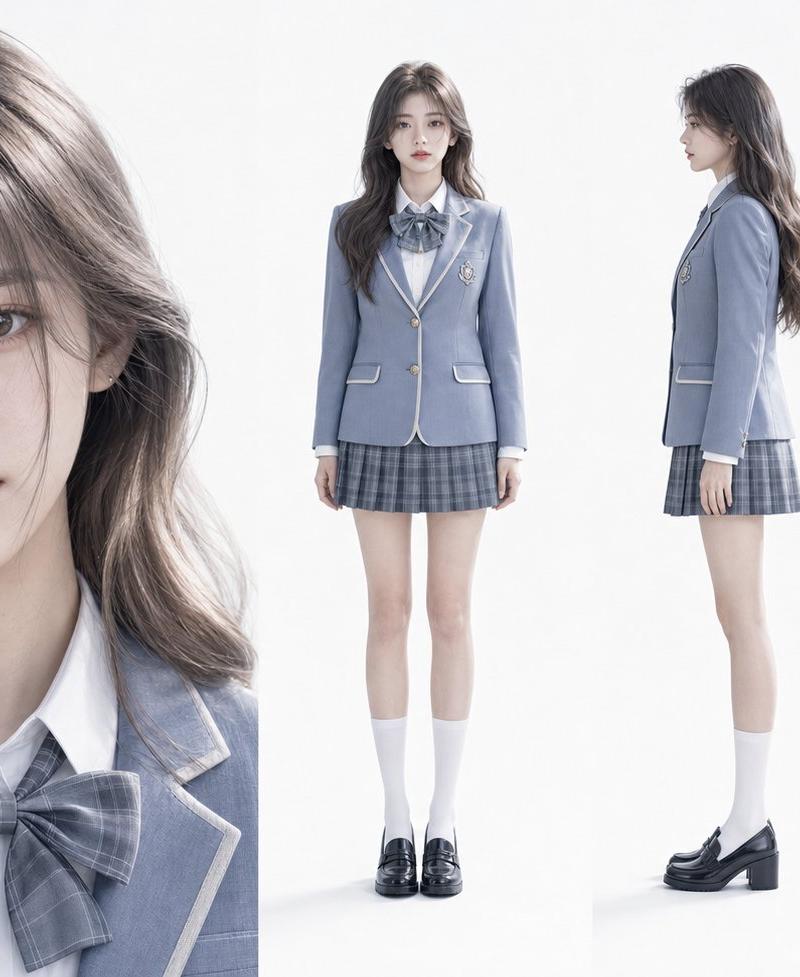
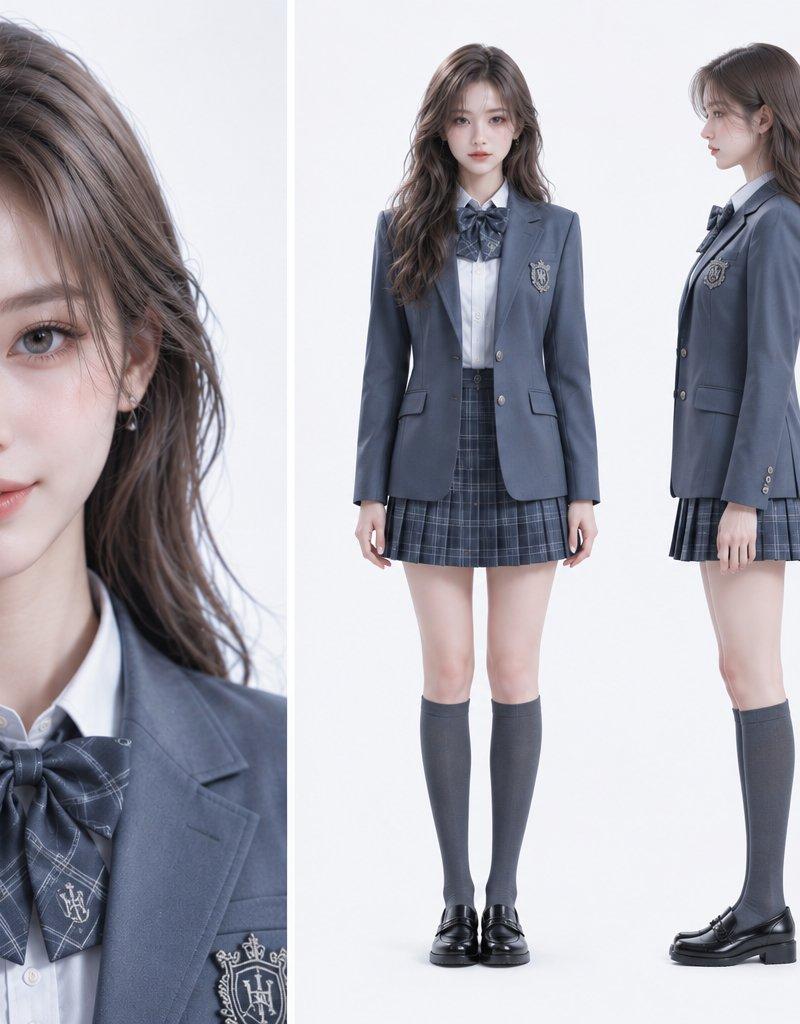
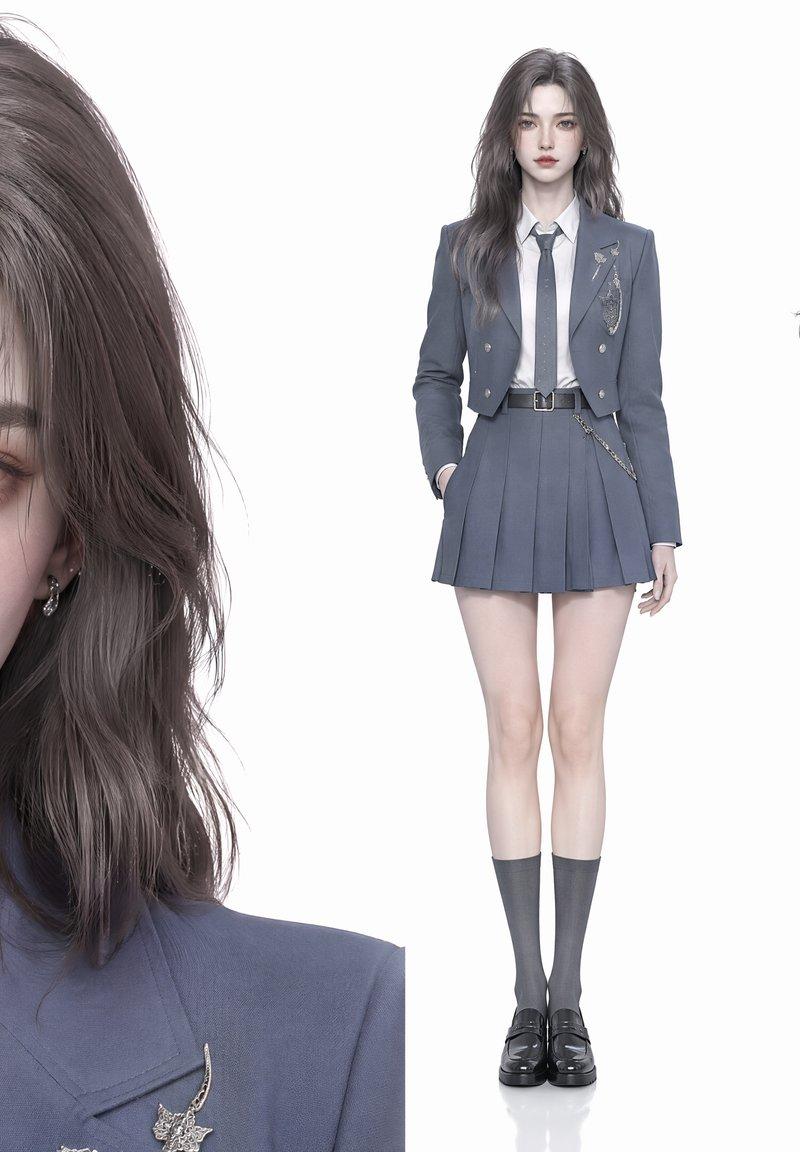
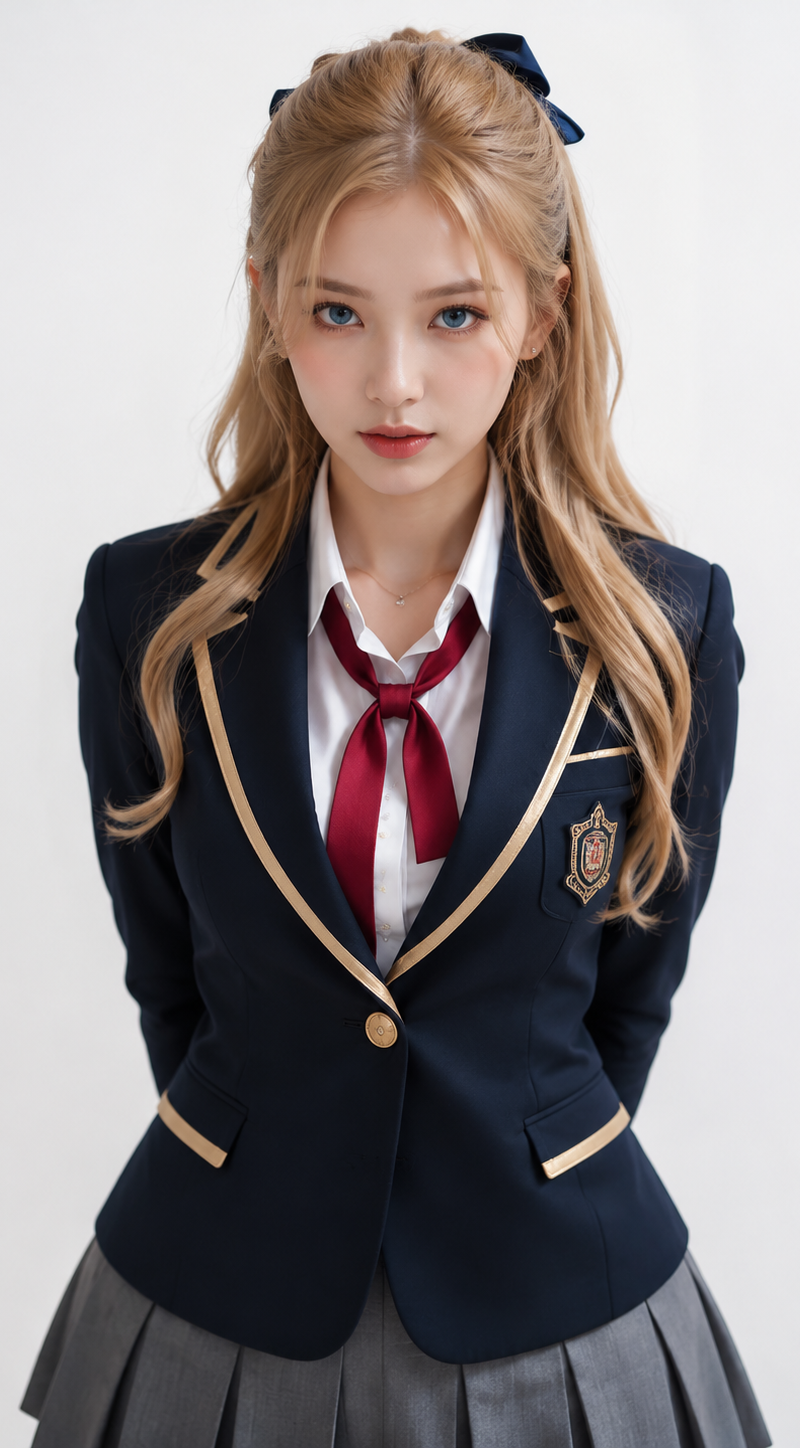
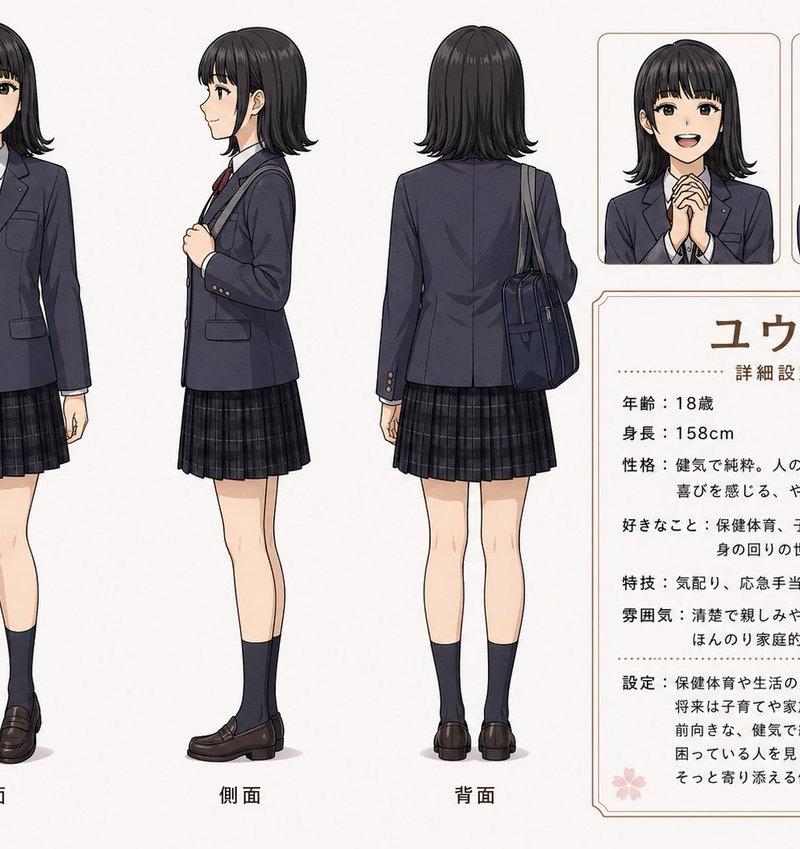
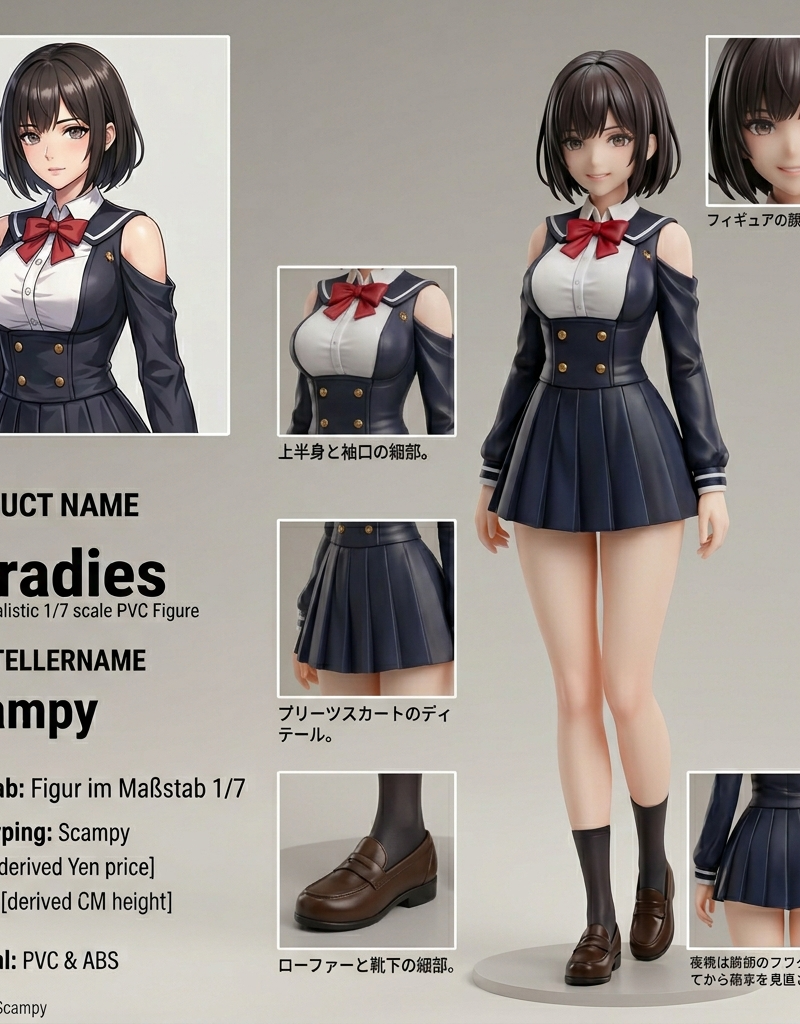
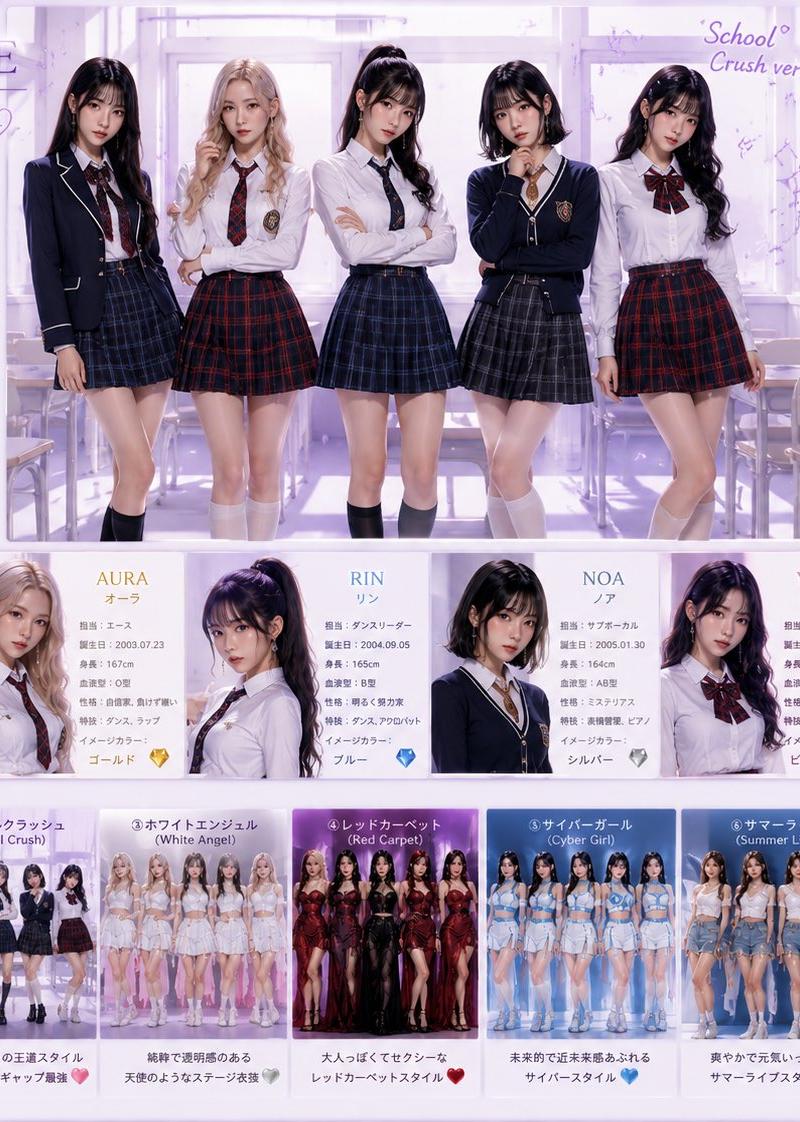
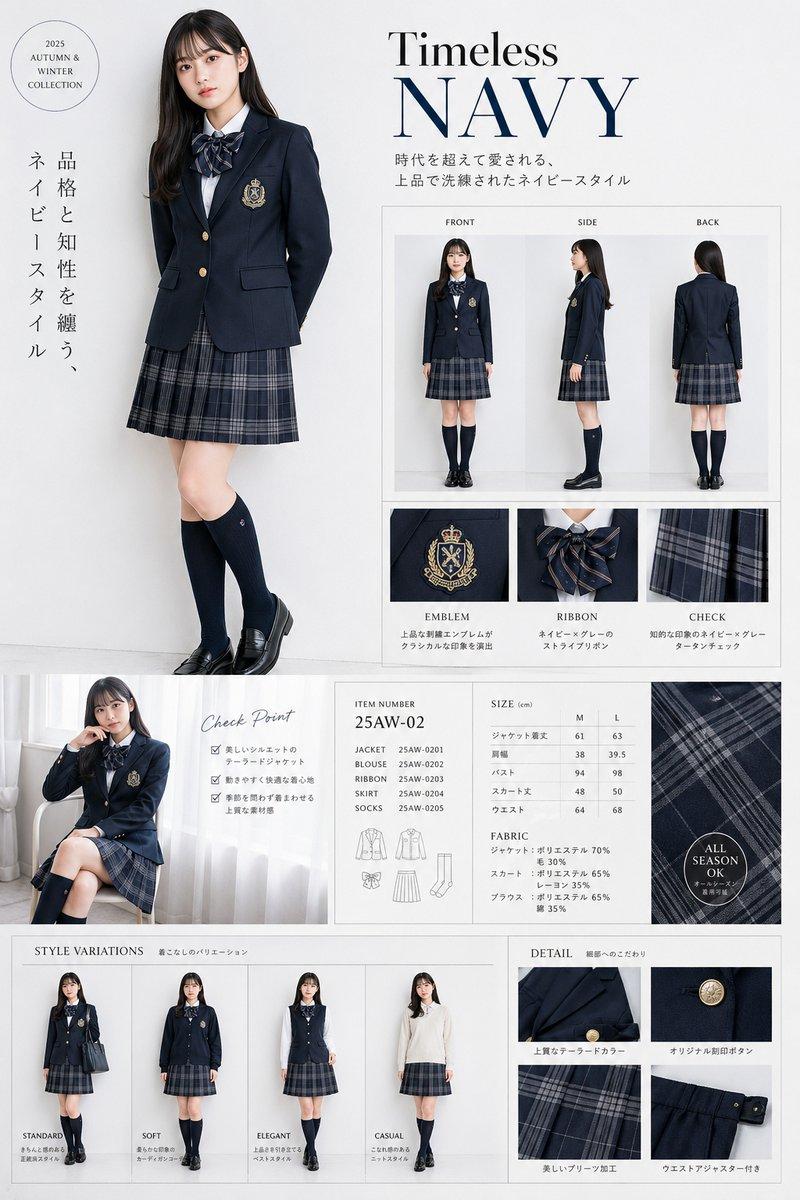
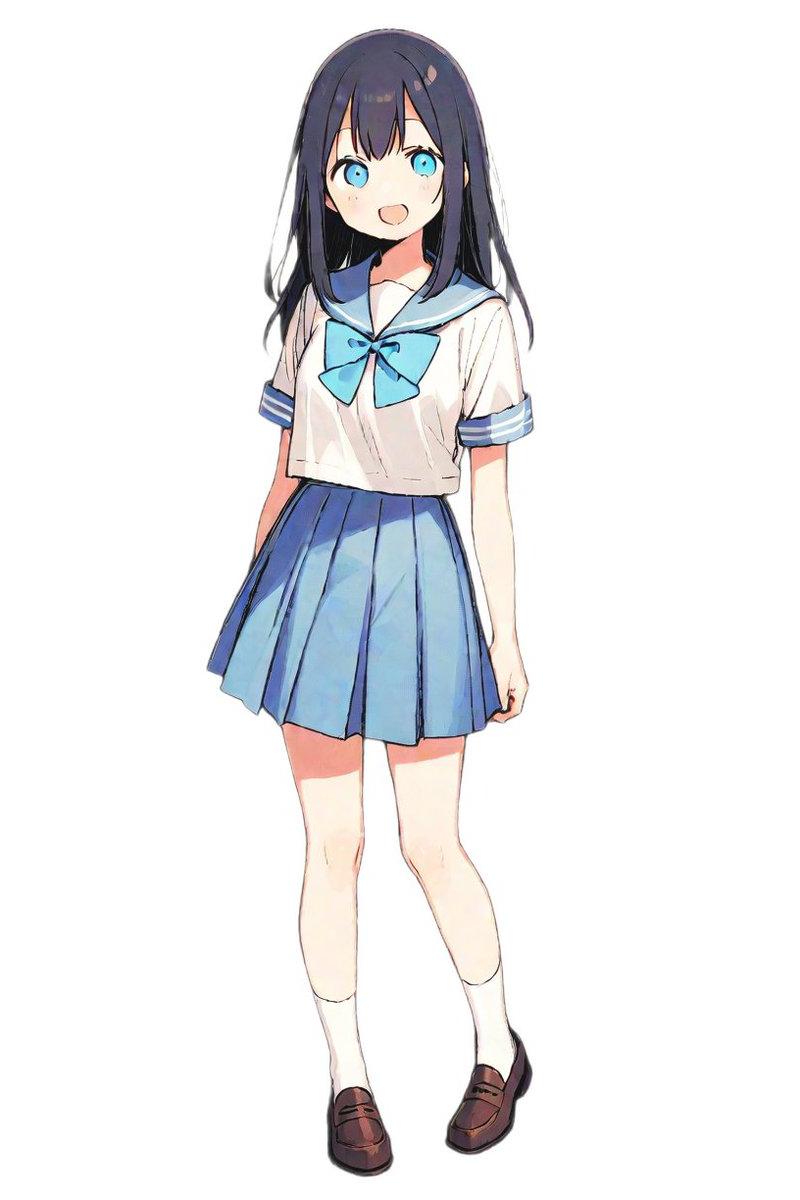
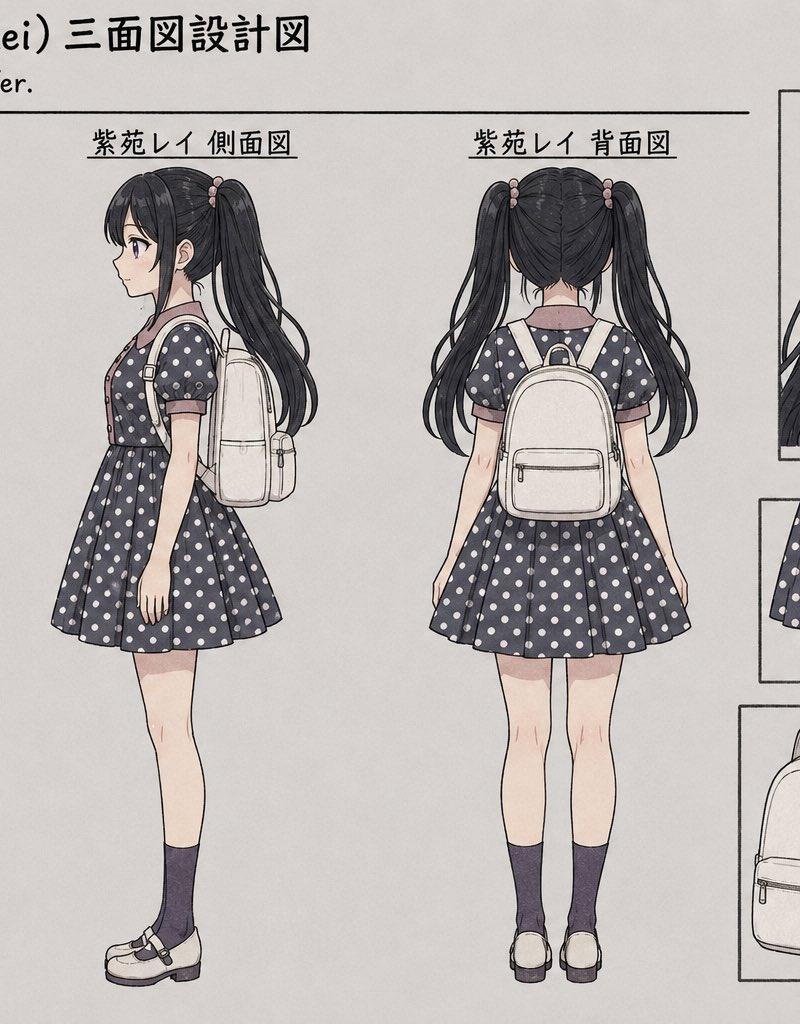
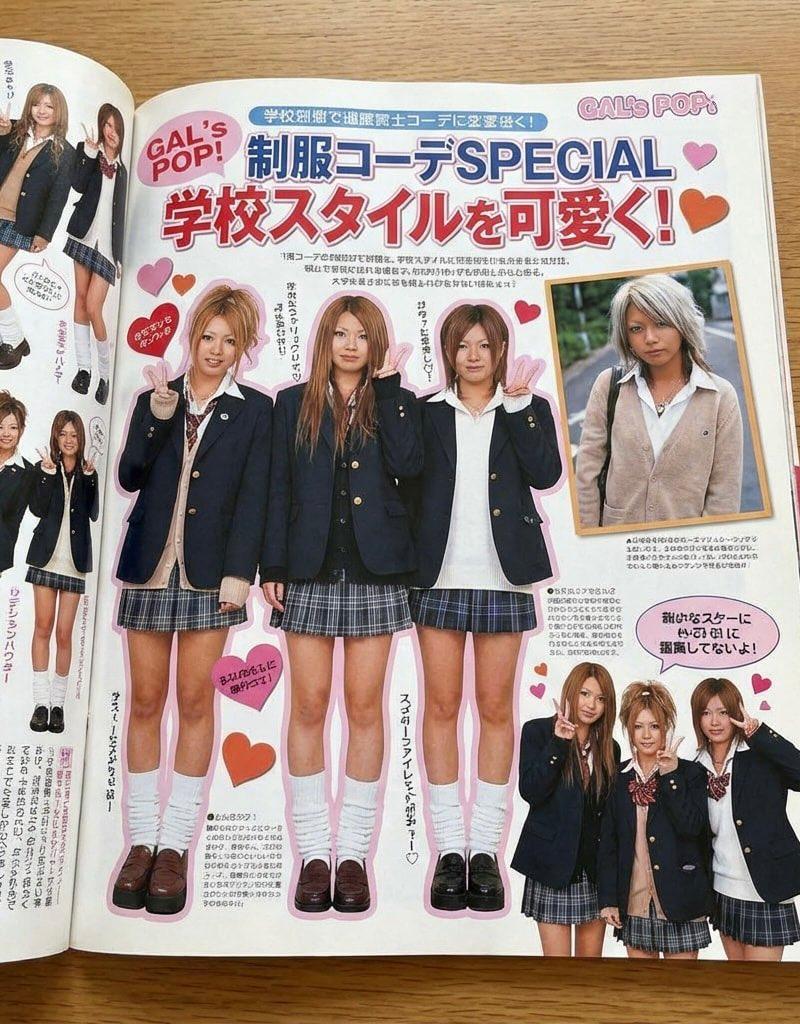
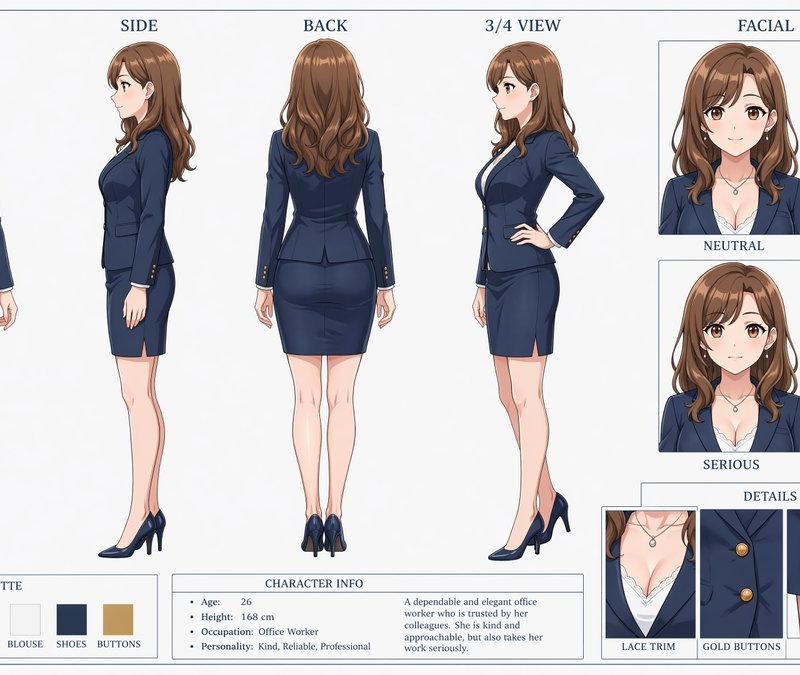
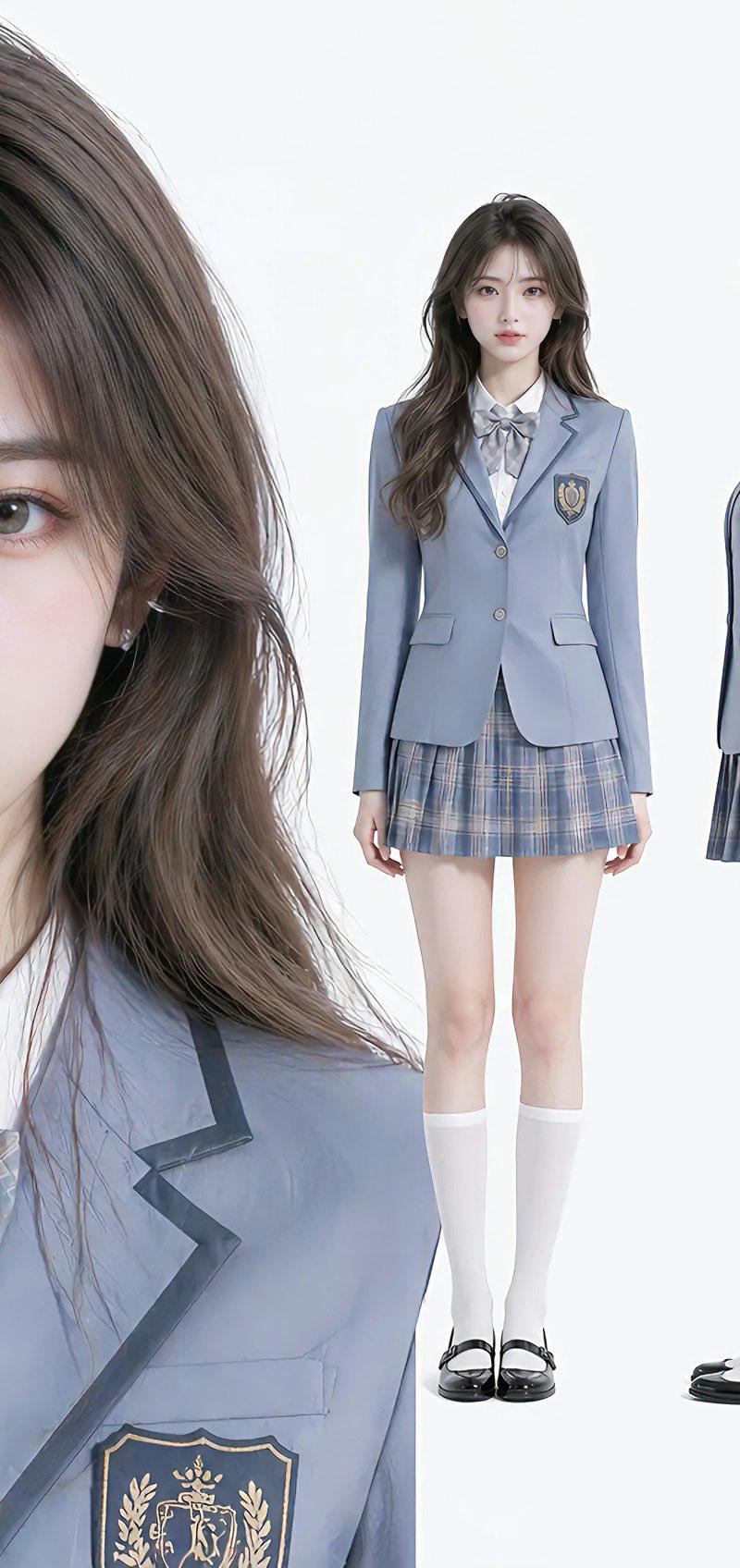
清冷学姐学院风制服三视图
Enlarge

Example images

清冷学姐学院风制服三视图

Prompt
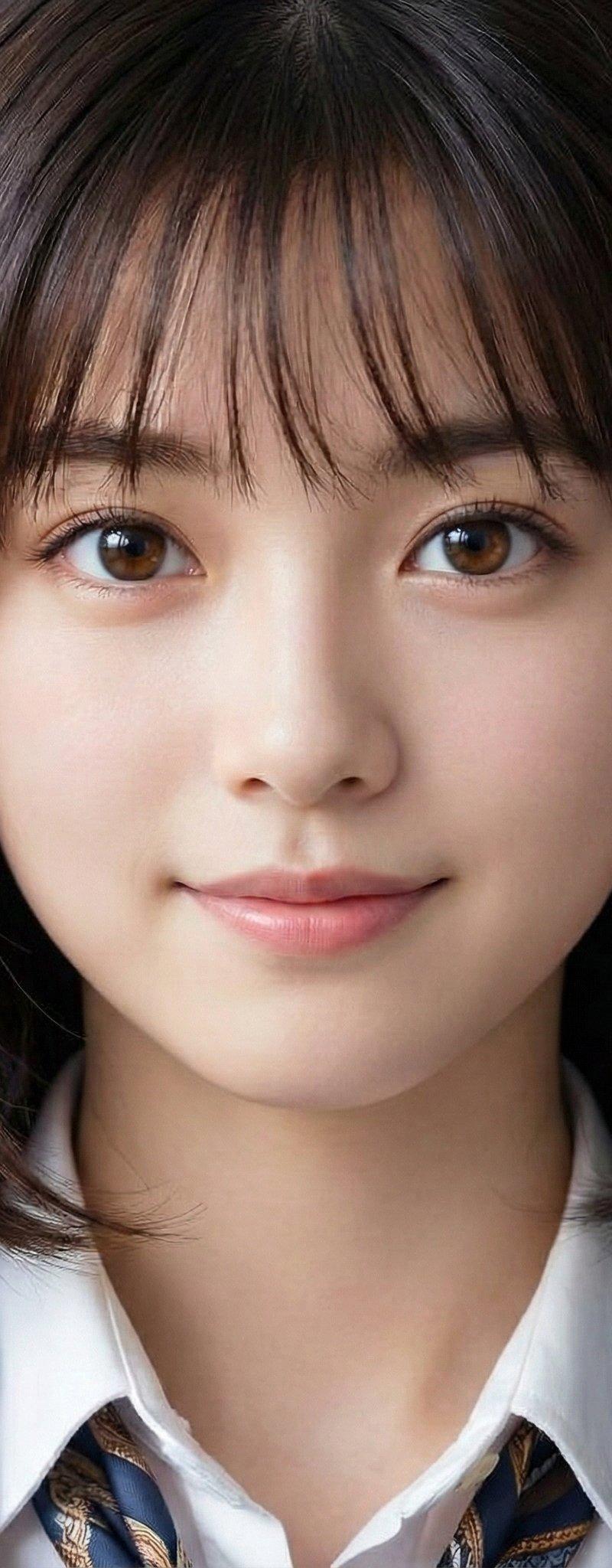
Aloof senior sister, high-end atmospheric beauty, standard oval face, haze blue academic style uniform suit, temperament is cold and distant yet vivid, porcelain white transparent skin with a healthy flush, delicate enough to see the original texture, gray-brown gradient slightly curly long hair, hair strands are distinct, smooth and lustrous, tall and well-proportioned figure, superior proportions. Soft and uniform soft lighting, no obvious shadows, the picture is clean and transparent, 8K ultra-clear resolution, ultra-realistic 3D simulation art style, full sense of a real person. Layout: close-up of front face details on the left (clear details of brows, eyes, skin texture, and hair strands), three-view drawings arranged on the right (front full body, side full body, back full body), pure white clean background, overall simple and high-end, highlighting character beauty and outfit texture.
Category
Photography & Realism
Model
ChatGPT
Creator
@GrayNoteLab
Source language
zh-CN
Views95
Source ID
16948
Published
Jun 28, 2026
Studio

Guide

About "清冷学姐学院风制服三视图"

What is this prompt for?

"清冷学姐学院风制服三视图" AI image prompt for ChatGPT (Photography & Realism). 清冷学姐,氛围感高级颜值,标准鹅蛋脸,雾霾蓝学院风制服套装,气质清冷疏离却不失灵动,瓷白通透有血色肌肤,细腻到可见原生纹理,灰棕渐变微卷长发,发丝根根分明、柔滑有光泽,身形高挑匀称,…

The full copyable prompt and example visuals above are ready for AI image generation or one-click recreate in Picva.

How to use this prompt

  1. Step 1

    Open the prompt detail

    Review the example visuals, category, and full prompt text for "清冷学姐学院风制服三视图".

  2. Step 2

    Copy the prompt

    Copy the prompt body from this page, or load it directly in Studio.

  3. Step 3

    Pick a model (ChatGPT)

    Prefer ChatGPT. If you switch models, keep subject and composition and tweak style terms.

  4. Step 4

    Generate and export

    Recreate the look in Picva, or export into your workflow for editing and publishing.

FAQ

What is the "清冷学姐学院风制服三视图" prompt?
It is an AI image-generation prompt for ChatGPT in the Photography & Realism category. This page includes the full prompt text, example visuals, and a one-click recreate path in Picva.
How do I use this prompt to generate an image?
Copy the prompt from this page, or use Generate / Studio. Paste it into a compatible image model, or recreate the look in Picva with optional reference images.
Which model is this prompt for?
This page lists ChatGPT. Most descriptive prompts also transfer to nearby image models such as GPT Image, Flux, or Midjourney with light style tweaks.
Can I use the result commercially?
You can usually copy the prompt for creation, but commercial use of the final image depends on the model terms, reference-image rights, and the generated content. Follow the source author and platform rules.