17

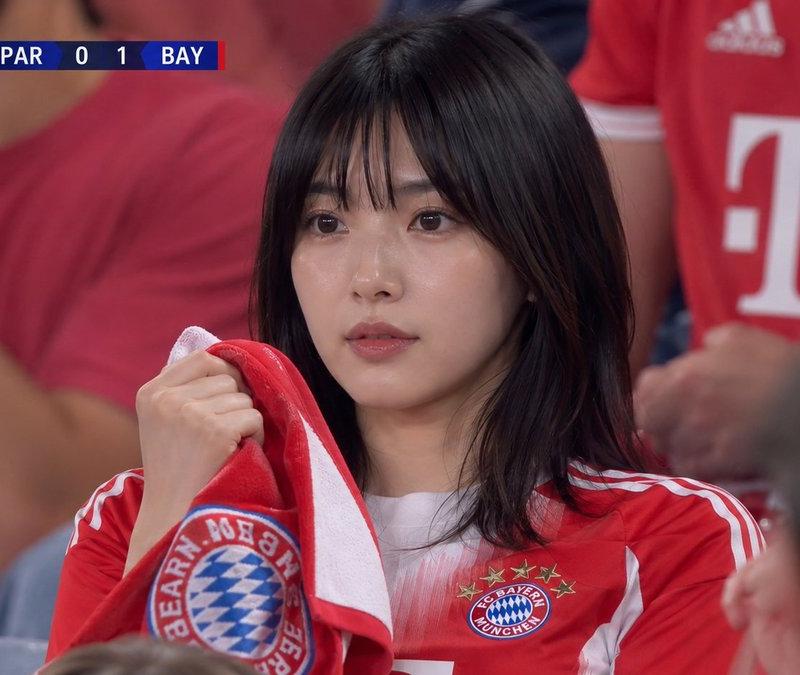
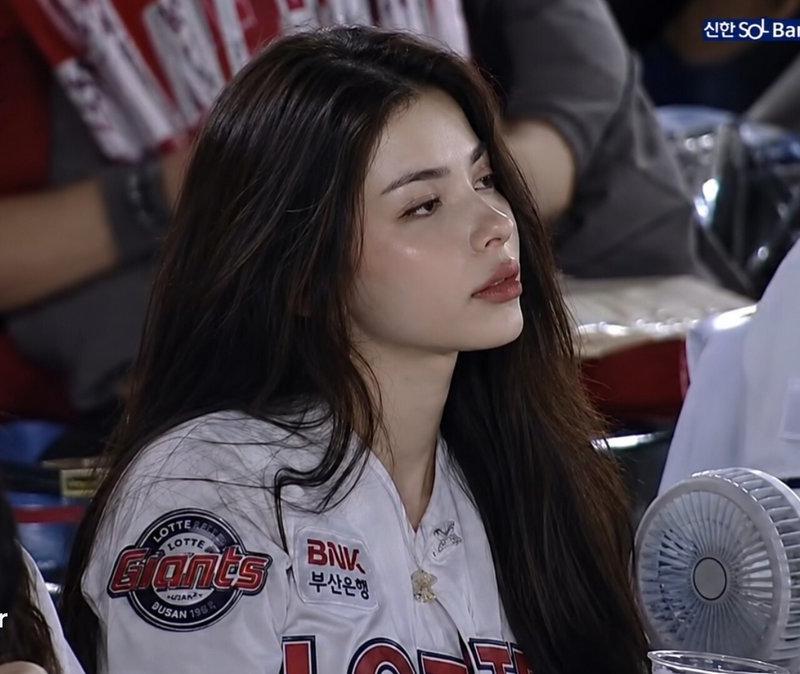
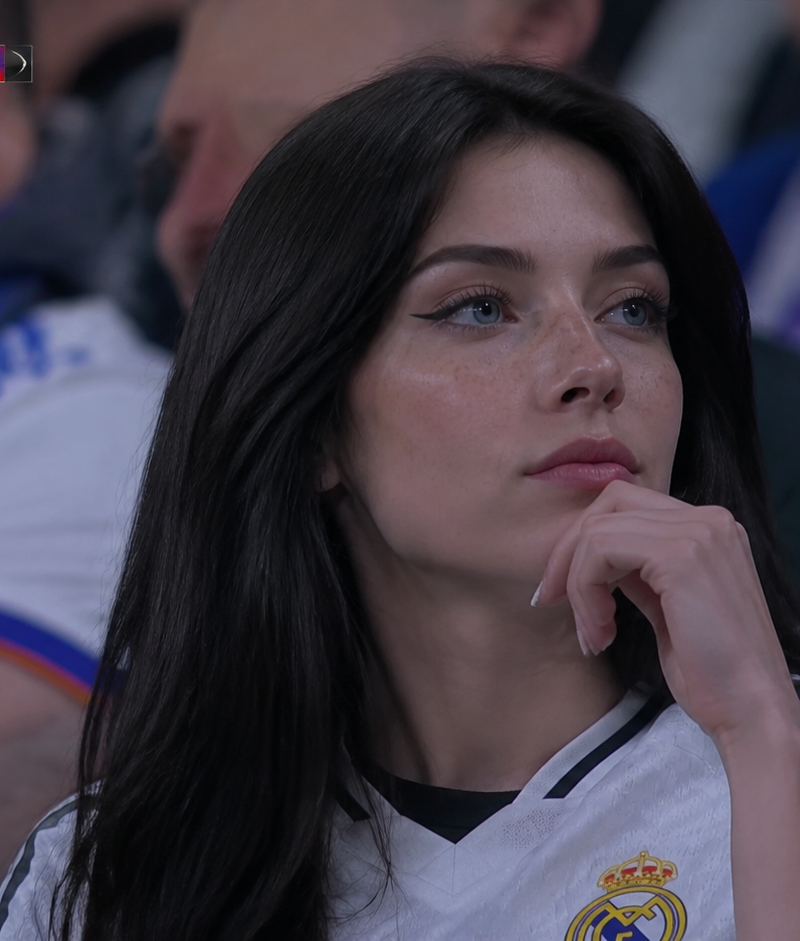
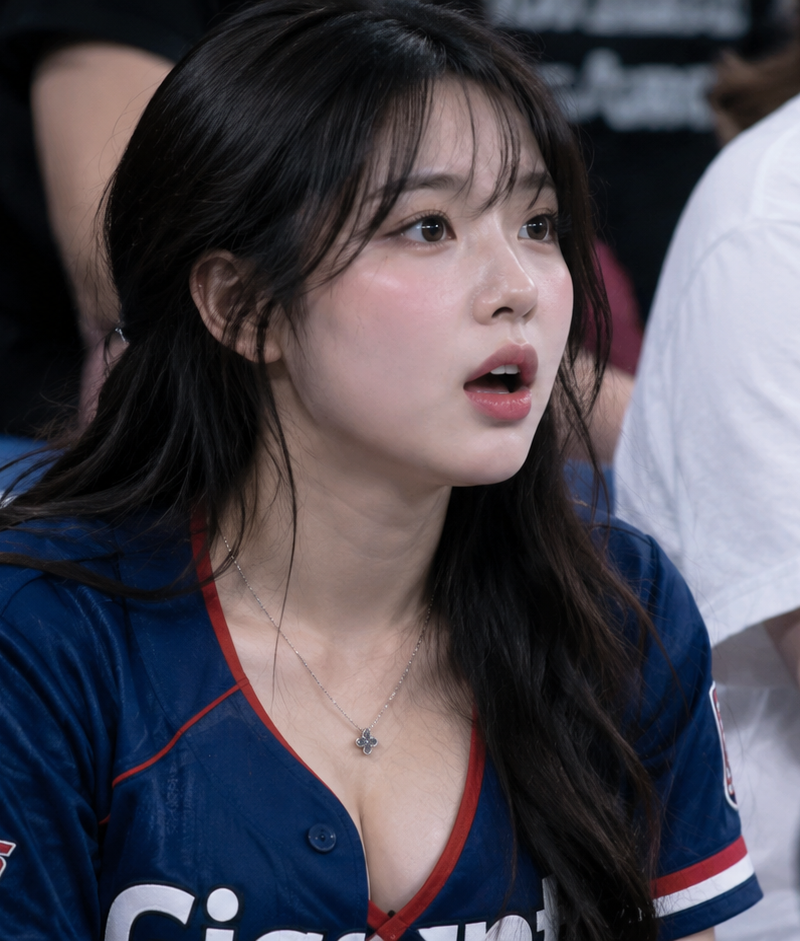
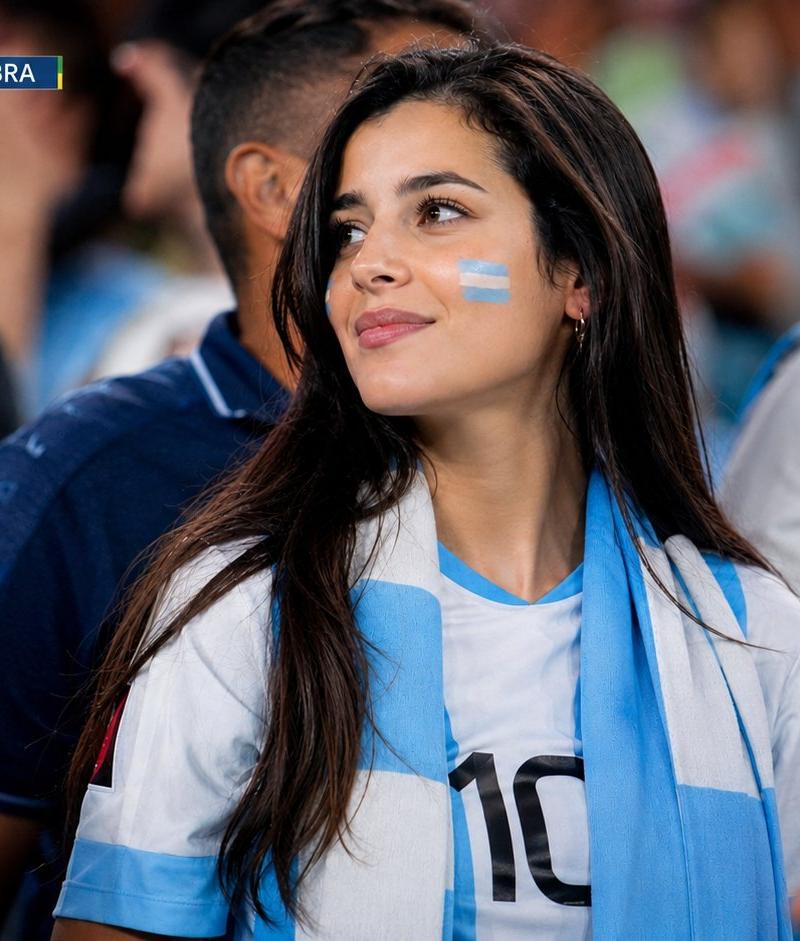
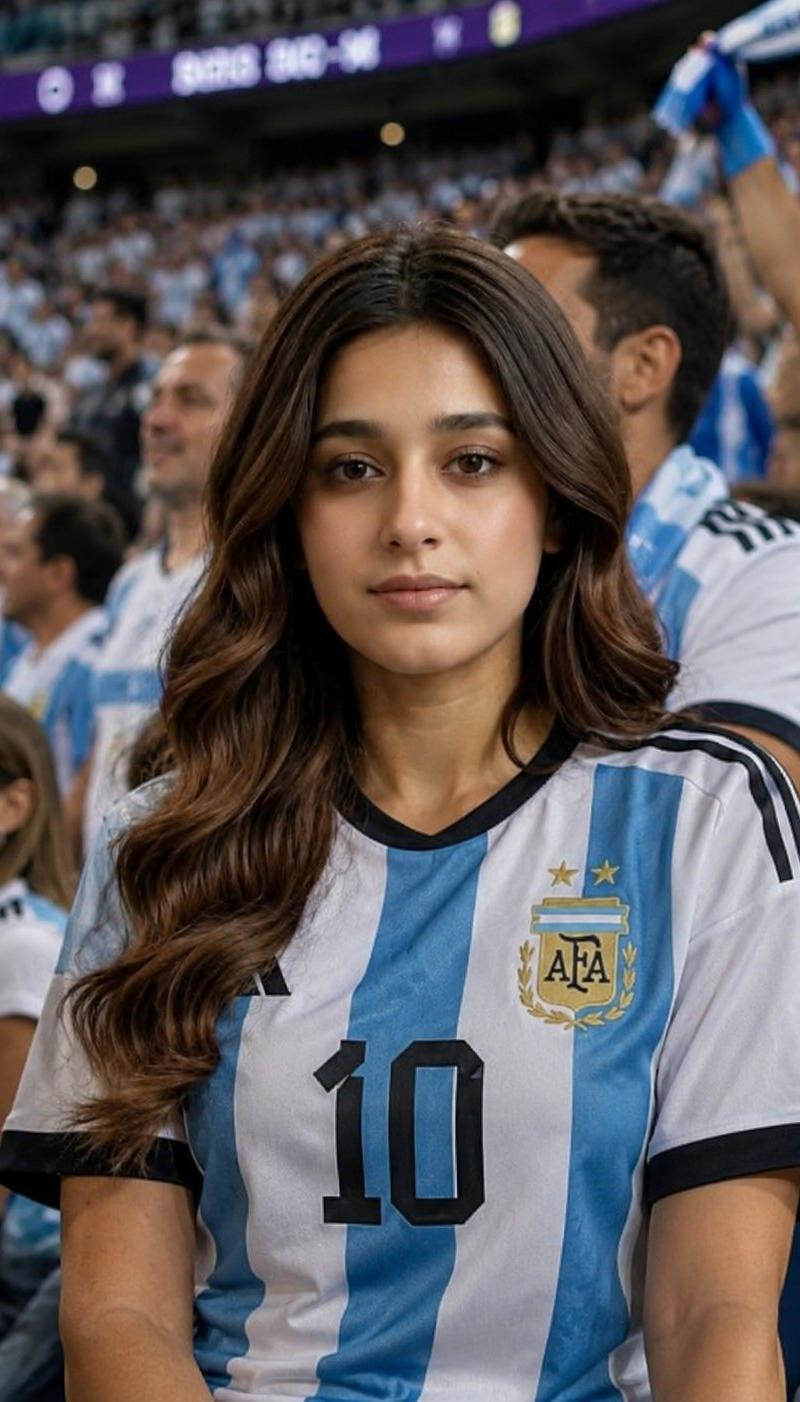
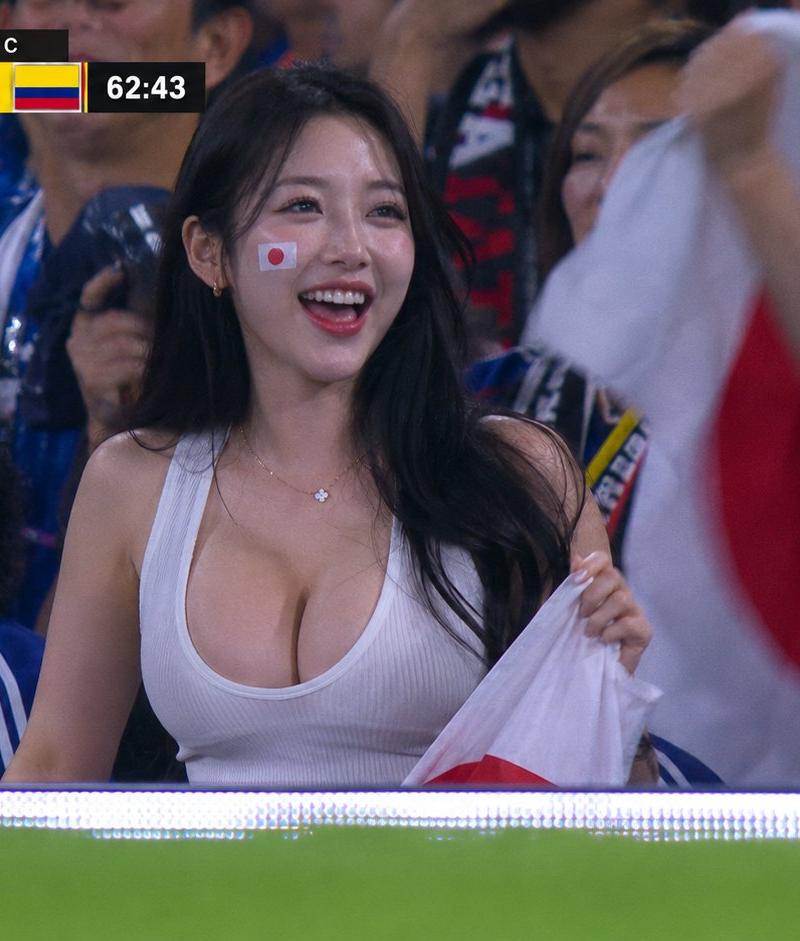
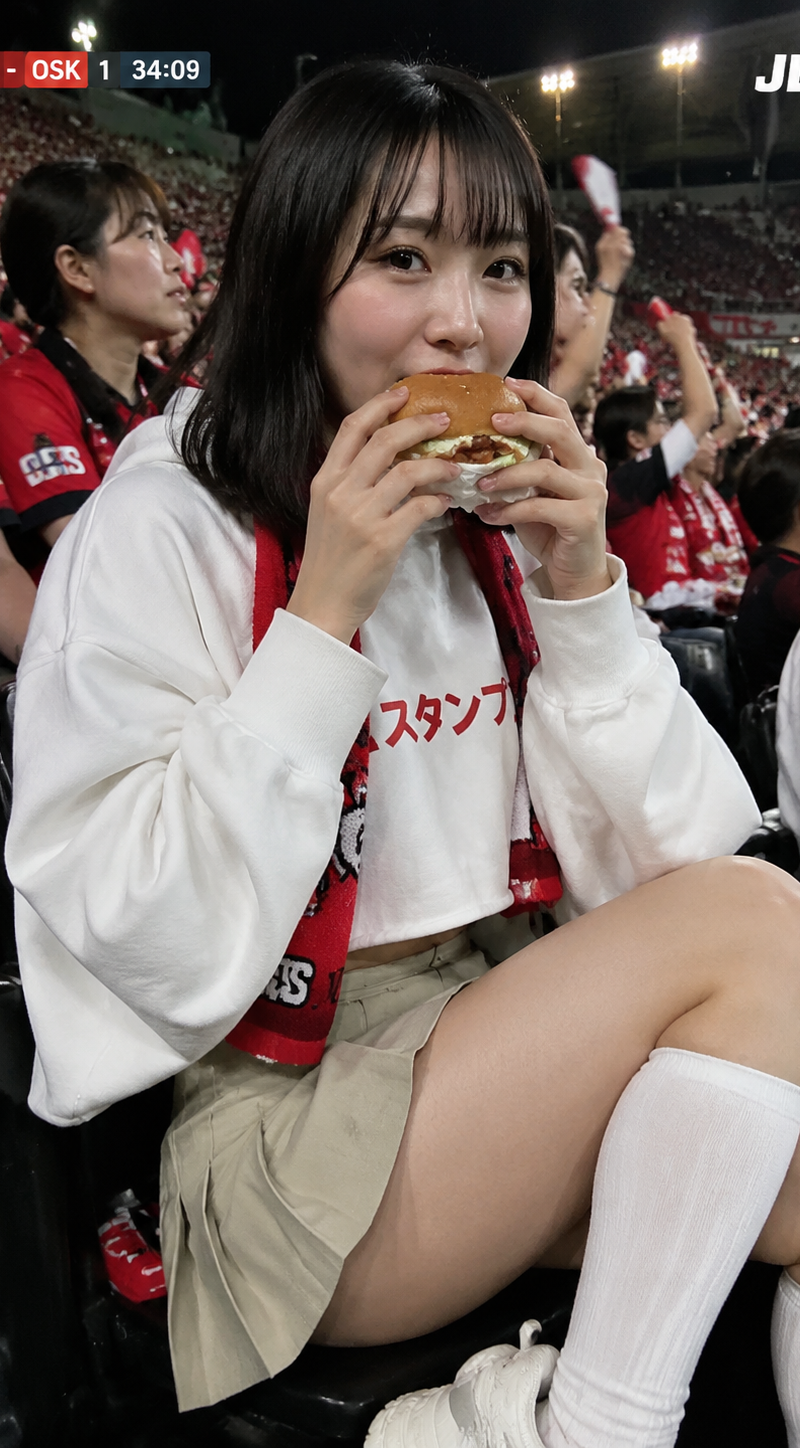
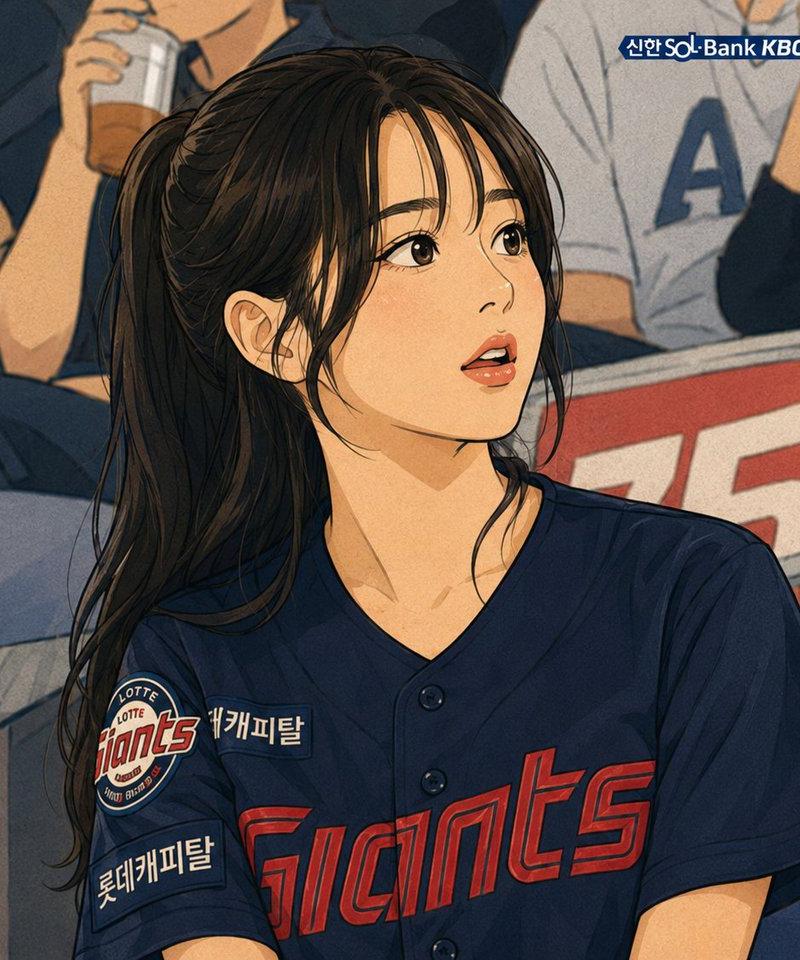
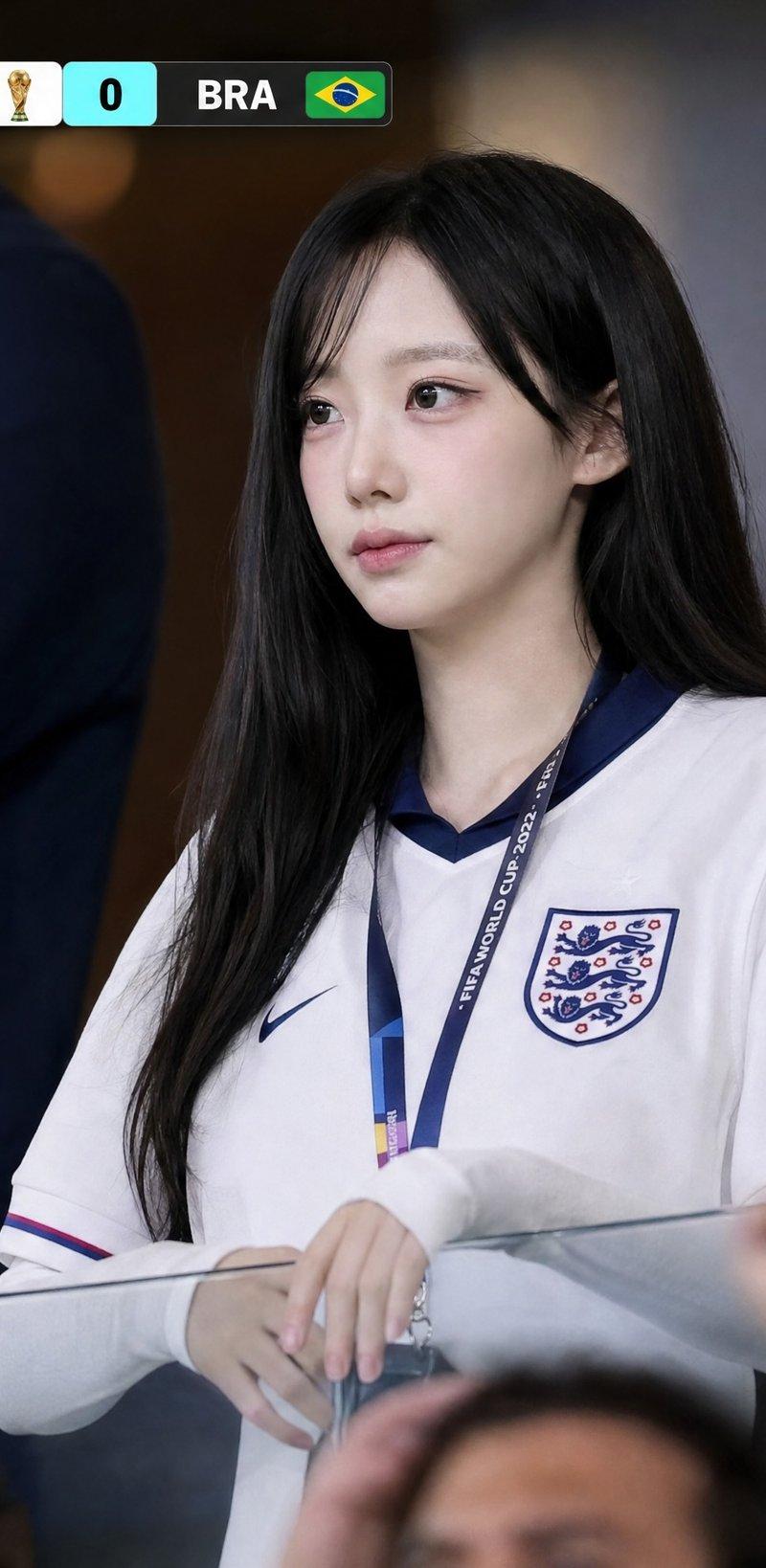
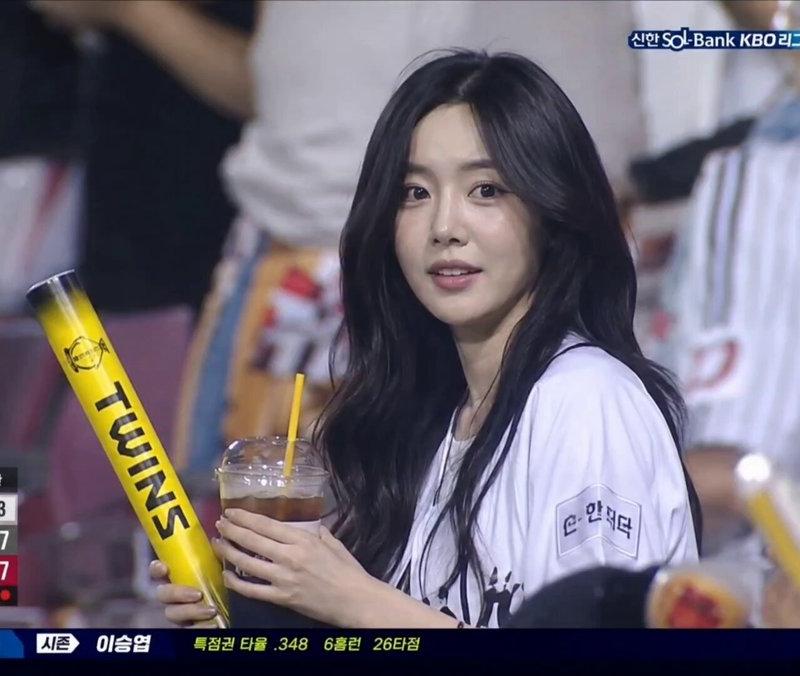
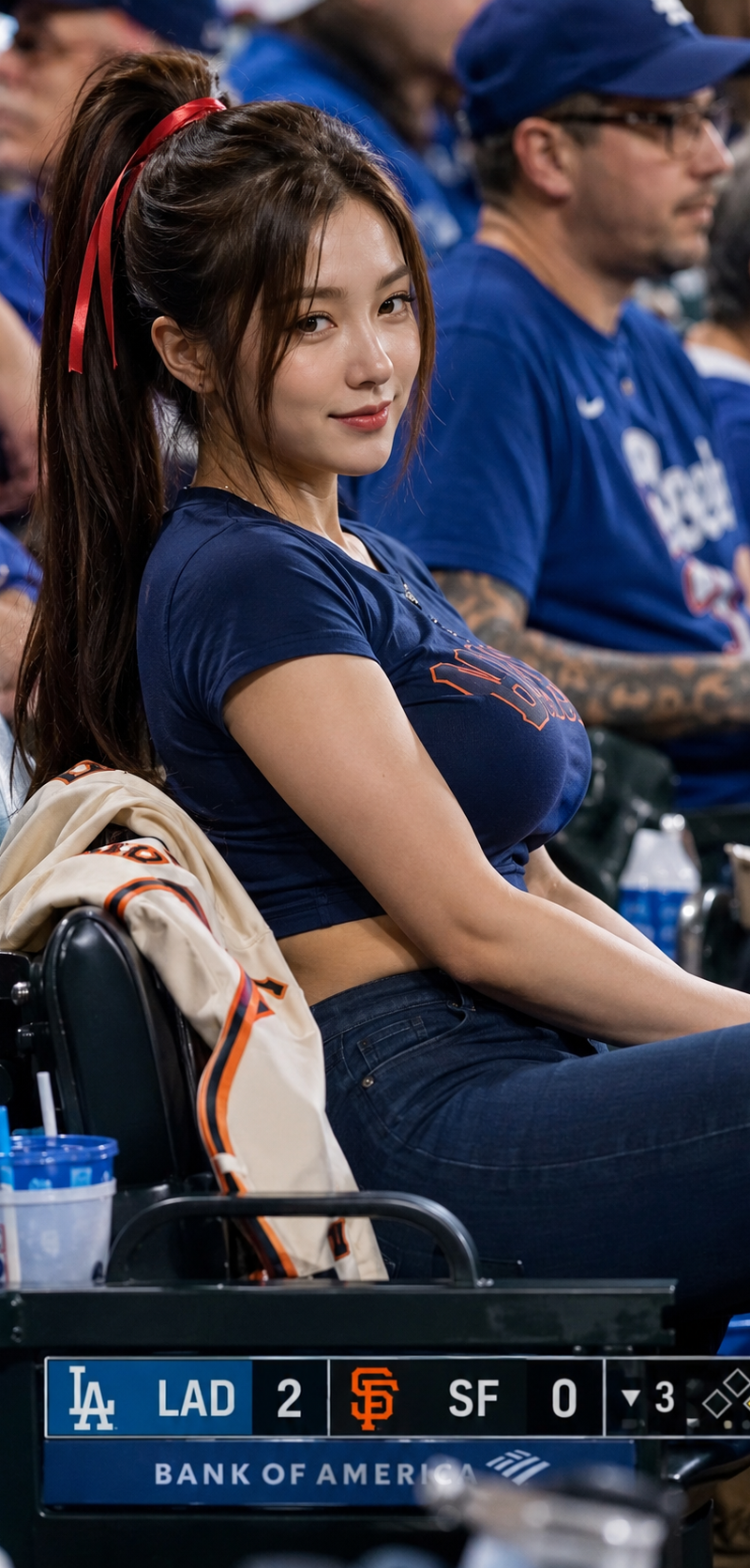
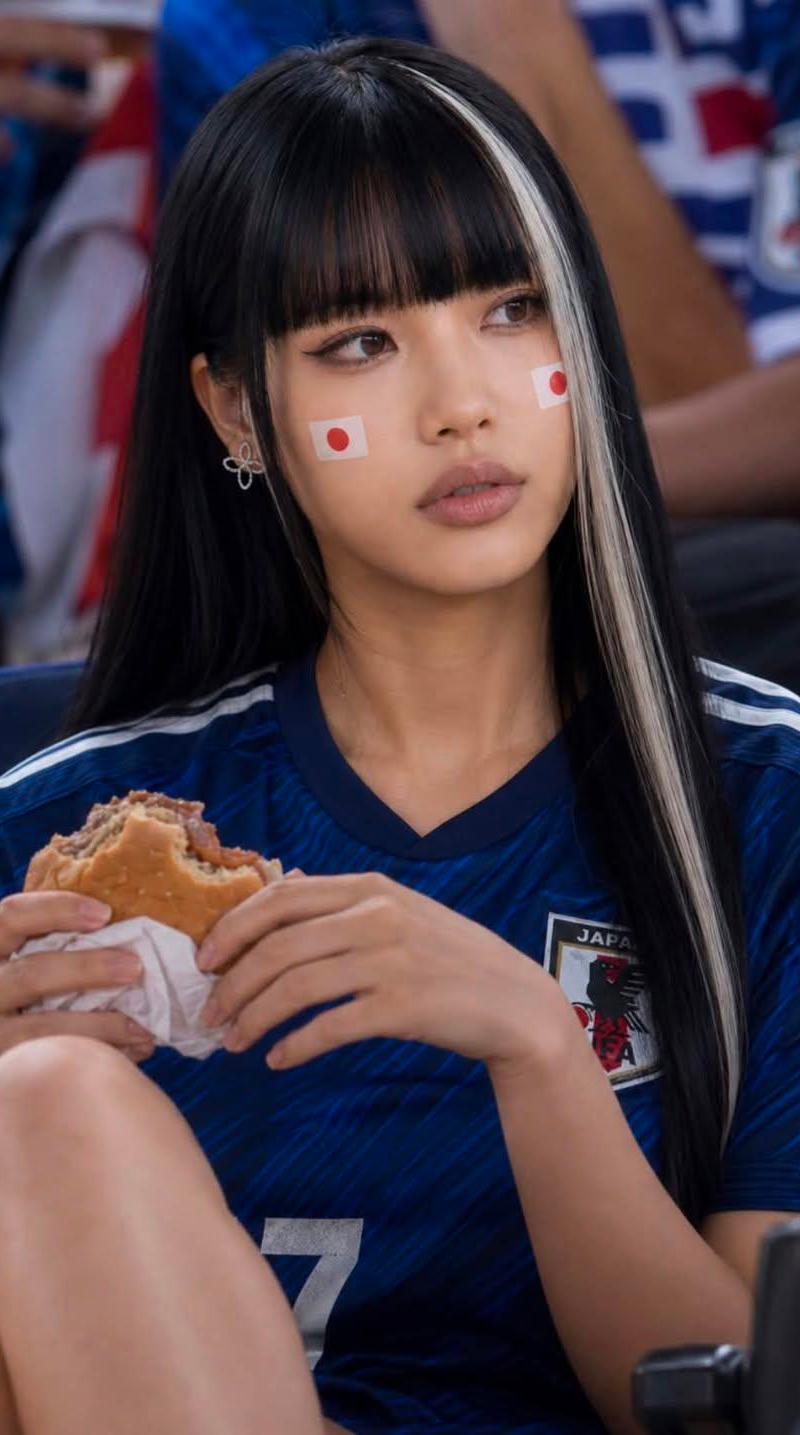
日本国家队女球迷足球场夜景写实人像
Enlarge

Example images

日本国家队女球迷足球场夜景写实人像

Prompt
Ultra-realistic portrait of a stylish young woman at a packed football stadium, wearing a blue Japan national team soccer jersey and fan scarf, long straight jet-black hair with a single bold platinum-white front streak, blunt-cut bangs, soft natural makeup, small silver floral earring, Japanese flag stickers on both cheeks. She is seated in the stands during a night match, holding a hamburger, candid expression looking slightly to the side. Modern stadium architecture, bright floodlights, cheering crowd, shallow depth of field, cinematic sports-event atmosphere, highly detailed skin texture, realistic eyes, professional photography, 85mm lens, f/1.8, natural lighting, ultra sharp focus, photorealistic, high resolution, vibrant colors.
Category
Charts & Infographics
Model
ChatGPT
Creator
@Kashberg_0
Source language
zh-CN
Views128
Source ID
15840
Published
Jun 11, 2026
Studio

Guide

About "日本国家队女球迷足球场夜景写实人像"

What is this prompt for?

"日本国家队女球迷足球场夜景写实人像" AI image prompt for ChatGPT (Charts & Infographics). 超写实的人像,一位时尚的年轻女性在人满为患的足球场,穿着蓝色的日本国家队足球球衣和球迷围巾,长直乌黑的头发,前额有一缕醒目的铂金色条纹,齐刘海,柔和的自然妆容,小巧的银色花…

The full copyable prompt and example visuals above are ready for AI image generation or one-click recreate in Picva.

How to use this prompt

  1. Step 1

    Open the prompt detail

    Review the example visuals, category, and full prompt text for "日本国家队女球迷足球场夜景写实人像".

  2. Step 2

    Copy the prompt

    Copy the prompt body from this page, or load it directly in Studio.

  3. Step 3

    Pick a model (ChatGPT)

    Prefer ChatGPT. If you switch models, keep subject and composition and tweak style terms.

  4. Step 4

    Generate and export

    Recreate the look in Picva, or export into your workflow for editing and publishing.

FAQ

What is the "日本国家队女球迷足球场夜景写实人像" prompt?
It is an AI image-generation prompt for ChatGPT in the Charts & Infographics category. This page includes the full prompt text, example visuals, and a one-click recreate path in Picva.
How do I use this prompt to generate an image?
Copy the prompt from this page, or use Generate / Studio. Paste it into a compatible image model, or recreate the look in Picva with optional reference images.
Which model is this prompt for?
This page lists ChatGPT. Most descriptive prompts also transfer to nearby image models such as GPT Image, Flux, or Midjourney with light style tweaks.
Can I use the result commercially?
You can usually copy the prompt for creation, but commercial use of the final image depends on the model terms, reference-image rights, and the generated content. Follow the source author and platform rules.