17

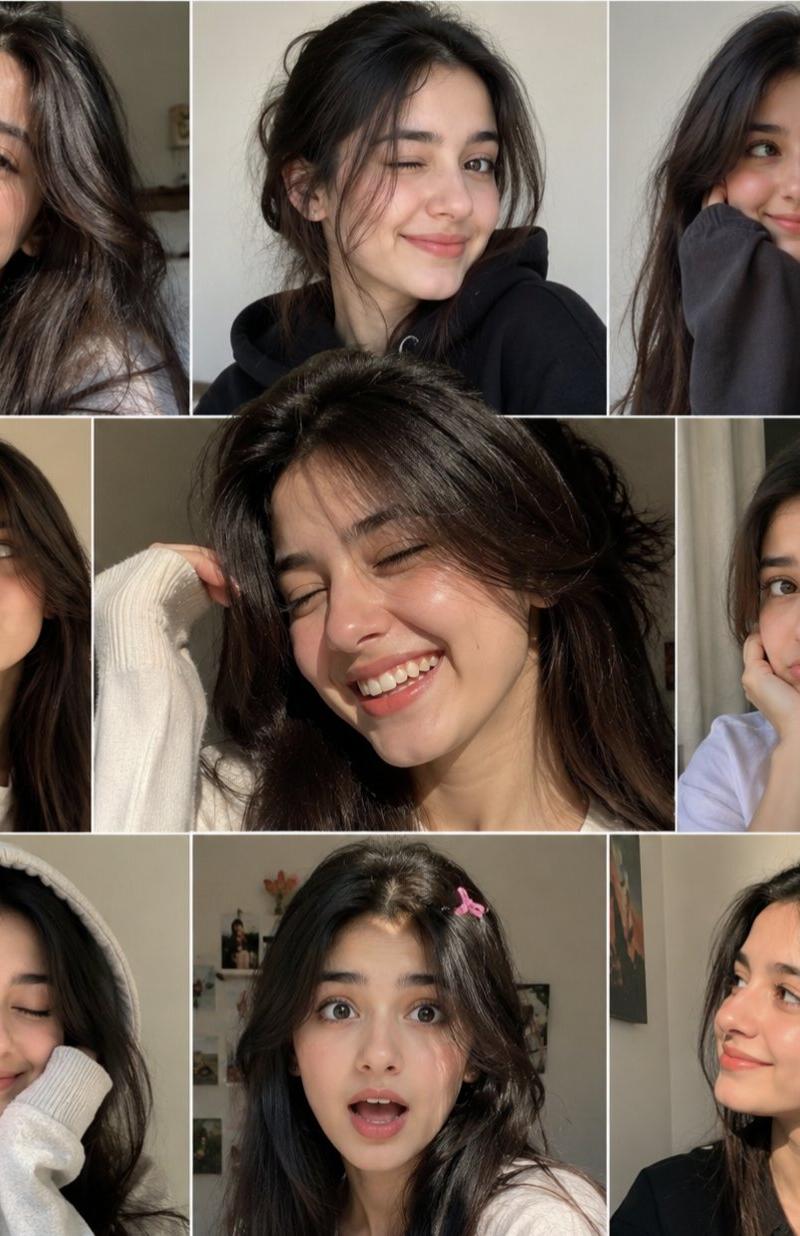
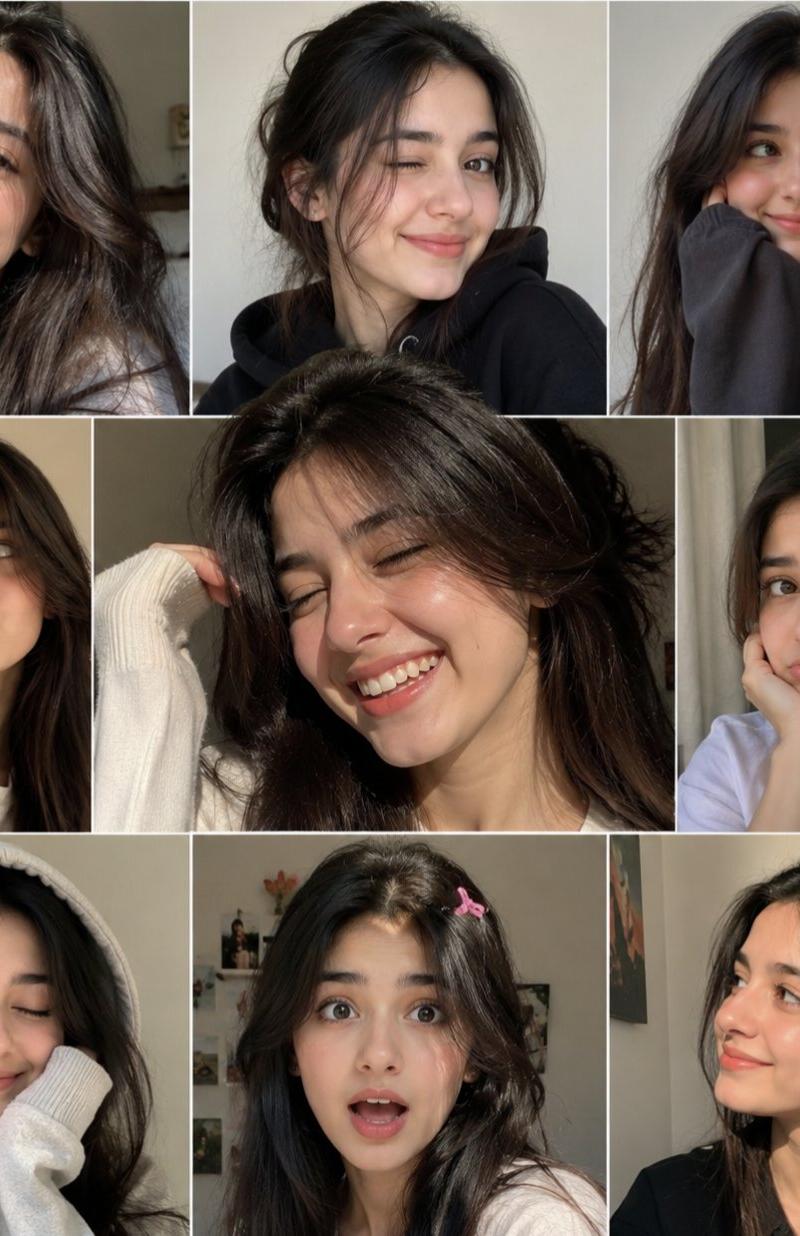
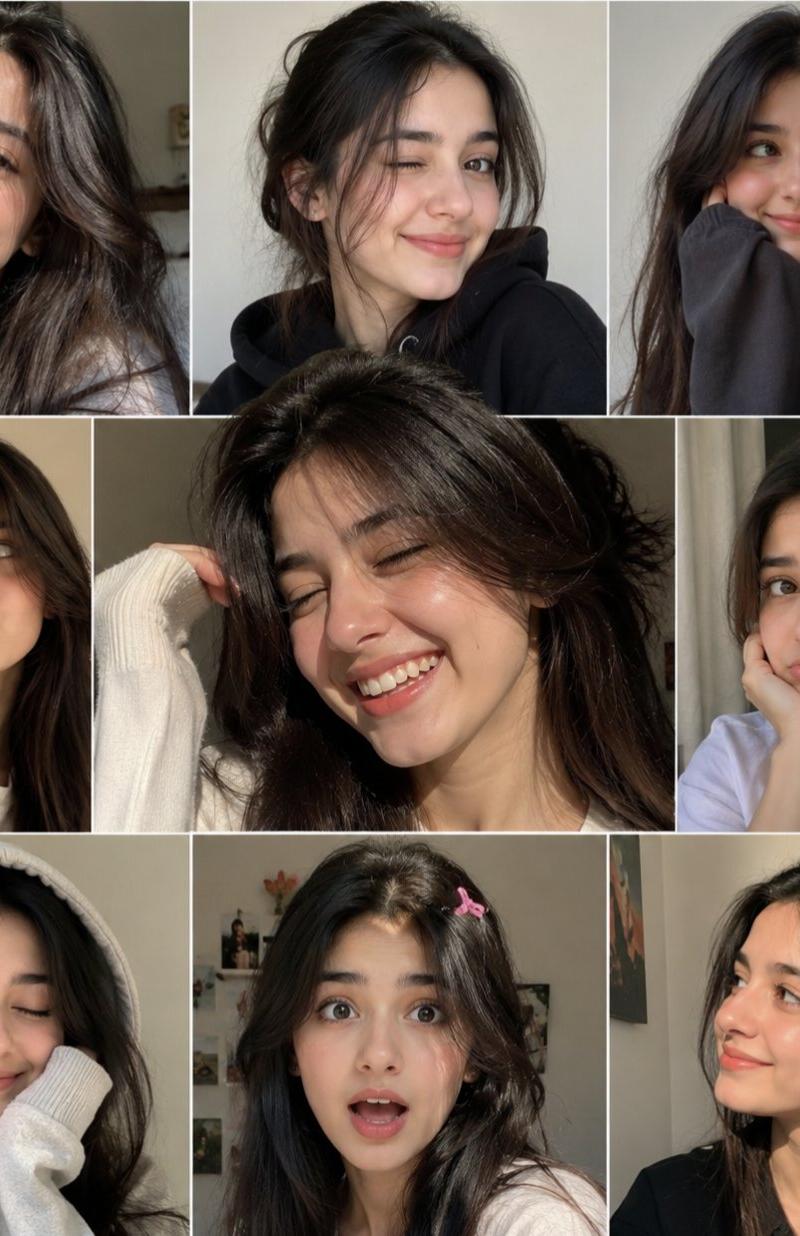
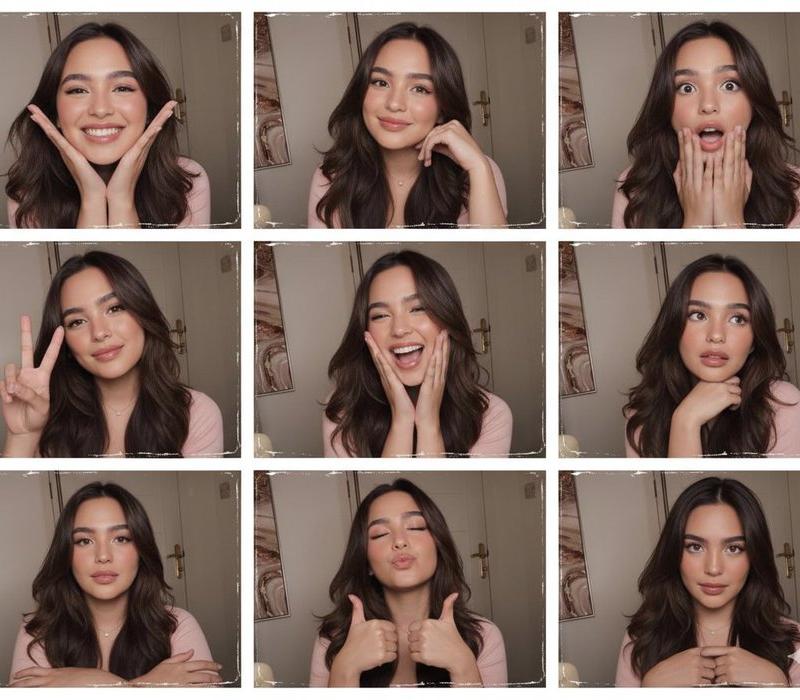
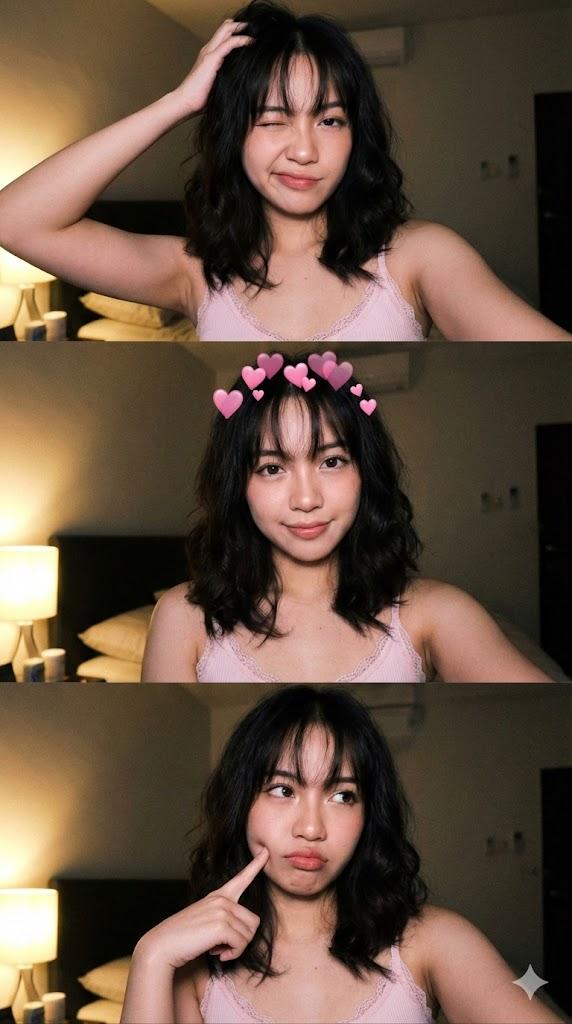
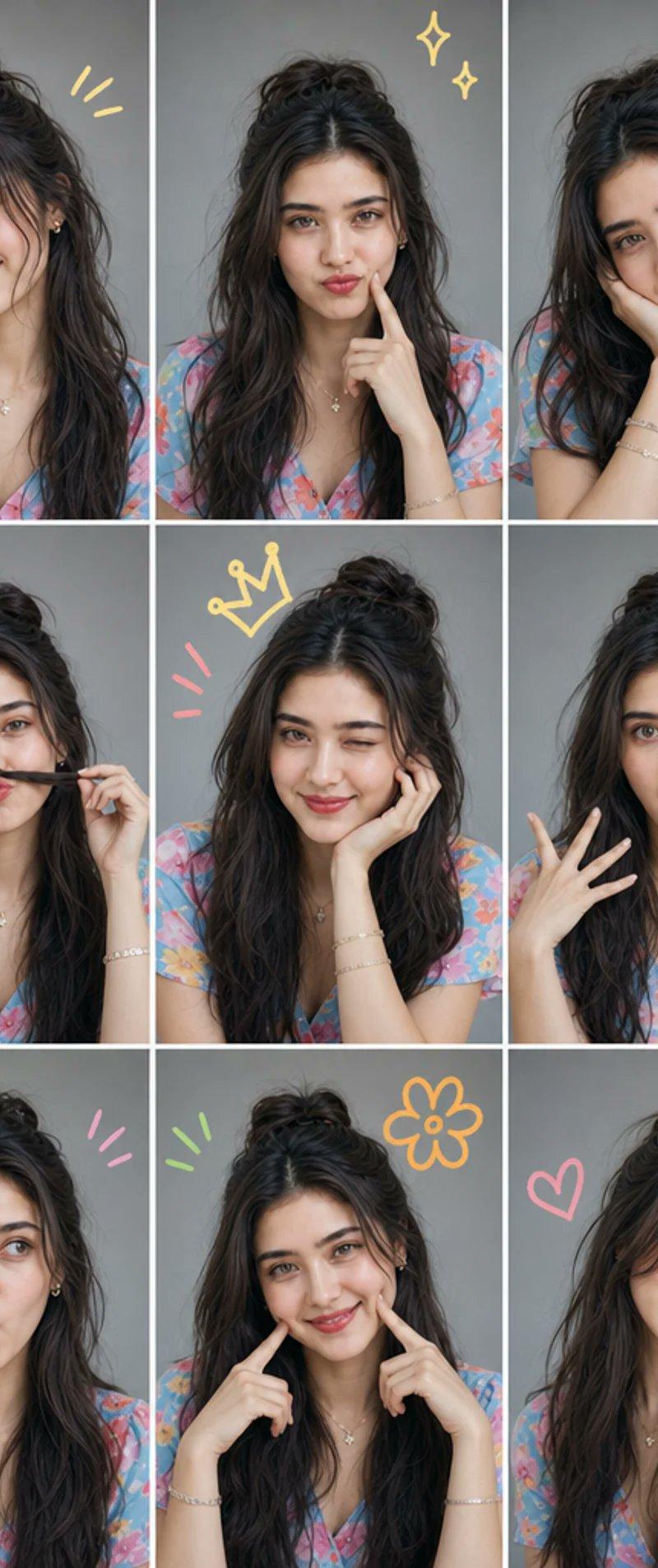
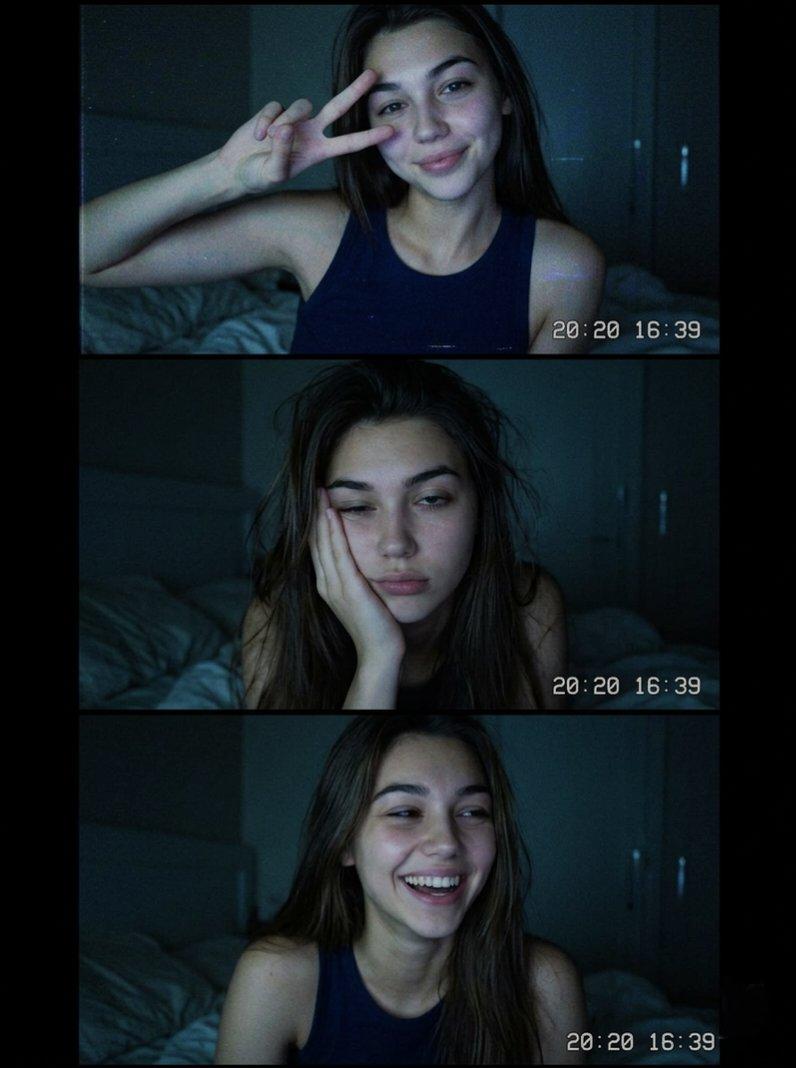
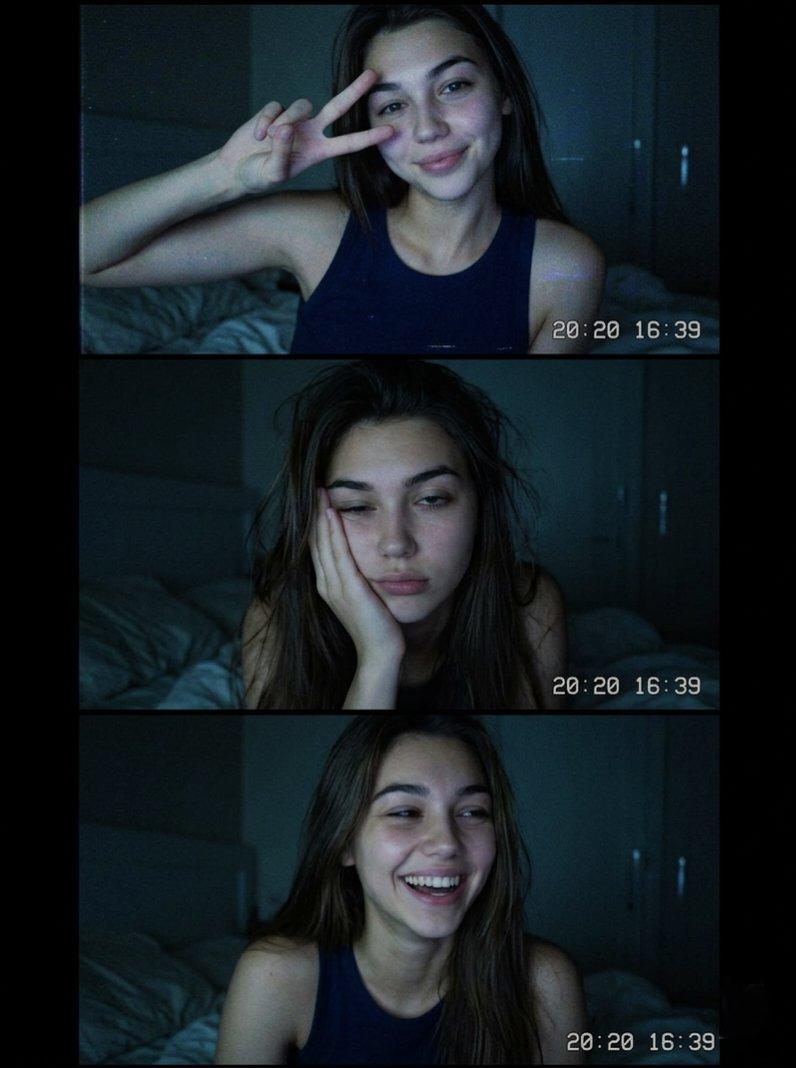
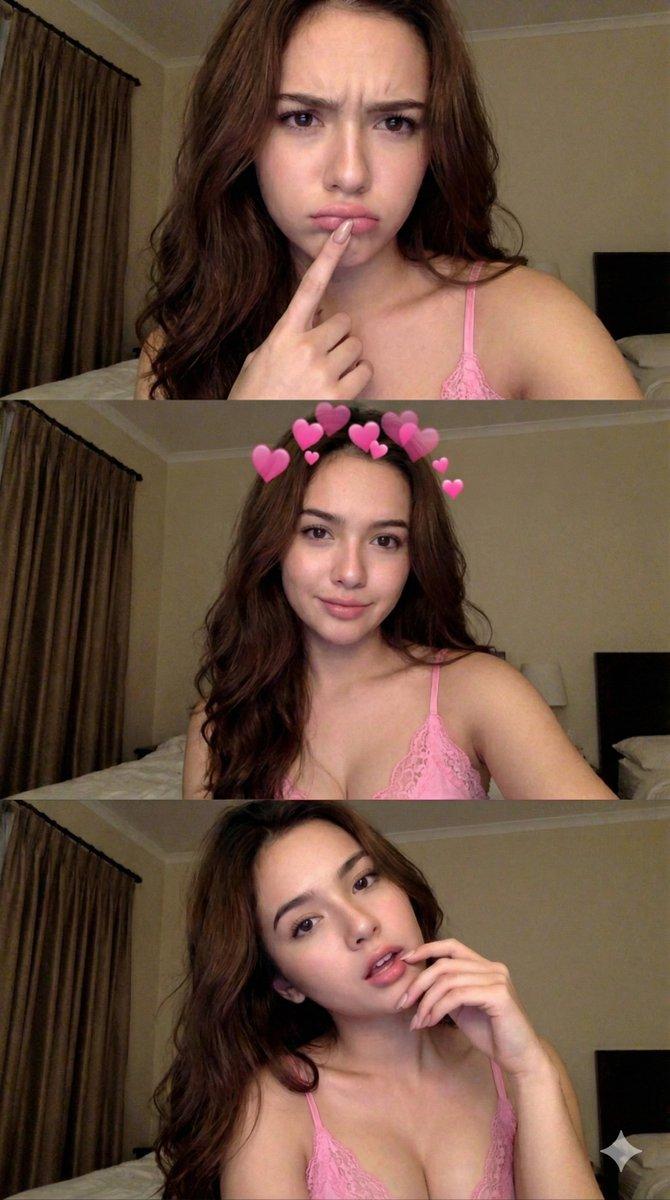
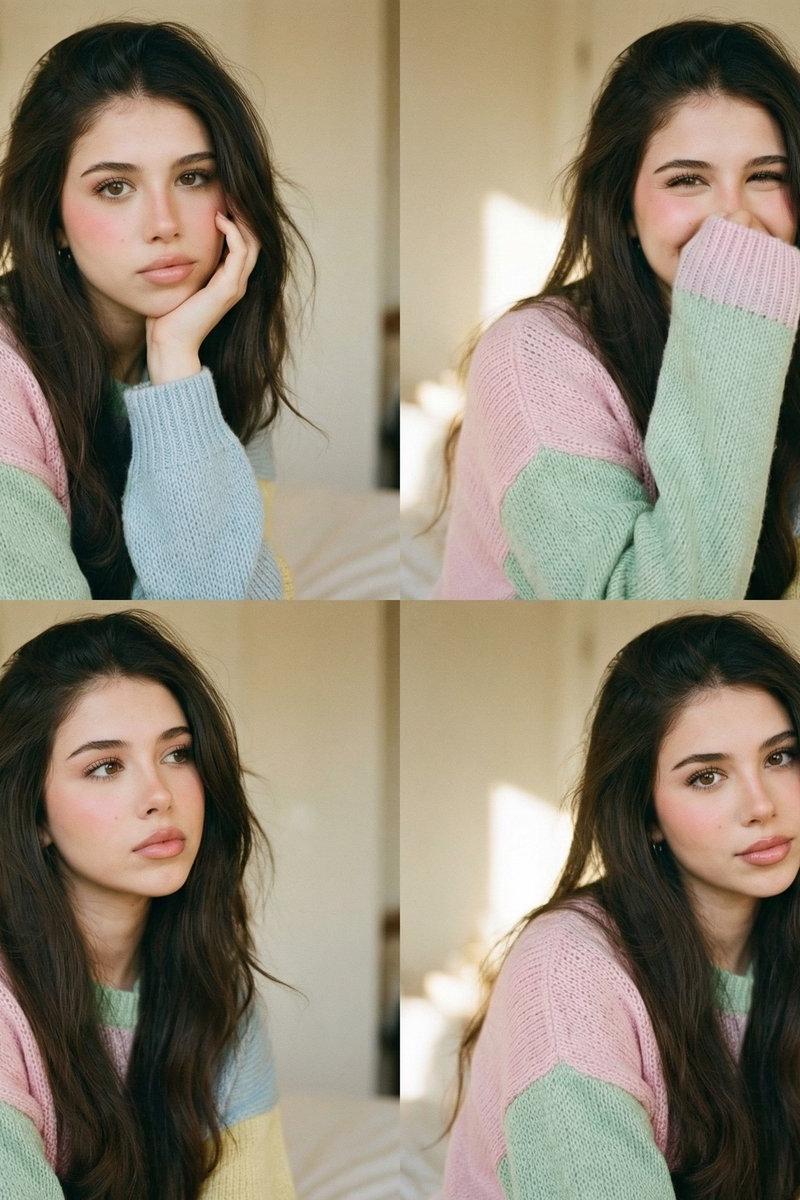
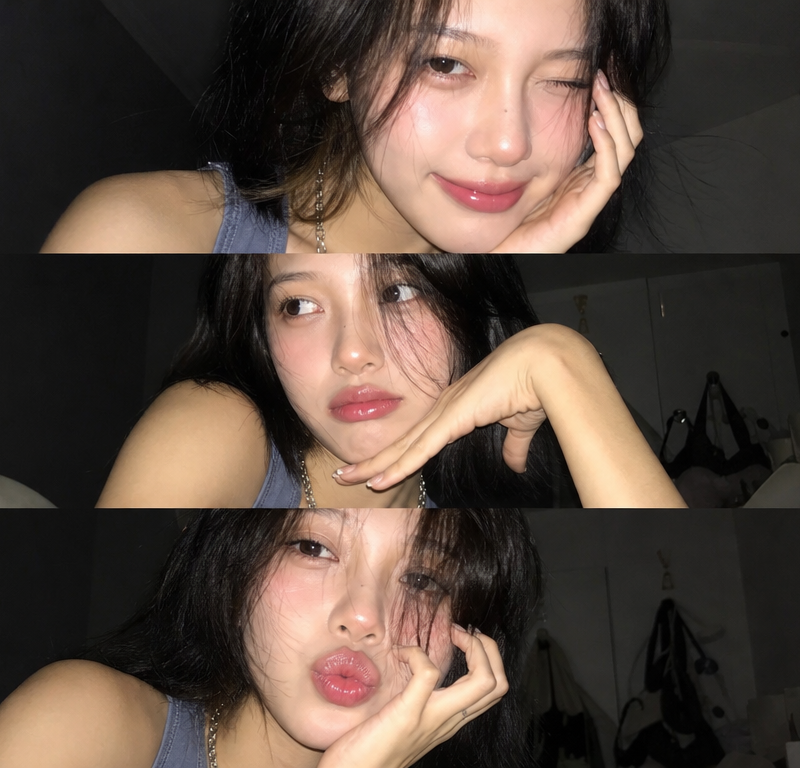
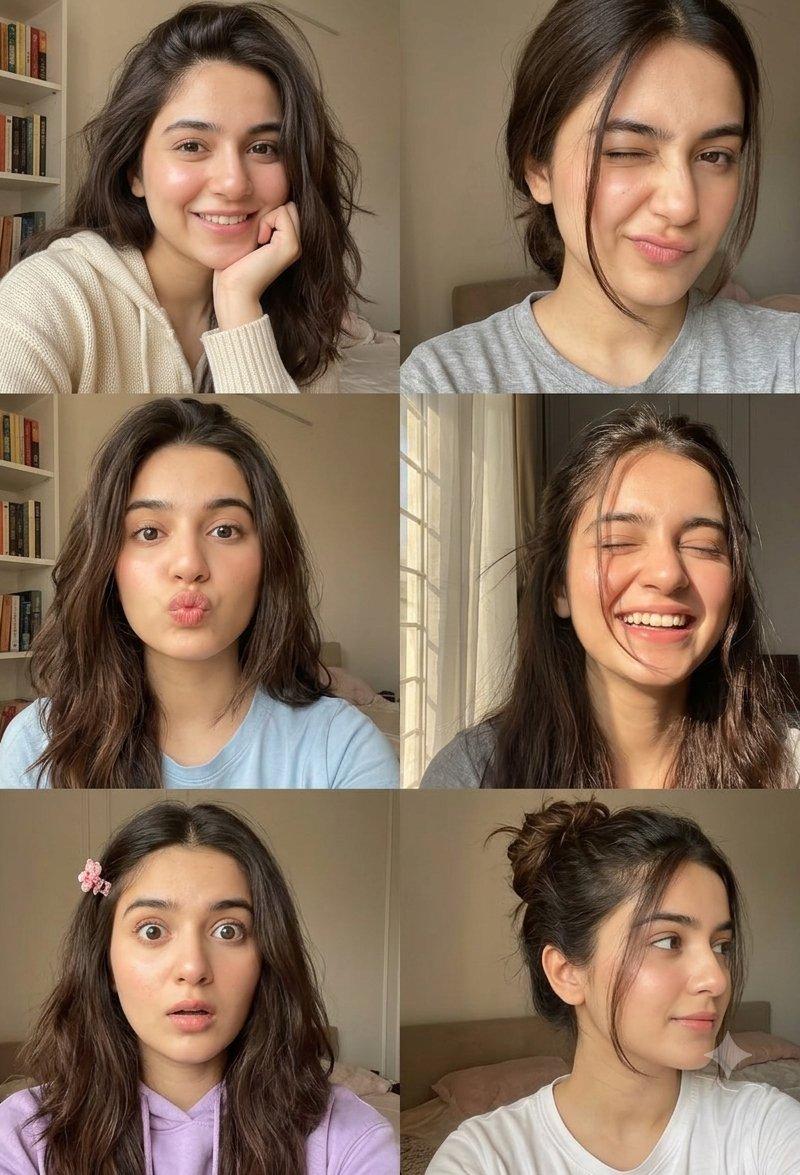
随性深褐发少女多表情拼贴照片
Enlarge

Example images

随性深褐发少女多表情拼贴照片

Prompt
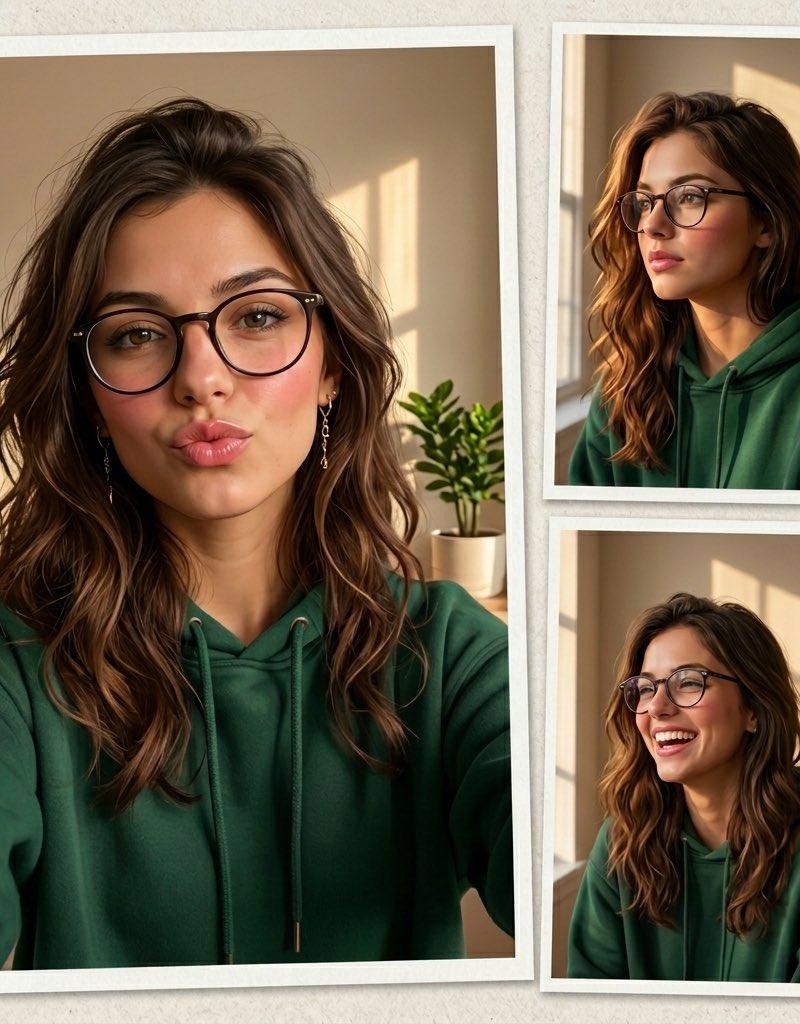
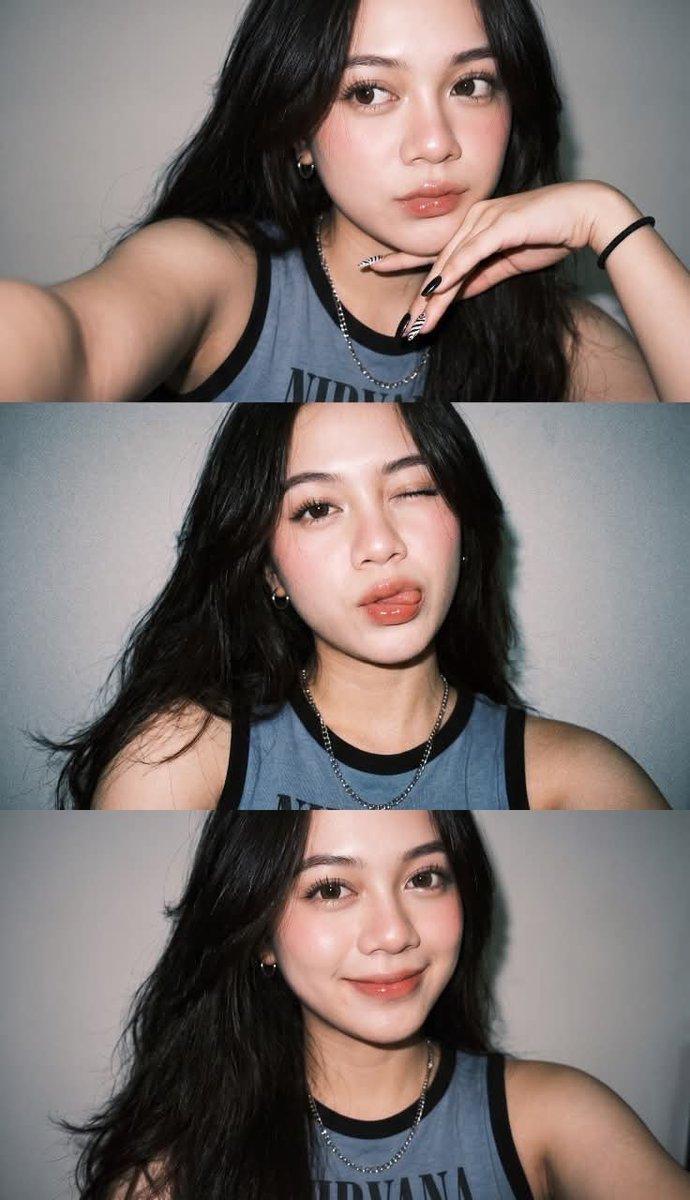
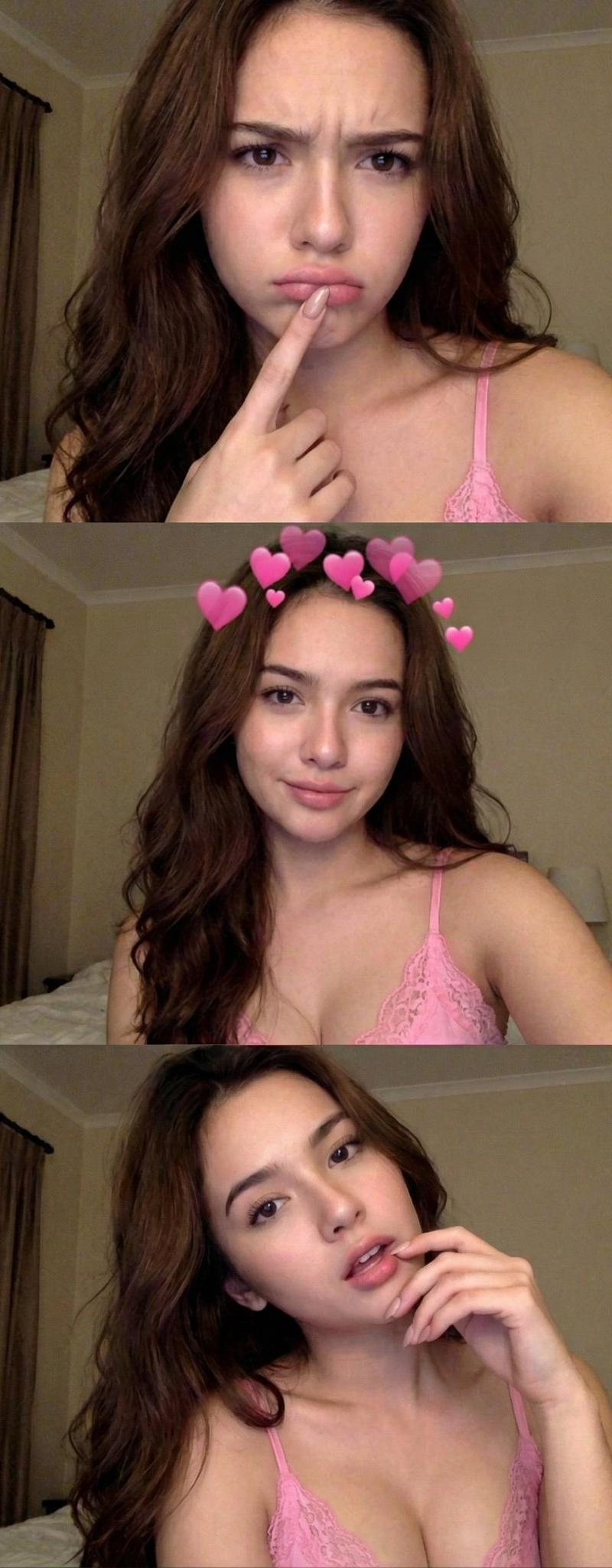
A photo collage featuring a young woman with long, effortlessly messy dark brown hair showcasing a variety of charming and candid facial expressions. She has a natural, glowing complexion with soft features and minimal makeup. The individual snapshots capture a range of playful moods: smiling warmly with her chin resting on her hand, playfully winking at the camera, making a cute pouty kiss-face, laughing joyfully with her eyes closed under warm sunlight, looking wide-eyed and surprised with a tiny pink hair clip, and gazing softly to the side with her hair tied up in a casual messy bun. The clothing varies between cozy hoodies and simple t-shirts, and the overall lighting throughout the frames is soft, warm, and natural, emphasizing an intimate, cheerful, and aesthetic selfie vibe.
Category
Photography & Realism
Model
ChatGPT
Creator
@Umar__786Ai
Source language
zh-CN
Views25
Source ID
16483
Published
Jun 21, 2026
Studio

Guide

About "随性深褐发少女多表情拼贴照片"

What is this prompt for?

"随性深褐发少女多表情拼贴照片" AI image prompt for ChatGPT (Photography & Realism). 一张照片拼贴,主角是一位留着长长的、随性凌乱深褐色头发的年轻女性,展现出各种迷人且坦率的面部表情。她拥有自然、透亮的肤色,五官柔和,妆容极简。每一张快照都捕捉到了一系列俏皮的情绪…

The full copyable prompt and example visuals above are ready for AI image generation or one-click recreate in Picva.

How to use this prompt

  1. Step 1

    Open the prompt detail

    Review the example visuals, category, and full prompt text for "随性深褐发少女多表情拼贴照片".

  2. Step 2

    Copy the prompt

    Copy the prompt body from this page, or load it directly in Studio.

  3. Step 3

    Pick a model (ChatGPT)

    Prefer ChatGPT. If you switch models, keep subject and composition and tweak style terms.

  4. Step 4

    Generate and export

    Recreate the look in Picva, or export into your workflow for editing and publishing.

FAQ

What is the "随性深褐发少女多表情拼贴照片" prompt?
It is an AI image-generation prompt for ChatGPT in the Photography & Realism category. This page includes the full prompt text, example visuals, and a one-click recreate path in Picva.
How do I use this prompt to generate an image?
Copy the prompt from this page, or use Generate / Studio. Paste it into a compatible image model, or recreate the look in Picva with optional reference images.
Which model is this prompt for?
This page lists ChatGPT. Most descriptive prompts also transfer to nearby image models such as GPT Image, Flux, or Midjourney with light style tweaks.
Can I use the result commercially?
You can usually copy the prompt for creation, but commercial use of the final image depends on the model terms, reference-image rights, and the generated content. Follow the source author and platform rules.