ASCII 艺术脸与韩语文本
Prompt
╭┈┈┈┈╯   ╰┈┈┈╮

 ╰┳┳╯    ╰┳┳╯

  구         구

 사             사
       ╰┈┈╯
  구     ╭━━━━━╮   구
      ┈┈┈┈
  사             사
- Category
- 创意图片
- Model
- Nano Banana Pro
- Creator
- 내다정한파도
- Source ID
- dbb617a9-6c57-43bb-8197-63f0b98612f8
- Published
- Mar 8, 2026
Views0
17
╭┈┈┈┈╯ ╰┈┈┈╮ ╰┳┳╯ ╰┳┳╯ 구 구 사 사 ╰┈┈╯ 구 ╭━━━━━╮ 구 ┈┈┈┈ 사 사
Guide
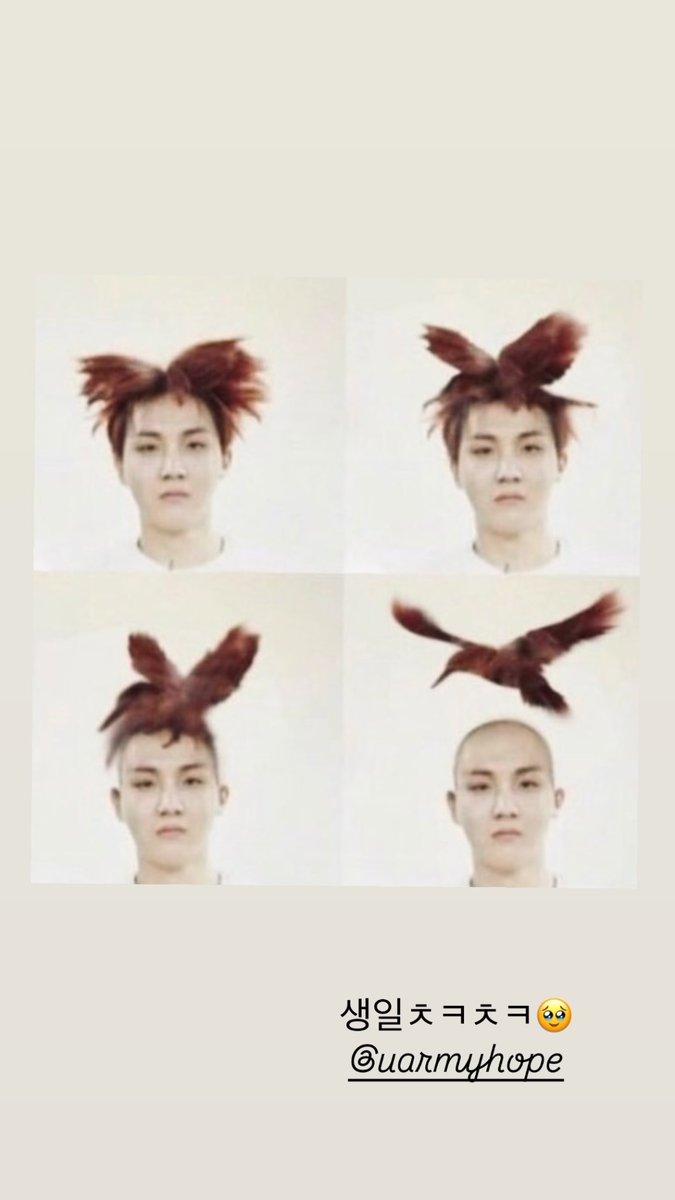
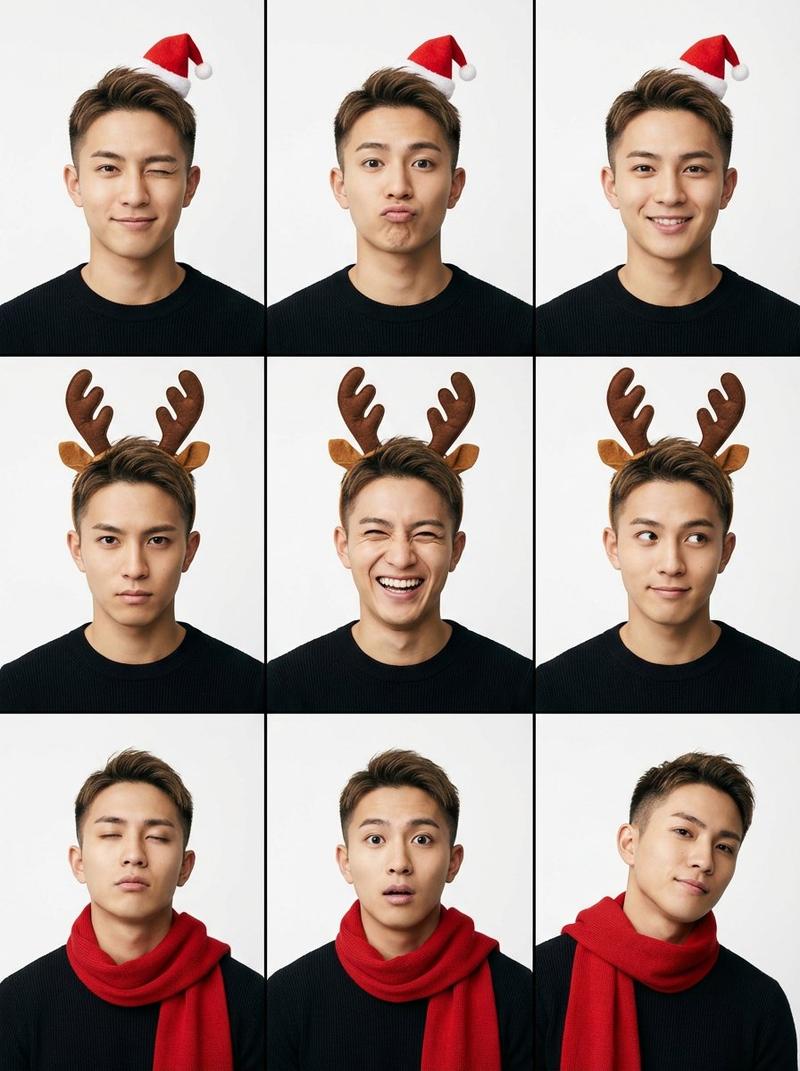
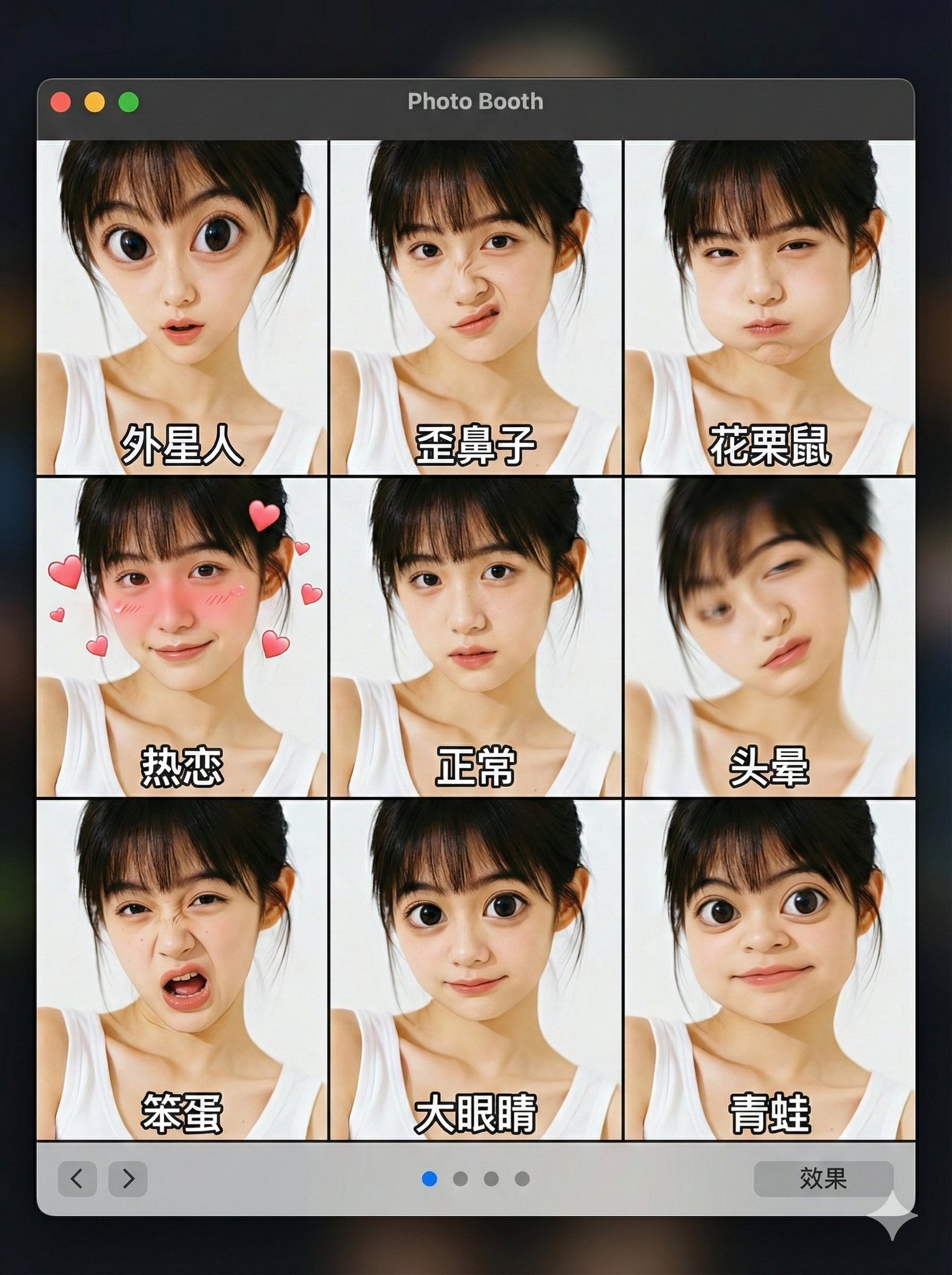
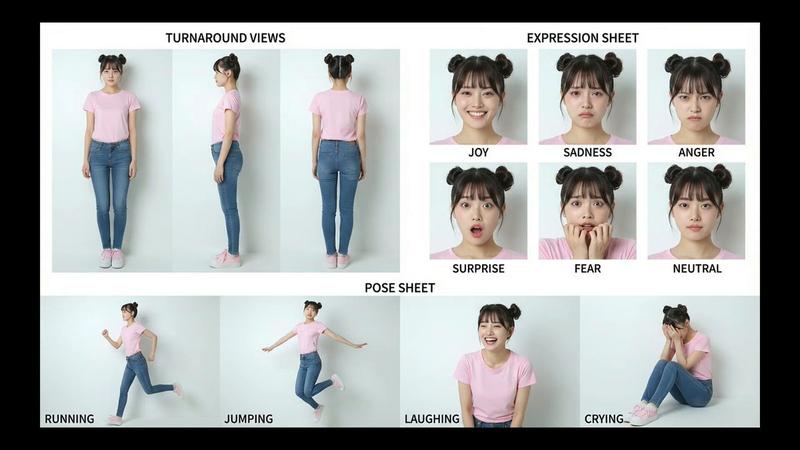
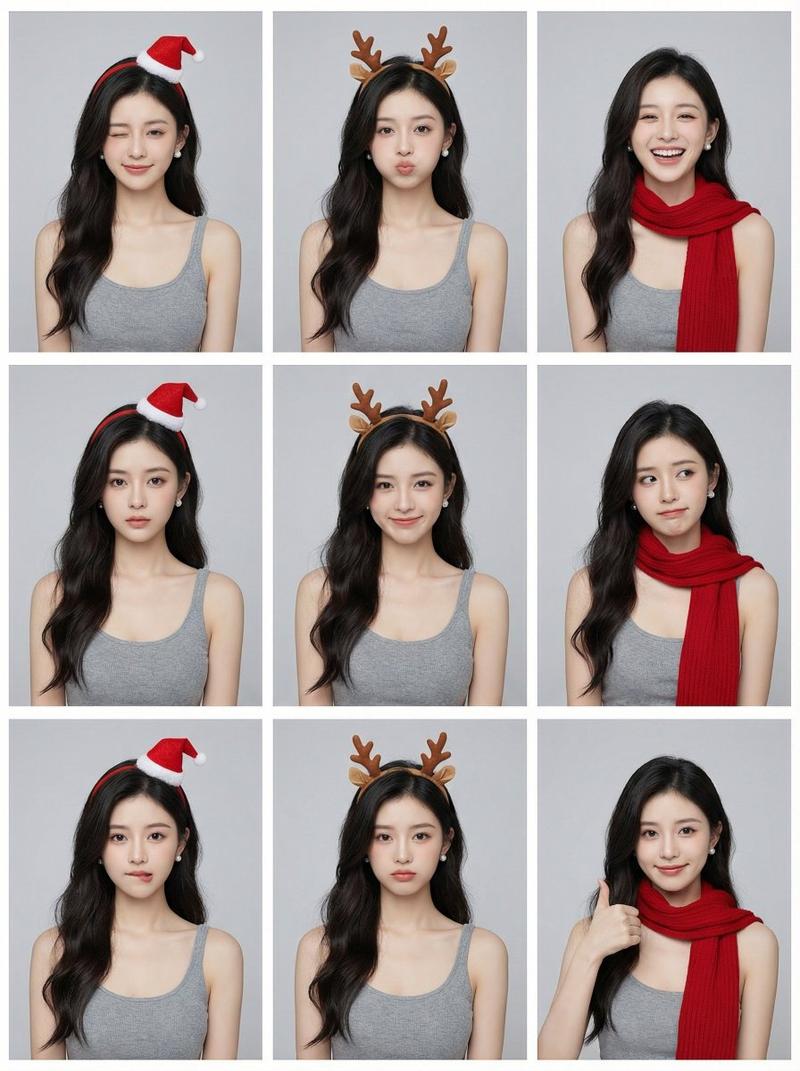
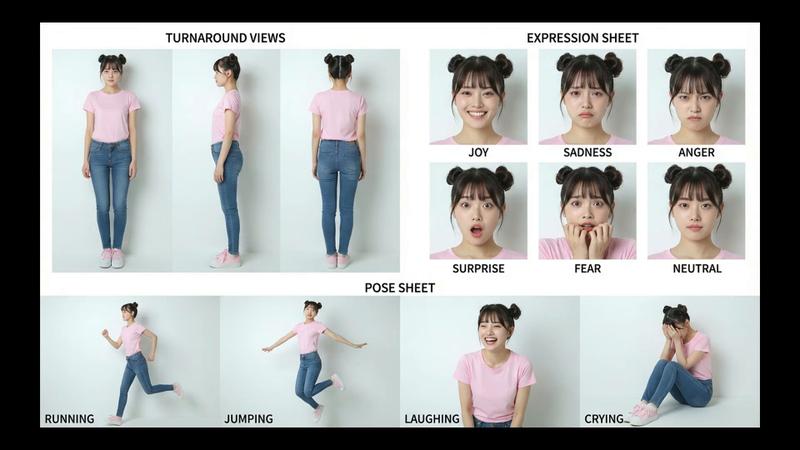
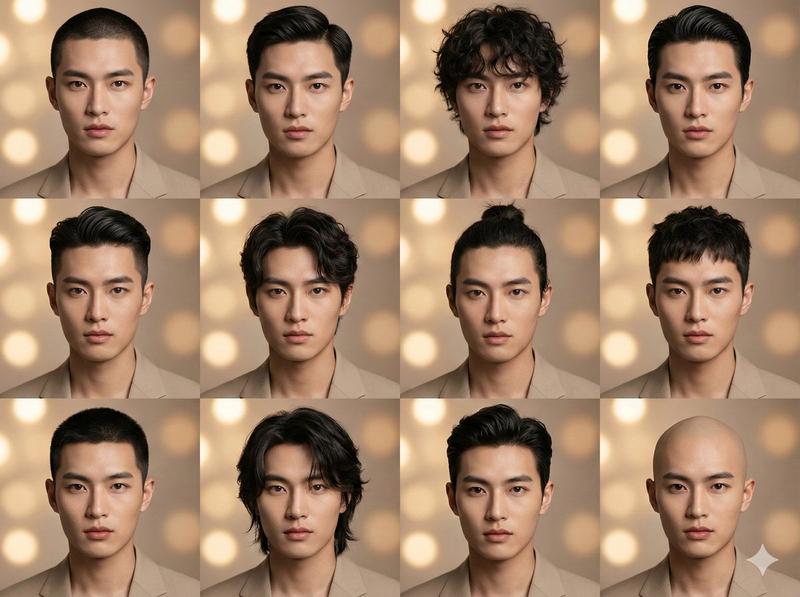
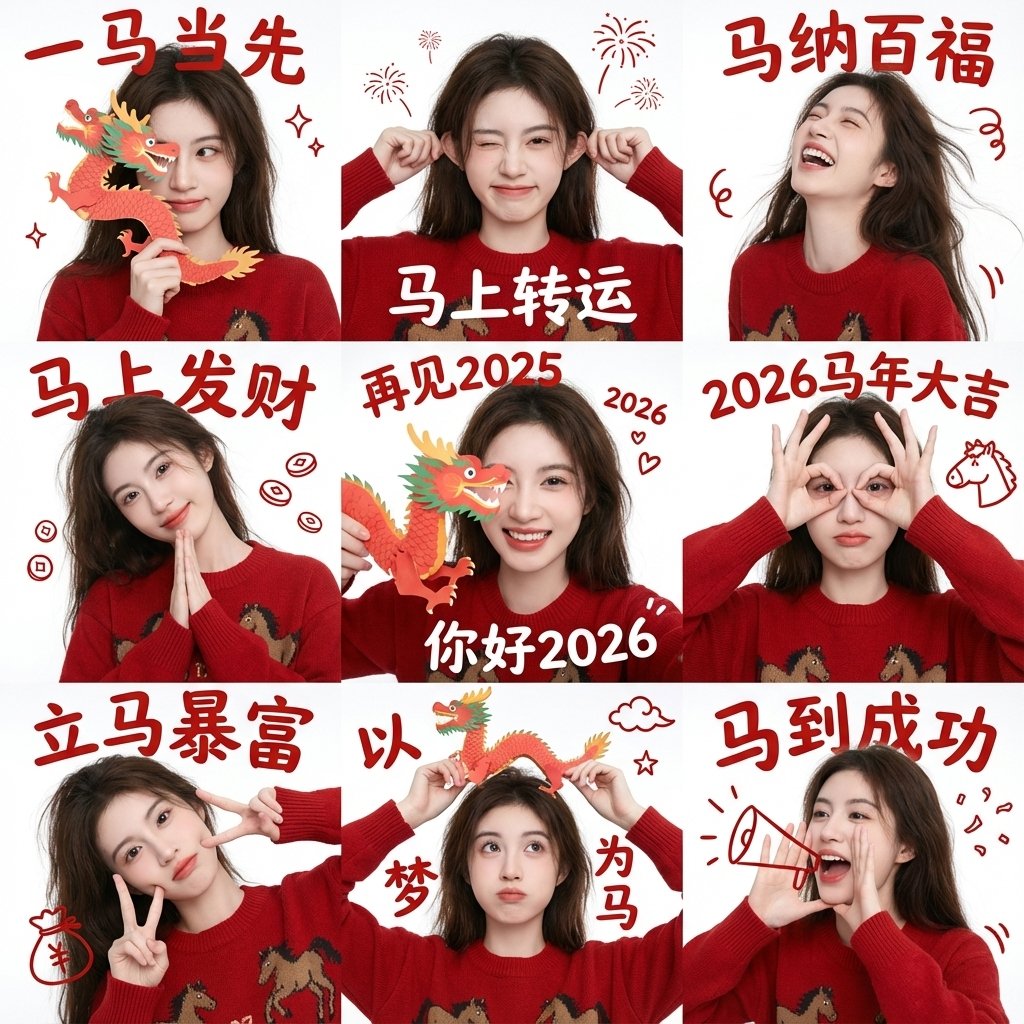
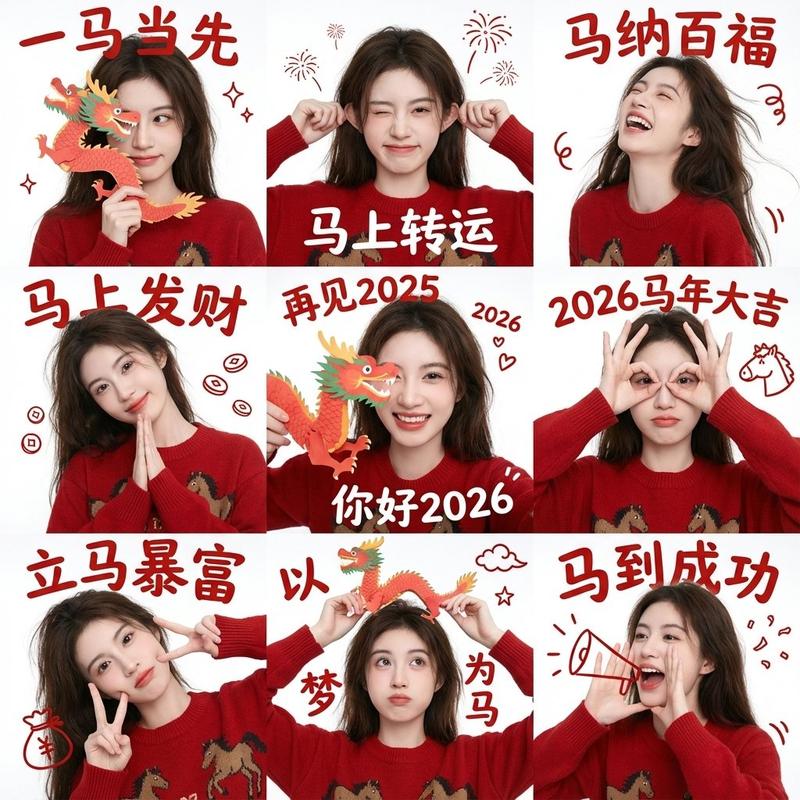
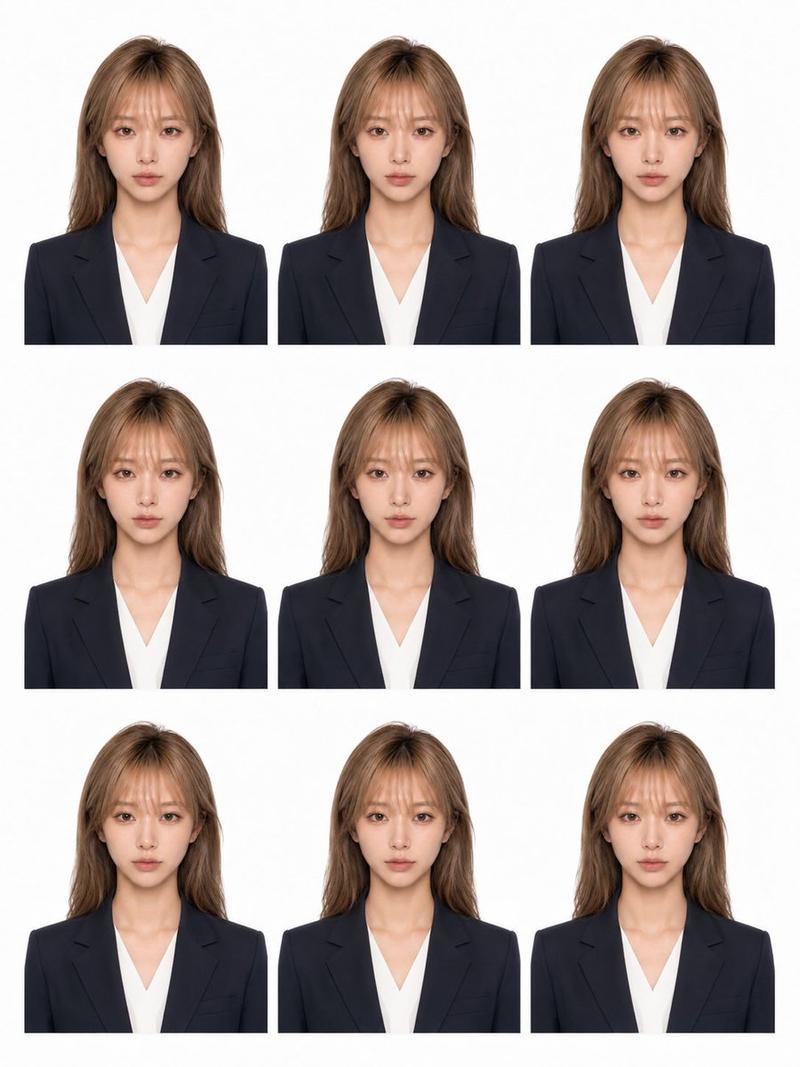
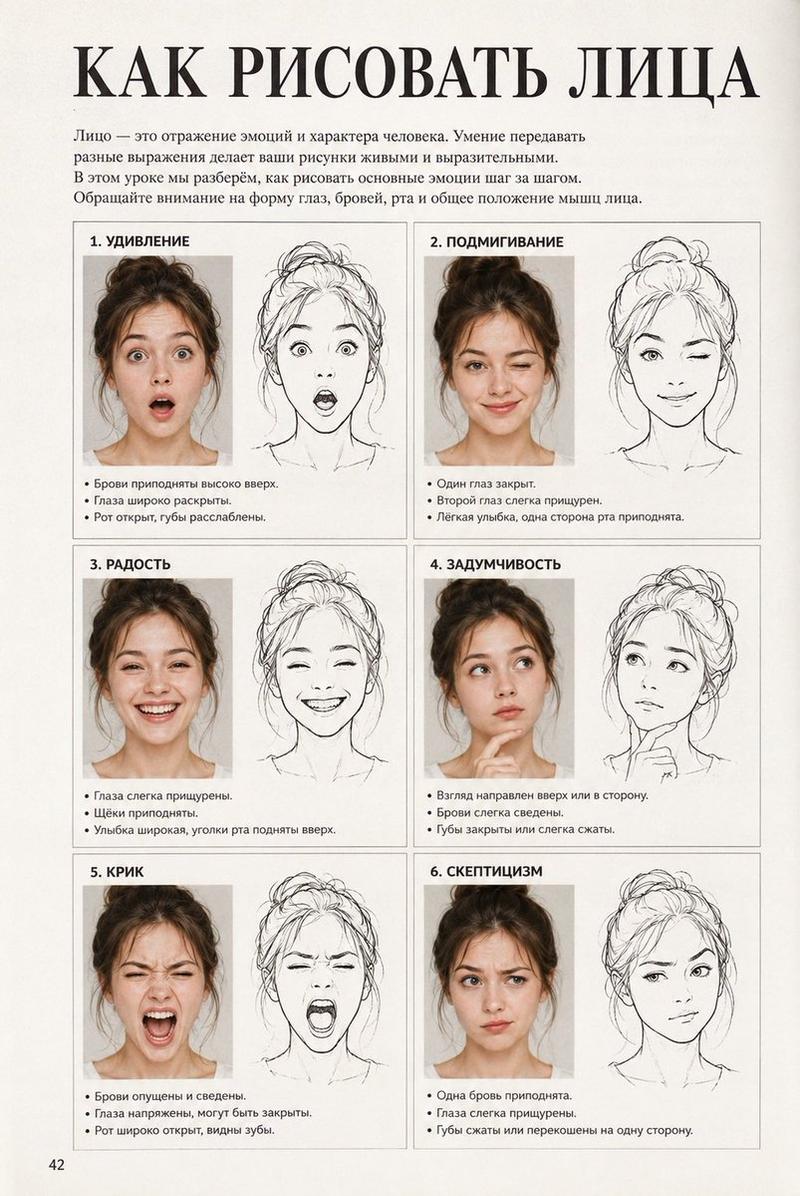
"ASCII 艺术脸与韩语文本" AI image prompt for Nano Banana Pro (创意图片). 一个韩语 ASCII 艺术风格的人脸或人物形象,其中融入了韩语字形“구”(Gu)和“사”(Sa)。整个视觉和文本结构作为一个提示,可能用于生成风格化的文本或基于此输入的图像。 --- ╭┈┈┈┈╯…
The full copyable prompt and example visuals above are ready for AI image generation or one-click recreate in Picva.
Step 1
Review the example visuals, category, and full prompt text for "ASCII 艺术脸与韩语文本".
Step 2
Copy the prompt body from this page, or load it directly in Studio.
Step 3
Prefer Nano Banana Pro. If you switch models, keep subject and composition and tweak style terms.
Step 4
Recreate the look in Picva, or export into your workflow for editing and publishing.