17

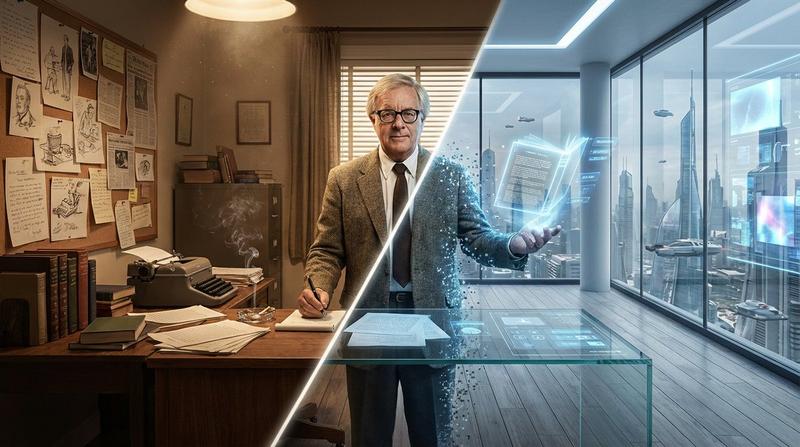
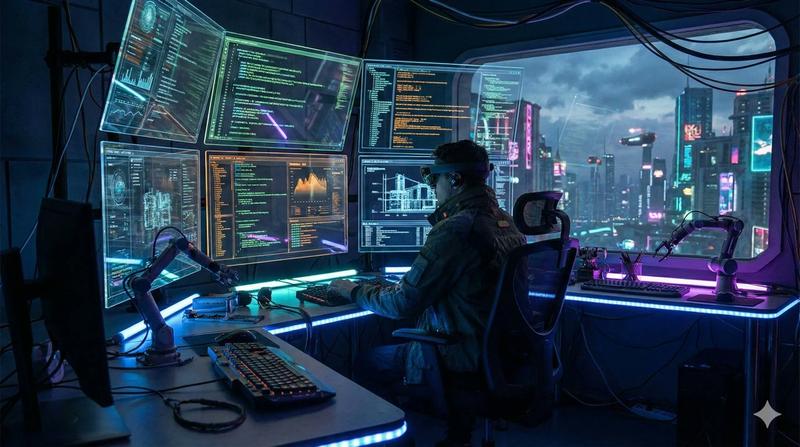
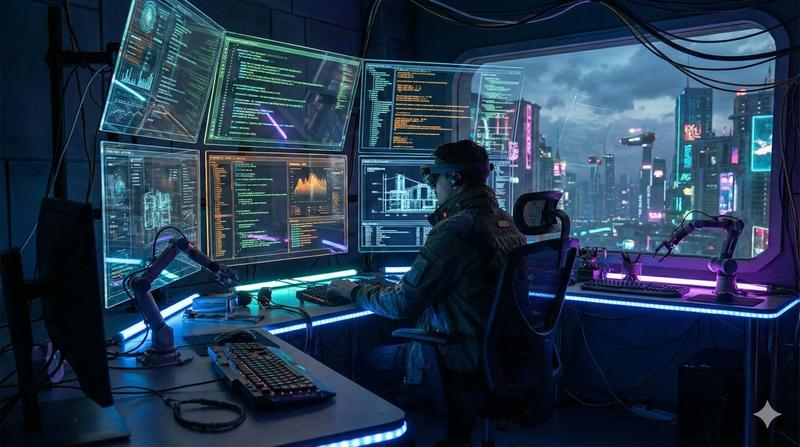
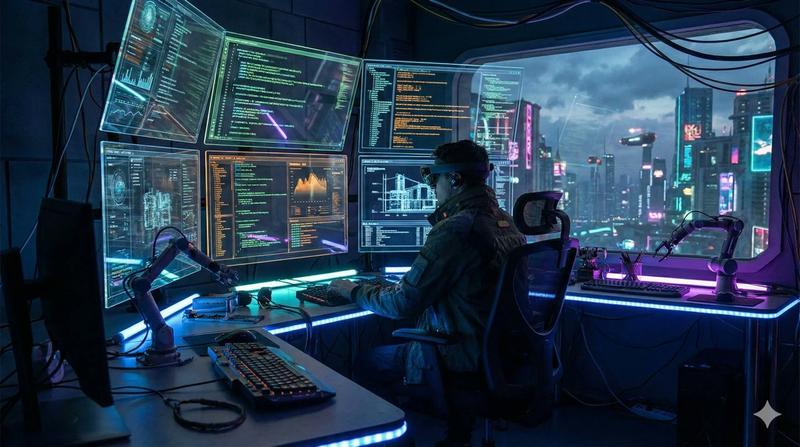
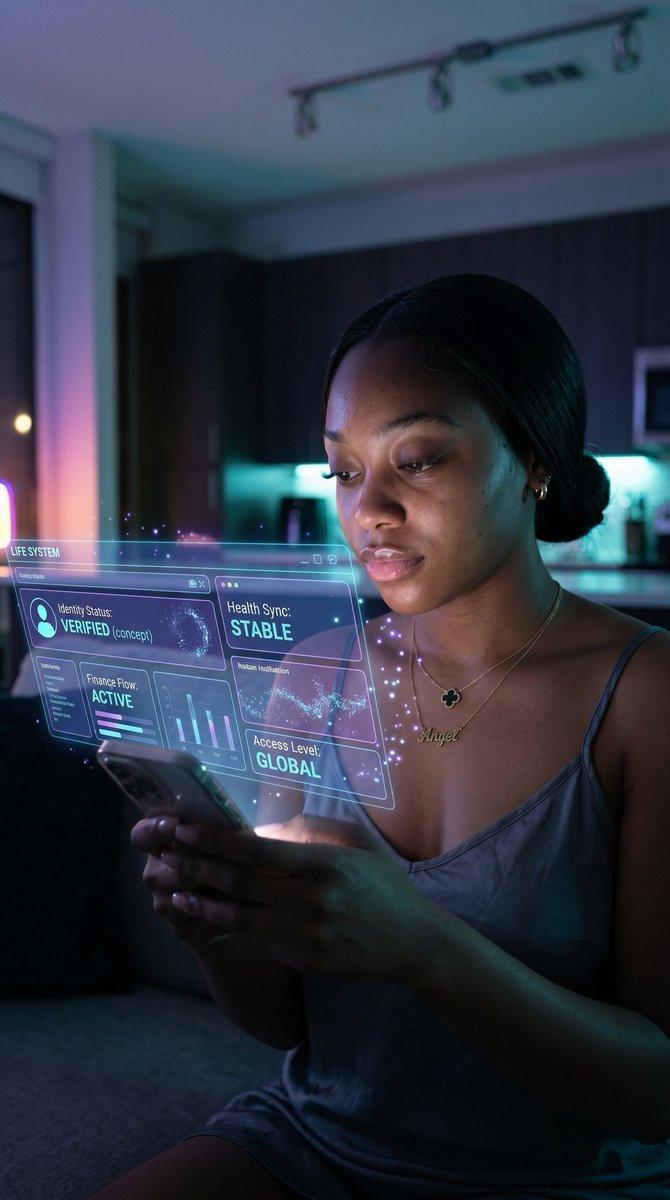
阿西莫夫远见分镜概念艺术提示词
Enlarge

阿西莫夫远见分镜概念艺术提示词

Prompt
Do this for Asimov:   1. The Analysis:
      Analyze Input:   Identify the Visionary's Era (e.g., 1950s) and their Core Predictions (e.g., Robotics, AI).
      Left Side (The Origin):   Construct the room based on the  actual  historical workspace of the person (e.g., Typewriters, cigarette smoke, blueprints, tungsten light).
      Right Side (The Legacy):   Construct the room based on the  modern realization  of their ideas (e.g., Clean server room, holograms, advanced prosthetics, cool LED light).

  2. Composition (The Rift):
      The Divide:   A diagonal beam of light splits the room.
      The Subject:   The Visionary stands dead center.
         Left Half of Body:  Dressed in period clothing, holding a pen/paper.
         Right Half of Body:  Fading into digital pixels or observing a floating hologram of their invention.
      The Wall:
         Left Wall:  Covered in pinned sketches and paper notes.
         Right Wall:  A floor-to-ceiling window looking out onto a futuristic city (The world they predicted).

  3. Visual
      Cohesion:   The perspective lines of the room must match perfectly across the split. A wooden desk on the left might morph into a sleek glass interface on the right.
      Lighting:   Warm/Dusty (Left) vs. Cold/Sterile (Right).

  Output:   ONE image, 16:9 Aspect Ratio, Cinematic Concept Art, Photorealistic.
Category
创意图片
Model
Nano Banana Pro
Creator
Gadgetify
Views0
Source ID
b531711e-87ee-4c3e-a94e-97f641bbd05b
Published
Mar 8, 2026

Guide

About "阿西莫夫远见分镜概念艺术提示词"

What is this prompt for?

"阿西莫夫远见分镜概念艺术提示词" AI image prompt for Nano Banana Pro (创意图片). 一个复杂的多步骤提示,旨在生成电影级的概念艺术图像(16:9),该图像将场景对角线分割,对比一位远见者(例如:阿西莫夫)的历史工作空间与他们思想的现代实现,并使用对比鲜明的灯光和元素。 ---…

The full copyable prompt and example visuals above are ready for AI image generation or one-click recreate in Picva.

How to use this prompt

  1. Step 1

    Open the prompt detail

    Review the example visuals, category, and full prompt text for "阿西莫夫远见分镜概念艺术提示词".

  2. Step 2

    Copy the prompt

    Copy the prompt body from this page, or load it directly in Studio.

  3. Step 3

    Pick a model (Nano Banana Pro)

    Prefer Nano Banana Pro. If you switch models, keep subject and composition and tweak style terms.

  4. Step 4

    Generate and export

    Recreate the look in Picva, or export into your workflow for editing and publishing.

FAQ

What is the "阿西莫夫远见分镜概念艺术提示词" prompt?
It is an AI image-generation prompt for Nano Banana Pro in the 创意图片 category. This page includes the full prompt text, example visuals, and a one-click recreate path in Picva.
How do I use this prompt to generate an image?
Copy the prompt from this page, or use Generate / Studio. Paste it into a compatible image model, or recreate the look in Picva with optional reference images.
Which model is this prompt for?
This page lists Nano Banana Pro. Most descriptive prompts also transfer to nearby image models such as GPT Image, Flux, or Midjourney with light style tweaks.
Can I use the result commercially?
You can usually copy the prompt for creation, but commercial use of the final image depends on the model terms, reference-image rights, and the generated content. Follow the source author and platform rules.