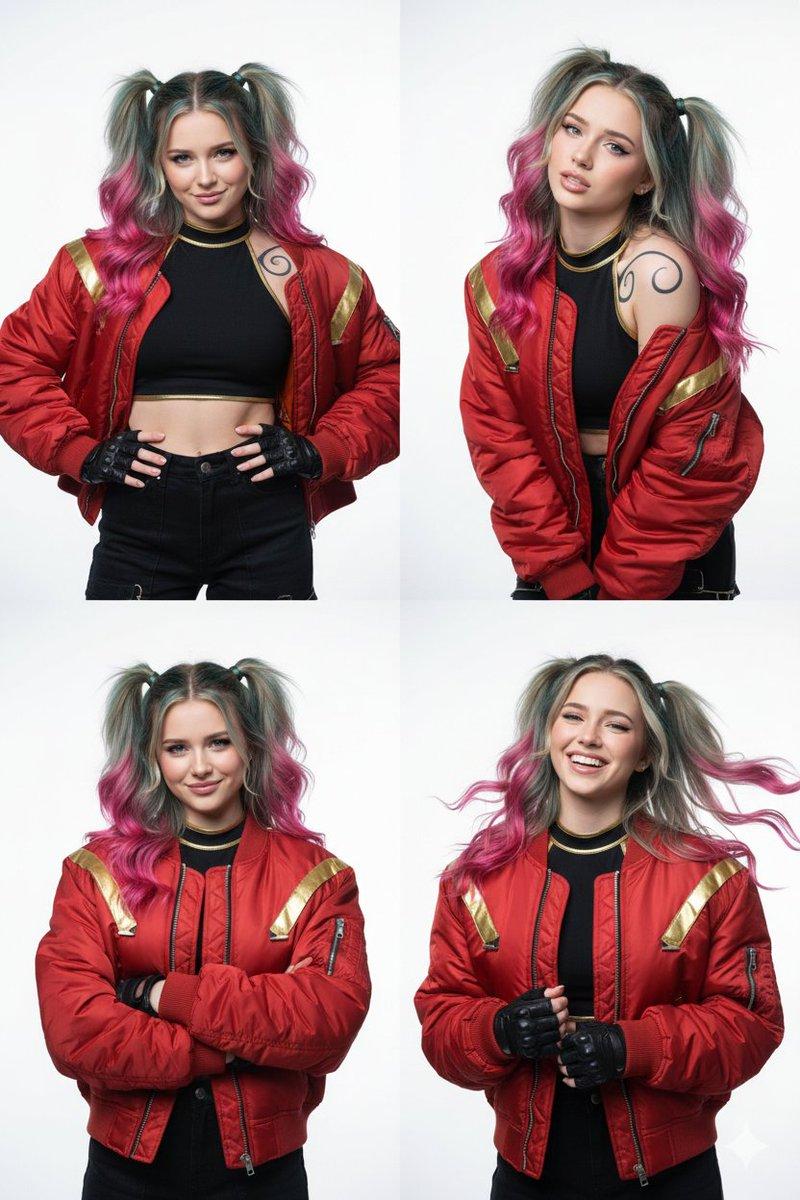
14

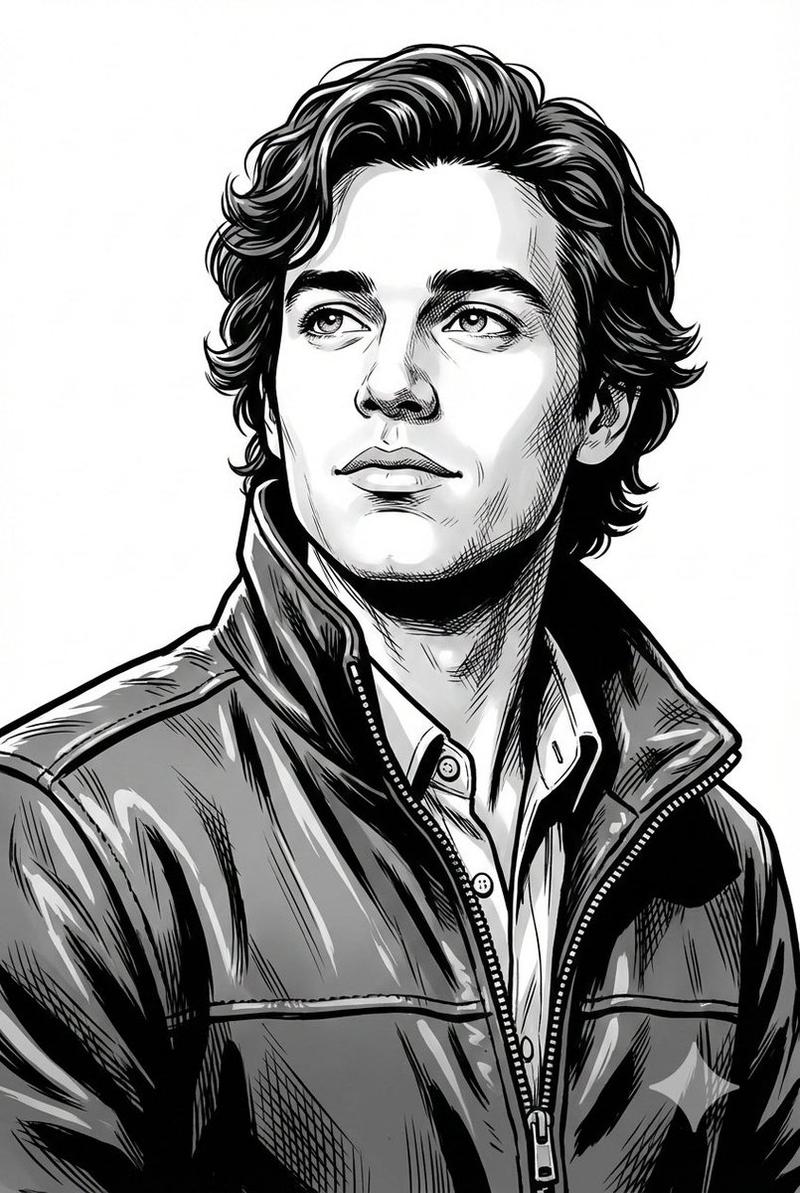
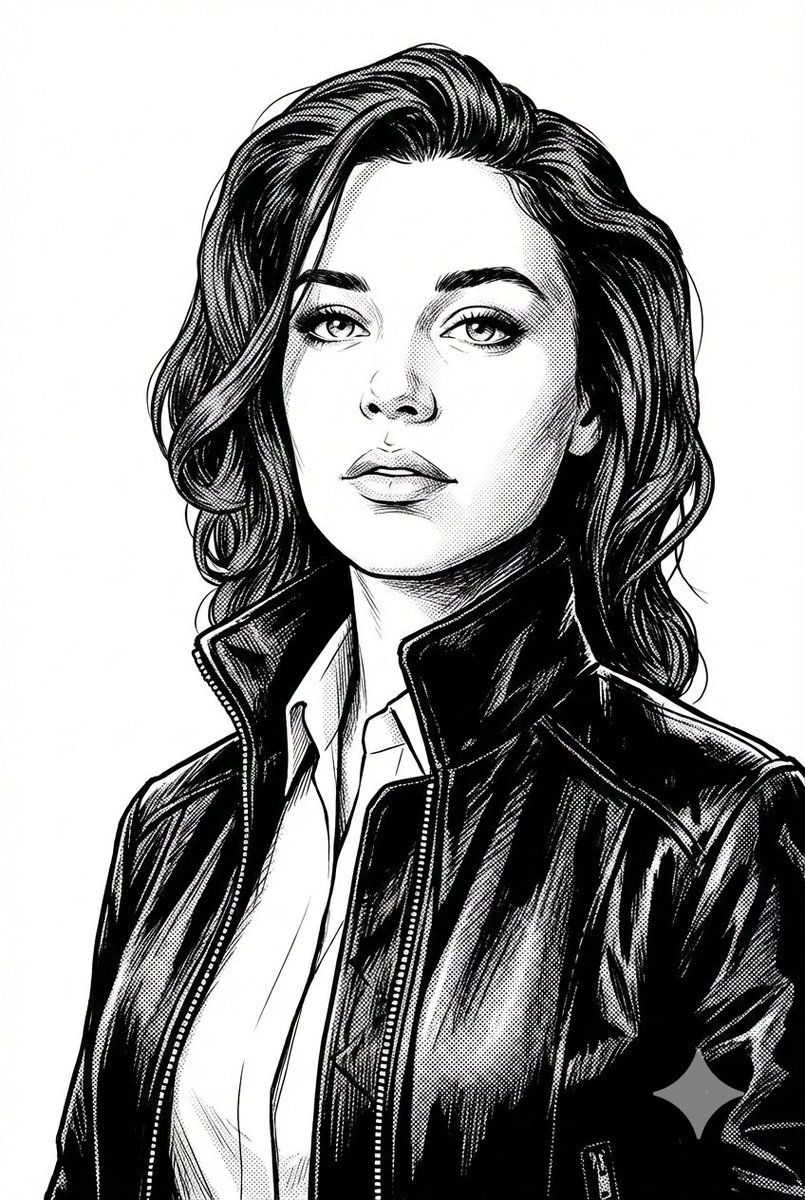
黑白数字插画肖像
Enlarge

黑白数字插画肖像

Prompt
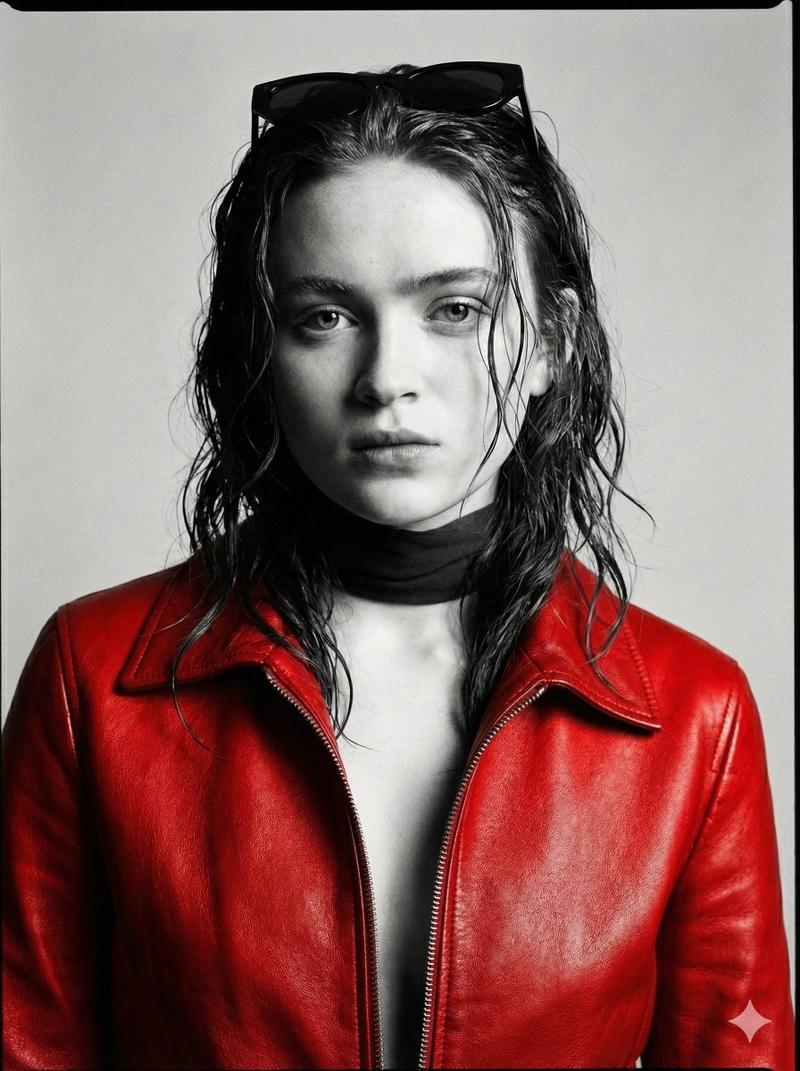
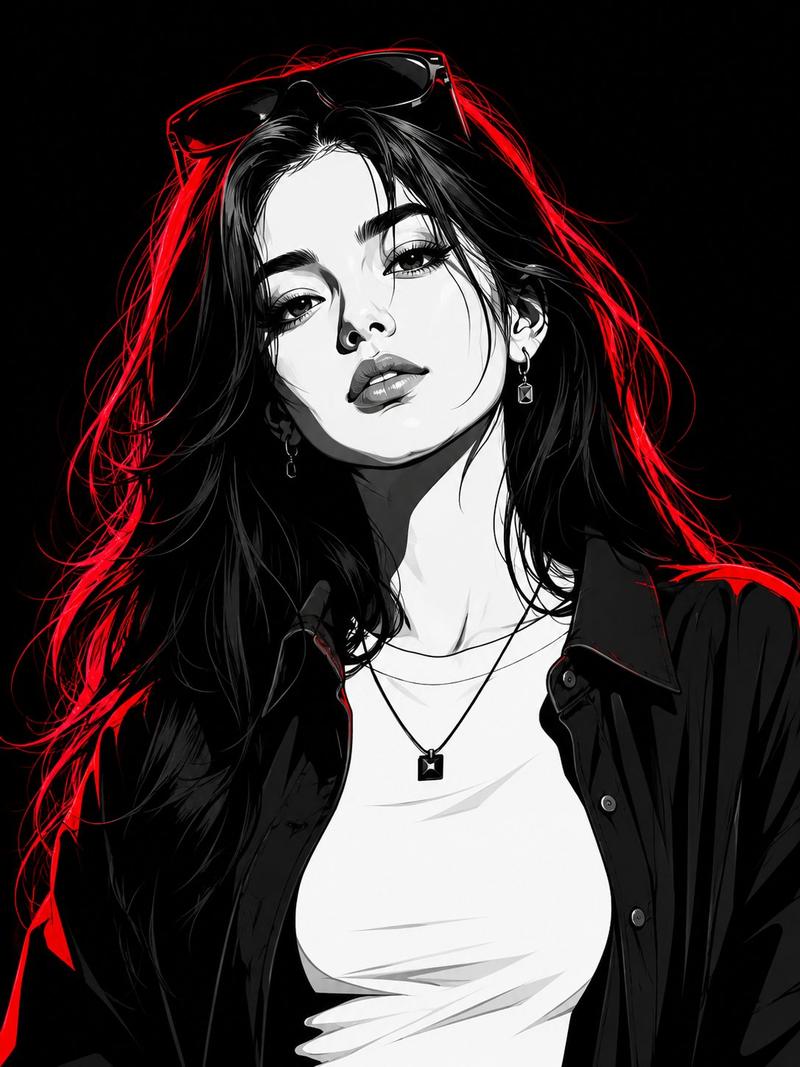
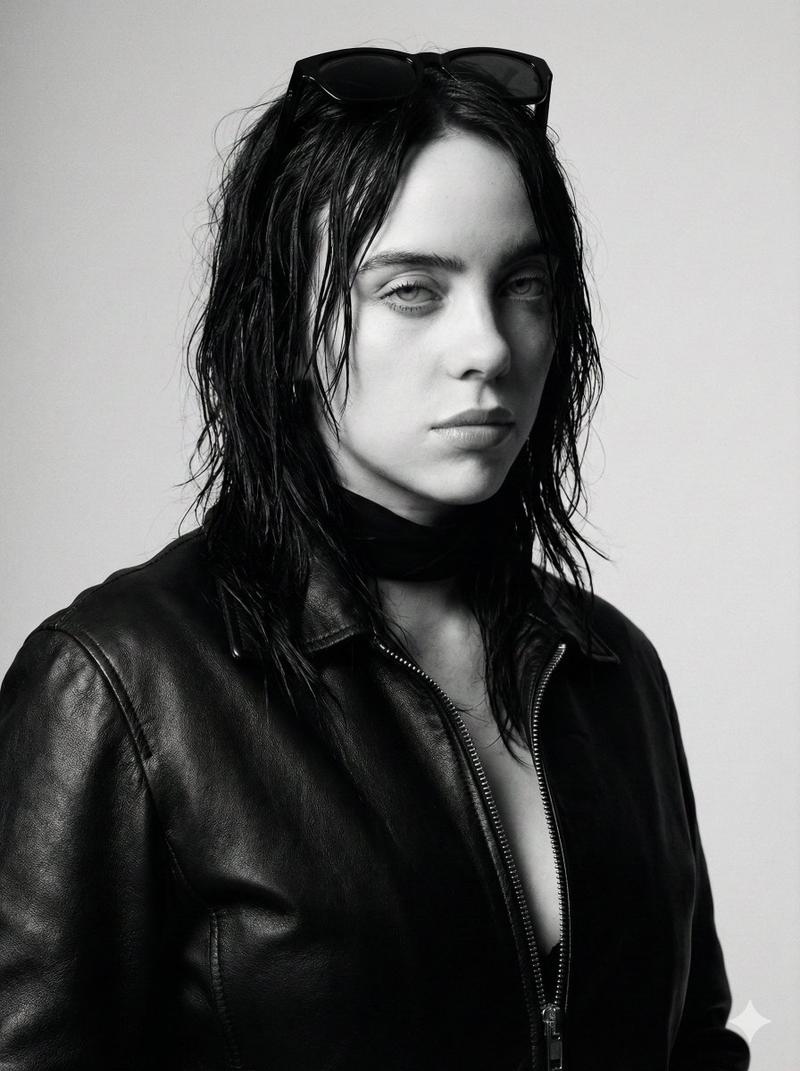
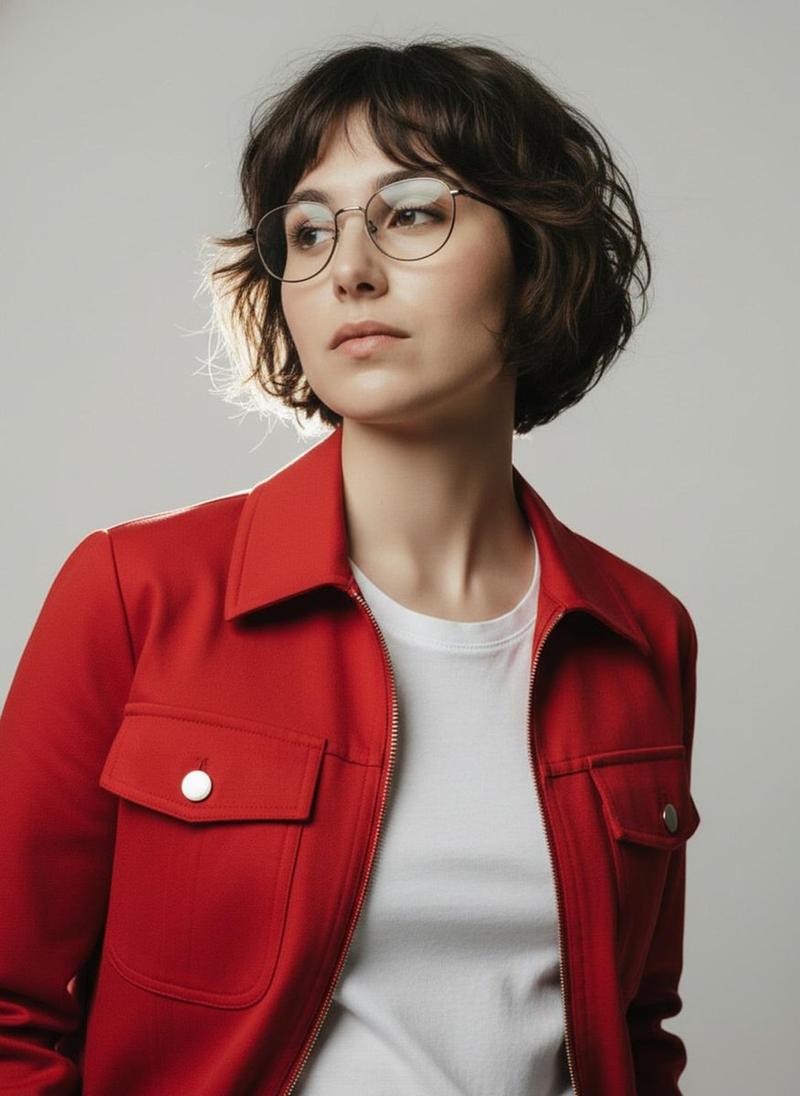
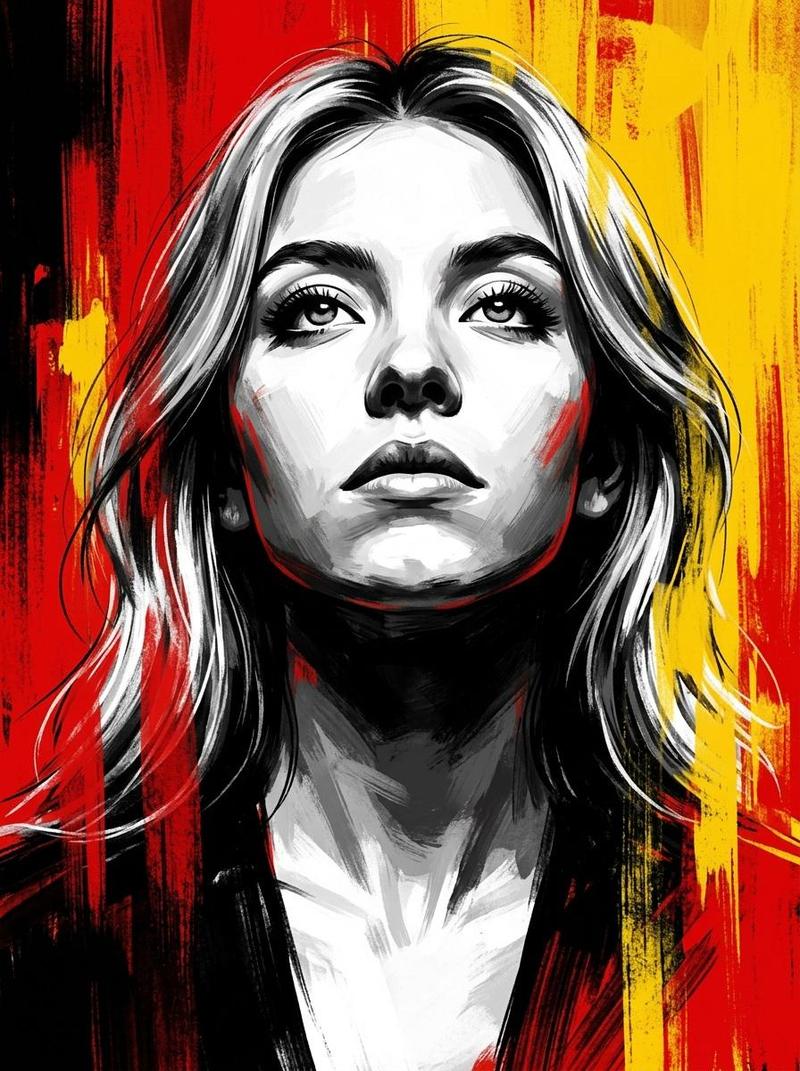
A portrait size image of highly detailed black and white digital illustration in a comic book or vector art style, depicting a person ({argument name="person" default="uploaded photo"}) she has a calm expression. Her eyes are gazing upwards and slightly to the side. She is dressed in a formal collared shirt underneath a zipped-up leather or bomber-style jacket with a high collar, rendered with clean lines, high contrast shading, and cross-hatching for texture. The background is plain white, focusing entirely on the bust portrait from the chest up, angled slightly from below to emphasize her upward gaze. Style reminiscent of noir graphic novels or modern pop art portraits, monochromatic with gradients from pure black to white.
Category
创意图片
Model
Nano Banana Pro
Views0
Source ID
3409236b-8bae-43fd-b4db-cb0de1ffc159
Published
Mar 8, 2026

Guide

About "黑白数字插画肖像"

What is this prompt for?

"黑白数字插画肖像" AI image prompt for Nano Banana Pro (创意图片). 一个用于创建高度精细的黑白数字插画的提示,风格为漫画书/矢量艺术。它要求使用上传的照片来描绘人物的肖像,人物身穿正装衬衫和皮夹克,重点突出高对比度阴影、交叉影线纹理和黑色电影图画小说美学。 --- 一张肖像尺…

The full copyable prompt and example visuals above are ready for AI image generation or one-click recreate in Picva.

How to use this prompt

  1. Step 1

    Open the prompt detail

    Review the example visuals, category, and full prompt text for "黑白数字插画肖像".

  2. Step 2

    Copy the prompt

    Copy the prompt body from this page, or load it directly in Studio.

  3. Step 3

    Pick a model (Nano Banana Pro)

    Prefer Nano Banana Pro. If you switch models, keep subject and composition and tweak style terms.

  4. Step 4

    Generate and export

    Recreate the look in Picva, or export into your workflow for editing and publishing.

FAQ

What is the "黑白数字插画肖像" prompt?
It is an AI image-generation prompt for Nano Banana Pro in the 创意图片 category. This page includes the full prompt text, example visuals, and a one-click recreate path in Picva.
How do I use this prompt to generate an image?
Copy the prompt from this page, or use Generate / Studio. Paste it into a compatible image model, or recreate the look in Picva with optional reference images.
Which model is this prompt for?
This page lists Nano Banana Pro. Most descriptive prompts also transfer to nearby image models such as GPT Image, Flux, or Midjourney with light style tweaks.
Can I use the result commercially?
You can usually copy the prompt for creation, but commercial use of the final image depends on the model terms, reference-image rights, and the generated content. Follow the source author and platform rules.