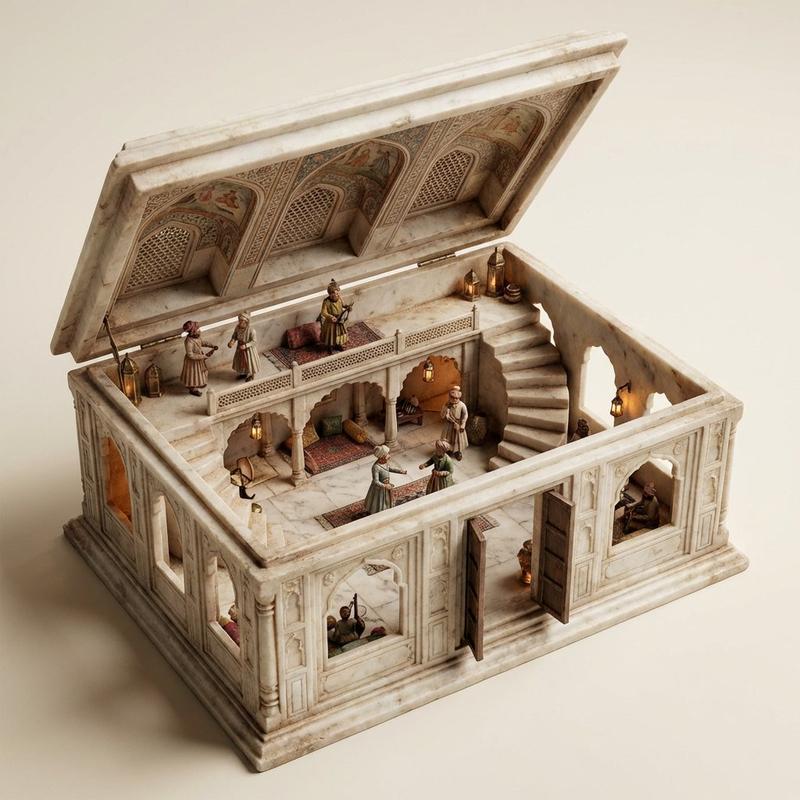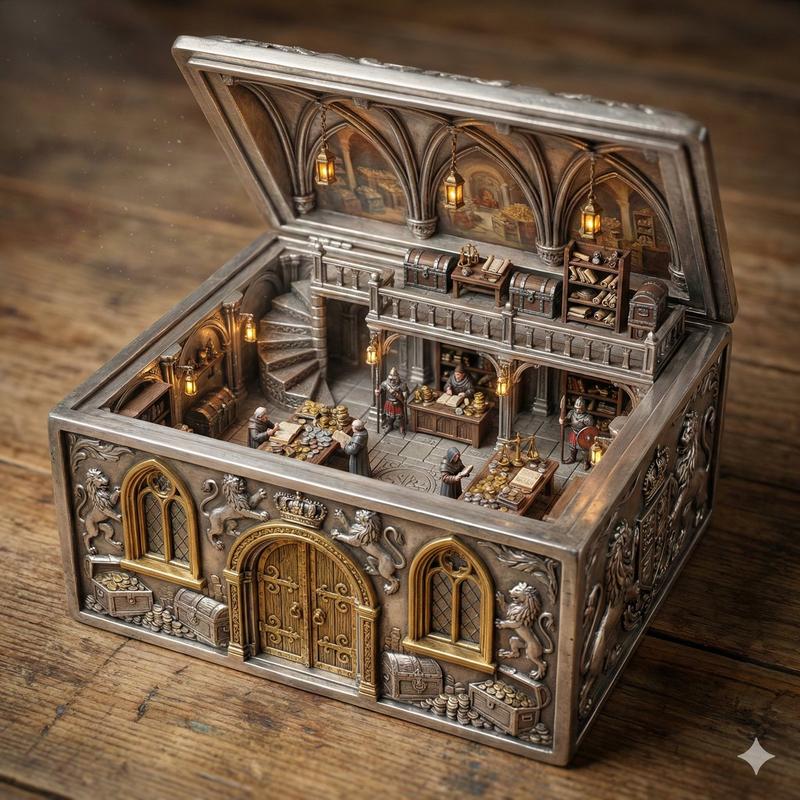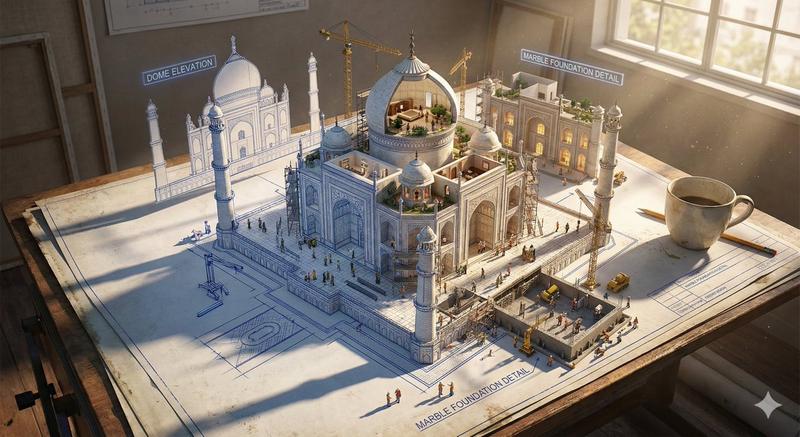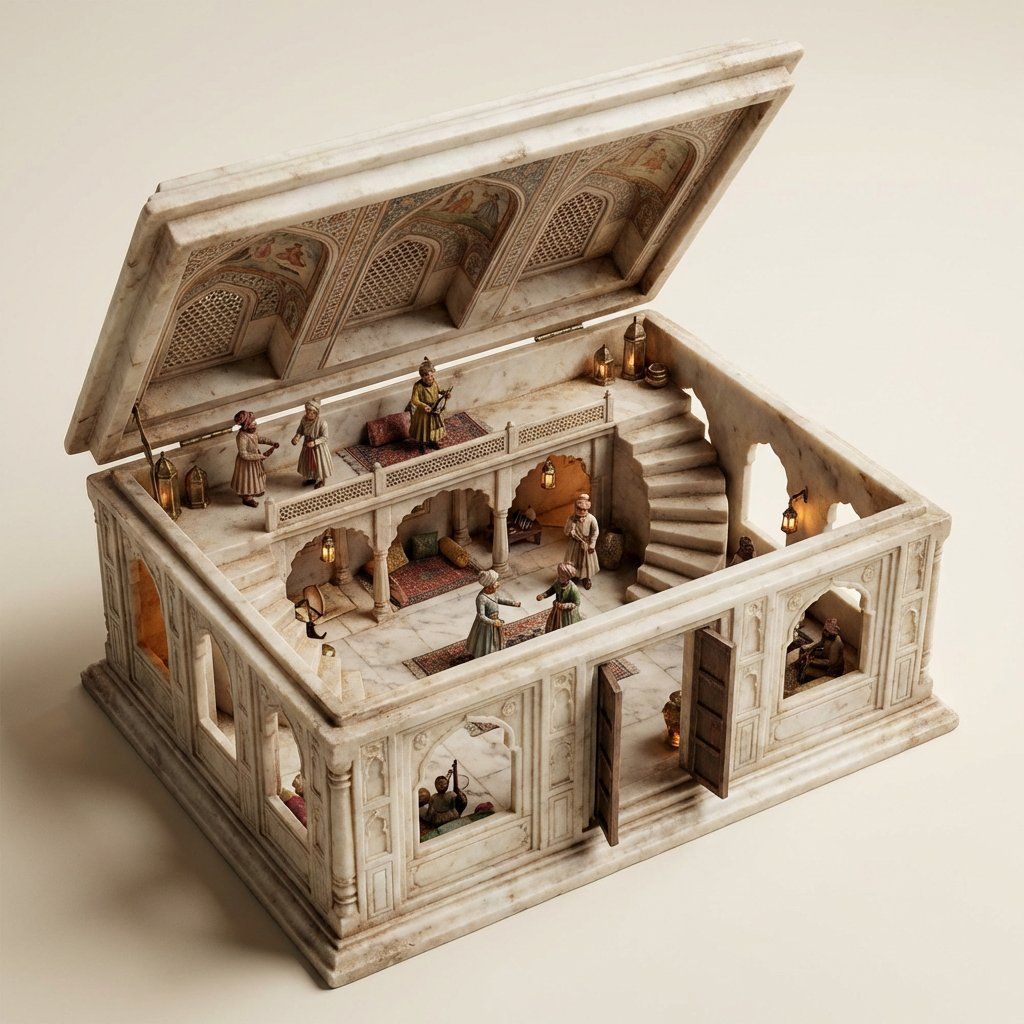
华丽盒子立体模型主提示(莫卧儿大厅内部)
Prompt
Scene:
ORNATE BOX DIORAMA — AUTO-THEME MASTER PROMPT
========================
SMART VARIABLE GUIDE
THEME_LOCATION = {argument name="theme location" default="Marble Mughal Hall Interior"}
AUTO RULES:
• If THEME_LOCATION is filled → automatically infer:
PRIMARY_ACTIVITY
STAIR_TYPE
CEILING_DETAILS
THEME_MATERIAL_STYLE
PROP_LIST
THEME_LIGHT_SOURCE
BASE_MATERIAL_COLOR
THEME_PALETTE
FOCAL_SUBJECT
All inferred values must be logically consistent with THEME_LOCATION.
• If THEME_LOCATION is blank → first invent a visually rich miniature environment theme, assign it to THEME_LOCATION, then automatically infer all other variables from it.
• Always prioritize strong environmental storytelling, believable materials, and handcrafted miniature realism when inferring values.
========================
SUBJECT:
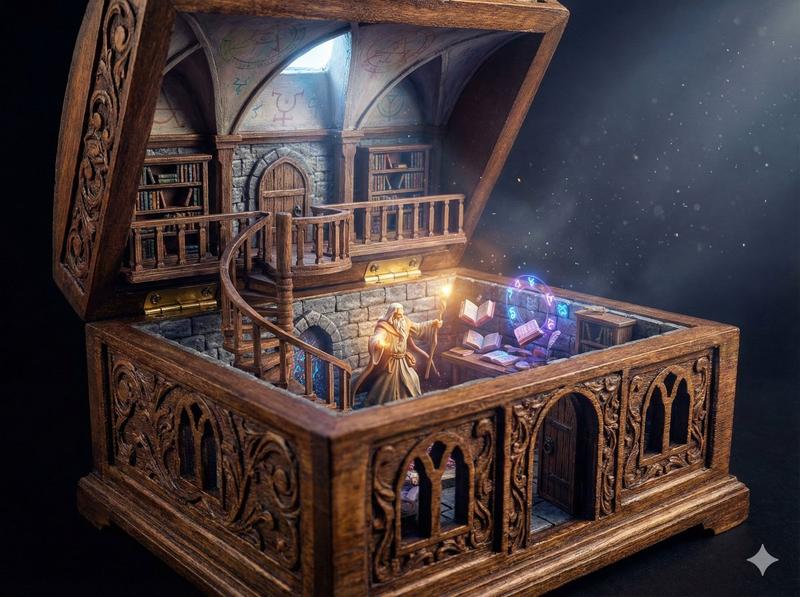
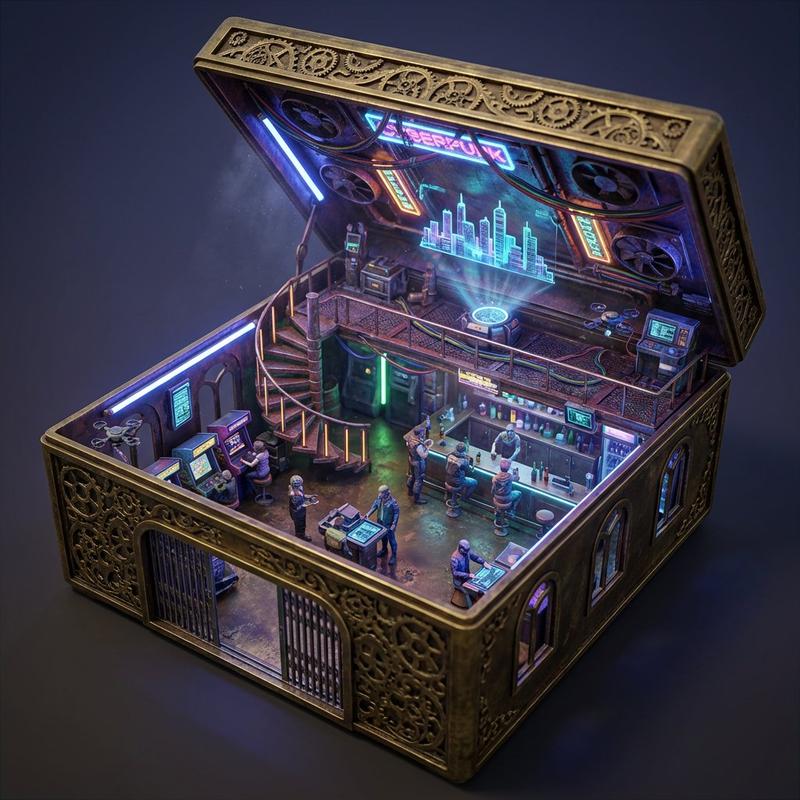
A two-level miniature THEME_LOCATION where the ornate open box itself forms the architecture, the base container acting as the full ground floor chamber with the box walls serving directly as the structural walls. The sides of the box must contain functional doors and windows, with the front-facing side featuring a wide open doorway and visible windows. No side of the box may be removed, cut away, or missing. The box height:width:length ratio is 1:4:7 (the width four times the height). The scene features PRIMARY_ACTIVITY actively interacting with the environment. The structure must be fully integrated into the box material itself — not a room inserted inside, not a display frame, not a cutaway model. The ground floor must be constructed from the same material as the box exterior.
ENVIRONMENT:
The base of the ornate box forms the ground floor surface and foundation. Its interior sides transform into the architectural walls containing carved doorways and window openings seamlessly cut into the box sides and aligned with exterior ornamentation. A mezzanine or upper level is built above with structural elements attached directly to the box walls and connected via STAIR_TYPE. The inside of the open lid functions as the vaulted ceiling decorated with CEILING_DETAILS.
DETAILS:
Intricately carved ornate box styled according to THEME_MATERIAL_STYLE. Exterior ornamentation must continue logically into interior architecture. Doors and windows must be precisely cut into the box sides following decorative carving patterns. Include believable miniature structural joins where beams meet the container walls. Include ultra-fine theme-specific props such as PROP_LIST. Include floating dust, micro-surface wear, tactile handcrafted realism, and environmental storytelling details.
STYLE:
Ultra-realistic cinematic miniature diorama photography, museum-grade handcrafted realism, extreme macro detail, physically believable materials, strong architectural style integration of container and structure.
LIGHTING:
Primary lighting motivated by THEME_LIGHT_SOURCE combined with subtle environmental secondary lighting entering through box windows- Category
- 创意图片
- Model
- Nano Banana Pro
- Creator
- Artingent
- Source ID
- f0baa1d8-41dd-42ef-847d-610add8271fc
- Published
- Mar 8, 2026
Views0