20

霓虹夜市美食摄影提示
Enlarge

霓虹夜市美食摄影提示

Prompt
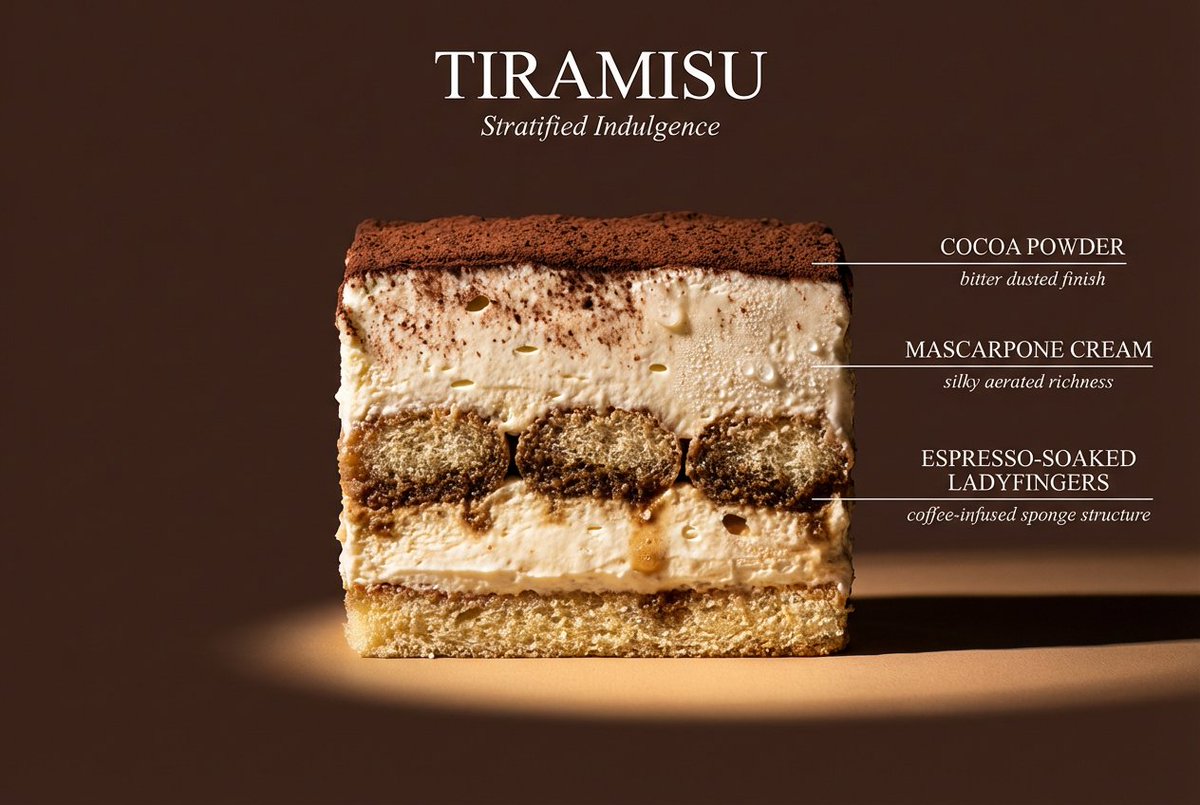
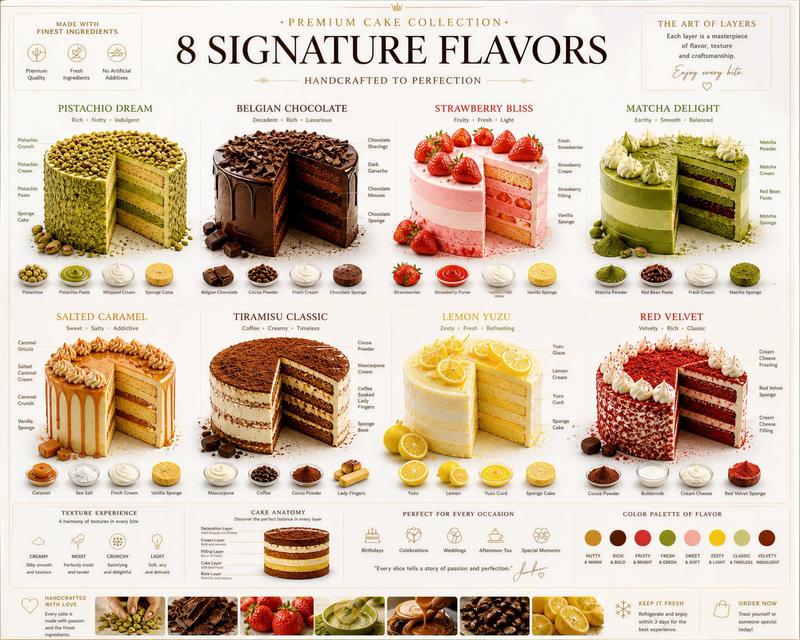
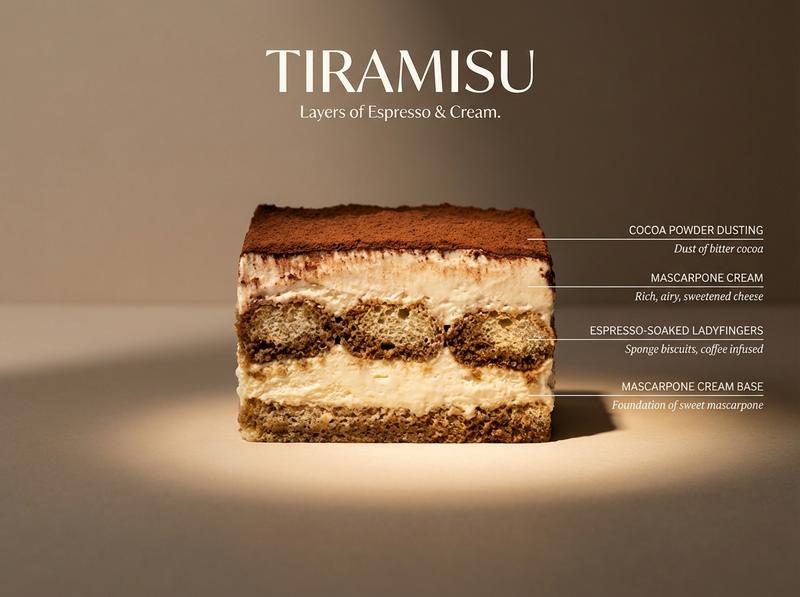
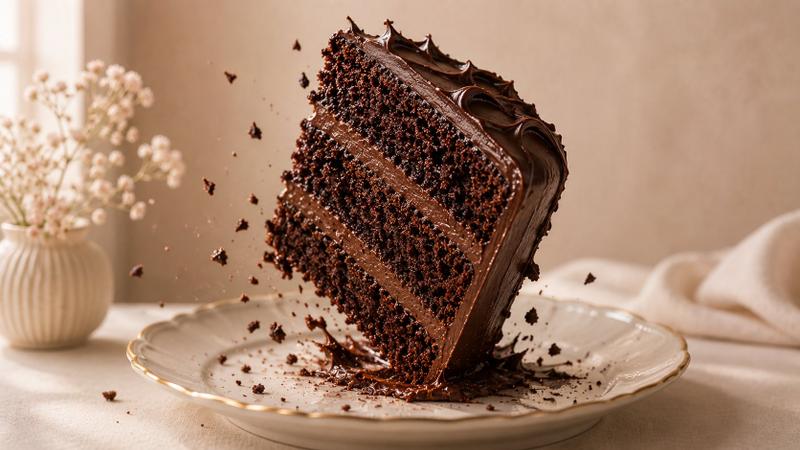
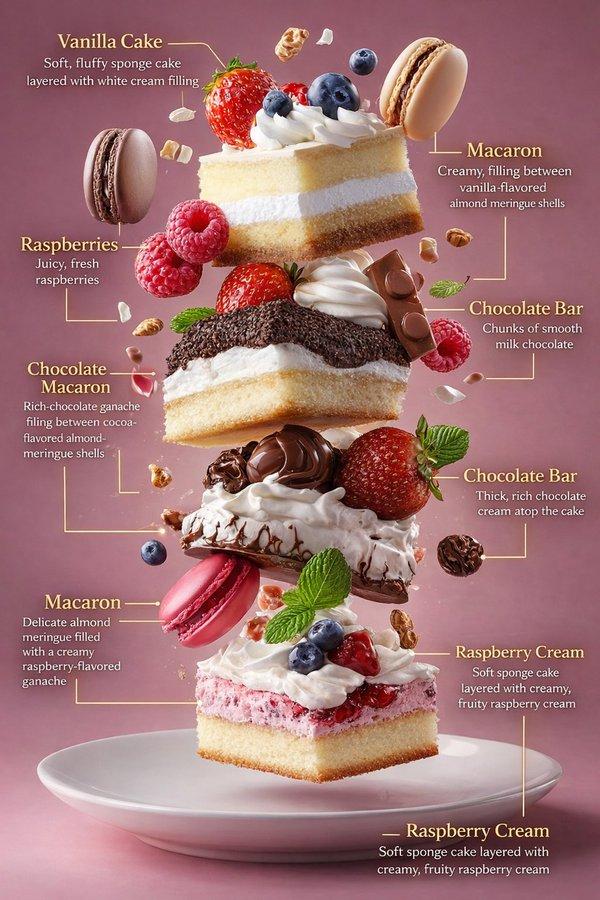
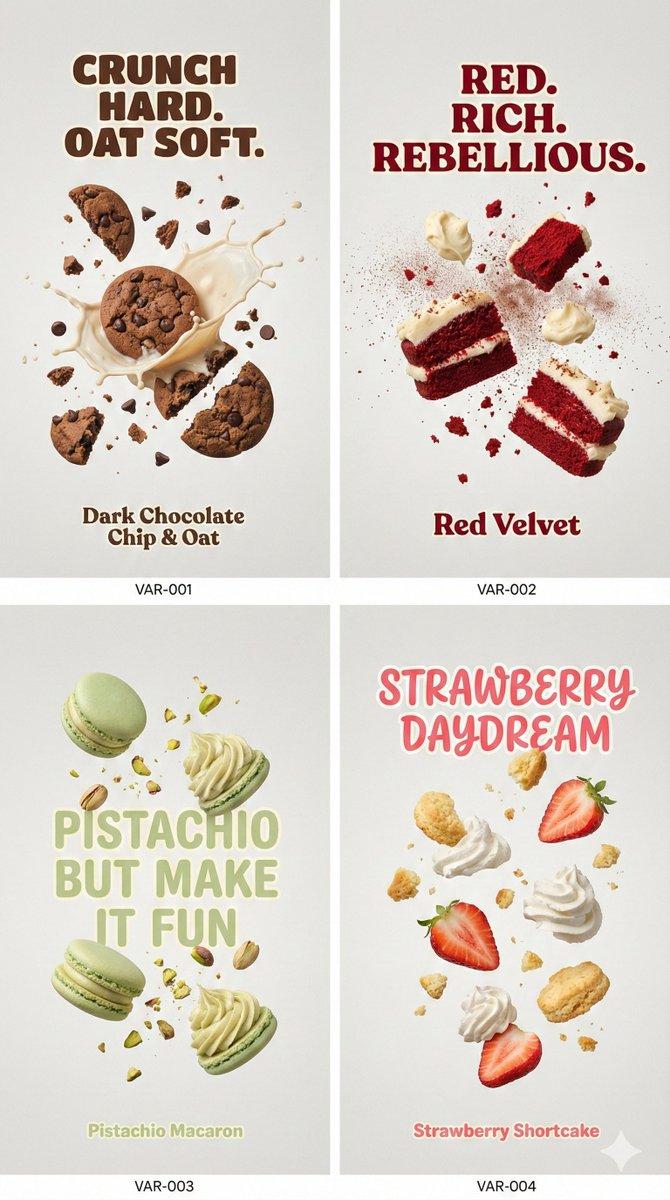
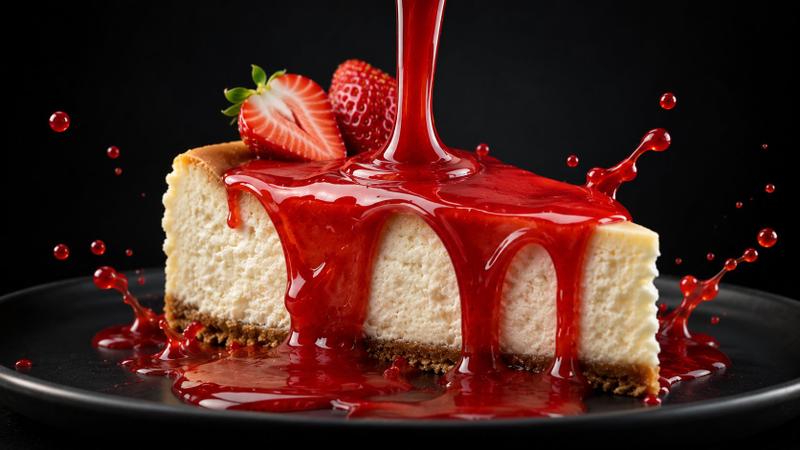
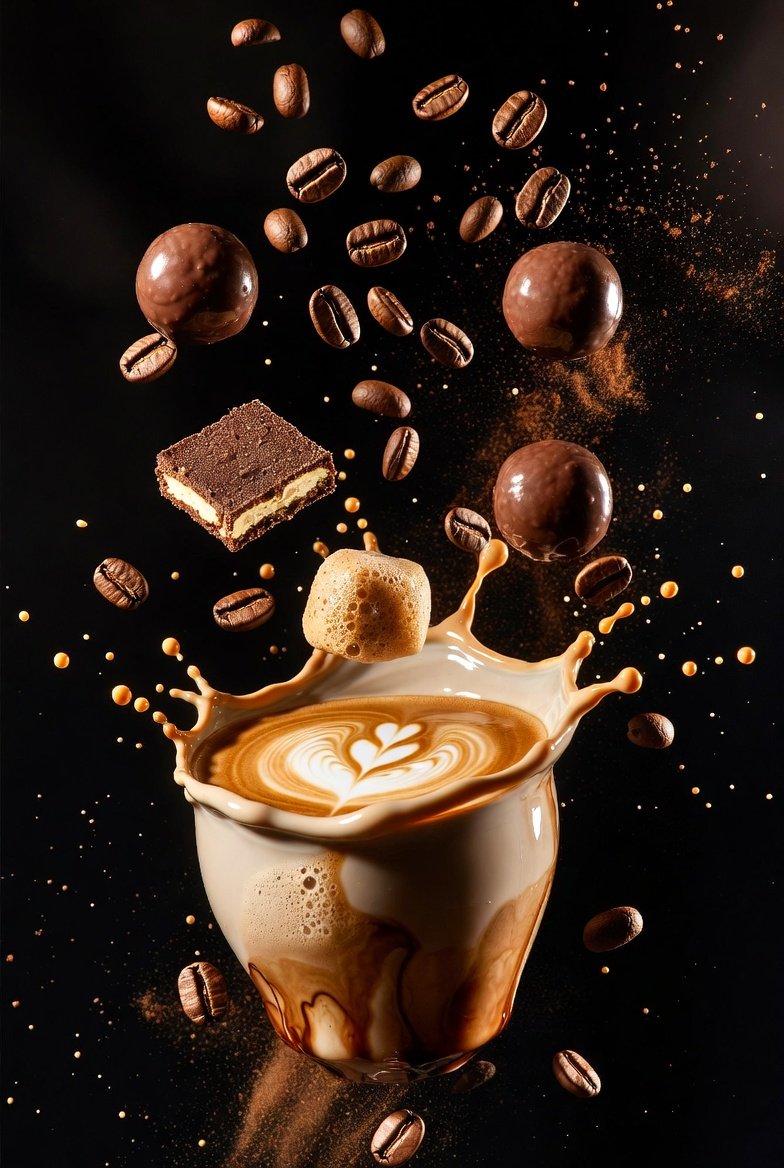
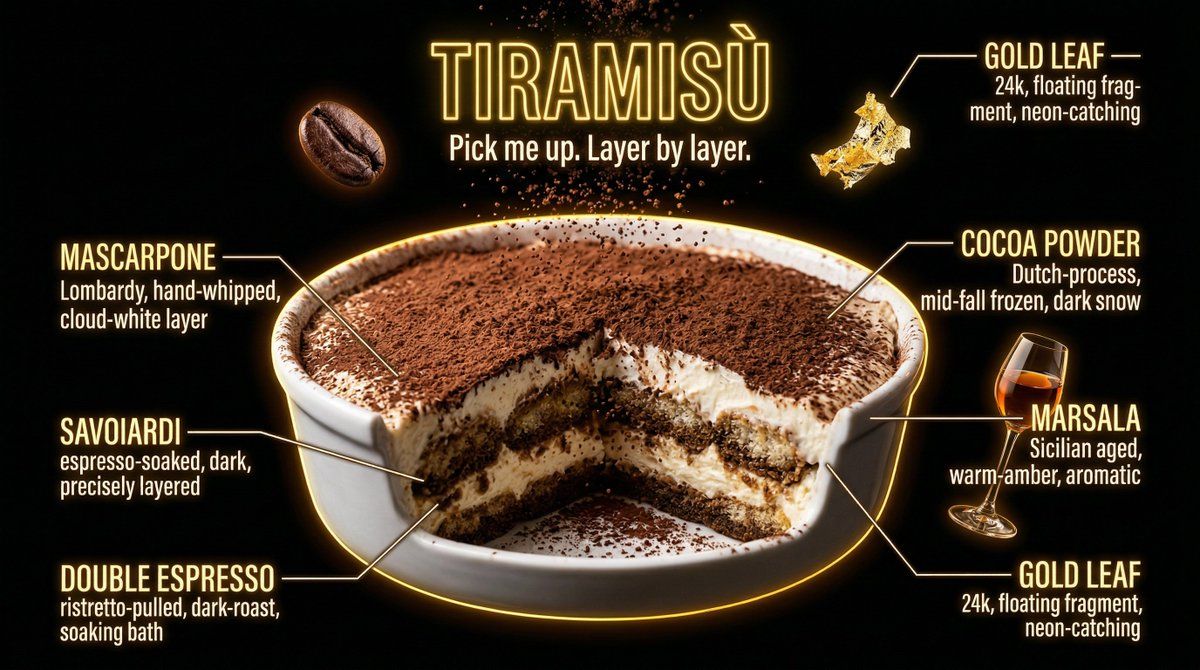
Hyperrealistic {argument name="dish" default="DISH"} shot against pure black, dramatic {argument name="color 1" default="warm"} and {argument name="color 2" default="electric"} neon rim lighting. {argument name="vessel" default="VESSEL"} center, hero ingredients fully photorealistic and craveable, every texture glistening, sauce drips and cheese pulls catching neon light like liquid glass, steam wisps glowing in colored light. Supporting ingredients floating dramatically around, each lit by neon glow. Labels in neon-glow condensed uppercase with 90° elbow joints: "[INGREDIENT preparation, texture, origin]" and repeat for 6 ingredients. Each label a different neon hue. Dish name in bold neon sign typography at top: "{argument name="dish name" default="[DISH NAME]"}". Subtitle: "[TAGLINE]". Pure black background, 4K tack sharp, warm food tones glowing against darkness, craveable.
Category
创意图片
Model
Nano Banana Pro
Views0
Source ID
a2cb2bfc-dccf-4890-a29e-4ed8f3e35d87
Published
Mar 8, 2026

Guide

About "霓虹夜市美食摄影提示"

What is this prompt for?

"霓虹夜市美食摄影提示" AI image prompt for Nano Banana Pro (创意图片). 这是一个专为超现实食物摄影设计的模板提示词,旨在模拟戏剧性的霓虹夜市美学。它使用纯黑色背景、强烈的霓虹边缘光({argument name="color 1" default="warm"} 和 {arg…

The full copyable prompt and example visuals above are ready for AI image generation or one-click recreate in Picva.

How to use this prompt

  1. Step 1

    Open the prompt detail

    Review the example visuals, category, and full prompt text for "霓虹夜市美食摄影提示".

  2. Step 2

    Copy the prompt

    Copy the prompt body from this page, or load it directly in Studio.

  3. Step 3

    Pick a model (Nano Banana Pro)

    Prefer Nano Banana Pro. If you switch models, keep subject and composition and tweak style terms.

  4. Step 4

    Generate and export

    Recreate the look in Picva, or export into your workflow for editing and publishing.

FAQ

What is the "霓虹夜市美食摄影提示" prompt?
It is an AI image-generation prompt for Nano Banana Pro in the 创意图片 category. This page includes the full prompt text, example visuals, and a one-click recreate path in Picva.
How do I use this prompt to generate an image?
Copy the prompt from this page, or use Generate / Studio. Paste it into a compatible image model, or recreate the look in Picva with optional reference images.
Which model is this prompt for?
This page lists Nano Banana Pro. Most descriptive prompts also transfer to nearby image models such as GPT Image, Flux, or Midjourney with light style tweaks.
Can I use the result commercially?
You can usually copy the prompt for creation, but commercial use of the final image depends on the model terms, reference-image rights, and the generated content. Follow the source author and platform rules.