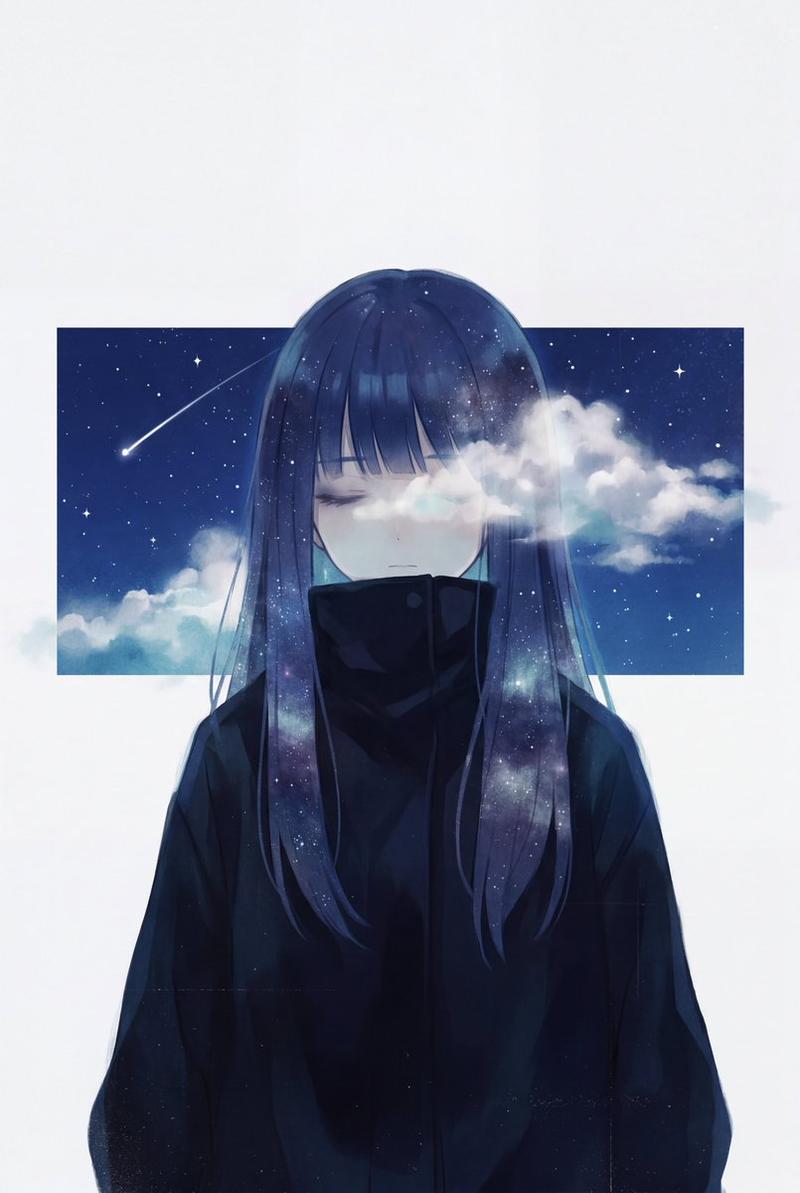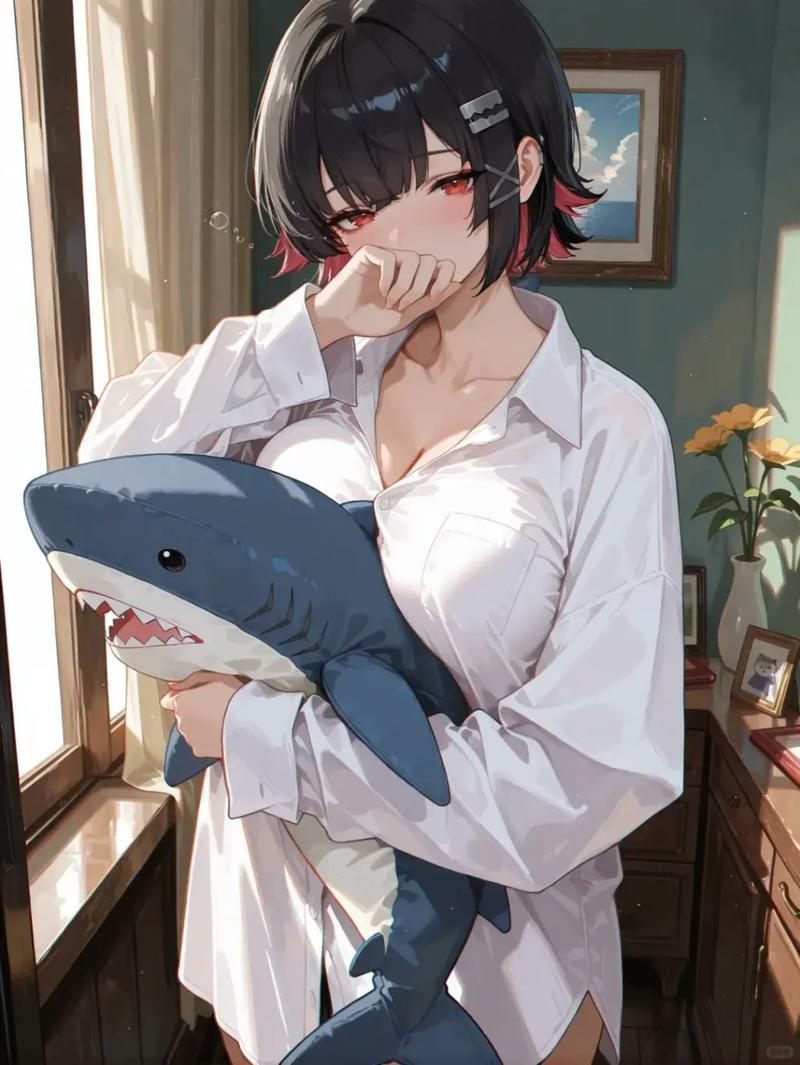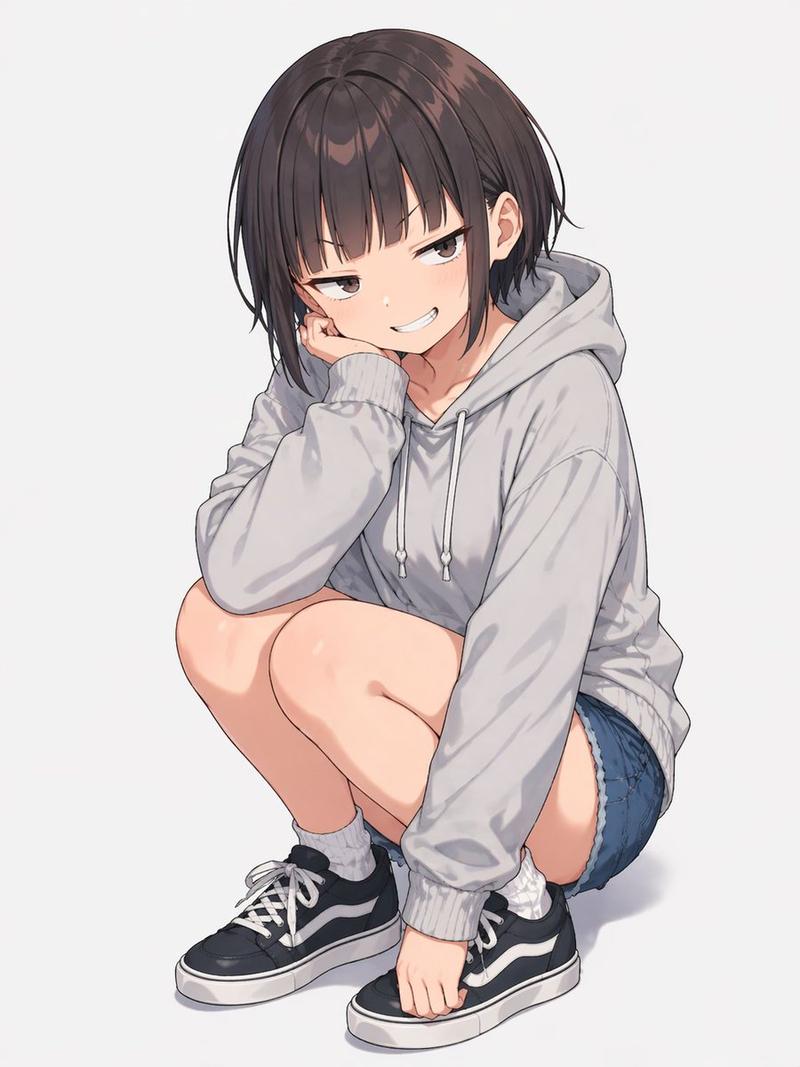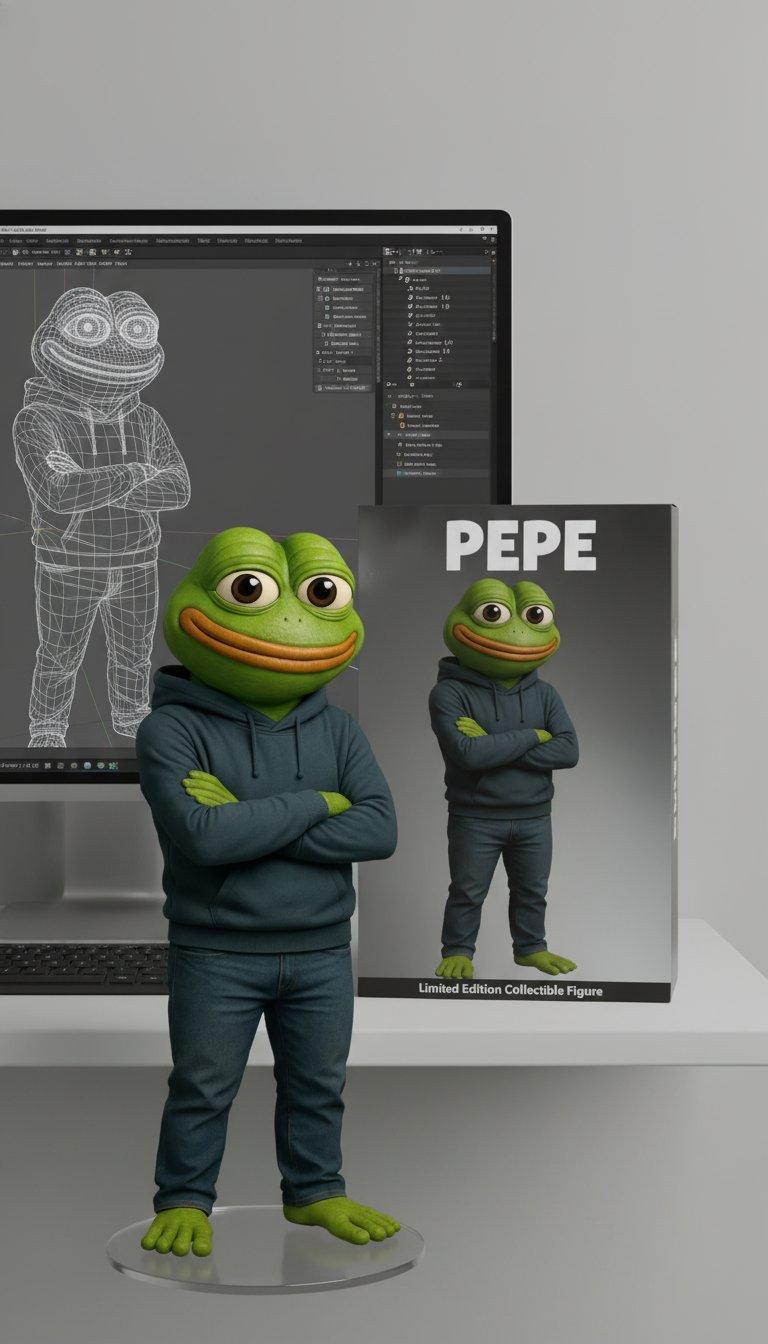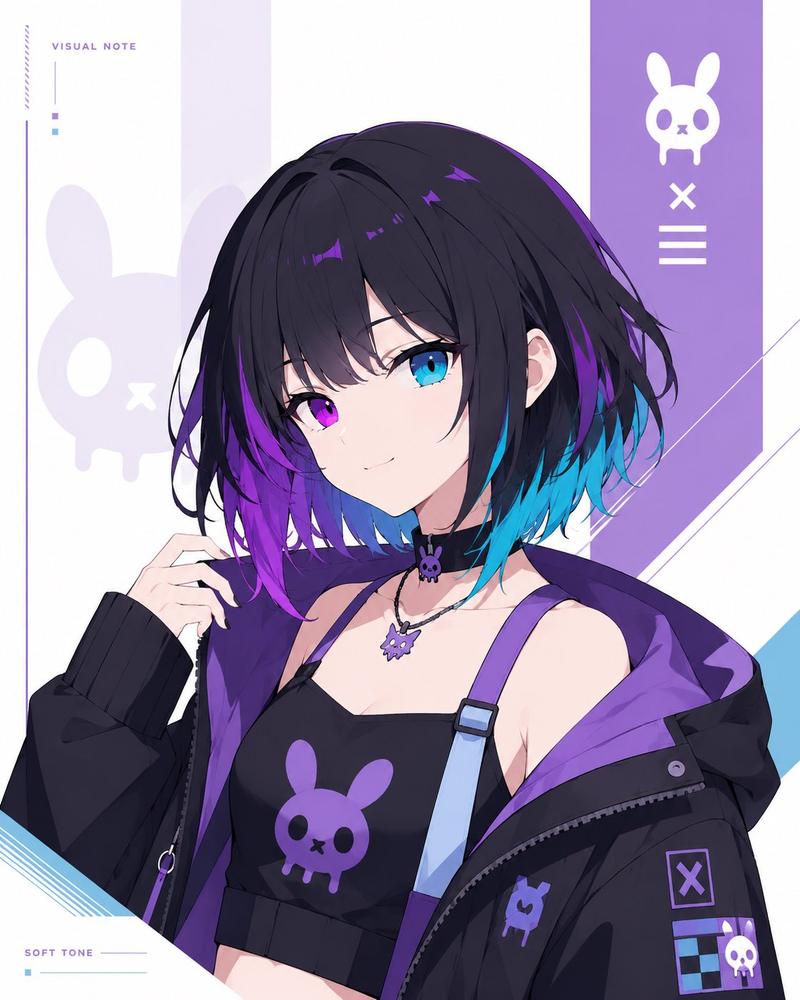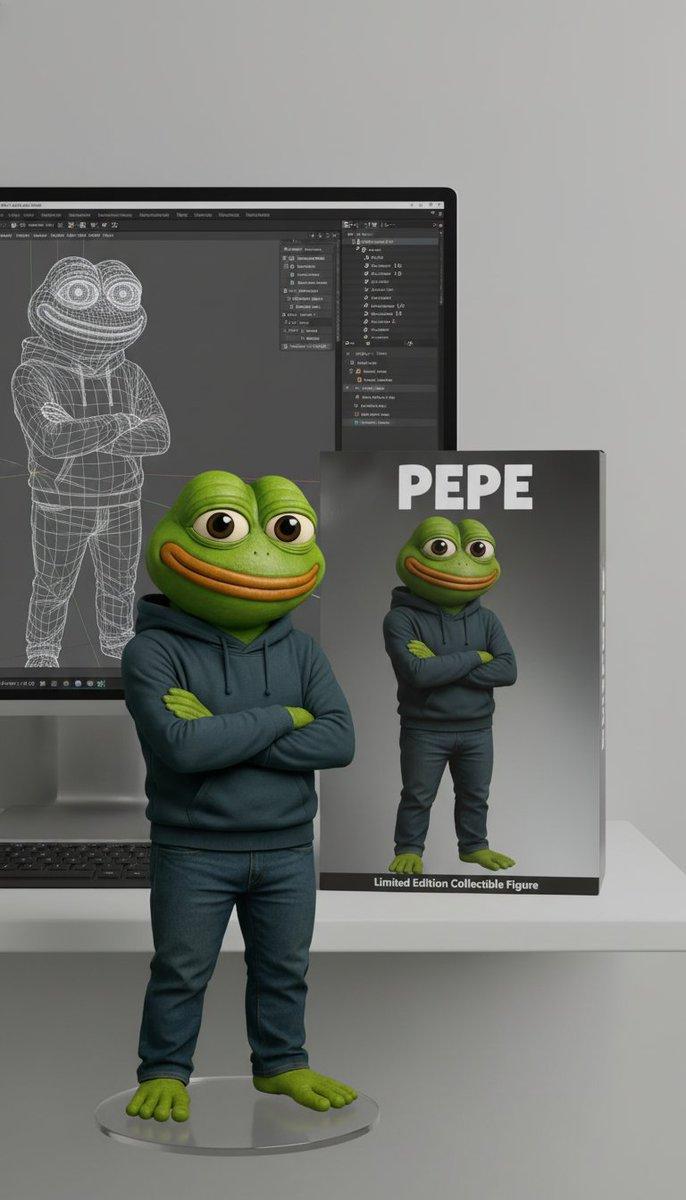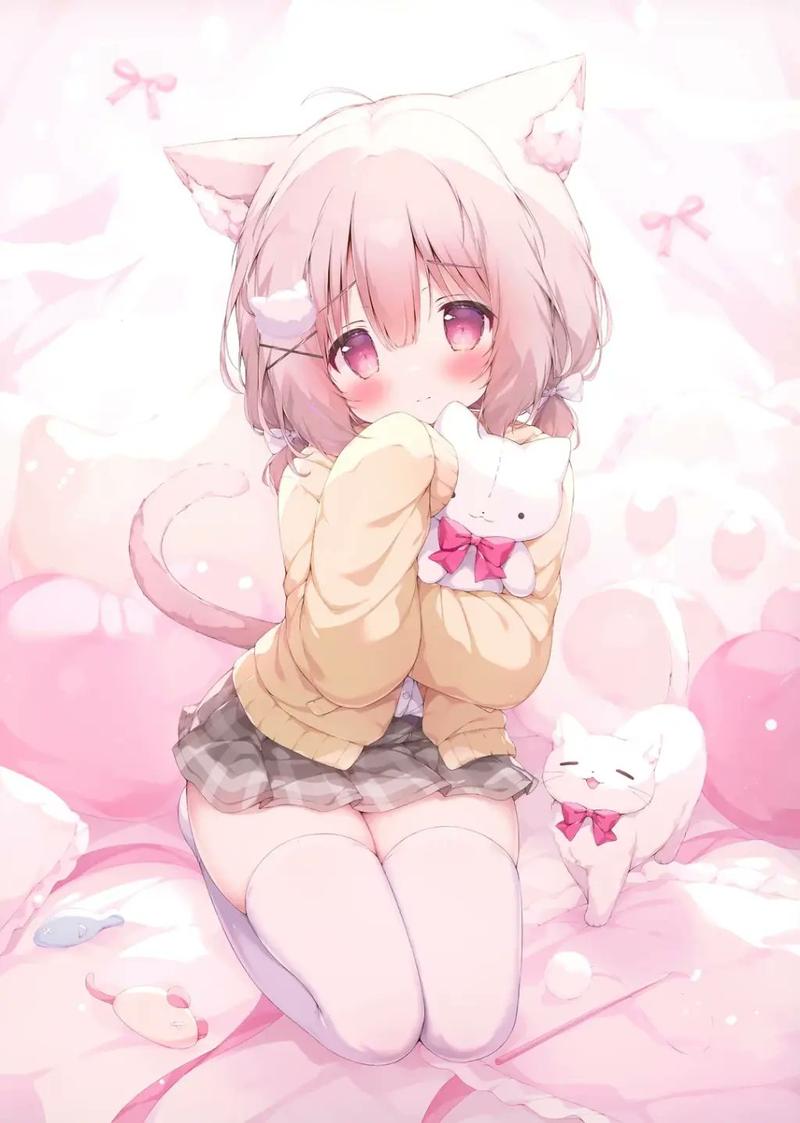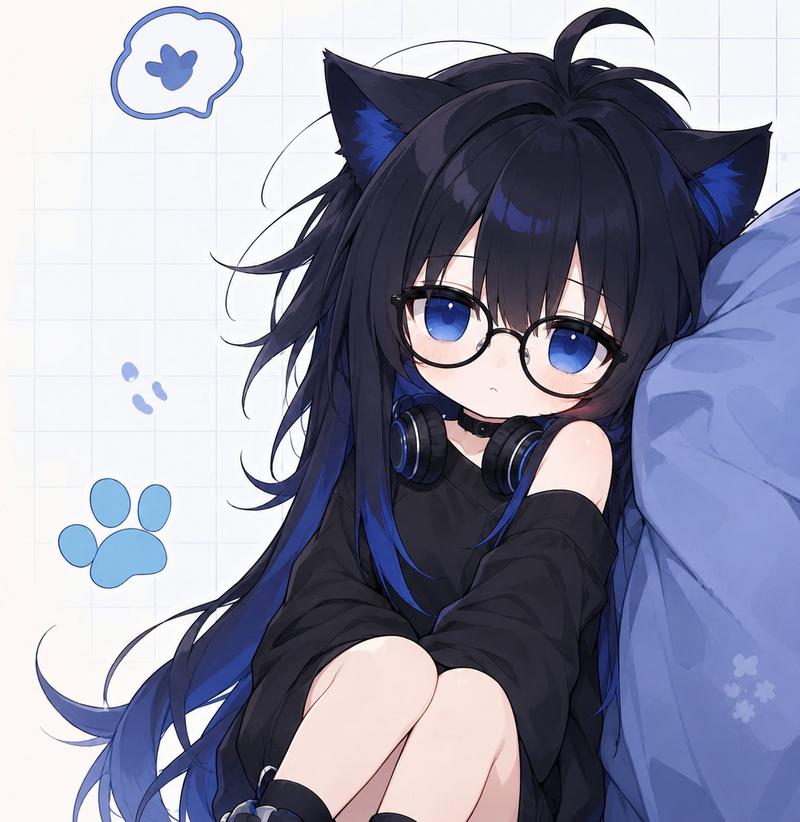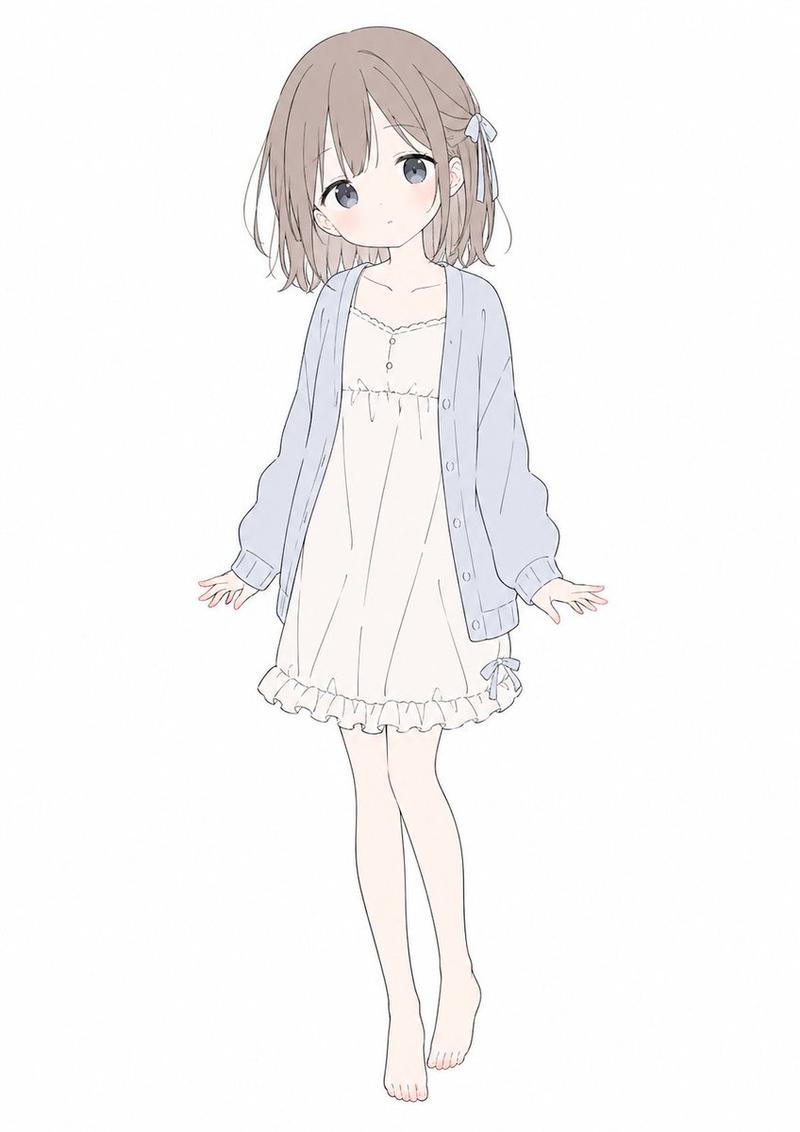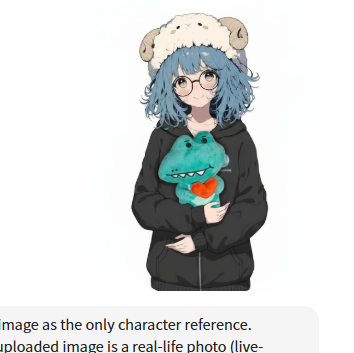
Nano Banana Pro 迷你雪球提示词
Prompt
Use the uploaded image as the only character reference.
CONDITION
If the uploaded image is a real-life photo (live-action, not chibi/cartoon):
First convert the person into a 2-head-tall super-deformed chibi character.
Then render that chibi as a small cute 3D figure.
Keep the character’s key identity (face shape, hairstyle, hair color, outfit colors, accessories) clearly recognizable, just stylized in chibi form.
If the uploaded image is already a chibi / super-deformed / cartoon-style character:
Do not change the character’s face, facial expression, hairstyle, colors, or overall design.
Directly convert this exact design into a small cute 3D figure.
[SUBJECT]
small cute 3D figure style character based on the uploaded image,
big head, short body (2-head-tall chibi proportions),
toy-like look with realistic plastic texture,
single full-body character, centered in the frame
[SCENE]
place the character inside a glass snow globe,
miniature snowy town inside the dome,
tiny houses, street lights, Christmas decorations
[BACKGROUND]
Christmas night light bokeh,
dark blue night background with glowing lights
[STYLE]
realistic miniature photography,
macro lens look,
shallow depth of field,
soft warm lighting,
high detail, clean render
[EFFECT]
snow falling inside the globe,
light reflections on the glass surface,
natural shadows and highlights,
slightly whimsical, cozy Christmas mood
[POSE]
random cute pose that fits the character’s personality
[QUALITY]
sharp focus, high resolution, photorealistic background,
no text, no watermark, no extra characters
- Category
- 创意图片
- Model
- Nano Banana Pro
- Creator
- た〜や|AI副業ワーママ
- Source ID
- be20688e-ae38-44ce-b8ea-def4a1d07bb9
- Published
- Mar 8, 2026
Views0