17

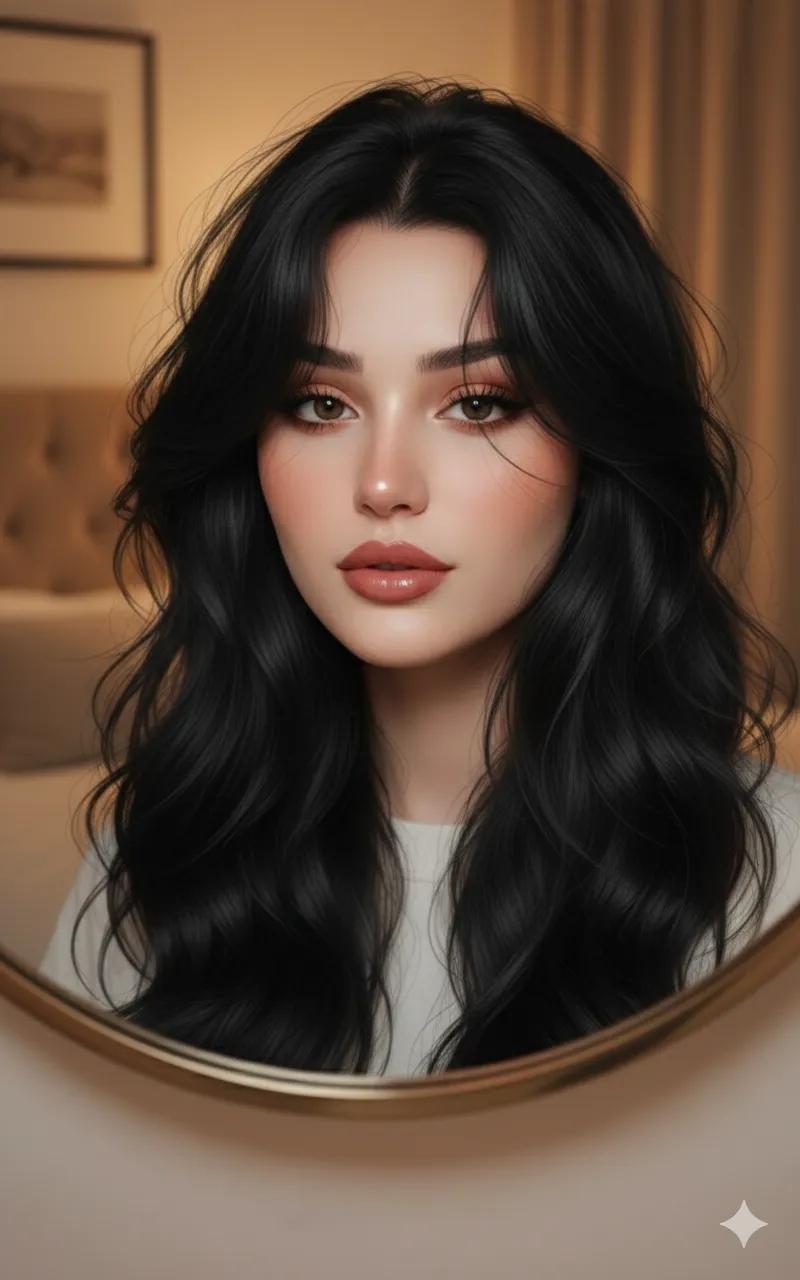
圆形镜中的超逼真肖像
Enlarge

圆形镜中的超逼真肖像

Prompt
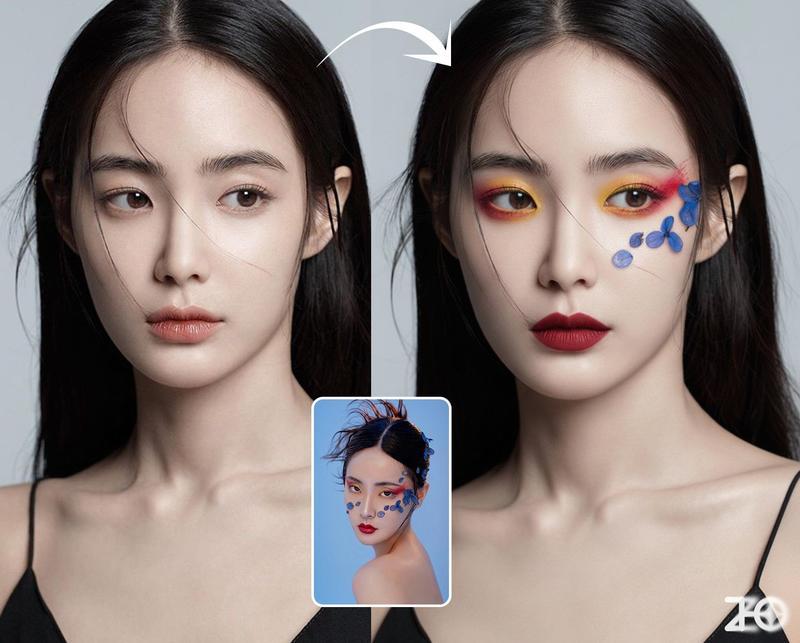
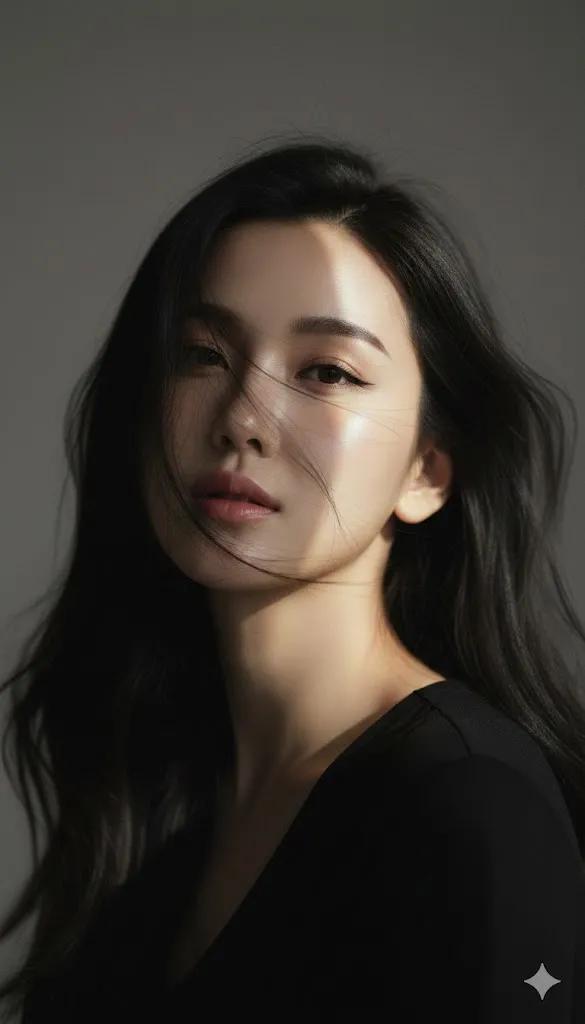
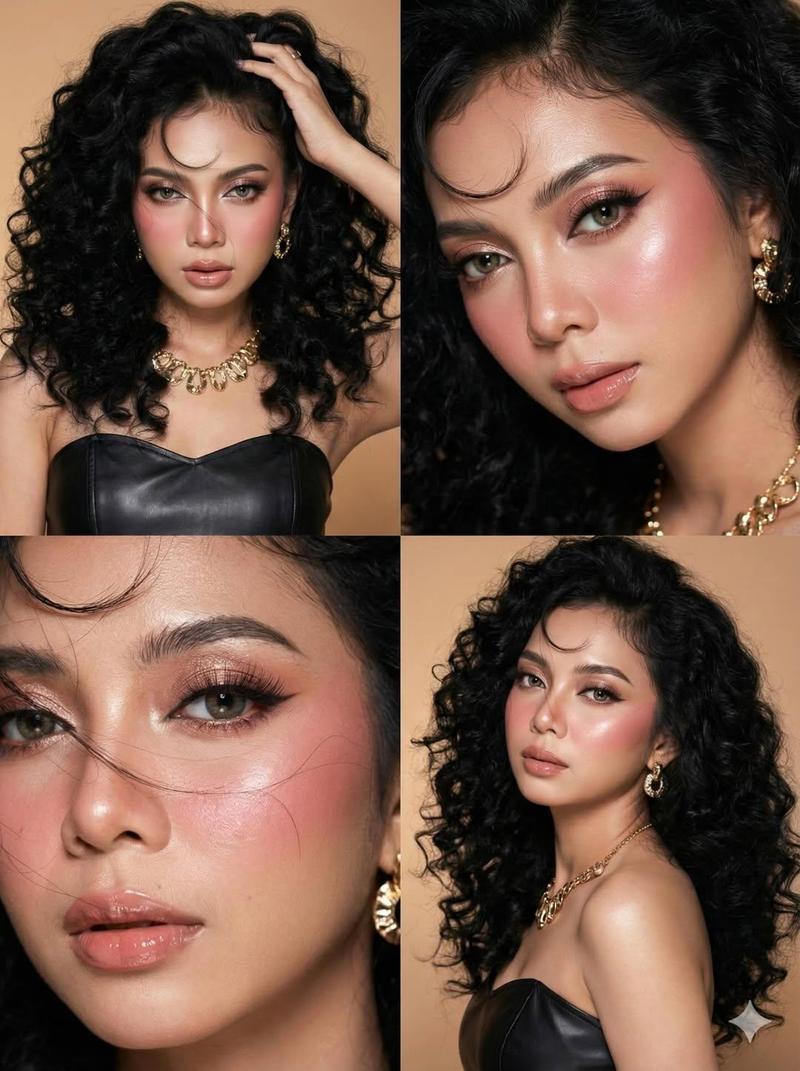
Keep the features and makeup from the attached image.
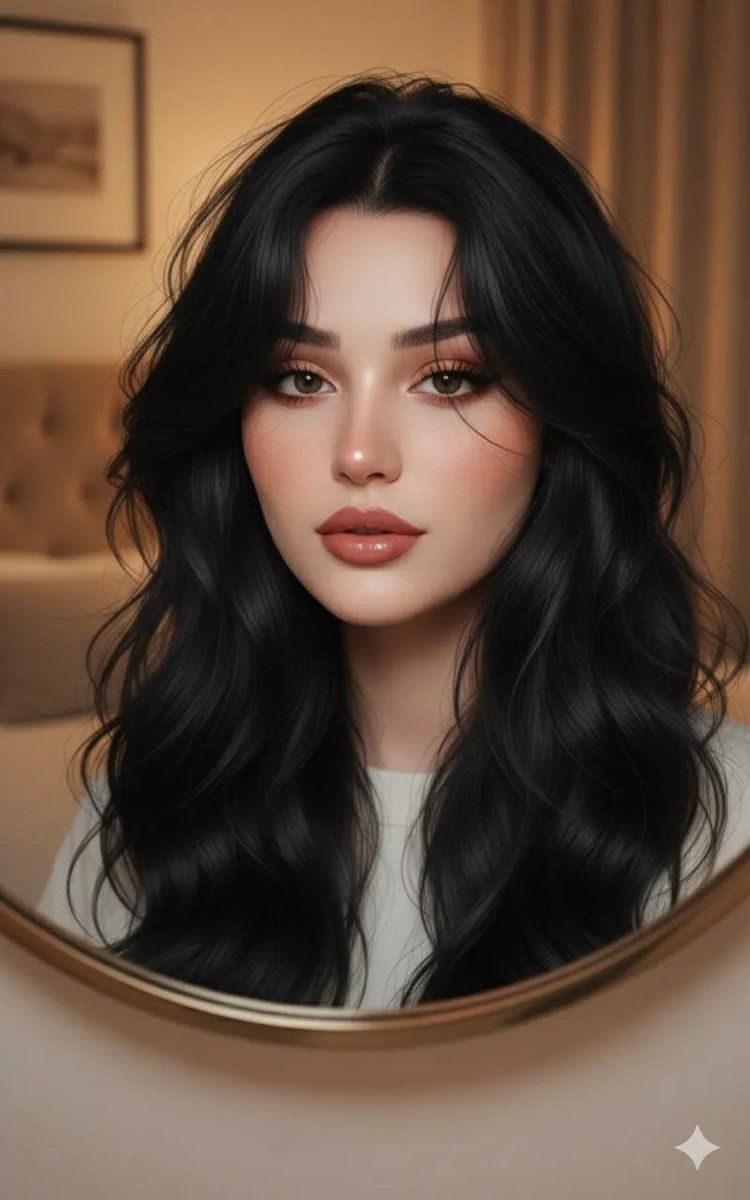
Ultra-realistic close-up portrait of an extremely handsome young woman with flawless smooth pale skin and delicate yet sharp facial features. He has large expressive dark eyes with a soft reflective highlight, long natural lashes, and perfectly shaped brows. Her lips are full, naturally pink, with a slight glossy sheen.
Her hair is very, very long, black, wavy, slightly soft , thick and slightly wavy, styled in a messy textured look with stray strands falling naturally across her forehead, illuminated by warm indoor lighting that creates golden highlights on the hair.
The shot is taken through a round mirror in a softly lit bedroom, creating an intimate aesthetic. Background is slightly blurred with warm tones, enhancing focus on his face. The mood is dreamy, angelic, ethereal beauty, ultra-clear skin texture, premium cinematic lighting, highly detailed realism.
Category
创意图片
Model
Nano Banana Pro
Creator
simply
Views0
Source ID
2d134f3b-13dc-4667-a460-a312428e4e5f
Published
Mar 8, 2026

Guide

About "圆形镜中的超逼真肖像"

What is this prompt for?

"圆形镜中的超逼真肖像" AI image prompt for Nano Banana Pro (创意图片). 为 Nano Banana Pro 提供一个详细的提示,要求生成一张超写实的年轻女性特写肖像,通过柔和灯光卧室中的圆形镜子构图。提示强调无瑕的肌肤、特定的发型以及梦幻、空灵的氛围,要求 AI 保留附件参考…

The full copyable prompt and example visuals above are ready for AI image generation or one-click recreate in Picva.

How to use this prompt

  1. Step 1

    Open the prompt detail

    Review the example visuals, category, and full prompt text for "圆形镜中的超逼真肖像".

  2. Step 2

    Copy the prompt

    Copy the prompt body from this page, or load it directly in Studio.

  3. Step 3

    Pick a model (Nano Banana Pro)

    Prefer Nano Banana Pro. If you switch models, keep subject and composition and tweak style terms.

  4. Step 4

    Generate and export

    Recreate the look in Picva, or export into your workflow for editing and publishing.

FAQ

What is the "圆形镜中的超逼真肖像" prompt?
It is an AI image-generation prompt for Nano Banana Pro in the 创意图片 category. This page includes the full prompt text, example visuals, and a one-click recreate path in Picva.
How do I use this prompt to generate an image?
Copy the prompt from this page, or use Generate / Studio. Paste it into a compatible image model, or recreate the look in Picva with optional reference images.
Which model is this prompt for?
This page lists Nano Banana Pro. Most descriptive prompts also transfer to nearby image models such as GPT Image, Flux, or Midjourney with light style tweaks.
Can I use the result commercially?
You can usually copy the prompt for creation, but commercial use of the final image depends on the model terms, reference-image rights, and the generated content. Follow the source author and platform rules.