18

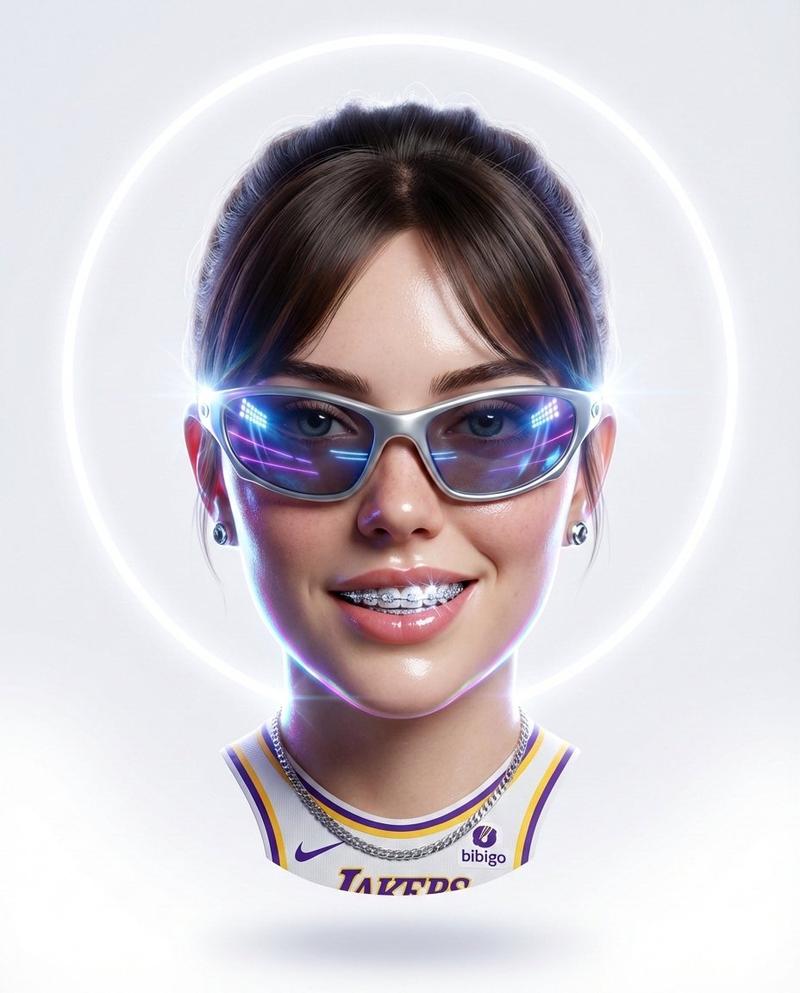
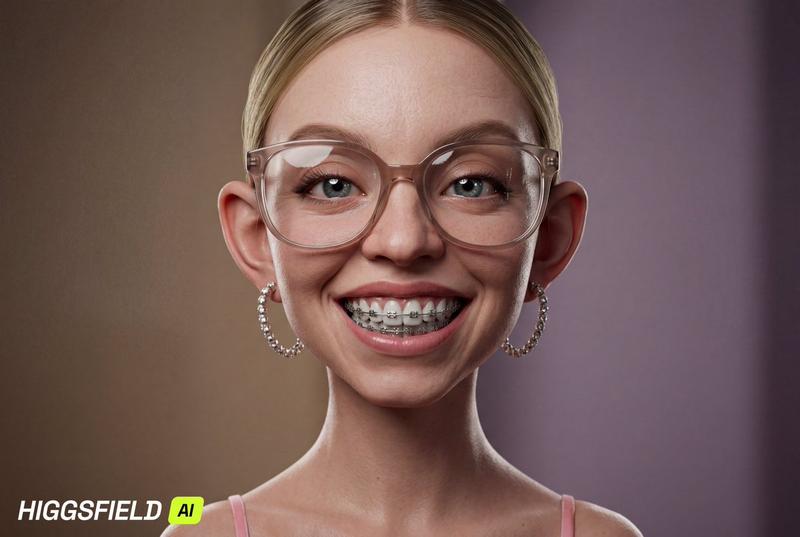
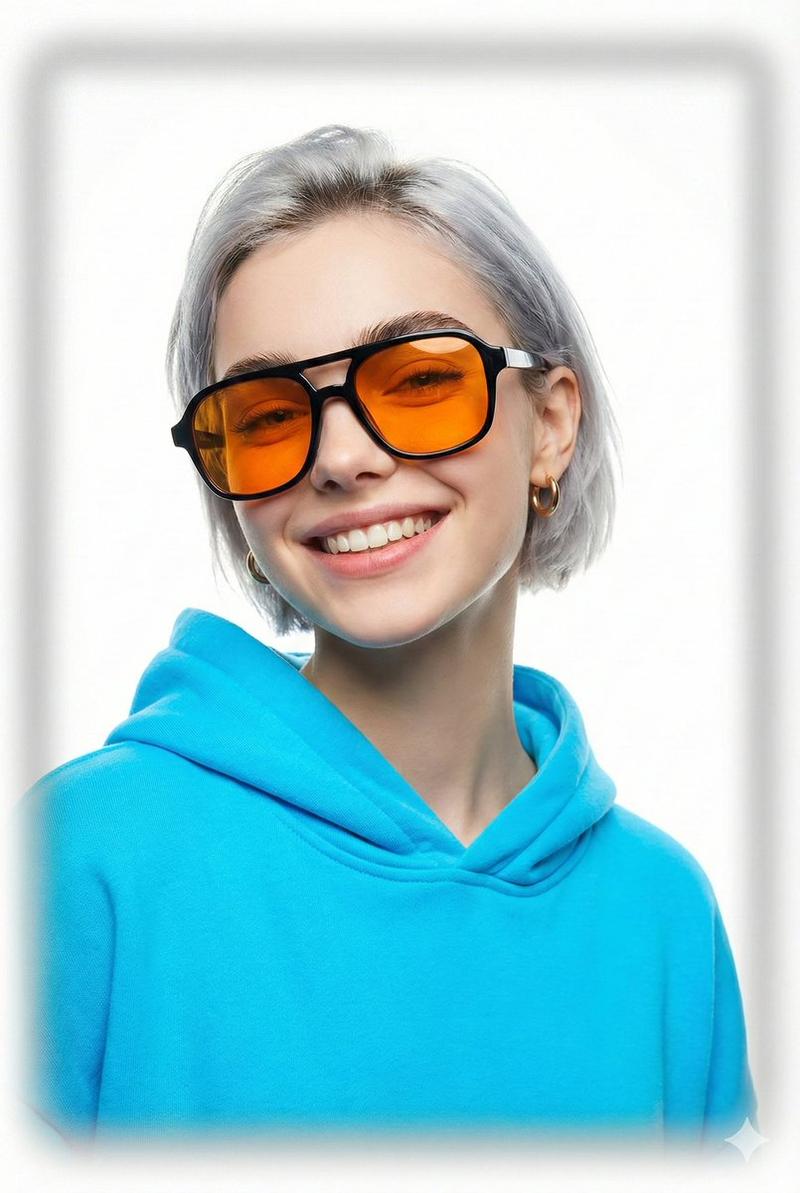
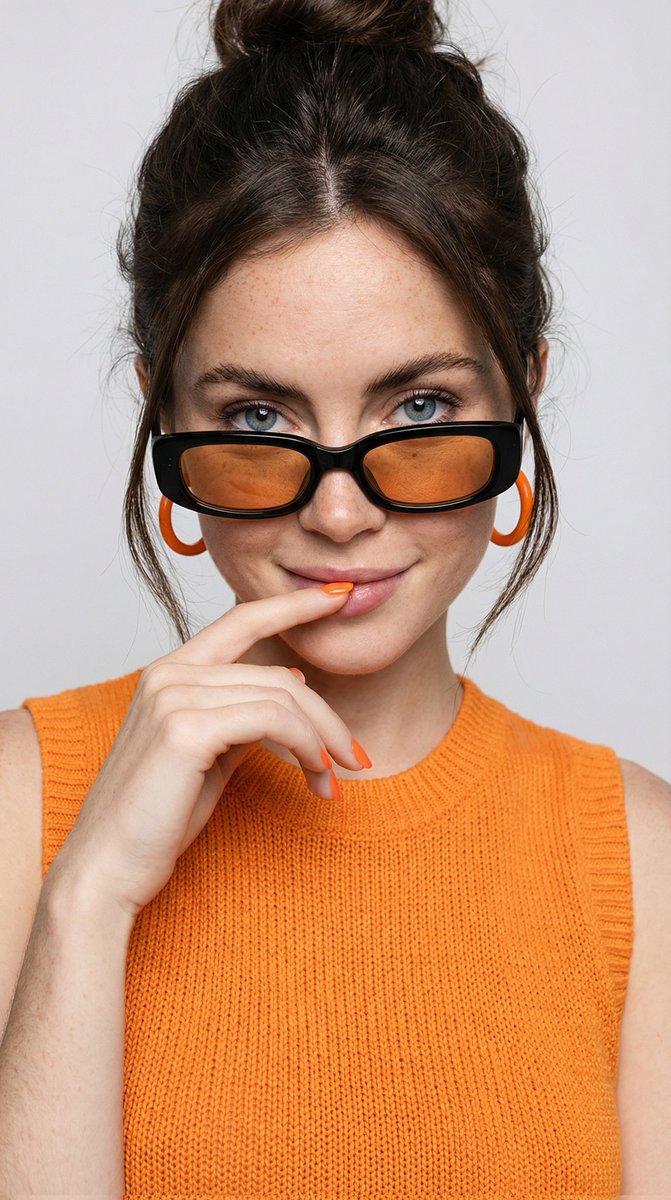
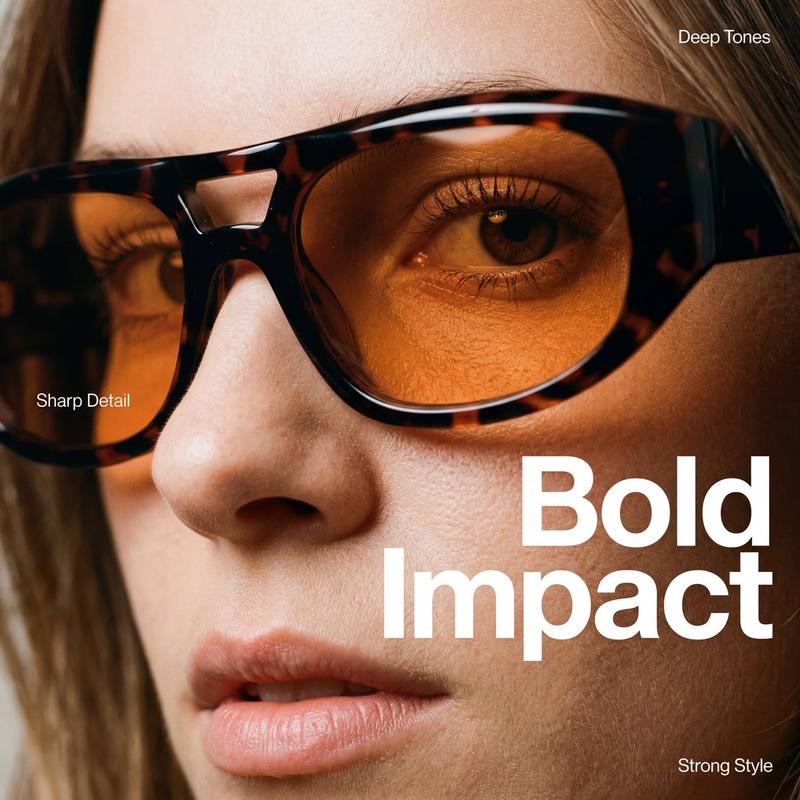
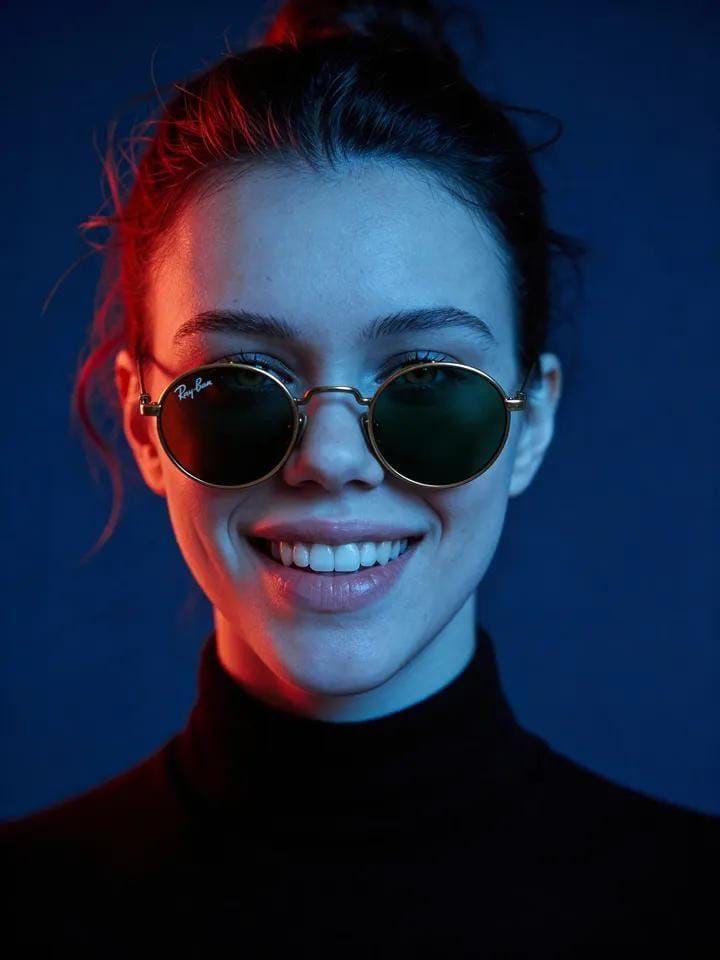
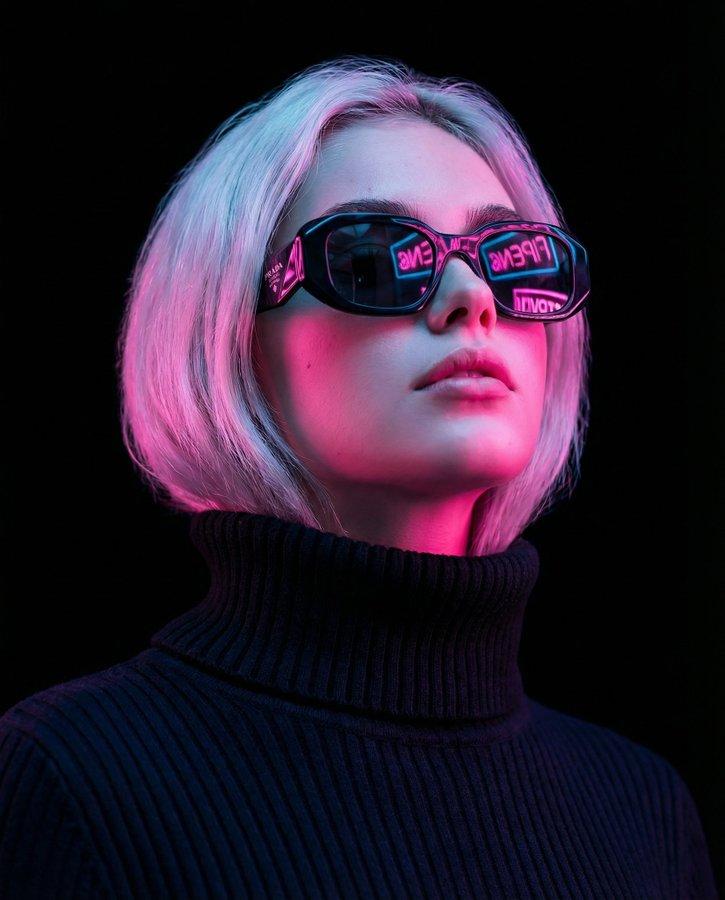
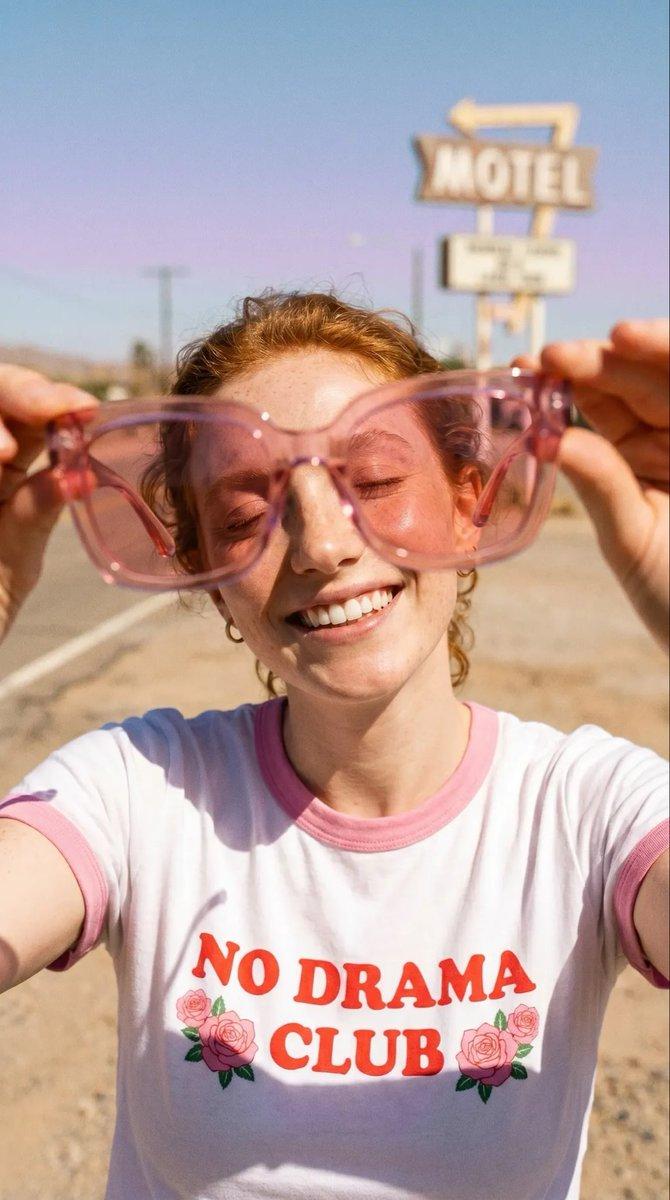
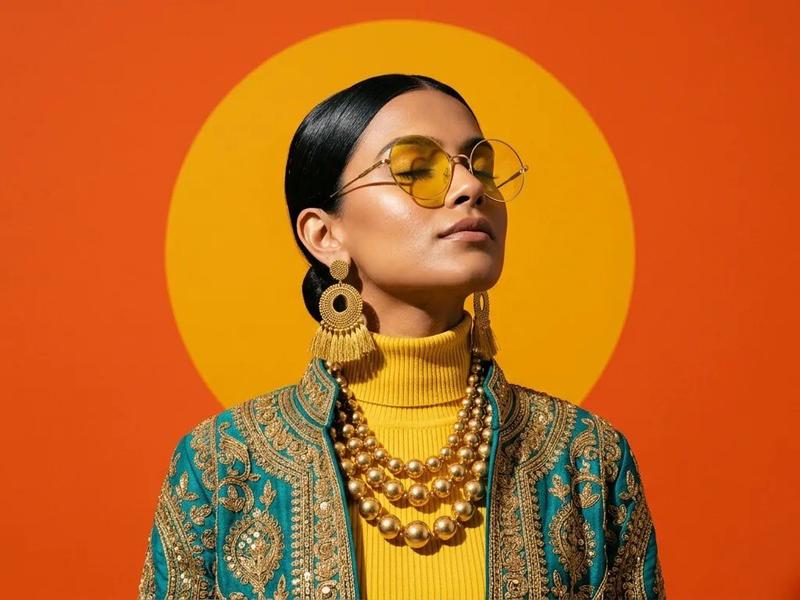
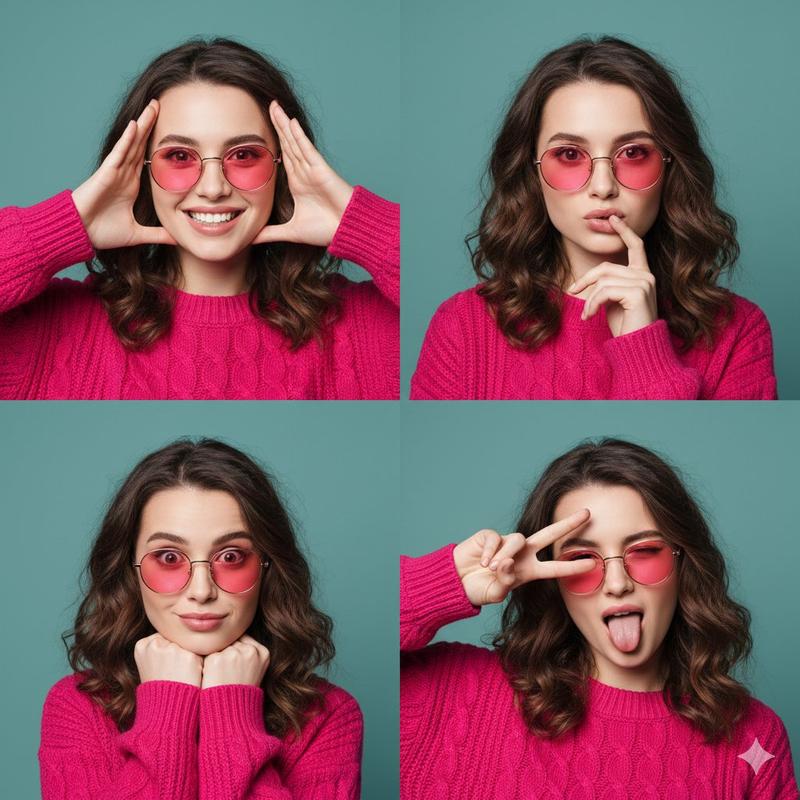
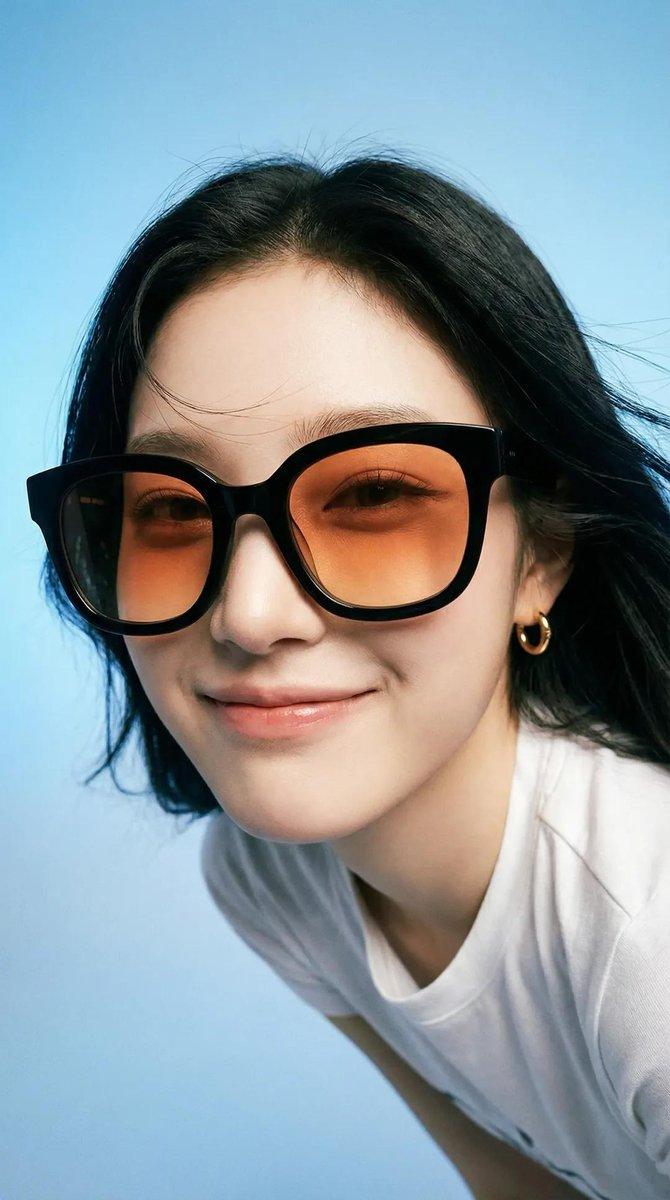
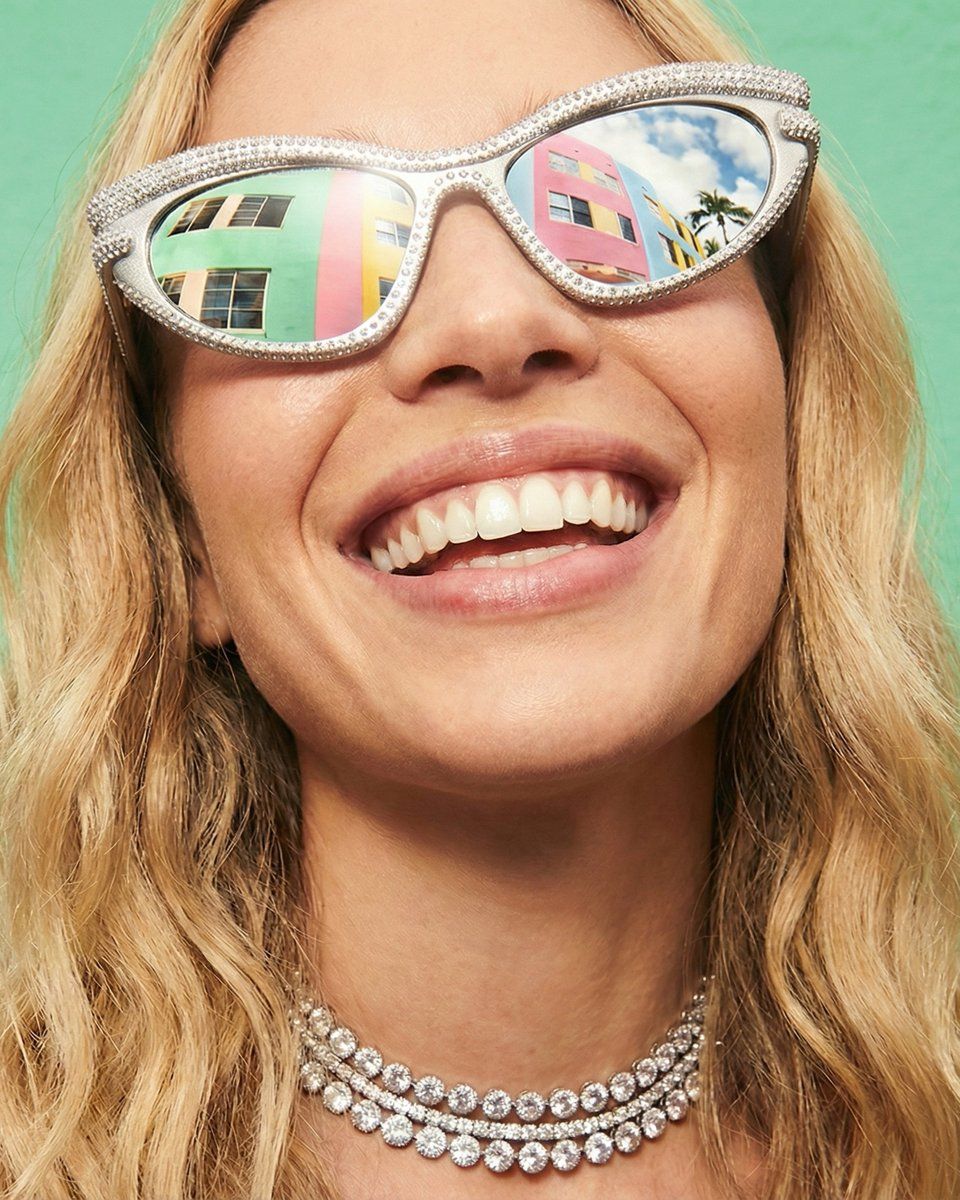
大胆闪耀的高级时尚肖像
Enlarge

大胆闪耀的高级时尚肖像

Prompt
{
  "prompt_style": "Bold & Sparkling Fashion Portrait",
  "prompt_text": [
    "Close-up high-fashion portrait shot,",
    "Wearing striking cat-eye sunglasses densely covered in rhinestones,",
    "Lenses reflecting colorful pastel buildings and blue sky,",
    "Multi-layered diamond tennis necklace and small hoop earrings,",
    "Face decorated with scattered iridescent glitter freckles and tiny face gems,",
    "Playful and confident expression with a wide smile,",
    "Hairstyle is loose beach waves or a chic messy bun,",
    "Background is a solid vivid mint green or bright gradient,",
    "Professional studio lighting, 4K resolution, highly detailed texture,",
    "Aesthetic, bold, vibrant and energetic atmosphere."
  ]
}
Category
创意图片
Model
Nano Banana Pro
Creator
Lara Sora
Views0
Source ID
36675d11-70eb-41ad-8b2e-355201a320d1
Published
Mar 8, 2026

Guide

About "大胆闪耀的高级时尚肖像"

What is this prompt for?

"大胆闪耀的高级时尚肖像" AI image prompt for Nano Banana Pro (创意图片). 一个为 Gemini Nano Banana Pro 设计的结构化 JSON 提示,旨在生成一张大胆、充满活力且动感十足的特写高定时装肖像。关键元素包括镶满水钻的猫眼太阳镜、虹彩闪光雀斑、钻石网球项链和…

The full copyable prompt and example visuals above are ready for AI image generation or one-click recreate in Picva.

How to use this prompt

  1. Step 1

    Open the prompt detail

    Review the example visuals, category, and full prompt text for "大胆闪耀的高级时尚肖像".

  2. Step 2

    Copy the prompt

    Copy the prompt body from this page, or load it directly in Studio.

  3. Step 3

    Pick a model (Nano Banana Pro)

    Prefer Nano Banana Pro. If you switch models, keep subject and composition and tweak style terms.

  4. Step 4

    Generate and export

    Recreate the look in Picva, or export into your workflow for editing and publishing.

FAQ

What is the "大胆闪耀的高级时尚肖像" prompt?
It is an AI image-generation prompt for Nano Banana Pro in the 创意图片 category. This page includes the full prompt text, example visuals, and a one-click recreate path in Picva.
How do I use this prompt to generate an image?
Copy the prompt from this page, or use Generate / Studio. Paste it into a compatible image model, or recreate the look in Picva with optional reference images.
Which model is this prompt for?
This page lists Nano Banana Pro. Most descriptive prompts also transfer to nearby image models such as GPT Image, Flux, or Midjourney with light style tweaks.
Can I use the result commercially?
You can usually copy the prompt for creation, but commercial use of the final image depends on the model terms, reference-image rights, and the generated content. Follow the source author and platform rules.