18

超写实影棚肖像
Enlarge

超写实影棚肖像

Prompt
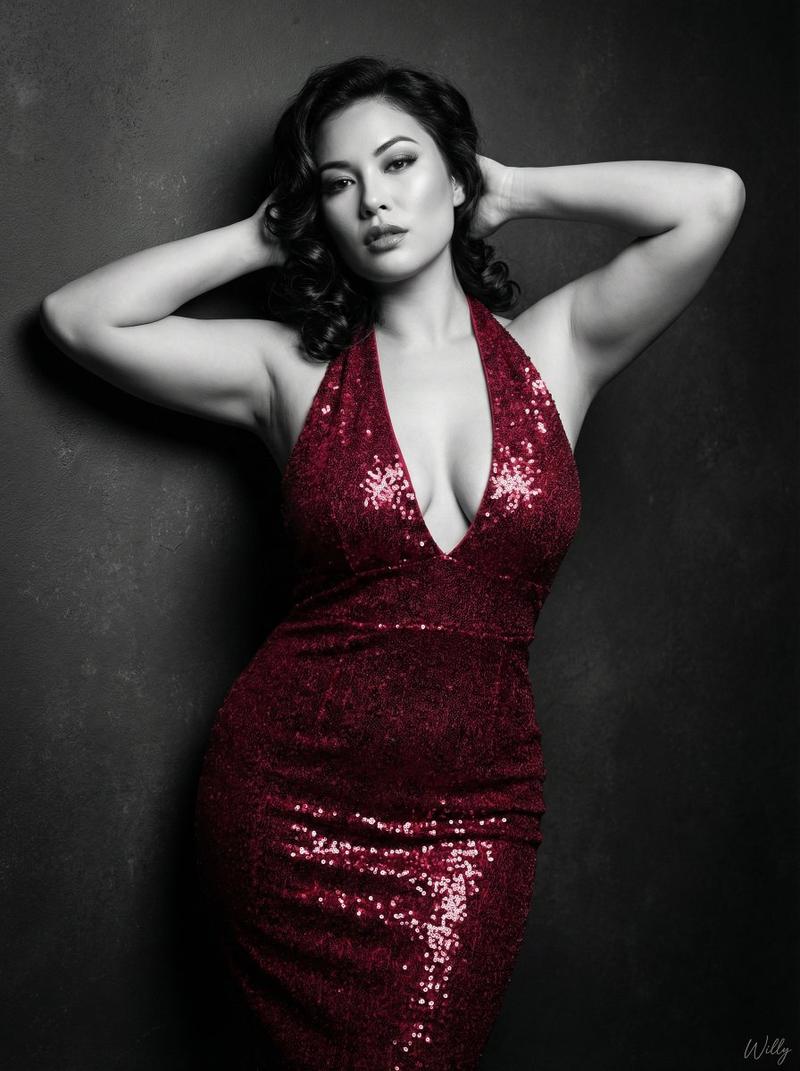
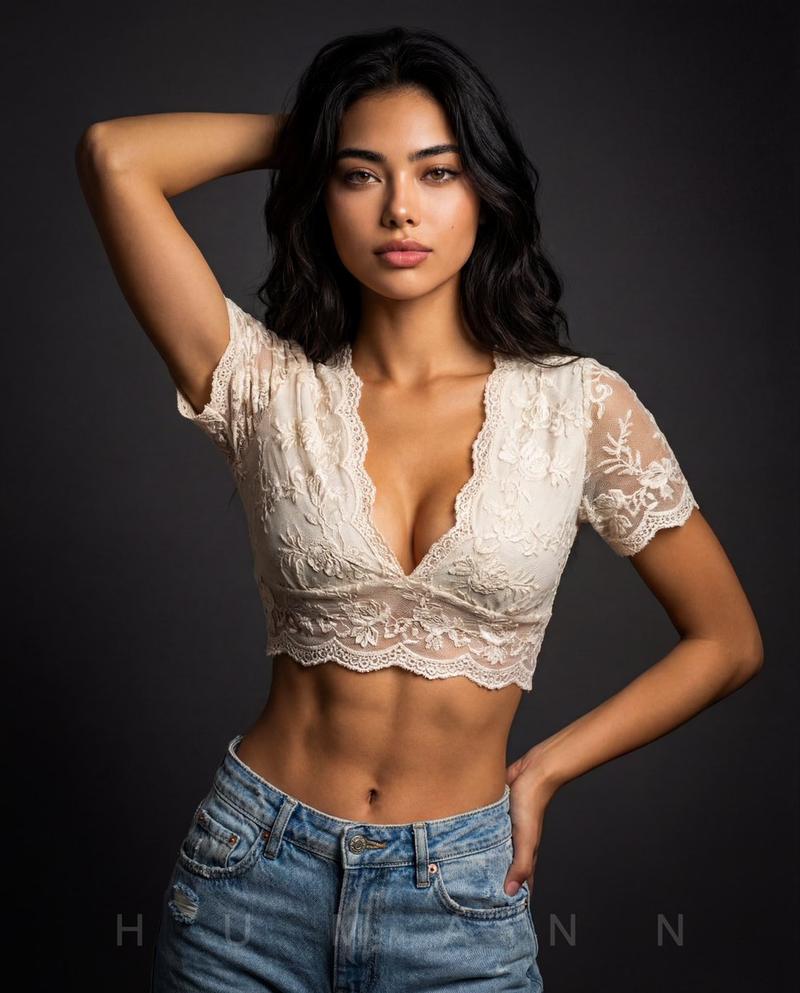
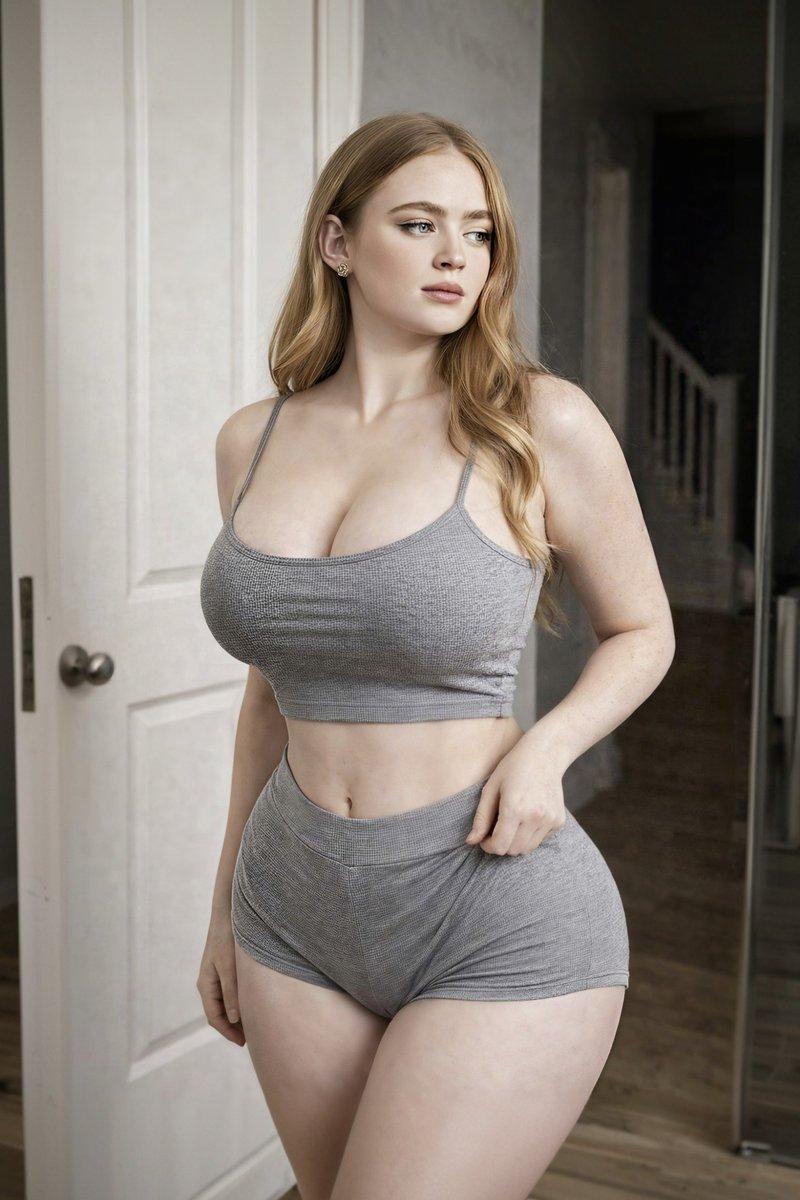
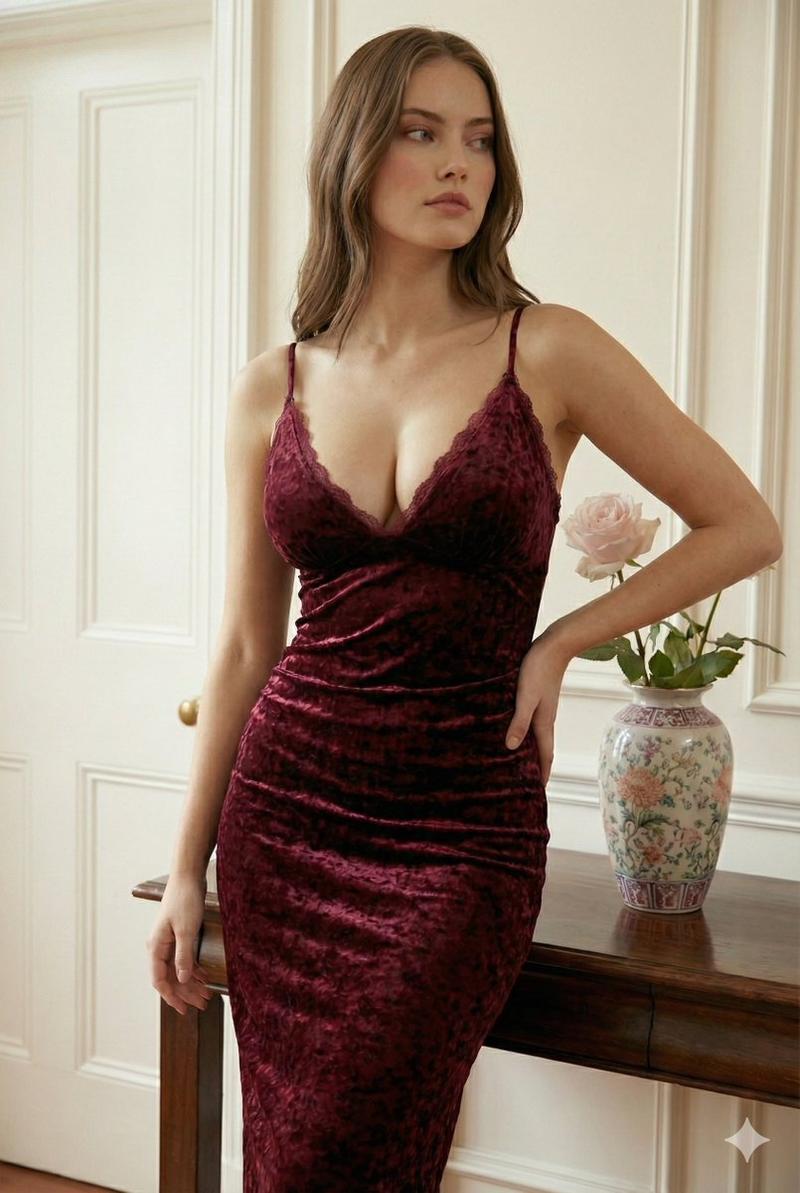
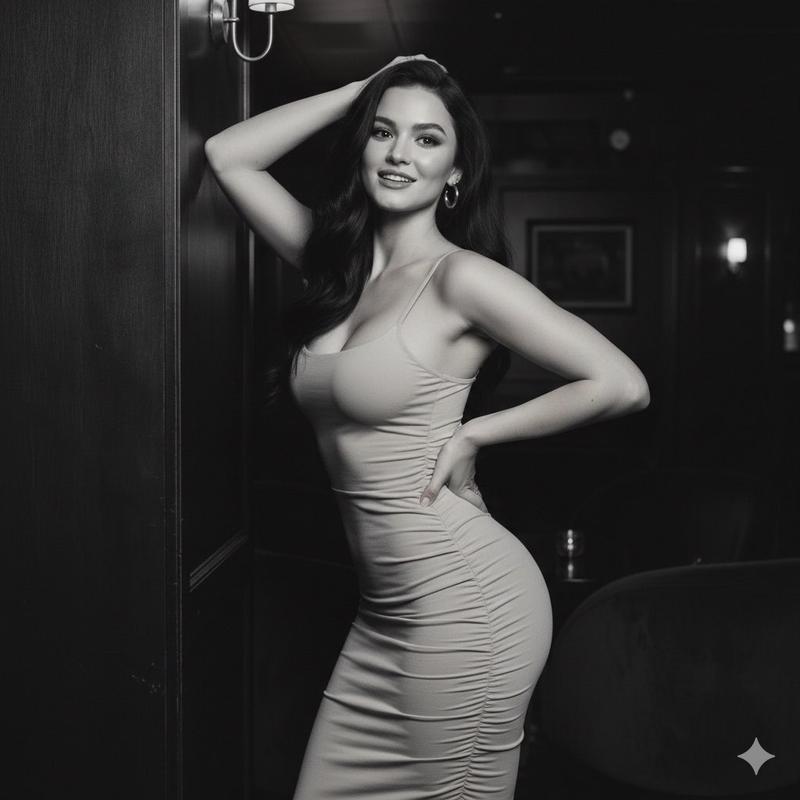
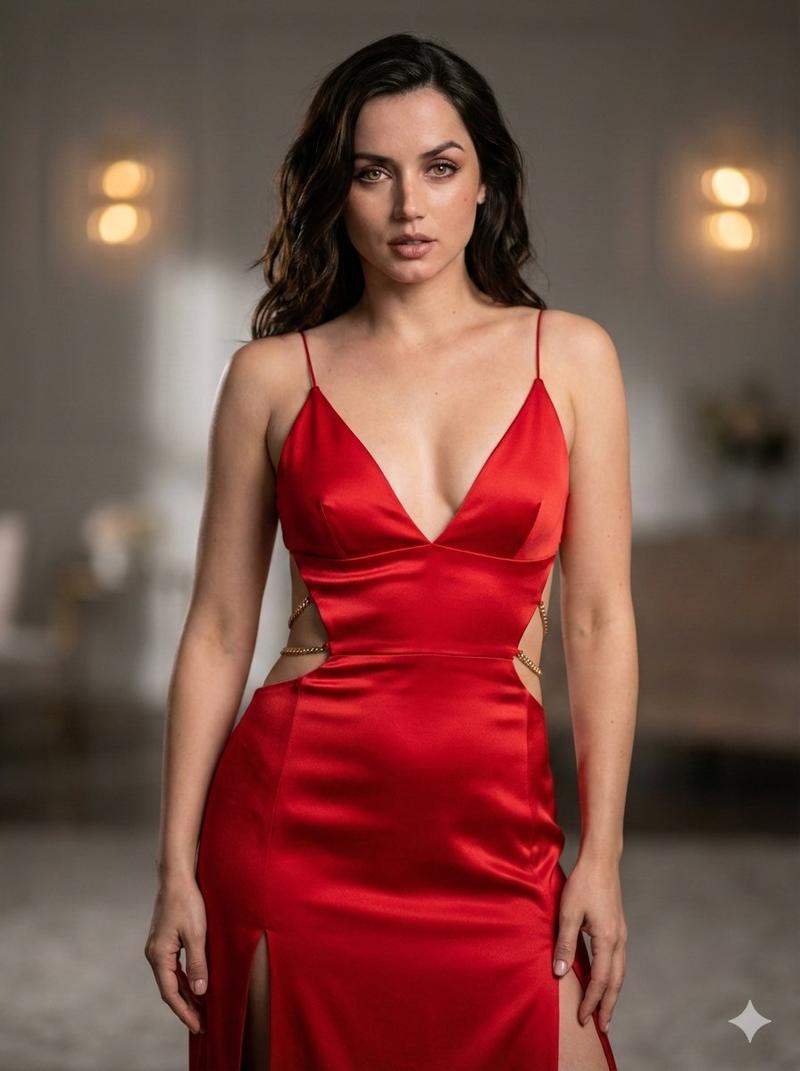
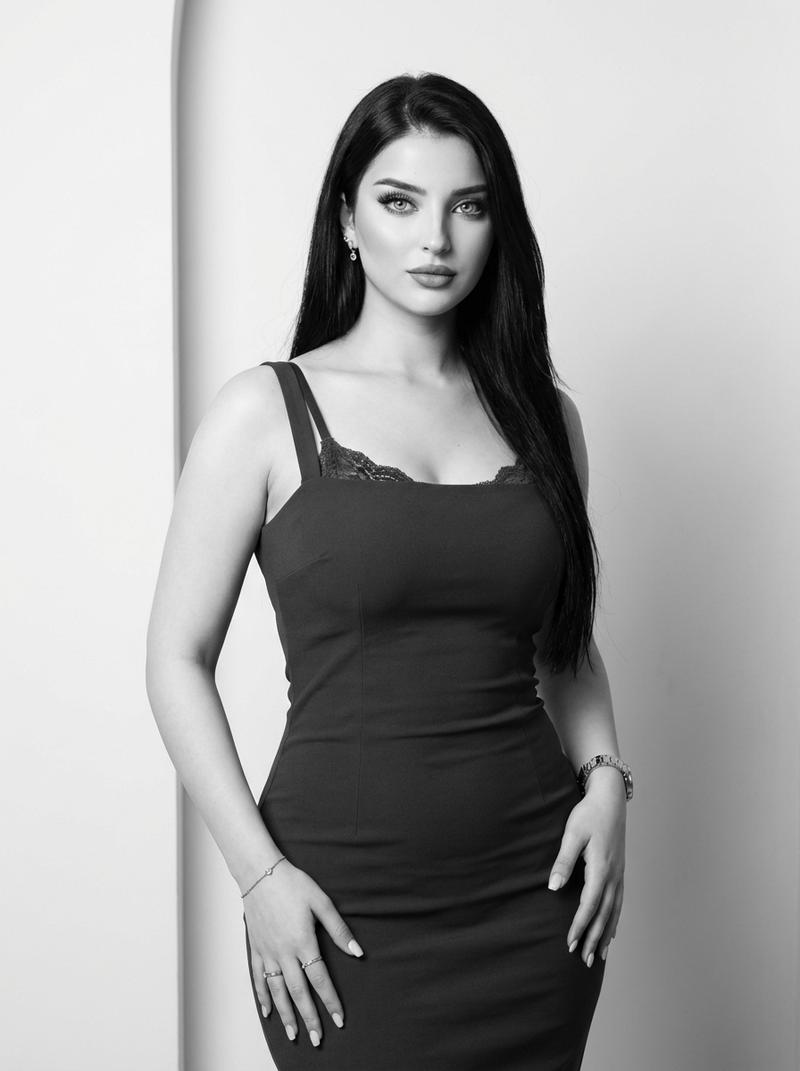
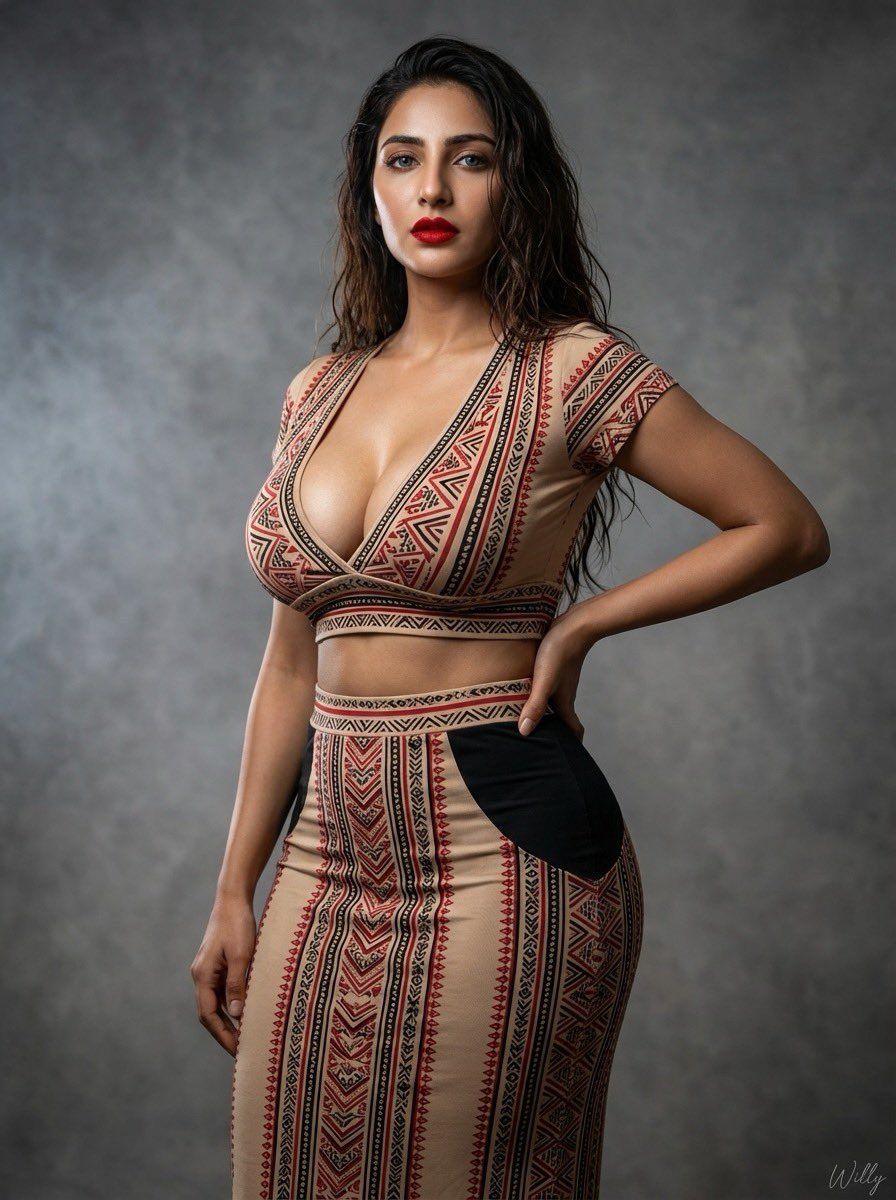
A hyper-realistic medium close-up studio portrait of a voluptuous woman with long, dark, wavy hair and bold red lipstick, standing with one hand on her hip. She is wearing a tight-fitting, ethnic-patterned two-piece co-ord set. The outfit consists of a deep-V short-sleeved crop top and a matching high-waisted maxi skirt. The fabric features a beige base with intricate red and black geometric/tribal patterns. The skirt has solid black panels on the hips to accentuate an hourglass figure. The background is a textured grey studio backdrop with dramatic, soft lighting and a hint of smoke. The camera is positioned at a medium distance to show the outfit details clearly. signature 'Willy' is in the bottom-right corner.—ar 3:4
Category
创意图片
Model
Nano Banana Pro
Creator
Willy
Views0
Source ID
a445c53b-db60-4190-badf-8424520b1aab
Published
Mar 8, 2026

Guide

About "超写实影棚肖像"

What is this prompt for?

"超写实影棚肖像" AI image prompt for Nano Banana Pro (创意图片). 生成一张超写实工作室肖像的提示词,描绘一位身材丰满、深色波浪发、涂着大胆红色口红的女性。她身穿一套紧身、民族图案的两件套套装,置于纹理灰色工作室背景前,光线柔和而富有戏剧性。 --- 一位身材丰满的女性,留着深…

The full copyable prompt and example visuals above are ready for AI image generation or one-click recreate in Picva.

How to use this prompt

  1. Step 1

    Open the prompt detail

    Review the example visuals, category, and full prompt text for "超写实影棚肖像".

  2. Step 2

    Copy the prompt

    Copy the prompt body from this page, or load it directly in Studio.

  3. Step 3

    Pick a model (Nano Banana Pro)

    Prefer Nano Banana Pro. If you switch models, keep subject and composition and tweak style terms.

  4. Step 4

    Generate and export

    Recreate the look in Picva, or export into your workflow for editing and publishing.

FAQ

What is the "超写实影棚肖像" prompt?
It is an AI image-generation prompt for Nano Banana Pro in the 创意图片 category. This page includes the full prompt text, example visuals, and a one-click recreate path in Picva.
How do I use this prompt to generate an image?
Copy the prompt from this page, or use Generate / Studio. Paste it into a compatible image model, or recreate the look in Picva with optional reference images.
Which model is this prompt for?
This page lists Nano Banana Pro. Most descriptive prompts also transfer to nearby image models such as GPT Image, Flux, or Midjourney with light style tweaks.
Can I use the result commercially?
You can usually copy the prompt for creation, but commercial use of the final image depends on the model terms, reference-image rights, and the generated content. Follow the source author and platform rules.