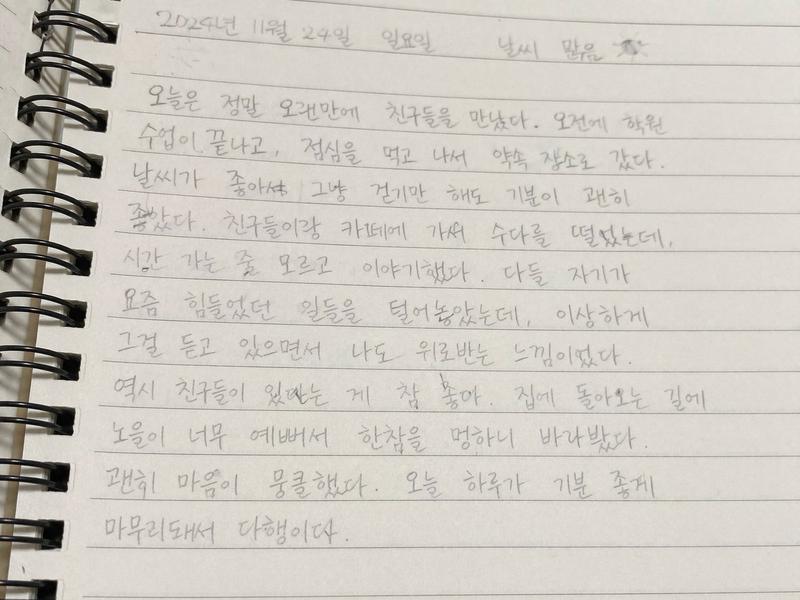
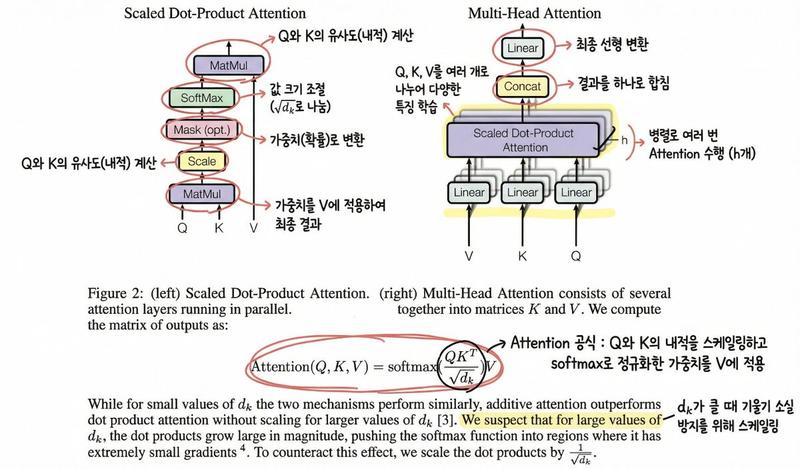
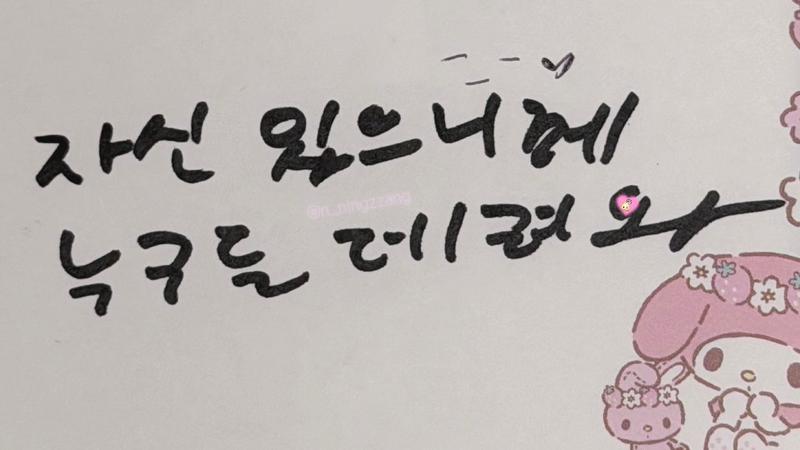
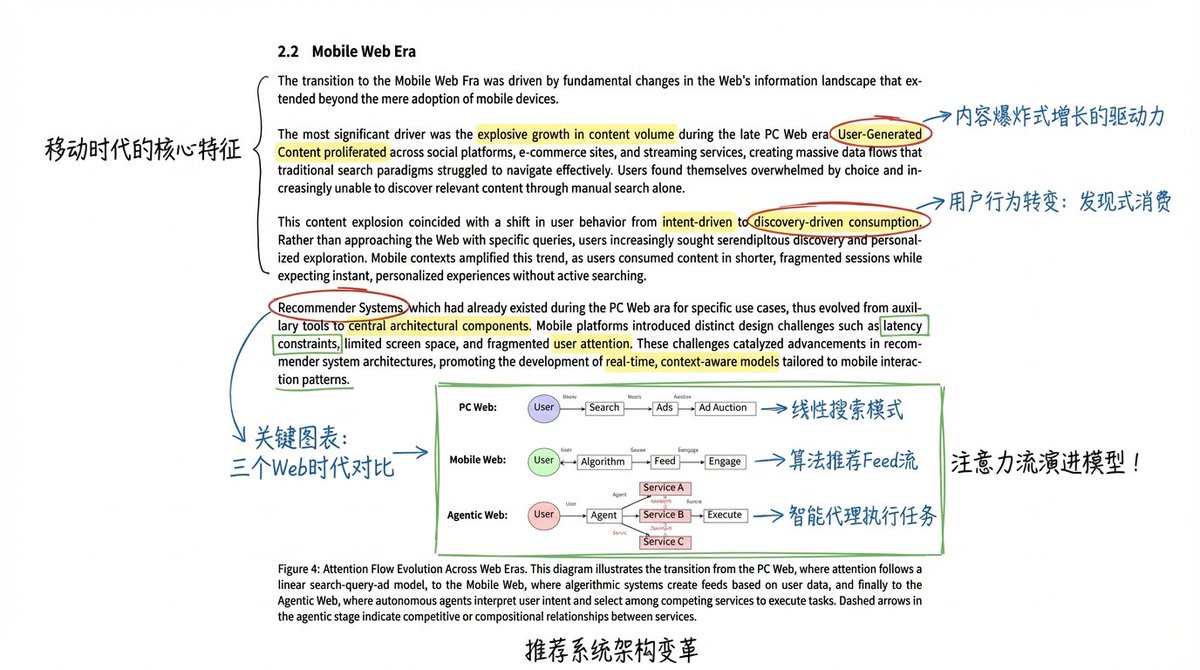
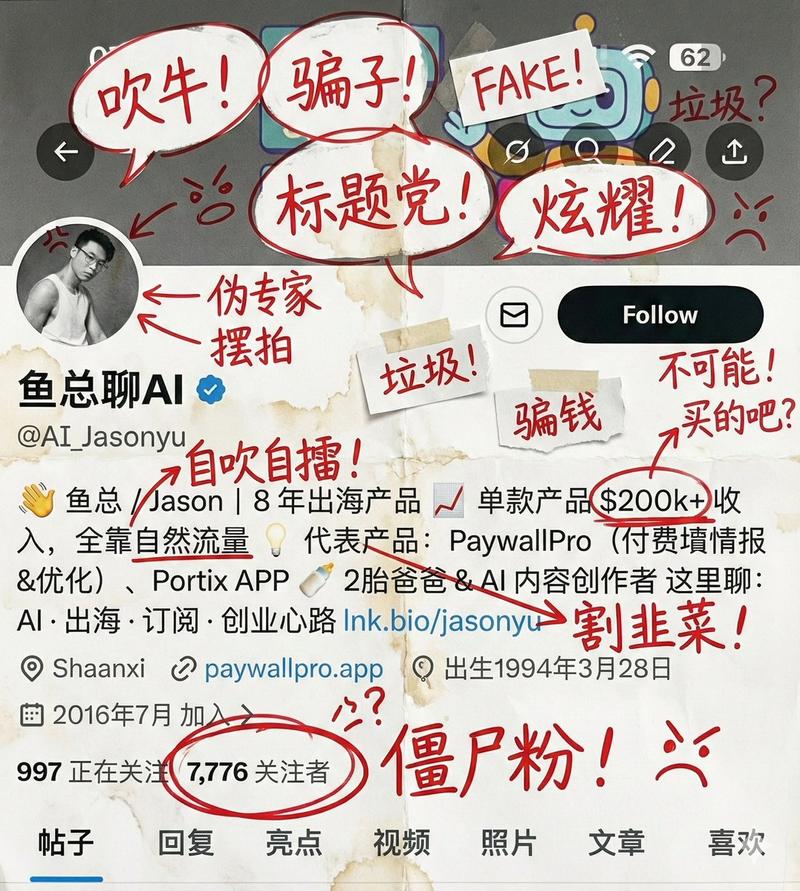
为 Twitter 个人资料图片添加赞美贴纸
Prompt
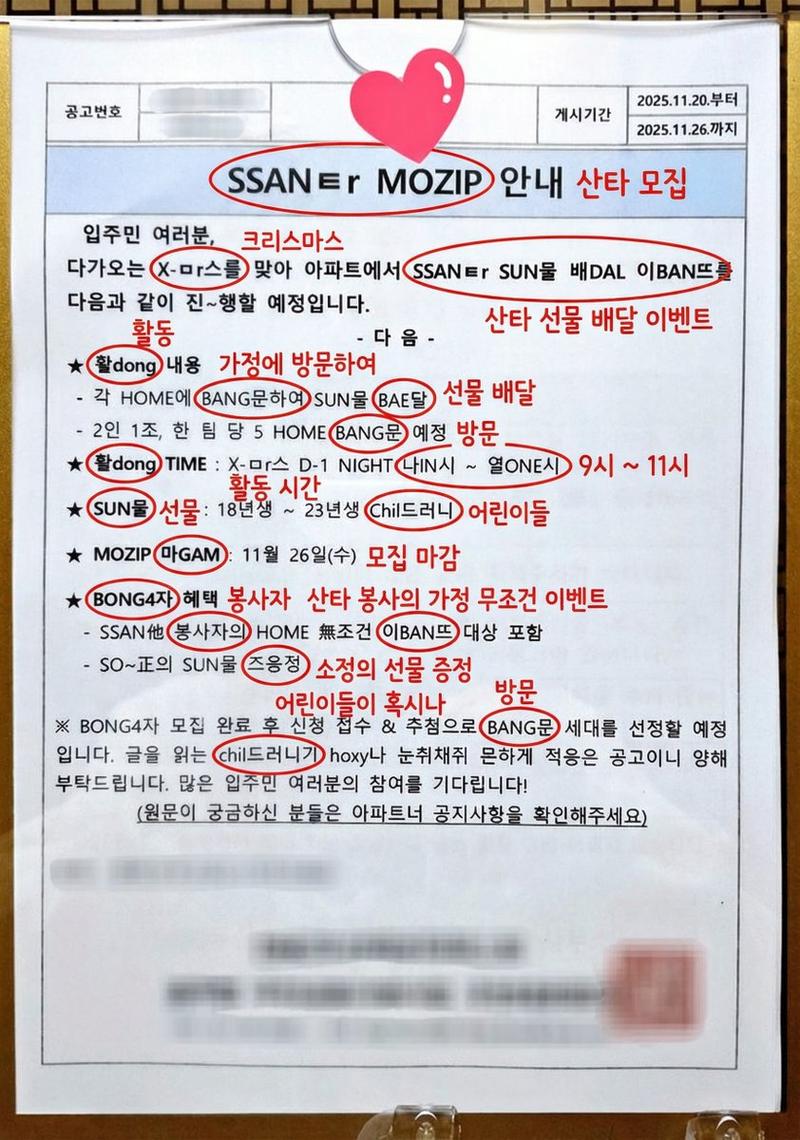
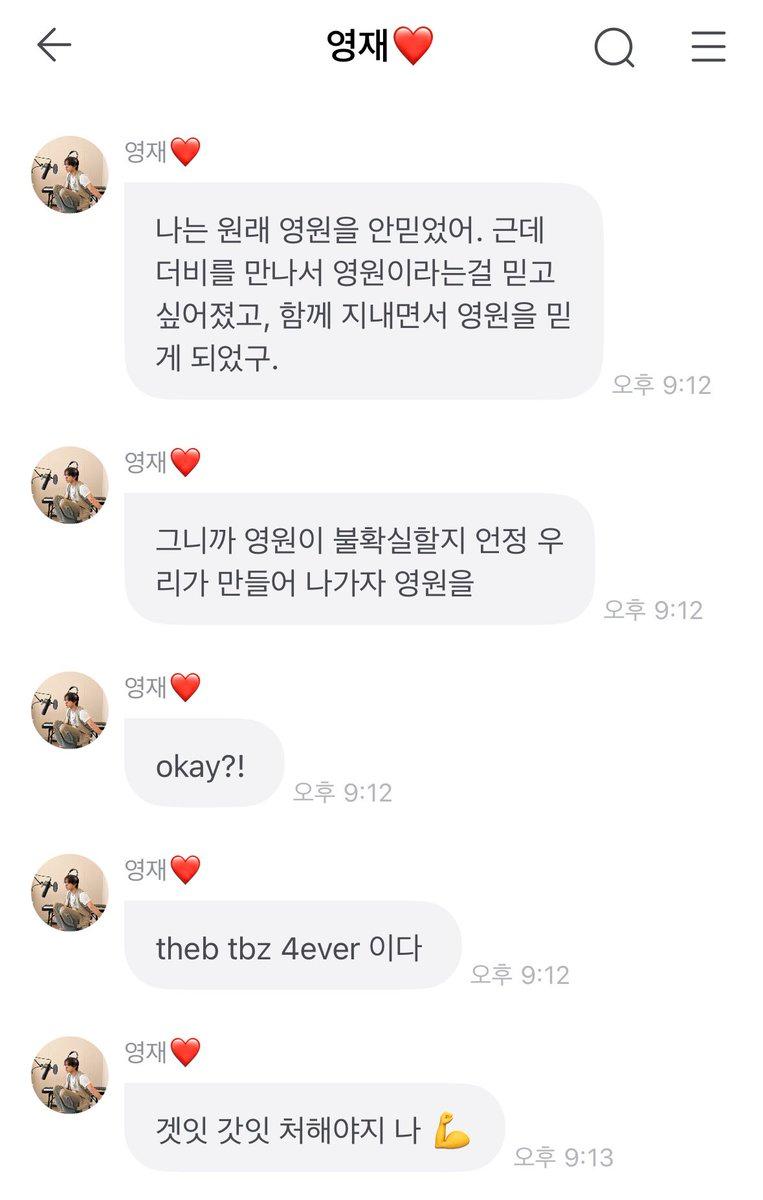
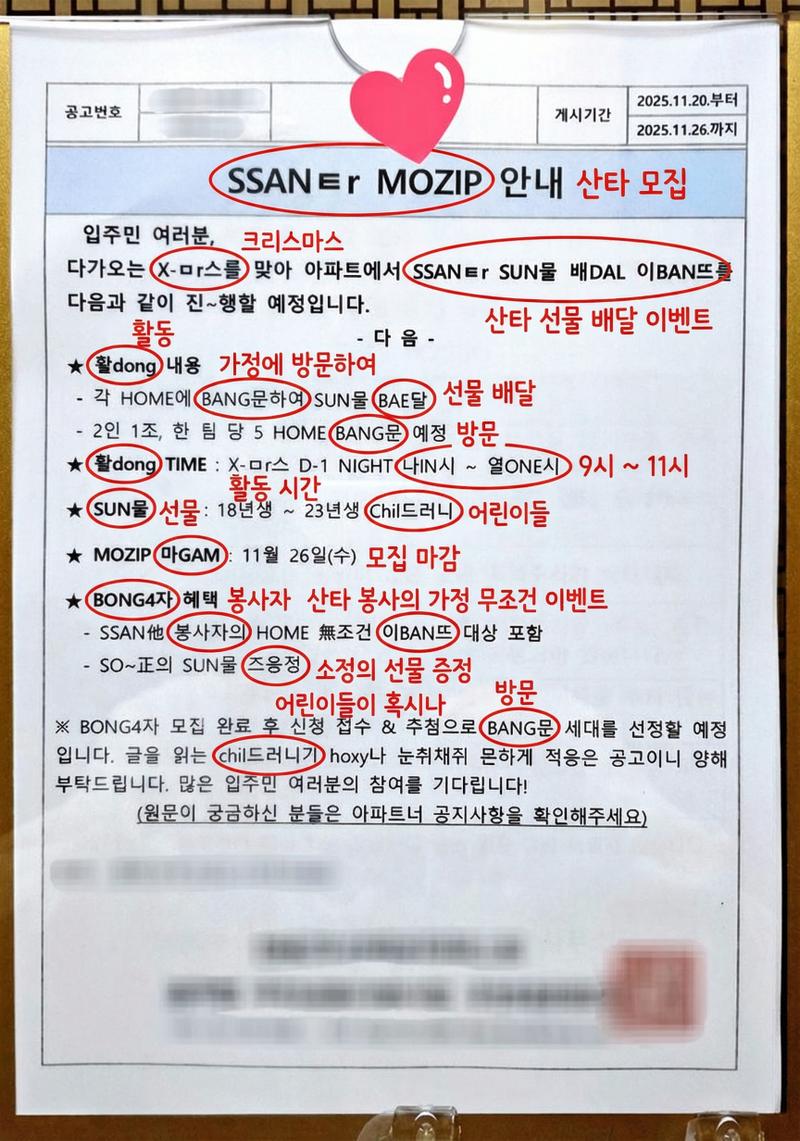
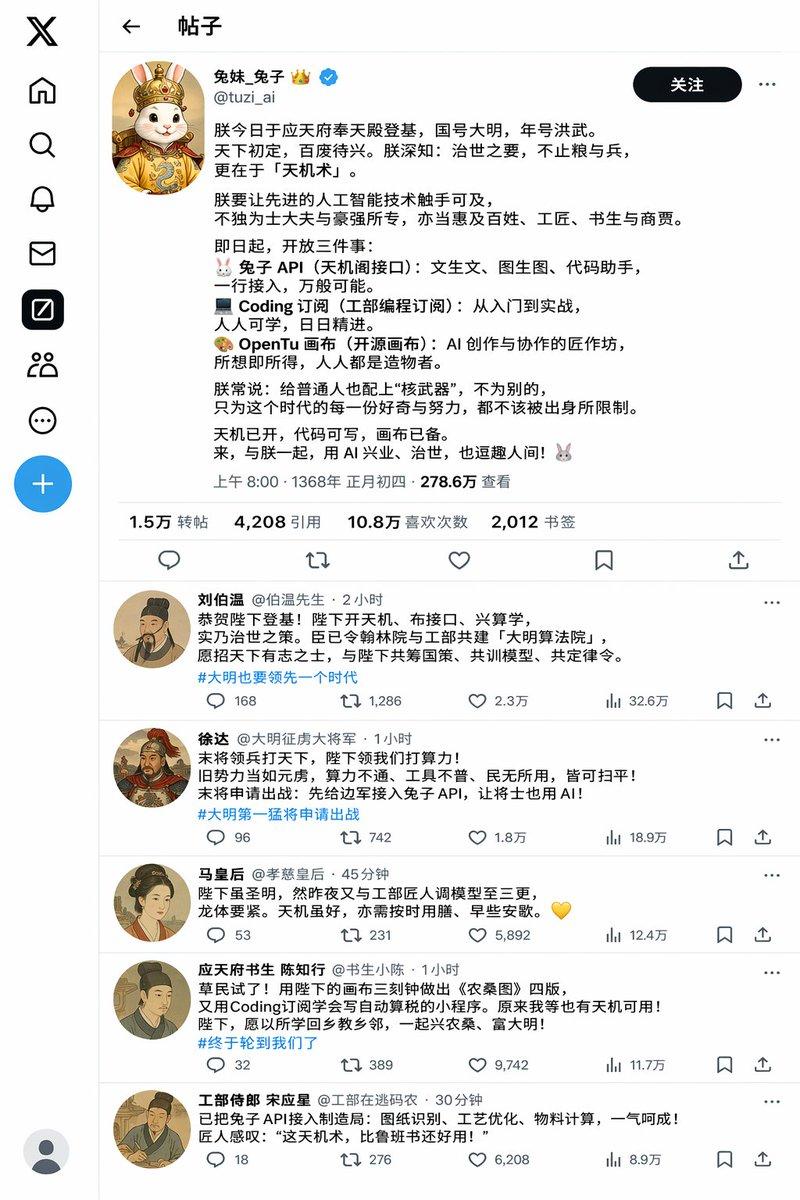
파란색 색연필로 한국어 손글씨 낙서, 밑줄, 형광펜, 말풍선을 마구 추가하세요. 낙서들은 주로 그에 대한 칭찬이고, 손으로 그린 클립아트를 몇 개 추가해도 좋습니다.
- Category
- 创意图片
- Model
- Nano Banana Pro
- Creator
- DDing
- Source ID
- ec723b05-dd87-43b0-9b5d-3217c7b1a763
- Published
- Mar 8, 2026
Views0
16
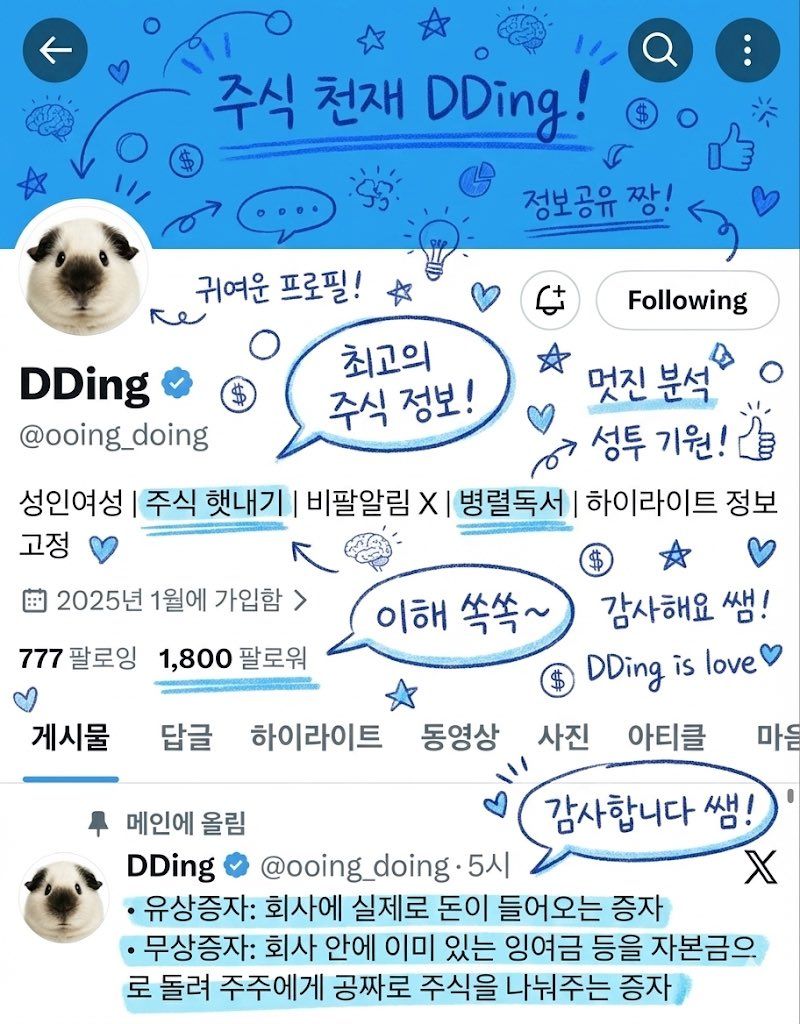
파란색 색연필로 한국어 손글씨 낙서, 밑줄, 형광펜, 말풍선을 마구 추가하세요. 낙서들은 주로 그에 대한 칭찬이고, 손으로 그린 클립아트를 몇 개 추가해도 좋습니다.
Guide
"为 Twitter 个人资料图片添加赞美贴纸" AI image prompt for Nano Banana Pro (创意图片). 一个为 Gemini Nano Banana 设计的提示,用于为 Twitter 个人资料图片添加各种手写、手绘和彩色的元素,主要侧重于赞美和积极反馈,采用蓝色铅笔风格。 ---…
The full copyable prompt and example visuals above are ready for AI image generation or one-click recreate in Picva.
Step 1
Review the example visuals, category, and full prompt text for "为 Twitter 个人资料图片添加赞美贴纸".
Step 2
Copy the prompt body from this page, or load it directly in Studio.
Step 3
Prefer Nano Banana Pro. If you switch models, keep subject and composition and tweak style terms.
Step 4
Recreate the look in Picva, or export into your workflow for editing and publishing.