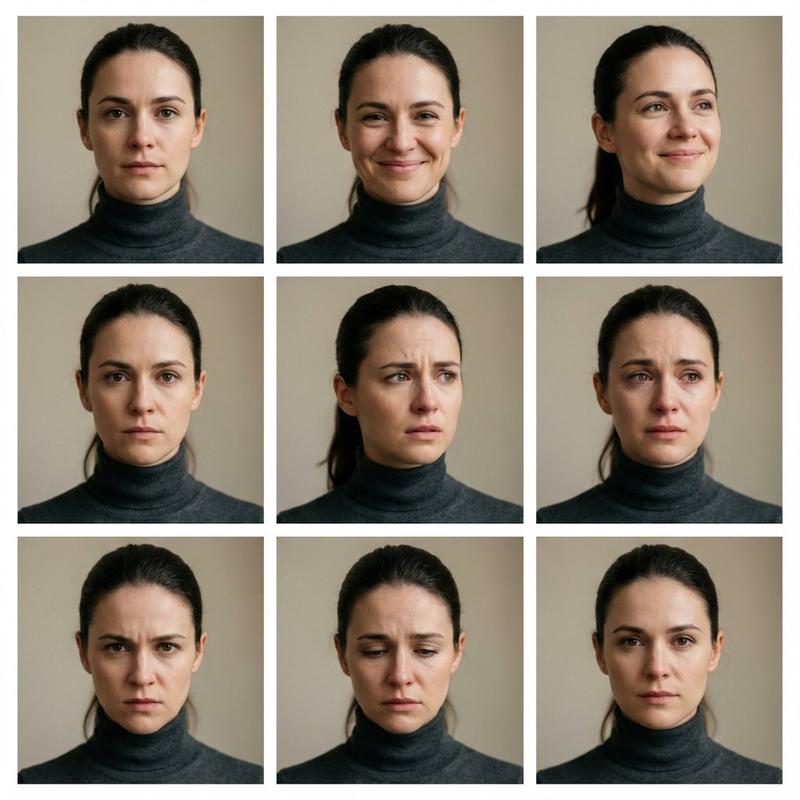
面部表情和角度变化的参考图像提示
Prompt
Change her facial expressions, various angles of close up shots
- Category
- 创意图片
- Model
- Nano Banana Pro
- Creator
- Gizem Akdag
- Source ID
- f48c4cdb-c14d-4955-8202-e470114b3484
- Published
- Mar 8, 2026
Views0
13
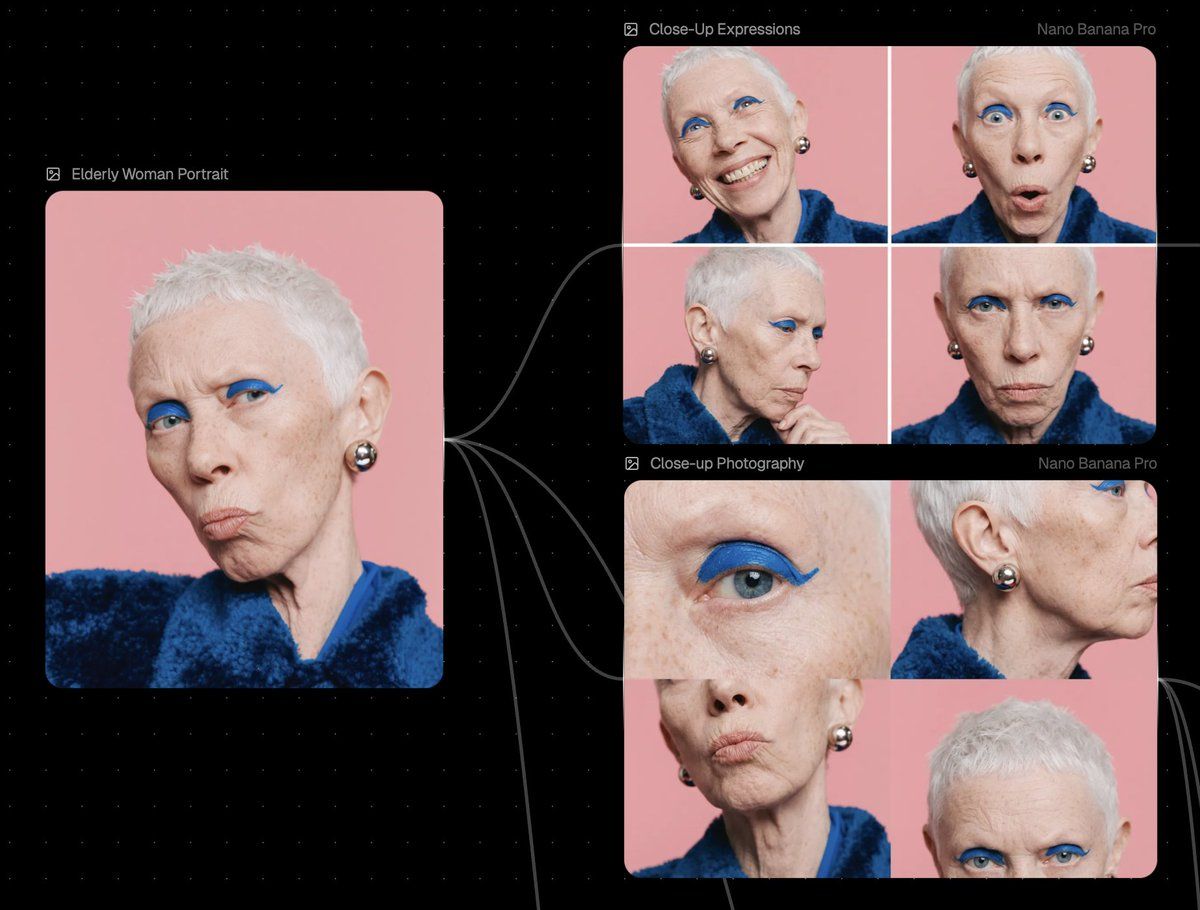
Change her facial expressions, various angles of close up shots
Guide
"面部表情和角度变化的参考图像提示" AI image prompt for Nano Banana Pro (创意图片). 这是一个简单的指令提示,旨在上传参考肖像后使用。目标是生成该主体的多个特写镜头,同时改变其面部表情和摄像机角度,并保持上传图像中的核心身份。 --- 改变她的面部表情,各种角度的特写镜头 Co…
The full copyable prompt and example visuals above are ready for AI image generation or one-click recreate in Picva.
Step 1
Review the example visuals, category, and full prompt text for "面部表情和角度变化的参考图像提示".
Step 2
Copy the prompt body from this page, or load it directly in Studio.
Step 3
Prefer Nano Banana Pro. If you switch models, keep subject and composition and tweak style terms.
Step 4
Recreate the look in Picva, or export into your workflow for editing and publishing.