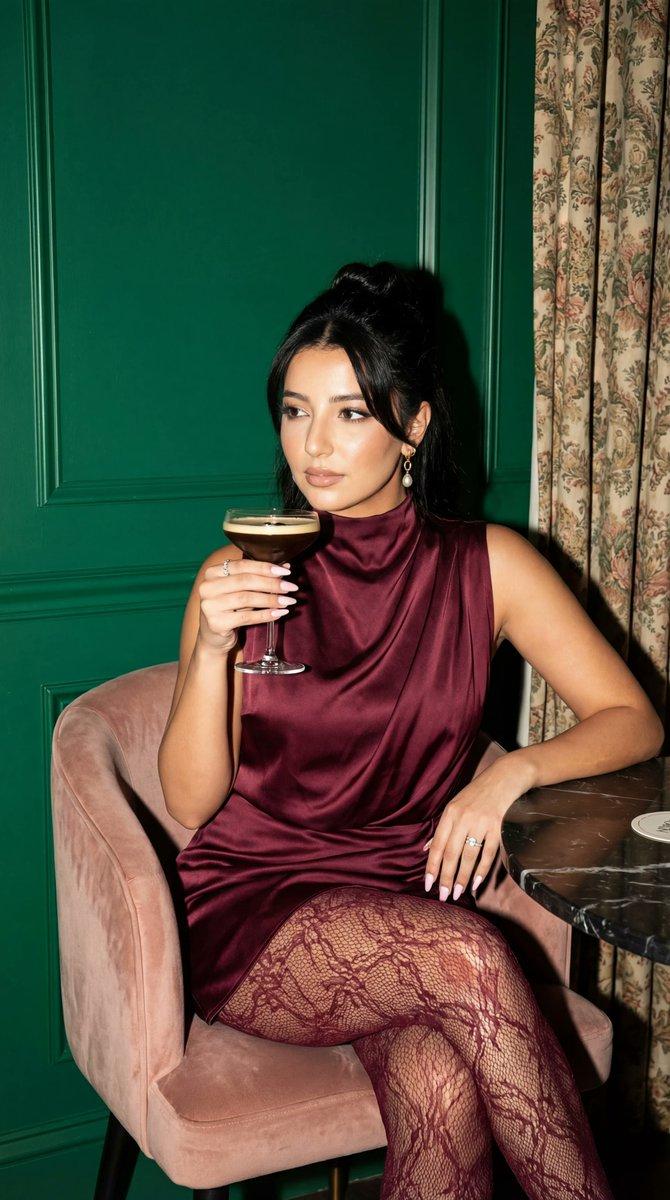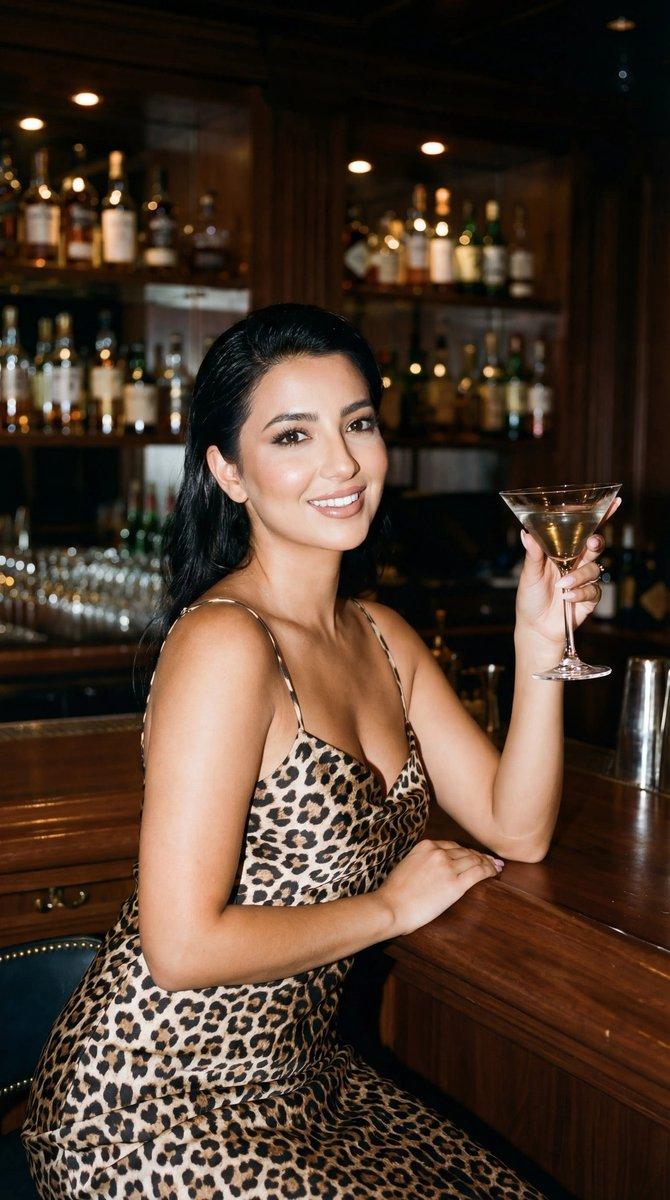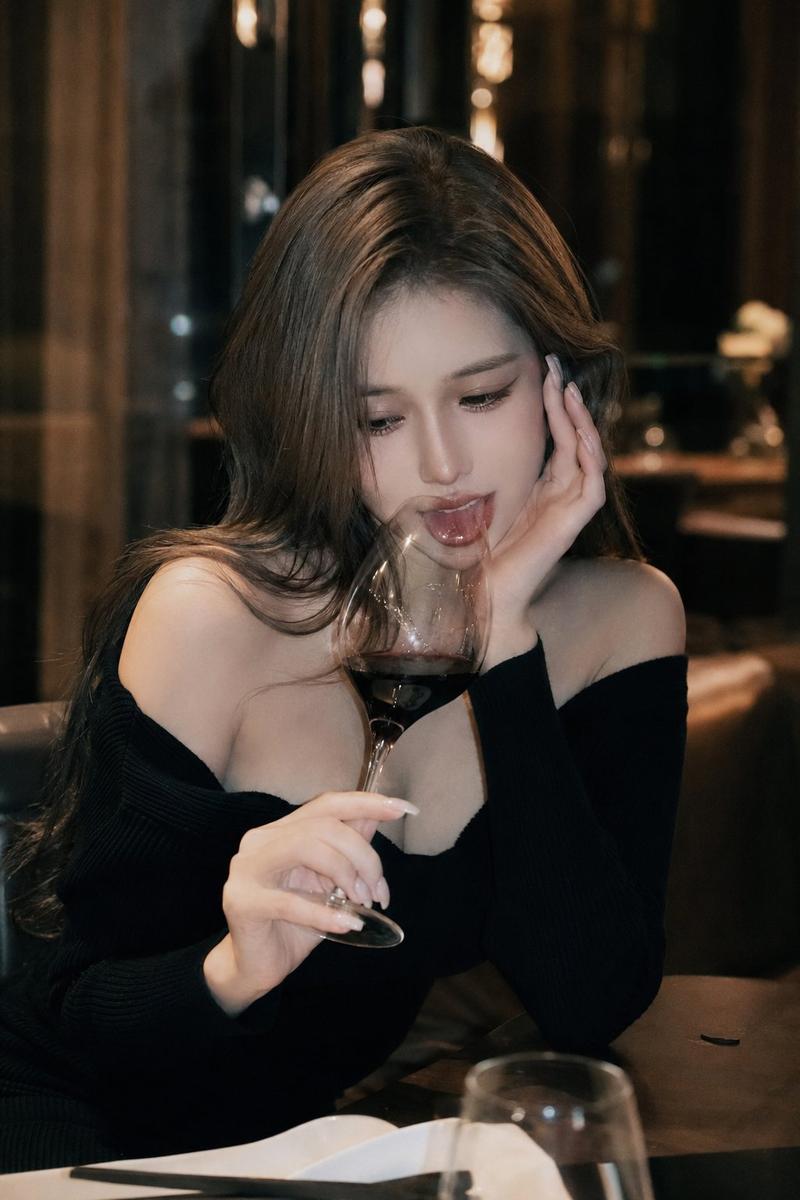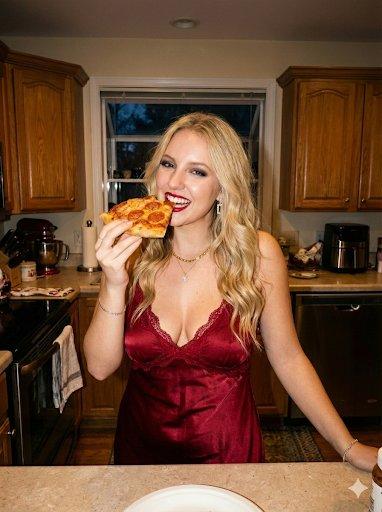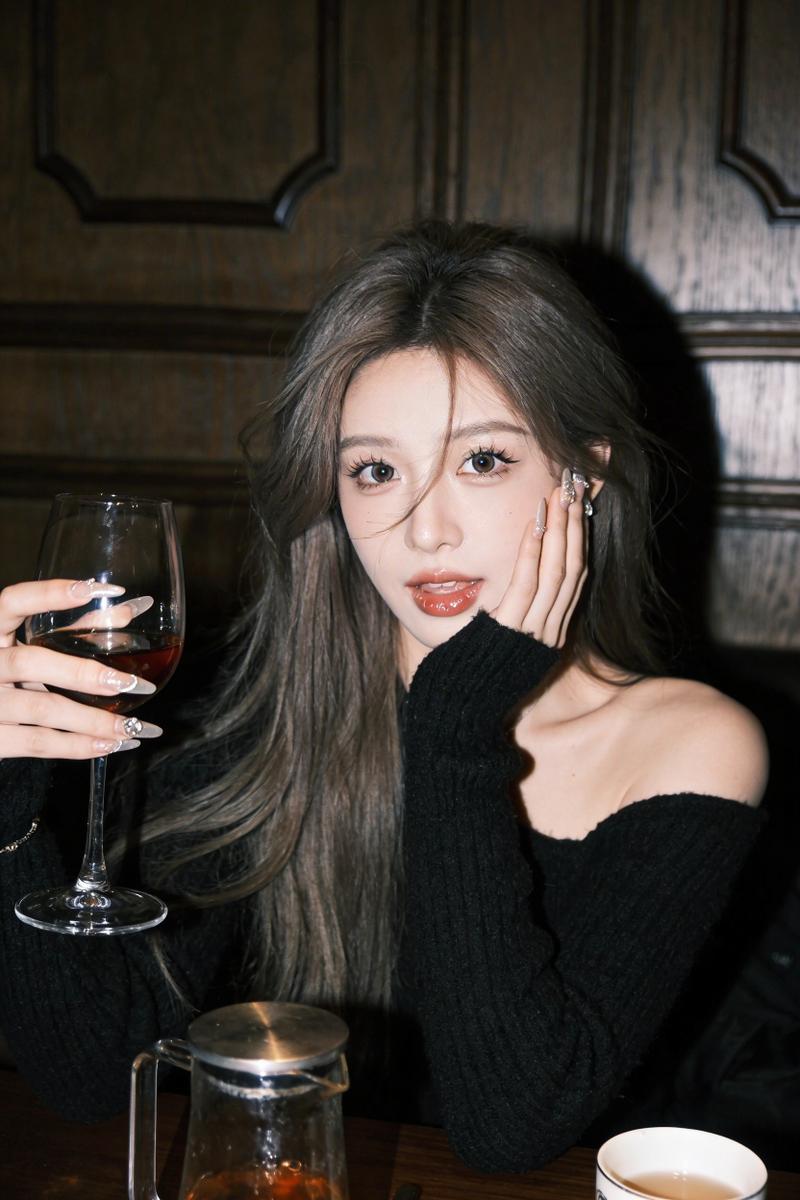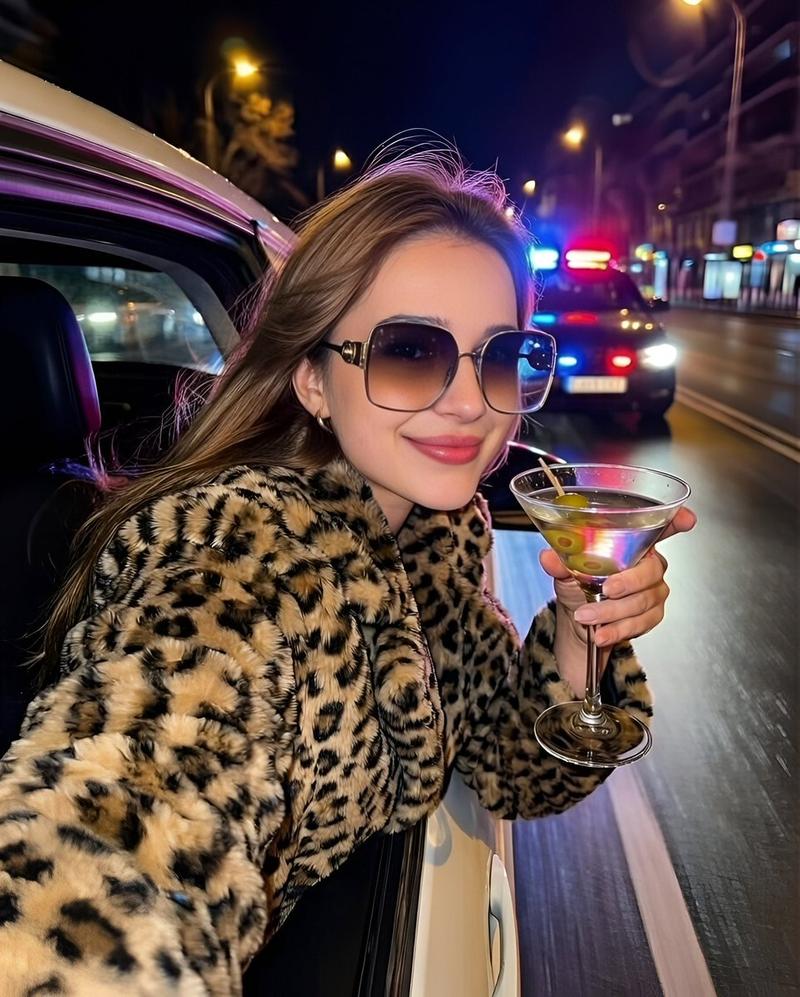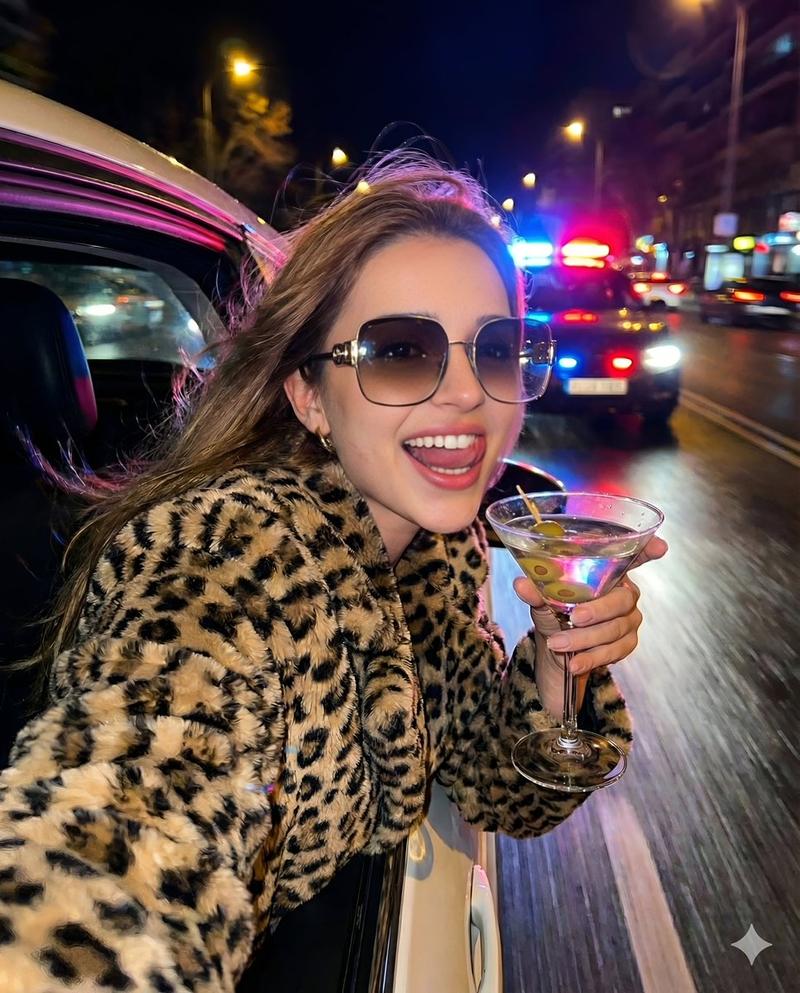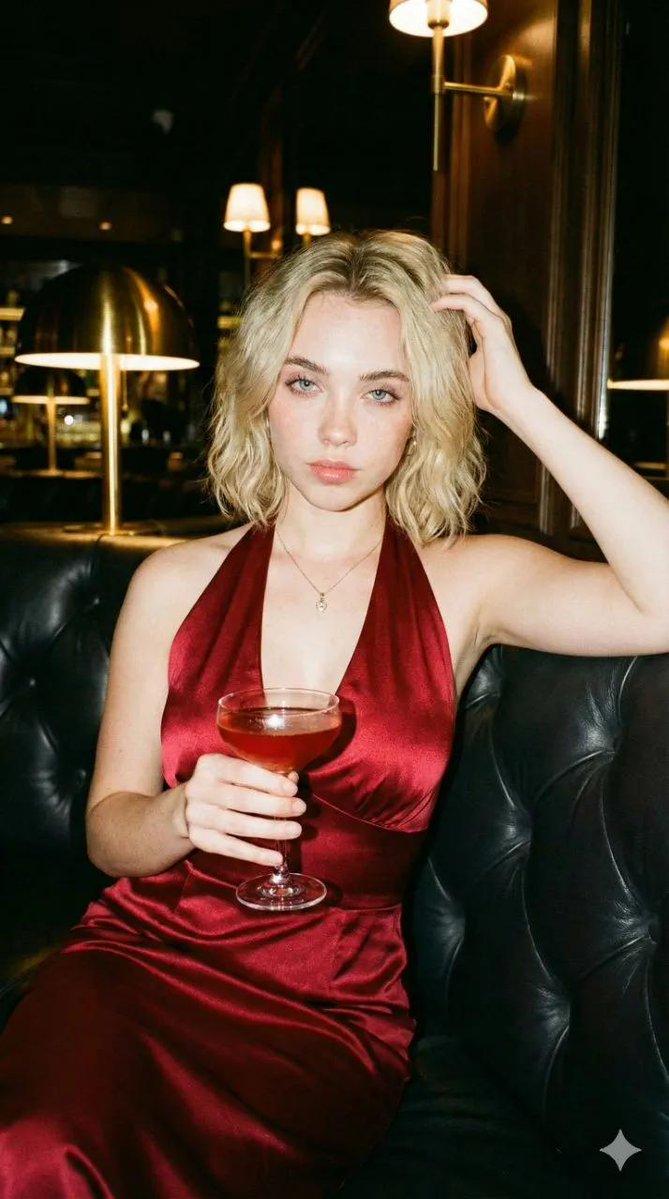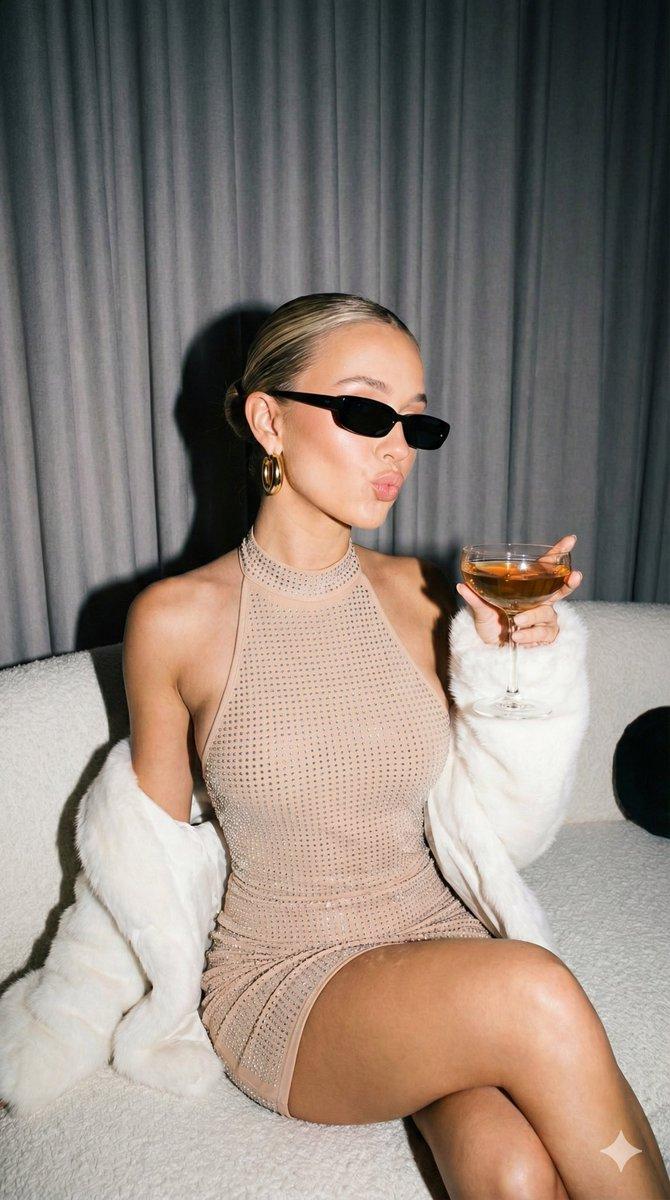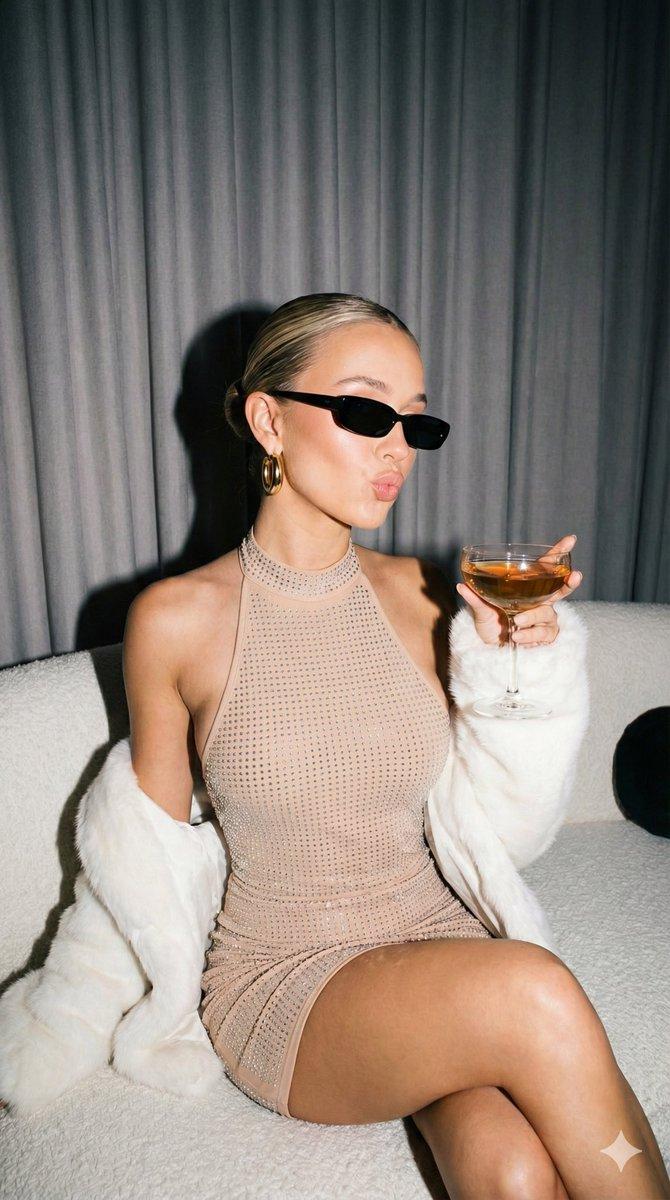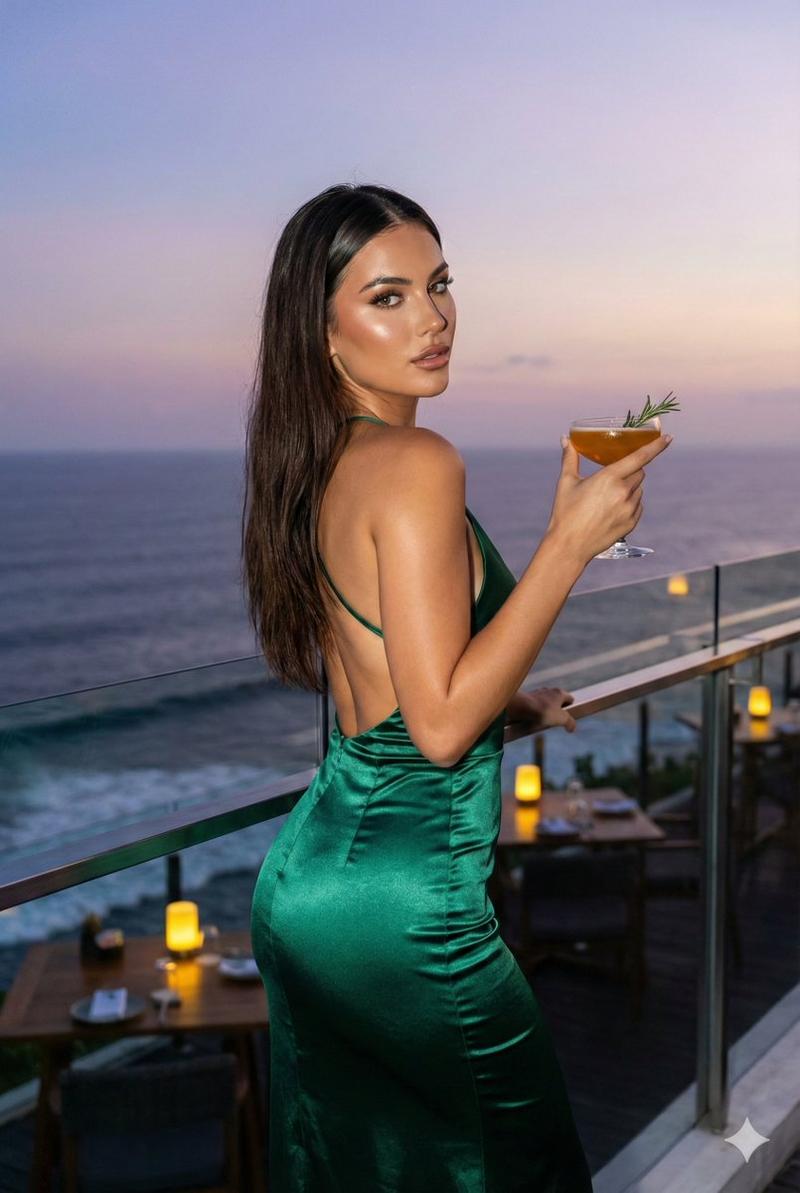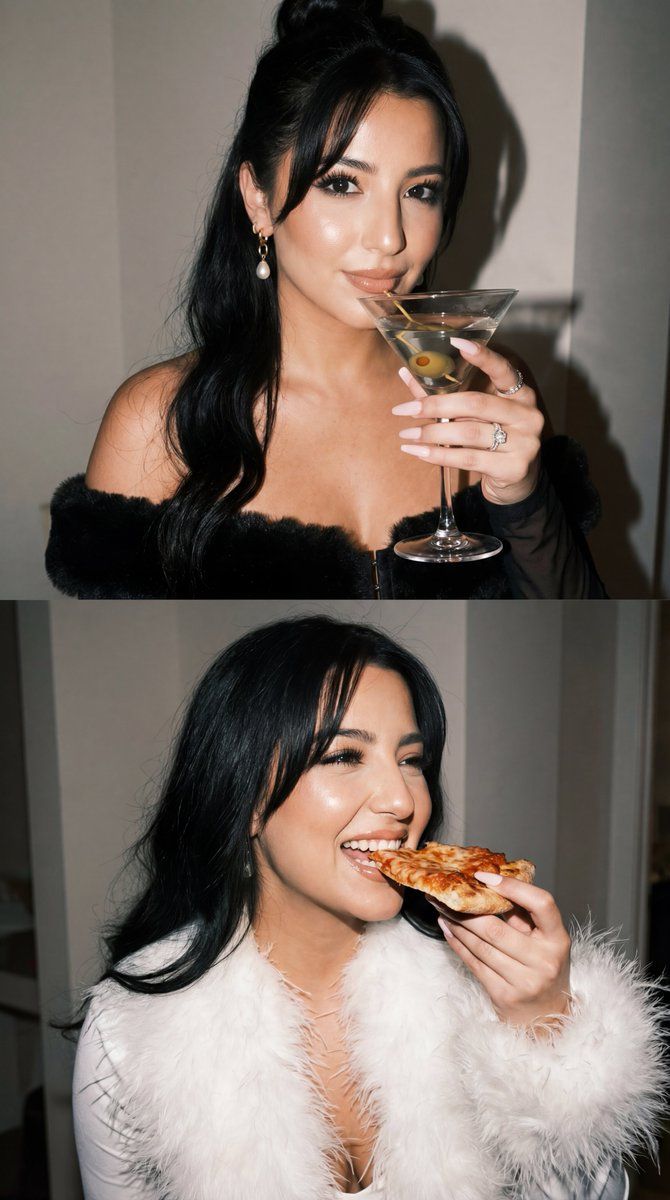
双面板编辑与身份锁定
Prompt
{
  "request_metadata": {
    "tool": "NanoBananaPro",
    "task_type": "ultra_photoreal_editorial_duo_panel",
    "quality_preset": "ultra",
    "aspect_ratio": "4:5"
  },
  "references": {
    "character_reference_image": {
      "slot": 1,
      "purpose": "MAIN_SUBJECT_IDENTITY_LOCK",
      "strict_identity_lock": true
    },
    "style_reference_A": {
      "slot": 2,
      "purpose": "WARDROBE_LIGHTING_POSE_VIBE_REF_BLACK_FUR_MARTINI"
    },
    "style_reference_B": {
      "slot": 3,
      "purpose": "WARDROBE_LIGHTING_POSE_VIBE_REF_WHITE_FEATHER_PIZZA"
    },
    "reference_rules": {
      "preserve_uploaded_character_identity": true,
      "identity_lock_strength": 0.995,
      "face_similarity_priority": "MAX",
      "preserve_facial_proportions": true,
      "no_beautify_no_face_morph": true,
      "keep_age_and_gender_consistent": true,
      "do_not_copy_any_unprovided_identity": true
    }
  },
  "output_settings": {
    "layout": {
      "type": "2x1_grid_vertical",
      "border": "thin_white_gutter",
      "frame_consistency_rule": "same_woman_identity_both_panels"
    },
    "resolution": "ultra_high_res",
    "render_style": "photorealistic_flash_editorial_party",
    "sharpness": "high",
    "film_grain": "subtle_35mm",
    "color": "clean_flash_pop"
  },
  "hard_constraints": [
    "EXACTLY 1 subject per panel (same woman in both panels), no extra people",
    "No text, no logos, no watermark",
    "Realistic skin texture (no plastic smoothing), natural pores",
    "Correct hands/fingers, no warping",
    "Keep identity 100% matched to slot 1 in BOTH panels"
  ],
  "prompt": {
    "scene_summary": "Create a two-panel vertical collage (2x1). Same woman (identity locked to slot 1) in both panels. High-end party editorial look with on-camera flash, realistic candid vibe. Use style refs: Panel 1 matches the black fur + martini mood; Panel 2 matches the white feather + pizza mood. No extra people, no text.",
    "global_environment": {
      "location": "indoors, upscale apartment party corner at night",
      "background": "minimal clean wall + subtle window frame in soft focus, no readable text anywhere",
      "lighting": "strong direct on-camera flash with soft ambient fill, realistic shadows, glossy highlights"
    },
    "camera": {
      "type": "flash photography / party snapshot",
      "lens_look": "35mm equivalent",
      "focus": "tack-sharp face, slightly softer background",
      "exposure": "bright flash, crisp contrast"
    },
    "panel_plan": [
      {
        "panel": 1,
        "style_reference": "slot_2",
        "framing": "portrait close-up (head to upper torso), centered",
        "wardrobe": "black fluffy faux-fur coat, deep V neckline, elegant diamond necklace + earrings, manicured nails",
        "prop_action": "holding a martini glass near face, confident editorial stare",
        "expression": "cool, slightly bored/sultry, relaxed eyelids",
"hair"- Category
- 创意图片
- Model
- Nano Banana Pro
- Creator
- Özge Döner
- Source ID
- c5c460be-9166-44ad-9bf5-c0ad98184e99
- Published
- Mar 8, 2026
Views0