20

AI 室内设计杂志封面模型
Enlarge

AI 室内设计杂志封面模型

Prompt
A mockup of a magazine cover with title in gold “{argument name="magazine title" default="AI INTERIORS"}”, “Issue 11: Ethereal Elegance”, showing sections in 2 columns (left and right).

In the left column, all text in white, title at the top “Fantasy Lounges”, description “AI living spaces with Romanticism murals, antiques, magic nature.”, and title at the bottom  “Dreamy Retreats” with description “Romanticism bedrooms: Nymphs on the forest”.
In the right column, all text in white, title at the top “Chaise Lounge with Floral Patterns”, and title at the bottom “Special Edition: Japanese Decor” Subtitle “Timeless Fusion - ukiyo-e and kintsugi into modern interiors.”, under, on the right bottom corner this realistic magazine barcode (white and black bars) with date “{argument name="date" default="24/12/2025"}”.
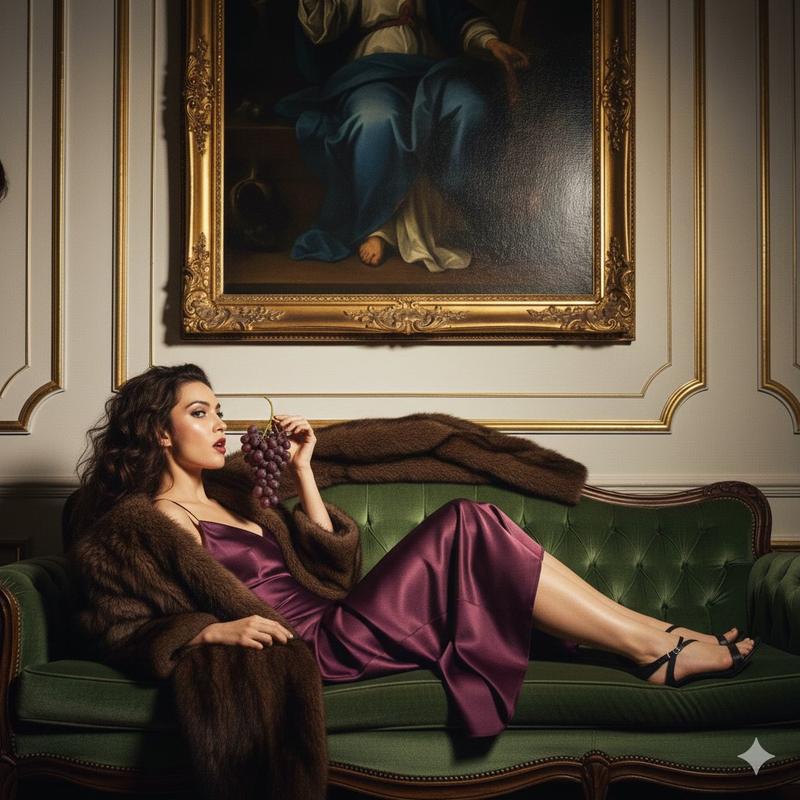
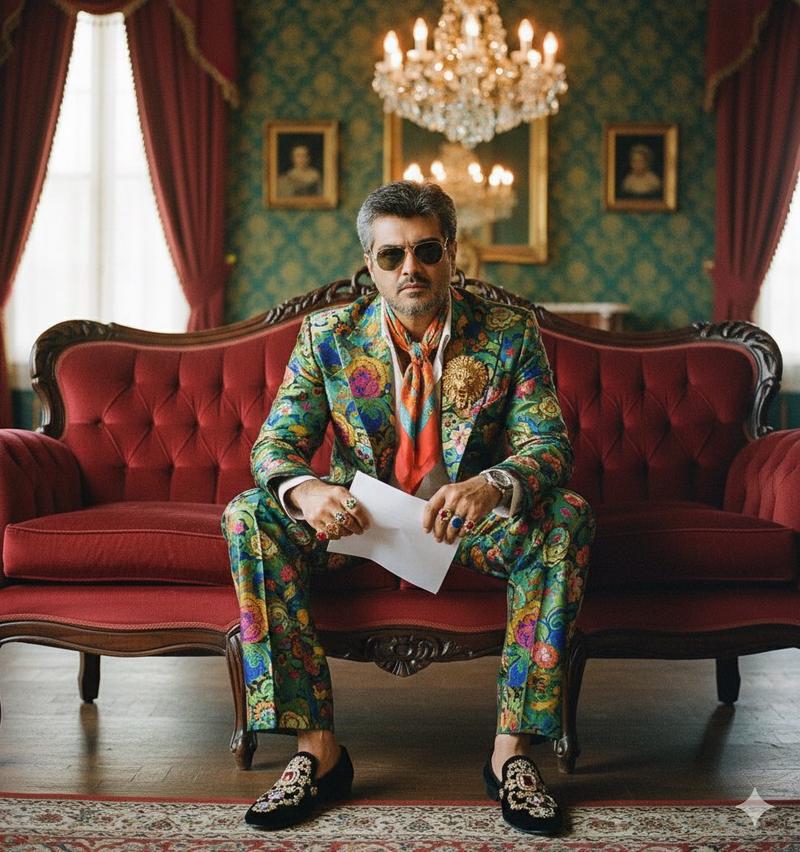
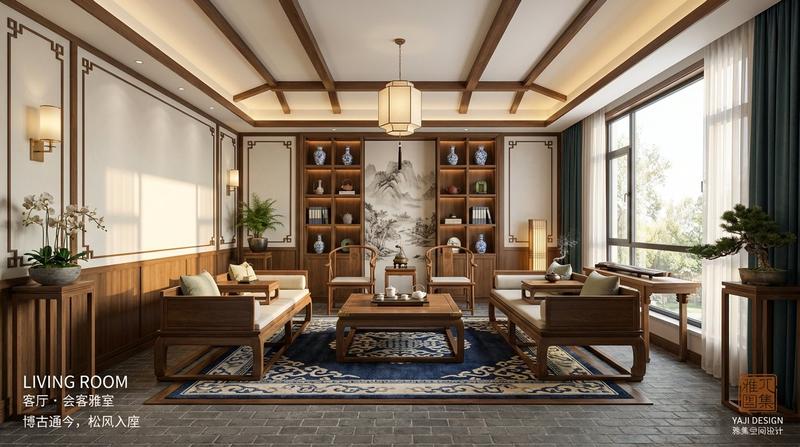
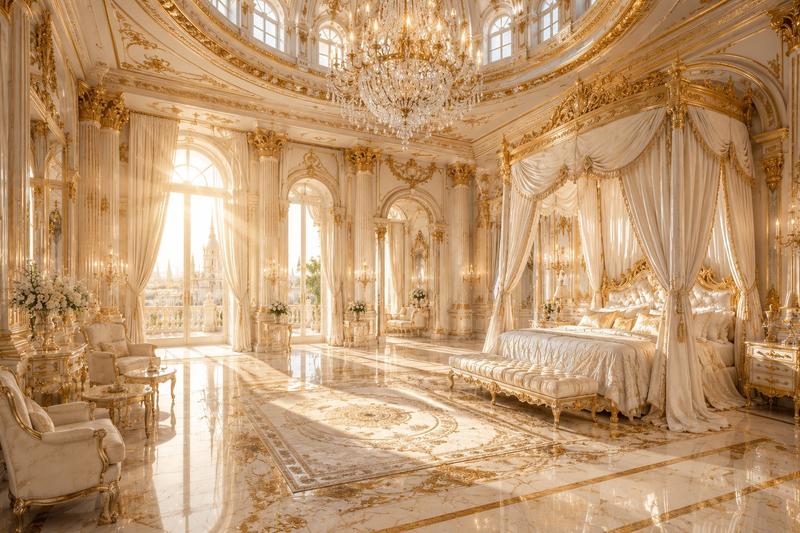
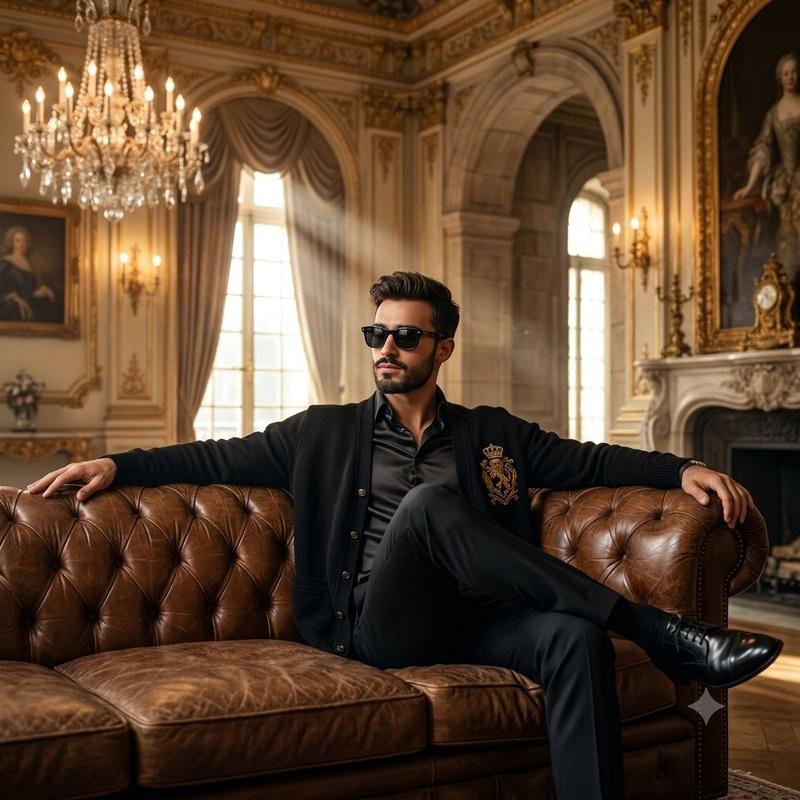
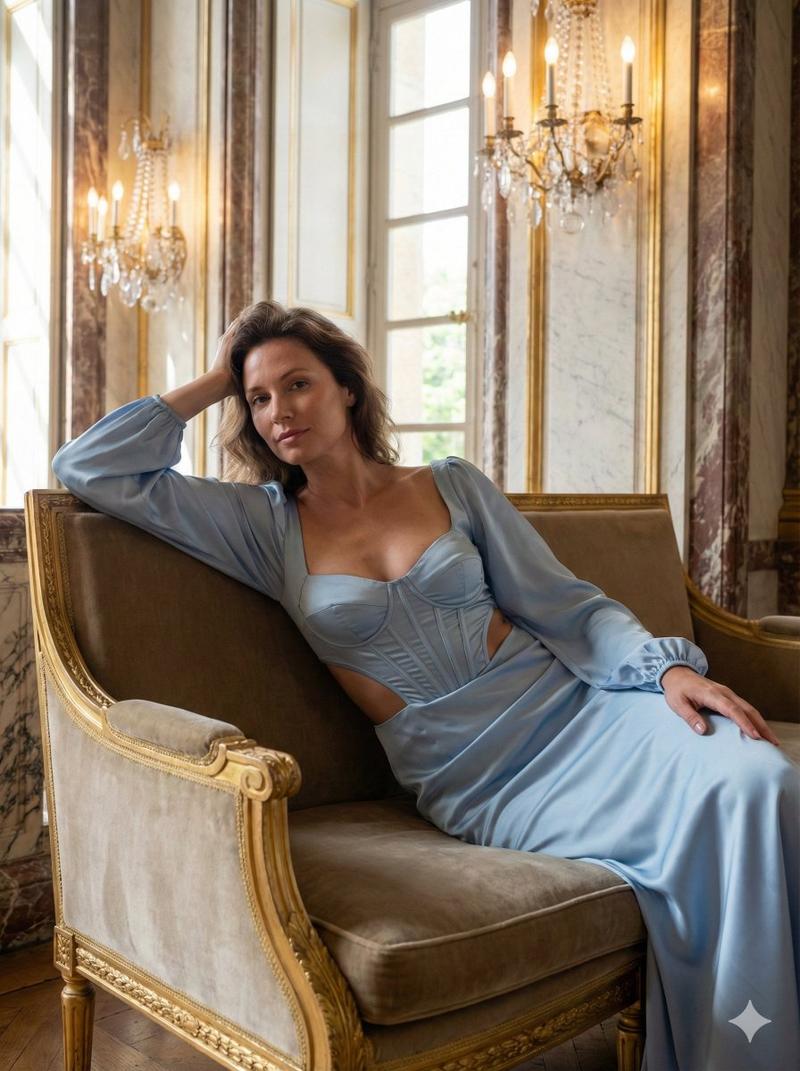
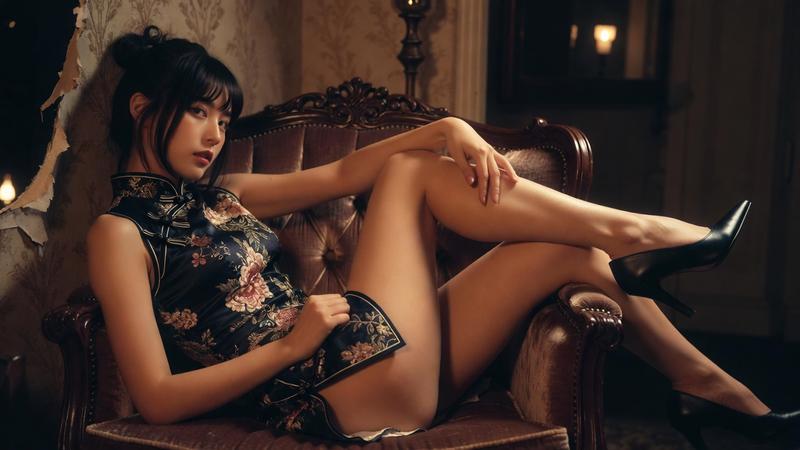
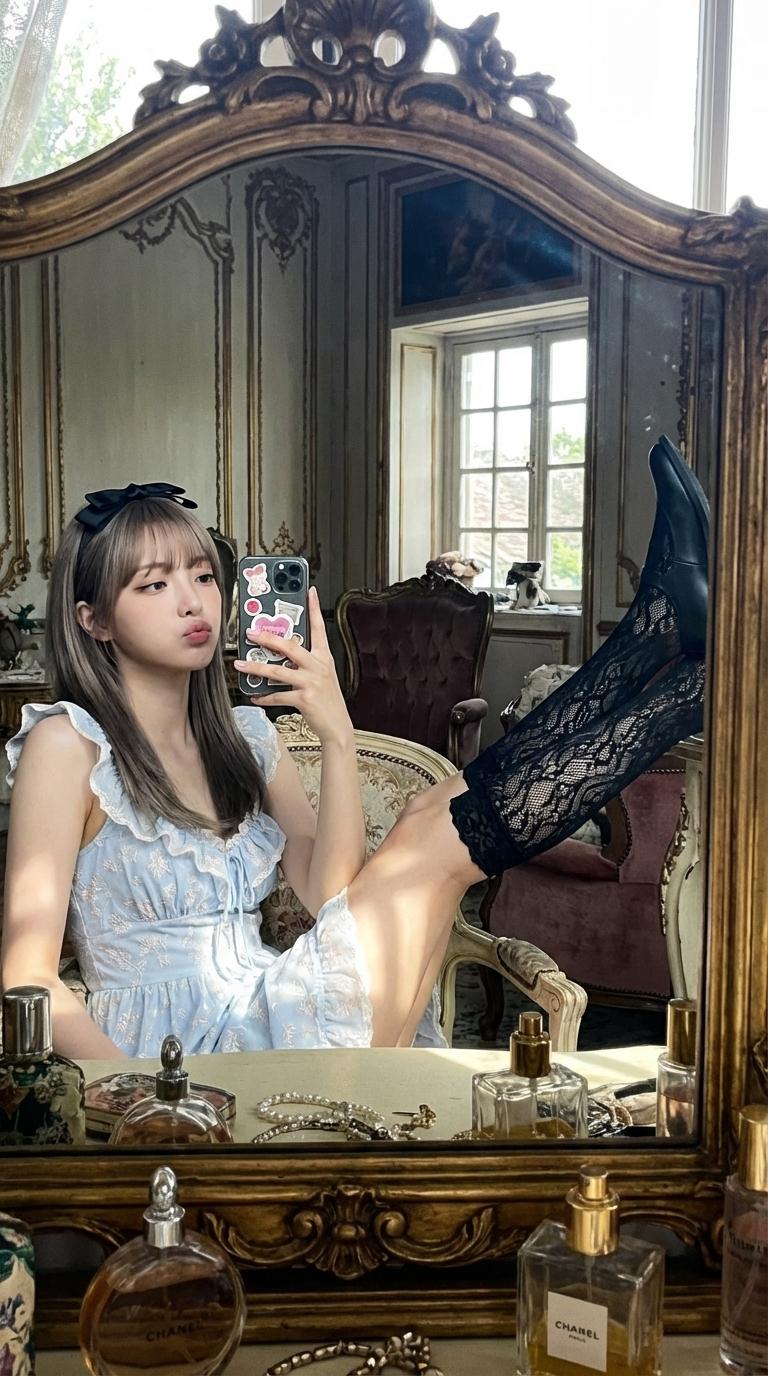
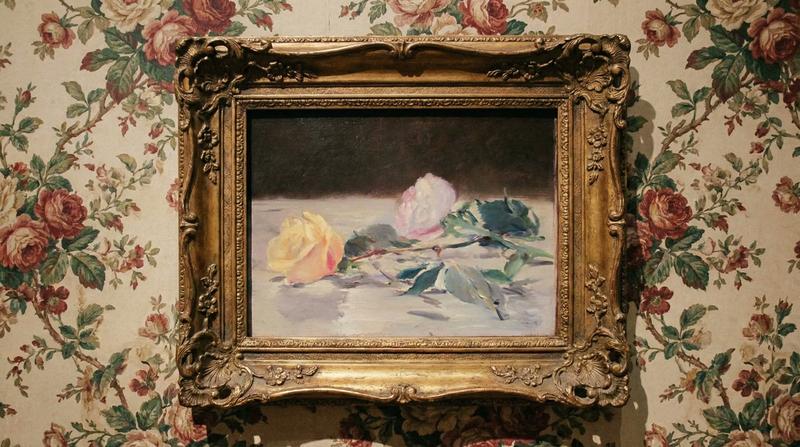
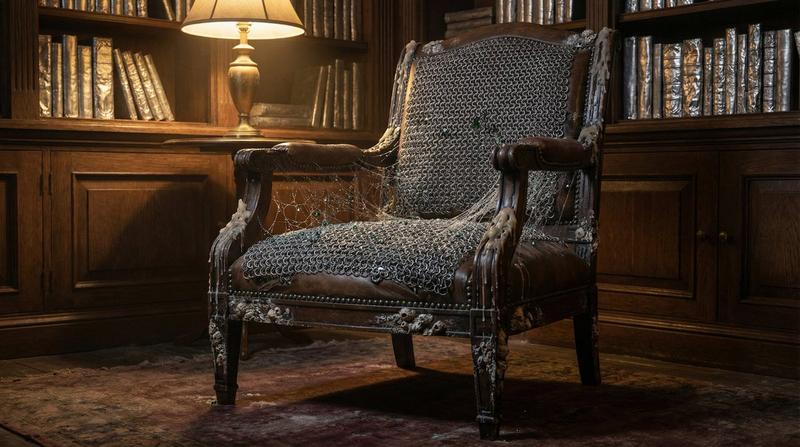
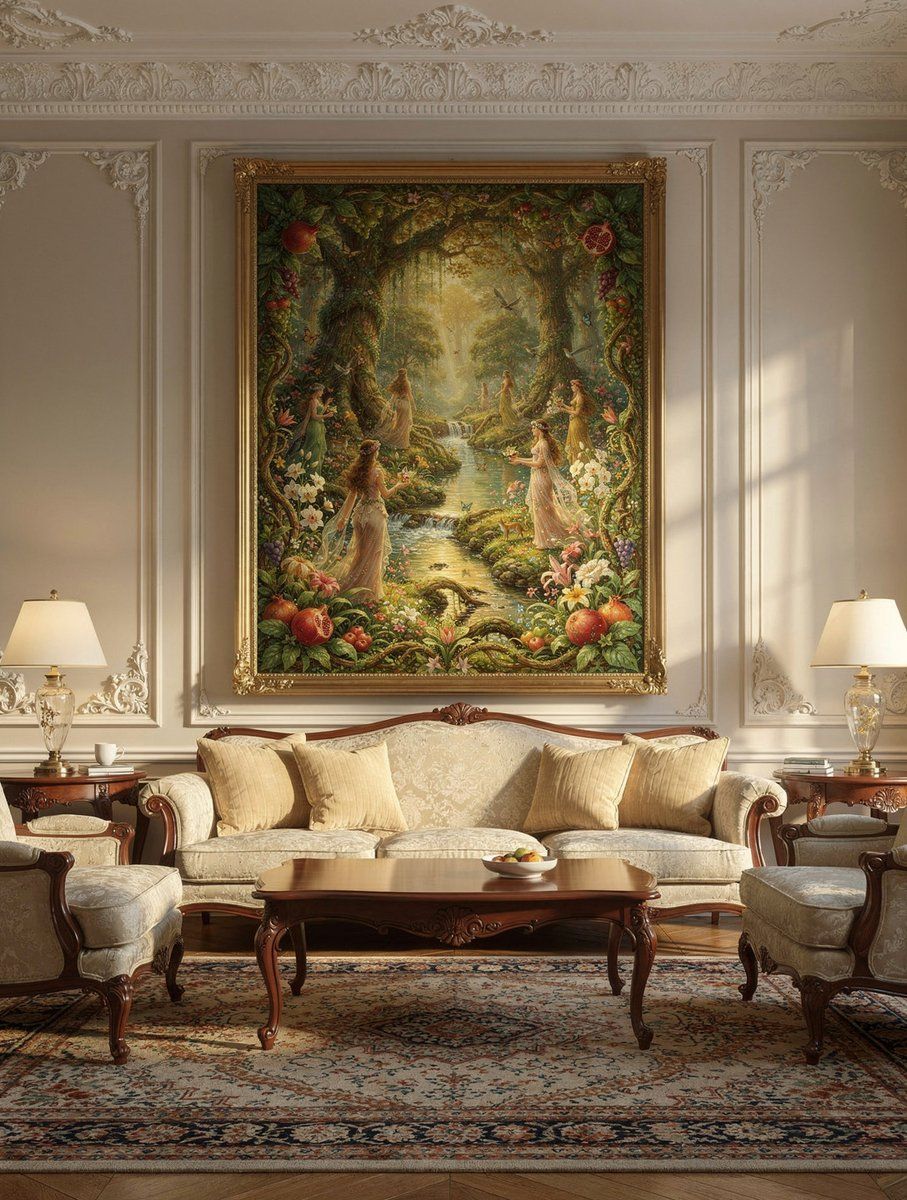
+ interior image as a style reference

Seamless mapping design elements, fonts, colours, spacing and grid.
Category
创意图片
Model
Nano Banana Pro
Views0
Source ID
94862318-e54f-4e02-946e-bd4c128b0e12
Published
Mar 8, 2026

Guide

About "AI 室内设计杂志封面模型"

What is this prompt for?

"AI 室内设计杂志封面模型" AI image prompt for Nano Banana Pro (创意图片). 创建一个结构化的提示,用于制作一个逼真的杂志封面模型,标题为“AI INTERIORS”,包含特定的布局、文本和设计元素,包括逼真的条形码和日期,并基于一个室内图像风格参考。 --- 一本杂志封面的…

The full copyable prompt and example visuals above are ready for AI image generation or one-click recreate in Picva.

How to use this prompt

  1. Step 1

    Open the prompt detail

    Review the example visuals, category, and full prompt text for "AI 室内设计杂志封面模型".

  2. Step 2

    Copy the prompt

    Copy the prompt body from this page, or load it directly in Studio.

  3. Step 3

    Pick a model (Nano Banana Pro)

    Prefer Nano Banana Pro. If you switch models, keep subject and composition and tweak style terms.

  4. Step 4

    Generate and export

    Recreate the look in Picva, or export into your workflow for editing and publishing.

FAQ

What is the "AI 室内设计杂志封面模型" prompt?
It is an AI image-generation prompt for Nano Banana Pro in the 创意图片 category. This page includes the full prompt text, example visuals, and a one-click recreate path in Picva.
How do I use this prompt to generate an image?
Copy the prompt from this page, or use Generate / Studio. Paste it into a compatible image model, or recreate the look in Picva with optional reference images.
Which model is this prompt for?
This page lists Nano Banana Pro. Most descriptive prompts also transfer to nearby image models such as GPT Image, Flux, or Midjourney with light style tweaks.
Can I use the result commercially?
You can usually copy the prompt for creation, but commercial use of the final image depends on the model terms, reference-image rights, and the generated content. Follow the source author and platform rules.