20

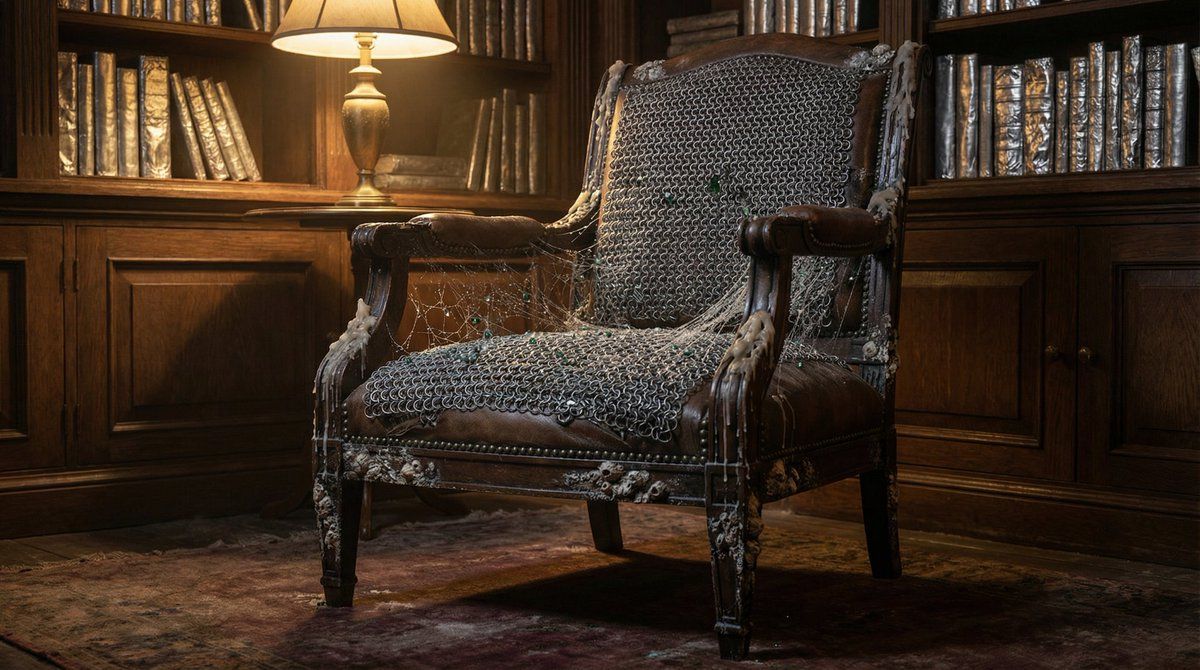
超现实图书馆扶手椅生成
Enlarge

超现实图书馆扶手椅生成

Prompt
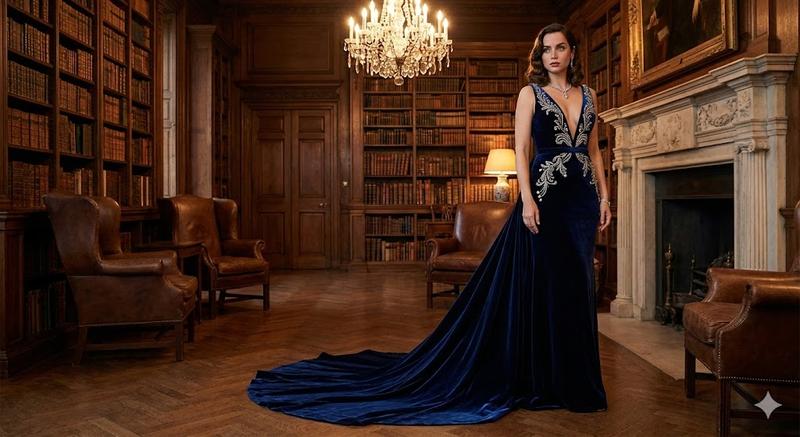
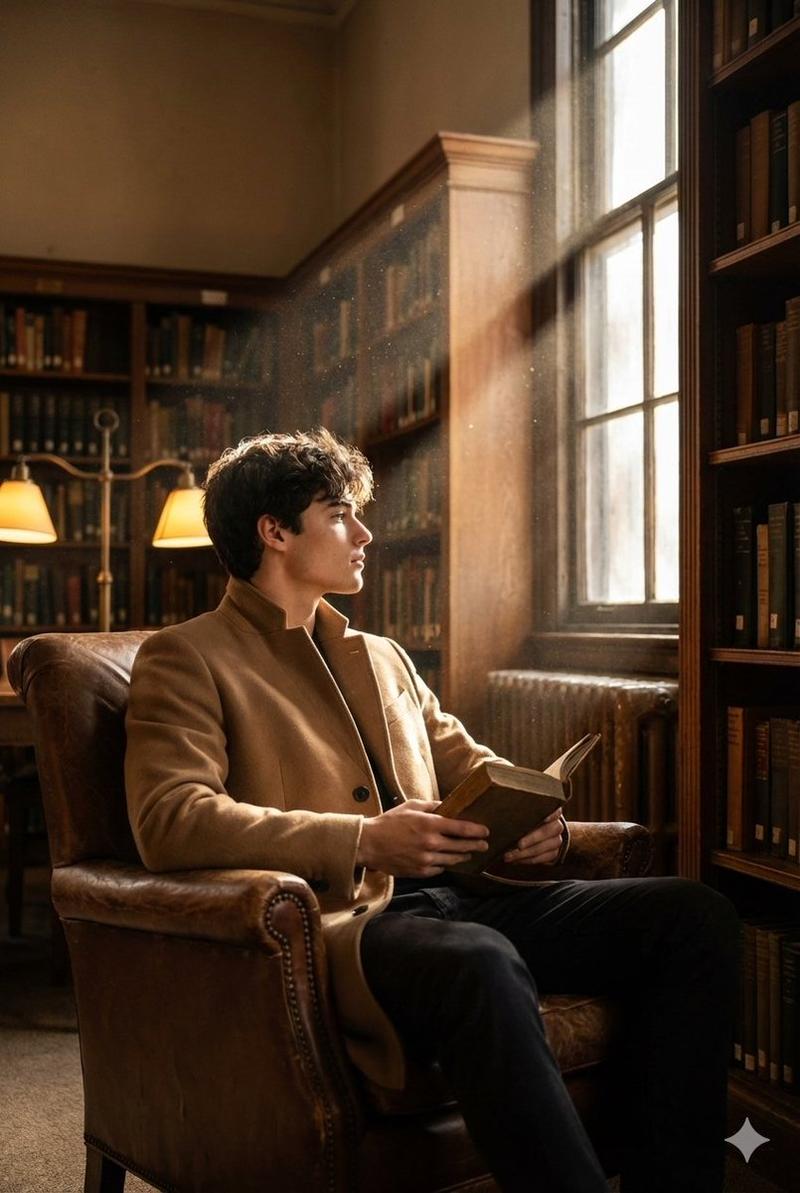
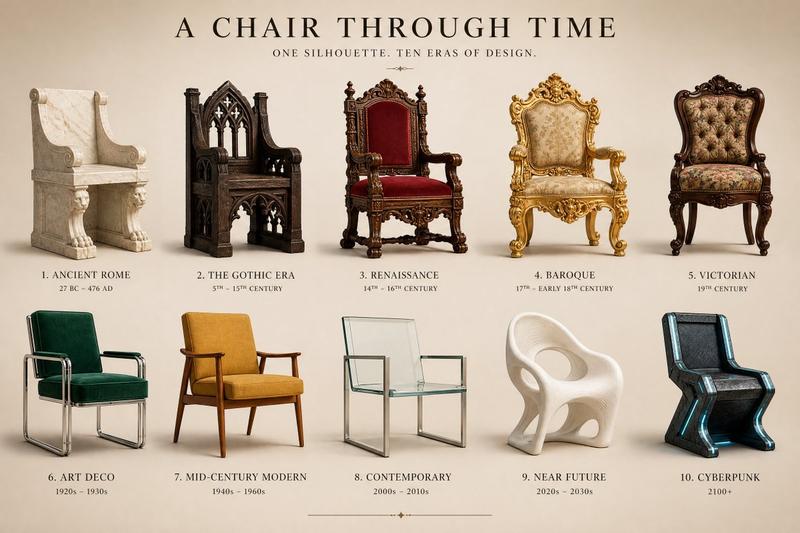
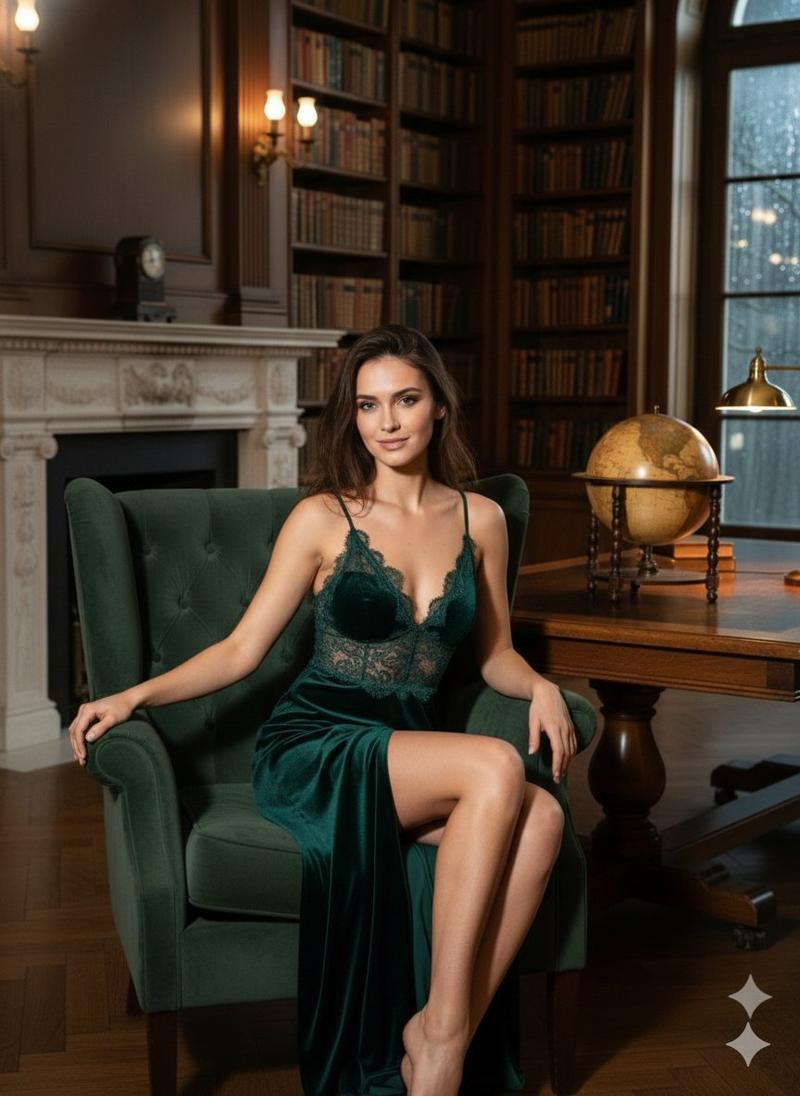
A vintage leather armchair in a dimly lit library, upholstery woven from interlocking chains of frost-covered chainmail and silky spiderweb threads embedded with tiny emerald shards, wooden frame textured like weathered barnacles fused with molten candle wax drips, bookshelves in background with pages of crinkled aluminum foil, soft golden lamplight casting intricate shadows on every fiber and crack, hyper-realistic, photorealistic detail, no artifacts, 4K, aspect ratio 16:9.
Category
创意图片
Model
Nano Banana Pro
Creator
Shah
Views0
Source ID
3f1c6d86-60c8-4e91-8f51-0bb0a2a4ec24
Published
Mar 8, 2026

Guide

About "超现实图书馆扶手椅生成"

What is this prompt for?

"超现实图书馆扶手椅生成" AI image prompt for Nano Banana Pro (创意图片). 生成一张超现实、4K 图像的提示词:一个置于昏暗图书馆中的复古皮革扶手椅,但具有超现实、复杂的纹理:链甲和蜘蛛网装饰的软垫,藤壶附着的木材,以及书架上铝箔制成的书页,强调细节阴影和照片级真实感。 ---…

The full copyable prompt and example visuals above are ready for AI image generation or one-click recreate in Picva.

How to use this prompt

  1. Step 1

    Open the prompt detail

    Review the example visuals, category, and full prompt text for "超现实图书馆扶手椅生成".

  2. Step 2

    Copy the prompt

    Copy the prompt body from this page, or load it directly in Studio.

  3. Step 3

    Pick a model (Nano Banana Pro)

    Prefer Nano Banana Pro. If you switch models, keep subject and composition and tweak style terms.

  4. Step 4

    Generate and export

    Recreate the look in Picva, or export into your workflow for editing and publishing.

FAQ

What is the "超现实图书馆扶手椅生成" prompt?
It is an AI image-generation prompt for Nano Banana Pro in the 创意图片 category. This page includes the full prompt text, example visuals, and a one-click recreate path in Picva.
How do I use this prompt to generate an image?
Copy the prompt from this page, or use Generate / Studio. Paste it into a compatible image model, or recreate the look in Picva with optional reference images.
Which model is this prompt for?
This page lists Nano Banana Pro. Most descriptive prompts also transfer to nearby image models such as GPT Image, Flux, or Midjourney with light style tweaks.
Can I use the result commercially?
You can usually copy the prompt for creation, but commercial use of the final image depends on the model terms, reference-image rights, and the generated content. Follow the source author and platform rules.