14

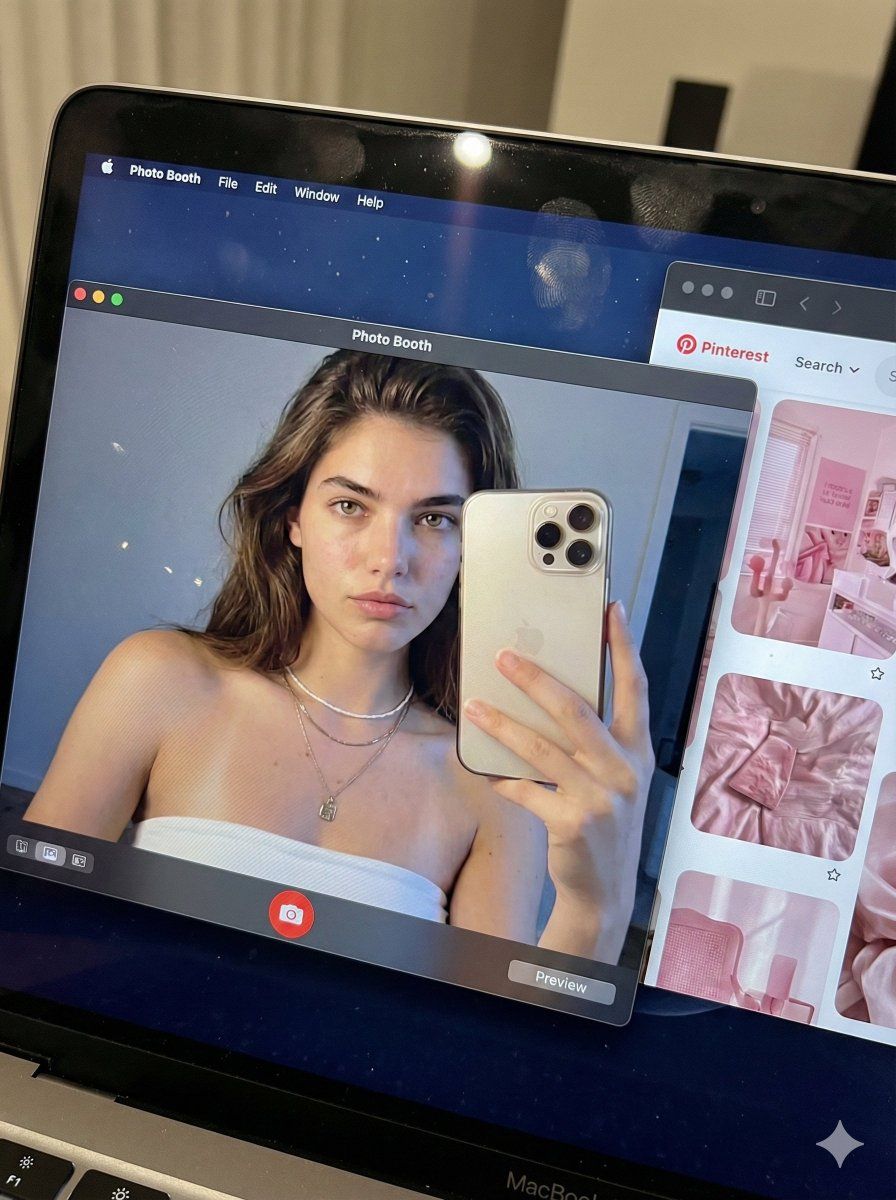
超逼真 MacBook 屏幕模拟提示词
Enlarge

超逼真 MacBook 屏幕模拟提示词

Prompt
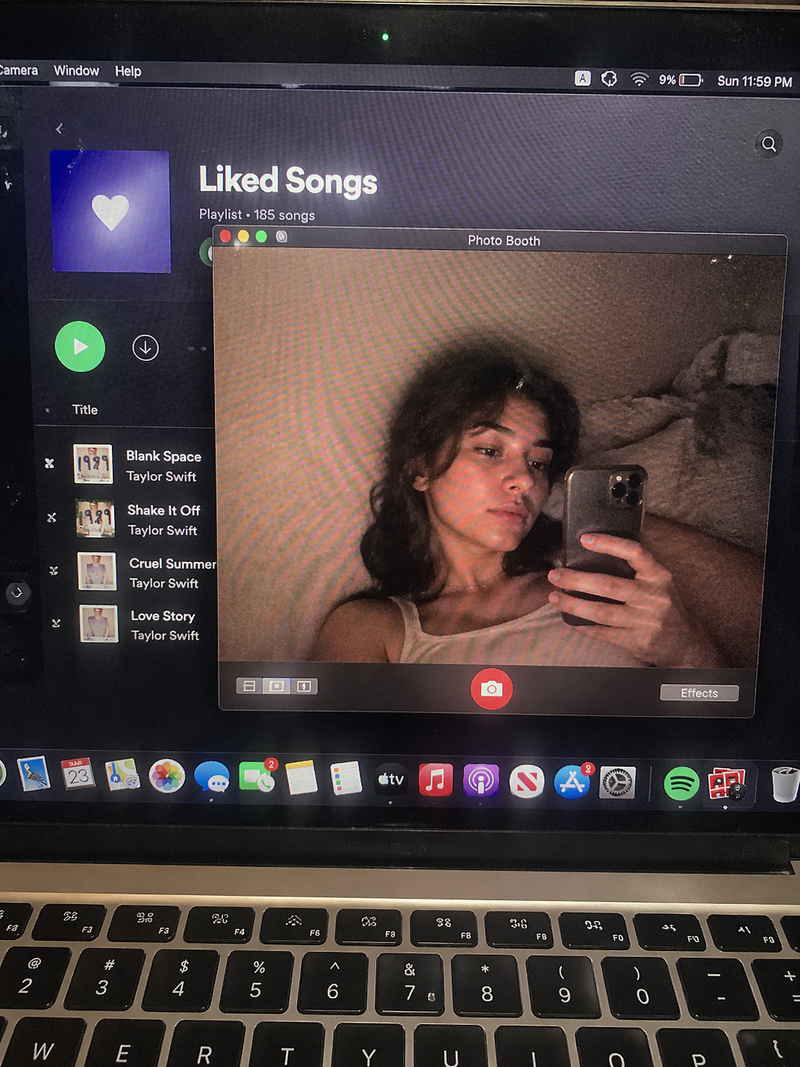
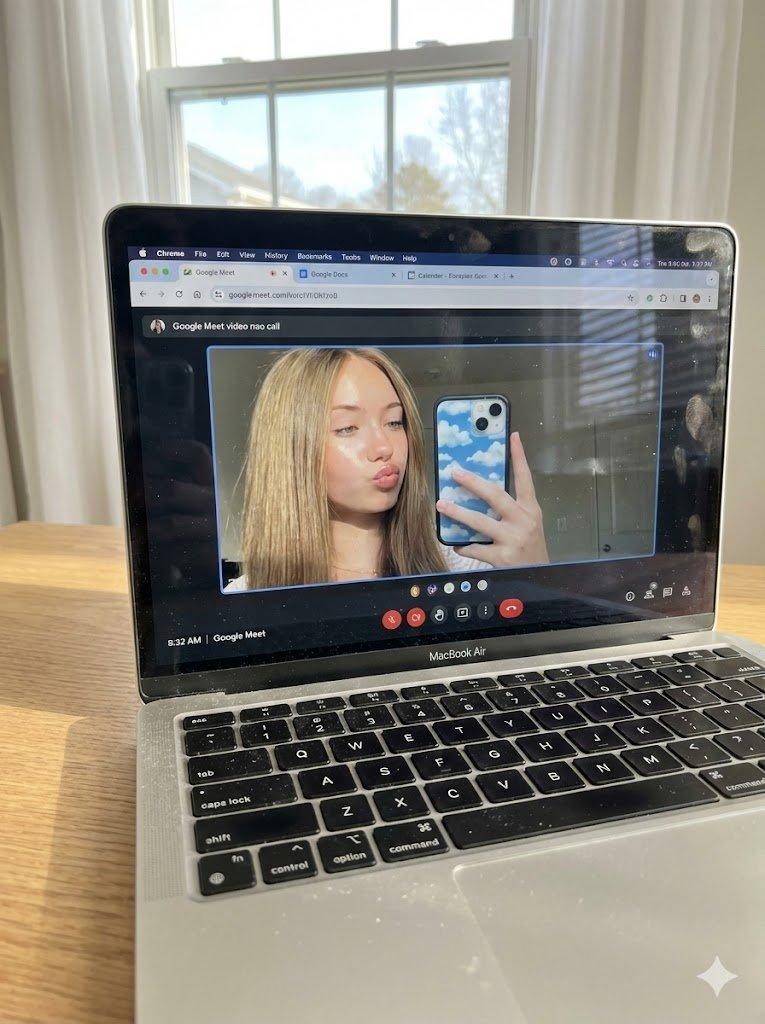
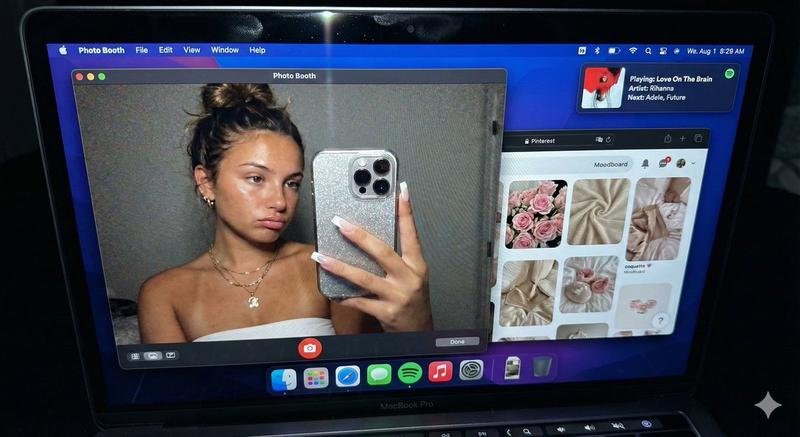
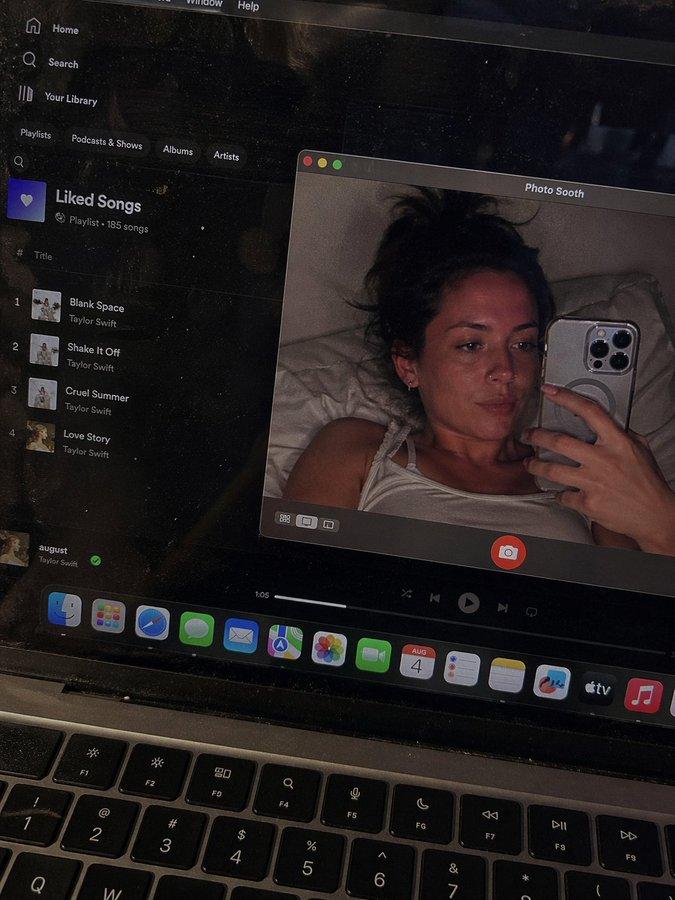
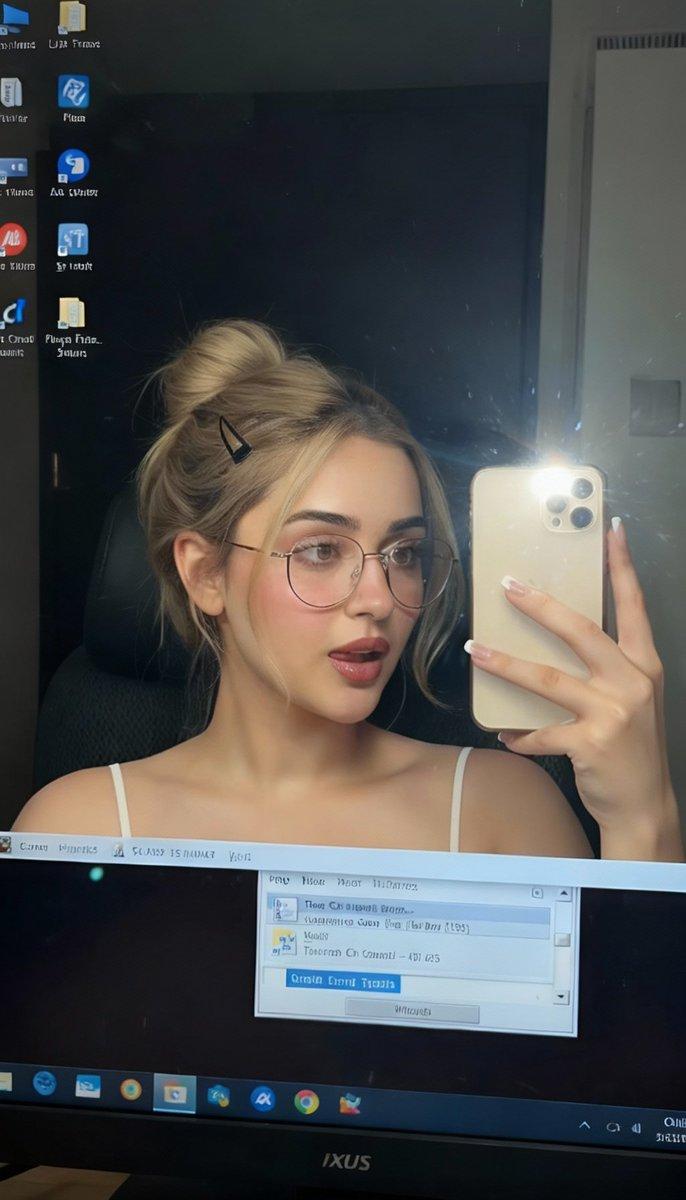
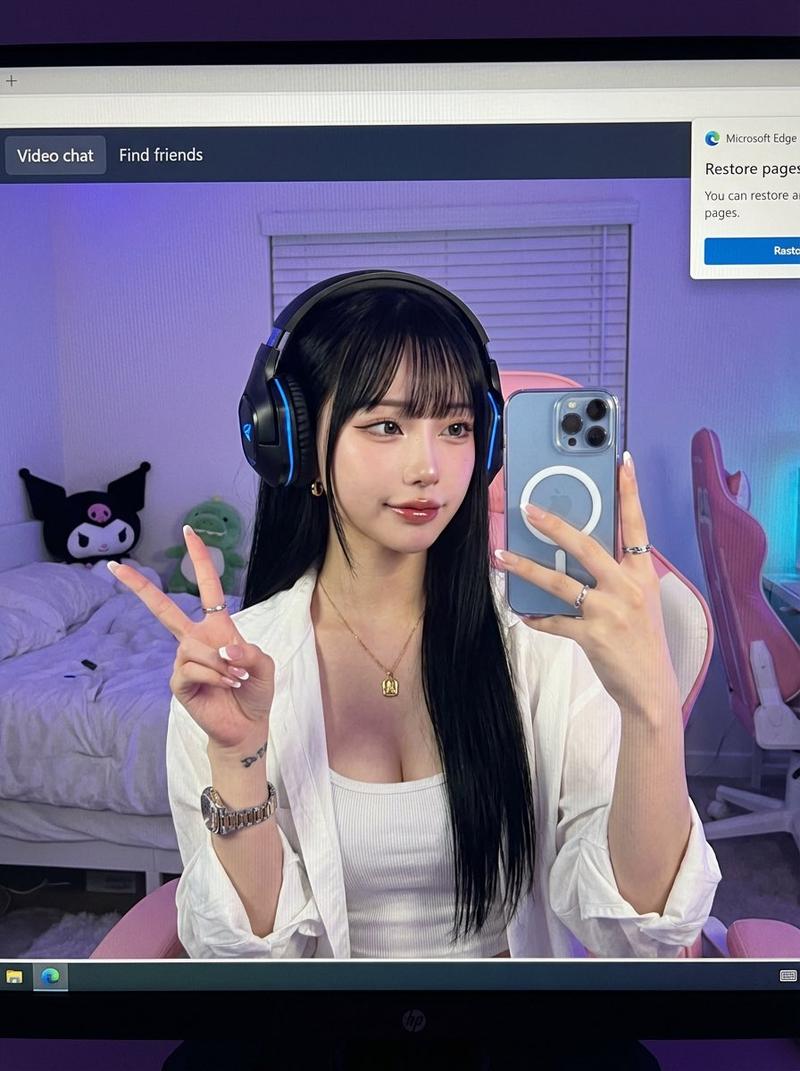
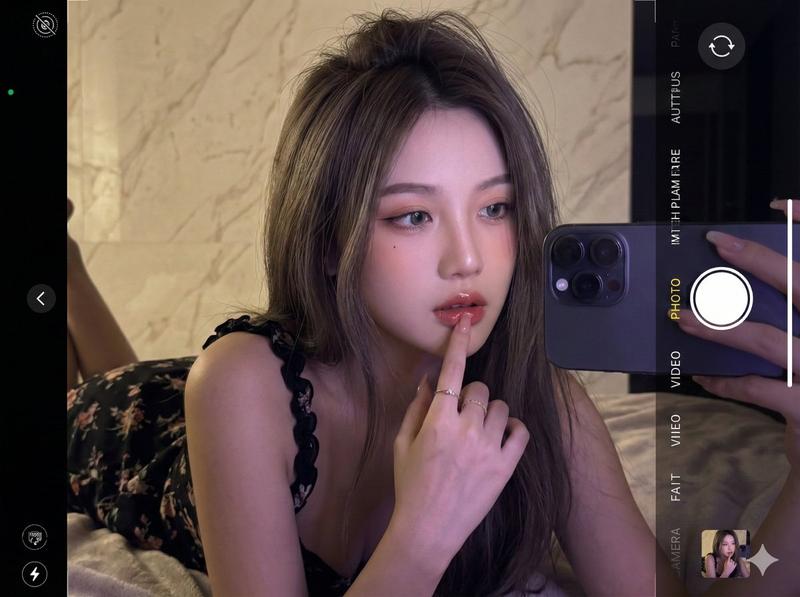
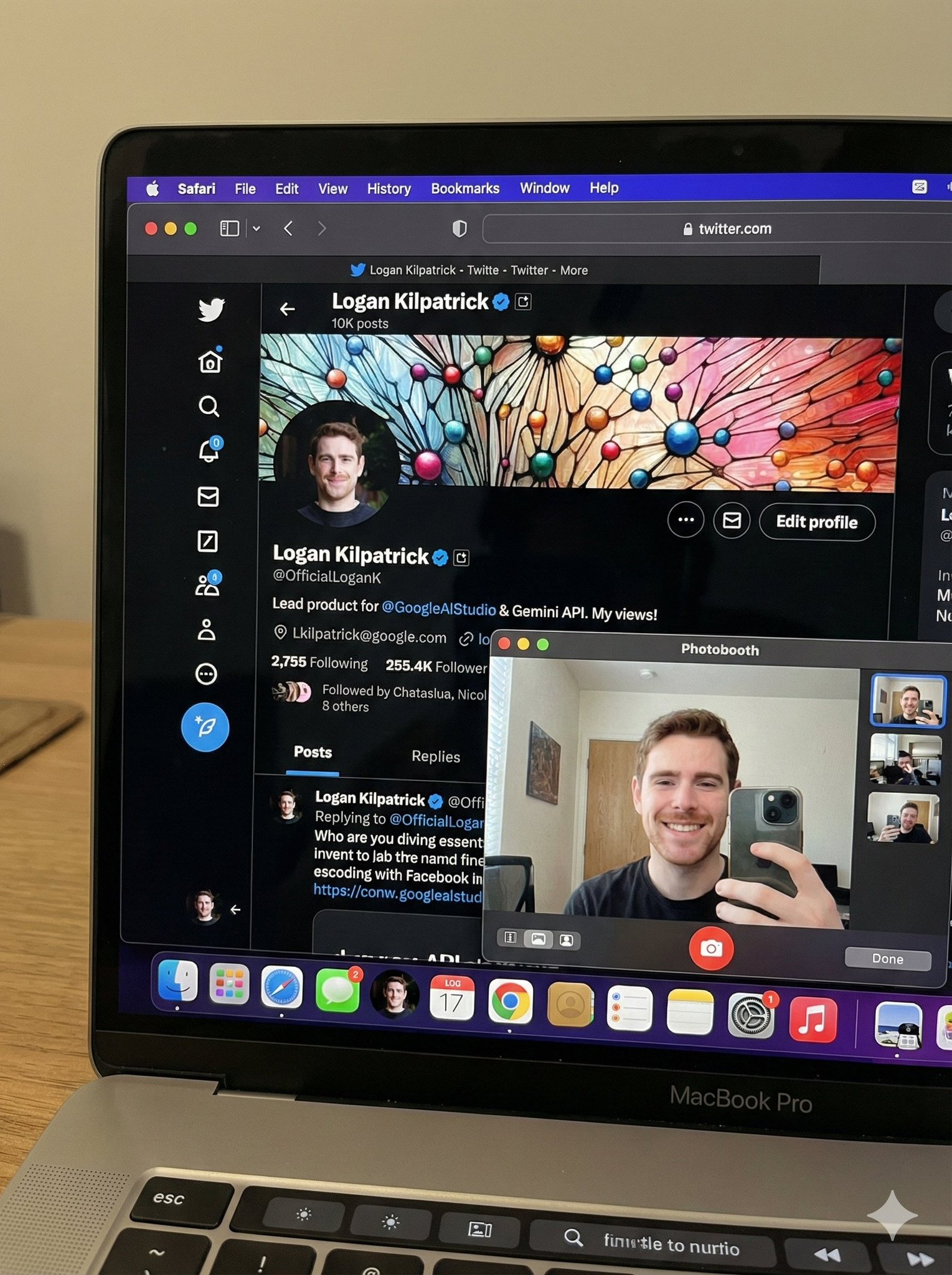
Hyper-realistic downward-angled high-angle photo of a MacBook screen filling 95% of the frame. Visible moire pixel grid, dust, smudges, and subtle reflections on the glass. macOS dark mode with Photo Booth as the dominant window. A secondary Safari window with a Pinterest feed occupies roughly one quarter of the screen. Inside the Photo Booth live preview is a medium close-up of a young woman framed from slightly above the chest upward, head and shoulders with natural space around the hair. She wears a {argument name="top style" default="white strapless top"} and layered minimalist necklaces, holds an {argument name="device held" default="iPhone"} close to her face, and looks directly into the camera lens. Low-key candid lighting with cool screen glow mixed with soft room ambience. Raw, photorealistic, unedited, natural imperfections.
Category
创意图片
Model
Nano Banana Pro
Creator
Jennie
Views0
Source ID
7cd6790c-90ee-424c-bd1a-2c03cd390cca
Published
Mar 8, 2026

Guide

About "超逼真 MacBook 屏幕模拟提示词"

What is this prompt for?

"超逼真 MacBook 屏幕模拟提示词" AI image prompt for Nano Banana Pro (创意图片). 一个高度详细、结构化的提示,旨在生成一张超逼真的 MacBook 屏幕图像。该提示详细说明了复杂的视觉层次,包括屏幕缺陷(莫尔条纹、灰尘、污迹)、应用布局(Photo Booth 占主导…

The full copyable prompt and example visuals above are ready for AI image generation or one-click recreate in Picva.

How to use this prompt

  1. Step 1

    Open the prompt detail

    Review the example visuals, category, and full prompt text for "超逼真 MacBook 屏幕模拟提示词".

  2. Step 2

    Copy the prompt

    Copy the prompt body from this page, or load it directly in Studio.

  3. Step 3

    Pick a model (Nano Banana Pro)

    Prefer Nano Banana Pro. If you switch models, keep subject and composition and tweak style terms.

  4. Step 4

    Generate and export

    Recreate the look in Picva, or export into your workflow for editing and publishing.

FAQ

What is the "超逼真 MacBook 屏幕模拟提示词" prompt?
It is an AI image-generation prompt for Nano Banana Pro in the 创意图片 category. This page includes the full prompt text, example visuals, and a one-click recreate path in Picva.
How do I use this prompt to generate an image?
Copy the prompt from this page, or use Generate / Studio. Paste it into a compatible image model, or recreate the look in Picva with optional reference images.
Which model is this prompt for?
This page lists Nano Banana Pro. Most descriptive prompts also transfer to nearby image models such as GPT Image, Flux, or Midjourney with light style tweaks.
Can I use the result commercially?
You can usually copy the prompt for creation, but commercial use of the final image depends on the model terms, reference-image rights, and the generated content. Follow the source author and platform rules.