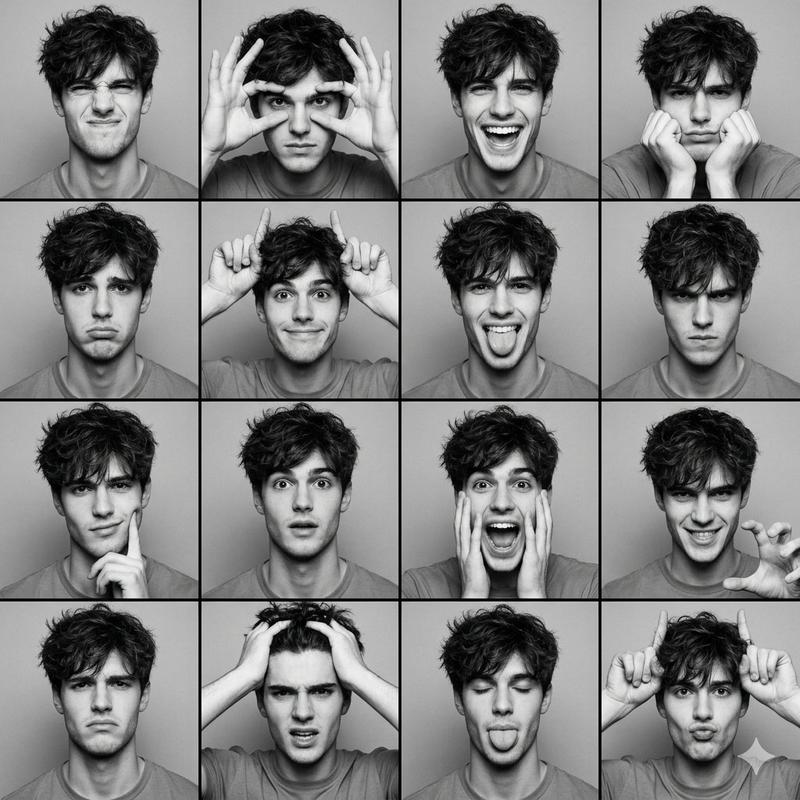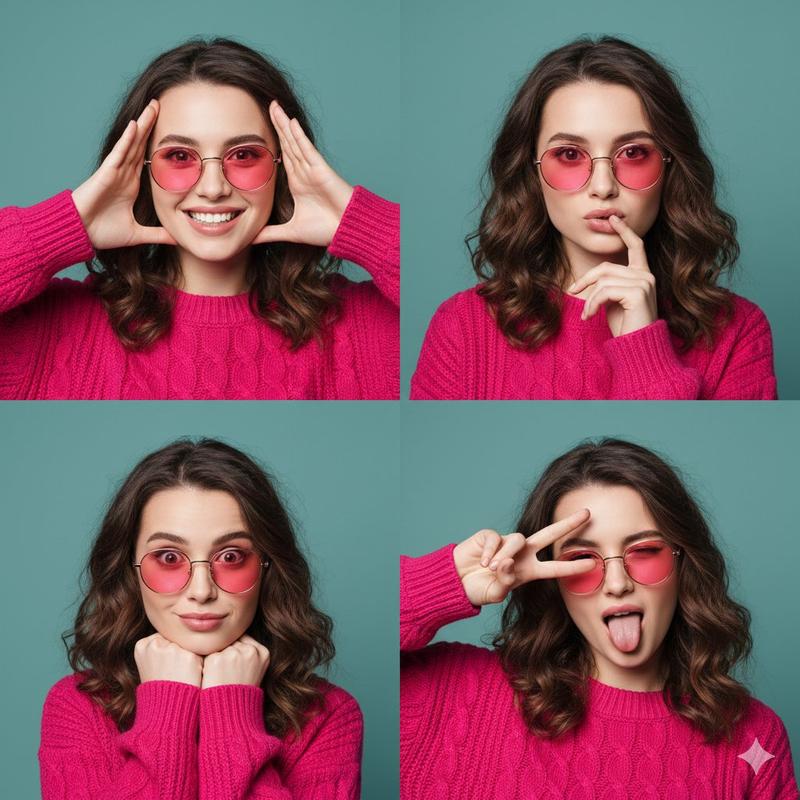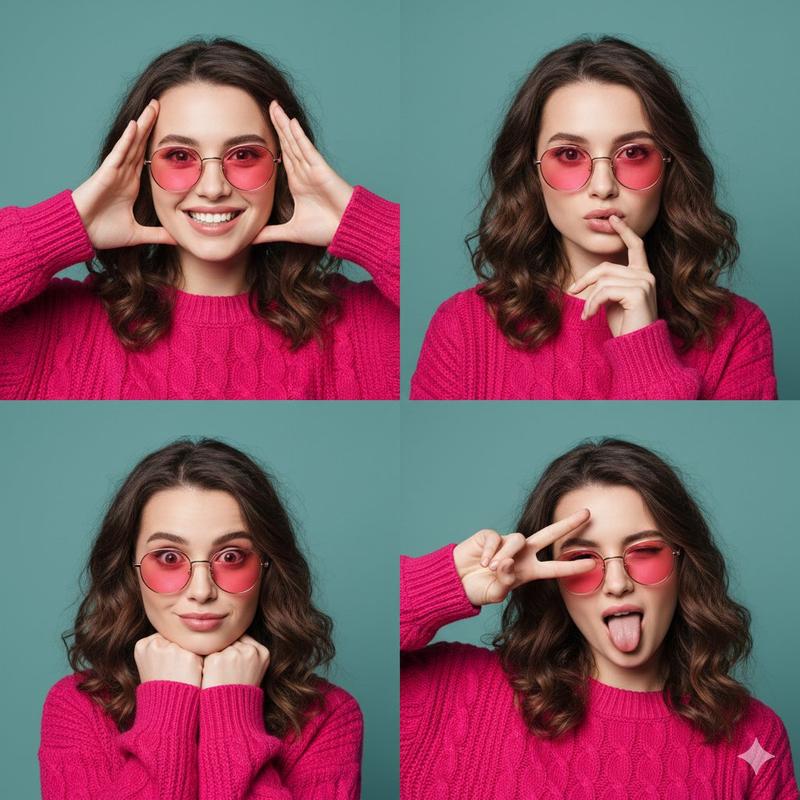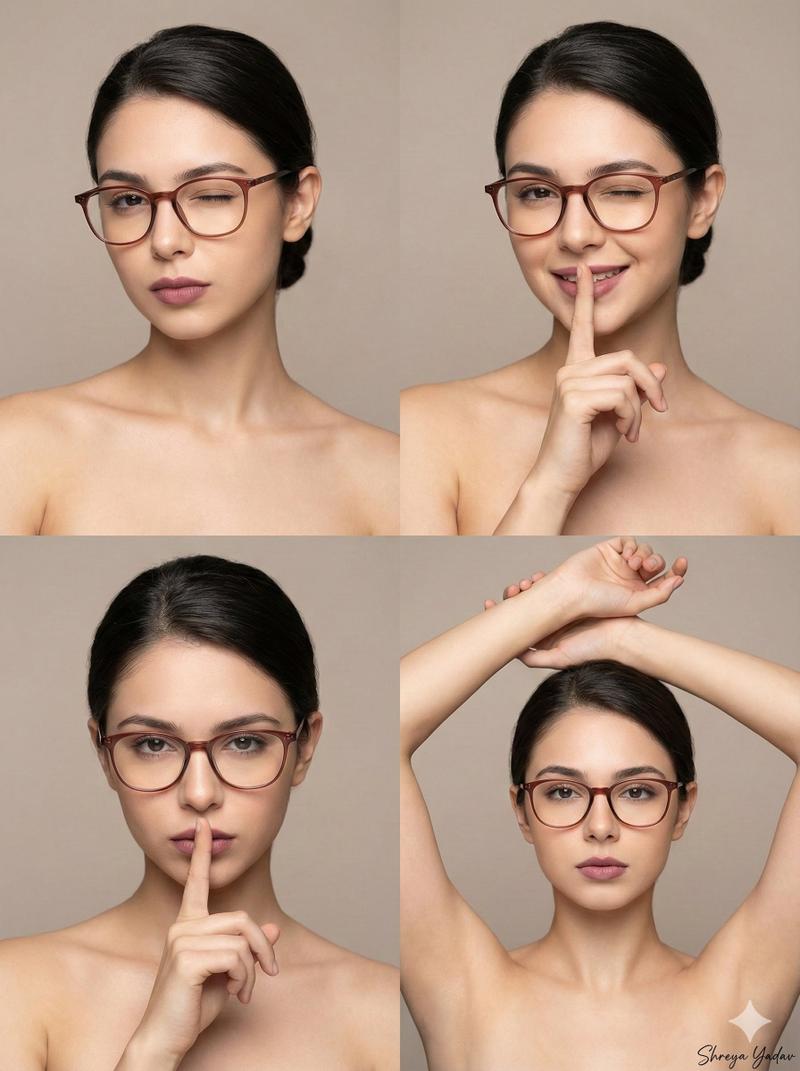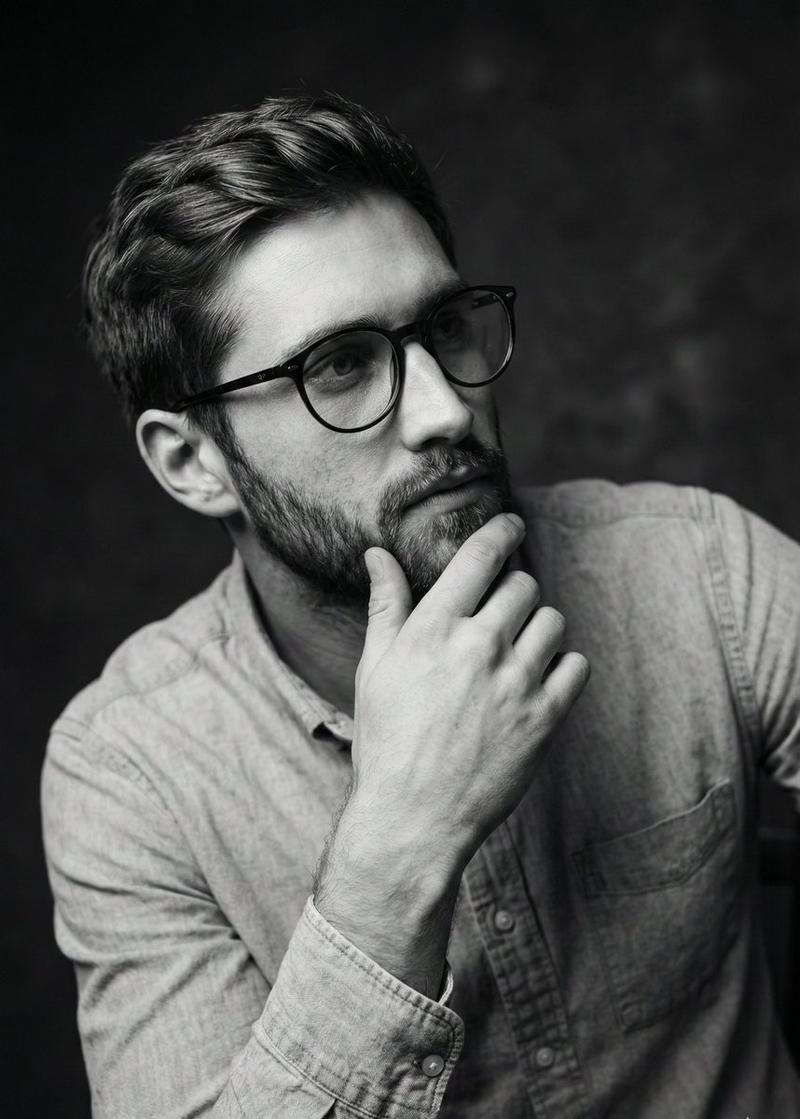
黑白男性编辑肖像拼贴 JSON 提示
Prompt
{
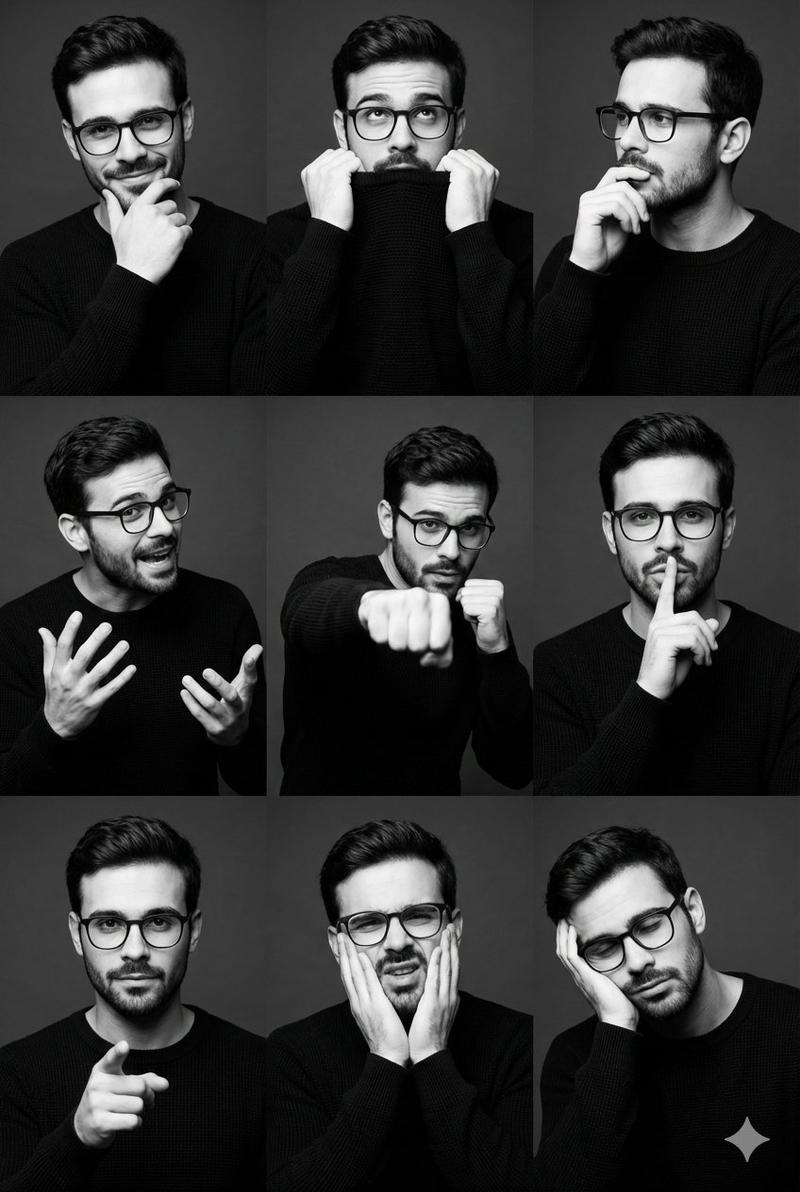
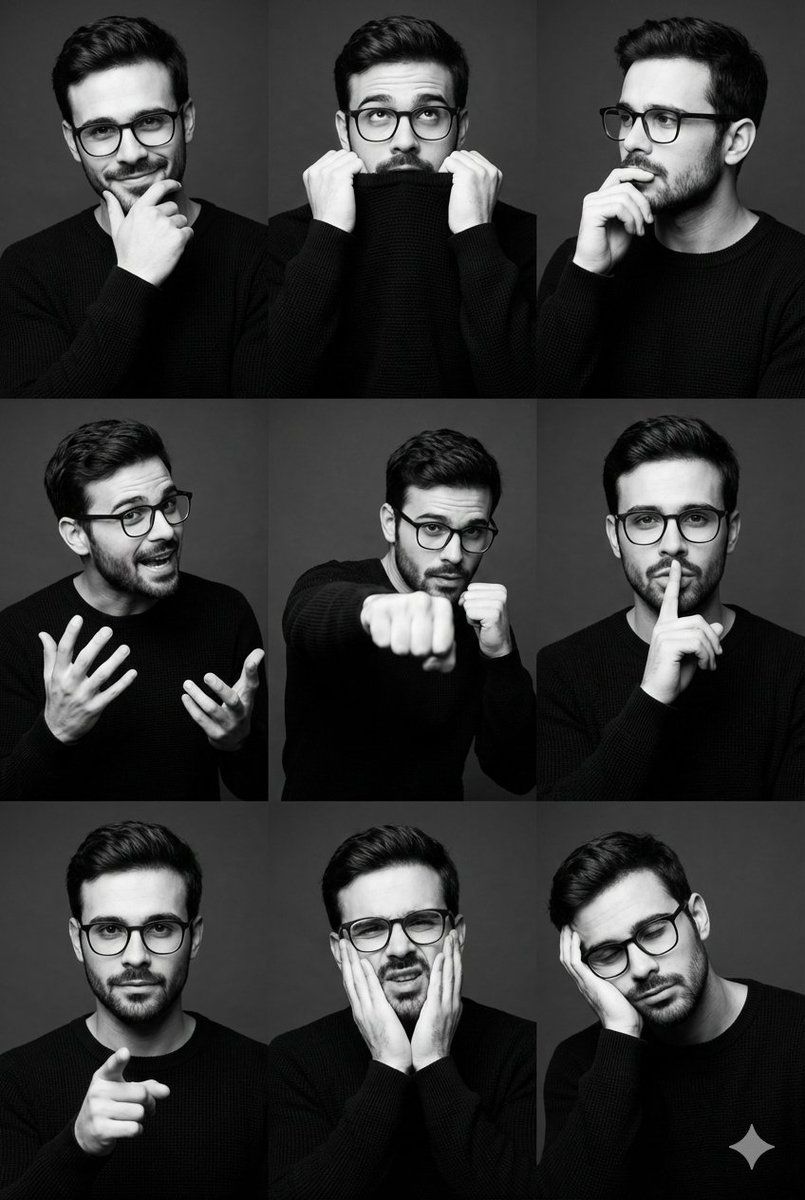
"image_type": "studio portrait collage",
"layout": {
"structure": "3x3 grid",
"aspect ratio": "2:3",
"orientation": "vertical",
"spacing": "even margins between frames",
"consistency": "same subject and styling across all frames"
},
"subject": {
"count": 1,
"gender_presentation": "male",
"age_range": "late 20s to early 30s",
"ethnicity": "unclear / ambiguous",
"build": "athletic, lean",
"hair": {
"color": "dark brown",
"style": "short sides with voluminous swept-back top",
"texture": "smooth with natural wave"
},
"facial_hair": {
"type": "light stubble",
"density": "low to medium"
},
"wardrobe": {
"top": "long-sleeve knit sweater",
"color": "black",
"fit": "slim fit",
"texture": "fine ribbed or waffle knit"
}
},
"expressions_and_poses": [
"smirking with hand on chin",
"pulling sweater collar to mouth",
"thoughtful side gaze with hand near lips",
"animated mid-gesture with expressive hands",
"boxing/fist-forward dynamic pose",
"finger-to-lips 'shh' gesture",
"direct gaze with pointing finger",
"mock pain or exaggerated discomfort expression",
"head resting on hand, fatigued or bored"
],
"composition": {
"framing": "medium close-up to medium shot",
"camera_angle": "eye-level",
"cropping": "consistent head-and-torso framing",
"negative_space": "minimal, subject-centered"
},
"lighting": {
"style": "studio",
"setup": "single key light with soft fill",
"direction": "front-left dominant",
"contrast": "medium to high",
"shadow_quality": "soft-edged shadows with sculpted facial definition"
},
"color_and_tone": {
"palette": "monochrome",
"treatment": "black and white",
"contrast": "high contrast",
"midtones": "well-preserved skin detail",
"highlights": "controlled, non-blown"
},
"background": {
"type": "seamless studio backdrop",
"color": "dark gray to near-black",
"texture": "smooth, matte",
"distractions": "none"
},
"technical_details": {
"lens_equivalent": "50mm–85mm portrait range",
"depth_of_field": "moderate, subject fully in focus",
"sharpness": "high",
"grain": "minimal to none",
"resolution": "high-resolution editorial quality"
},
"artistic_style": {
"genre": "fashion/editorial portraiture",
"mood": "confident, playful, expressive",
"influences": "modern menswear editorial, actor portfolio photography",
"storytelling": "personality exploration through varied expressions"
},
"post_processing": {
"skin_retouching": "natural, minimal",
"contrast_curve": "strong S-curve",
"clarity": "moderate",
"vignette": "subtle or none"
},
"typography": {
"present": false
},
"overall_aesthetic": "clean, masculine, contemporary studio portrait series optimized for branding, modeling, or editorial use"
}- Category
- 创意图片
- Model
- Nano Banana Pro
- Creator
- Heisenberg
- Source ID
- fcbca825-1f2f-4b33-b4a3-792db02ab93f
- Published
- Mar 8, 2026
Views0