17

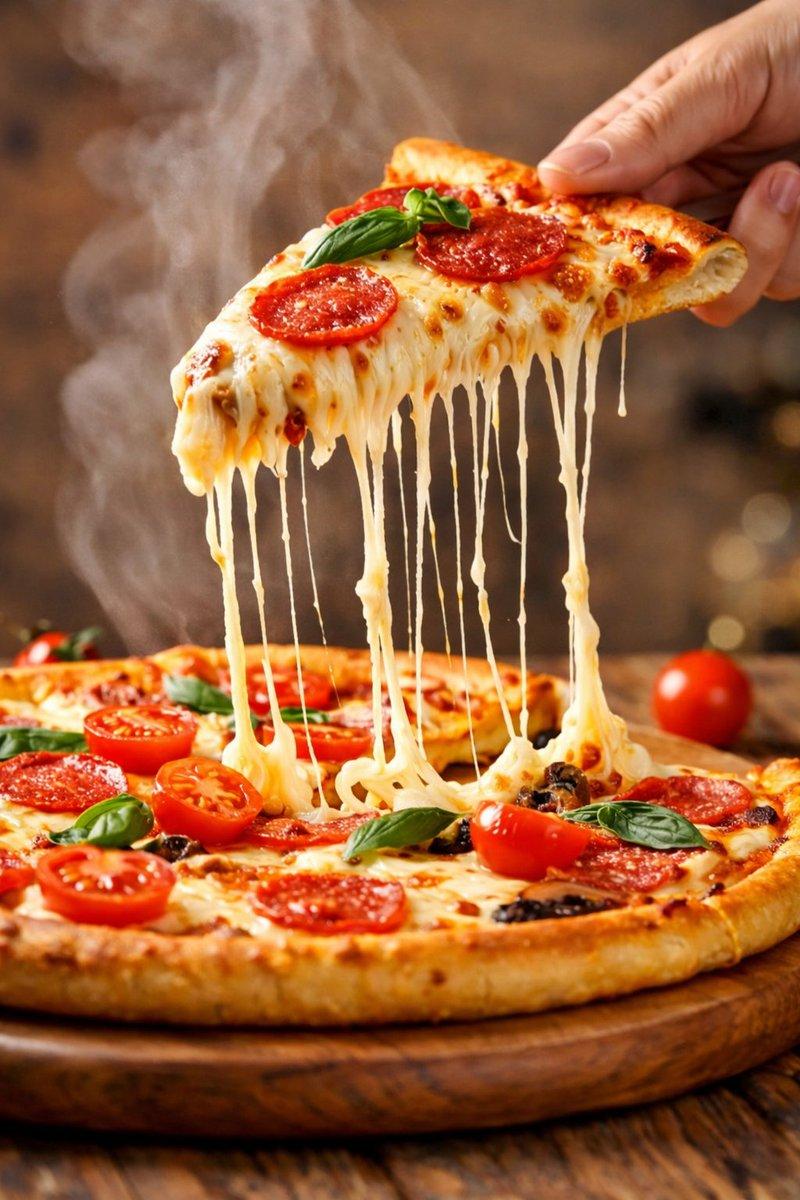
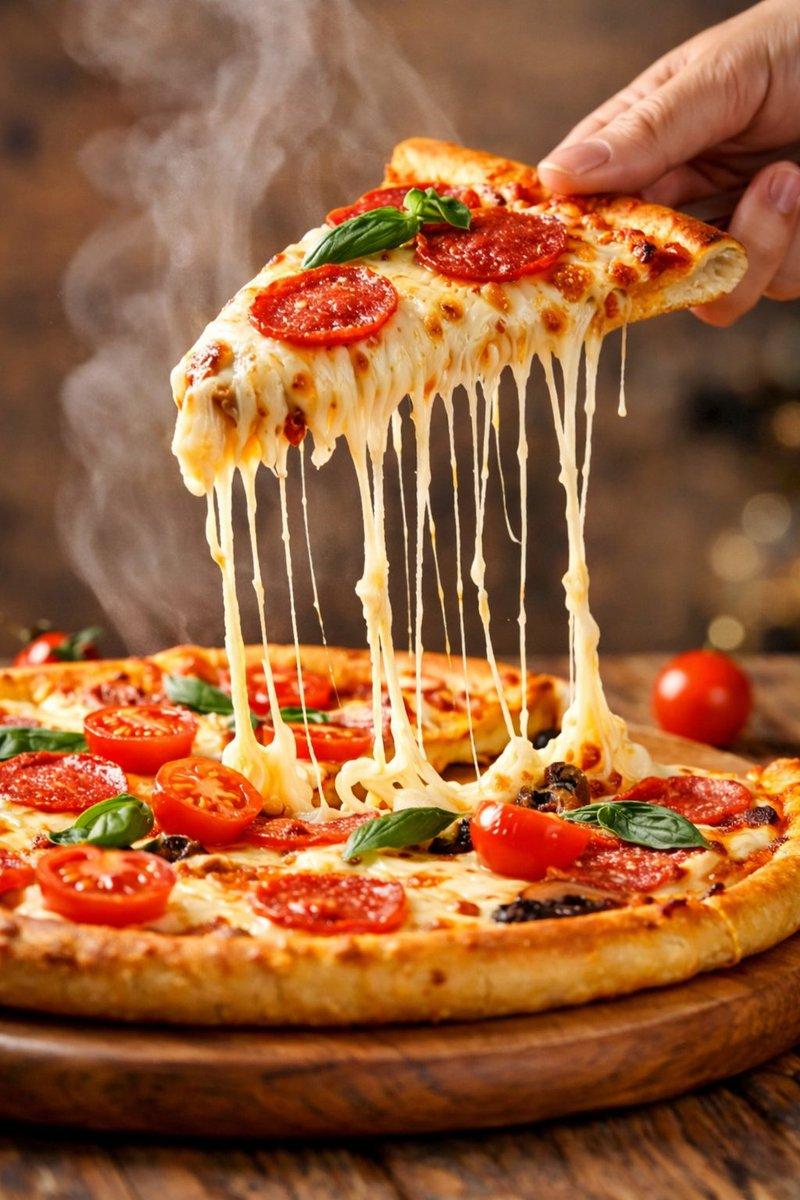
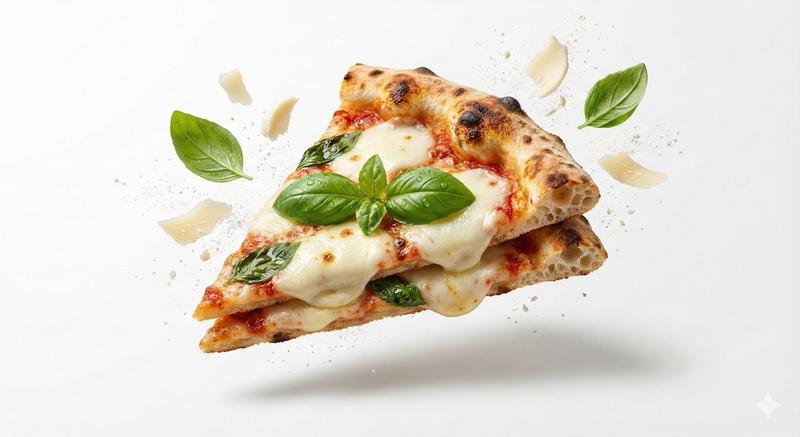
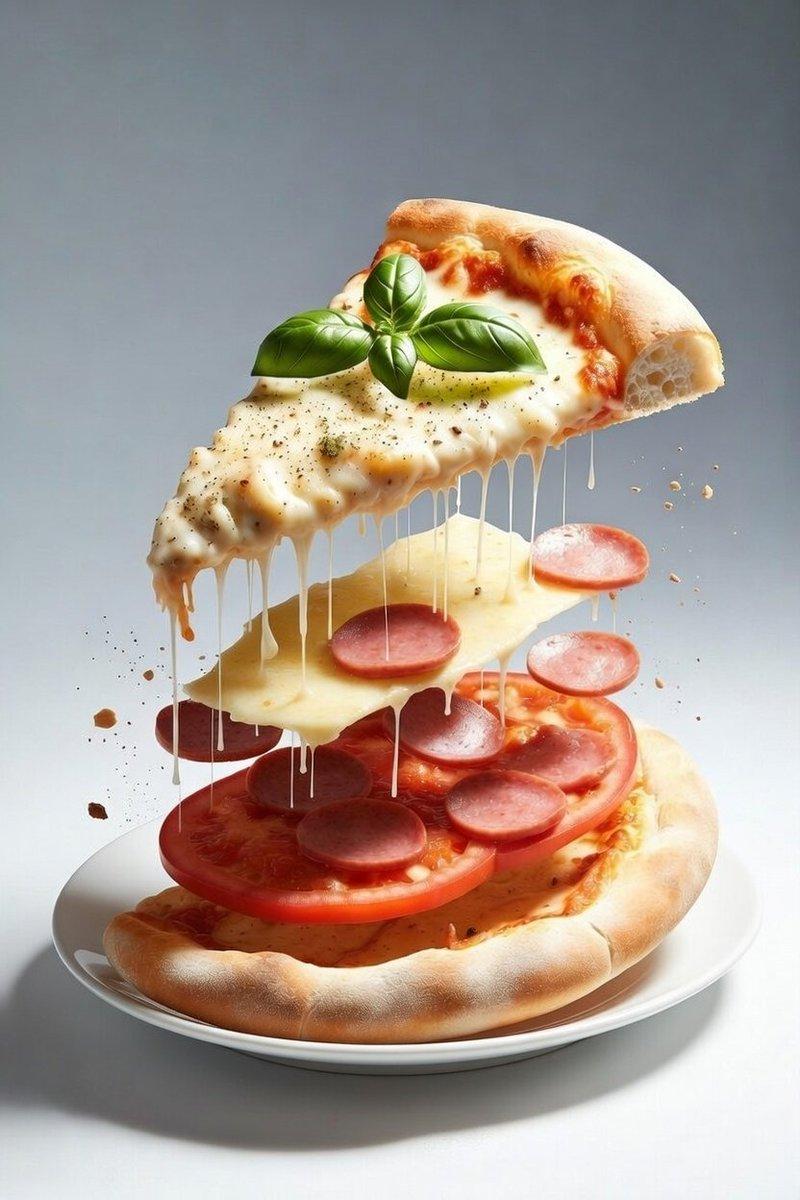
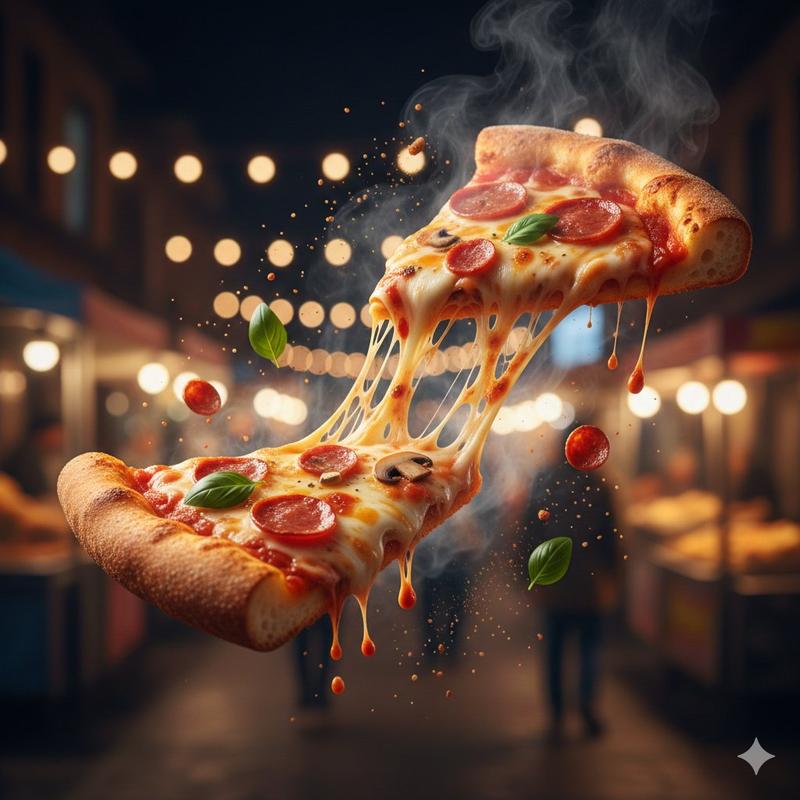
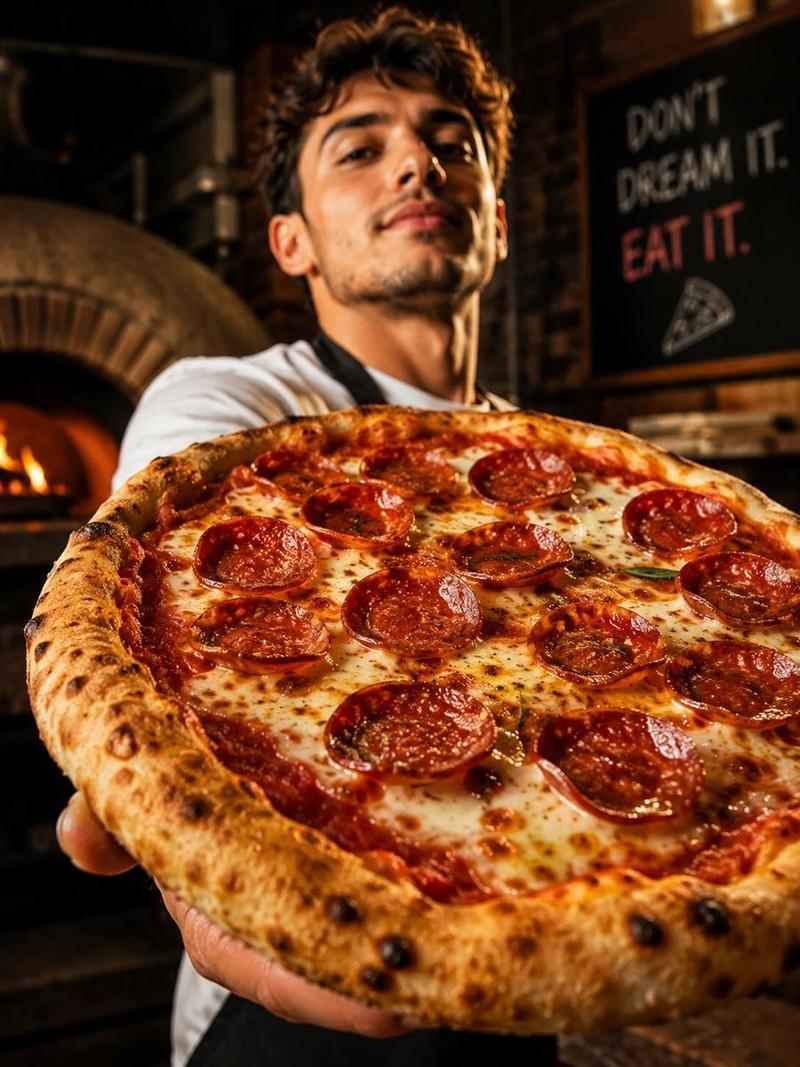
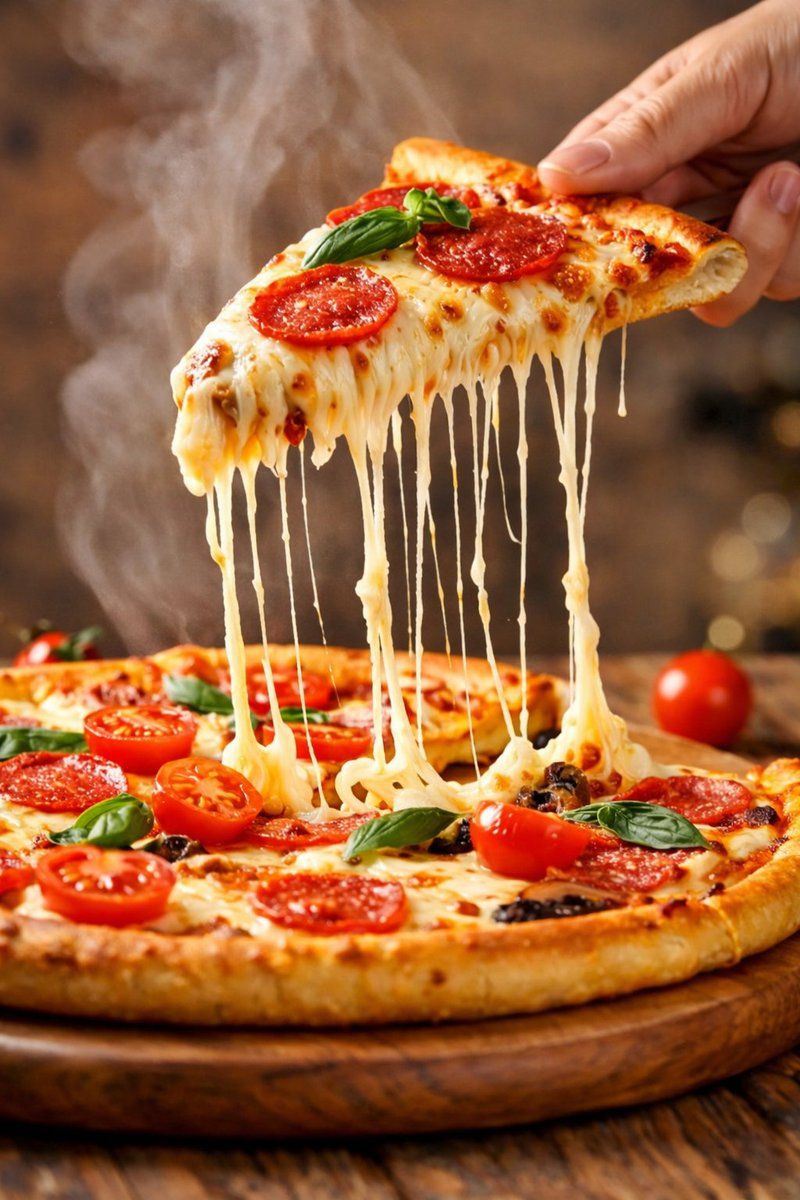
超逼真的电影特写镜头,一片意大利辣香肠披萨,芝士拉丝效果极具戏剧性
Enlarge

超逼真的电影特写镜头,一片意大利辣香肠披萨,芝士拉丝效果极具戏剧性

Prompt
A hyper-realistic, cinematic close-up of a freshly baked {argument name="pizza type" default="pepperoni"} pizza slice being lifted from the pie, with long, dramatic cheese pulls stretching down in silky strands.
Golden, slightly charred crust with visible texture, bubbling mozzarella, glossy {argument name="topping detail" default="pepperoni slices"}, fresh basil leaves on top, and juicy cherry tomatoes scattered across the pizza.
Soft steam rising from the hot slice, creating a warm, mouth-watering atmosphere.
Shot on a DSLR, 50mm lens, shallow depth of field, sharp focus on the cheese stretch, background softly blurred.
Warm studio lighting with natural highlights, rich colors, realistic shadows, premium food-advertisement look.
Category
创意图片
Model
Nano Banana Pro
Creator
Rowan
Views0
Source ID
9c208268-d546-48a8-991c-5d732520a415
Published
Mar 8, 2026

Guide

About "超逼真的电影特写镜头,一片意大利辣香肠披萨,芝士拉丝效果极具戏剧性"

What is this prompt for?

"超逼真的电影特写镜头,一片意大利辣香肠披萨,芝士拉丝效果极具戏剧性" AI image prompt for Nano Banana Pro (创意图片). 这是一个图像生成提示,旨在创建一张超现实、电影级的特写镜头,展现一片正在被拿起、芝士拉丝效果极佳的意式辣香肠披萨。它详细说明了视觉元素,如饼皮质地、配料、光线…

The full copyable prompt and example visuals above are ready for AI image generation or one-click recreate in Picva.

How to use this prompt

  1. Step 1

    Open the prompt detail

    Review the example visuals, category, and full prompt text for "超逼真的电影特写镜头,一片意大利辣香肠披萨,芝士拉丝效果极具戏剧性".

  2. Step 2

    Copy the prompt

    Copy the prompt body from this page, or load it directly in Studio.

  3. Step 3

    Pick a model (Nano Banana Pro)

    Prefer Nano Banana Pro. If you switch models, keep subject and composition and tweak style terms.

  4. Step 4

    Generate and export

    Recreate the look in Picva, or export into your workflow for editing and publishing.

FAQ

What is the "超逼真的电影特写镜头,一片意大利辣香肠披萨,芝士拉丝效果极具戏剧性" prompt?
It is an AI image-generation prompt for Nano Banana Pro in the 创意图片 category. This page includes the full prompt text, example visuals, and a one-click recreate path in Picva.
How do I use this prompt to generate an image?
Copy the prompt from this page, or use Generate / Studio. Paste it into a compatible image model, or recreate the look in Picva with optional reference images.
Which model is this prompt for?
This page lists Nano Banana Pro. Most descriptive prompts also transfer to nearby image models such as GPT Image, Flux, or Midjourney with light style tweaks.
Can I use the result commercially?
You can usually copy the prompt for creation, but commercial use of the final image depends on the model terms, reference-image rights, and the generated content. Follow the source author and platform rules.