15

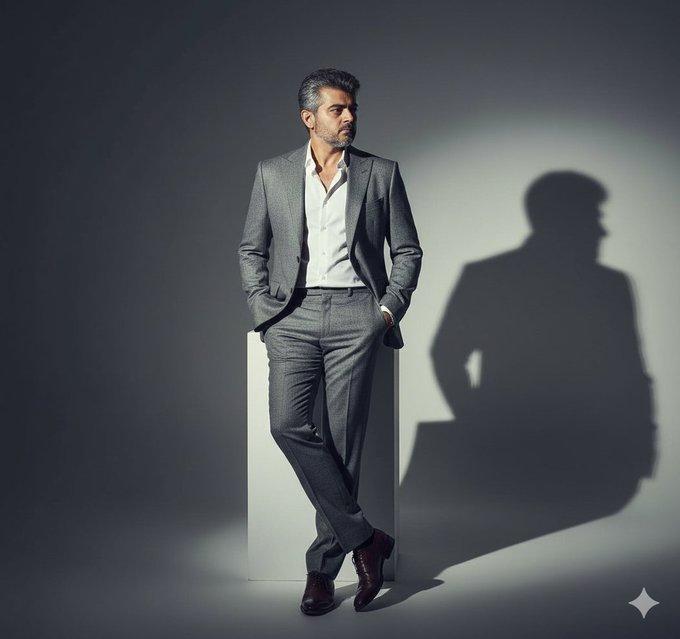
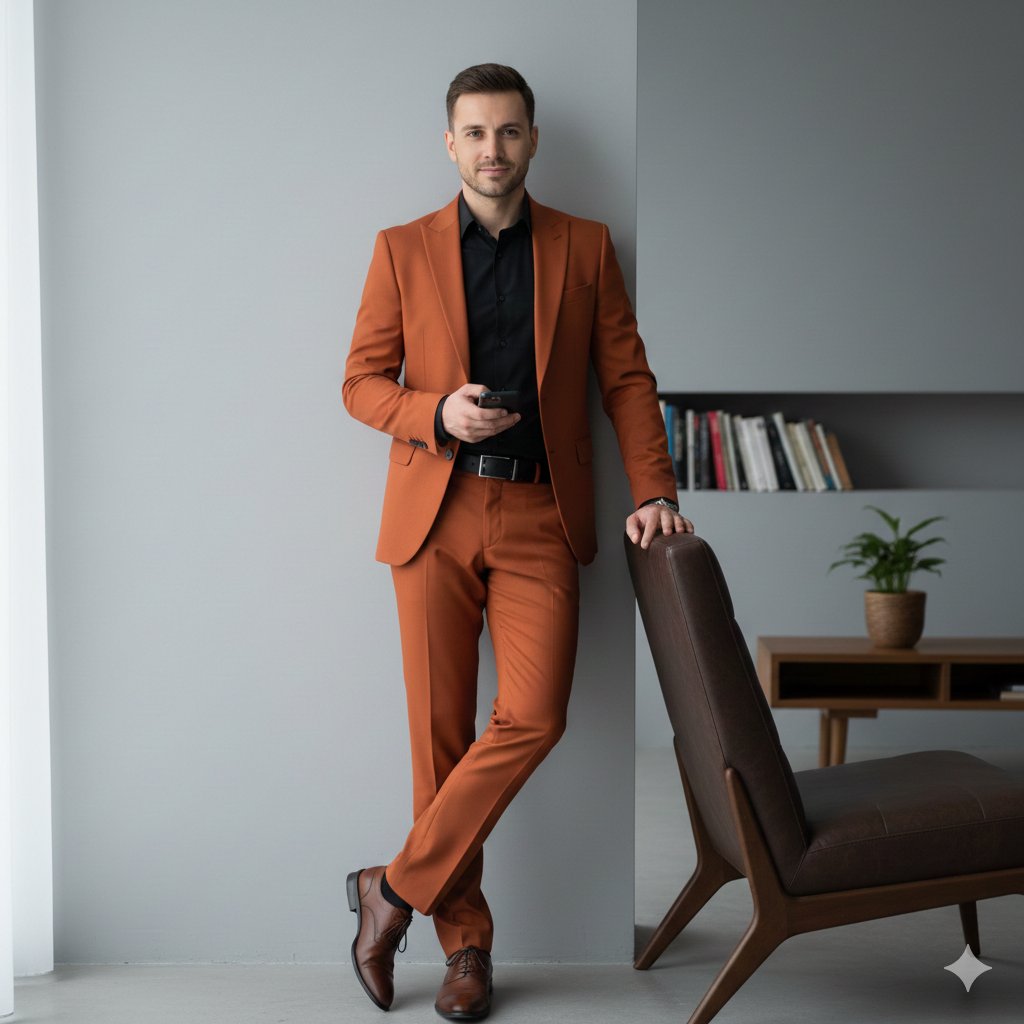
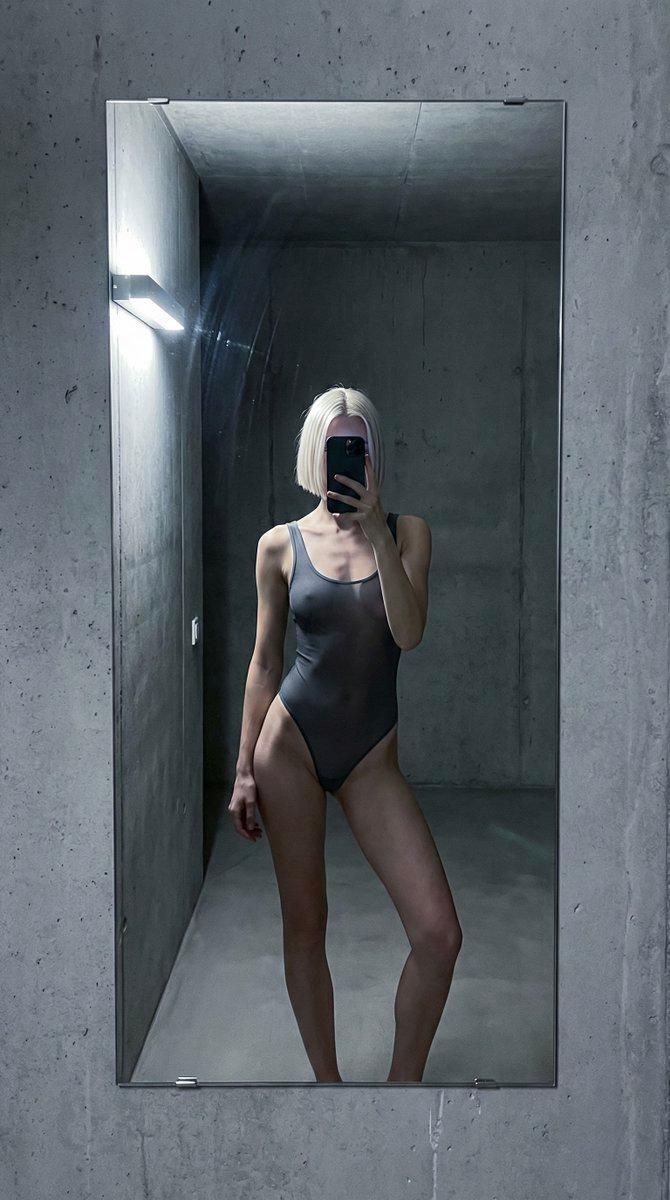
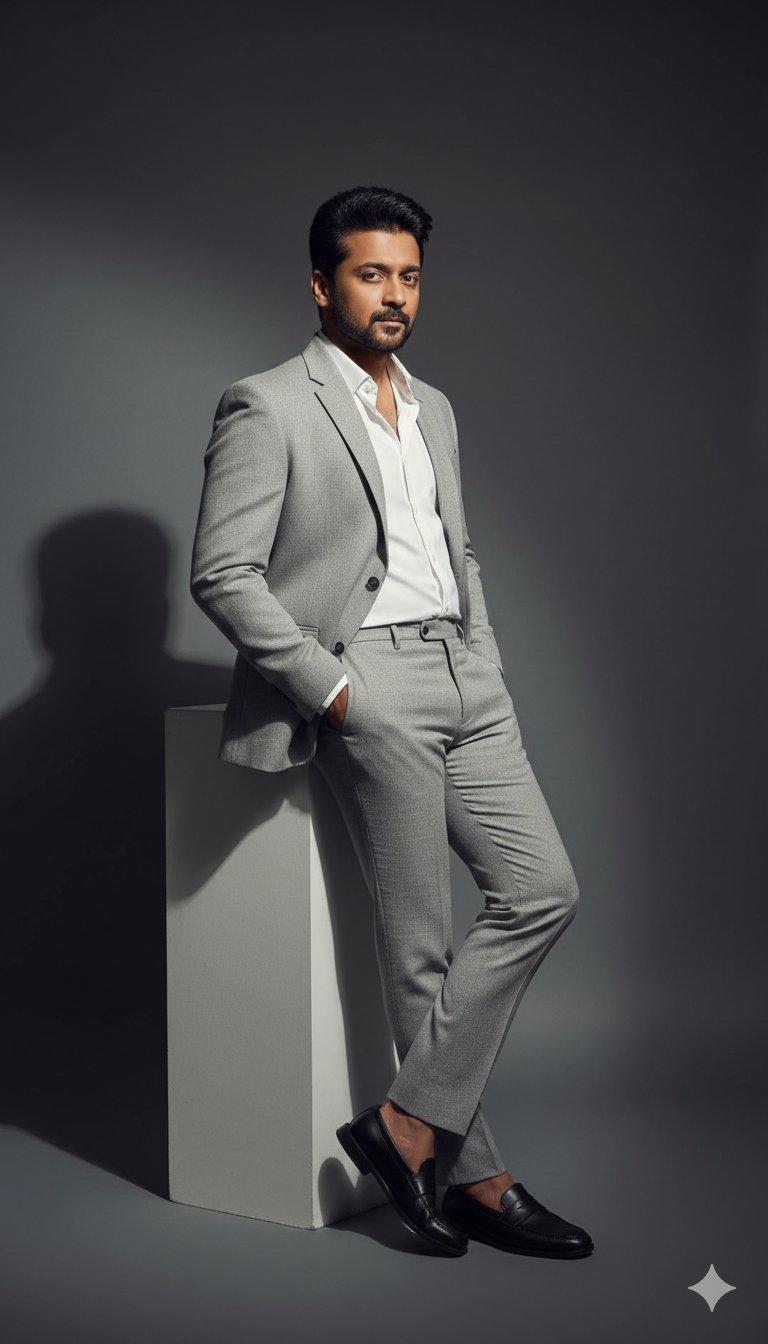
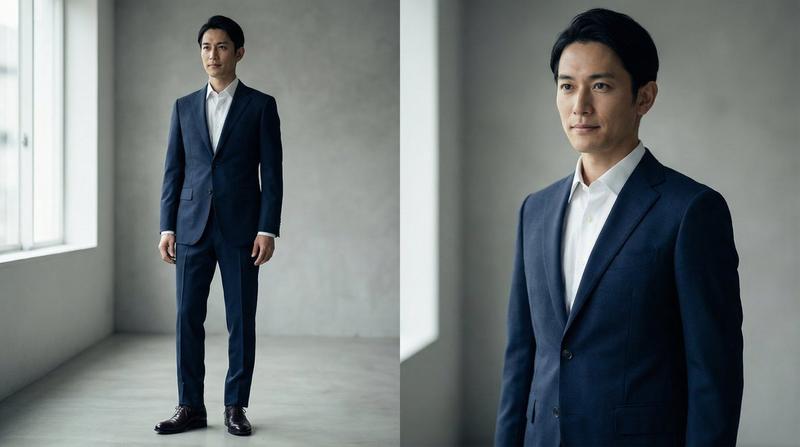
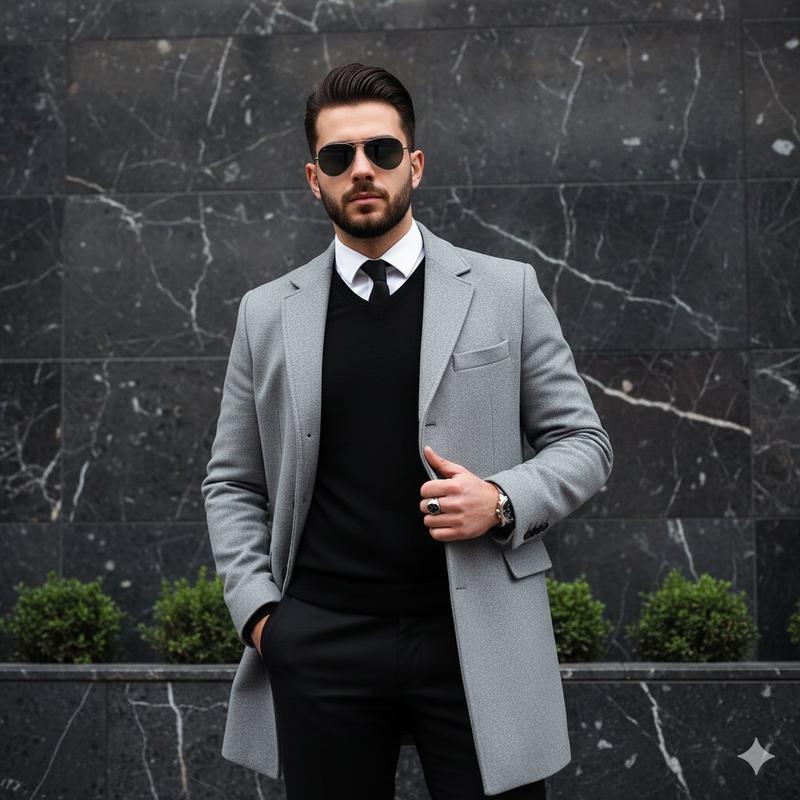
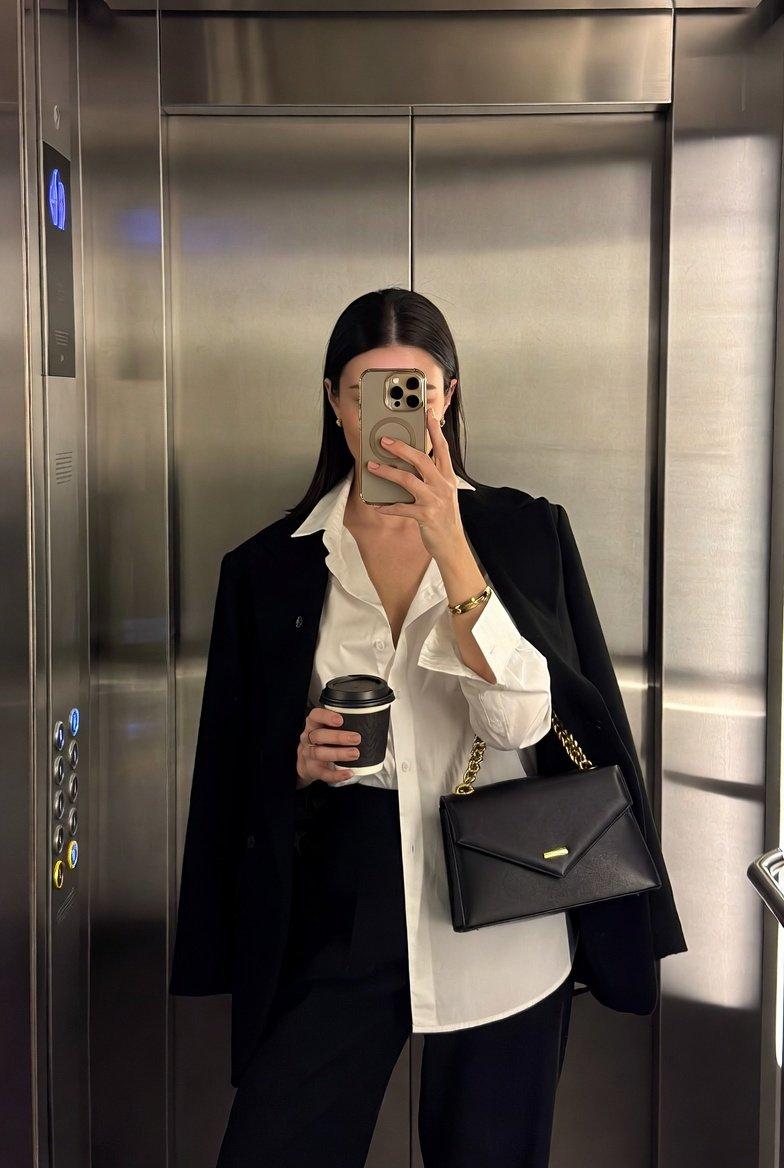
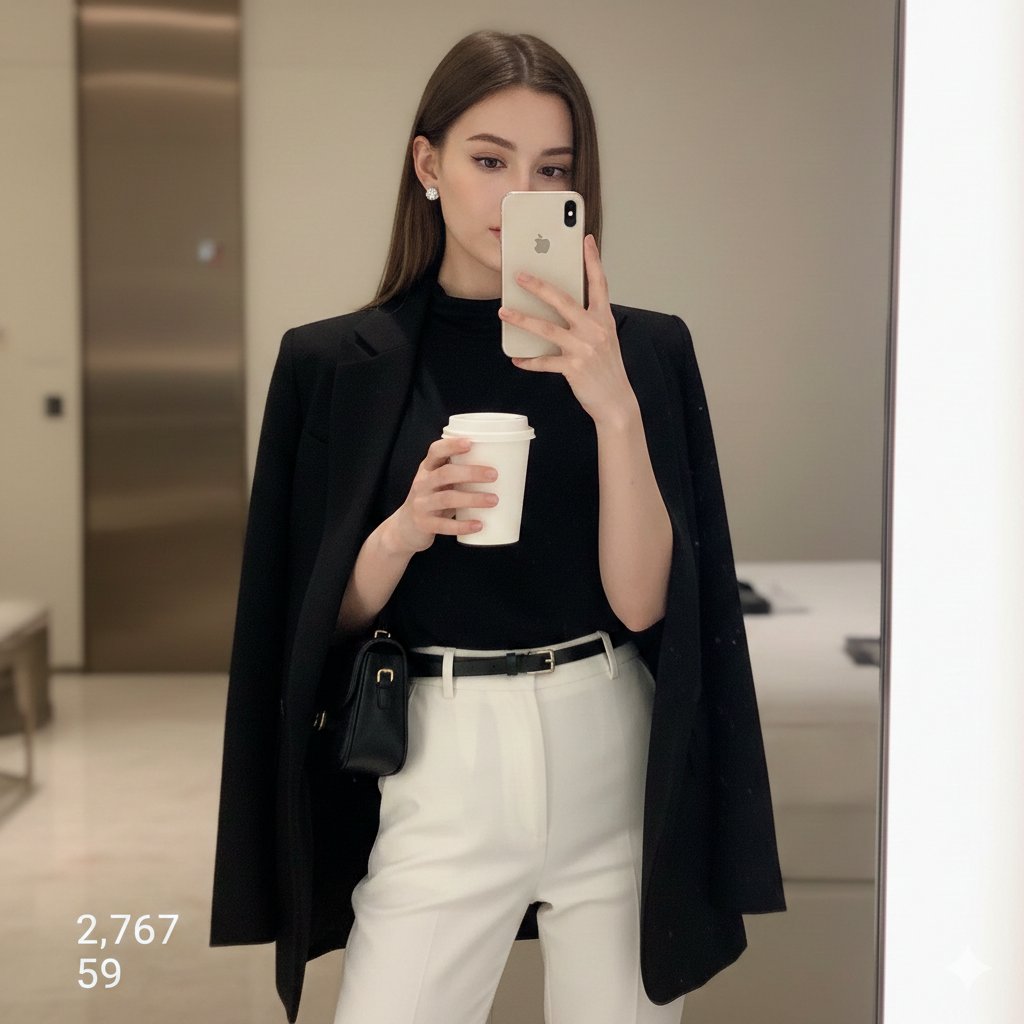
正装镜子自拍,带面部参考提示
Enlarge

正装镜子自拍,带面部参考提示

Prompt
Use my uploaded photo as the face reference.
Create a full-body mirror selfie of a well-dressed man in a classic black formal suit.
Outfit details: black blazer, white formal shirt, black tie, black formal trousers, polished black formal shoes.
Shirt neatly tucked in, tie slightly relaxed but clean.
One hand in the trouser pocket, the other holding a phone in front of the mirror.
Face partially covered by the phone, natural confident expression.
Grooming: neat hairstyle, well-maintained beard, natural look.
Indoor modern setting with minimal grey tiled background.
Warm natural light coming from one side, creating soft shadows on the wall.
Clean floor reflection, realistic lighting and fabric texture.
Keep body proportions natural and realistic (no height or body exaggeration).
Ultra-realistic, sharp details, professional fashion photography.
Looks like a real high-quality mirror selfie, not AI-generated.
Category
创意图片
Model
Nano Banana Pro
Creator
Amit Jha
Views0
Source ID
f95332f2-8d94-4186-8c4c-ece4c8680ad5
Published
Mar 8, 2026

Guide

About "正装镜子自拍,带面部参考提示"

What is this prompt for?

"正装镜子自拍,带面部参考提示" AI image prompt for Nano Banana Pro (创意图片). 一个生成超逼真全身镜面自拍的提示,内容是一位穿着经典黑色正装西服的得体男士,要求使用上传的照片作为面部参考,并强调在现代环境中实现逼真的光线和织物纹理。 --- 使用我上传的照片作为面部参考。 创…

The full copyable prompt and example visuals above are ready for AI image generation or one-click recreate in Picva.

How to use this prompt

  1. Step 1

    Open the prompt detail

    Review the example visuals, category, and full prompt text for "正装镜子自拍,带面部参考提示".

  2. Step 2

    Copy the prompt

    Copy the prompt body from this page, or load it directly in Studio.

  3. Step 3

    Pick a model (Nano Banana Pro)

    Prefer Nano Banana Pro. If you switch models, keep subject and composition and tweak style terms.

  4. Step 4

    Generate and export

    Recreate the look in Picva, or export into your workflow for editing and publishing.

FAQ

What is the "正装镜子自拍,带面部参考提示" prompt?
It is an AI image-generation prompt for Nano Banana Pro in the 创意图片 category. This page includes the full prompt text, example visuals, and a one-click recreate path in Picva.
How do I use this prompt to generate an image?
Copy the prompt from this page, or use Generate / Studio. Paste it into a compatible image model, or recreate the look in Picva with optional reference images.
Which model is this prompt for?
This page lists Nano Banana Pro. Most descriptive prompts also transfer to nearby image models such as GPT Image, Flux, or Midjourney with light style tweaks.
Can I use the result commercially?
You can usually copy the prompt for creation, but commercial use of the final image depends on the model terms, reference-image rights, and the generated content. Follow the source author and platform rules.