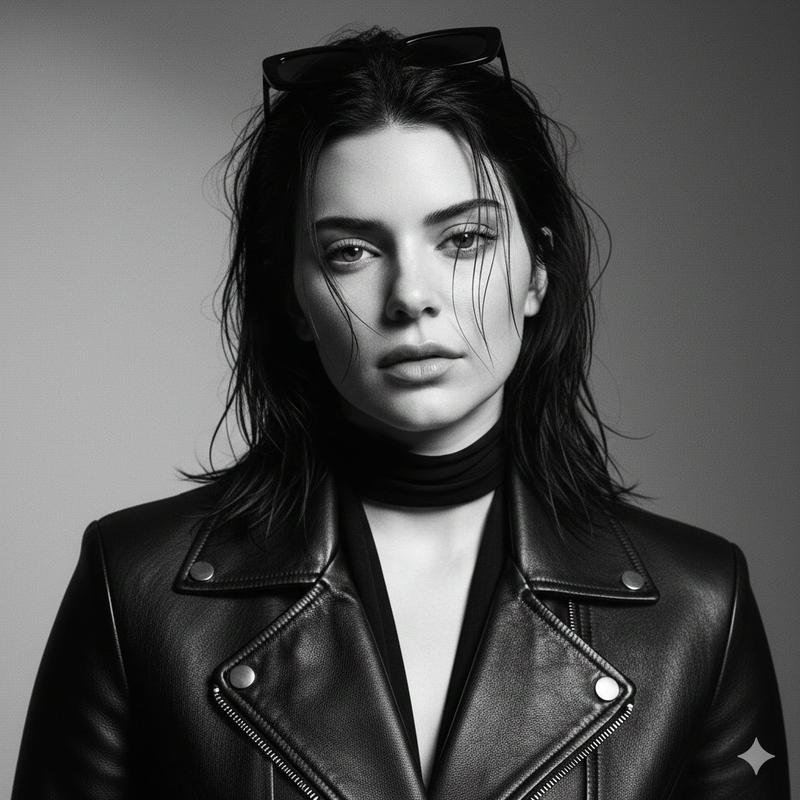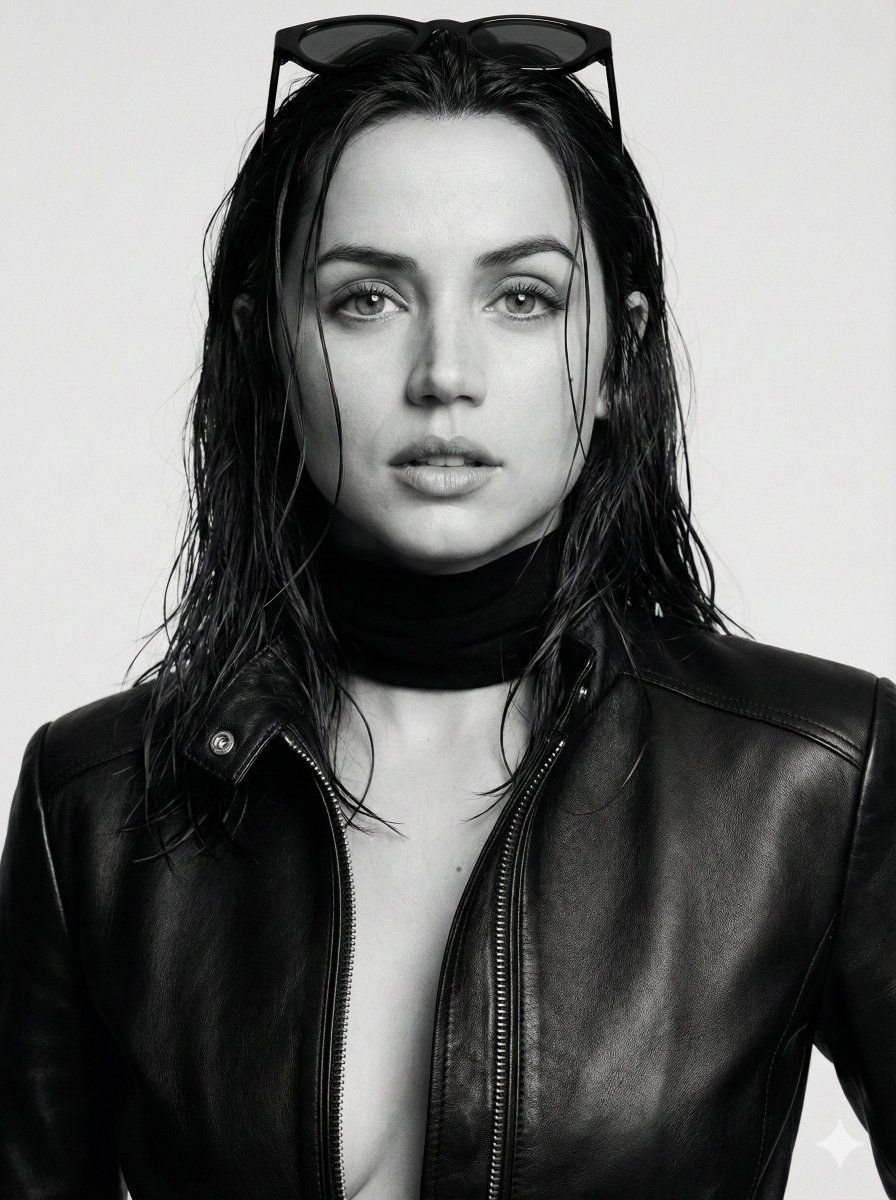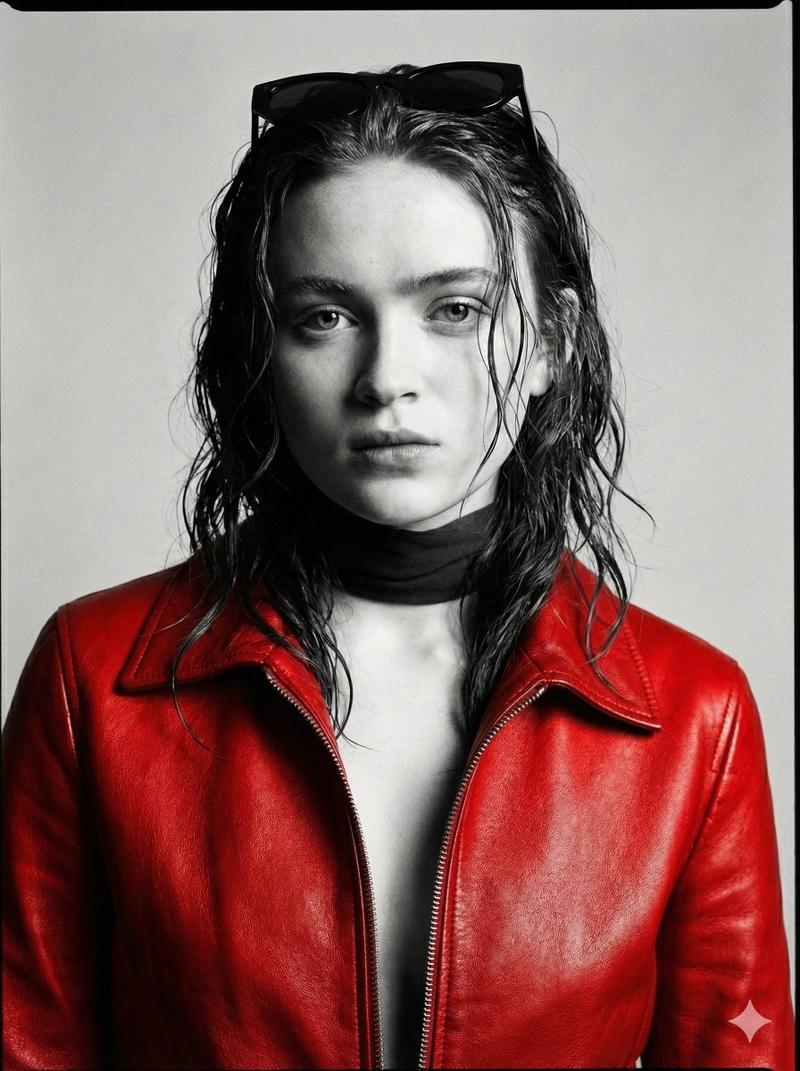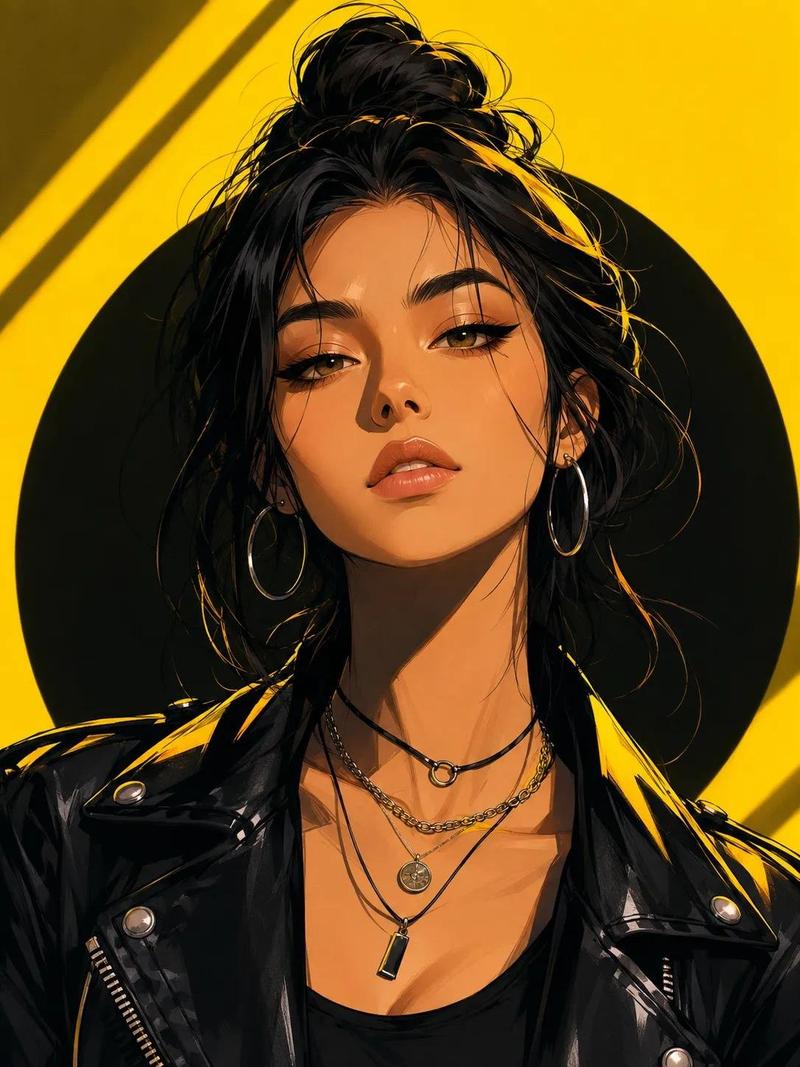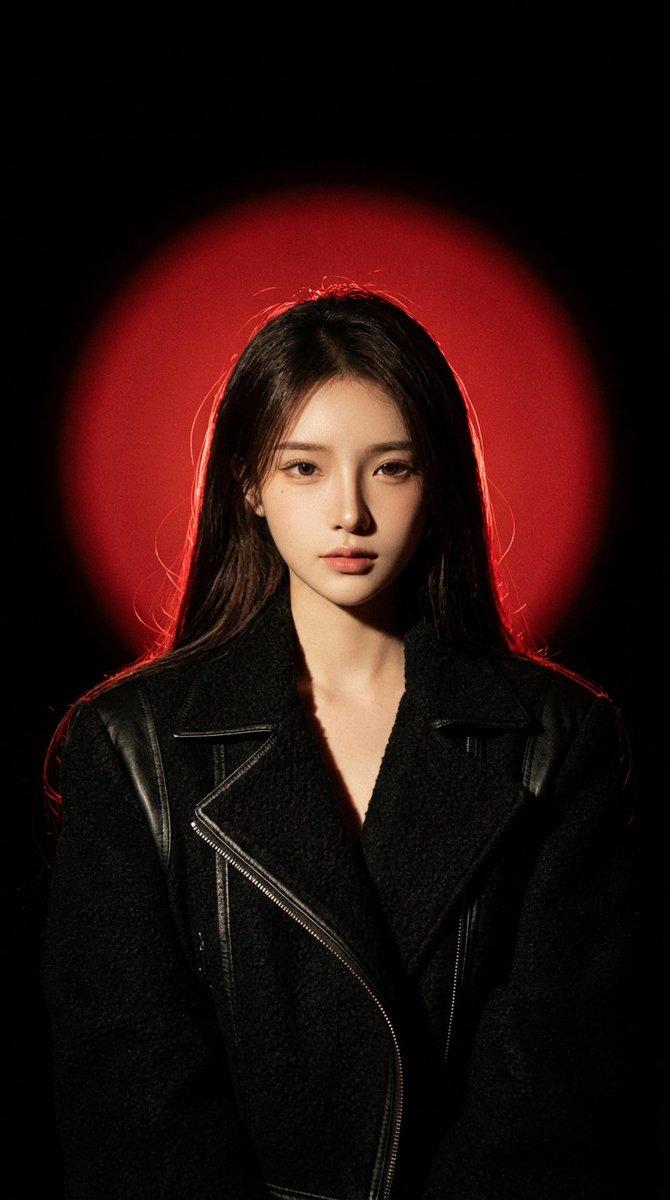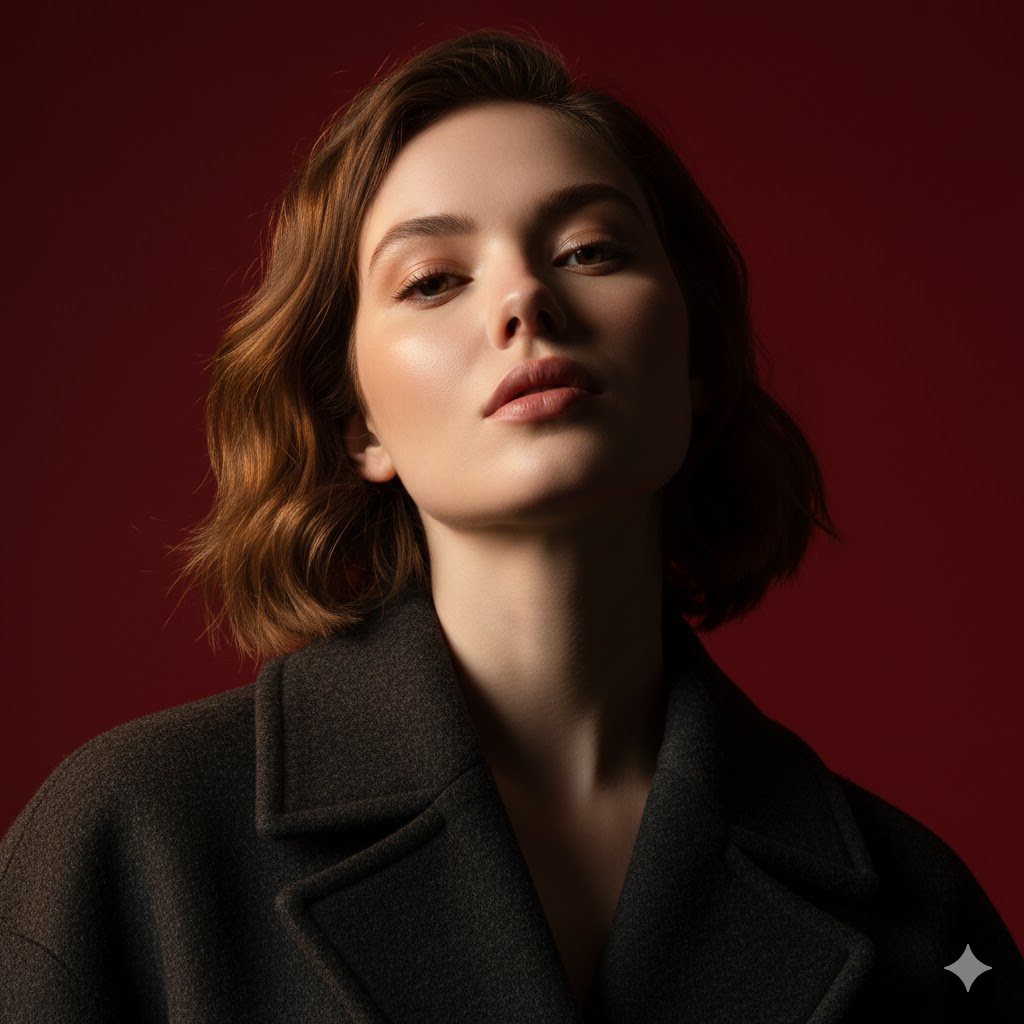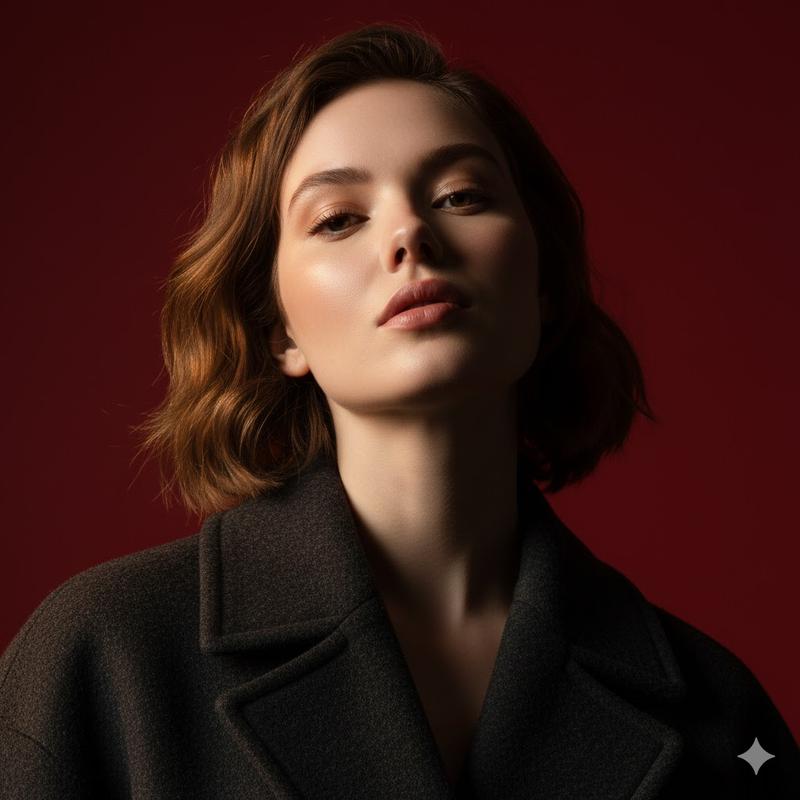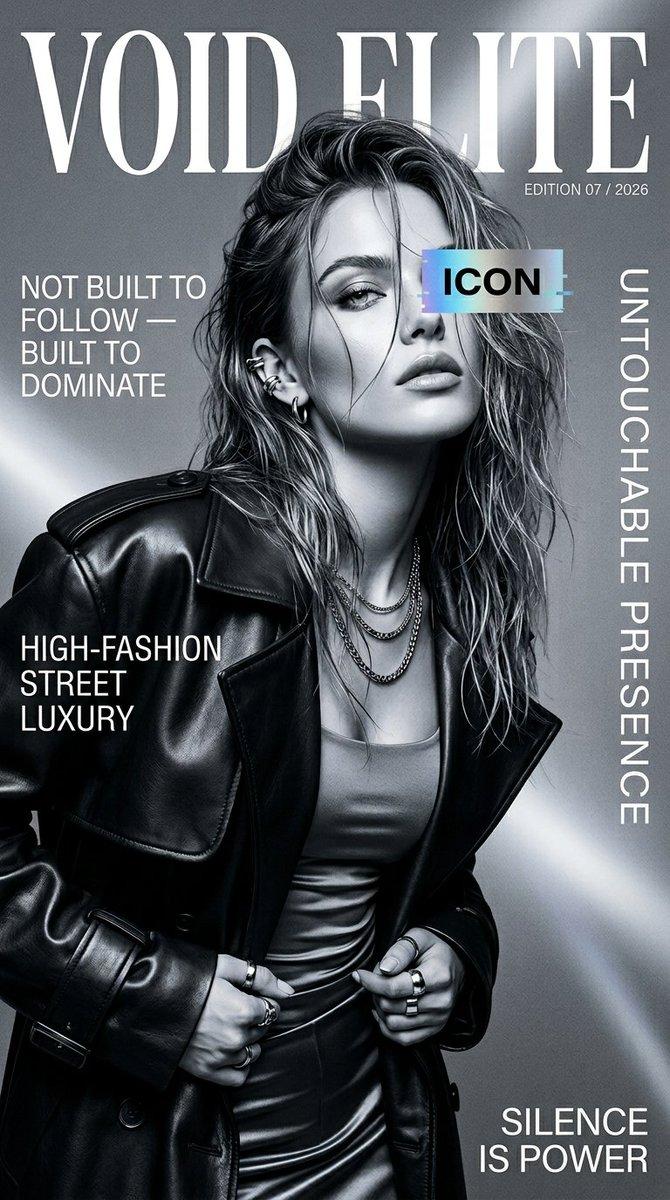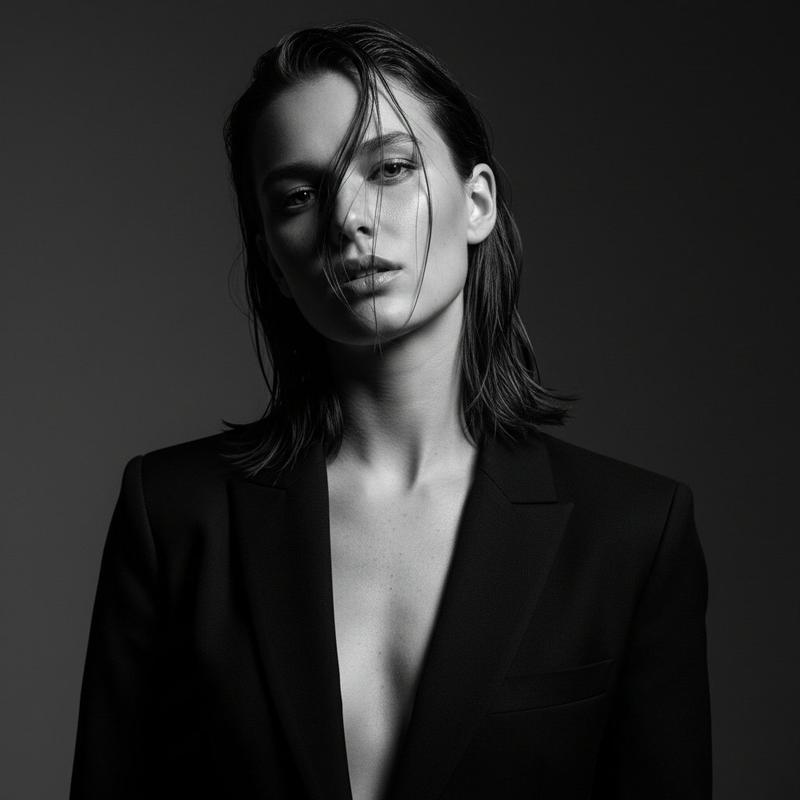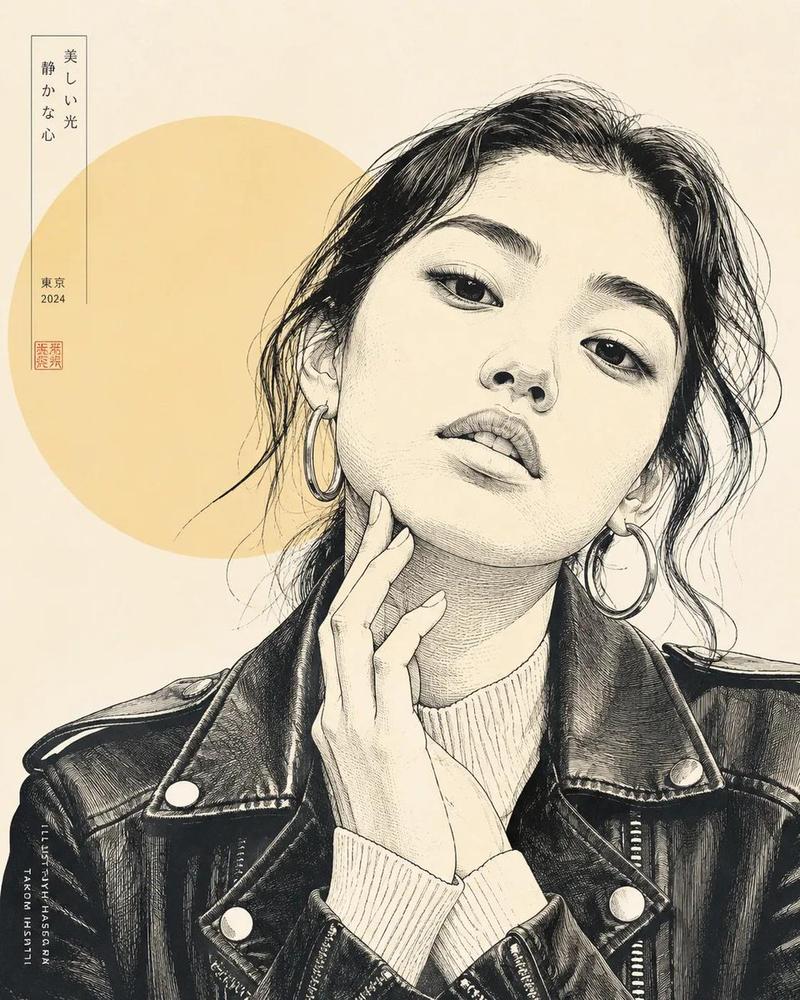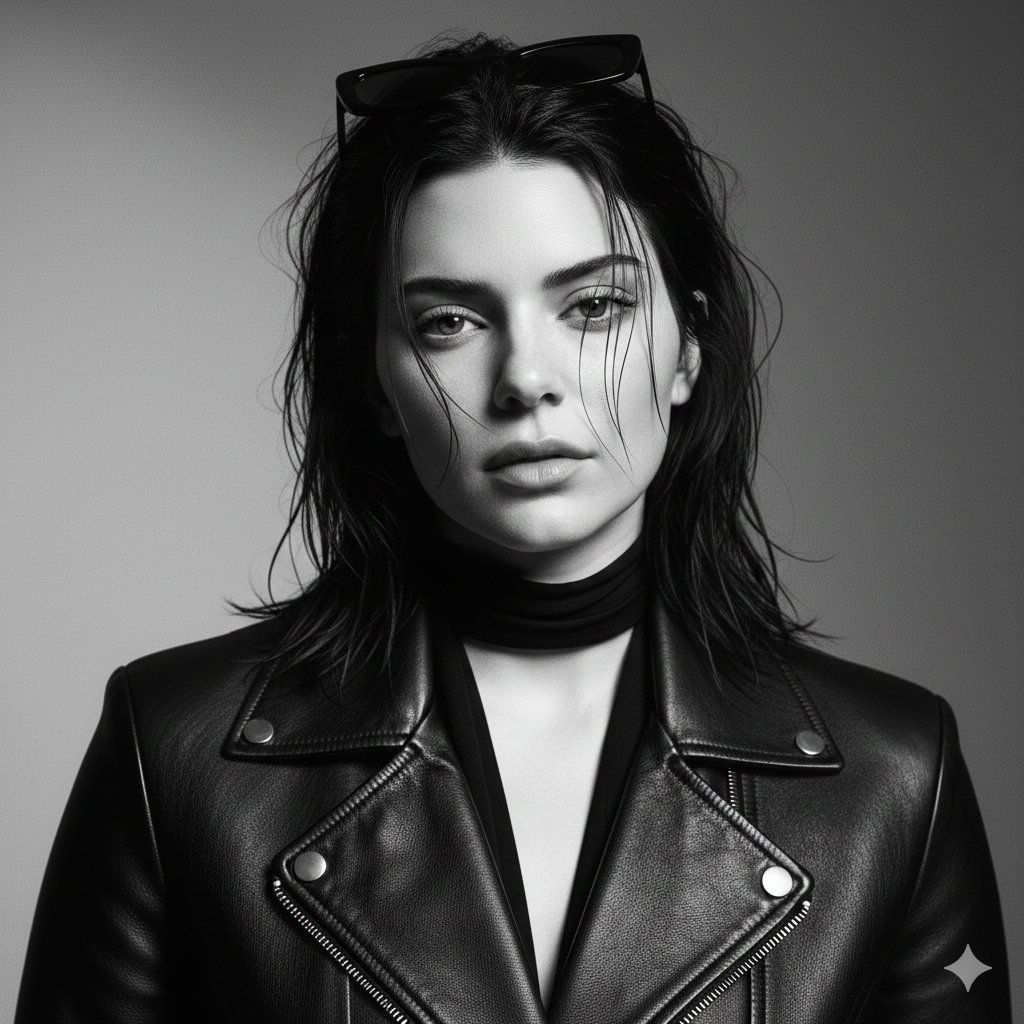
黑白奢华编辑肖像(Billie Eilish 风格)
Prompt
{
  "project_metadata": {
    "title": "Billie Eilish Luxury Editorial",
    "format": "Cinematic Fashion Portrait",
    "output_quality": "High-End Magazine Cover",
    "aspect_ratio": "3:4"
  },
  "scene_global_settings": {
    "color_profile": {
      "mode": "Pure Monochrome",
      "toning": "Film-grade Black & White",
      "chroma_shift": 0,
      "color_contamination": false
    },
    "atmosphere": {
      "mood": "Moody, Intimate, Powerful",
      "energy": "Luxury fashion house",
      "vibe": "Quiet intensity / minimalism"
    }
  },
  "subject_specifications": {
    "identity": {
      "name": "Billie Eilish",
      "age_group": "Adult",
      "likeness_fidelity": 1.0
    },
    "facial_geometry": {
      "symmetry": "Striking",
      "lips": "Full, sculpted, slightly parted",
      "jawline": "Strong, elegant",
      "cheekbones": "High, defined",
      "eyes": "Almond-shaped, heavy-lidded"
    },
    "behavioral_attributes": {
      "expression": "Editorial facial control",
      "gaze": "Direct, unapologetic, slow-burning intensity",
      "personality_layer": "Composed dominance, unbothered confidence"
    },
    "physical_rendering": {
      "physique": "Slim yet curvy silhouette",
      "anatomy_focus": ["Elegant neck", "Collarbone line", "Natural bust shape"],
      "skin_texture": {
        "finish": "Realistic, non-plastic",
        "details": ["Visible natural pores", "Soft highlight roll-off", "Subtle glow"],
        "smoothing_level": 0
      },
      "hair_styling": {
        "texture": "Wet-look, dark",
        "style": "Messy editorial / controlled chaos",
        "detail": "Loose individual strands across face"
      }
    }
  },
  "wardrobe_details": {
    "outerwear": {
      "material": "Black leather",
      "item": "Fitted jacket",
      "state": "Partially unzipped",
      "texture_focus": "Visible grain"
    },
    "accessories": [
      {
        "item": "Black neck wrap/scarf",
        "purpose": "Layered depth/mystery"
      },
      {
        "item": "Sunglasses",
        "placement": "Resting on head"
      }
    ]
  },
  "technical_execution": {
    "camera_config": {
      "framing": "Medium-close (chest-up)",
      "angle": "Eye-level, slight upward chin tilt",
      "focal_length": "85mm",
      "depth_of_field": "Shallow (f/1.8 - f/2.8 look)",
      "focus_target": "Eyes and facial features"
    },
    "lighting_logic": {
      "setup": "Classic Studio Portrait",
      "key_light": "Front-left, directional, soft",
      "rim_light": "Subtle hair/shoulder separation",
      "shadow_quality": "Sculpting, gentle gradients"
    },
    "digital_film_stock": {
      "grain_intensity": "Subtle",
      "black_point": "Rich, non-crushed",
      "white_point": "Clean, non-blown",
      "contrast_curve": "Cinematic / High-contrast"
    }
  }
}- Category
- 创意图片
- Model
- Nano Banana Pro
- Creator
- Mikasa
- Source ID
- f673c119-f330-4716-9a76-c712c7591e6a
- Published
- Mar 8, 2026
Views0