18

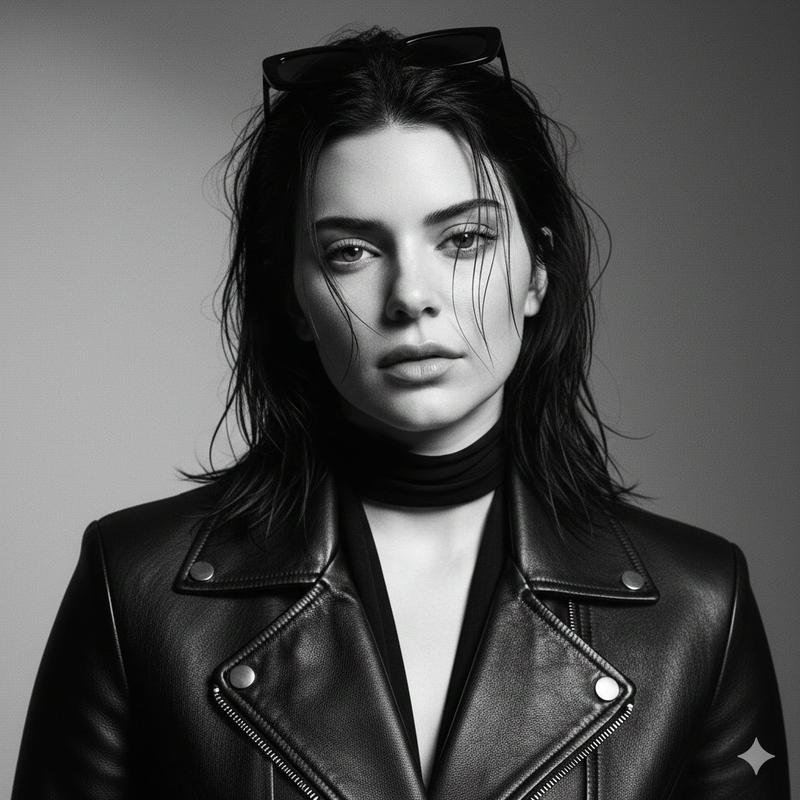
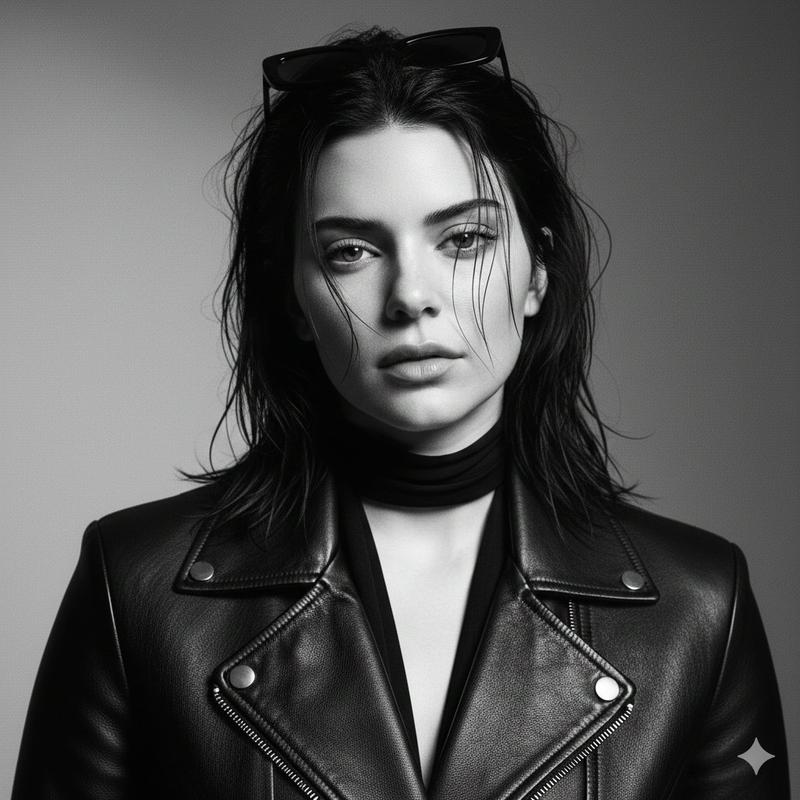
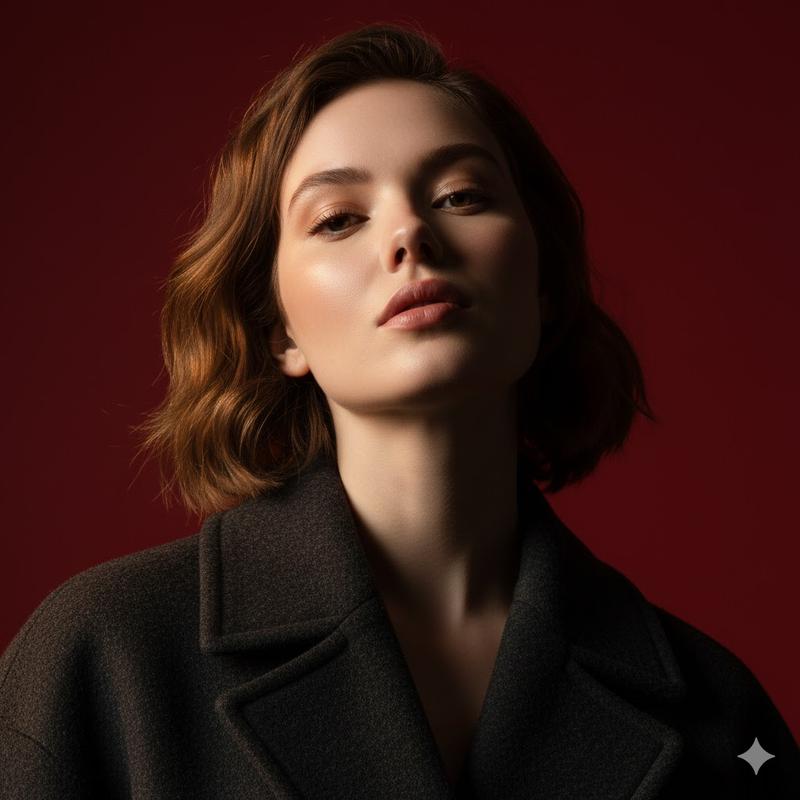
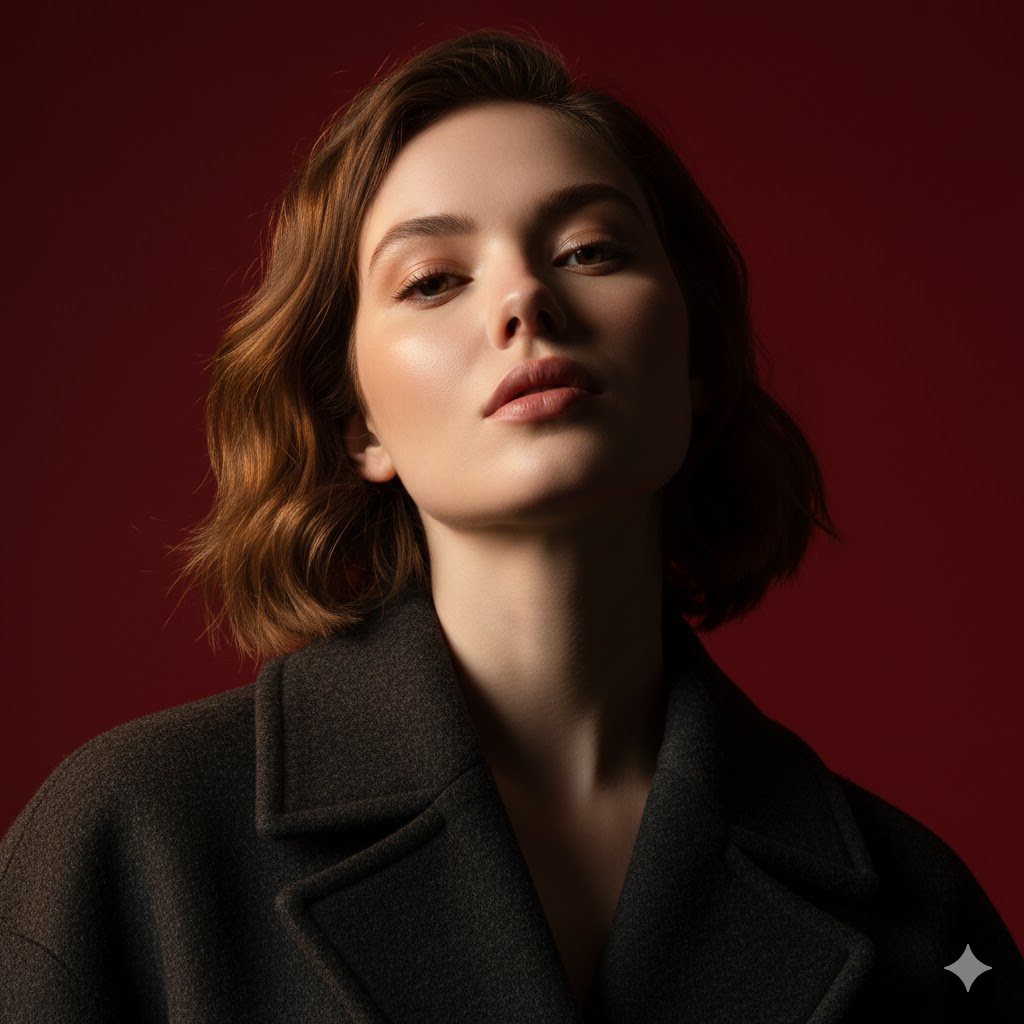
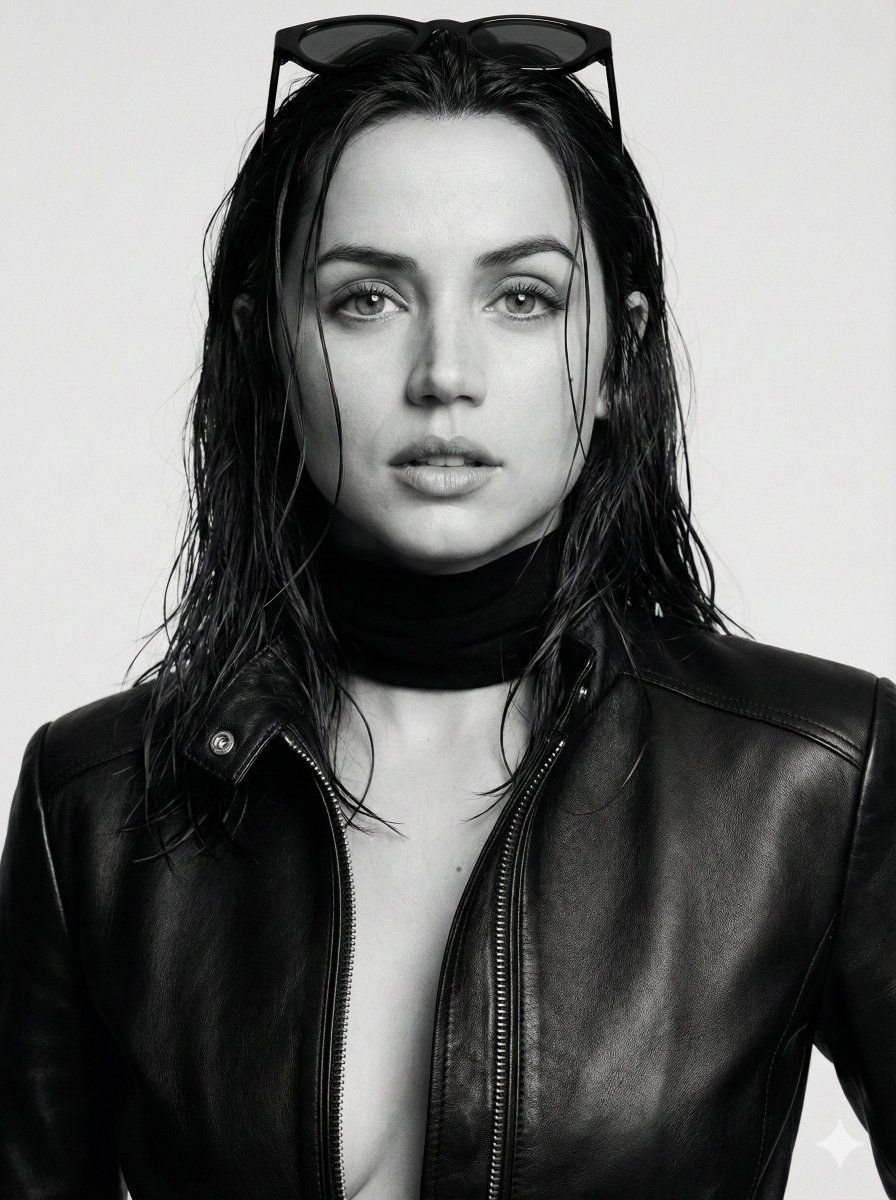
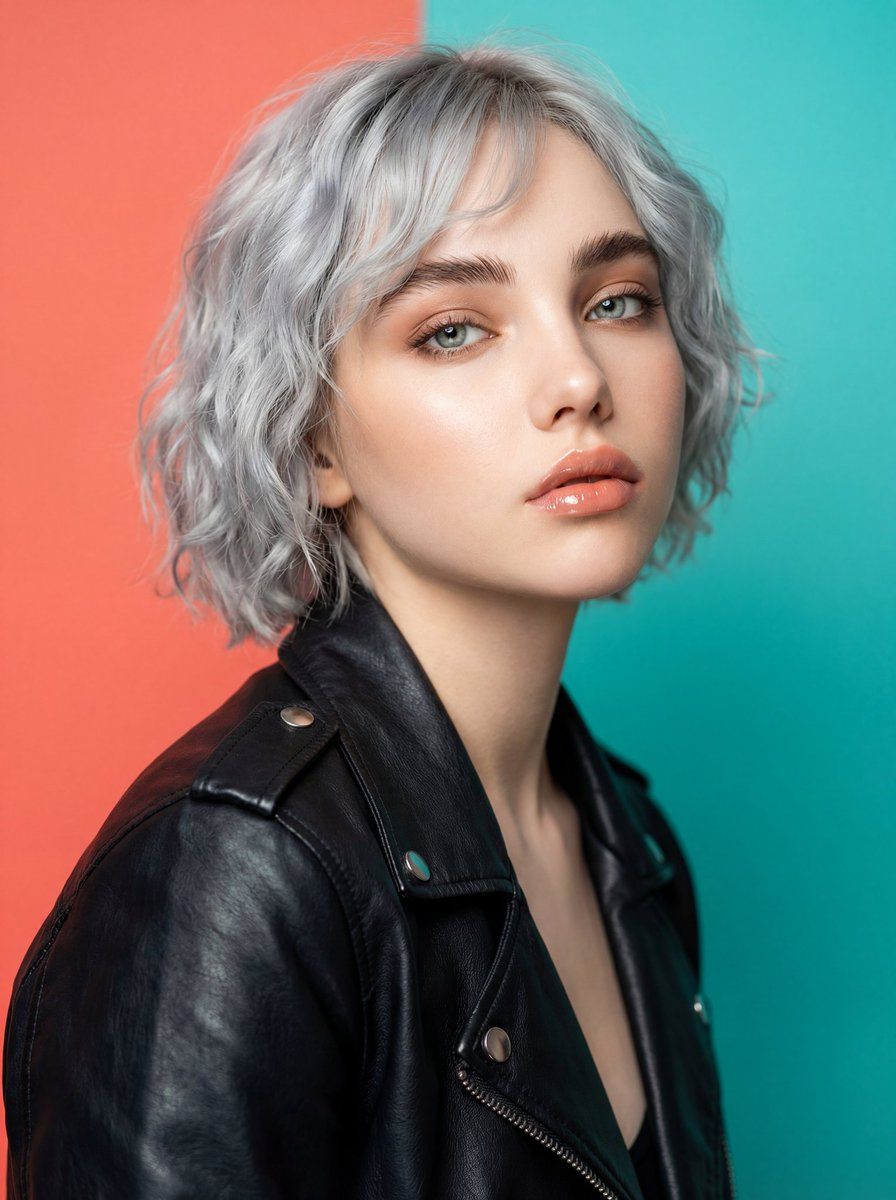
超逼真影棚时尚模特肖像提示词
Enlarge

超逼真影棚时尚模特肖像提示词

Prompt
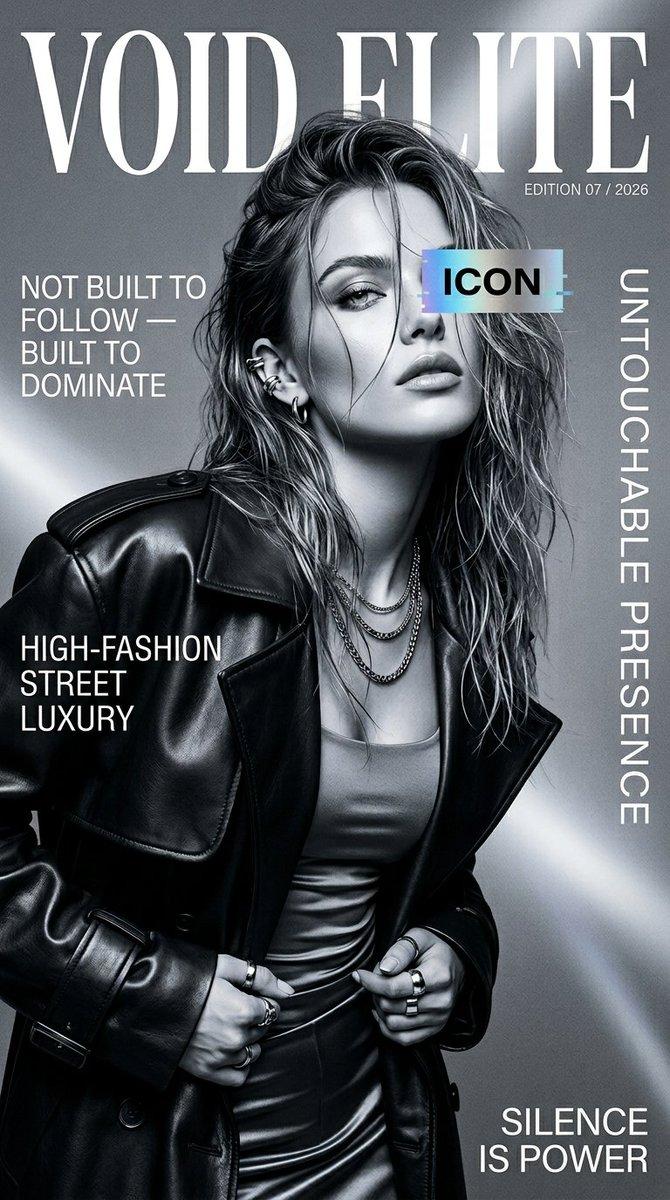
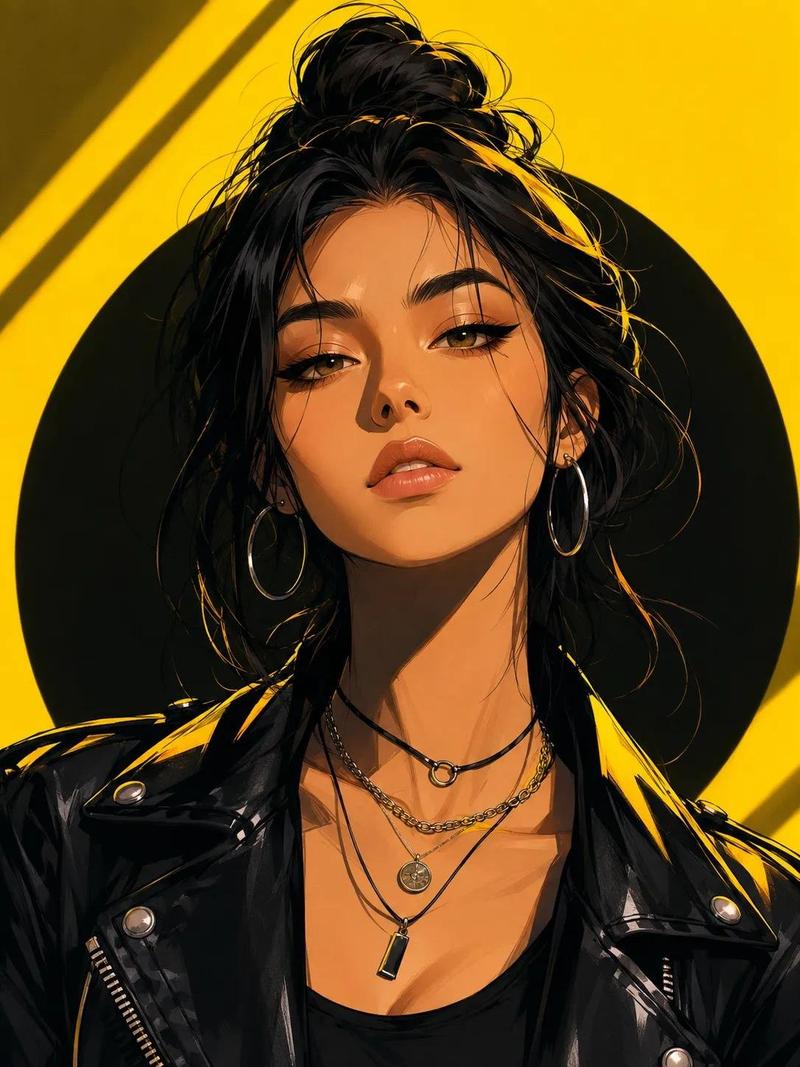
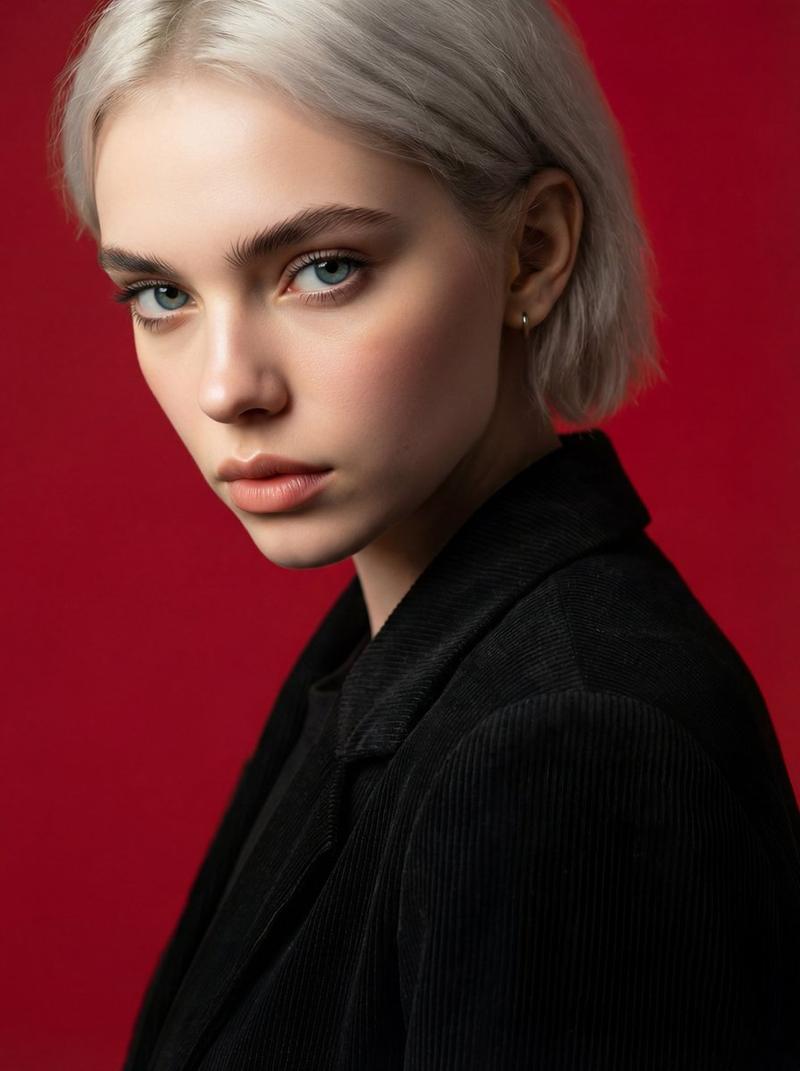
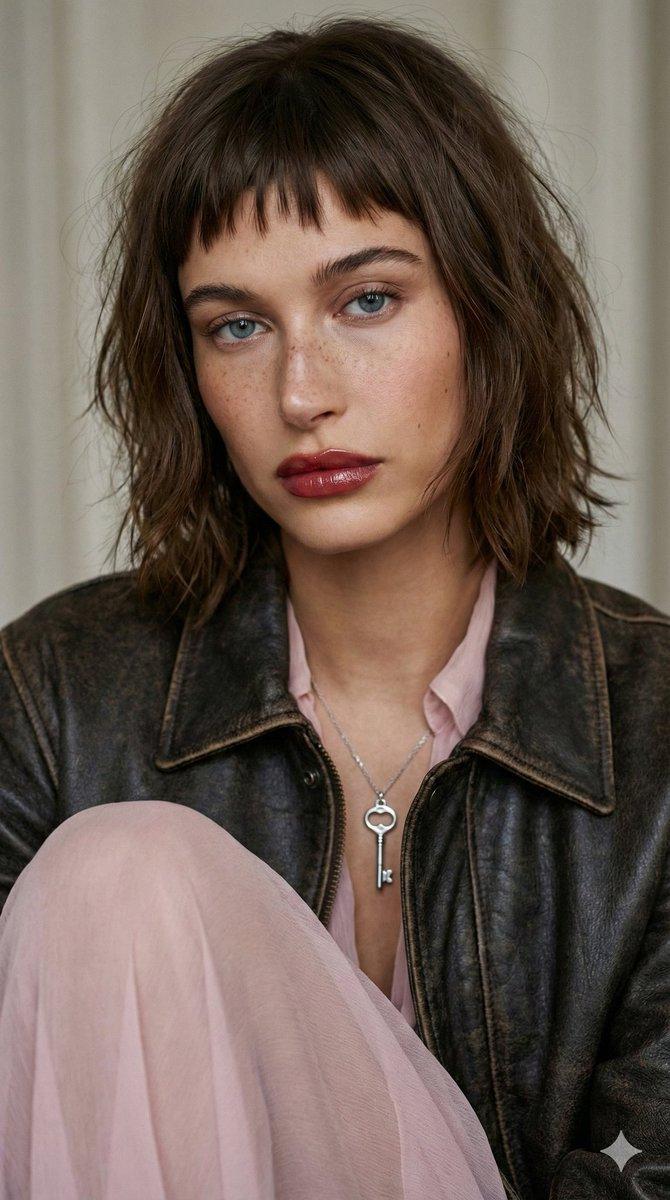
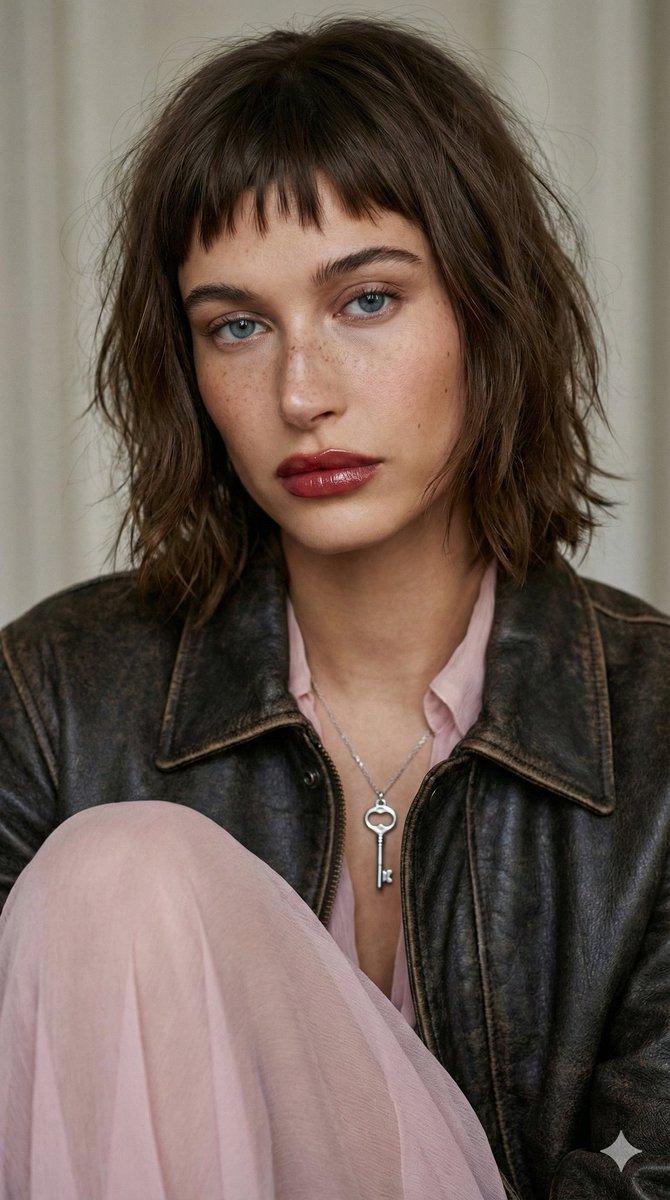
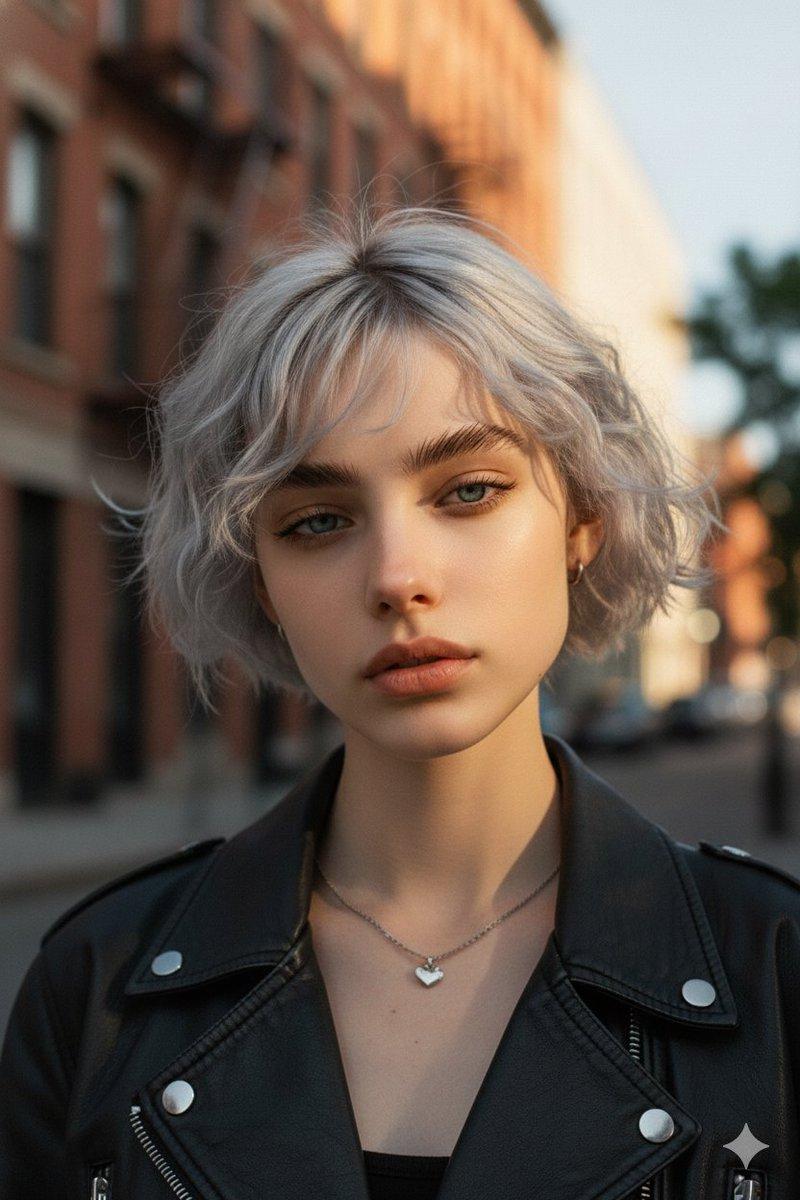
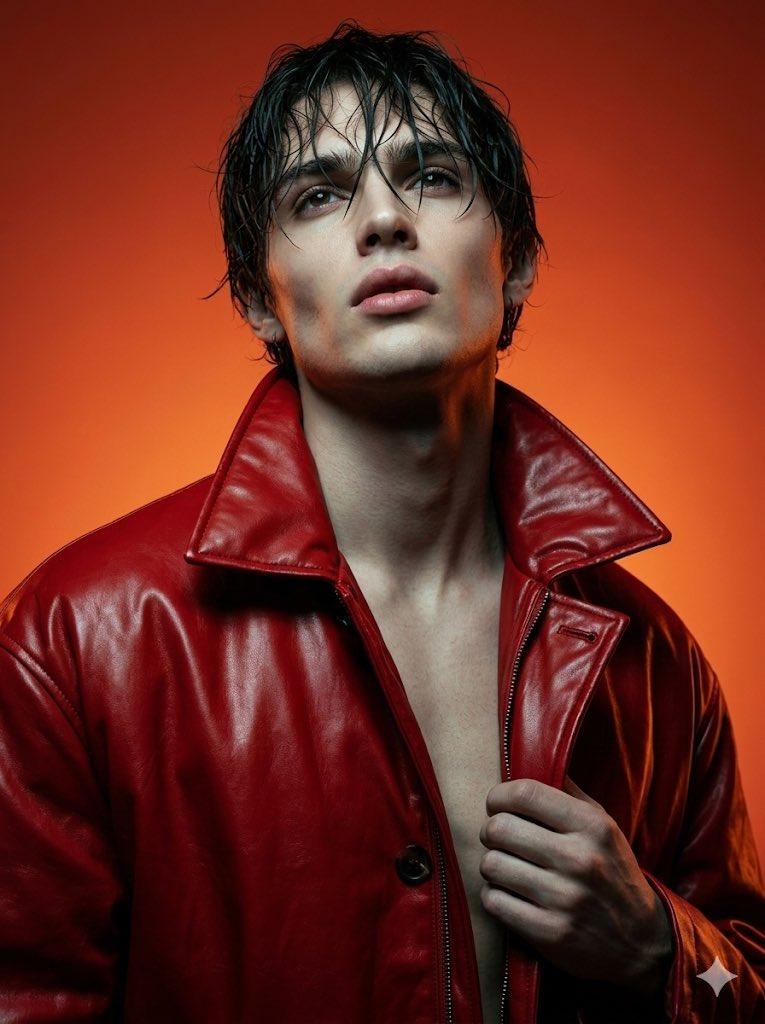
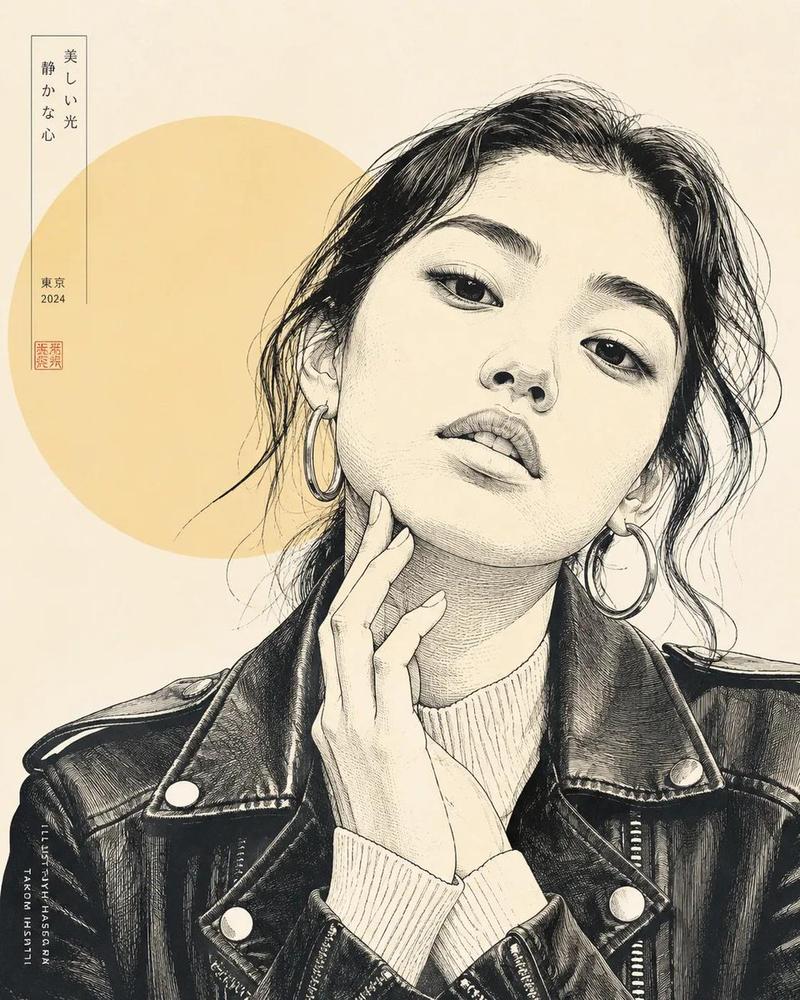
Ultra-realistic professional studio photoshoot of a young fashion model woman in her early 20s, modern Instagram-ready look, naturally beautiful face, fresh youthful skin with real texture and visible pores, no aging features, soft smooth skin without plastic retouching, bright and colorful high-contrast studio lighting, bold solid color background ({argument name="background color" default="vibrant coral / teal / cobalt"}), sharp expressive eyes, subtle trendy makeup, glossy natural lips, modern hairstyle, confident youthful expression, contemporary fashion styling, premium fashion photography, DSLR camera look, 85mm portrait lens, shallow depth of field, punchy modern color grading, clean highlights, commercial lifestyle E fashion stock quality, extremely detailed, ultra clean composition, eye- catching Instagram aesthetic, 8K resolution
Category
创意图片
Model
Nano Banana Pro
Creator
K
Views0
Source ID
28a21dcf-2661-4ea5-8012-e30c1e4a2bac
Published
Mar 8, 2026

Guide

About "超逼真影棚时尚模特肖像提示词"

What is this prompt for?

"超逼真影棚时尚模特肖像提示词" AI image prompt for Nano Banana Pro (创意图片). 一个详细的提示,用于生成一位年轻时尚模特的超逼真、高对比度专业影棚照片。它强调自然美、带有可见毛孔的清新皮肤纹理(无塑料感修图),大胆的纯色背景(珊瑚色/青色/钴蓝色),以及商业生活方式时尚库存照…

The full copyable prompt and example visuals above are ready for AI image generation or one-click recreate in Picva.

How to use this prompt

  1. Step 1

    Open the prompt detail

    Review the example visuals, category, and full prompt text for "超逼真影棚时尚模特肖像提示词".

  2. Step 2

    Copy the prompt

    Copy the prompt body from this page, or load it directly in Studio.

  3. Step 3

    Pick a model (Nano Banana Pro)

    Prefer Nano Banana Pro. If you switch models, keep subject and composition and tweak style terms.

  4. Step 4

    Generate and export

    Recreate the look in Picva, or export into your workflow for editing and publishing.

FAQ

What is the "超逼真影棚时尚模特肖像提示词" prompt?
It is an AI image-generation prompt for Nano Banana Pro in the 创意图片 category. This page includes the full prompt text, example visuals, and a one-click recreate path in Picva.
How do I use this prompt to generate an image?
Copy the prompt from this page, or use Generate / Studio. Paste it into a compatible image model, or recreate the look in Picva with optional reference images.
Which model is this prompt for?
This page lists Nano Banana Pro. Most descriptive prompts also transfer to nearby image models such as GPT Image, Flux, or Midjourney with light style tweaks.
Can I use the result commercially?
You can usually copy the prompt for creation, but commercial use of the final image depends on the model terms, reference-image rights, and the generated content. Follow the source author and platform rules.