17

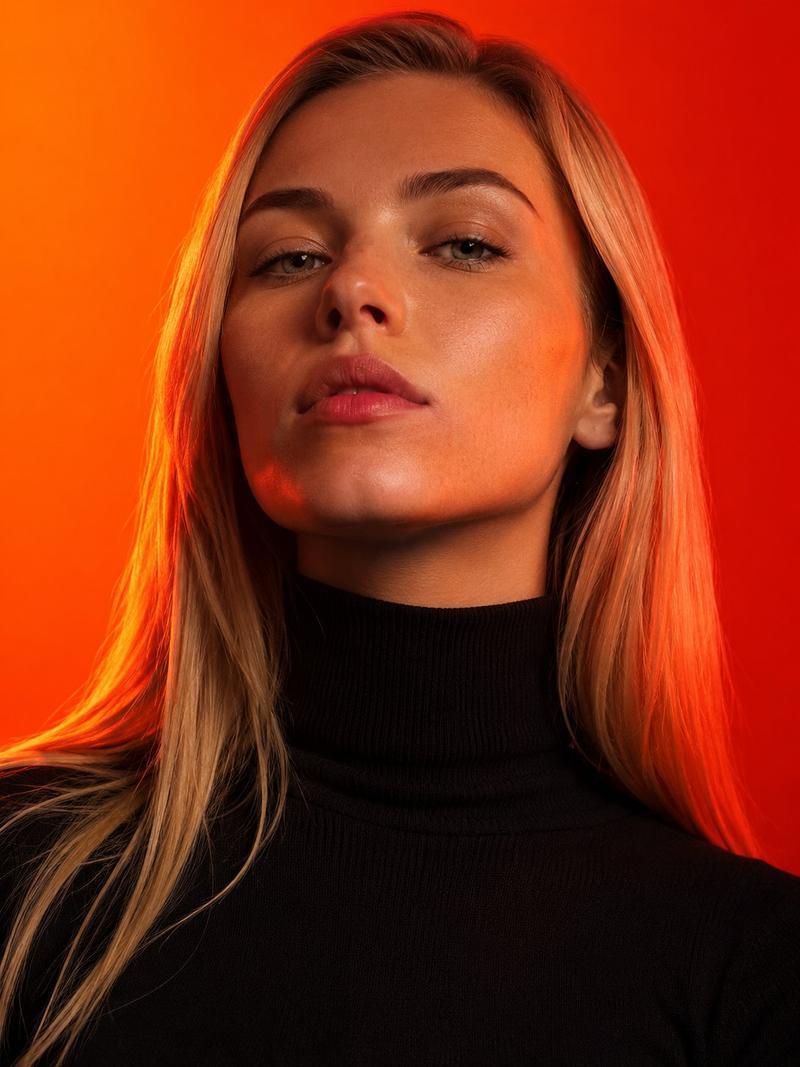
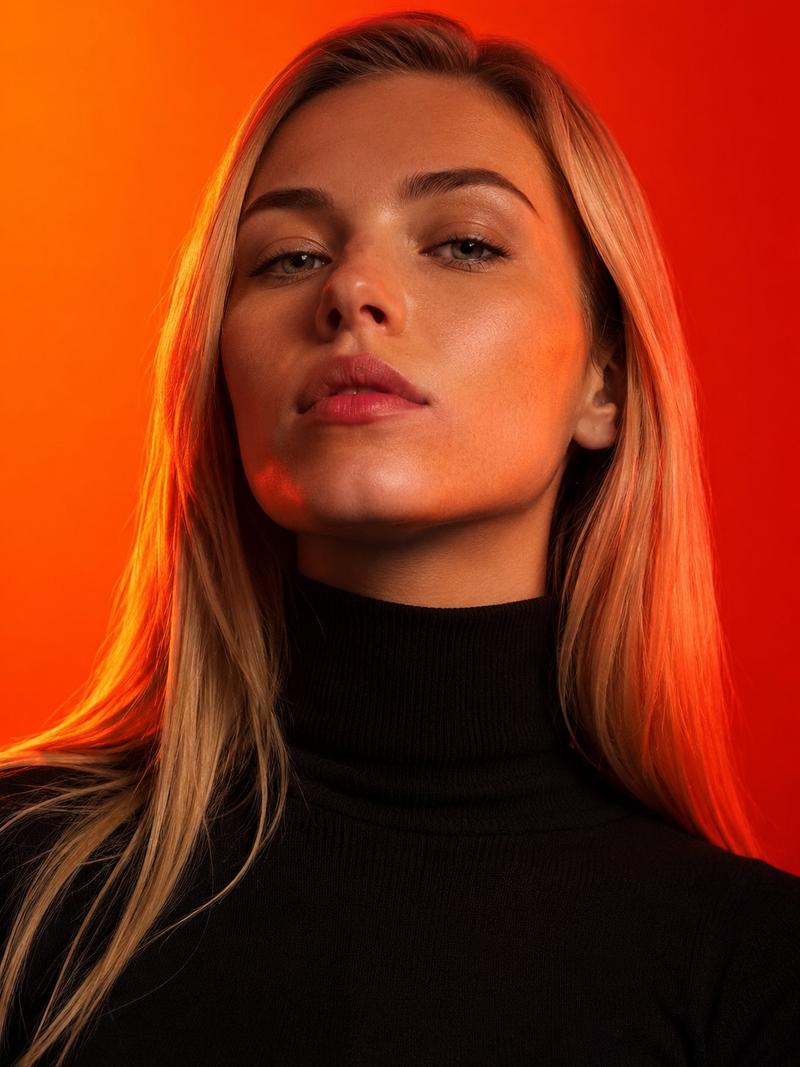
高对比度编辑肖像照,具有身份锁定功能
Enlarge

高对比度编辑肖像照,具有身份锁定功能

Prompt
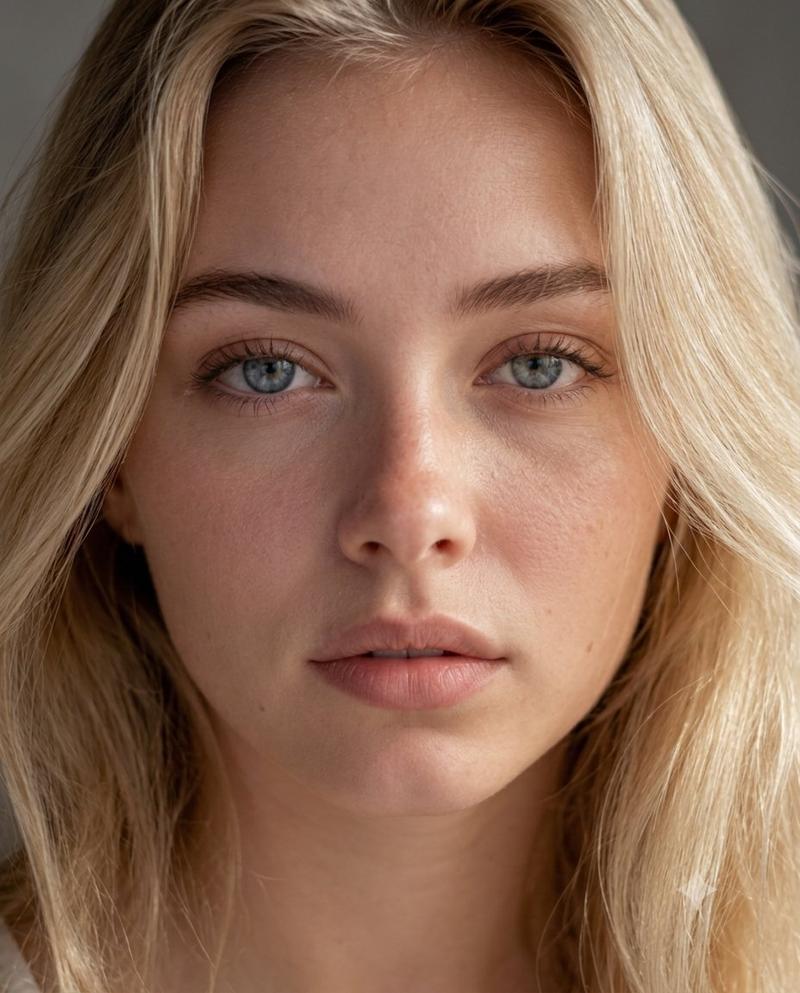
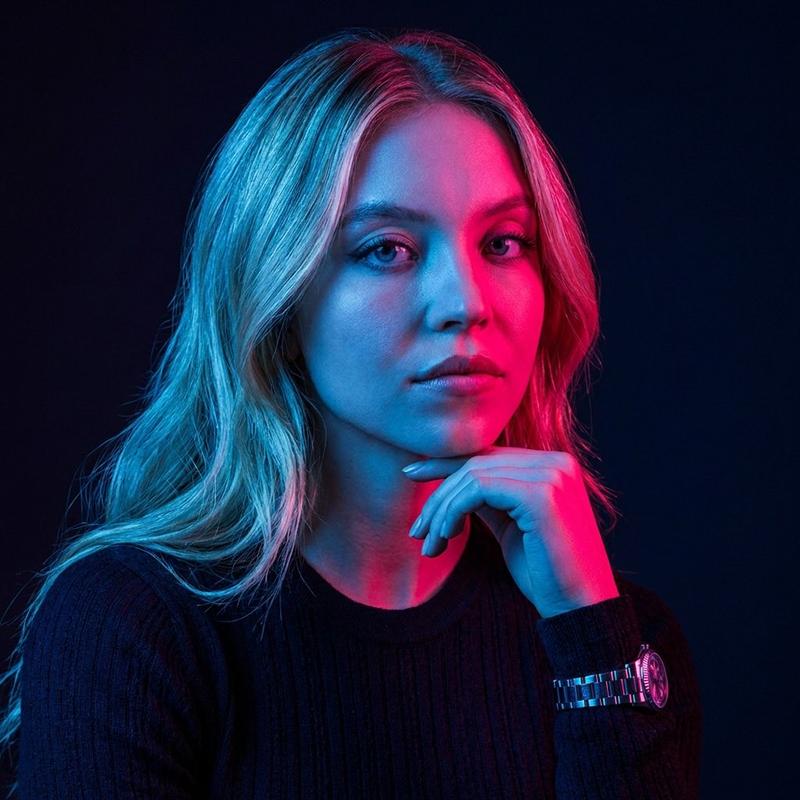
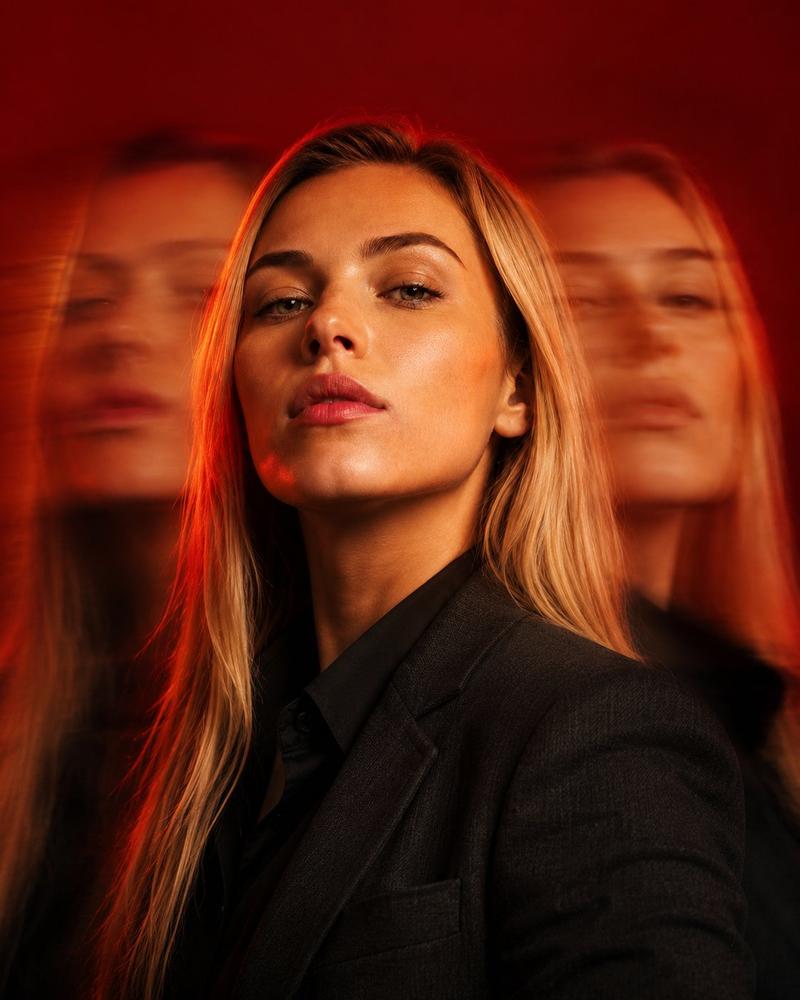
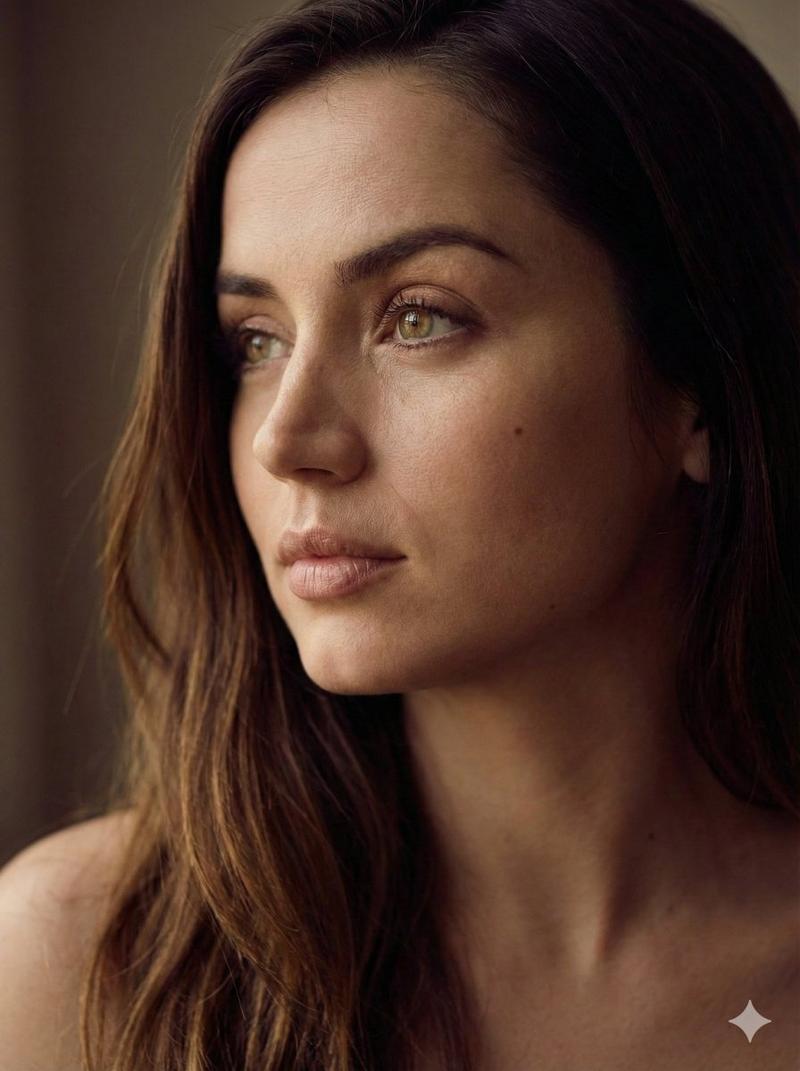
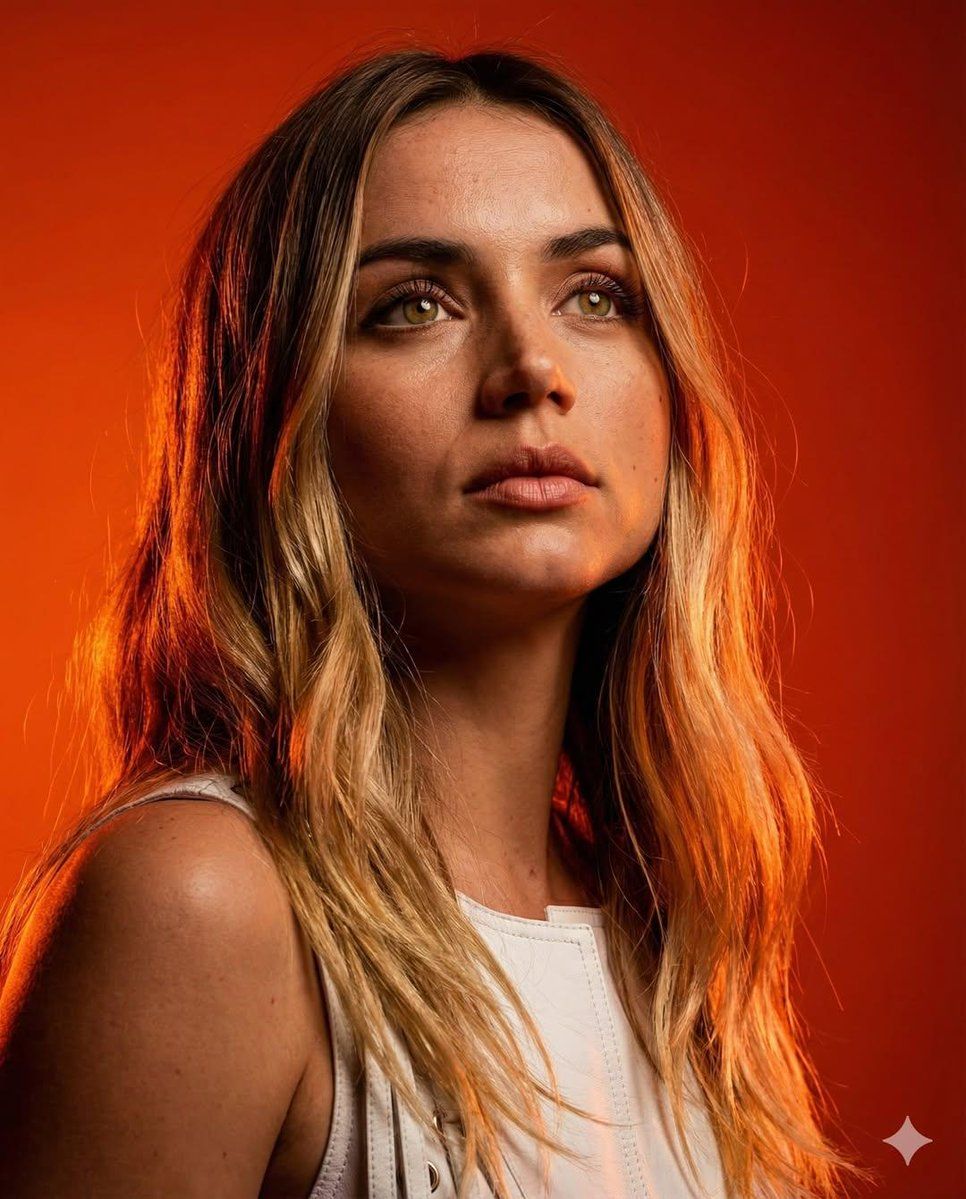
Editorial portrait from the attached reference photo, photorealistic. Use uploaded selfie as ONLY face reference. Identity lock: exact likeness, facial geometry/proportions, natural skin texture. No beautification. Keep clothing style, color, material, and fit identical to the reference. Medium close-up (face and shoulders), low angle looking up (heroic/dominant perspective), sharp focus on face/eyes.Serious, intense, focused expression, gaze directed upward and away from camera (beyond the frame). Dramatic saturated studio lighting, high-contrast chiaroscuro with deep shadows, vibrant oranges and deep reds palette, strong rim light creating a halo separation. Solid studio backdrop, rich orange-red smooth gradient, pattern-free, hot radiant atmosphere. High skin texture fidelity (pores visible), 8k, portrait aspect ratio, cinematic lighting, 4:5.
Category
创意图片
Model
Nano Banana Pro
Views0
Source ID
f9177eca-0975-4e8a-a2b0-8ed73d66b54a
Published
Mar 8, 2026

Guide

About "高对比度编辑肖像照,具有身份锁定功能"

What is this prompt for?

"高对比度编辑肖像照,具有身份锁定功能" AI image prompt for Nano Banana Pro (创意图片). 一个用于编辑肖像的图像生成提示,严格根据上传的自拍照片锁定身份,确保精确的相似度和自然的皮肤纹理,不进行美化。该提示指定了中景特写、低角度、高对比度的明暗对照(chiaroscuro)照明…

The full copyable prompt and example visuals above are ready for AI image generation or one-click recreate in Picva.

How to use this prompt

  1. Step 1

    Open the prompt detail

    Review the example visuals, category, and full prompt text for "高对比度编辑肖像照,具有身份锁定功能".

  2. Step 2

    Copy the prompt

    Copy the prompt body from this page, or load it directly in Studio.

  3. Step 3

    Pick a model (Nano Banana Pro)

    Prefer Nano Banana Pro. If you switch models, keep subject and composition and tweak style terms.

  4. Step 4

    Generate and export

    Recreate the look in Picva, or export into your workflow for editing and publishing.

FAQ

What is the "高对比度编辑肖像照,具有身份锁定功能" prompt?
It is an AI image-generation prompt for Nano Banana Pro in the 创意图片 category. This page includes the full prompt text, example visuals, and a one-click recreate path in Picva.
How do I use this prompt to generate an image?
Copy the prompt from this page, or use Generate / Studio. Paste it into a compatible image model, or recreate the look in Picva with optional reference images.
Which model is this prompt for?
This page lists Nano Banana Pro. Most descriptive prompts also transfer to nearby image models such as GPT Image, Flux, or Midjourney with light style tweaks.
Can I use the result commercially?
You can usually copy the prompt for creation, but commercial use of the final image depends on the model terms, reference-image rights, and the generated content. Follow the source author and platform rules.