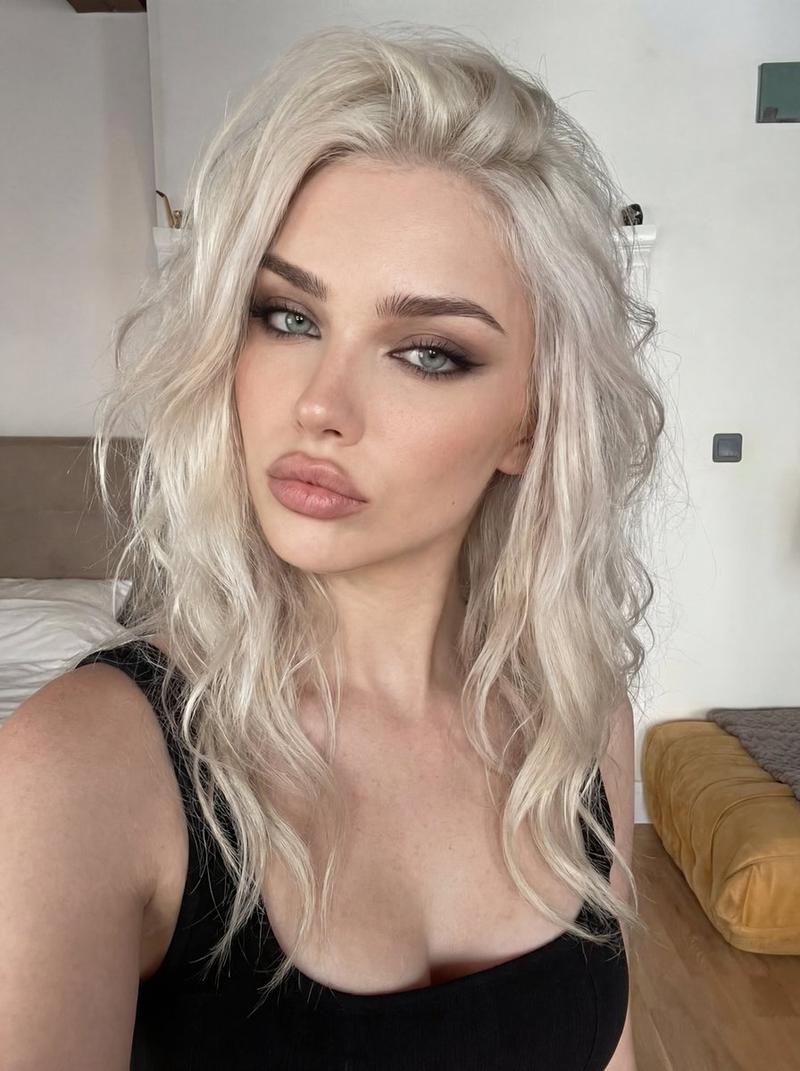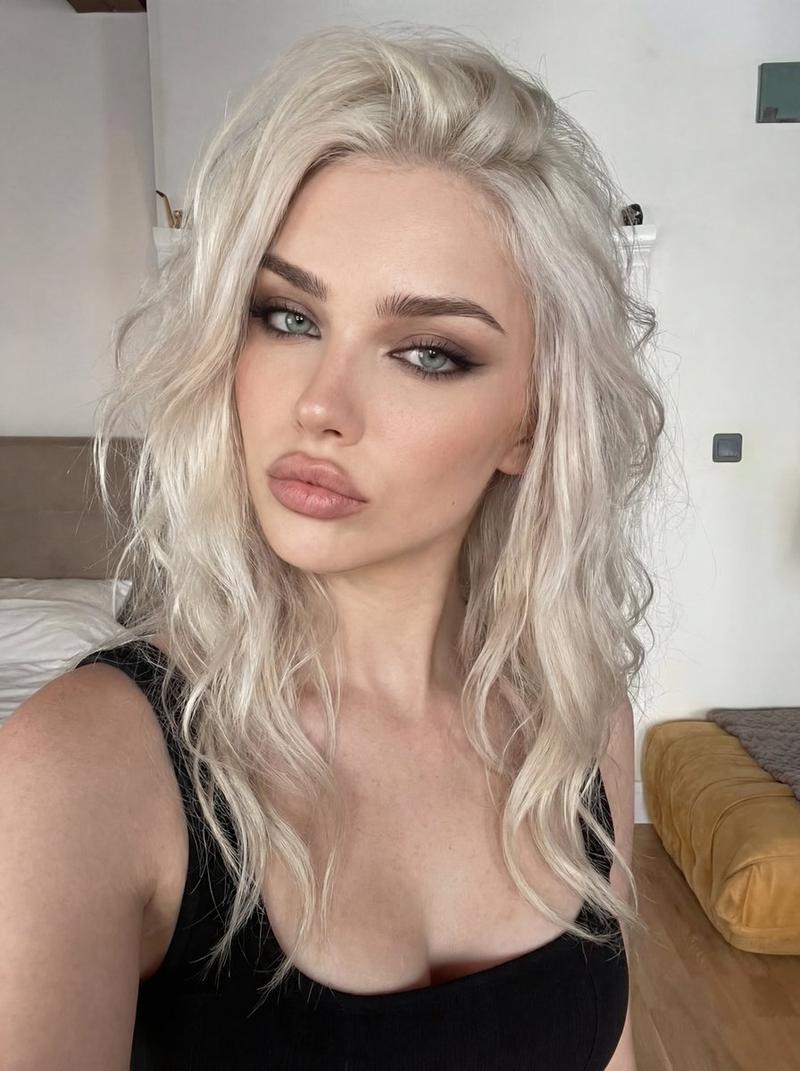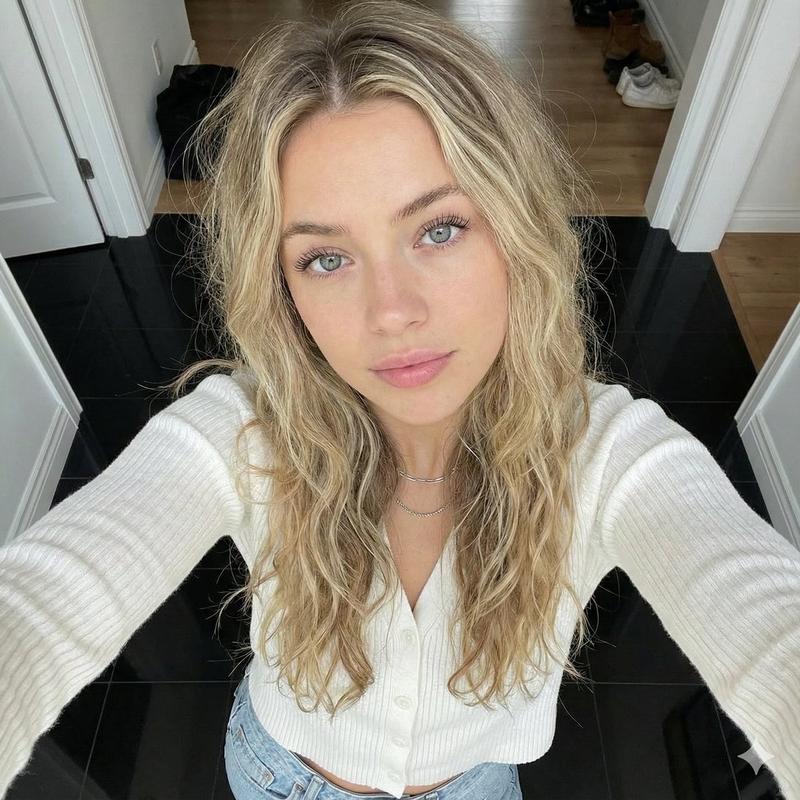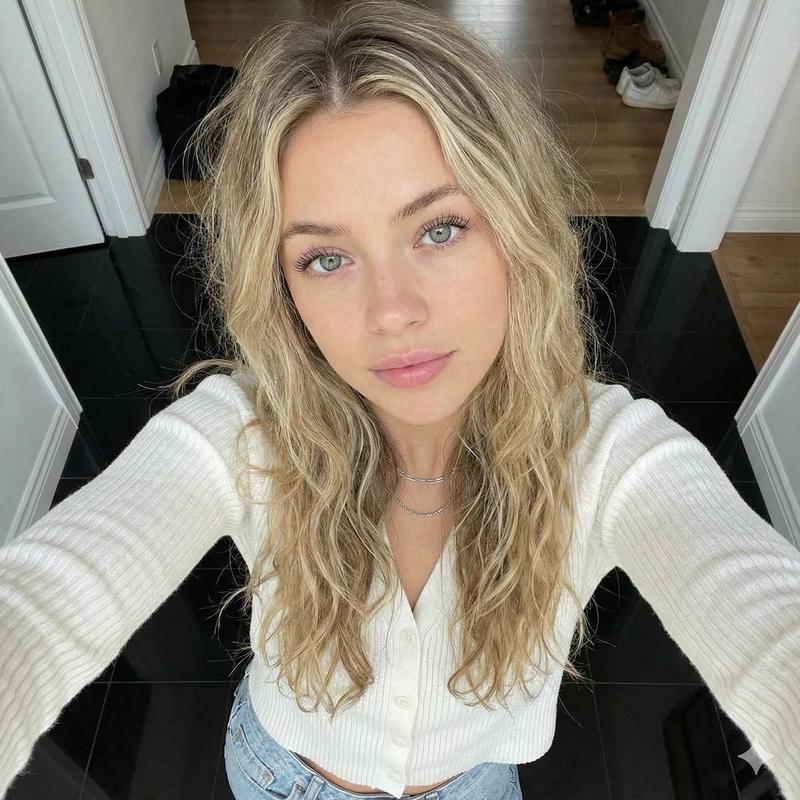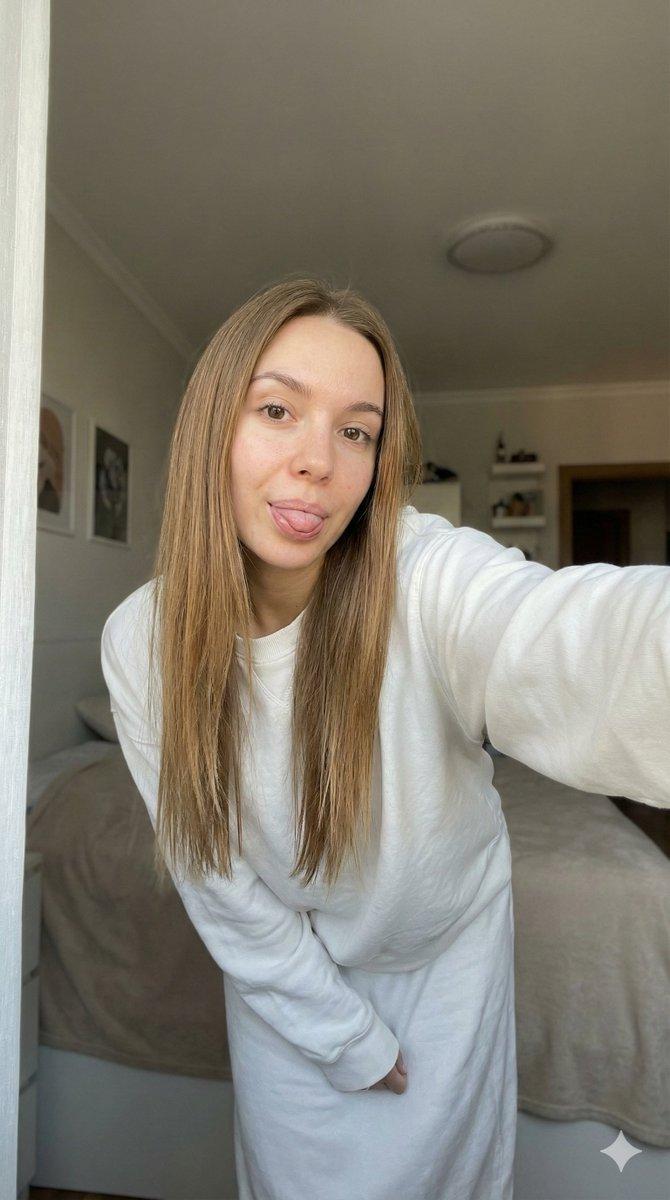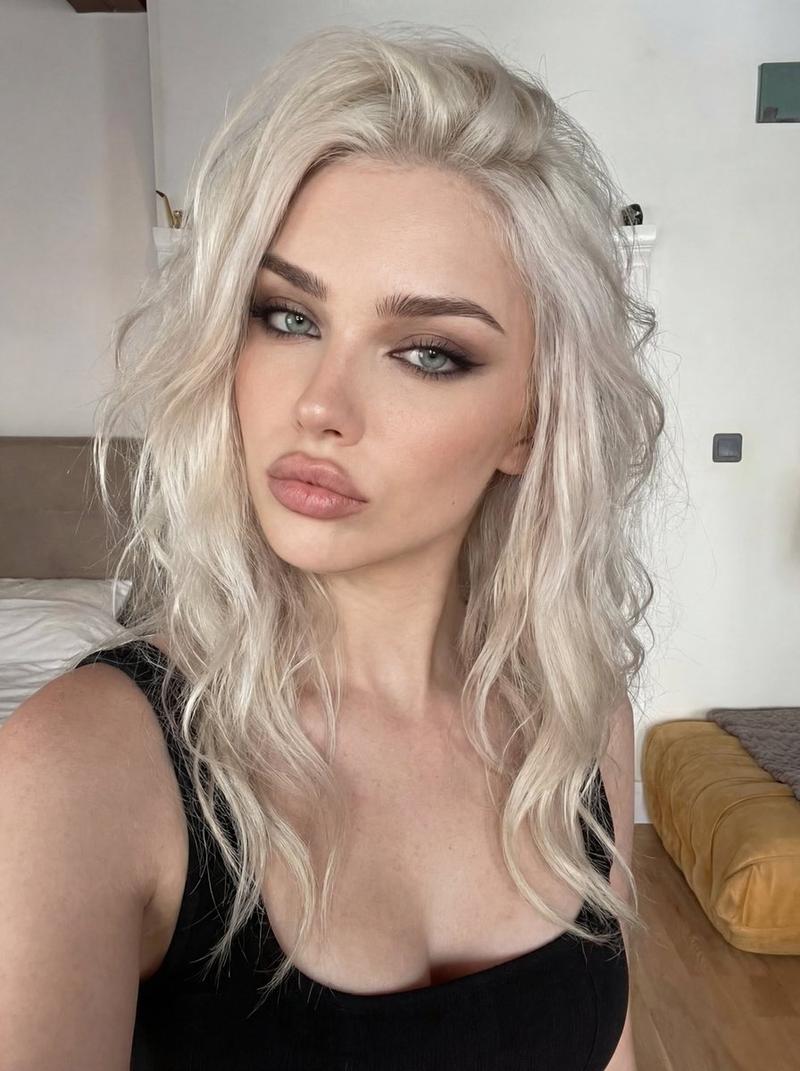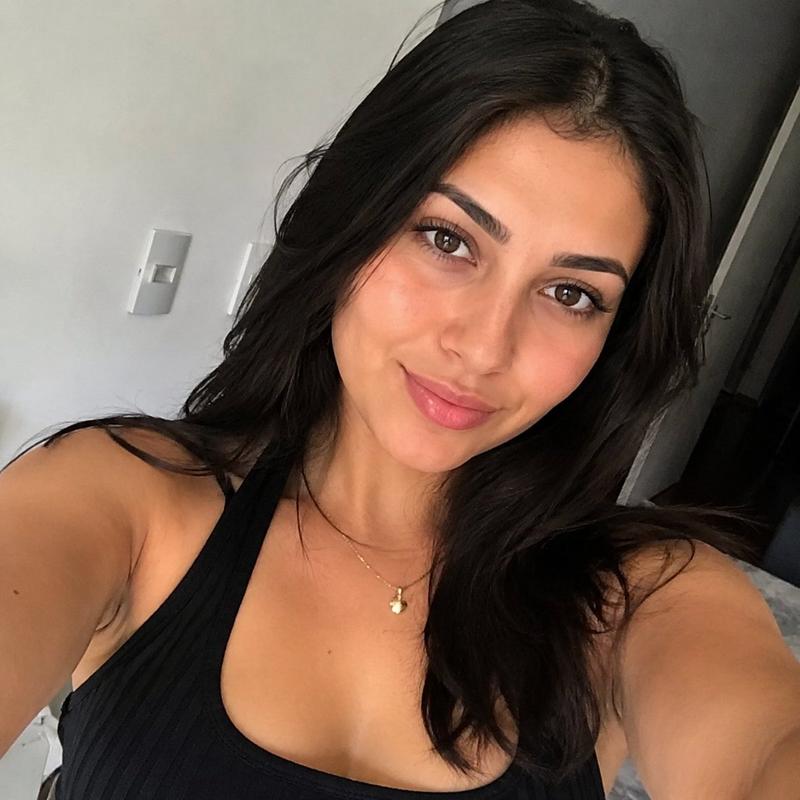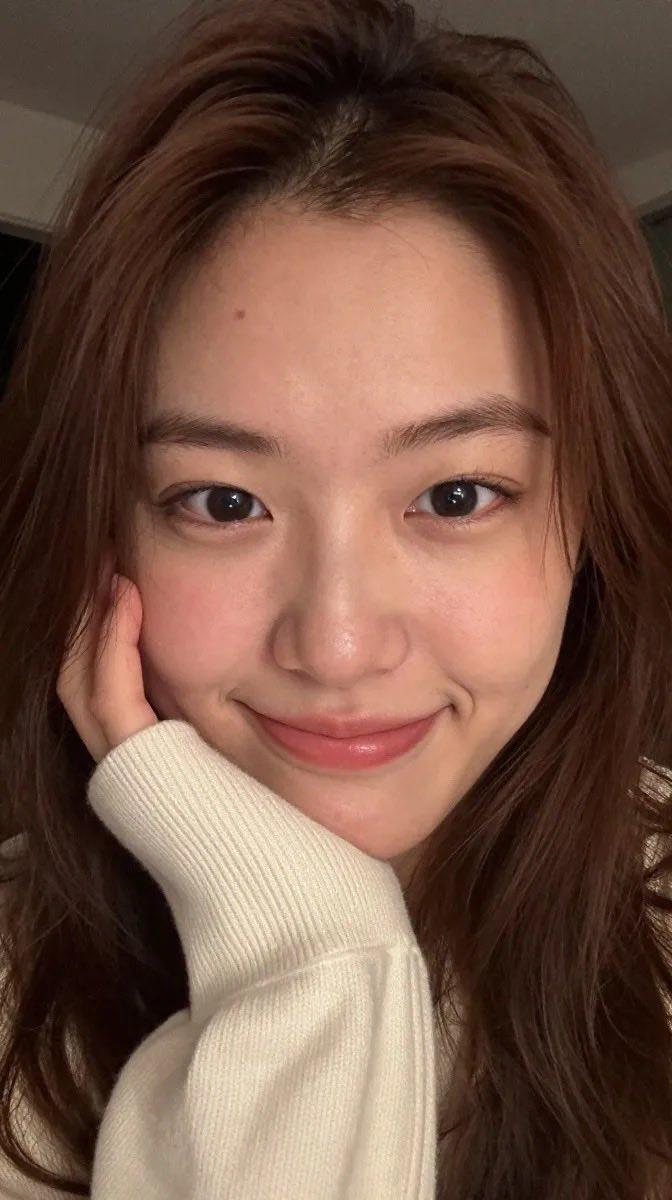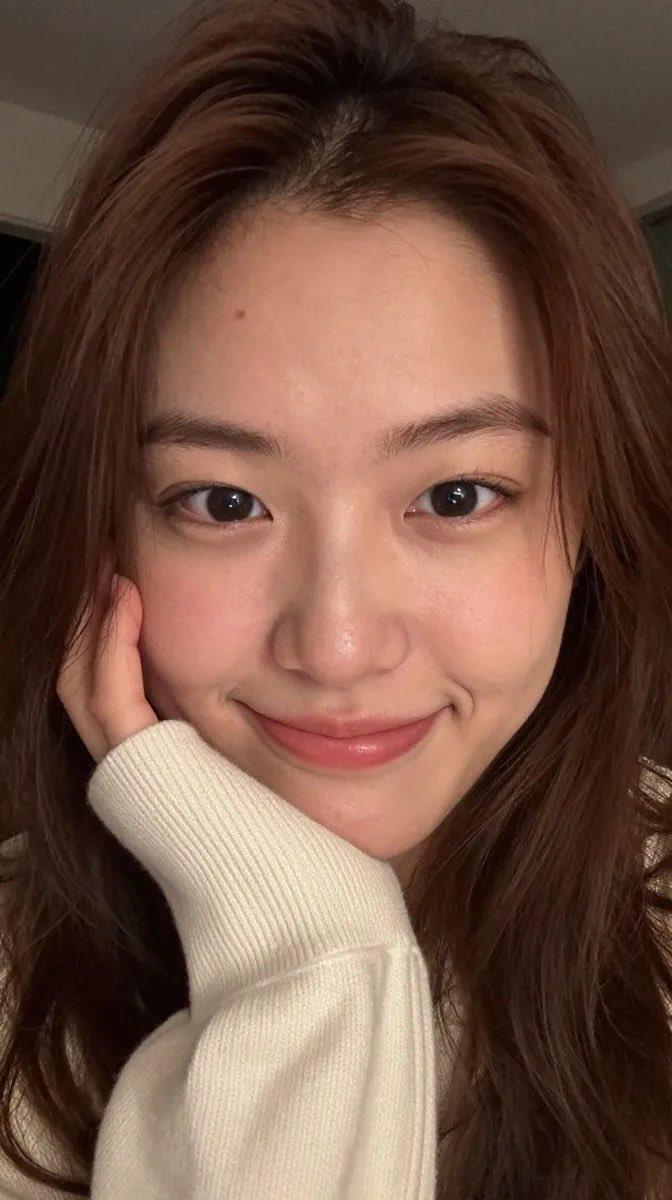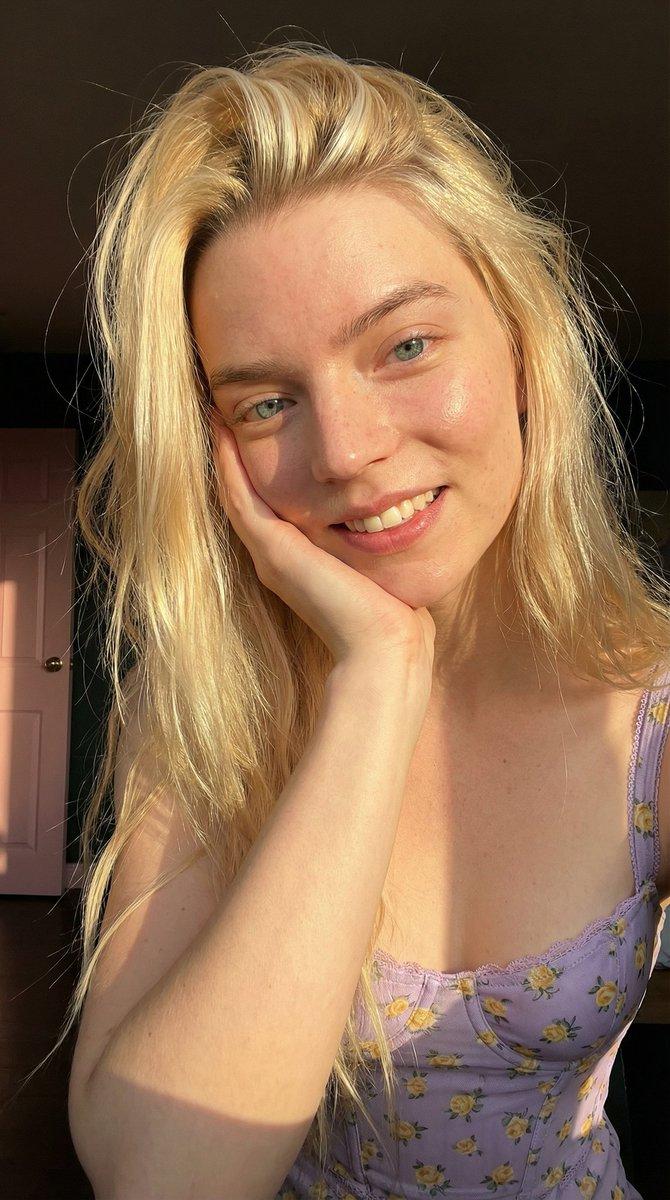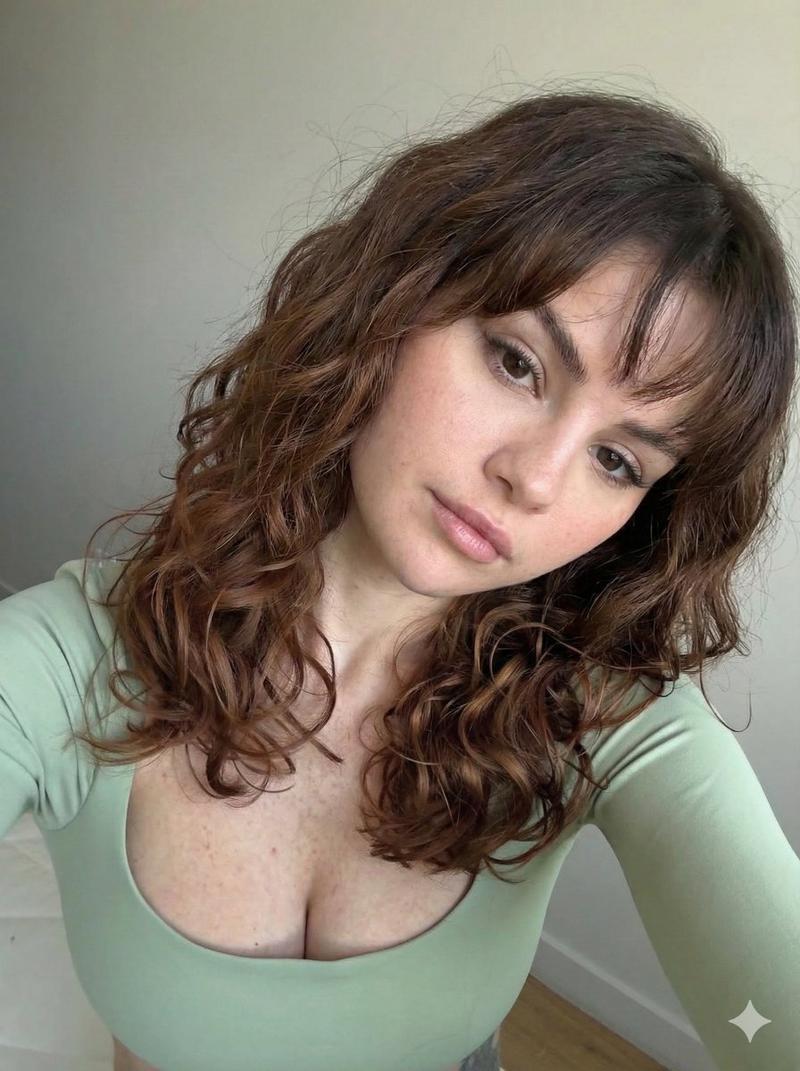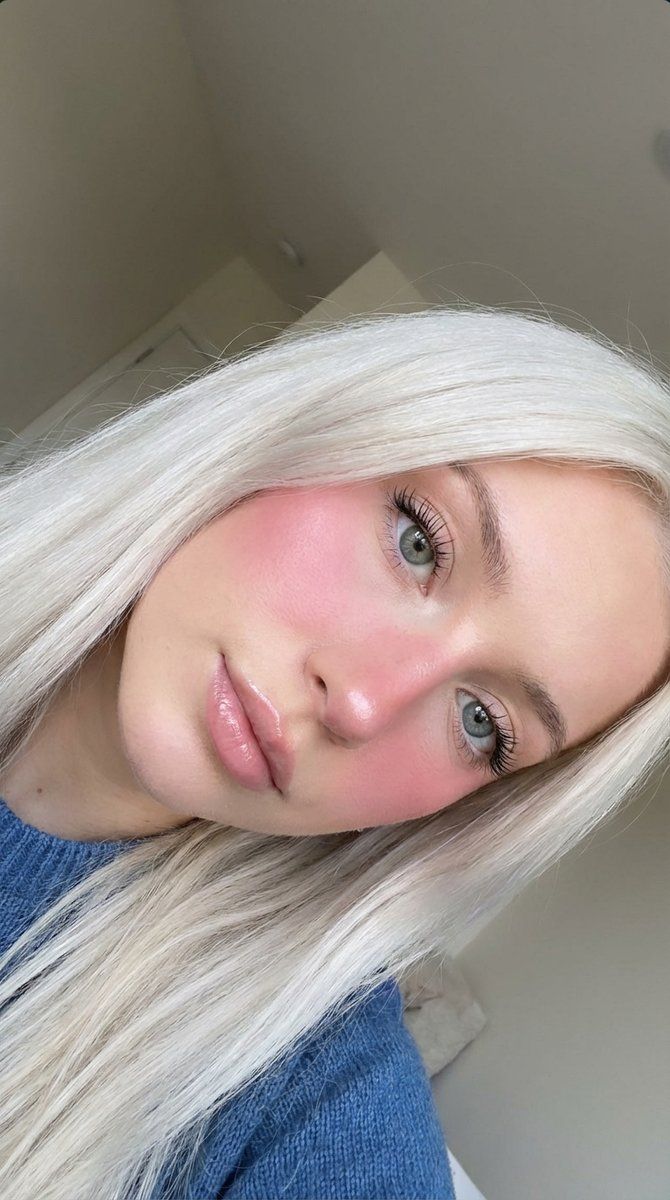
特写美颜自拍,腮红浓重
Prompt
{
  "prompt": "Close-up beauty selfie portrait, young woman with long {argument name="hair color" default="platinum white blonde"} straight hair, tilted head angle rotated sideways, looking at camera with soft dreamy expression, light blue grey eyes with long dark lashes, heavy pink blush makeup across cheeks and nose bridge, glossy pink nude lips, fair porcelain skin, natural eyebrows, wearing blue top or sweater visible at edge, soft natural daylight, extreme close-up face shot, beauty content aesthetic, iPhone selfie style, intimate portrait angle, youthful fresh makeup look",
  "negative_prompt": "outdoor harsh lighting, dark hair, full body shot, studio professional lighting, heavy eye makeup, serious expression",
  "style": "beauty selfie, close-up portrait, soft natural lighting, social media aesthetic, fresh youthful makeup",
  "aspect_ratio": "3:4",
  "camera": {
    "type": "smartphone front camera selfie",
    "angle": "tilted rotated angle, close-up from above",
    "framing": "extreme close-up, face only filling frame"
  },
  "lighting": {
    "type": "soft natural indoor daylight",
    "quality": "soft diffused light, flattering on skin, no harsh shadows",
    "atmosphere": "bright airy indoor setting"
  },
  "mood": "soft, dreamy, youthful, fresh, intimate, feminine",
  "color_palette": "platinum blonde, pink blush, glossy pink lips, light blue eyes, fair skin, blue clothing accent",
  "subject_features": {
    "hair": "long platinum white blonde, straight silky texture, falling around face, middle parted",
    "skin": "fair, porcelain, smooth, natural",
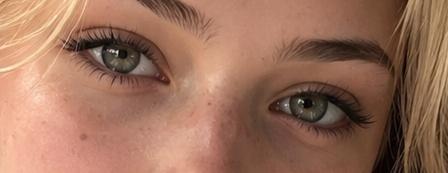
    "eyes": "light blue grey, large, soft gaze at camera, long dark lashes, minimal eye makeup",
    "lips": "glossy pink nude, full natural shape, slightly parted",
    "eyebrows": "natural brown, soft fluffy shape",
    "expression": "soft, dreamy, relaxed, gentle, slightly pouty"
  },
  "makeup": {
    "blush": "{argument name="blush style" default="heavy pink blush applied across both cheeks and bridge of nose, sun-kissed flush effect"}",
    "lips": "glossy pink nude lip gloss",
    "eyes": "minimal eyeshadow, long natural lashes",
    "base": "natural dewy skin, no heavy foundation",
    "style": "youthful fresh faced, blushy doll-like makeup trend"
  },
  "wardrobe": {
    "visible": "blue top or sweatshirt partially visible at bottom edge of frame"
  },
  "pose": {
    "head": "tilted sideways, rotated angle creating diagonal composition",
    "gaze": "looking directly at camera",
    "framing": "face fills entire frame, extreme close-up"
  },
  "setting": {
    "location": "indoor, likely home or car",
    "background": "minimal, blurred, light neutral tones",
    "atmosphere": "casual intimate selfie setting"
  }
}- Category
- 创意图片
- Model
- Nano Banana Pro
- Creator
- Lore
- Source ID
- 7531d4ef-828f-4573-92bb-925aa1a15634
- Published
- Mar 8, 2026
Views0