超逼真生存电影静态画面提示
提示词
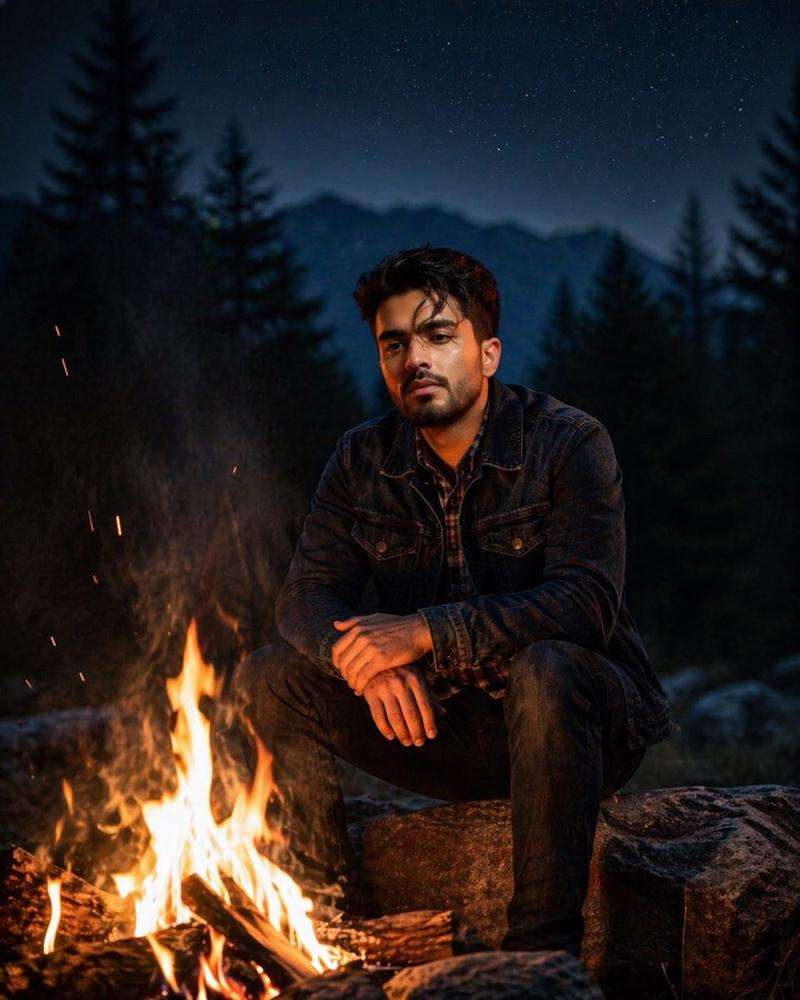
Use the uploaded face image as the exact identity reference.
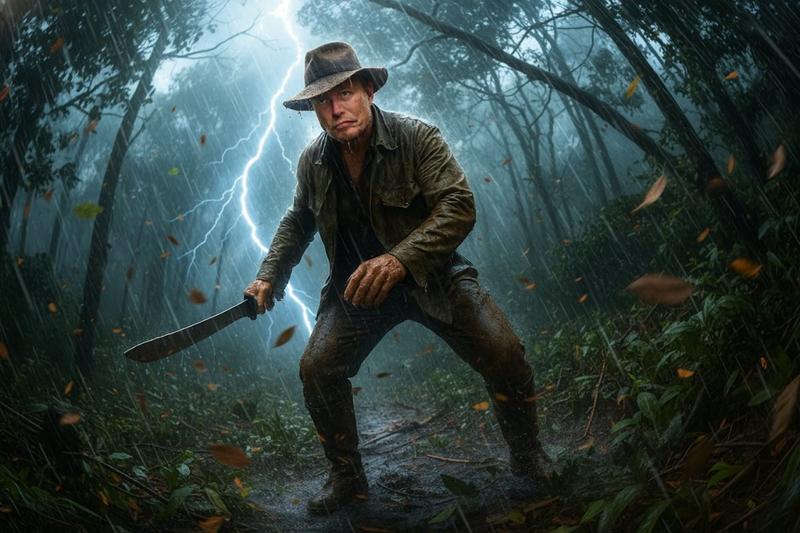
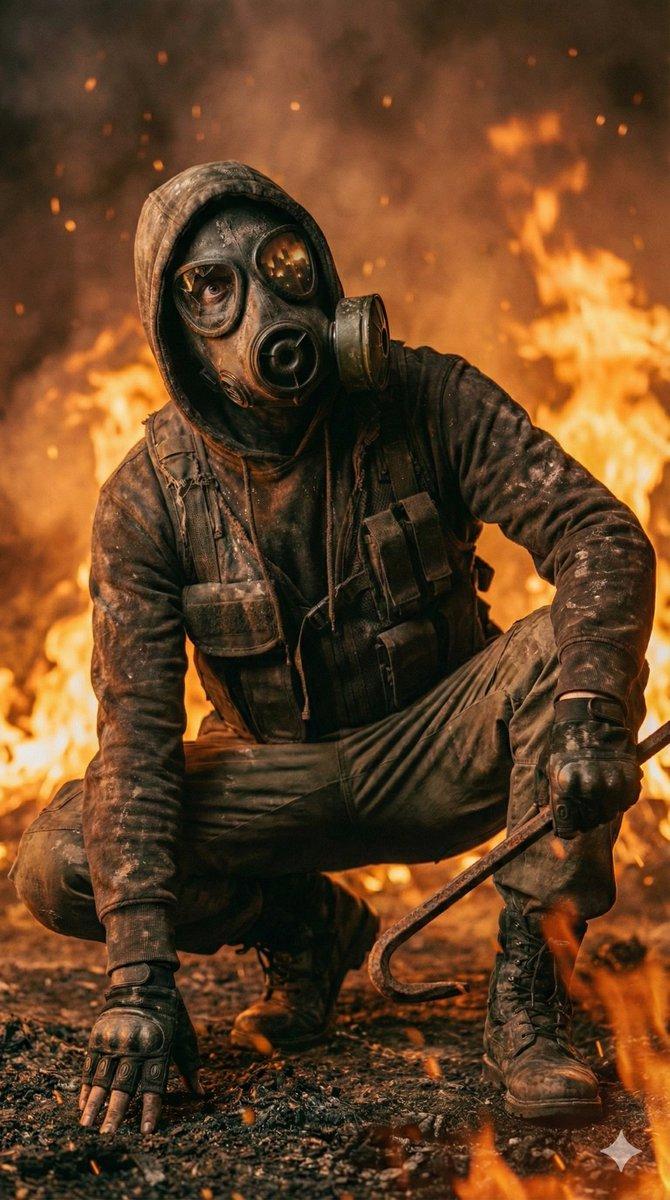
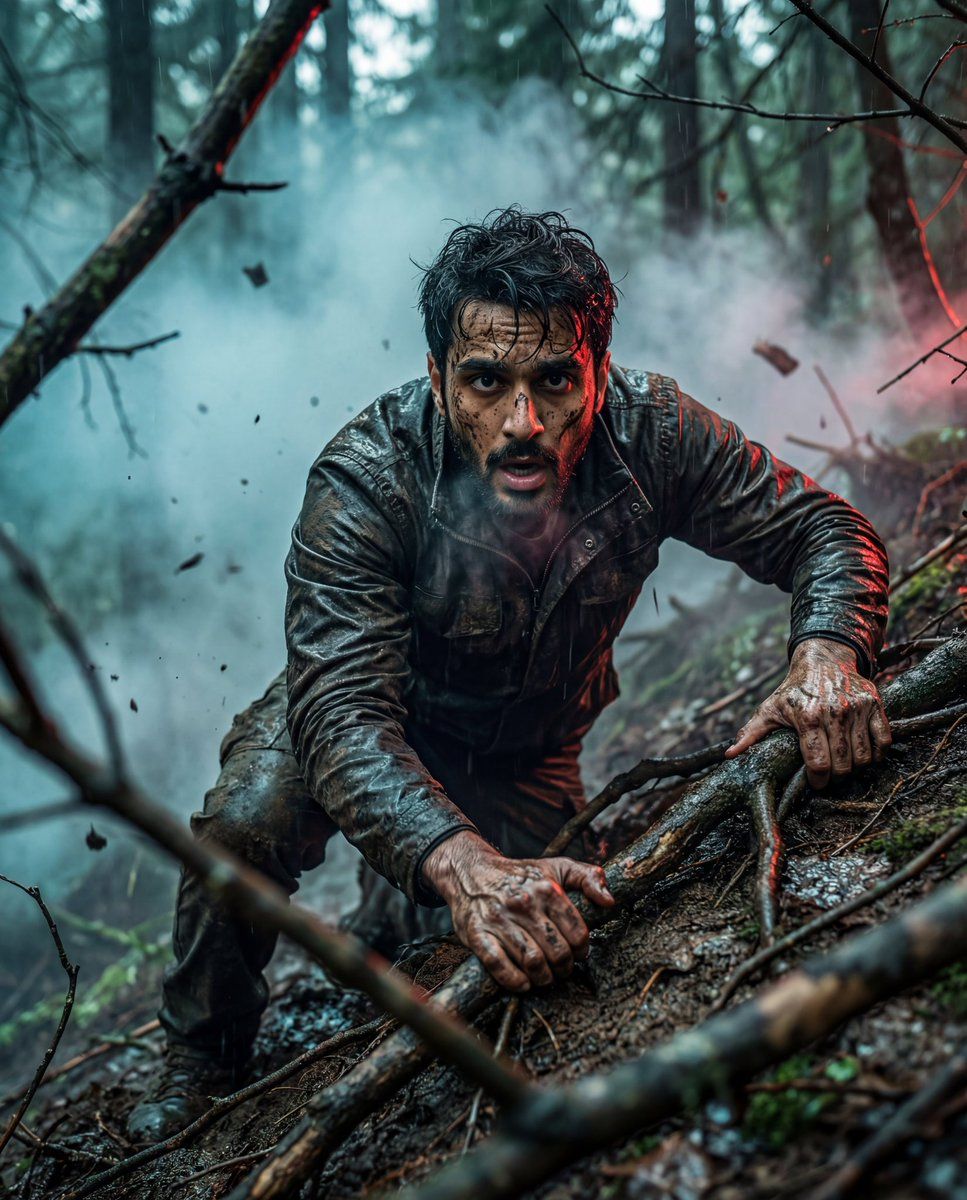
Ultra-realistic cinematic photograph of a man desperately climbing a steep, muddy forest slope, gripping exposed tree roots with both hands. Arms tense, fingers covered in wet mud, veins visible.
Face must closely match the reference (same structure, skin tone, age, natural texture). Wearing a dark, rugged, rain-soaked jacket with dirt-stained clothing. Hair messy and slightly wet.
Dense forest environment with twisted branches framing the shot, fog and smoke drifting through, floating debris in the air, wet uneven ground.
Expression shows raw survival, exhaustion, and determination; mouth slightly open, breath visible, intense eye contact.
Cinematic teal-blue ambient fog with subtle red rim light, volumetric lighting, dramatic contrast. Low-angle close-medium shot, shallow depth of field, sharp focus on face and hands, blurred foreground branches.
Hyper-realistic, gritty cinematic film still, premium realism, high dynamic range, ultra-detailed, 4K–8K quality.
Negative prompt: anime, cartoon, illustration, CGI look, plastic or smooth skin, over-stylized, fake lighting, blurry face, low detail, distorted anatomy, extra fingers, bad hands, oversharpened, low resolution.
- 分类
- 创意图片
- 模型
- Nano Banana Pro
- 来源作者
- Saul Goodman
- 来源 ID
- 454b25ef-4511-4f53-a690-bafd2f6d4b94
- 发布时间
- 2026年3月8日
浏览量0