18

参考图像姿态改变提示模板
Enlarge

参考图像姿态改变提示模板

Prompt
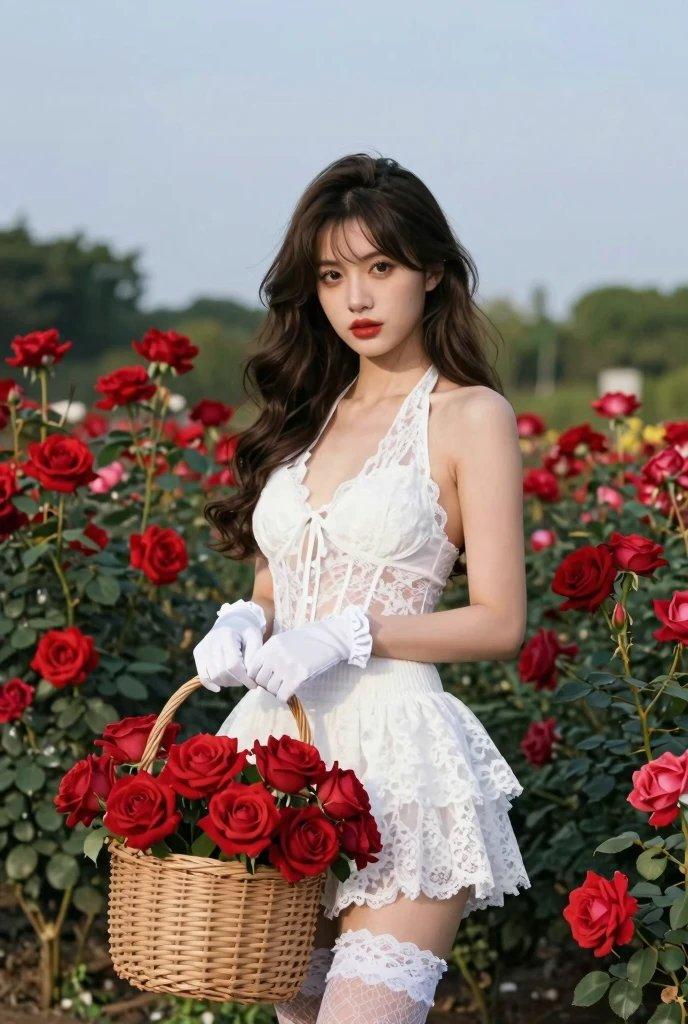
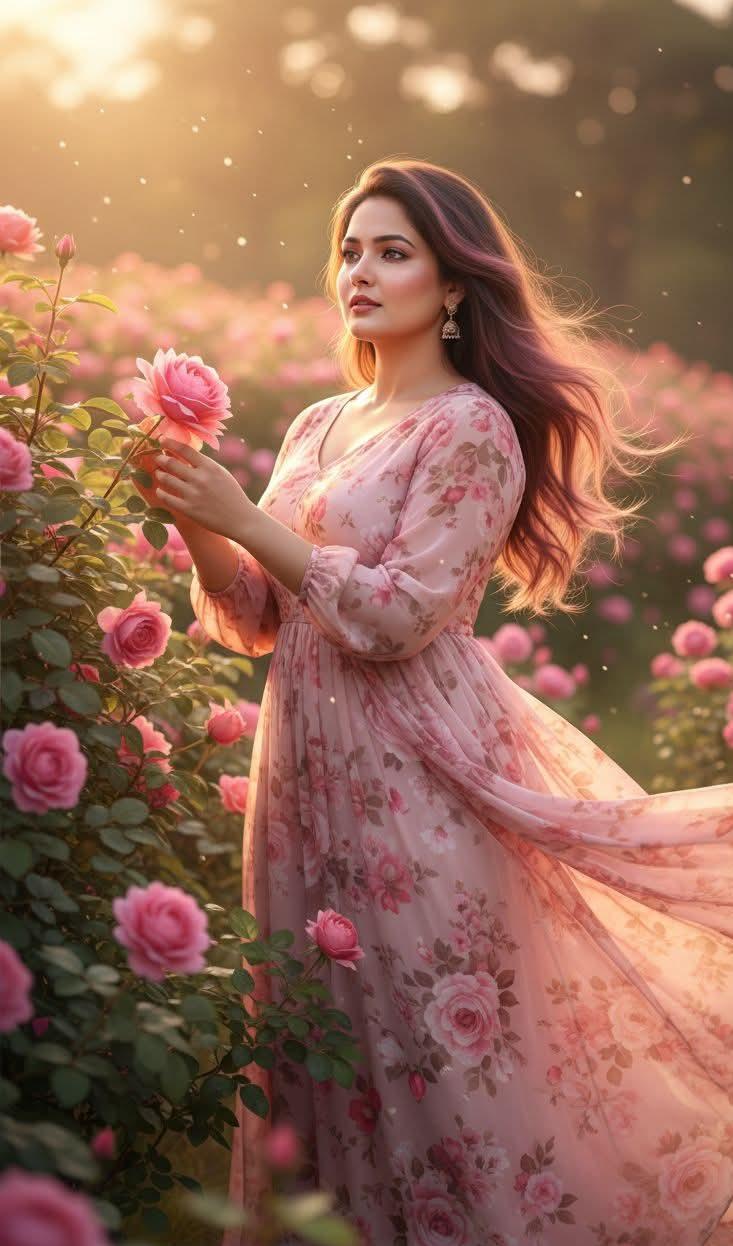
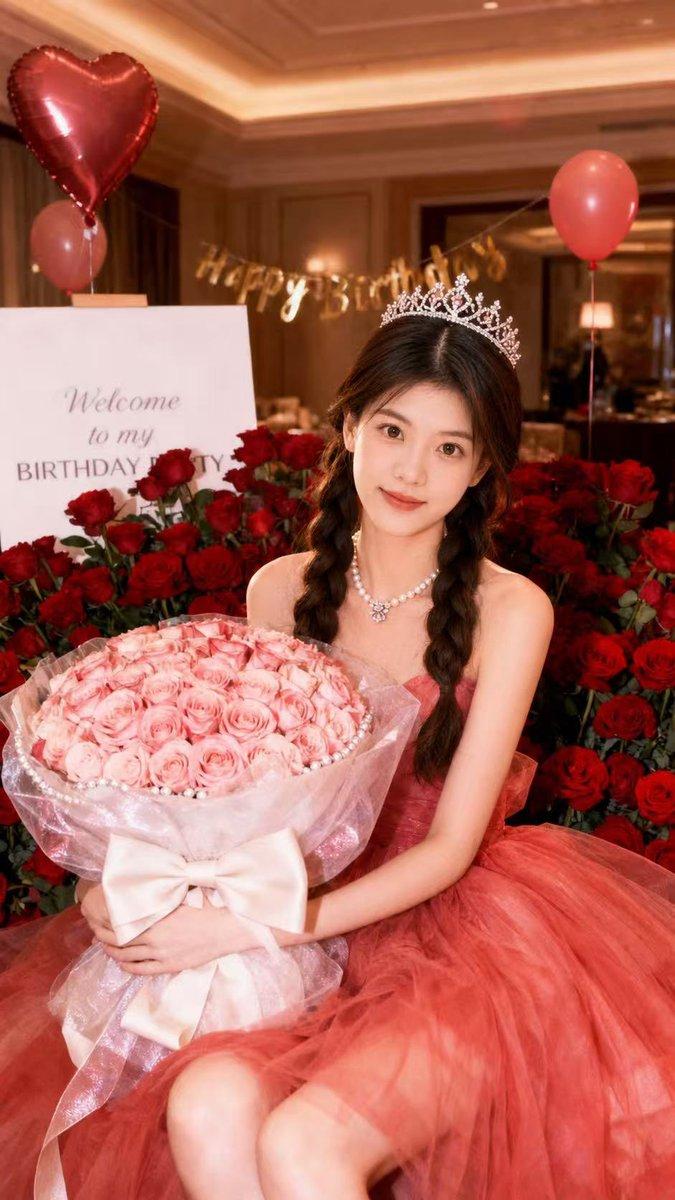
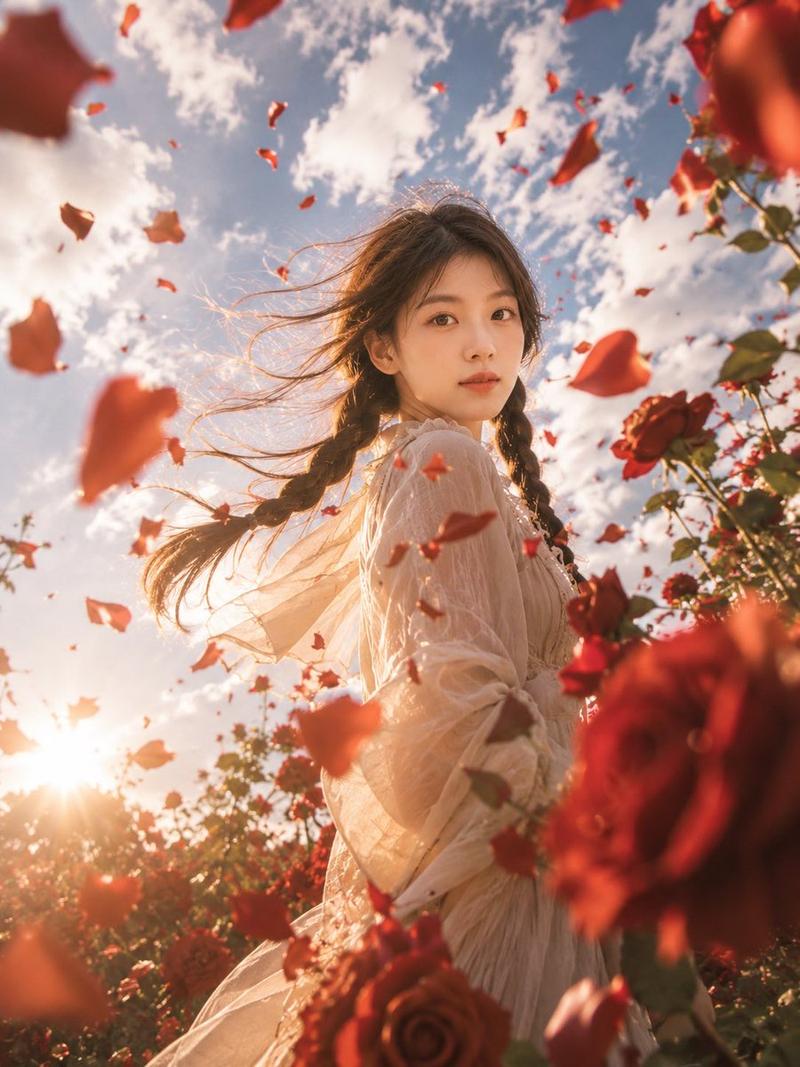
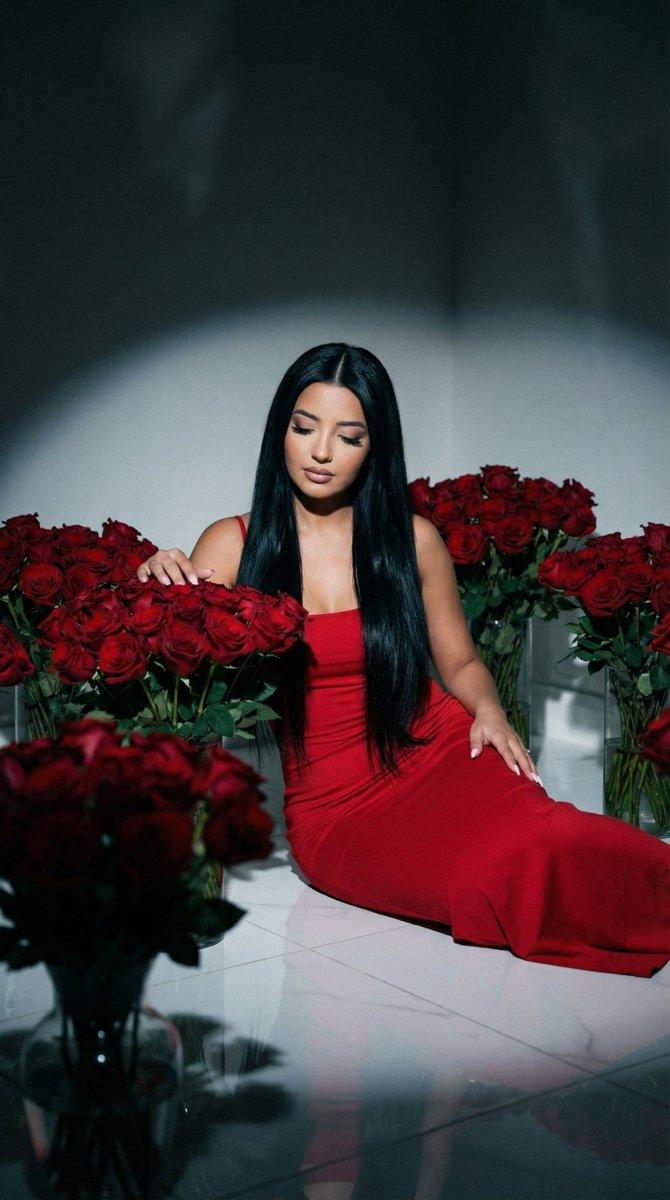
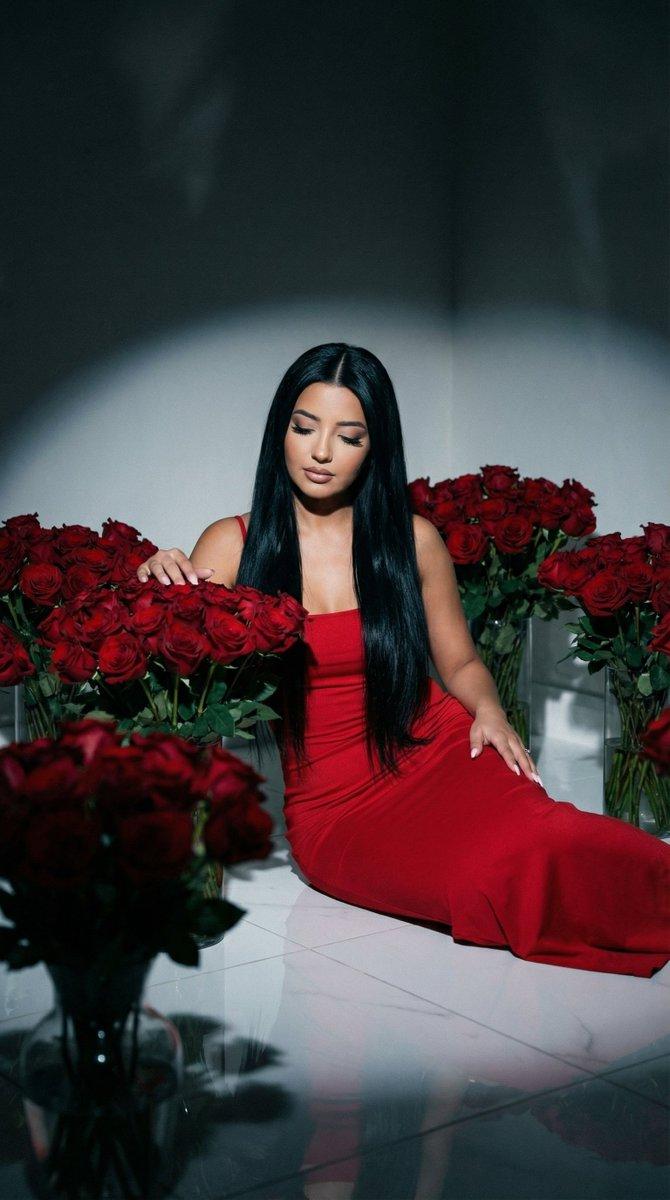
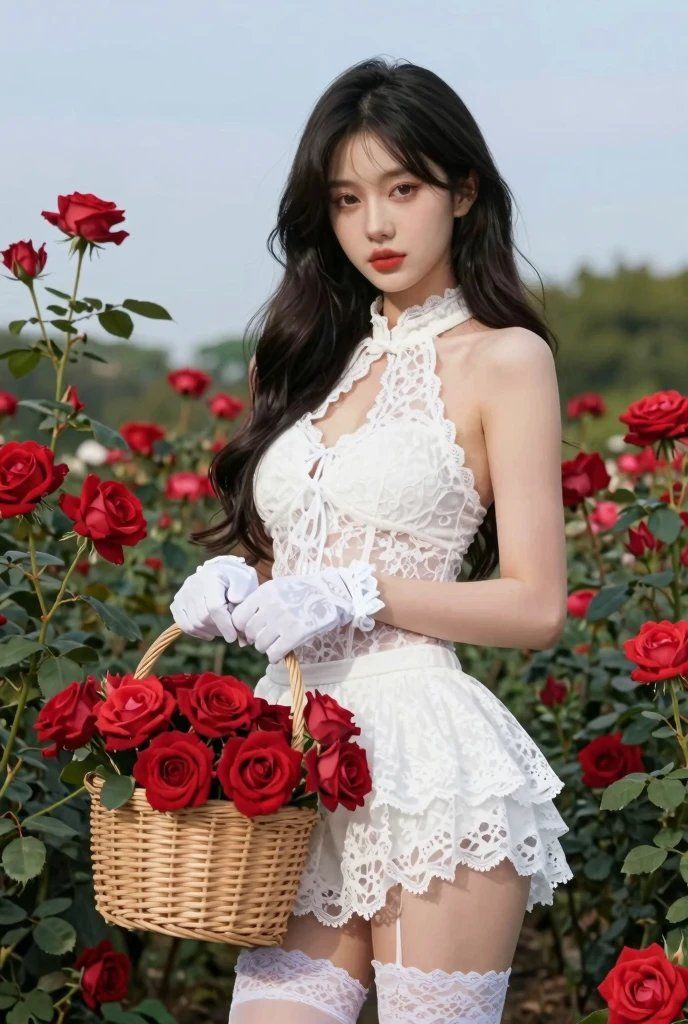
Using the provided reference image, keep the same person, same face, same hairstyle, same hair color, same body proportions, same outfit, same accessories, same environment, same lighting, same camera lens, same framing, same background, and same overall aesthetic exactly identical to the reference. The setting remains an outdoor rose garden filled with vibrant {argument name="rose color" default="red"} roses under soft natural daylight and a clear blue sky. The subject is wearing the same white lace halter-neck outfit, white gloves, white lace stockings, and holding the same wicker basket filled with red roses. The only change is the pose: – Replace the original pose with
[{argument name="new pose description" default="NEW POSE DESCRIPTION HERE"}]. – No roses added or removed. – No changes to facial expression unless explicitly stated. – No changes to clothing, accessories, or environment. Photorealistic, high-end editorial photography, shallow depth of field, natural skin texture, realistic fabric detail, soft color grading, cinematic yet natural look.
Category
创意图片
Model
Nano Banana Pro
Views0
Source ID
d4e71772-7232-48d7-a7f4-ab3ecd0c8261
Published
Mar 8, 2026

Guide

About "参考图像姿态改变提示模板"

What is this prompt for?

"参考图像姿态改变提示模板" AI image prompt for Nano Banana Pro (创意图片). 一个高度特定的图像到图像生成提示模板,指示模型在给定参考图像的基础上,保持所有元素(人物、面部、环境、光照、服装)的绝对一致性,唯一指令是改变主体的姿势。示例场景设定在一个户外玫瑰园中,主体身着白色蕾…

The full copyable prompt and example visuals above are ready for AI image generation or one-click recreate in Picva.

How to use this prompt

  1. Step 1

    Open the prompt detail

    Review the example visuals, category, and full prompt text for "参考图像姿态改变提示模板".

  2. Step 2

    Copy the prompt

    Copy the prompt body from this page, or load it directly in Studio.

  3. Step 3

    Pick a model (Nano Banana Pro)

    Prefer Nano Banana Pro. If you switch models, keep subject and composition and tweak style terms.

  4. Step 4

    Generate and export

    Recreate the look in Picva, or export into your workflow for editing and publishing.

FAQ

What is the "参考图像姿态改变提示模板" prompt?
It is an AI image-generation prompt for Nano Banana Pro in the 创意图片 category. This page includes the full prompt text, example visuals, and a one-click recreate path in Picva.
How do I use this prompt to generate an image?
Copy the prompt from this page, or use Generate / Studio. Paste it into a compatible image model, or recreate the look in Picva with optional reference images.
Which model is this prompt for?
This page lists Nano Banana Pro. Most descriptive prompts also transfer to nearby image models such as GPT Image, Flux, or Midjourney with light style tweaks.
Can I use the result commercially?
You can usually copy the prompt for creation, but commercial use of the final image depends on the model terms, reference-image rights, and the generated content. Follow the source author and platform rules.