20

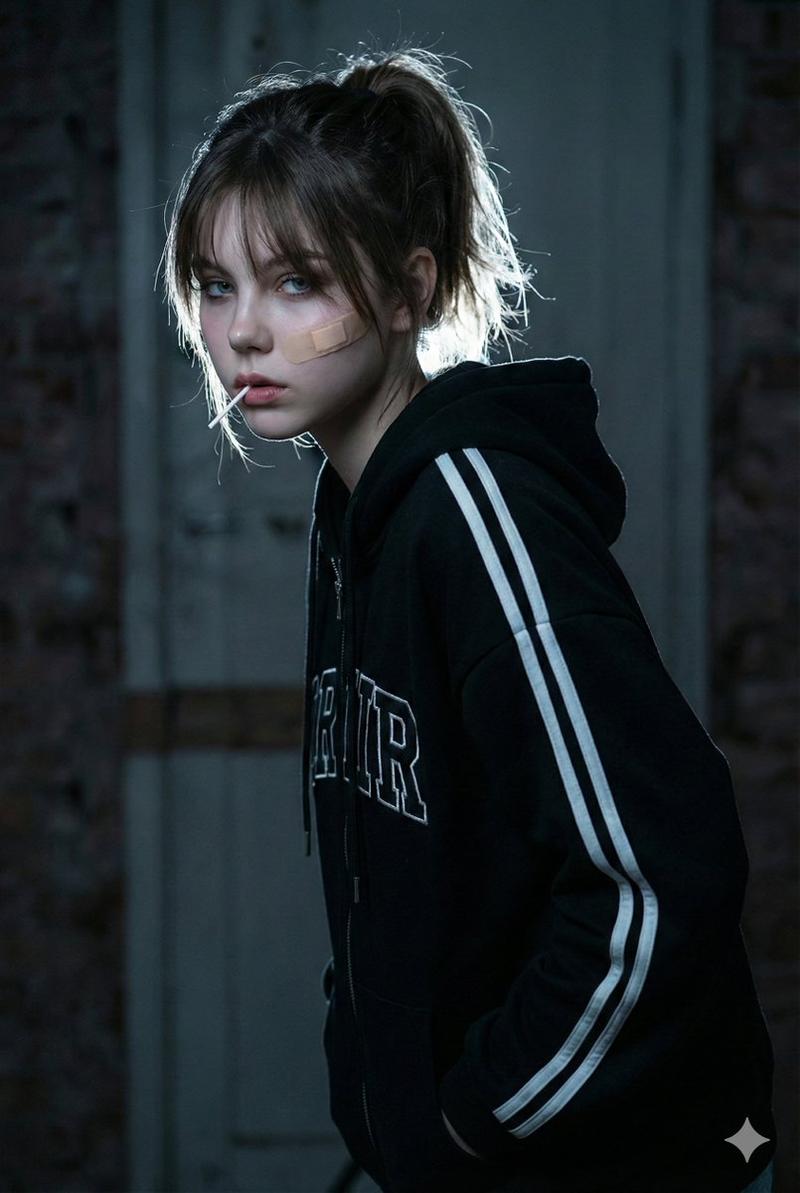
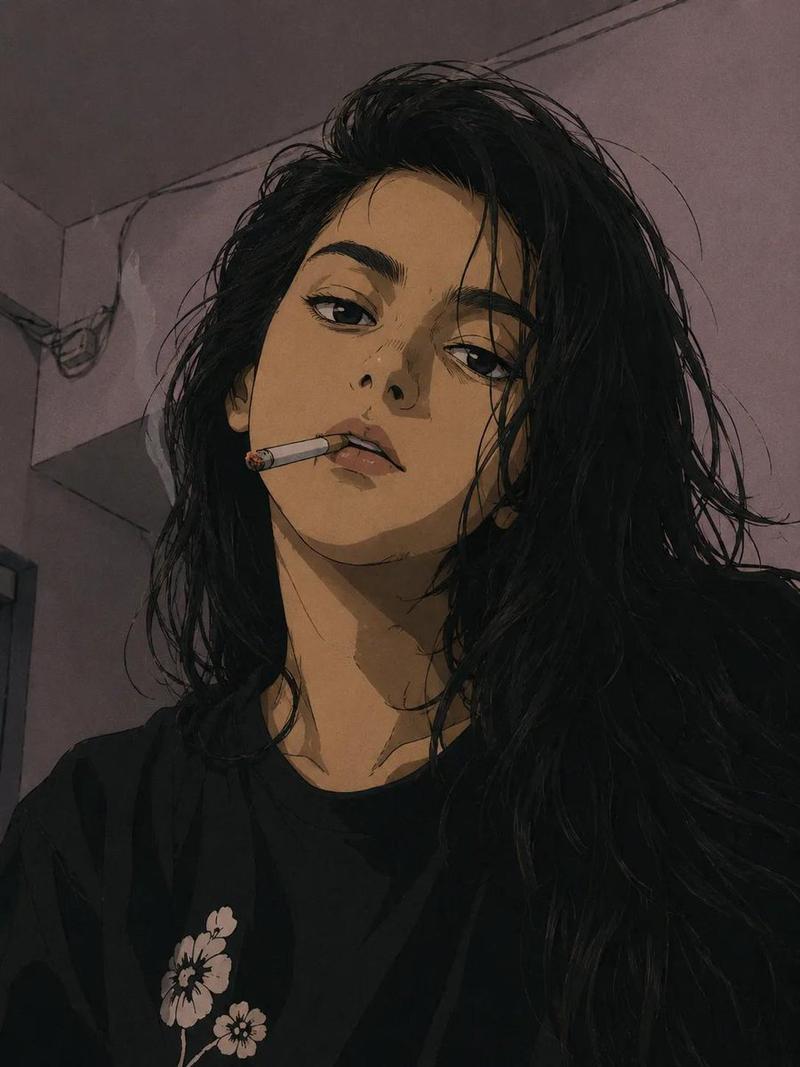
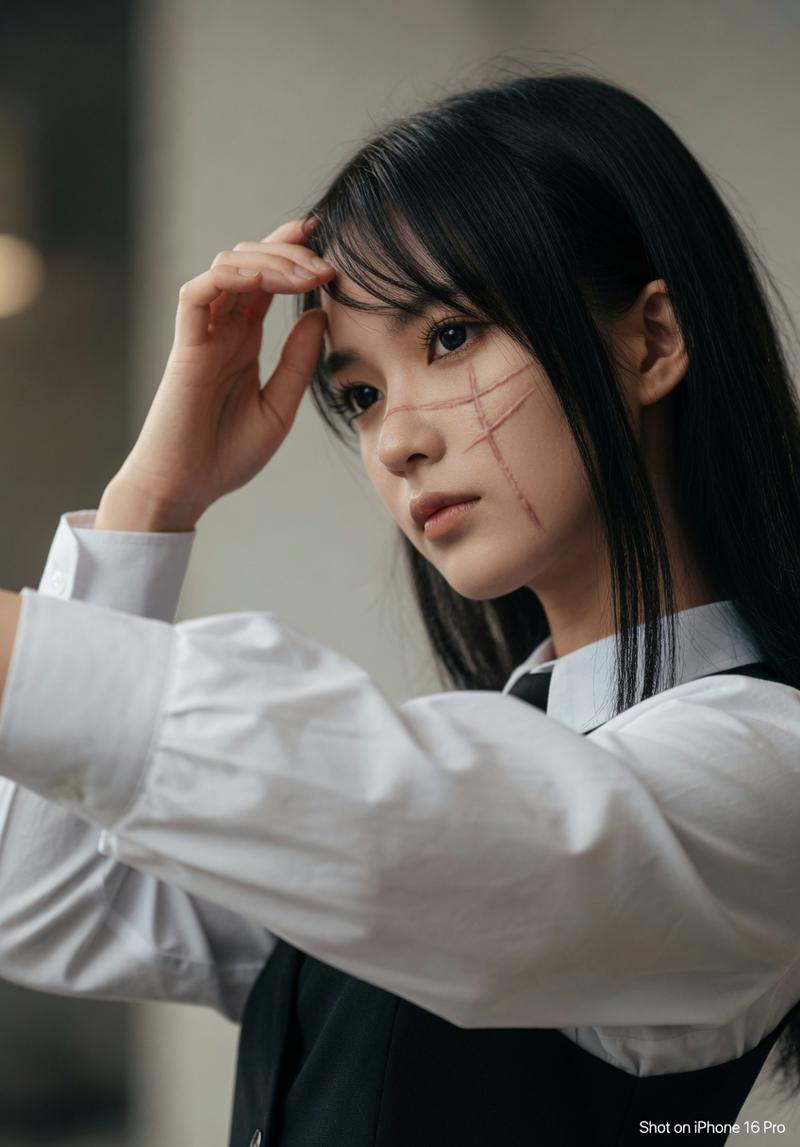
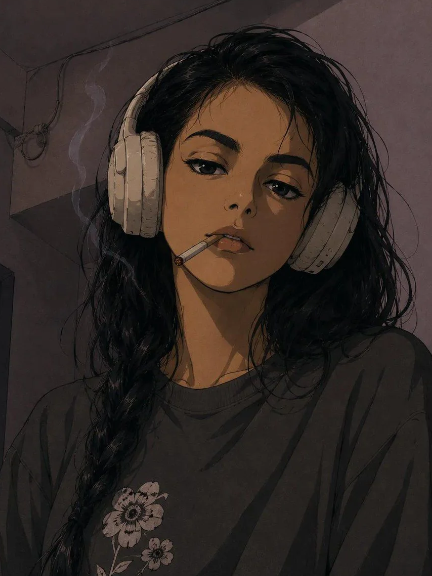
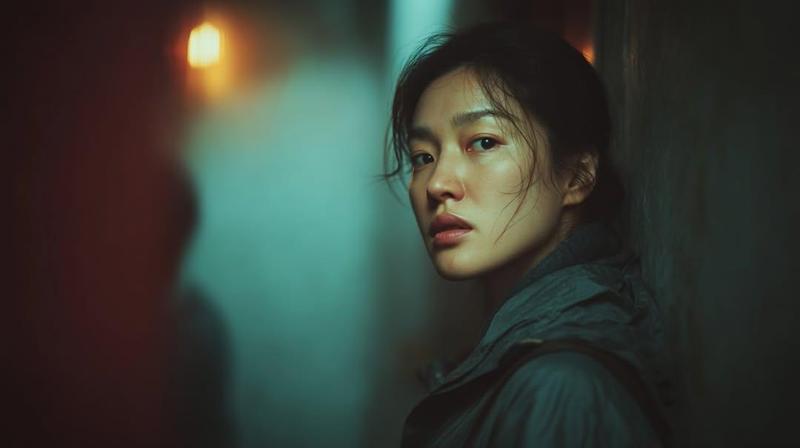
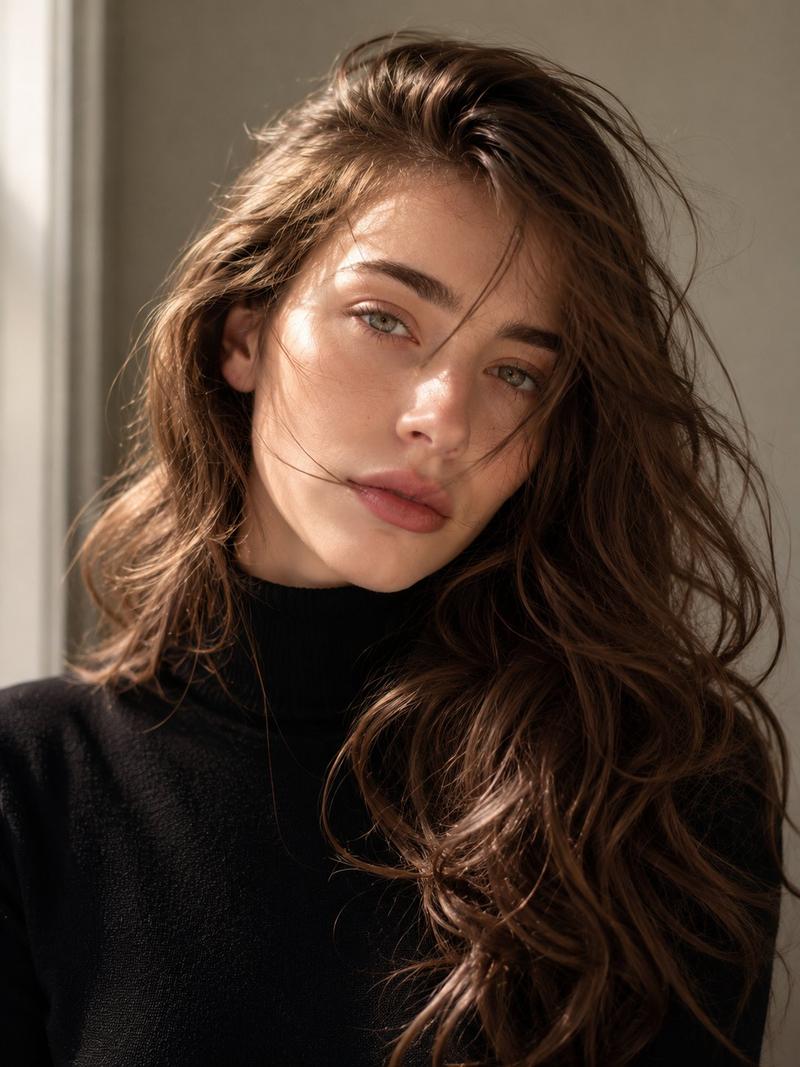
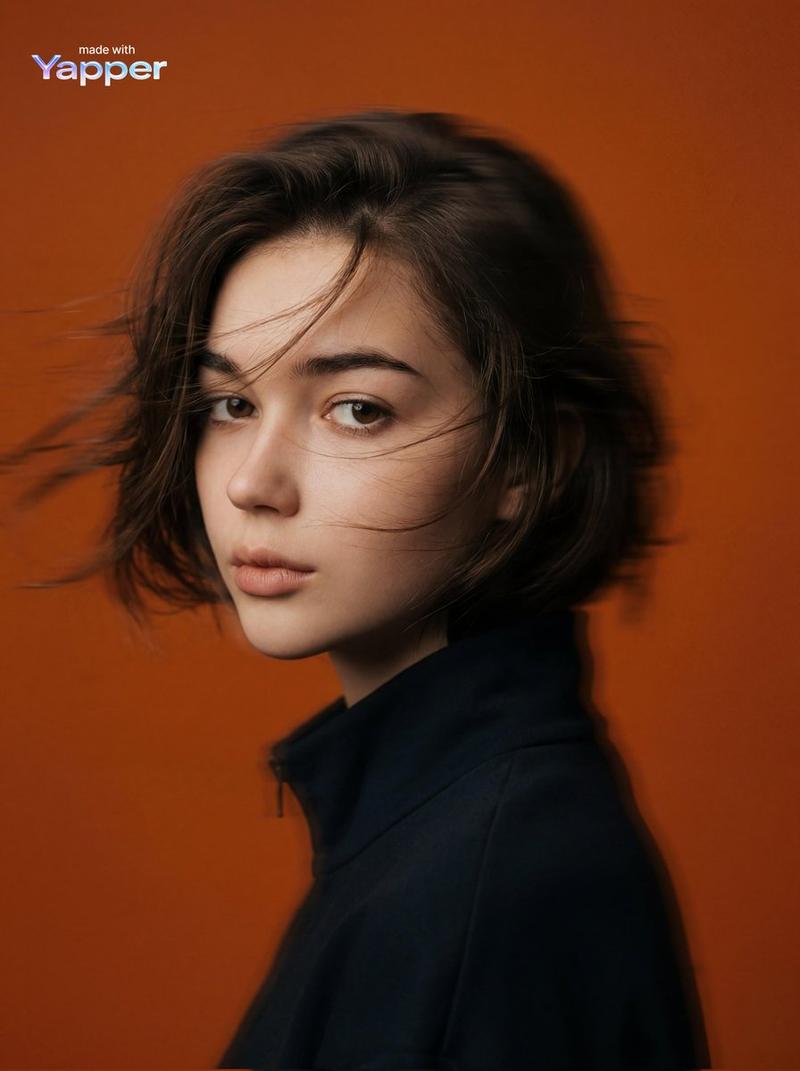
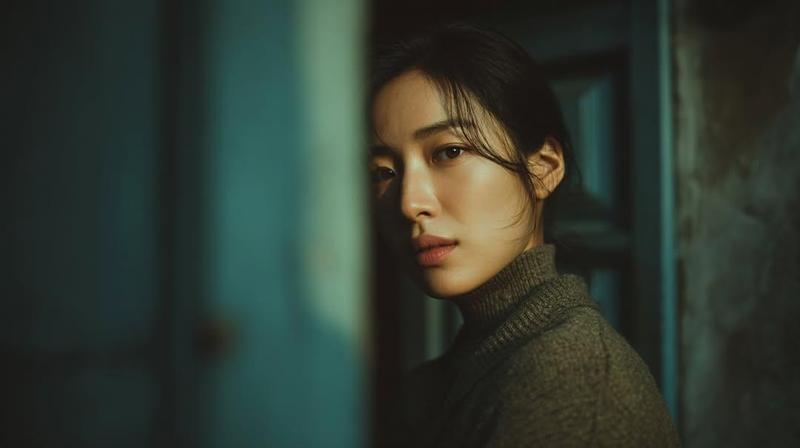
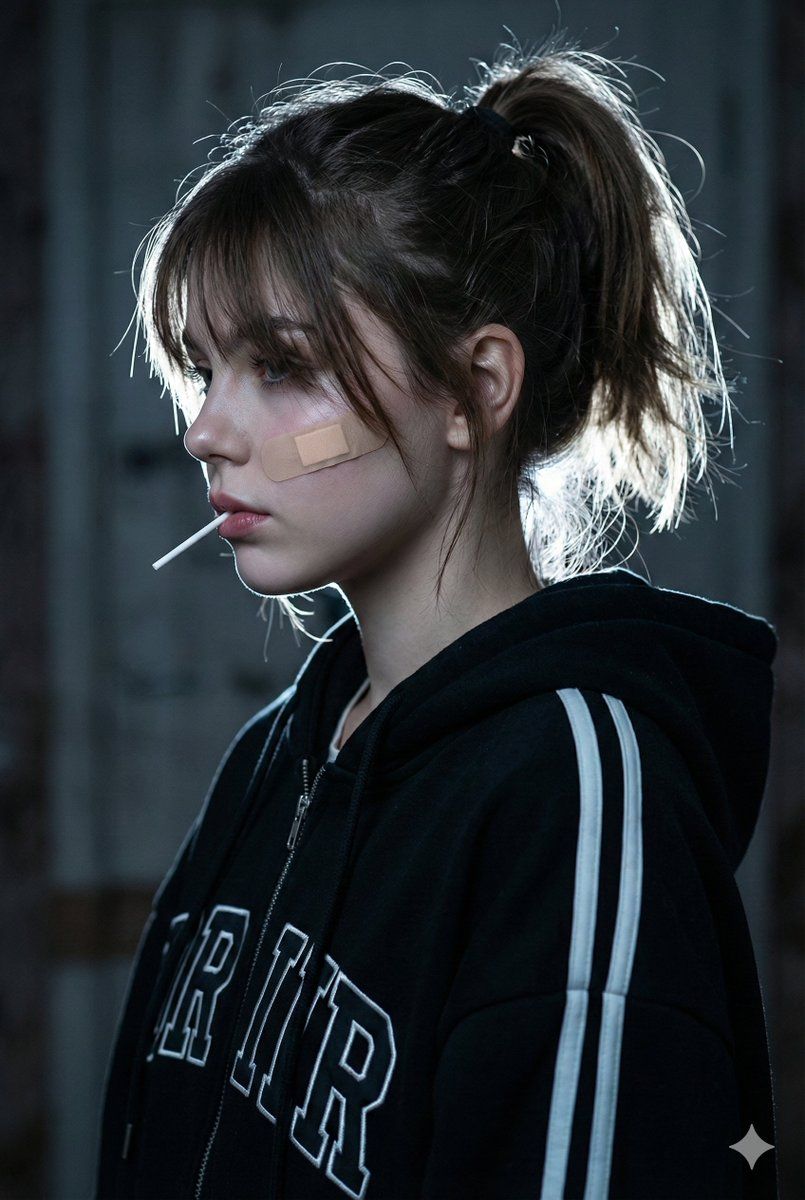
电影般忧郁的人像,带面部锁定提示
Enlarge

电影般忧郁的人像,带面部锁定提示

Prompt
​A cinematic close-up side profile portrait of a young woman with a rebellious, melancholic vibe. She has a beige bandage plastered on her cheekbone and holds a white lollipop stick in her mouth. She is wearing an oversized black zip-up hoodie with white racing stripes on the sleeves and large varsity lettering. Her black hair is tied in a messy high ponytail with wispy bangs falling over her eyes. Lighting is dramatic and moody: strong white rim lighting creates a halo on her hair and outlinesher profile against a dark, blurred indoor background. High contrast, cool color temperature, photorealistic, 8k resolution, streetwear aesthetic.use the uploaded image and don't change the face.image generate.
Category
创意图片
Model
Nano Banana Pro
Views0
Source ID
953add79-bde9-4921-9cc5-b887863a39c9
Published
Mar 8, 2026

Guide

About "电影般忧郁的人像,带面部锁定提示"

What is this prompt for?

"电影般忧郁的人像,带面部锁定提示" AI image prompt for Nano Banana Pro (创意图片). 一个用于生成戏剧性、情绪化、电影感特写肖像的提示,描绘了一位具有叛逆美学的年轻女性,其中包含绷带和棒棒糖棍等特定细节,并使用强烈的轮廓光照亮黑暗背景,同时要求面部与上传的图像保持一致。 ---…

The full copyable prompt and example visuals above are ready for AI image generation or one-click recreate in Picva.

How to use this prompt

  1. Step 1

    Open the prompt detail

    Review the example visuals, category, and full prompt text for "电影般忧郁的人像,带面部锁定提示".

  2. Step 2

    Copy the prompt

    Copy the prompt body from this page, or load it directly in Studio.

  3. Step 3

    Pick a model (Nano Banana Pro)

    Prefer Nano Banana Pro. If you switch models, keep subject and composition and tweak style terms.

  4. Step 4

    Generate and export

    Recreate the look in Picva, or export into your workflow for editing and publishing.

FAQ

What is the "电影般忧郁的人像,带面部锁定提示" prompt?
It is an AI image-generation prompt for Nano Banana Pro in the 创意图片 category. This page includes the full prompt text, example visuals, and a one-click recreate path in Picva.
How do I use this prompt to generate an image?
Copy the prompt from this page, or use Generate / Studio. Paste it into a compatible image model, or recreate the look in Picva with optional reference images.
Which model is this prompt for?
This page lists Nano Banana Pro. Most descriptive prompts also transfer to nearby image models such as GPT Image, Flux, or Midjourney with light style tweaks.
Can I use the result commercially?
You can usually copy the prompt for creation, but commercial use of the final image depends on the model terms, reference-image rights, and the generated content. Follow the source author and platform rules.