17

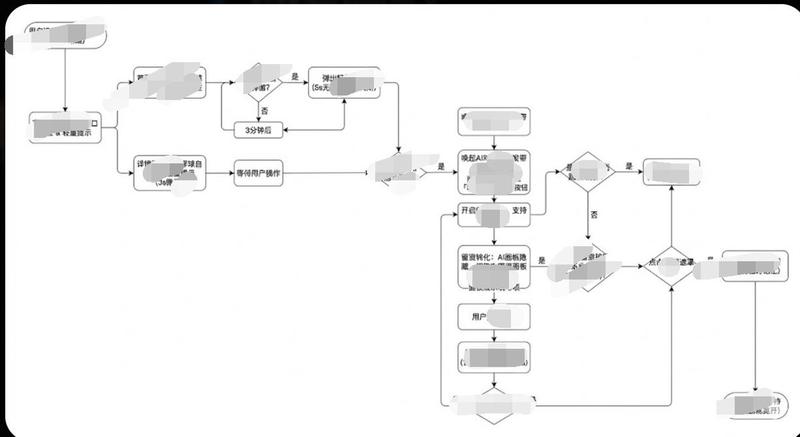
极简流程图/图表生成风格指南
Enlarge

极简流程图/图表生成风格指南

Prompt
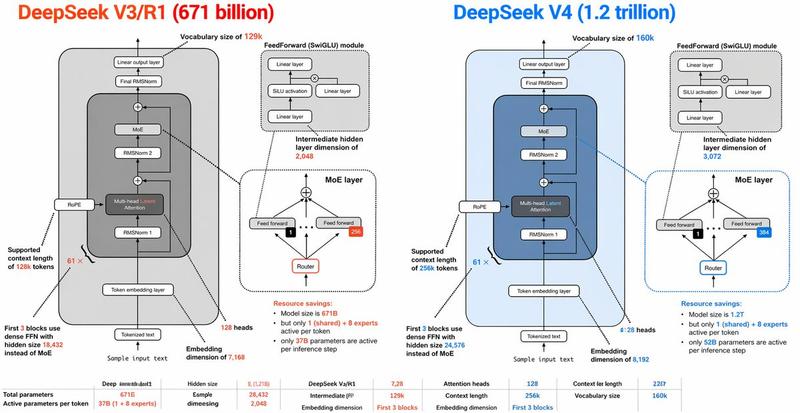
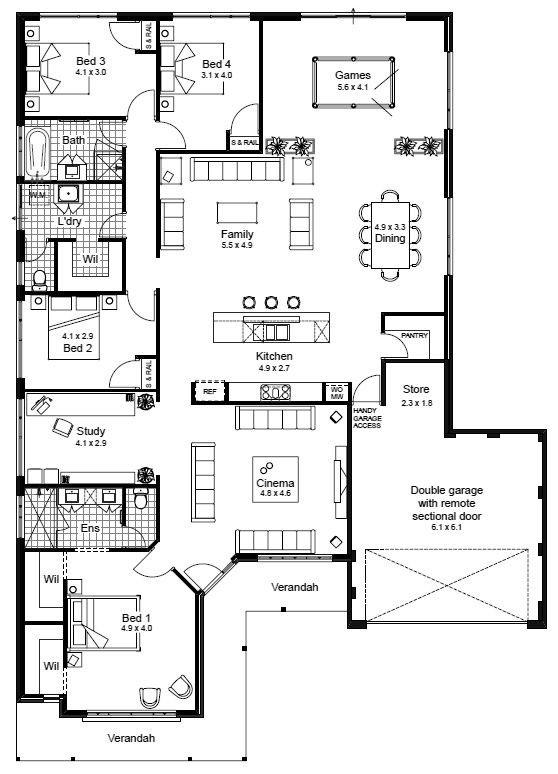
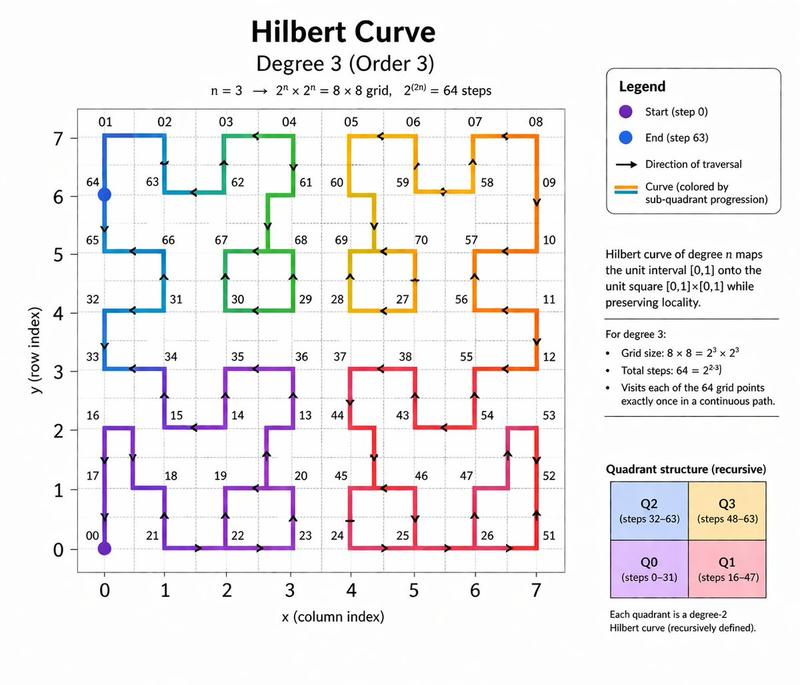
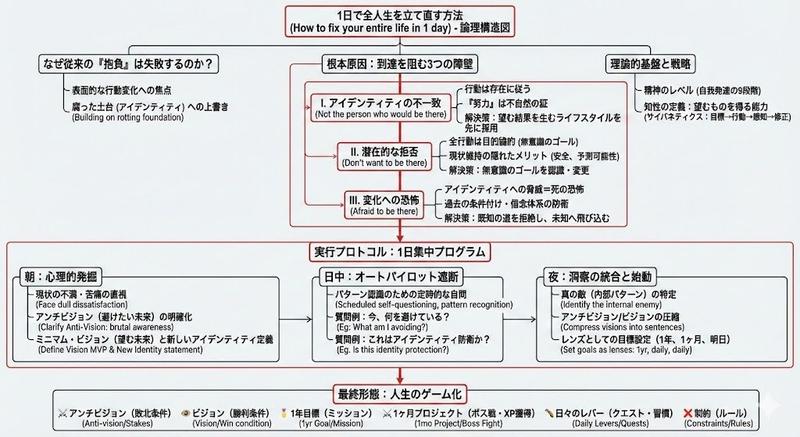
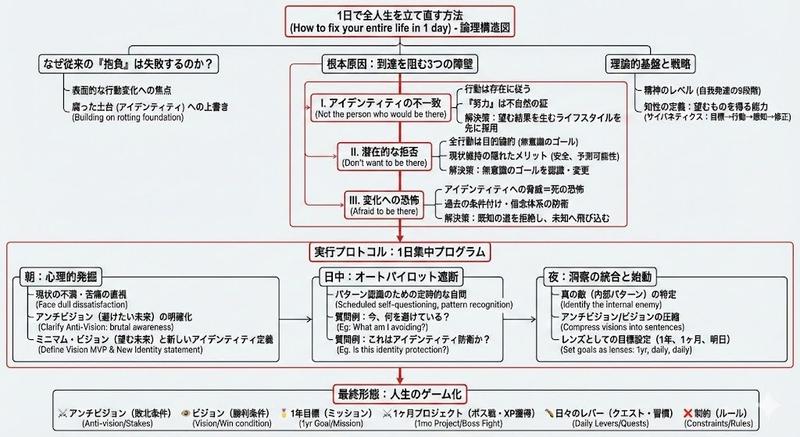
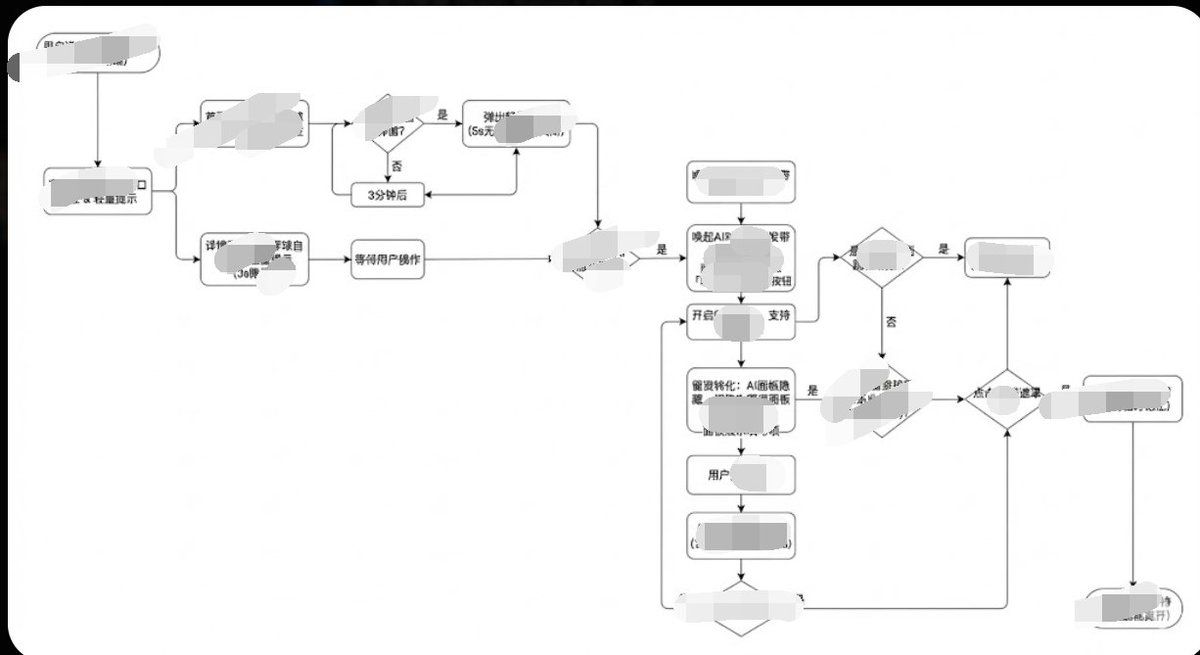
生成图片,1. 风格核心参数提取 (Style Guide)
请参照以下参数:
配色 (Color Palette):
背景: 纯白 (#FFFFFF)
线条/边框: 深灰或纯黑 (#333333 或 #000000)
文字: 深灰 (#333333),字重常规,无加粗。
填充: 无填充(透明)或纯白填充,以遮挡背后的线条。
线条 (Lines/Connectors):
类型: 正交线 (Orthogonal/Elbow),即只有垂直和水平线,拐角为直角。
粗细: 极细 (1px)。
箭头: 实心小三角 (Solid Arrowhead),黑色。
形状 (Shapes):
普通节点: 圆角矩形 (Rounded Rectangle),圆角半径很小 (约 4px - 8px)。
判断节点: 菱形 (Diamond)。
开始/结束: 胶囊形或圆角更大的矩形。
排版 (Typography):
对齐: 居中对齐。
字体: 无衬线字体 (Sans-serif),如 Arial, Roboto 或思源黑体。字号较小 (约 12px-14px)。

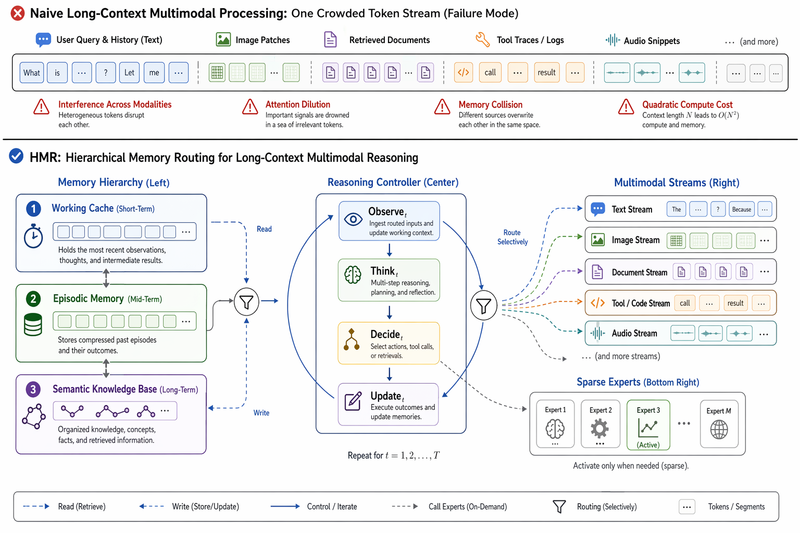
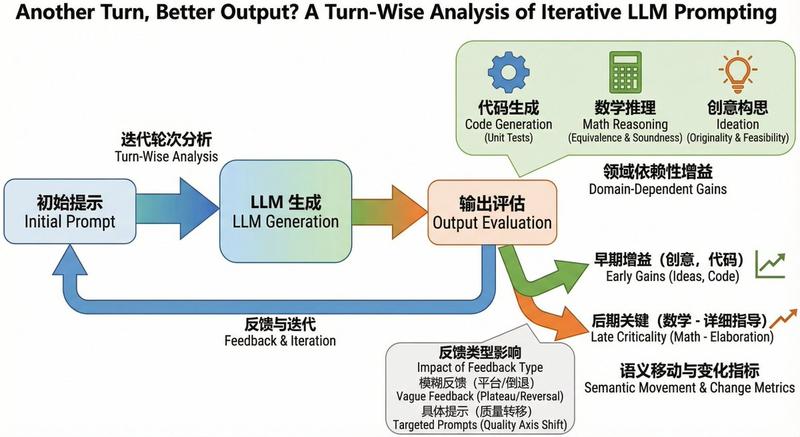
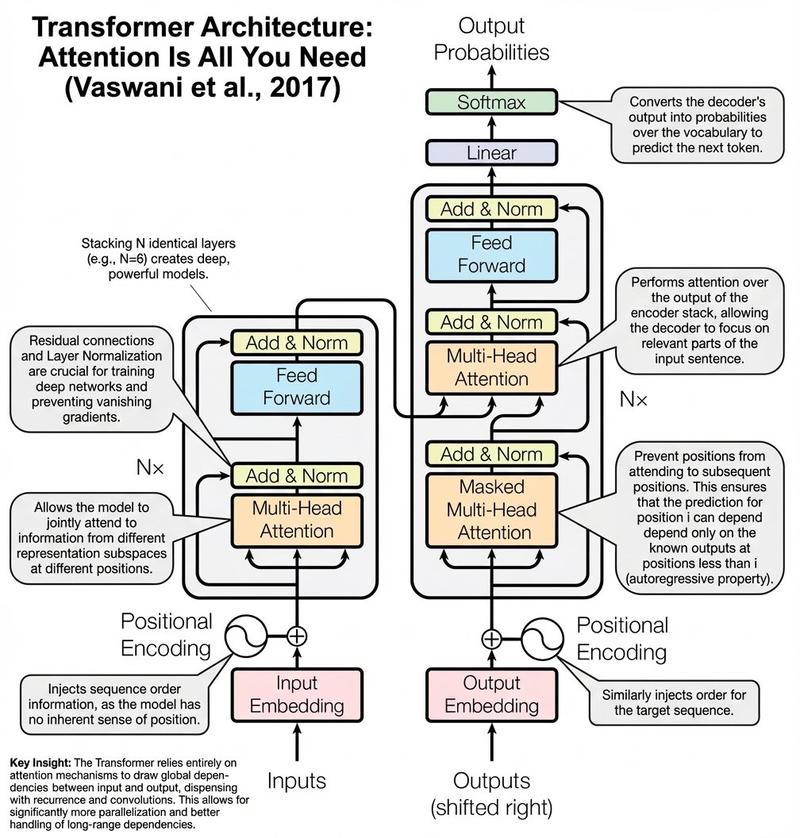
上面的风格加上你的用户旅程/流程给到gemini,那么他就会呈现相应的效果给你,调都不用调
Category
创意图片
Model
Nano Banana Pro
Views0
Source ID
e5065452-93f7-43eb-984d-1ab9d243fd2b
Published
Mar 8, 2026

Guide

About "极简流程图/图表生成风格指南"

What is this prompt for?

"极简流程图/图表生成风格指南" AI image prompt for Nano Banana Pro (创意图片). 一份详细的 Nano Banana Pro 风格指南提示,用于生成极简、清晰的流程图或图表。它规定了调色板、线条类型(正交)、形状(圆角矩形、菱形)和排版,以确保专业、一致且易于阅读的信息图风格。…

The full copyable prompt and example visuals above are ready for AI image generation or one-click recreate in Picva.

How to use this prompt

  1. Step 1

    Open the prompt detail

    Review the example visuals, category, and full prompt text for "极简流程图/图表生成风格指南".

  2. Step 2

    Copy the prompt

    Copy the prompt body from this page, or load it directly in Studio.

  3. Step 3

    Pick a model (Nano Banana Pro)

    Prefer Nano Banana Pro. If you switch models, keep subject and composition and tweak style terms.

  4. Step 4

    Generate and export

    Recreate the look in Picva, or export into your workflow for editing and publishing.

FAQ

What is the "极简流程图/图表生成风格指南" prompt?
It is an AI image-generation prompt for Nano Banana Pro in the 创意图片 category. This page includes the full prompt text, example visuals, and a one-click recreate path in Picva.
How do I use this prompt to generate an image?
Copy the prompt from this page, or use Generate / Studio. Paste it into a compatible image model, or recreate the look in Picva with optional reference images.
Which model is this prompt for?
This page lists Nano Banana Pro. Most descriptive prompts also transfer to nearby image models such as GPT Image, Flux, or Midjourney with light style tweaks.
Can I use the result commercially?
You can usually copy the prompt for creation, but commercial use of the final image depends on the model terms, reference-image rights, and the generated content. Follow the source author and platform rules.