20

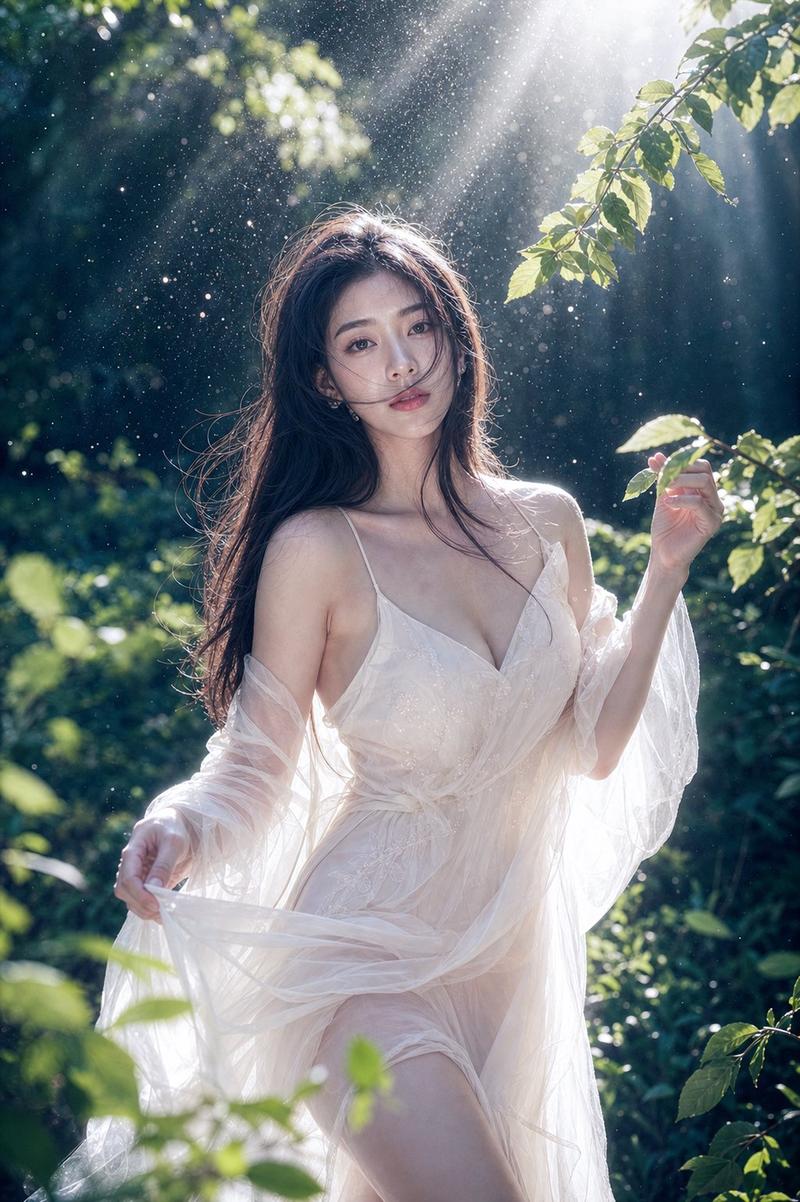
D-Portrait,带面部锁定和胶片颗粒提示
Enlarge

D-Portrait,带面部锁定和胶片颗粒提示

Prompt
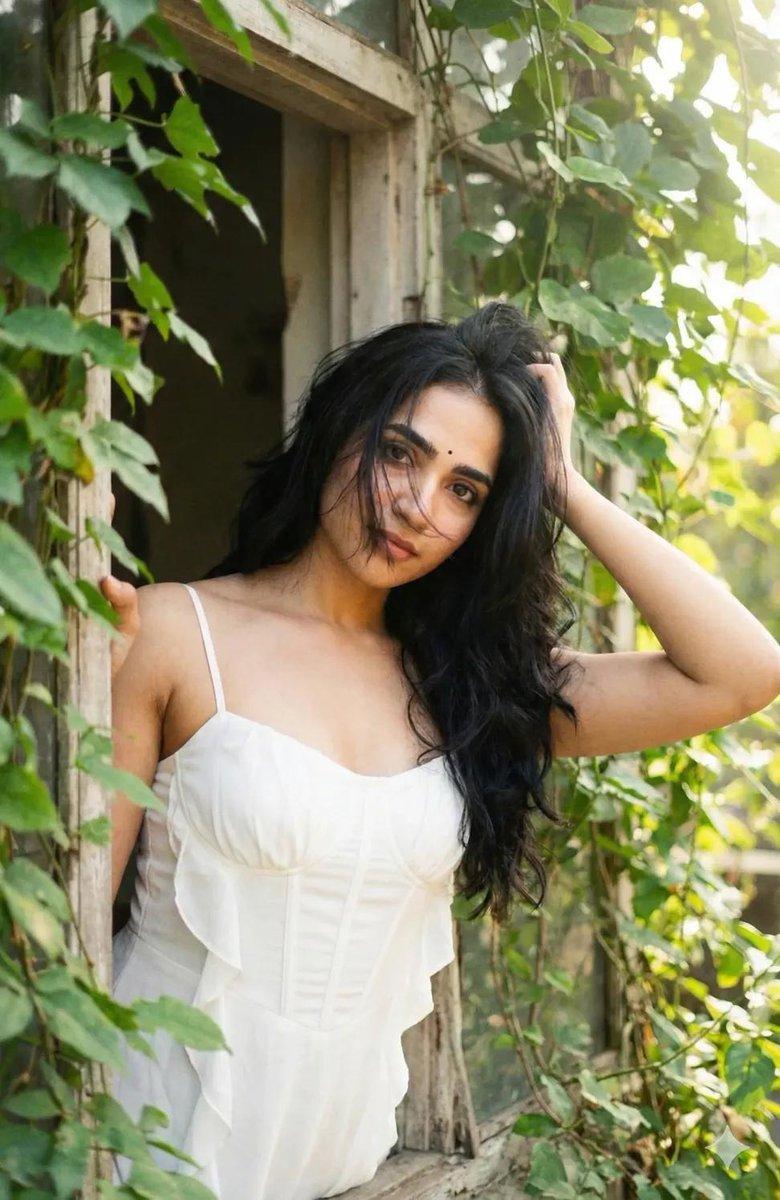
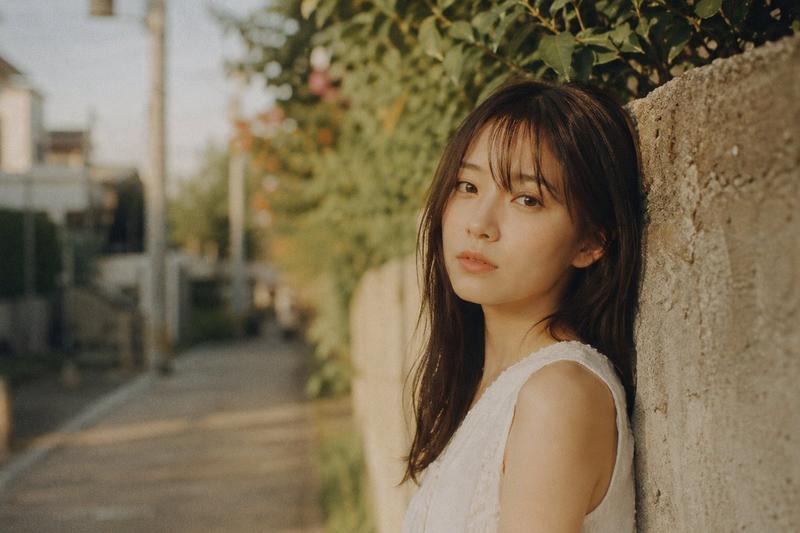
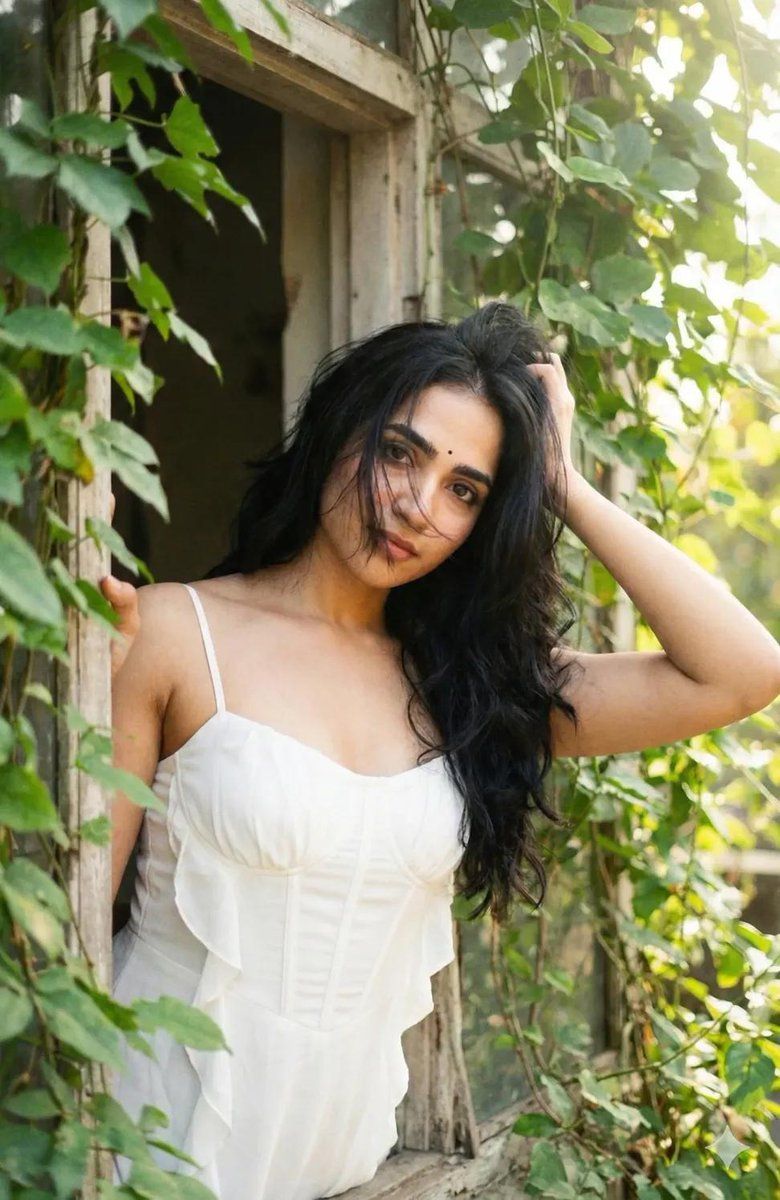
Create a portrait identical to the attached reference image, preserving the face and facial features 100 percent. A D-portrait shot on Fujifilm Pro 400H film, using an old lens filter. Keep the face and facial structure exactly the same as the reference image. The subject is a young woman wearing a clean white spaghetti-strap dress with a cute, light, flowing design. The bodice has a corset-like or gently gathered fit around the chest and torso, subtly highlighting her beautiful proportions, with soft ruffle or pleated details. Her hairstyle is modern “{argument name="hair style" default="long black butterfly-cut hair"},” or layered hair that frames the face, with lots of volume. The hair is slightly messy, with fine strands partially covering her face. She is leaning by an old wooden window covered with lush green leaves and climbing vines. Sunlight filters softly through the leaves, creating a gentle and beautiful glow. High detail, slight film grain, and natural light passing through the window create a calm, fresh, and relaxing atmosphere. She looks directly at the viewer with a gentle expression. Her right hand holds her hair, with her elbow resting on the window frame. The lighting is soft and natural. The camera angle is from the front, shot from outside the window and slightly tilted to the left. The final image appears bright and hazy from sunlight, with visible film grain texture.
Category
创意图片
Model
Nano Banana Pro
Views1
Source ID
2b3164ab-d246-49a9-8bc5-351c805f827a
Published
Mar 8, 2026

Guide

About "D-Portrait,带面部锁定和胶片颗粒提示"

What is this prompt for?

"D-Portrait,带面部锁定和胶片颗粒提示" AI image prompt for Nano Banana Pro (创意图片). 一个高度具体的提示,用于生成一张年轻女性的 D-portrait 图像,要求 100% 保留上传参考图像中的面部特征,风格为富士胶片 Pro 400H 胶片效果,自然光线透过窗户…

The full copyable prompt and example visuals above are ready for AI image generation or one-click recreate in Picva.

How to use this prompt

  1. Step 1

    Open the prompt detail

    Review the example visuals, category, and full prompt text for "D-Portrait,带面部锁定和胶片颗粒提示".

  2. Step 2

    Copy the prompt

    Copy the prompt body from this page, or load it directly in Studio.

  3. Step 3

    Pick a model (Nano Banana Pro)

    Prefer Nano Banana Pro. If you switch models, keep subject and composition and tweak style terms.

  4. Step 4

    Generate and export

    Recreate the look in Picva, or export into your workflow for editing and publishing.

FAQ

What is the "D-Portrait,带面部锁定和胶片颗粒提示" prompt?
It is an AI image-generation prompt for Nano Banana Pro in the 创意图片 category. This page includes the full prompt text, example visuals, and a one-click recreate path in Picva.
How do I use this prompt to generate an image?
Copy the prompt from this page, or use Generate / Studio. Paste it into a compatible image model, or recreate the look in Picva with optional reference images.
Which model is this prompt for?
This page lists Nano Banana Pro. Most descriptive prompts also transfer to nearby image models such as GPT Image, Flux, or Midjourney with light style tweaks.
Can I use the result commercially?
You can usually copy the prompt for creation, but commercial use of the final image depends on the model terms, reference-image rights, and the generated content. Follow the source author and platform rules.