20

超逼真产品变形视频提示
Enlarge

超逼真产品变形视频提示

Prompt
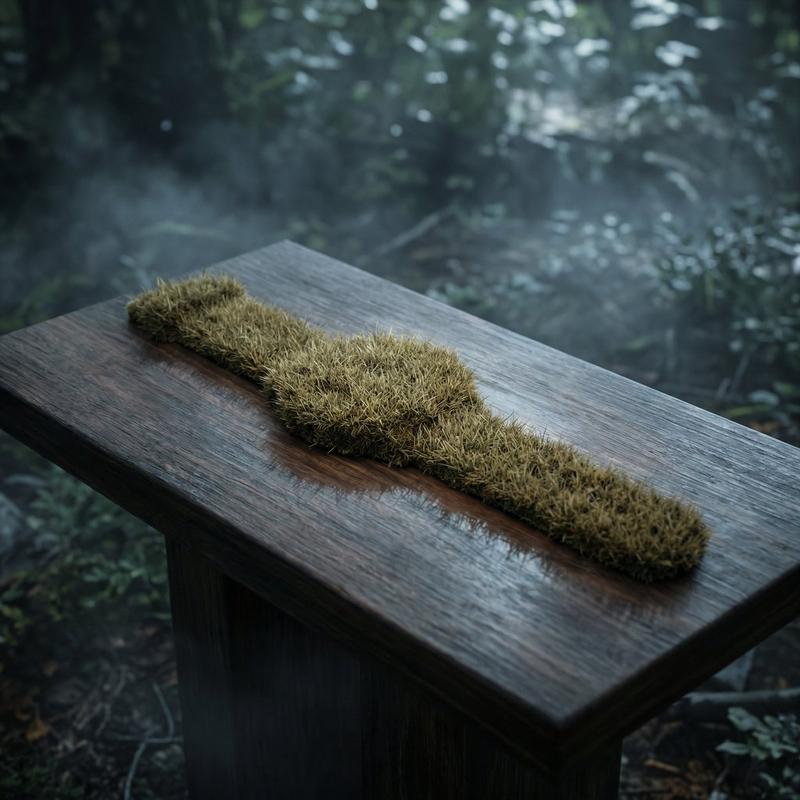
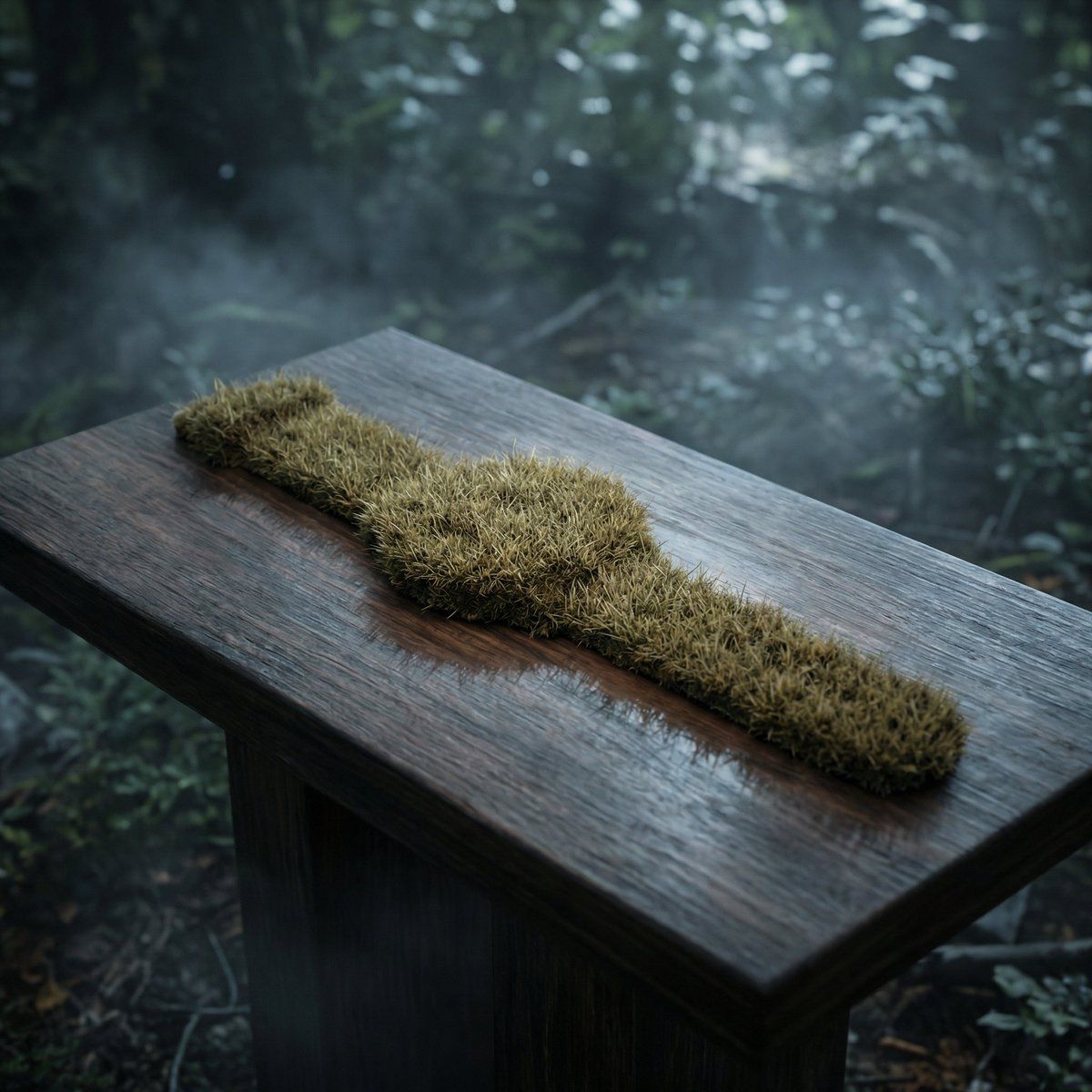
Hyper-realistic product transformation video, strict realism, no fantasy.
Locked-off camera, identical framing throughout.
Scene (0.00s – 1.20s):
A premium studio product setup. At the start, a watch is present at center frame. Within the same position, the watch is cleanly removed and replaced by a flat moss/grass texture with identical scale and footprint. The moss surface is static, flat, and texture-based only — no growth, no movement, no spreading, no organic animation.
Constraints:
– Lighting remains unchanged
– Colors remain unchanged
– Depth of field remains unchanged
– Fog, reflections, shadows, and environment remain unchanged
– No cinematic slow motion
– No glowing effects
– No seeds, vines, or plant growth
– No fantasy or surreal elements
– No camera movement
– No environmental interaction
Ultra-sharp hyper-real textures, physically accurate materials, clean studio realism, seamless object replacement, identical atmosphere before and after transformation.
Category
创意图片
Model
Nano Banana Pro
Views0
Source ID
bbebf6f9-0824-4f08-a7d5-2bcca2ba1193
Published
Mar 8, 2026

Guide

About "超逼真产品变形视频提示"

What is this prompt for?

"超逼真产品变形视频提示" AI image prompt for Nano Banana Pro (创意图片). 一个详细的提示,用于使用 Gemini Nano Banana Pro 和 Veo 3 生成一个超逼真的、固定机位的产品变形视频。场景涉及将手表无缝地、非有机地替换为静态苔藓纹理,同时严格遵守光照、颜色…

The full copyable prompt and example visuals above are ready for AI image generation or one-click recreate in Picva.

How to use this prompt

  1. Step 1

    Open the prompt detail

    Review the example visuals, category, and full prompt text for "超逼真产品变形视频提示".

  2. Step 2

    Copy the prompt

    Copy the prompt body from this page, or load it directly in Studio.

  3. Step 3

    Pick a model (Nano Banana Pro)

    Prefer Nano Banana Pro. If you switch models, keep subject and composition and tweak style terms.

  4. Step 4

    Generate and export

    Recreate the look in Picva, or export into your workflow for editing and publishing.

FAQ

What is the "超逼真产品变形视频提示" prompt?
It is an AI image-generation prompt for Nano Banana Pro in the 创意图片 category. This page includes the full prompt text, example visuals, and a one-click recreate path in Picva.
How do I use this prompt to generate an image?
Copy the prompt from this page, or use Generate / Studio. Paste it into a compatible image model, or recreate the look in Picva with optional reference images.
Which model is this prompt for?
This page lists Nano Banana Pro. Most descriptive prompts also transfer to nearby image models such as GPT Image, Flux, or Midjourney with light style tweaks.
Can I use the result commercially?
You can usually copy the prompt for creation, but commercial use of the final image depends on the model terms, reference-image rights, and the generated content. Follow the source author and platform rules.