16

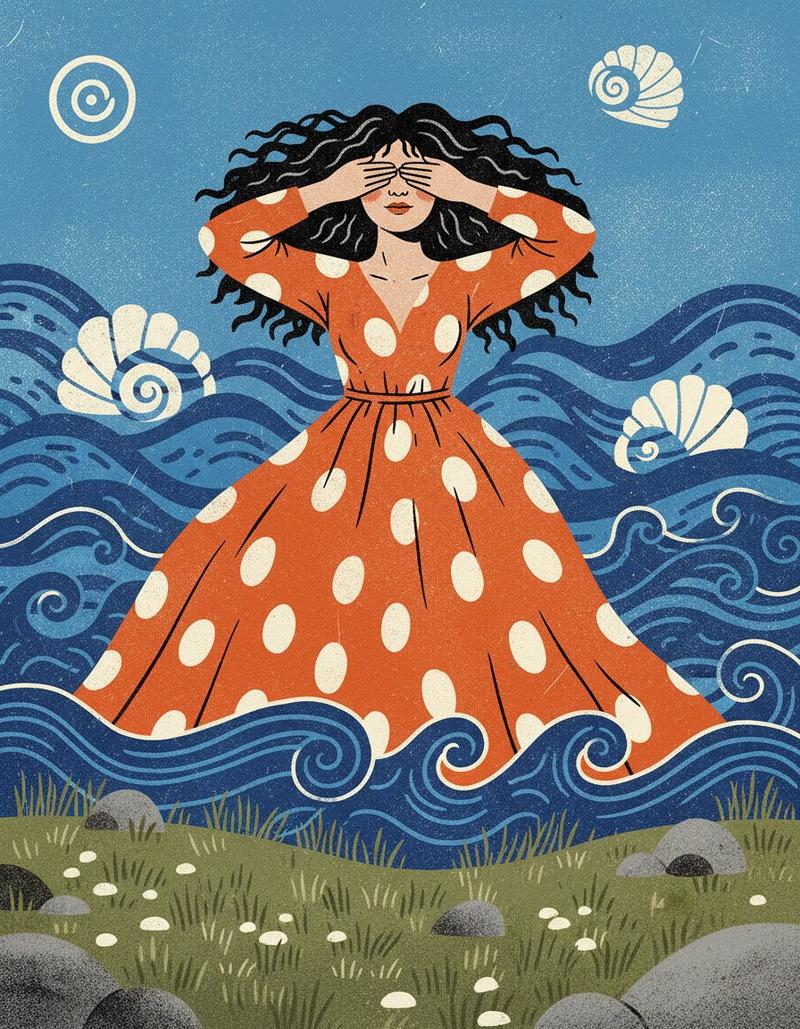
海中女性的风格化丝网印刷插画
Enlarge

海中女性的风格化丝网印刷插画

Prompt
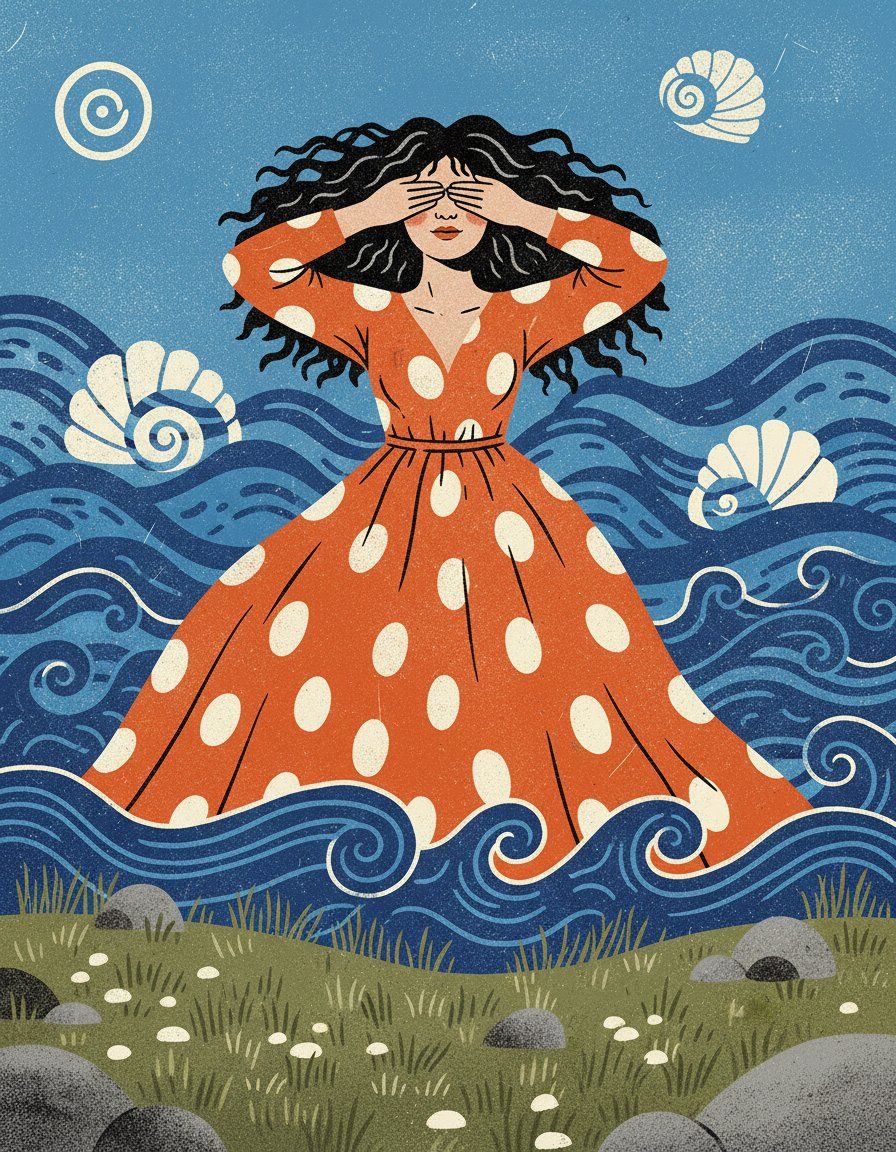
A stylized illustration depicts a person with closed eyes and curly black hair, wearing an {argument name="dress color and pattern" default="orange polka-dot dress"}, standing in a {argument name="sea color" default="blue"}, wavy sea. Several white, shell-like shapes are scattered in the water, and a spiral symbol is visible in the upper left corner. The foreground features a grassy area with rocks and pebbles. The overall style is textured and reminiscent of a screen print.
Category
创意图片
Model
Nano Banana Pro
Views0
Source ID
98060e8d-cd3f-4f18-852d-c282f2359d59
Published
Mar 8, 2026

Guide

About "海中女性的风格化丝网印刷插画"

What is this prompt for?

"海中女性的风格化丝网印刷插画" AI image prompt for Nano Banana Pro (创意图片). 一个用于生成风格化插画的提示,该插画具有纹理化的丝网印刷美学,描绘了一个留着黑色卷发、穿着橙色波点连衣裙的人站在波浪状的蓝色大海中,并带有特定的前景元素和符号。 --- 一幅风格化的插画描绘了一个…

The full copyable prompt and example visuals above are ready for AI image generation or one-click recreate in Picva.

How to use this prompt

  1. Step 1

    Open the prompt detail

    Review the example visuals, category, and full prompt text for "海中女性的风格化丝网印刷插画".

  2. Step 2

    Copy the prompt

    Copy the prompt body from this page, or load it directly in Studio.

  3. Step 3

    Pick a model (Nano Banana Pro)

    Prefer Nano Banana Pro. If you switch models, keep subject and composition and tweak style terms.

  4. Step 4

    Generate and export

    Recreate the look in Picva, or export into your workflow for editing and publishing.

FAQ

What is the "海中女性的风格化丝网印刷插画" prompt?
It is an AI image-generation prompt for Nano Banana Pro in the 创意图片 category. This page includes the full prompt text, example visuals, and a one-click recreate path in Picva.
How do I use this prompt to generate an image?
Copy the prompt from this page, or use Generate / Studio. Paste it into a compatible image model, or recreate the look in Picva with optional reference images.
Which model is this prompt for?
This page lists Nano Banana Pro. Most descriptive prompts also transfer to nearby image models such as GPT Image, Flux, or Midjourney with light style tweaks.
Can I use the result commercially?
You can usually copy the prompt for creation, but commercial use of the final image depends on the model terms, reference-image rights, and the generated content. Follow the source author and platform rules.