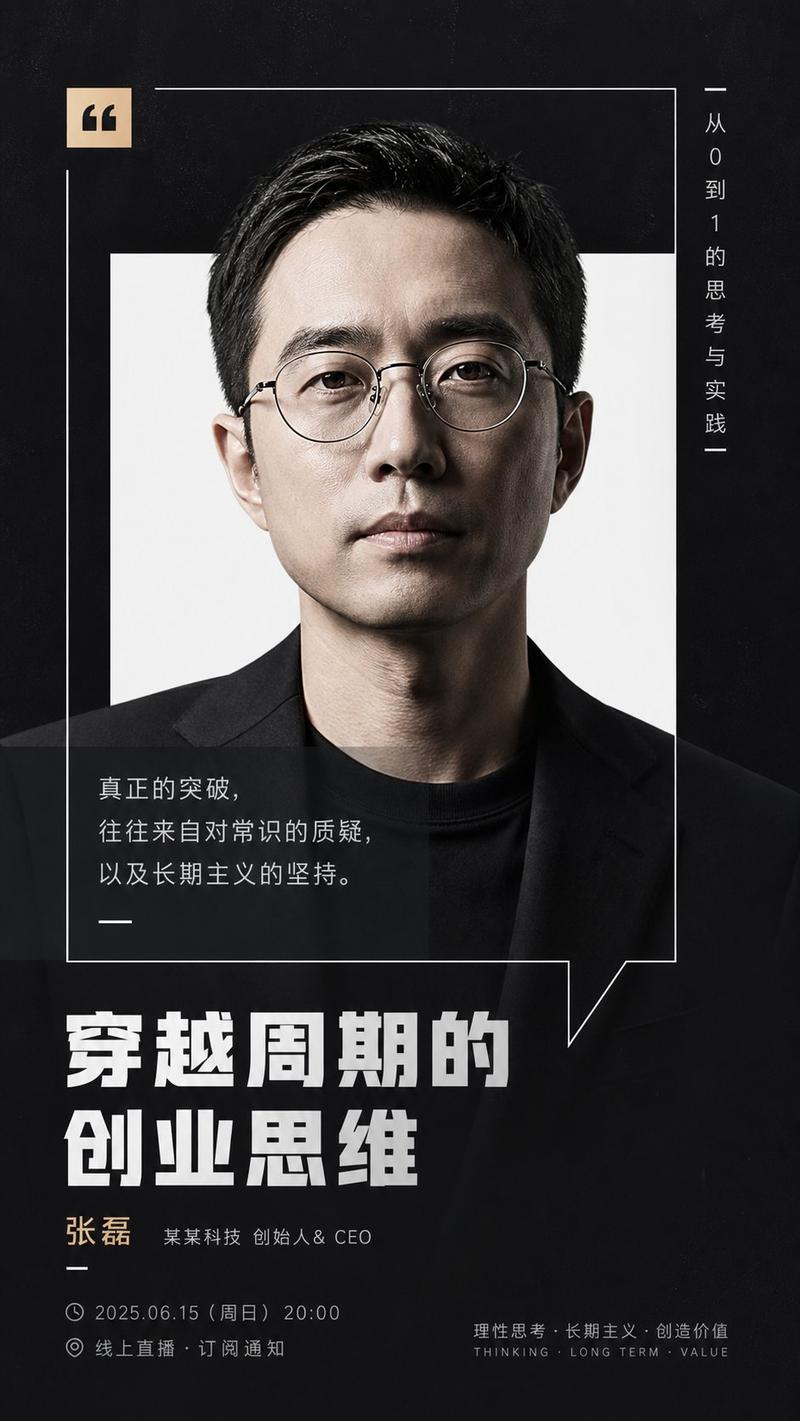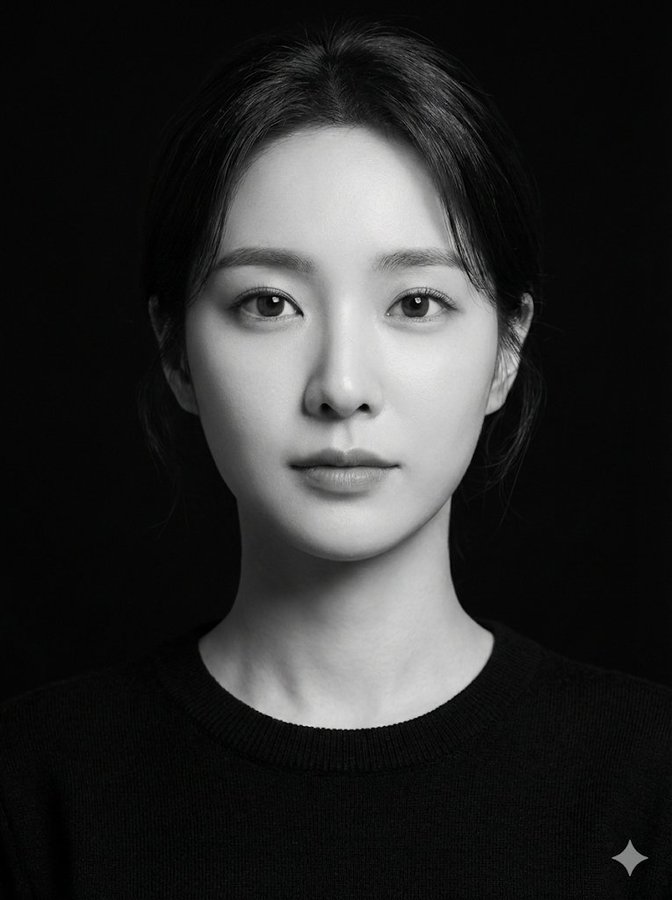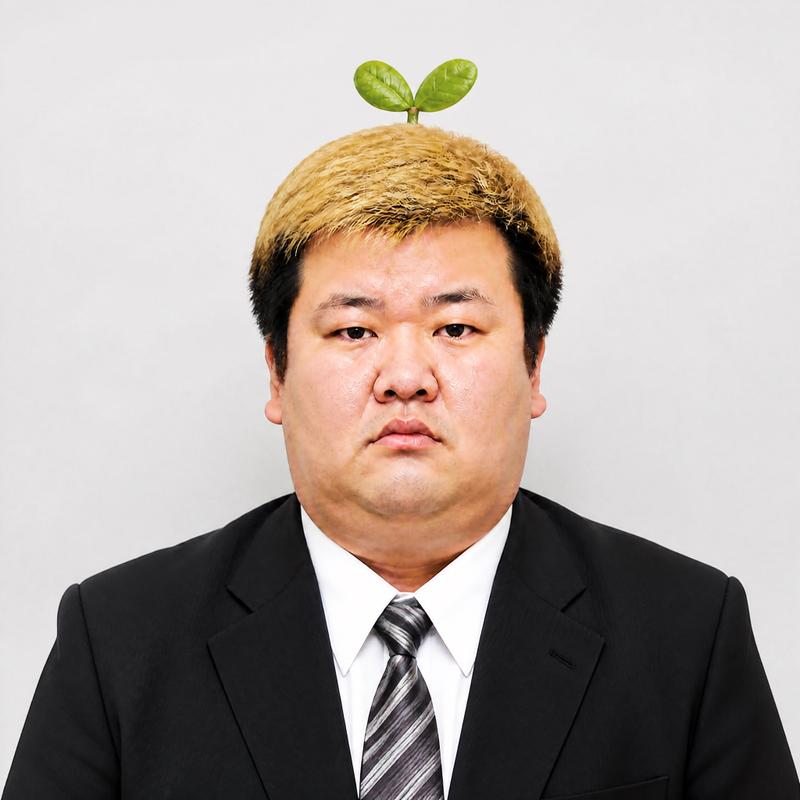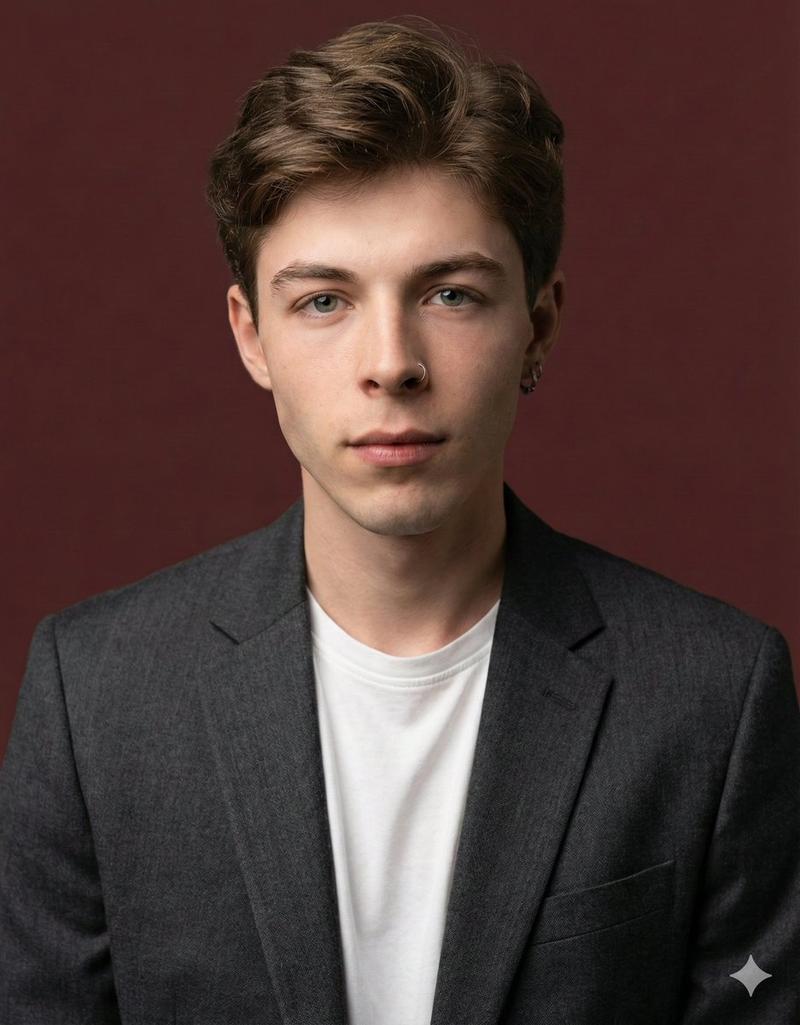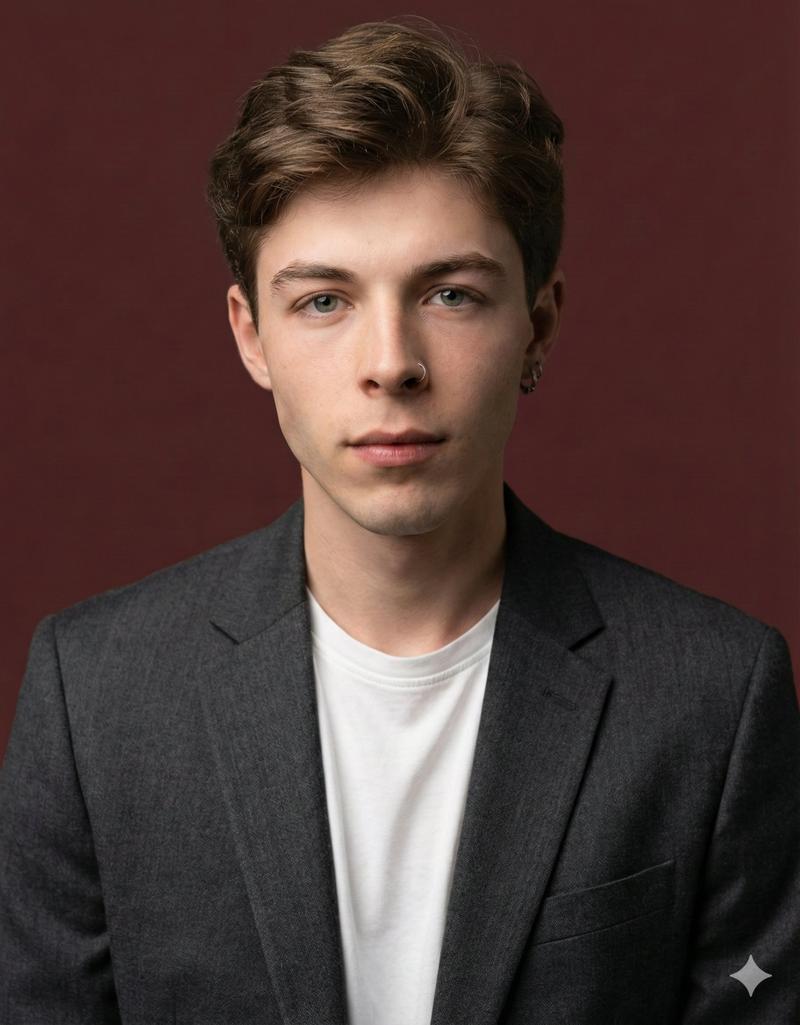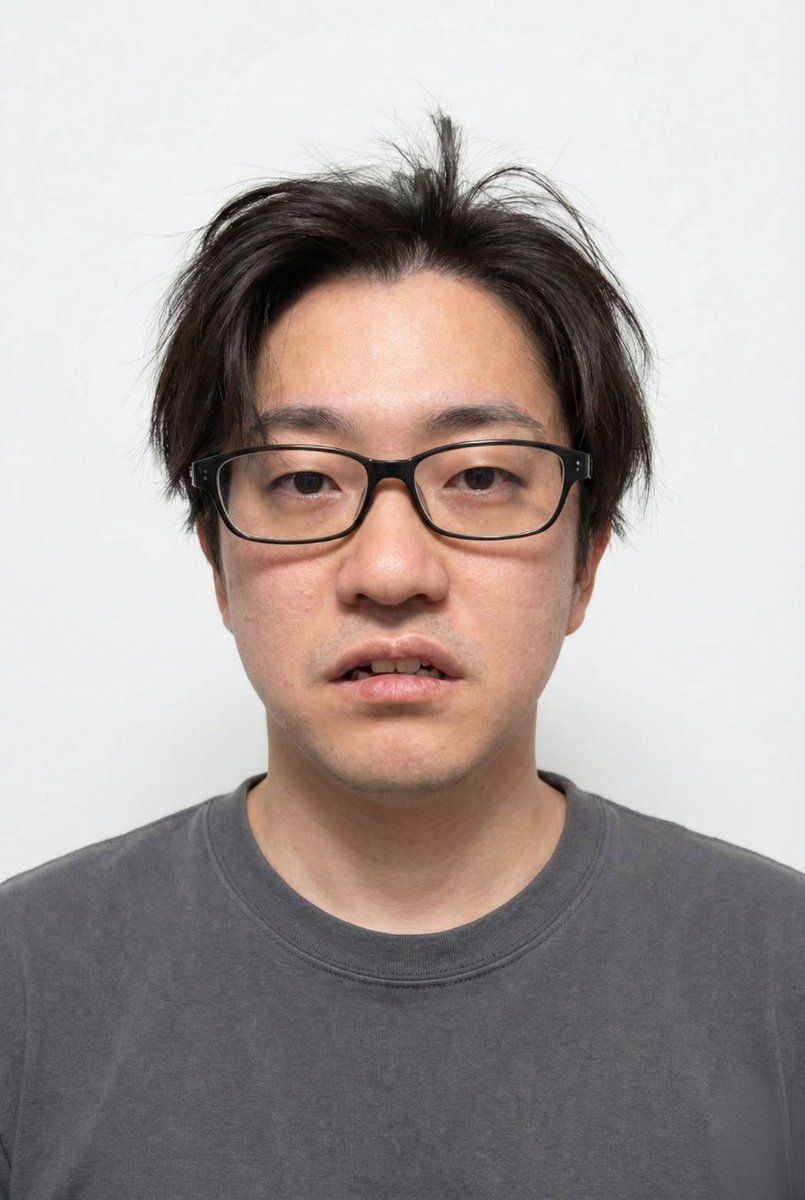
人像摄影的 9 宫格布局,附带详细的 JSON 提示
Prompt
人物の顔のみに使用して下記のプロンプトへ適用させてください
実際のモデル撮影のように表情と髪型を変えながら9種類の異なるアングルで3×3のグリッドレイアウトで配置。各画像の左上に通し番号を1から順に表示して
{

  "subject": {

    "description": "{argument name="subject description" default="Young Asian man, early 20s, with dark, straight, slightly disheveled hair and bangs covering his forehead."}",

    "pose": "{argument name="pose" default="Sitting relaxed on a chair at a window counter, body slightly turned, looking down at a smartphone held in both hands."}",

    "expression": "Calm, neutral, slightly pensive, gaze directed downwards at the phone screen."

  },

  "attire": {

    "outerwear": "White ribbed knit zip-up polo sweater with a collar, partially unzipped, showing the inner shirt. The knit texture is visible.",

    "innerwear": "White crew-neck t-shirt.",

    "bottoms": "Grey tailored trousers, slightly loose fit, with some natural wrinkles.",

    "accessories": "Silver rectangular-faced metal analog wristwatch on the left wrist."

  },

  "objects": {

    "smartphone": "Held in both hands, dark case, screen illuminated showing an app interface (possibly a map or social media).",

    "cup": "White paper takeaway coffee cup with a black lid and a black straw, held loosely in the right hand near the phone.",

    "headphones": "White wireless earbuds sitting inside their open white charging case, placed on the grey windowsill counter to the right of the subject.",

    "furniture": "Grey concrete windowsill counter. In the background, there are wooden chairs with metal frames and round wooden tables."

  },

  "environment": {

    "location": "Industrial-style cafe interior.",

    "walls_ceiling": "Exposed concrete walls and ceiling with visible pipes, ducts, and wiring.",

    "decor": "Hanging green rope-like macrame plants from the ceiling. Exposed Edison-style filament bulbs hanging from cords. String lights are also visible and lit.",

    "window": "Large window on the right side, letting in soft natural daylight. The window frame is painted white.",

    "background_people": "Several other patrons are blurred in the background: one person walking on the left, one sitting at a table, and another standing nearby wearing a face mask.",

    "lighting": "Soft, natural daylight from the window mixed with warm ambient light from the hanging bulbs and string lights."

  },

  "composition": {

    "shot_type": "Medium shot, capturing the subject from the mid-thigh up.",

    "angle": "Slightly high angle, looking slightly down at the subject.",

    "focus": "Sharp focus on the man, his phone, and the cup. The background is gently blurred (bokeh)."

  }

}- Category
- 创意图片
- Model
- Nano Banana Pro
- Creator
- クロガネ@即覚醒させる人
- Source ID
- 9a779a2d-15fd-47ca-a4ef-2281aa6457a8
- Published
- Mar 8, 2026
Views0