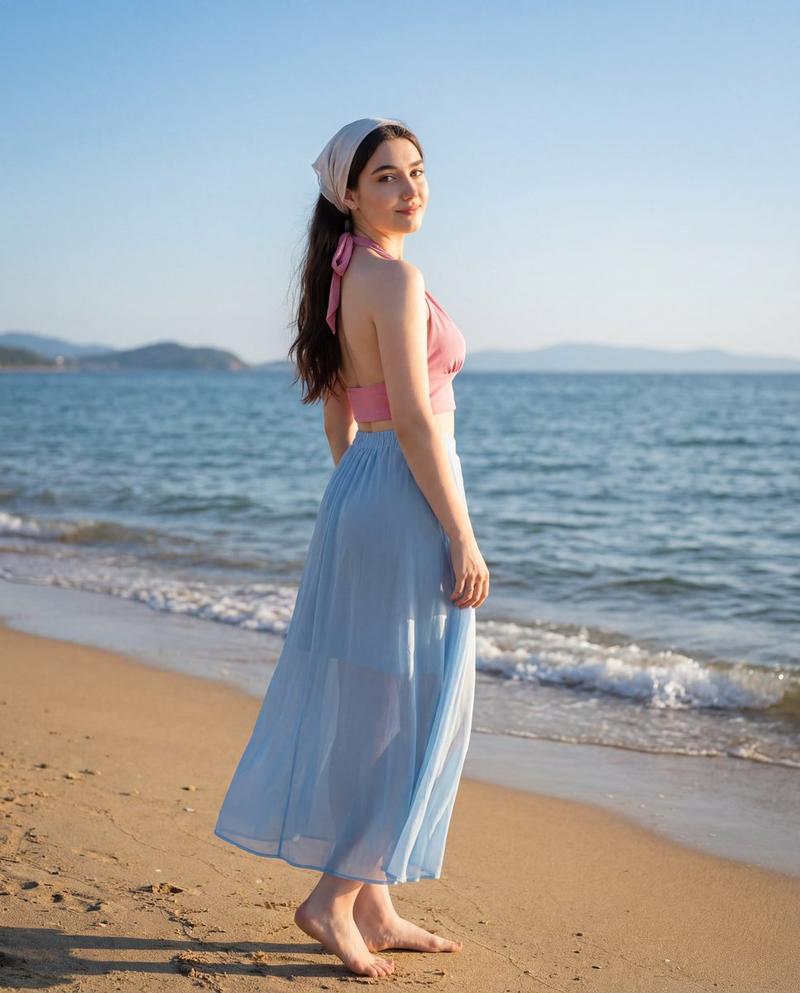
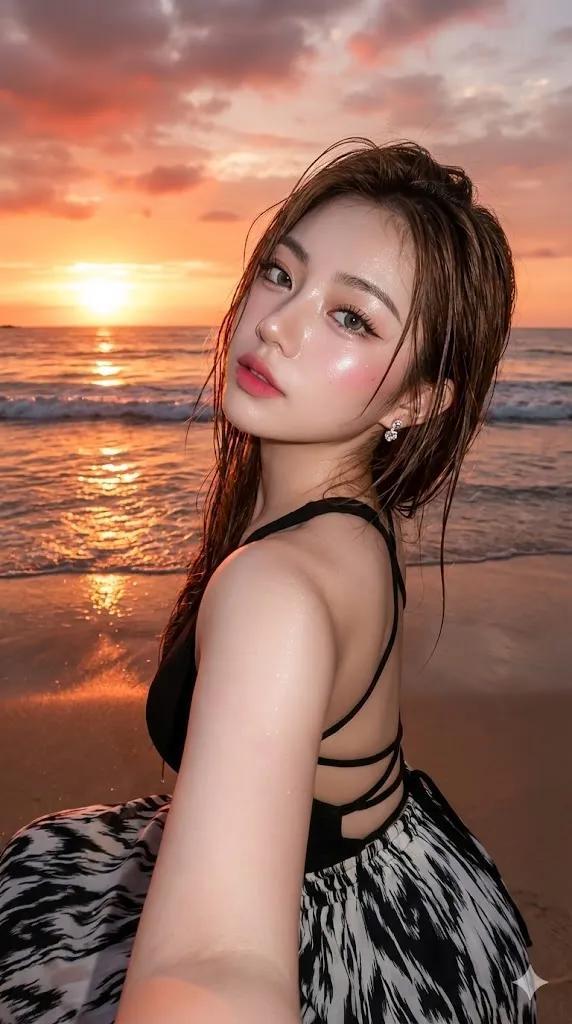
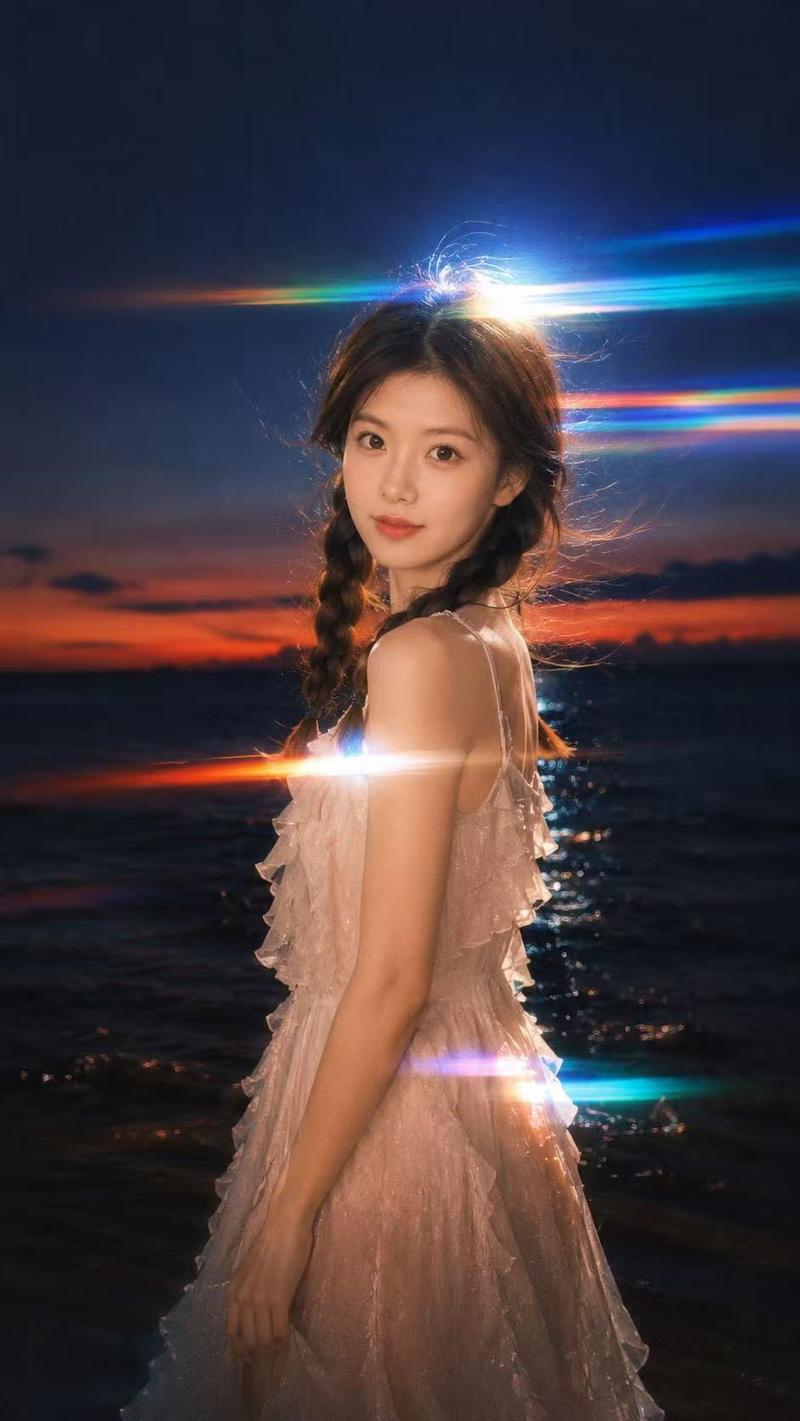
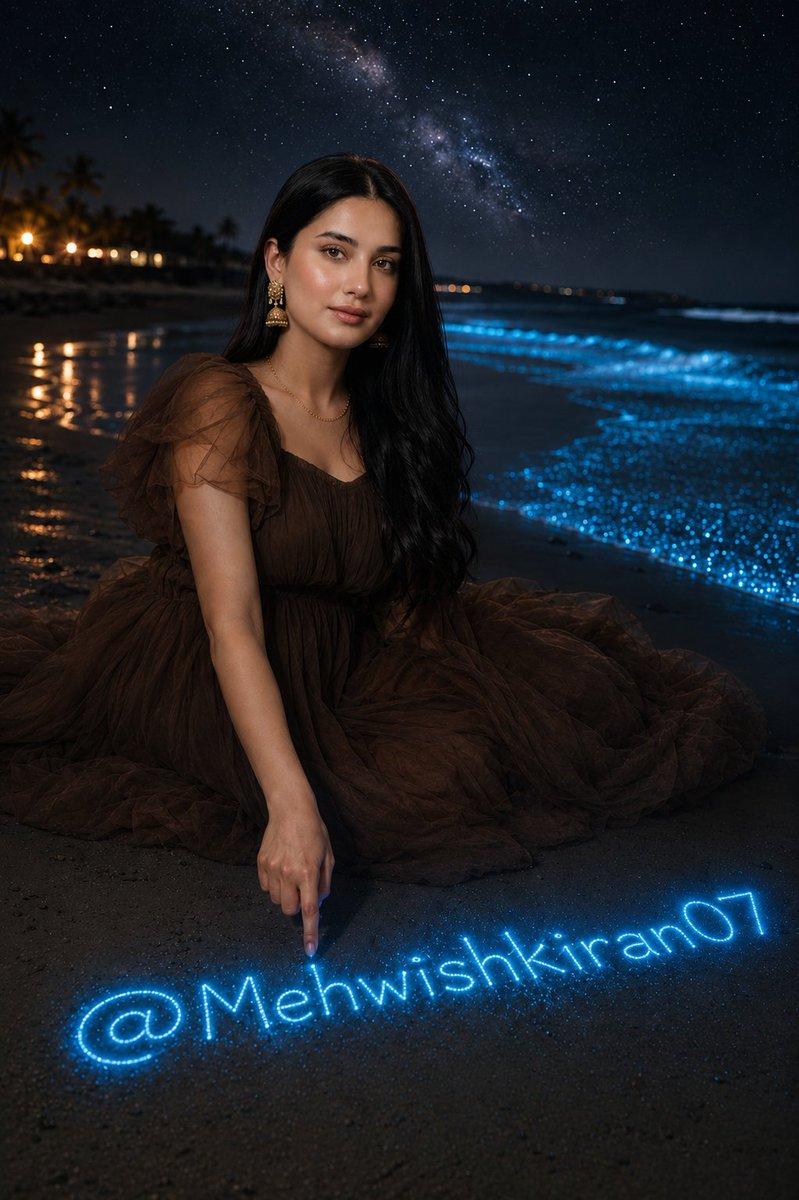
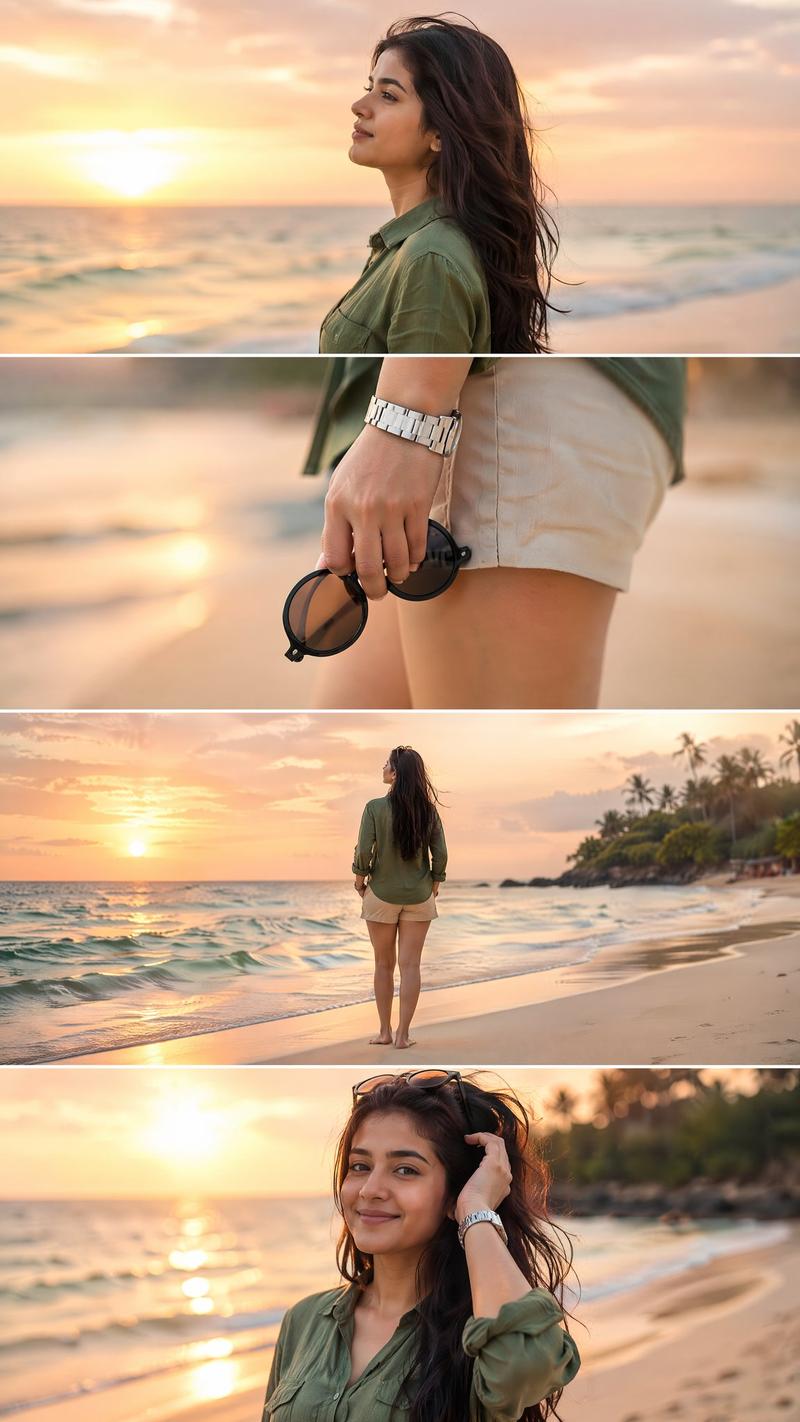
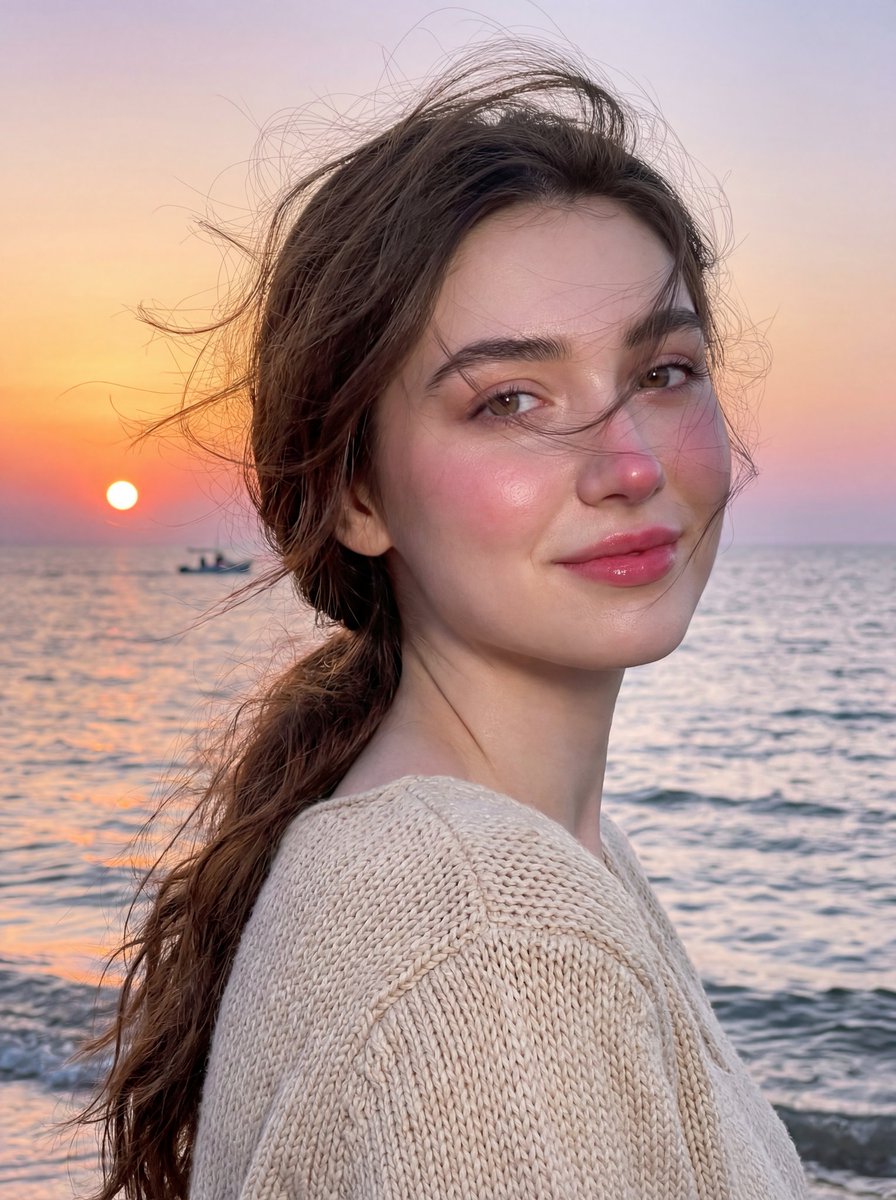
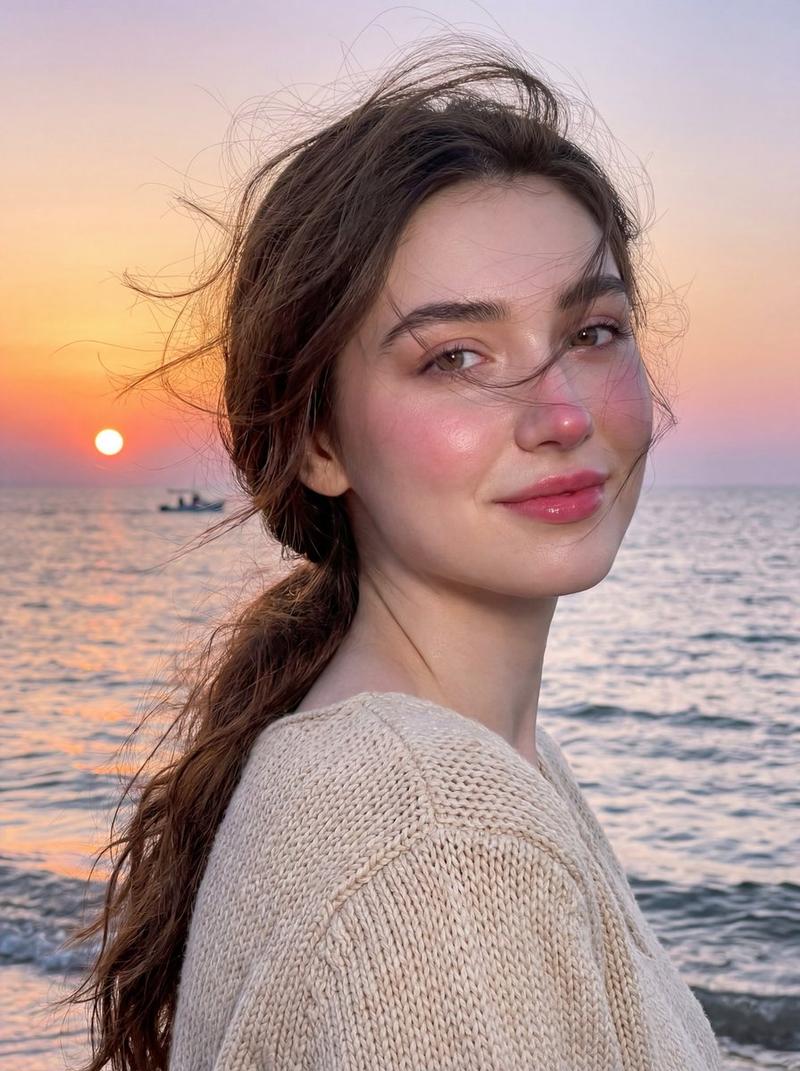
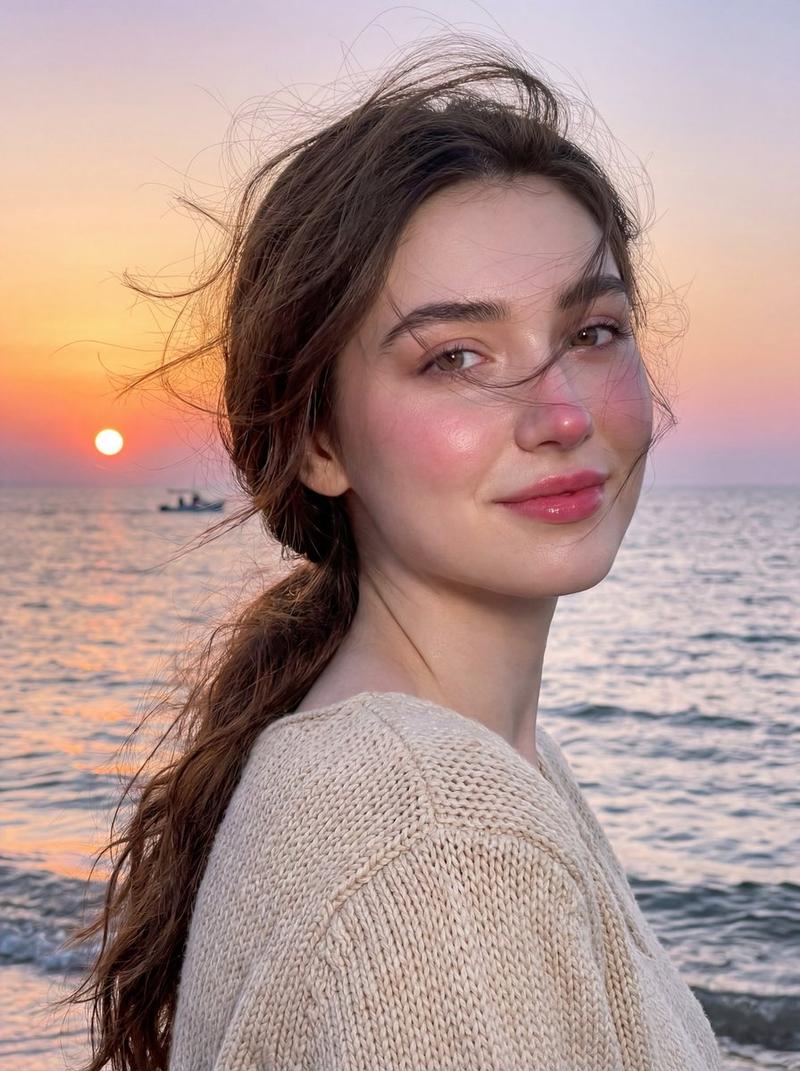
空灵海岸肖像,摄于蓝色时刻
Prompt
{ "image_type": "photograph", "genre": "environmental lifestyle portrait", "composition": { "framing": "three-quarter to full-length portrait", "orientation": "vertical", "subject_position": "center-left foreground, body turned away with head turned back", "camera_angle": "eye-level", "depth_of_field": "moderate, subject in sharp focus with gently softened background", "leading_lines": "horizontal shoreline and wave patterns guide depth toward the horizon", "balance": "dynamic asymmetry created by extended arm in foreground and open sky behind" }, "subject": { "count": 1, "description": "young woman standing on wet beach sand, appearing to lead the viewer forward", "pose": "arm extended toward the camera, torso turned away, head turned back over shoulder", "expression": "soft smile, inviting and serene", "gaze": "directly toward the camera", "hair": { "color": "dark brown", "style": "long, loose, softly wavy, flowing down the back", "movement": "slight natural motion from sea breeze", "accessory": "{argument name="hair accessory" default="red flower tucked behind the ear"}" }, "clothing": { "dress": { "color": "white", "style": "flowy dress with sheer ruffled sleeves, smocked back, tiered skirt", "fit": "fitted at bodice with loose, airy skirt", "material": "lightweight, semi-sheer fabric" }, "accessories": [ "thin gold waist chain", "gold bracelet", "ring on extended hand", "gold drop earrings" ] } }, "background": { "environment": "beach at shoreline", "elements": [ "wet reflective sand", "gentle ocean waves", "expansive cloudy sky", "clear horizon line" ], "horizon_line": "straight and visible, positioned slightly above mid-frame", "weather": "overcast with dramatic cloud formations, calm sea conditions" }, "lighting": { "type": "natural ambient light", "time_of_day": "early evening or blue hour", "quality": "soft and diffused", "direction": "even frontal and side illumination", "highlights": "soft highlights on face, hair, and dress fabric", "shadows": "minimal, smooth tonal transitions" }, "color_palette": { "dominant_colors": [ "cool blue", "steel blue", "soft white" ], "accent_colors": [ "red (flower)", "gold (jewelry)" ], "color_temperature": "cool-toned overall with warm accent details" }, "technical_details": { "camera_type": "digital camera or high-end smartphone", "lens_look": "standard lens with mild wide-angle feel due to extended arm perspective", "aperture_estimate": "f/2.8–f/4", "iso_estimate": "low ISO", "shutter_speed_estimate": "fast enough to maintain sharpness despite breeze", "image_sharpness": "high on subject, controlled softness in background", "noise": "negligible" }, "artistic_elements": { "mood": "romantic, dreamy, inviting", "style": "cinematic lifestyle portrait", "aesthetic": "airy, ethereal, coastal elegance", "contrast": "moderate with emphasis on soft tonal range", "saturation": "slightly enhanced blues with natural skin tones" }, "post_processing": { "skin_tones": "smooth, warm, and natural", "color_grading": "cool blue"}
}- Category
- 创意图片
- Model
- Nano Banana Pro
- Creator
- Zara
- Source ID
- cadb9f26-d981-4aea-bcd1-32b327df5207
- Published
- Mar 8, 2026
Views0