19

多镜头情感序列提示

Prompt
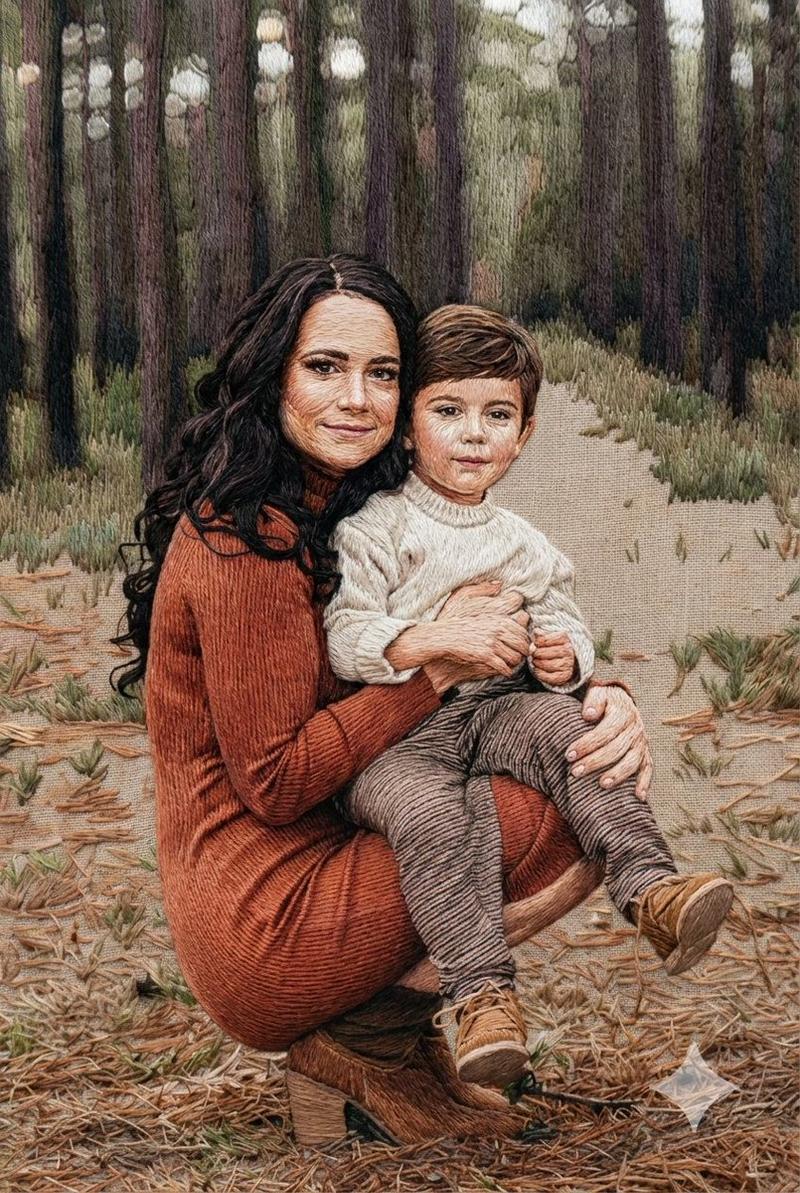
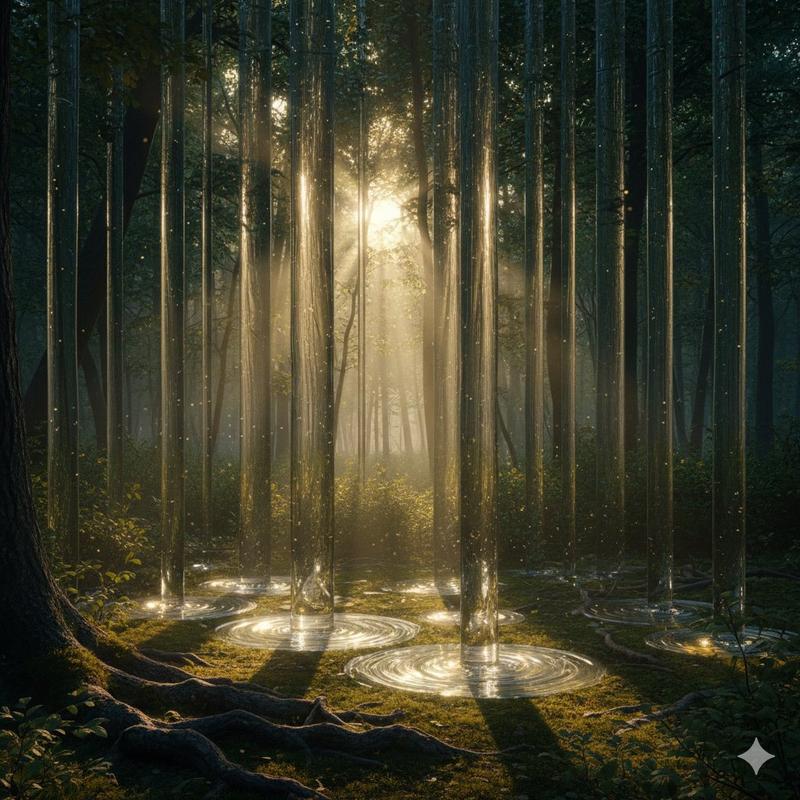
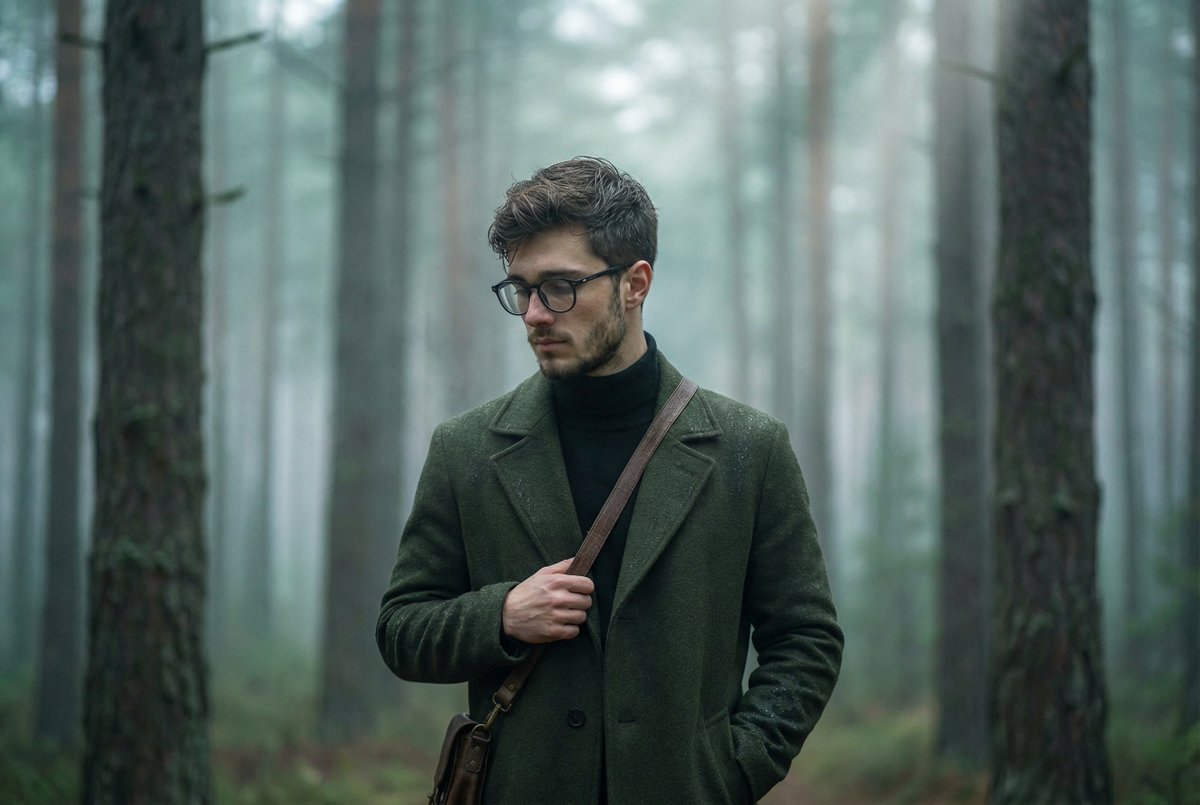
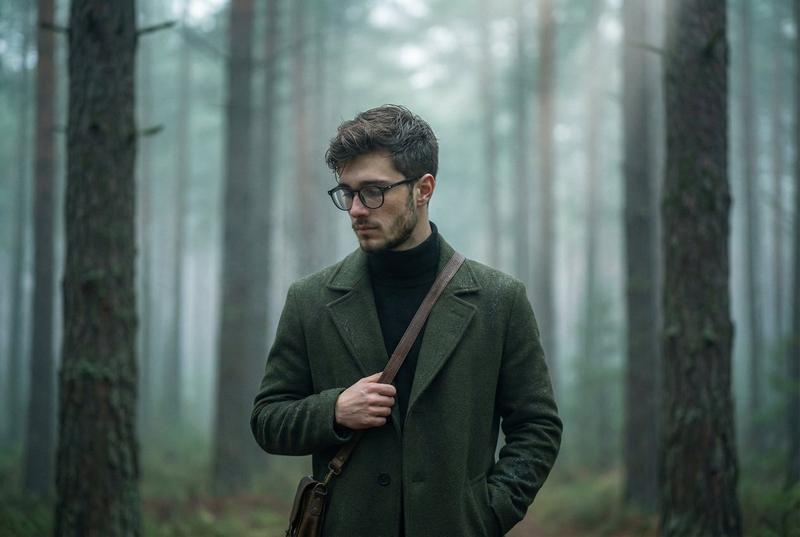
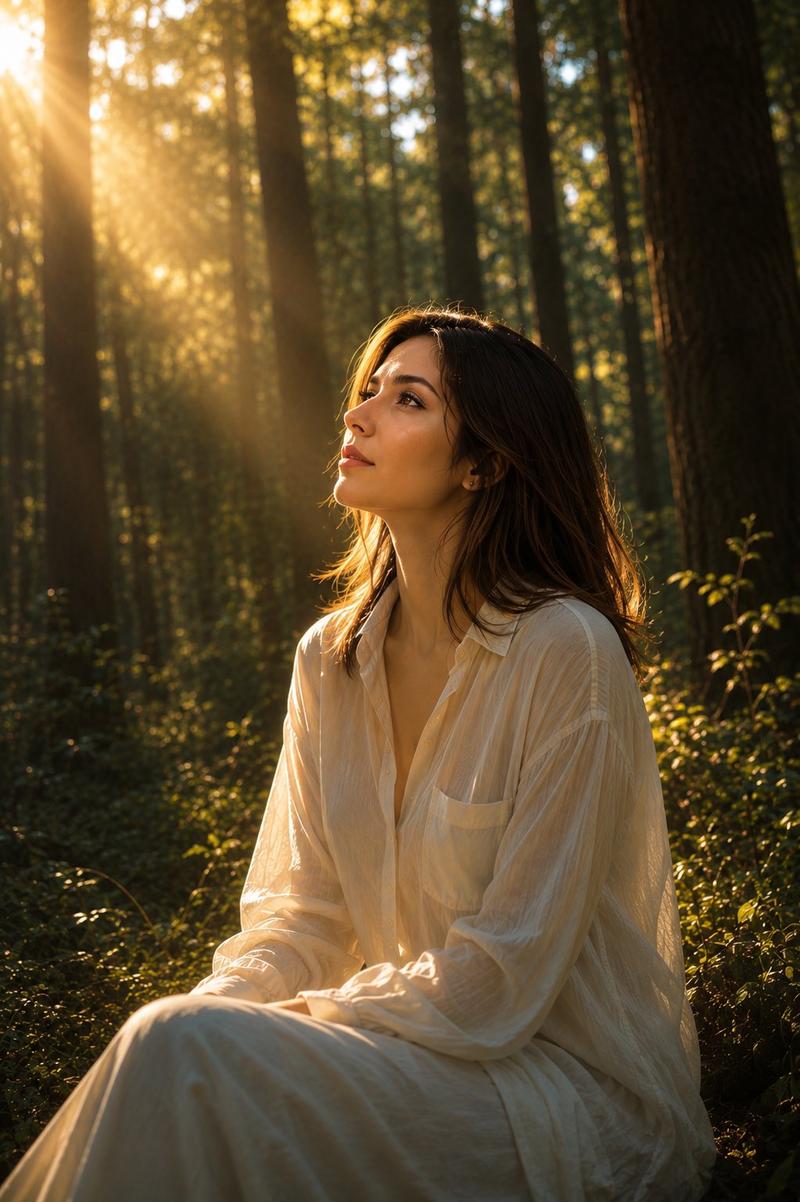
A multi-shot sequence starting from the provided wide shot. Initially, the camera is static; the man on the right slowly touches his hair and gazes upward, leaning his weight into the tree, while the woman on the left tucks her hair and watches him. Then, a sharp cut to a close-up of the man looking at the canopy before he dismissively turns his face away from the lens. A second cut returns to the wide shot as the woman begins walking toward him. The camera tracks her movement, tightening into a medium two-shot as she arrives. She places her hand on his shoulder. Finally, the man makes eye contact, his face breaking into tears with visible, heavy heaving of the chest. SFX: Rustling leaves, muffled footsteps on moss, and the sound of ragged, emotional breathing.
Category
创意图片
Model
seedance-2.0
Creator
K
Views0
Source ID
fe11e7b2-310b-4506-94ea-c2c981c71cfb
Published
Mar 8, 2026

Guide

About "多镜头情感序列提示"

What is this prompt for?

"多镜头情感序列提示" AI image prompt for seedance-2.0 (创意图片). 一个高度详细、多镜头提示,用于 Seedance 2.0,描述了角色互动、摄像机运动(广角镜头、特写镜头、中景双人镜头)、情感表演(眼泪、剧烈喘息)和特定音效(SFX)。 --- 这是一个多镜头序列,从提供的广角…

The full copyable prompt and example visuals above are ready for AI image generation or one-click recreate in Picva.

How to use this prompt

  1. Step 1

    Open the prompt detail

    Review the example visuals, category, and full prompt text for "多镜头情感序列提示".

  2. Step 2

    Copy the prompt

    Copy the prompt body from this page, or load it directly in Studio.

  3. Step 3

    Pick a model (seedance-2.0)

    Prefer seedance-2.0. If you switch models, keep subject and composition and tweak style terms.

  4. Step 4

    Generate and export

    Recreate the look in Picva, or export into your workflow for editing and publishing.

FAQ

What is the "多镜头情感序列提示" prompt?
It is an AI image-generation prompt for seedance-2.0 in the 创意图片 category. This page includes the full prompt text, example visuals, and a one-click recreate path in Picva.
How do I use this prompt to generate an image?
Copy the prompt from this page, or use Generate / Studio. Paste it into a compatible image model, or recreate the look in Picva with optional reference images.
Which model is this prompt for?
This page lists seedance-2.0. Most descriptive prompts also transfer to nearby image models such as GPT Image, Flux, or Midjourney with light style tweaks.
Can I use the result commercially?
You can usually copy the prompt for creation, but commercial use of the final image depends on the model terms, reference-image rights, and the generated content. Follow the source author and platform rules.