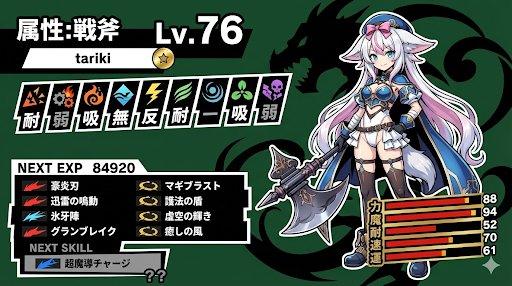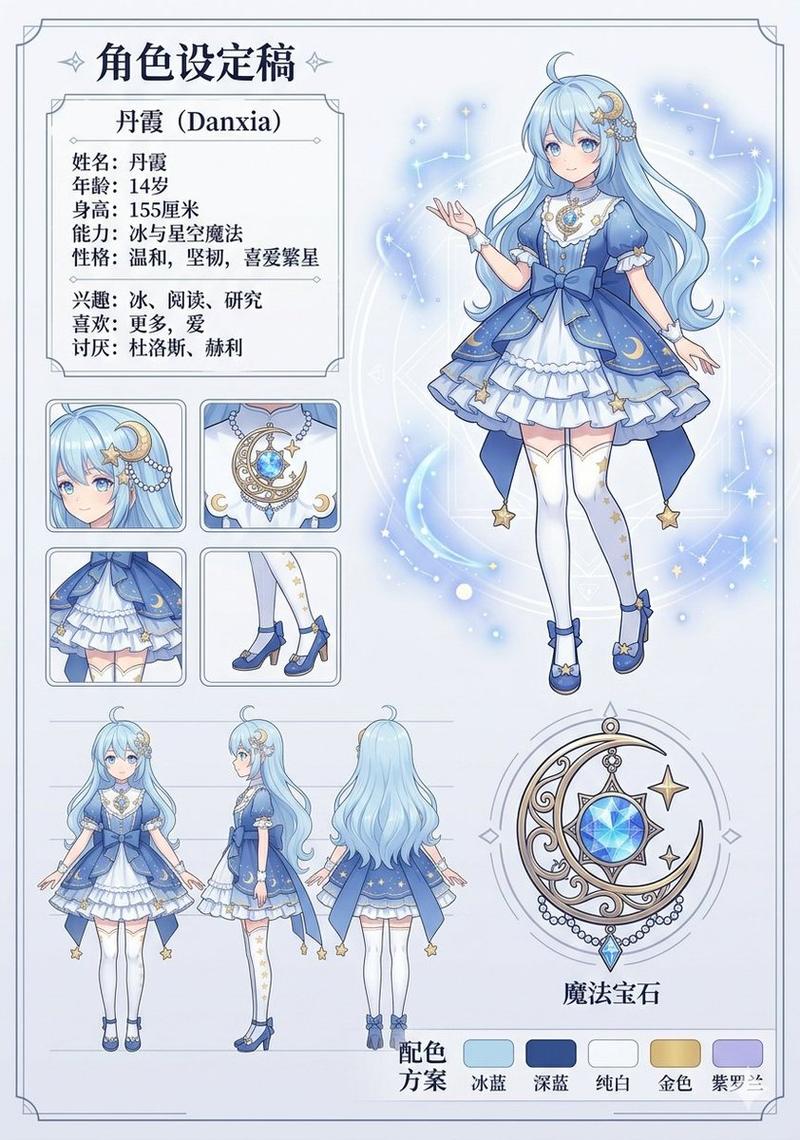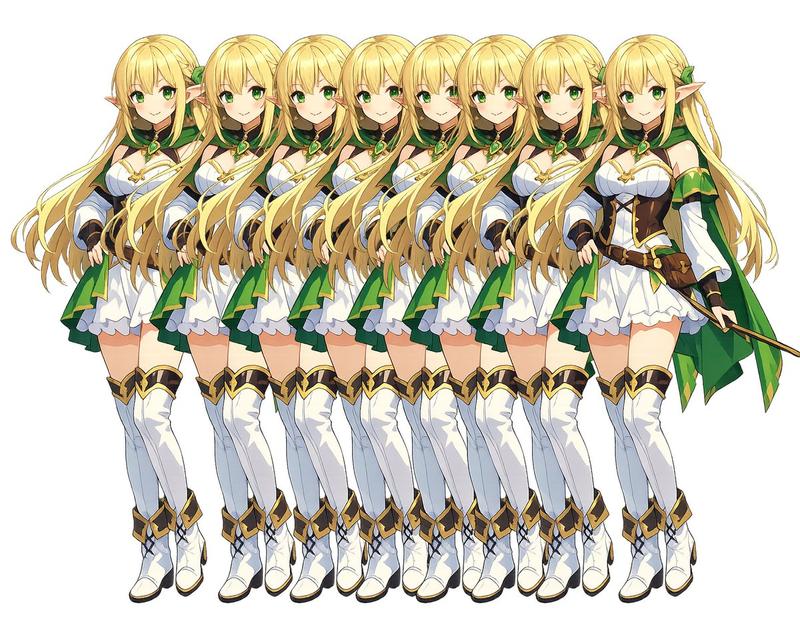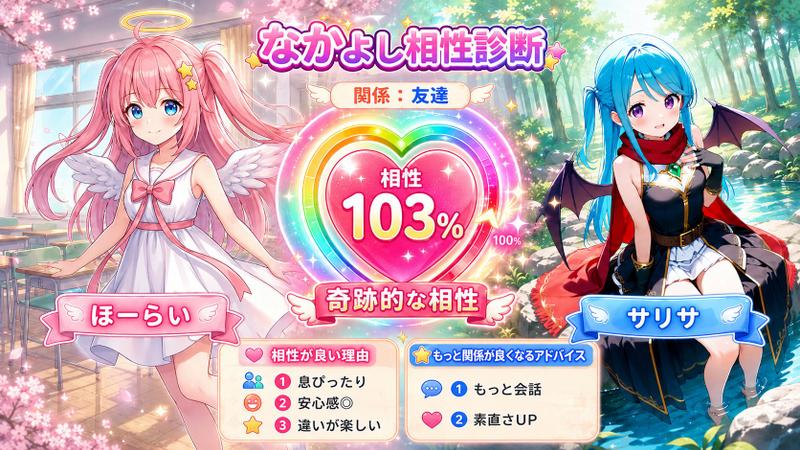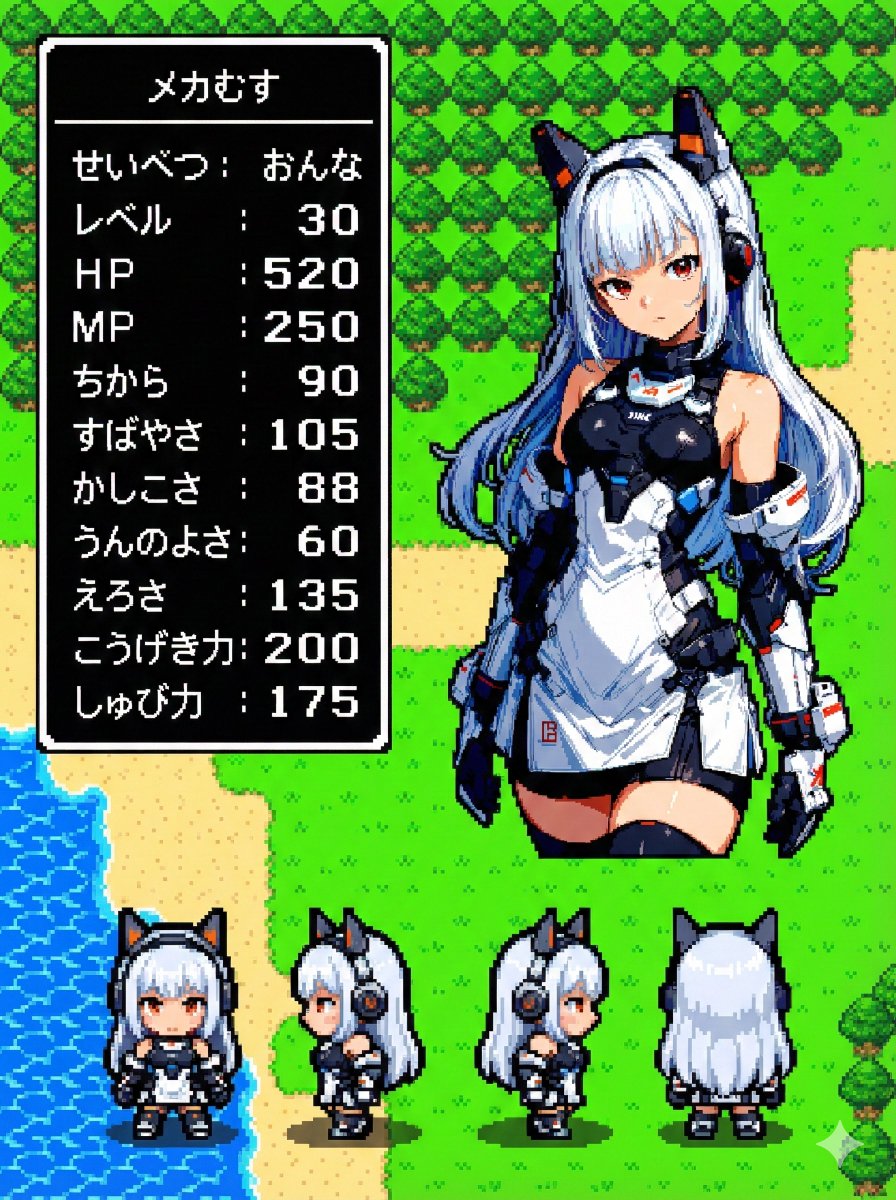
Nano Banana Proで遊ぼう 【レトロRPGステータス画面化プロンプト】 ⠀ たくさん遊んでいただけて嬉しいです! それっぽいフィールド背景を配置す
Prompt
Nano Banana Proで遊ぼう
【レトロRPGステータス画面化プロンプト】
⠀
たくさん遊んでいただけて嬉しいです!
それっぽいフィールド背景を配置する
バージョンを作りました。
⠀
要望があれば街・ダンジョン・城など
作ることもできます。
⠀
composition:
- aspect_ratio: "16:9"
⠀
ここでアスペクト比を指定できます。
作例は
- aspect_ratio: "3:4"
⠀
プロンプト:
subject:
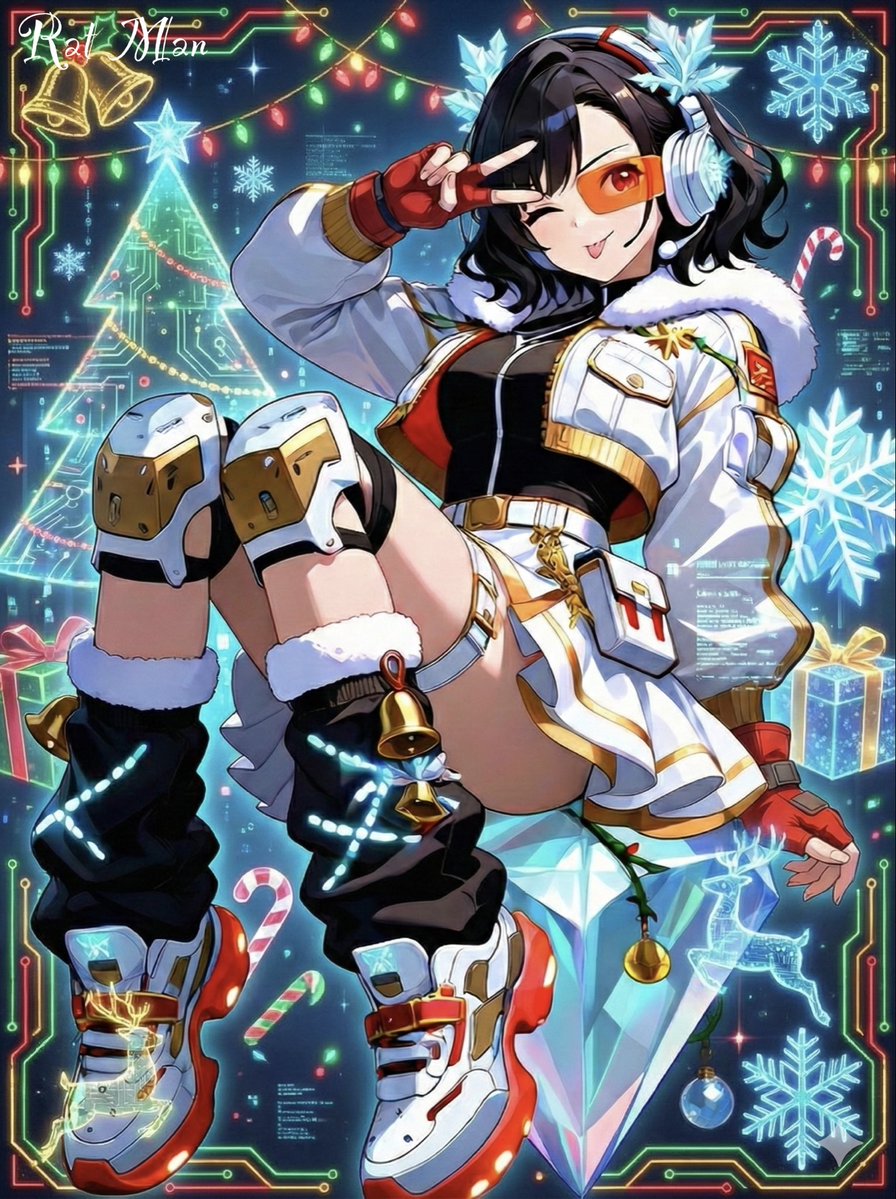
  - Transform the character from reference image A into:
      1) A main 32x32 Super Famicom-style sprite (max 16 colors).
      2) Four field-movement sprites (front, left, right, back), each 16x16 pixels, max 16 colors.
  - Preserve the character’s recognizable traits, clothing, colors, hairstyle, and silhouette from reference A.
  - If reference A is not full-body, reconstruct missing parts naturally to create a complete full-body 32x32 sprite.

composition:
  - aspect_ratio: "16:9"
  - Background should be a retro fantasy-RPG overworld field featuring:
      - grassy plains (grass tiles)
      - forest areas (tree tiles)
      - coastline or water tiles (sea or lake edge)
      - simple 16-bit-style terrain transitions
      - no modern or realistic graphics
  - Place the enlarged 32x32 main sprite on the right.
  - Place the four 16x16 field sprites horizontally at the main sprite’s feet (front, left, right, back).
  - Place a retro RPG-style status window on the left.

action:
  - Main sprite: same pose as reference A, converted to pixel art.
  - Field sprites: neutral standing pose facing front, left, right, back.

location:
  - Retro overworld field environment:
      - Green grassland tiles
      - Forest tiles with simple pixel-art trees
      - Water-edge tiles with pixel waves
      - Low-detail distant horizon
      - Old-school RPG map ambience

style:
  - Super Famicom-inspired pixel art.
  - Main sprite: 32x32, max 16 colors.
  - Field sprites: 16x16, max 16 colors.
  - Background: 16-bit overworld field tiles.
  - Hard-edged pixels; no anti-aliasing; no gradients.
  - Limited-palette retro look.

camera_lighting:
  - Orthographic, flat.
  - Minimal shading consistent with pixel-art style.

colors:
  - Sprite palettes limited to 16 colors including transparency.
  - Background palette:
      - Various greens for grass
      - Browns for paths
      - Blues for water
      - Dark greens for trees
      - All colors in retro 16-bit pixel palette style
  - Status window:
      - white border
      - black background
      - white pixel-font text

text:
  # 名前はひらがな/カタカナで4文字以内。ここを直接書き換えて使用。
  - At the top of the status window, center-aligned:
      - 「ゆうしゃ」  # ←自由に変更(4文字以内)

  # 区切り線:ウィンドウ幅と一致した1本の水平線のみ
  - Draw a single-pixel horizontal divider line:
      - one pixel thick
      - full width of window
      - straight
      - not double-line or decorative

  # ステータス:項目名は左揃え、数値は3桁右揃え
  - Display the following stats:
      - 「せいべつ:      」
      - 「レベル:       」   # max 99
      - 「HP:          」      # max 999
      - 「MP:          」      # max 999
      - 「ちから:       」   # max 255
      - 「すばやさ:     」   # max 255
      - 「かしこさ:     」   # max 255
      - 「うんのよさ:   」   # max 255
      - 「えろさ:       」   # max 255 (inferred naturally)
      - 「こうげき力:  」    # max 999
      - 「しゅび力:     」   # max 999

  - Formatting rules:
      - Labels left-aligned
      - Numbers right-aligned in a 3-character field
      - Monospaced retro pixel-font required

edit_instructions:
  - Convert reference A to a true 32x32 sprite using fixed pixel grid.
  - If reference is partial-body, reconstruct missing torso, legs, arms, shoes, etc., naturally and consistently.
  - Generate 4 field sprites (front/left/right/back) at 16x16 (max 16 colors).
  - Upscale sprites crisply; no smoothing.
  - Render a retro 16-bit overworld field background with grass, forest, and water tiles.
  - Status window must have white pixel border and black fill.
  - Name must be centered, 4 chars max, hiragana/katakana only.
  - Divider must be a single, pixel-straight line across width.
  - Stat labels left, numbers right (3-digit width).
  - Avoid copyrighted UI designs or specific franchise content.

references:
  - A: Character appearance and pose.

extras:
  - Pixel-perfect SFC-style sprite and field map rendering.
  - Consistent retro palette usage.
  - Retro RPG mockup layout.
- Category
- creative_scene
- Model
- Nano Banana Pro
- Creator
- Pixshop
- Source ID
- 1acf5872-f0e1-414e-8c56-dae60205d527
- Published
- Jan 10, 2026
Views14