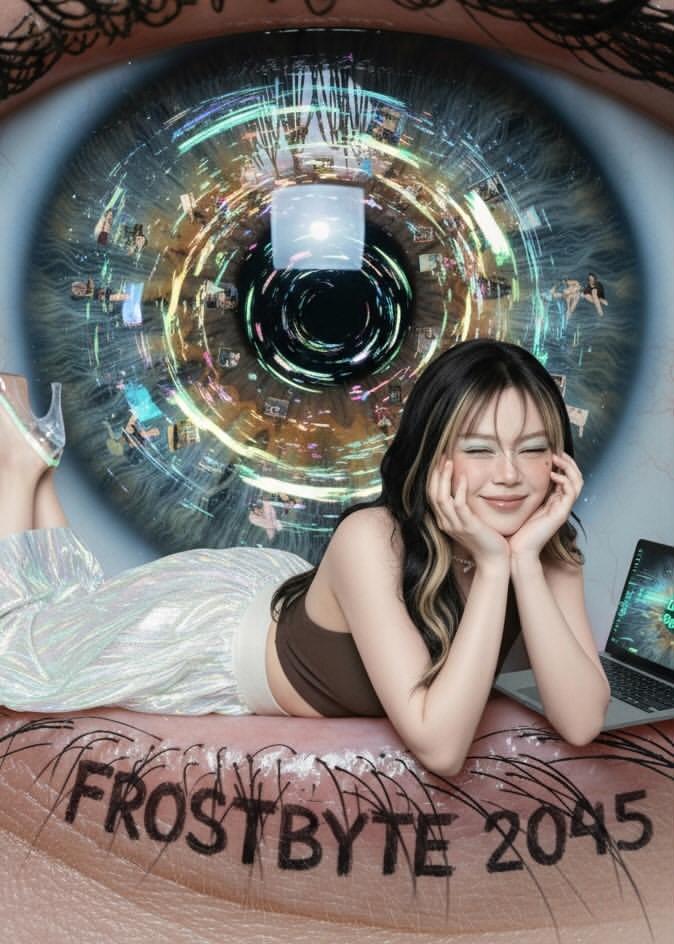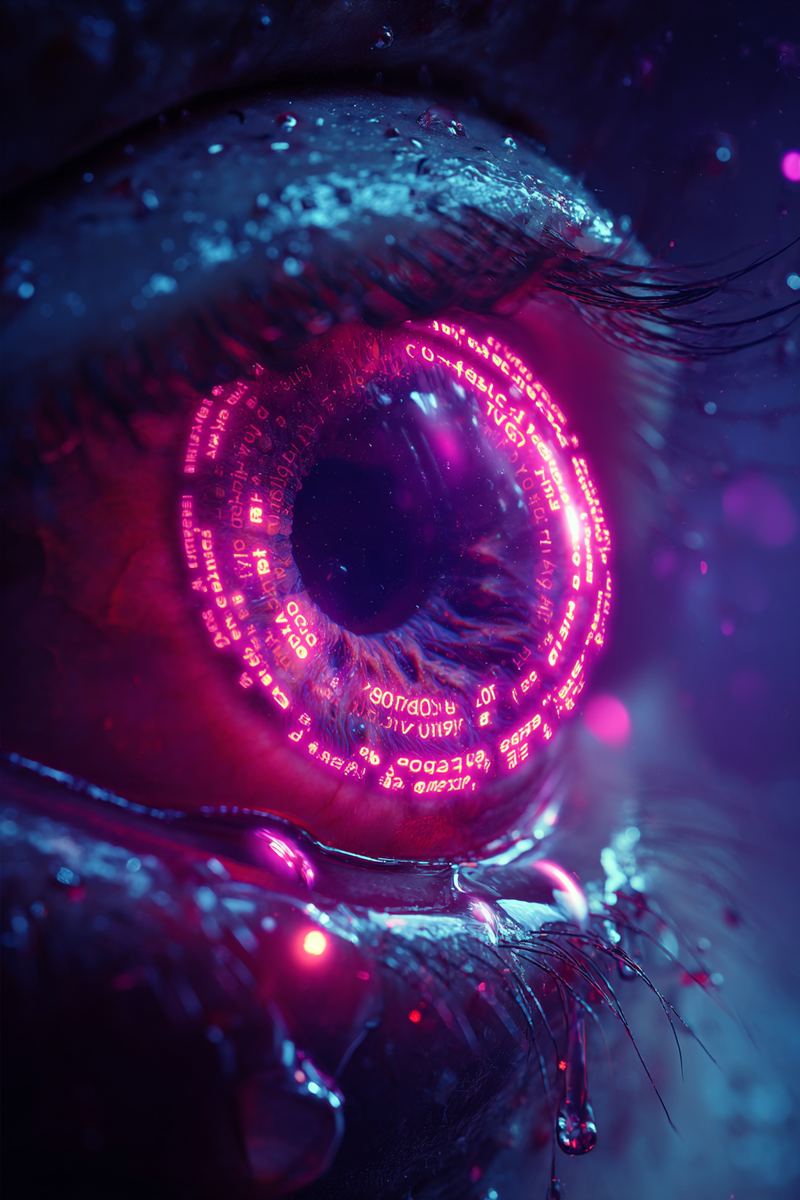
•••• PROMPT SHARE •••• All you need is 2 shots: 𝗬𝗢𝗨 and 𝗬𝗢𝗨𝗥 𝗘𝗬𝗘 👁️
Prompt
•••• PROMPT SHARE ••••
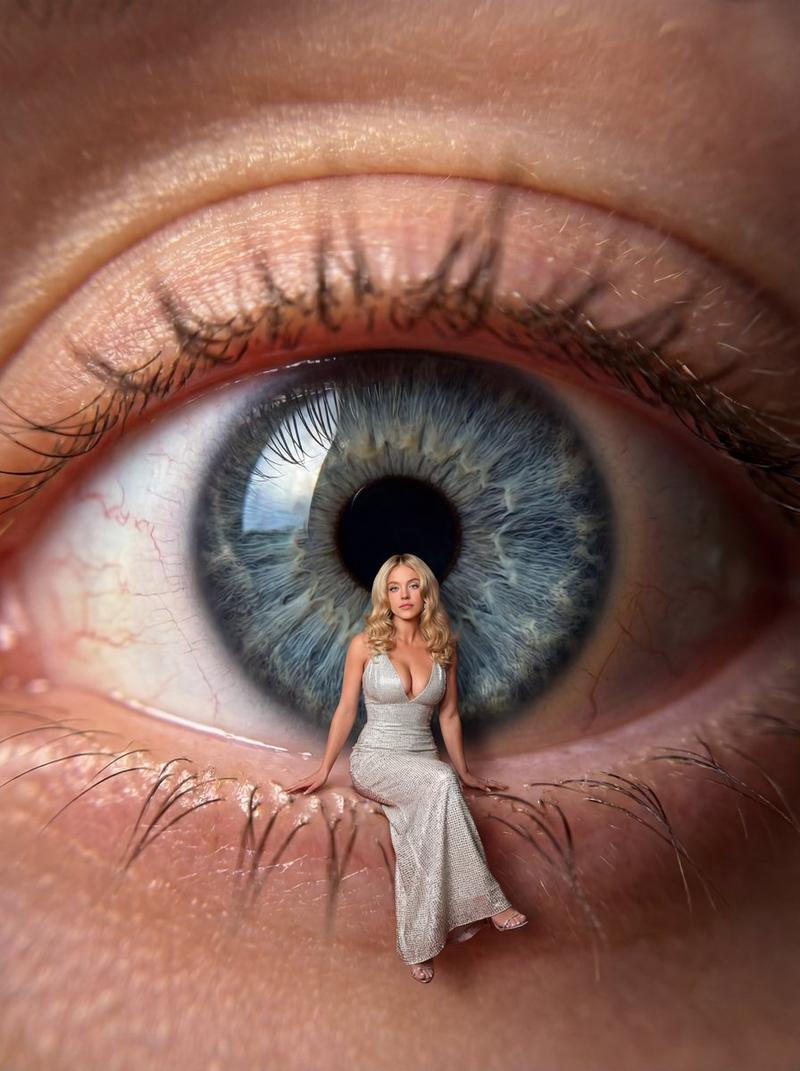
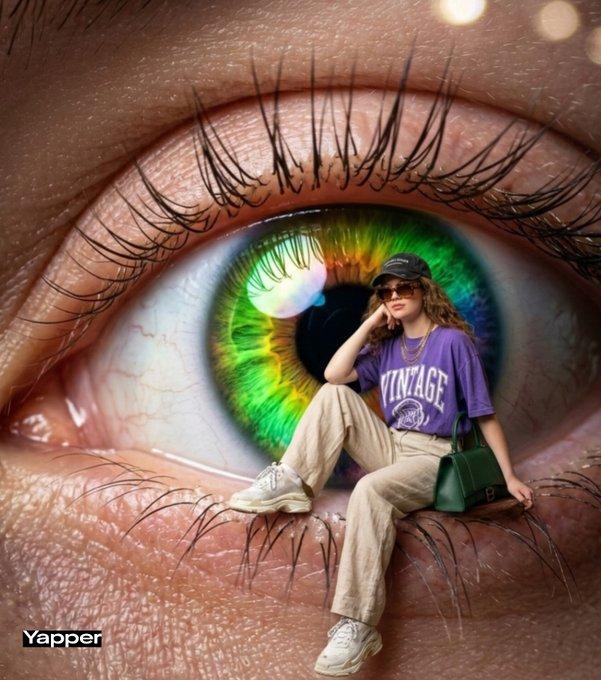
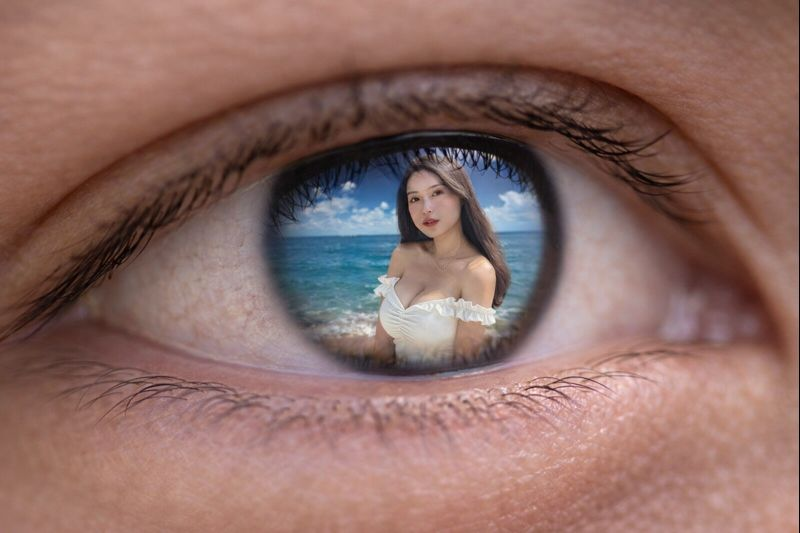
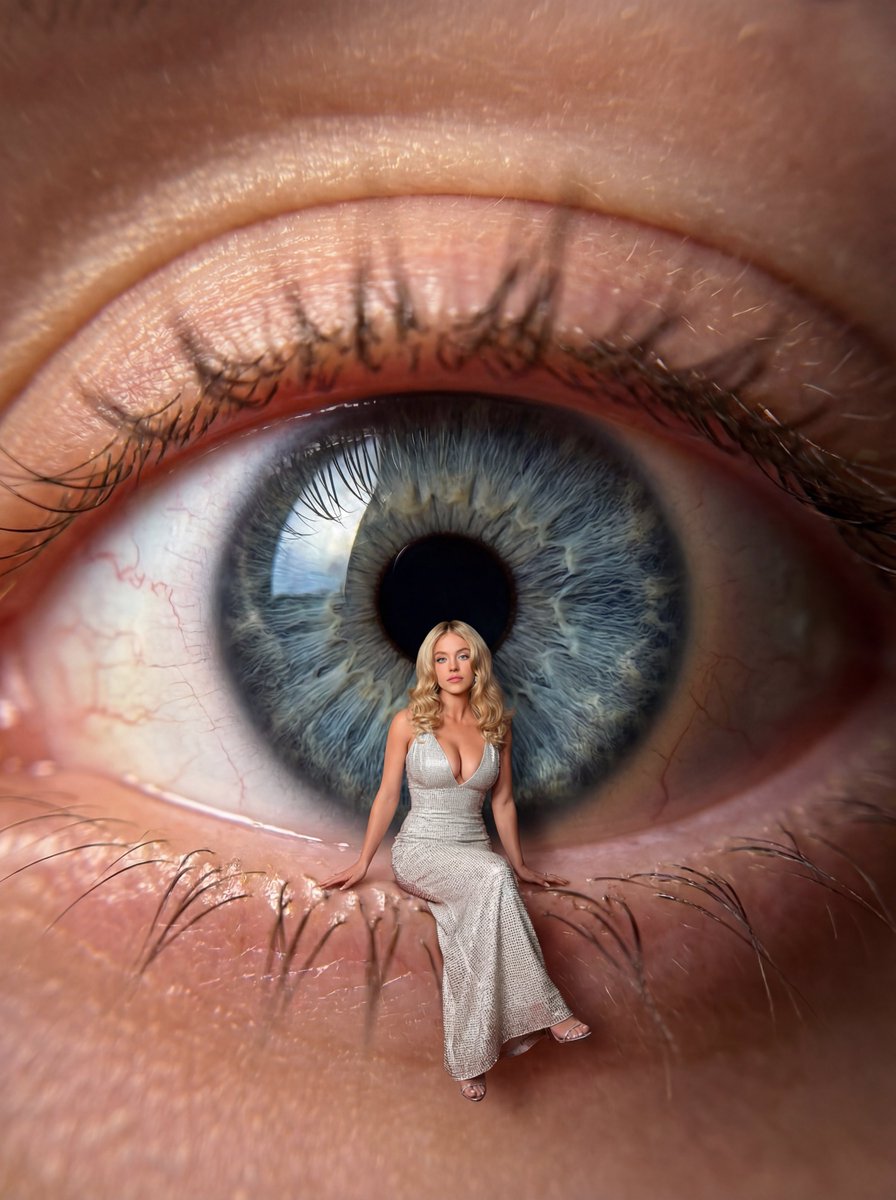
All you need is 2 shots: 𝗬𝗢𝗨 and 𝗬𝗢𝗨𝗥 𝗘𝗬𝗘 👁️
✨Gemini Nano banana pro 4k on @DomoAI_

Prompt 👇🏻
{
  "variables": {
    "USER_PHOTO": "<PASTE_USER_IMAGE_URL_OR_FILEPATH_HERE>",
    "EYE_PHOTO": "<PASTE_EYE_MACRO_IMAGE_URL_OR_FILEPATH_HERE>"
  },
  "prompt": "USER PHOTO: {{USER_PHOTO}}\nEYE PHOTO: {{EYE_PHOTO}}\n\nCreate a hyper-real, photorealistic composite image: an extreme macro close-up of a human eye filling the frame, using the EYE PHOTO as the primary base (iris texture, sclera veins, wet reflections, eyelashes, eyelid skin pores).\n\nInside the eye scene, place the person from the USER PHOTO as a tiny full-body figure sitting on the lower eyelid/waterline area in front of the iris, as if the eye is a gigantic landscape. The figure must look naturally integrated (NOT pasted): correct scale, perspective, and depth.\n\nComposition details:\n- The eye is the main background: crisp iris fibers, radial striations, realistic pupil, subtle chromatic variations, clear corneal highlight and reflection.\n- The sitting person is centered slightly lower than the pupil, legs hanging naturally over the lower eyelid edge, with realistic contact shadows on the skin.\n- Match lighting direction and color temperature between the eye and the person; add soft bounce light from the sclera and eyelid skin.\n- Add accurate occlusion: the figure should subtly intersect with the eye environment (soft shadow falloff, micro-reflections, slight atmospheric depth).\n- Preserve realistic skin texture around the eye: pores, fine wrinkles, waterline moisture, tiny blood vessels, natural eyelash density and sharpness.\n\nCamera / realism:\n- Ultra high detail, hyper-real photography look, 8K-level clarity.\n- Macro lens feel (e.g., 85–100mm macro), shallow depth of field with a realistic focus plane: the iris and the person are sharply focused; eyelash tips may fall slightly out of focus.\n- Natural contrast, no painterly look, no CGI look.\n\nFinal result must be indistinguishable from a real professional photo composite: seamless edges, realistic color grading, correct scale cues, believable shadows, and consistent reflections.",
  "negative_prompt": "cartoon, illustration, CGI, 3D render, plastic skin, uncanny face, low-res, blurry, noisy, oversharpened halos, bad cutout, visible mask edges, floating person, wrong perspective, mismatched lighting, unrealistic shadow, duplicated eyelashes, warped iris, extra limbs, deformed hands, distorted boots, text, watermark, logo, frame, posterized colors",
  "settings": {
    "aspect_ratio": "9:16",
    "quality": "highest",
    "photorealism": "maximum",
    "detail_priority": [
      "iris fibers and corneal reflection",
      "eyelid pores and waterline moisture",
      "seamless subject integration (scale/perspective/shadows)"
    ],
    "depth_of_field": "macro_shallow",
    "sharpening": "natural (no halos)"
  }
}- Category
- portrait_photography
- Model
- Nano Banana Pro
- Creator
- Pixshop
- Source ID
- 260a9074-9bff-466a-a106-d0144f3f2dec
- Published
- Jan 12, 2026
Views12