17

将输入图像中的人物转换为极简的2D扁平插图。 在保留输入图像人物特征的同时,将其转化为绘本风格·矢量艺术风格的简单角色。排除所有阴影、渐变、纹理和细致描绘,仅用
Enlarge

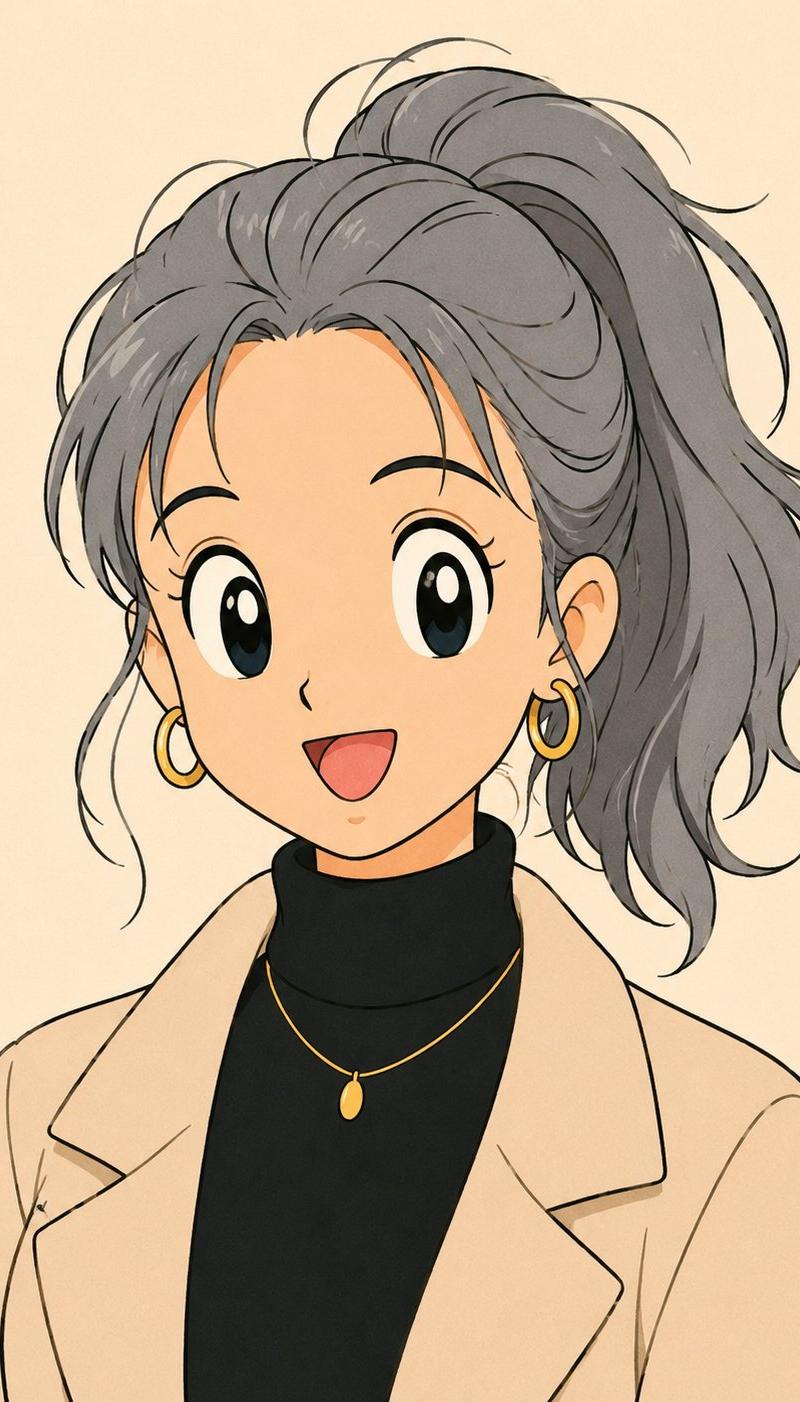
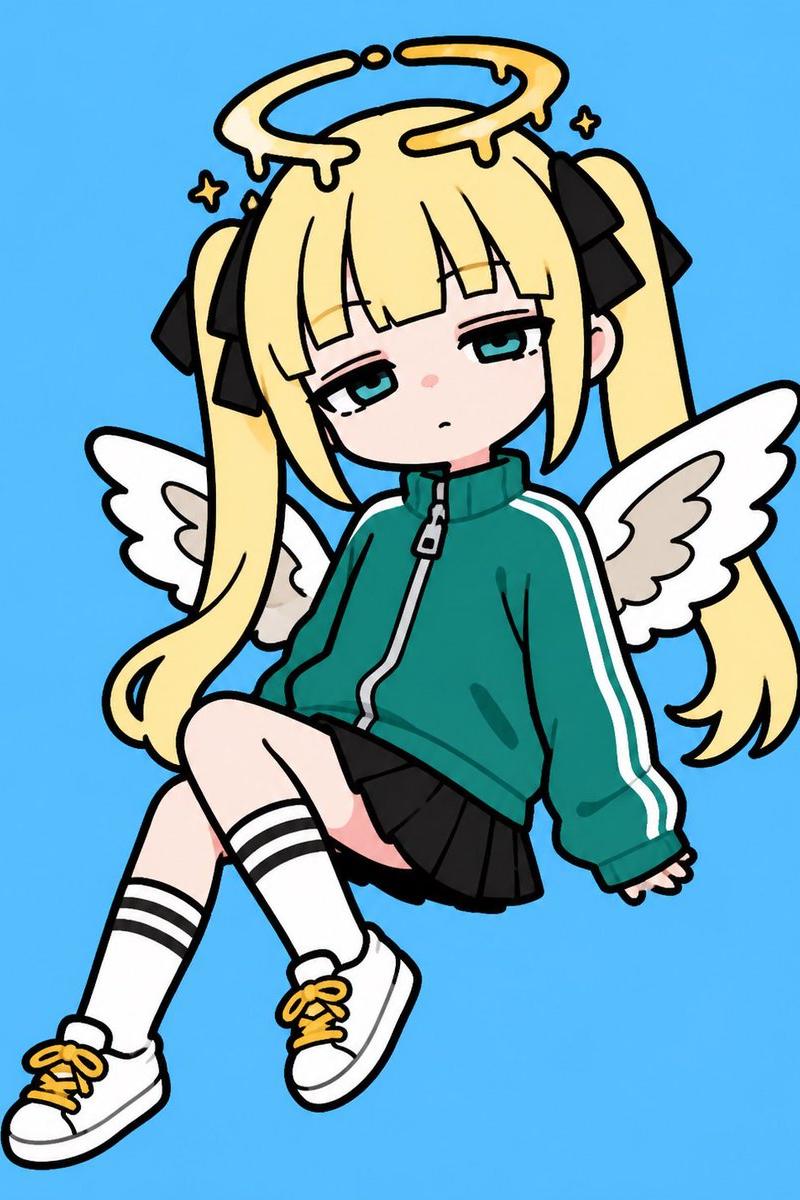
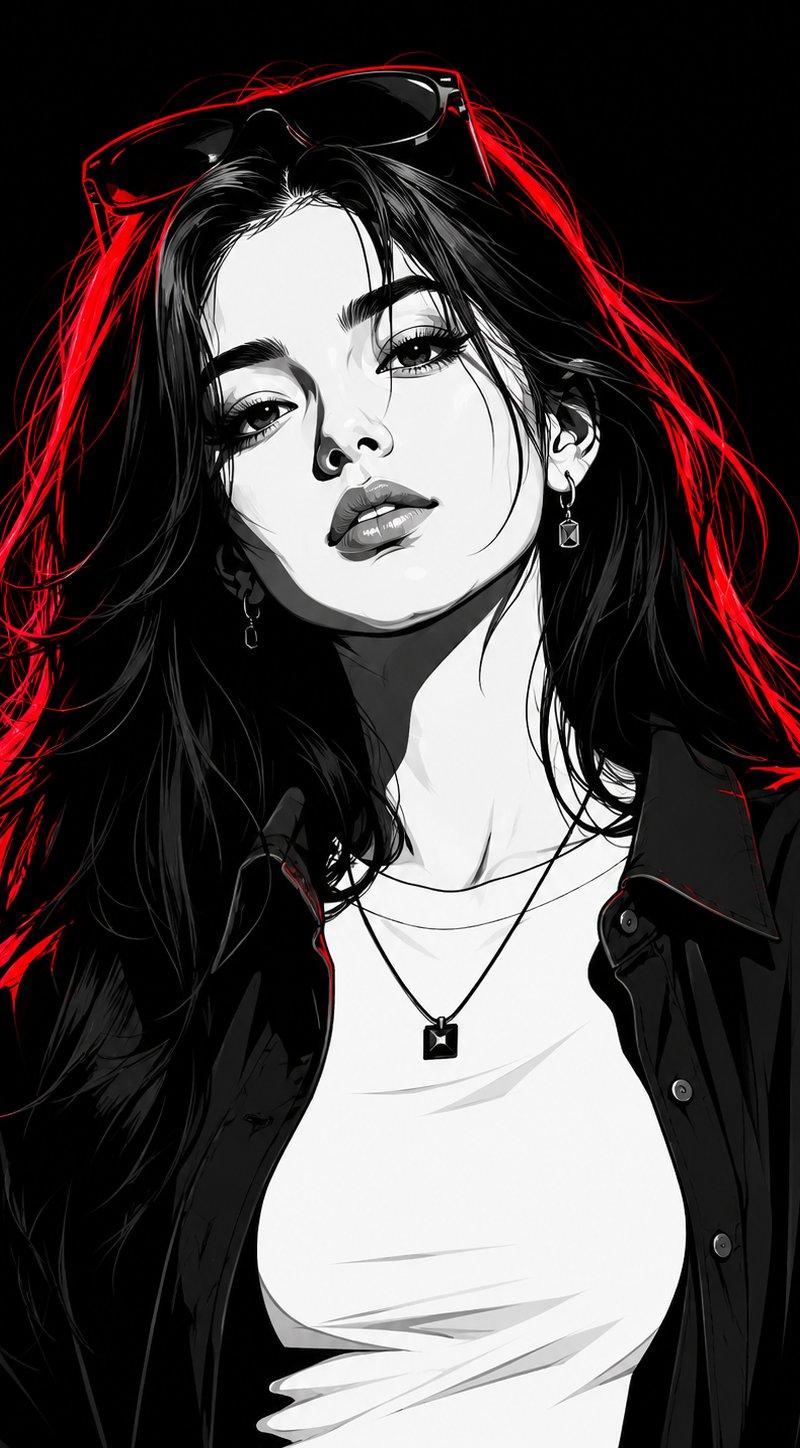
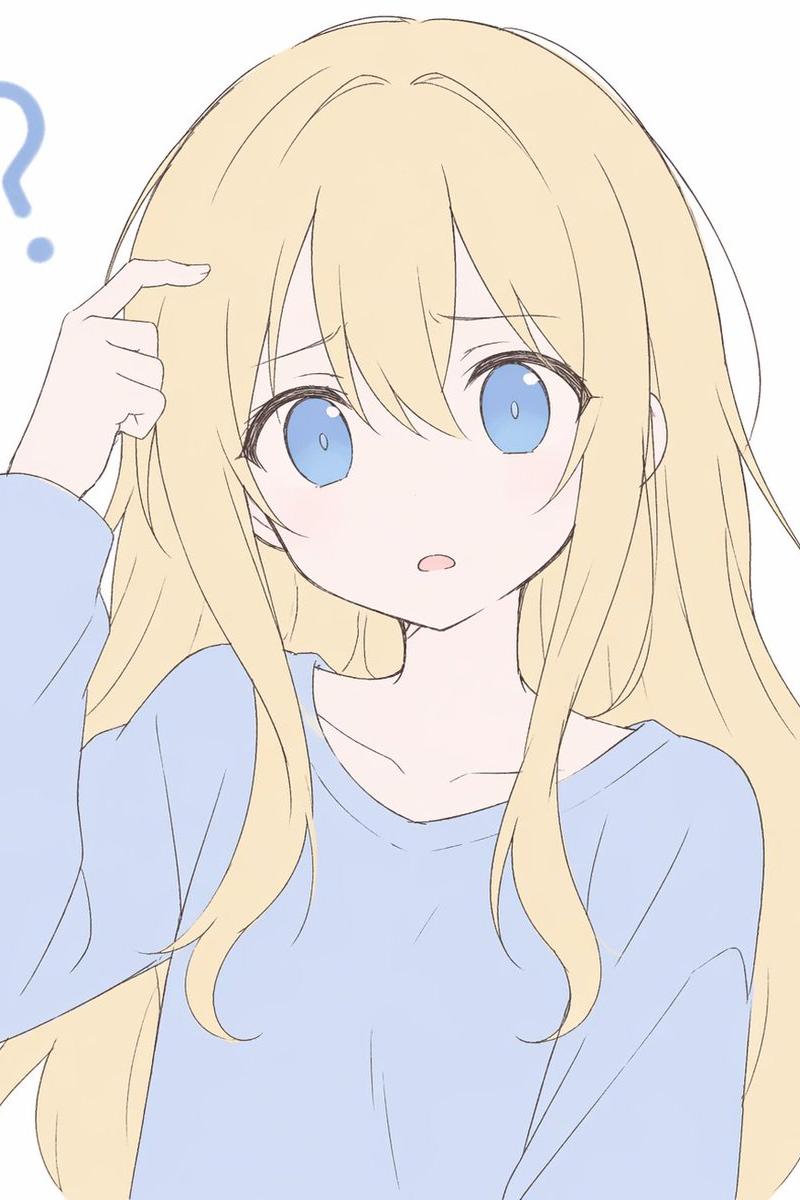
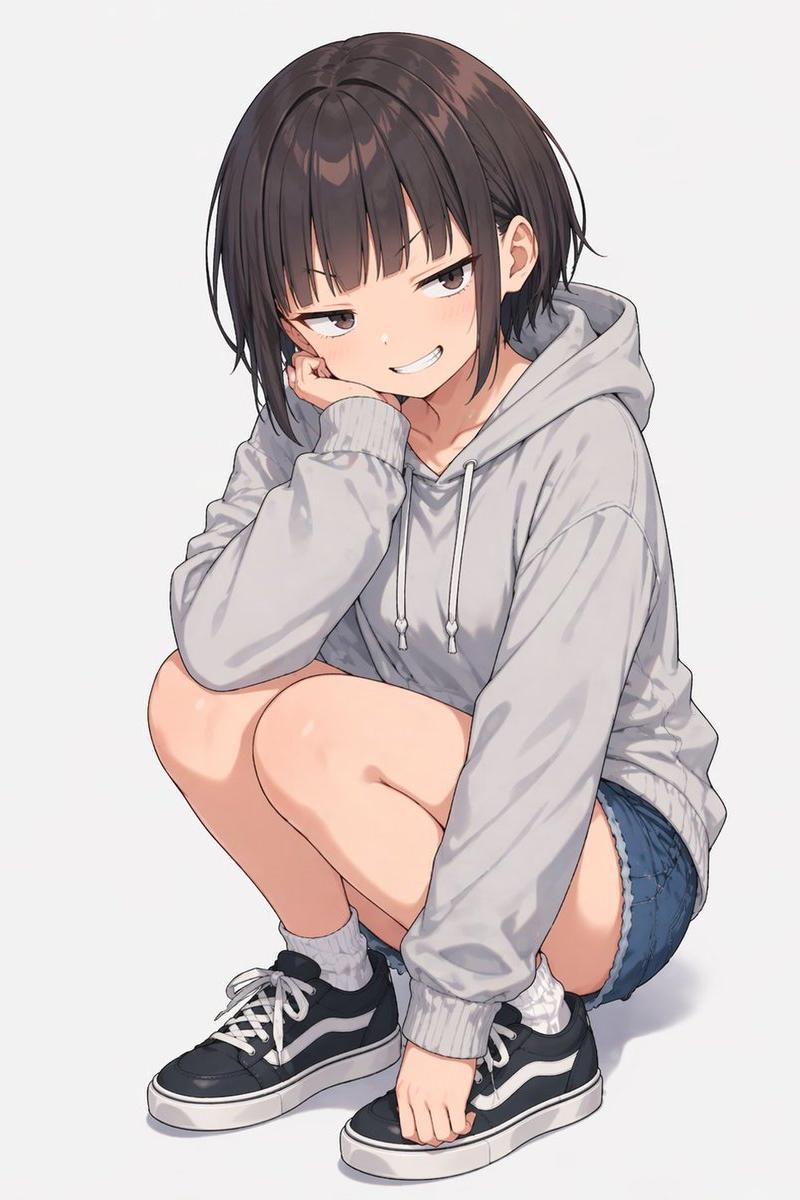
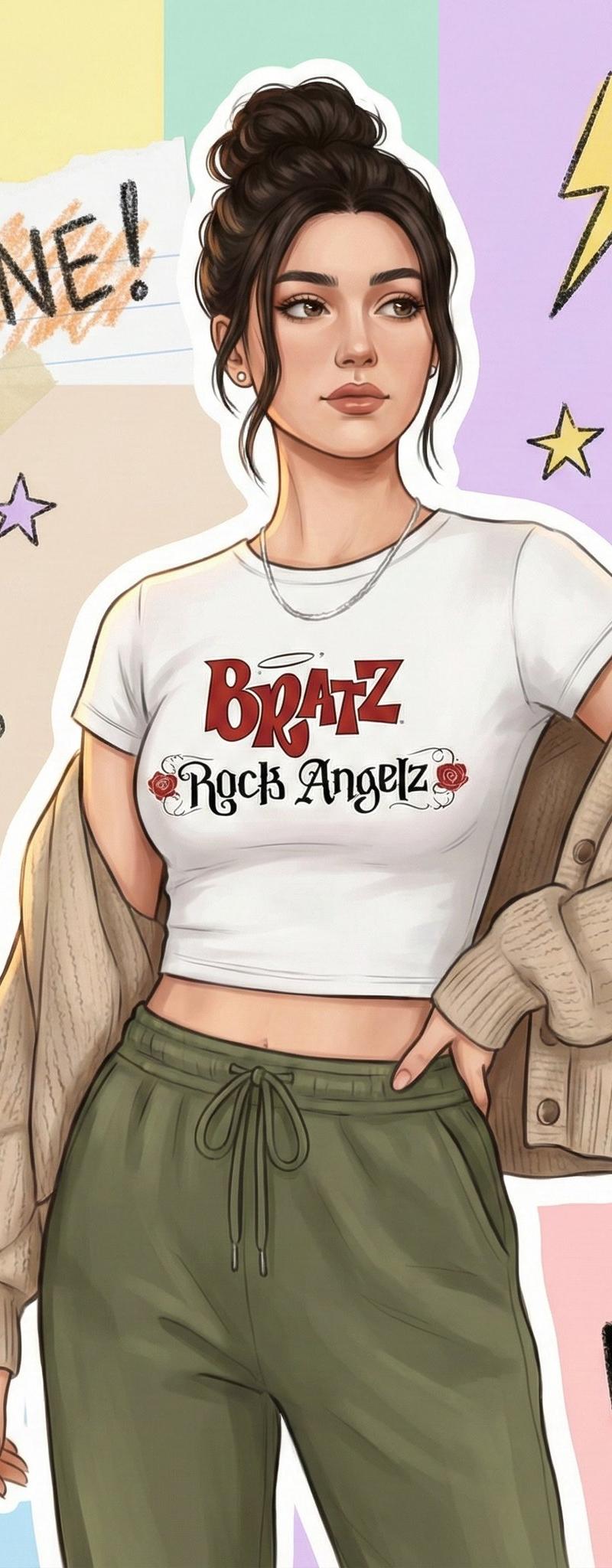
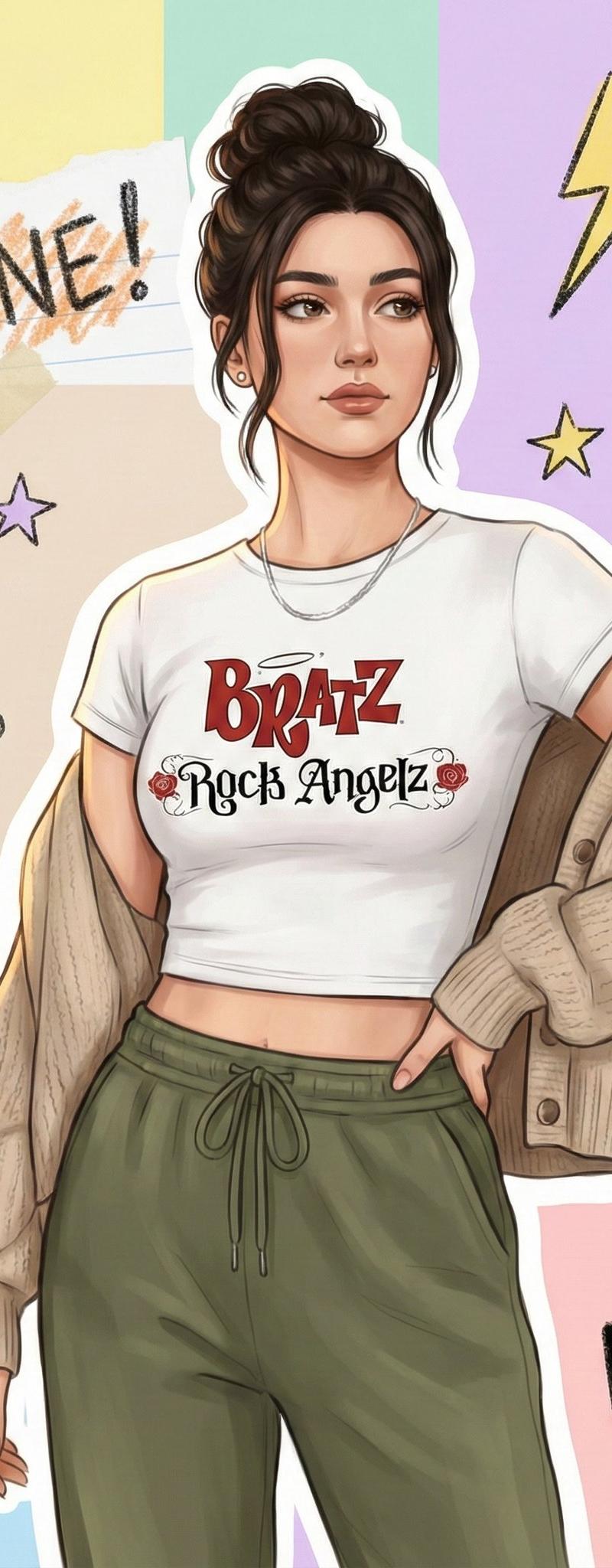
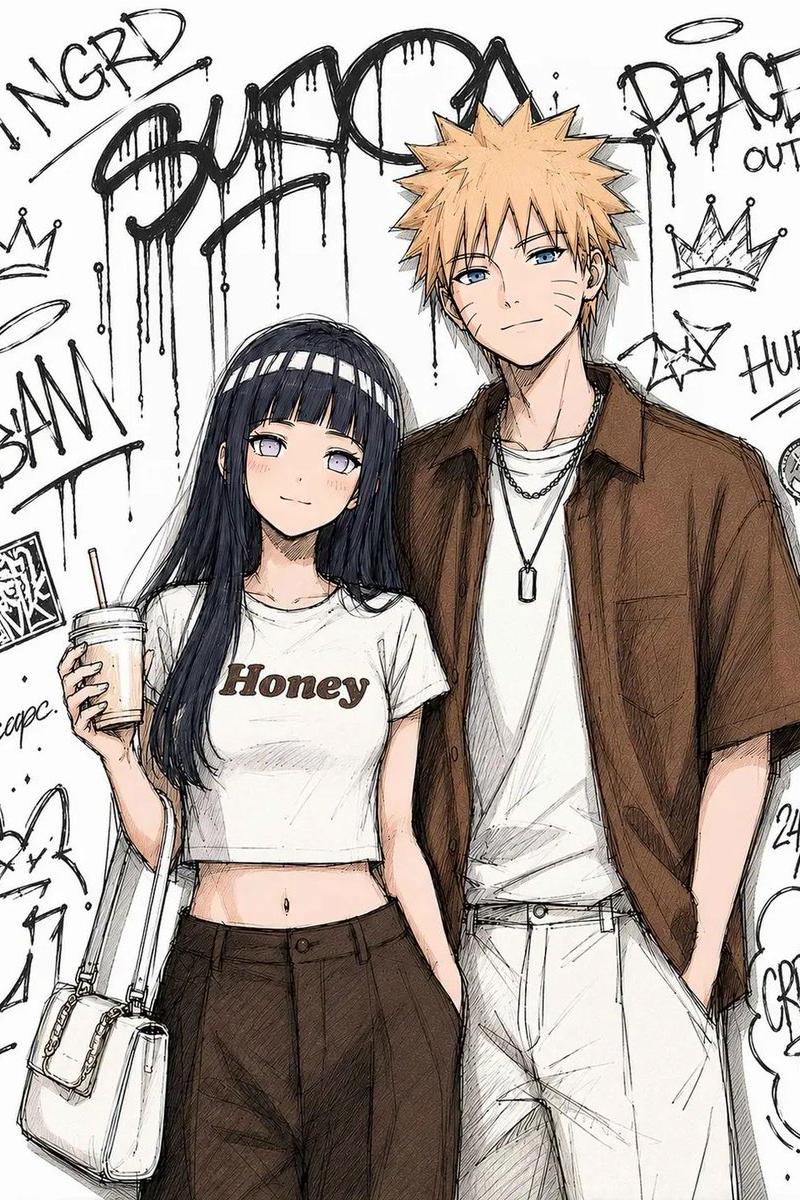
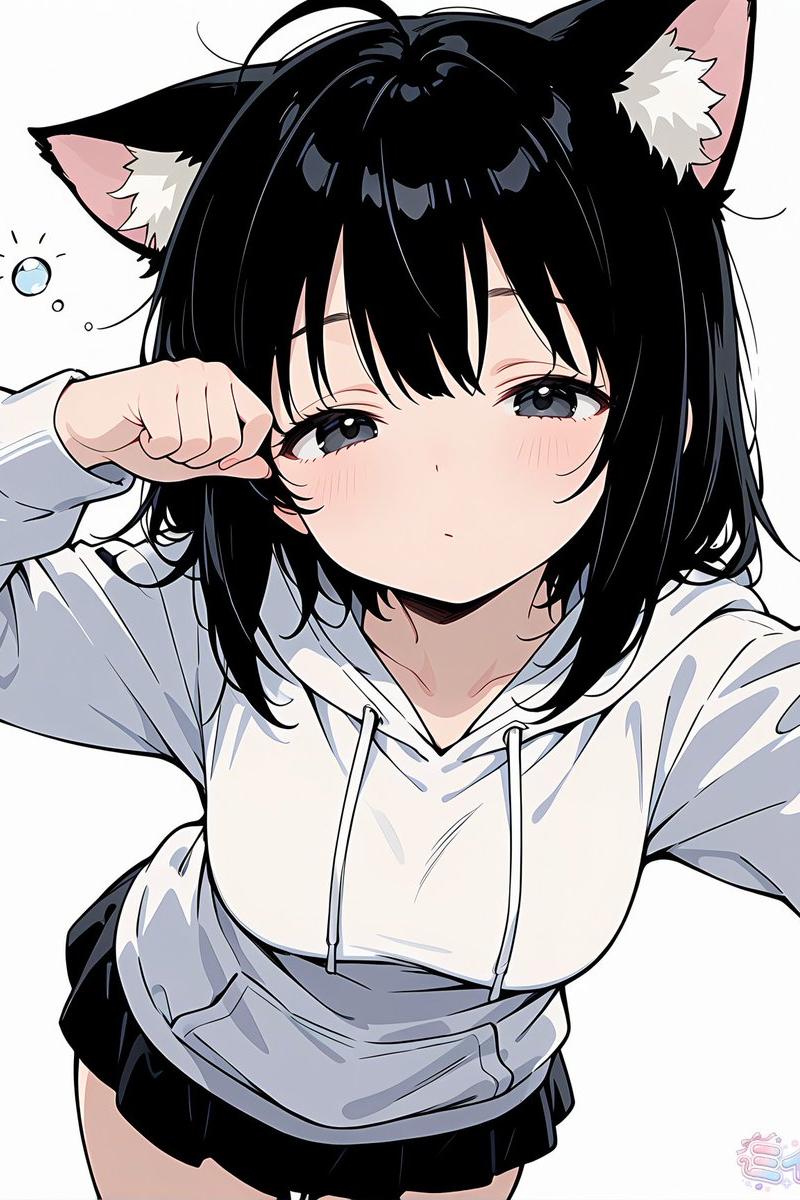
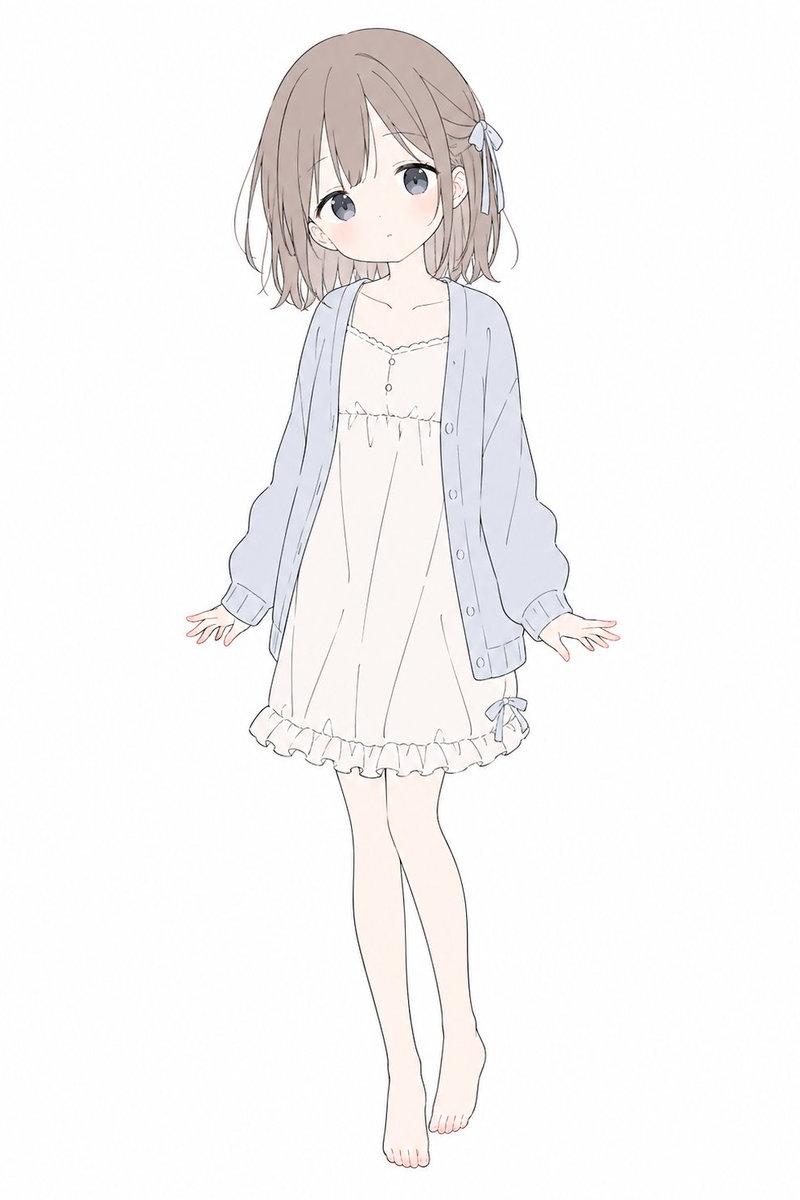
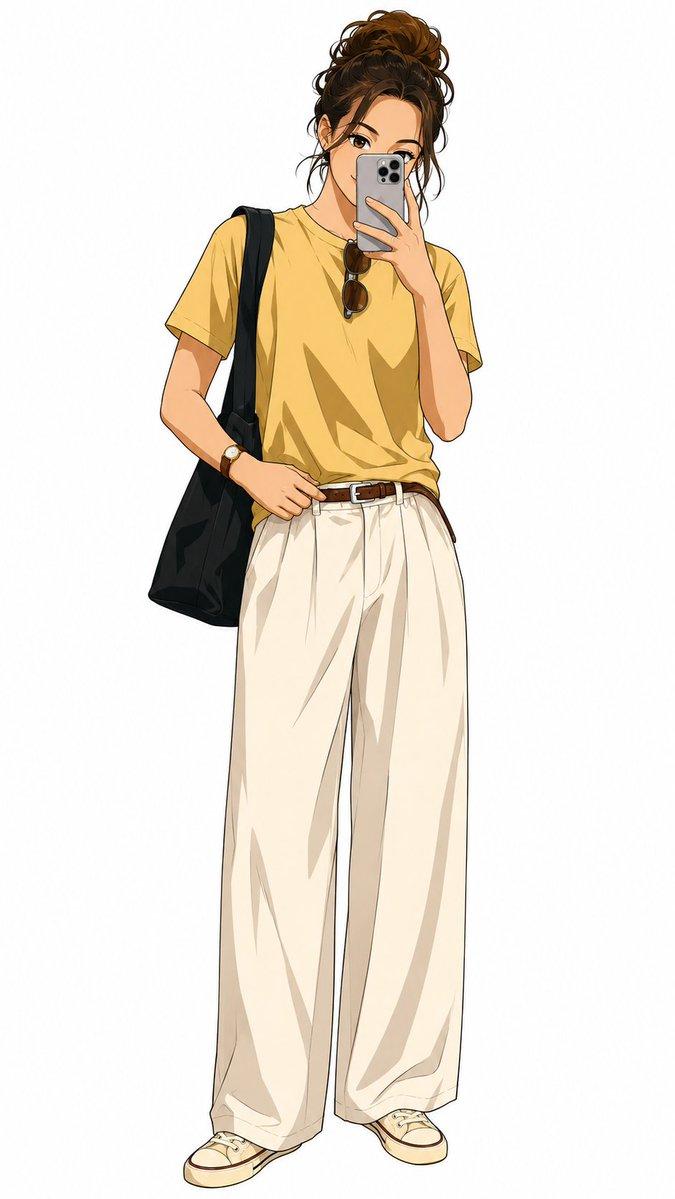
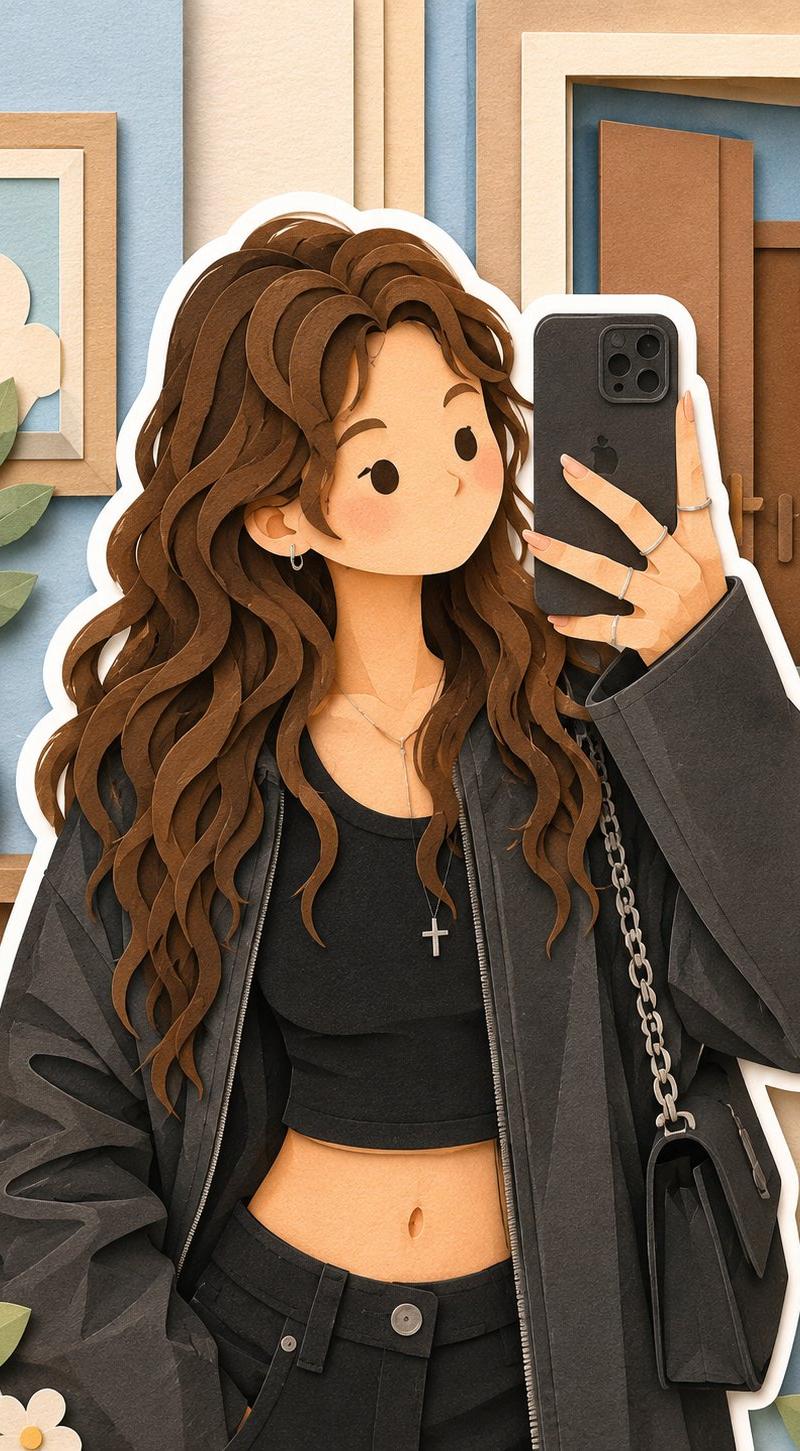
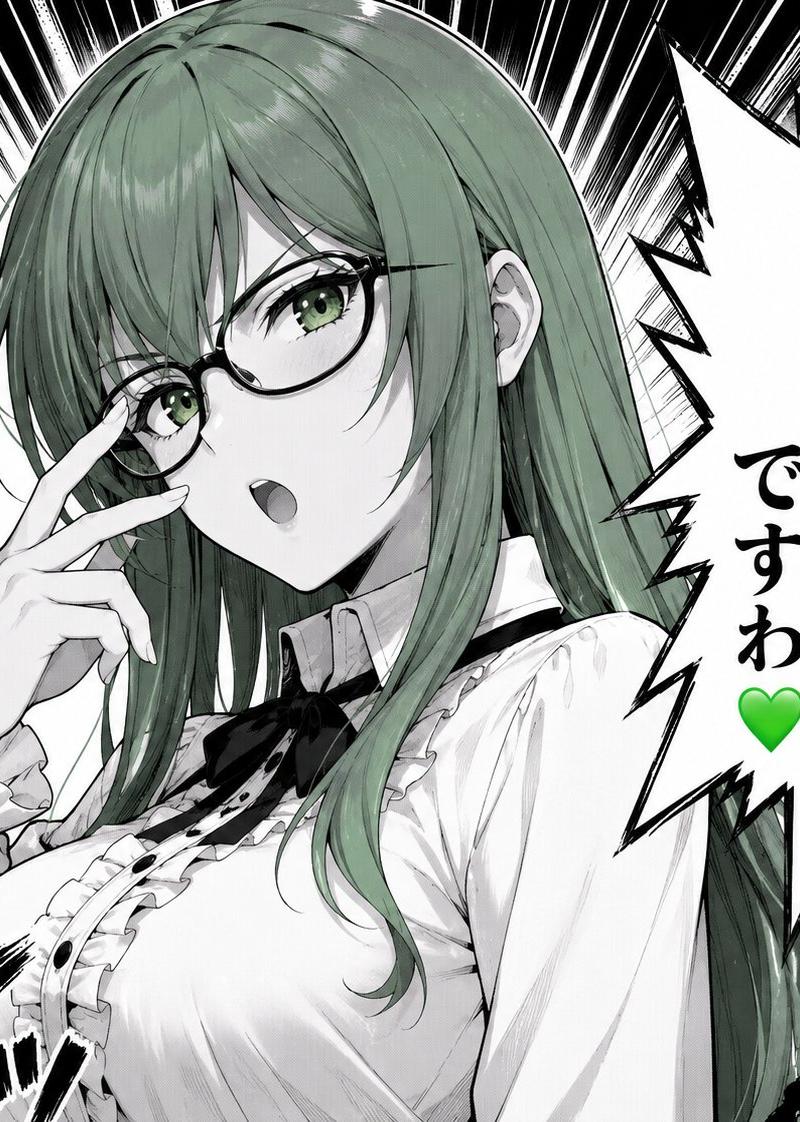
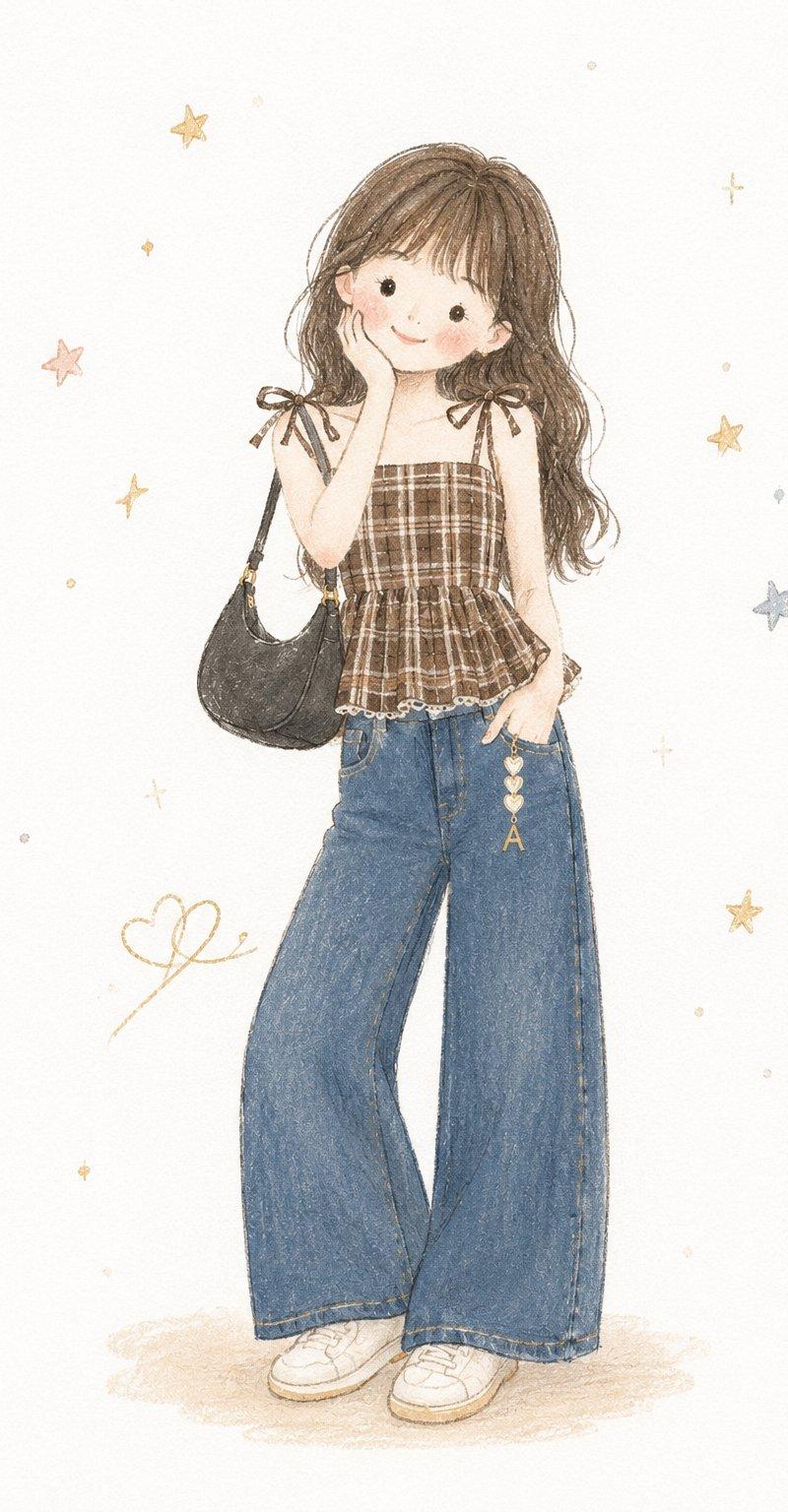
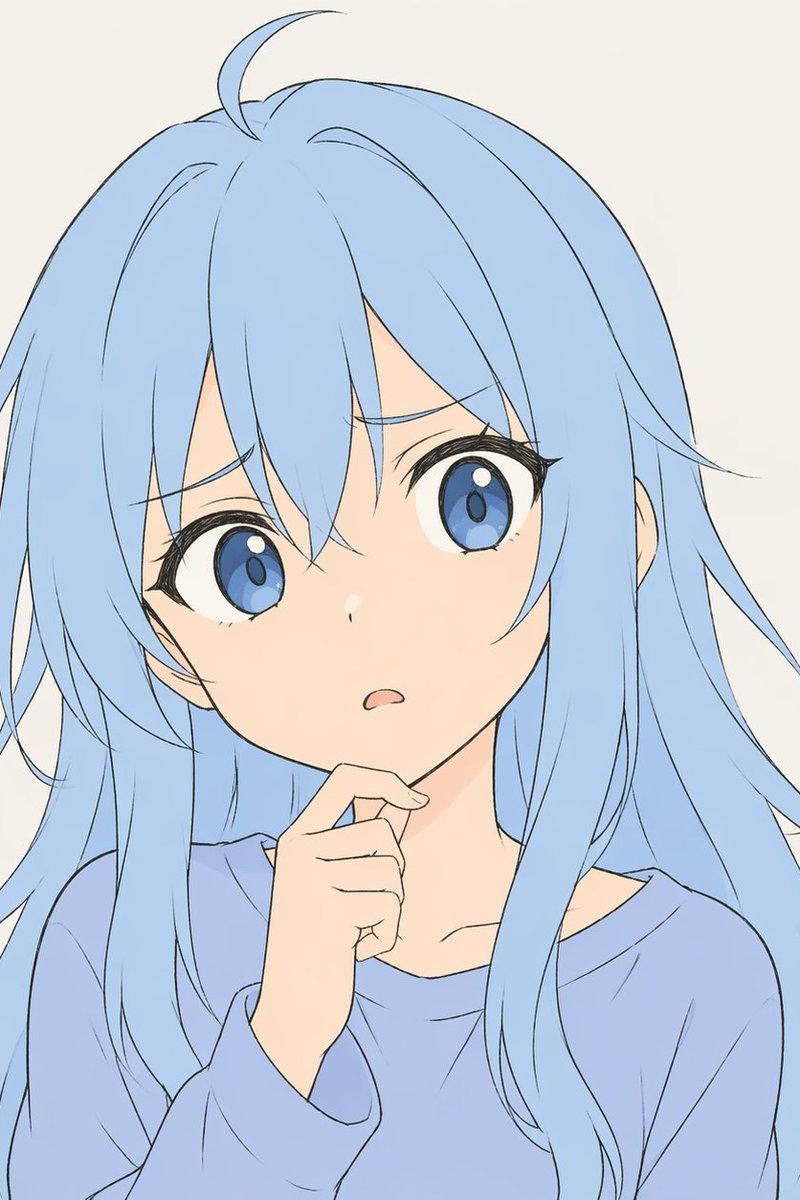
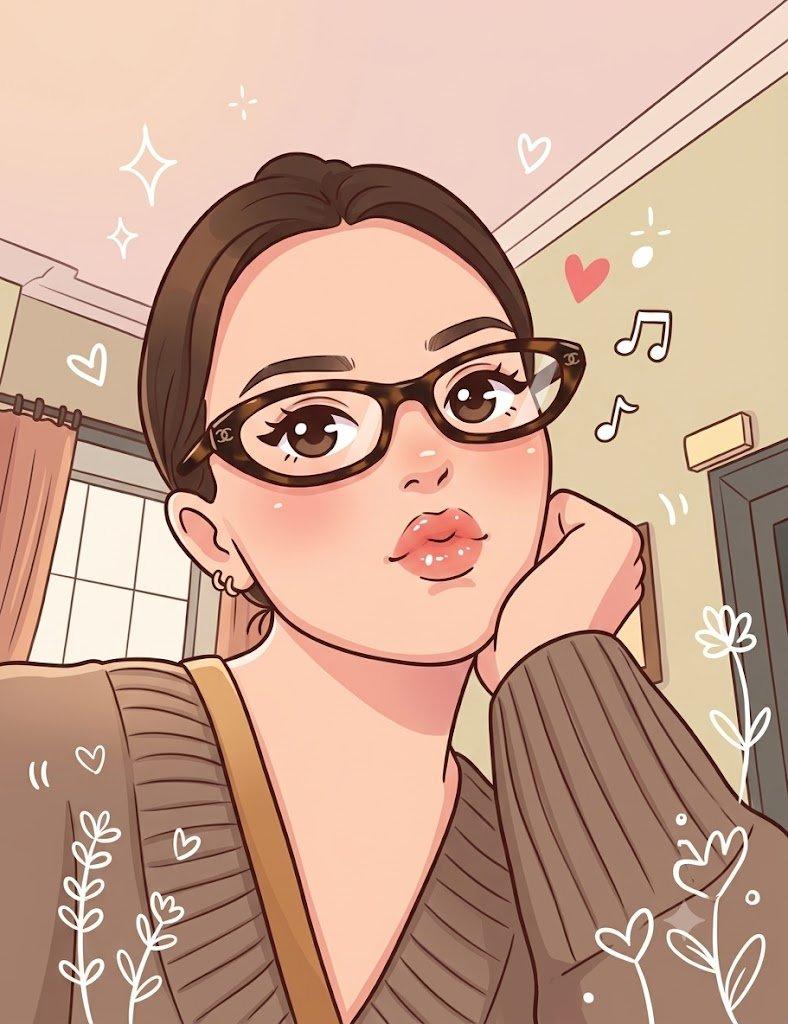
Example images

将输入图像中的人物转换为极简的2D扁平插图。 在保留输入图像人物特征的同时,将其转化为绘本风格·矢量艺术风格的简单角色。排除所有阴影、渐变、纹理和细致描绘,仅用

Prompt
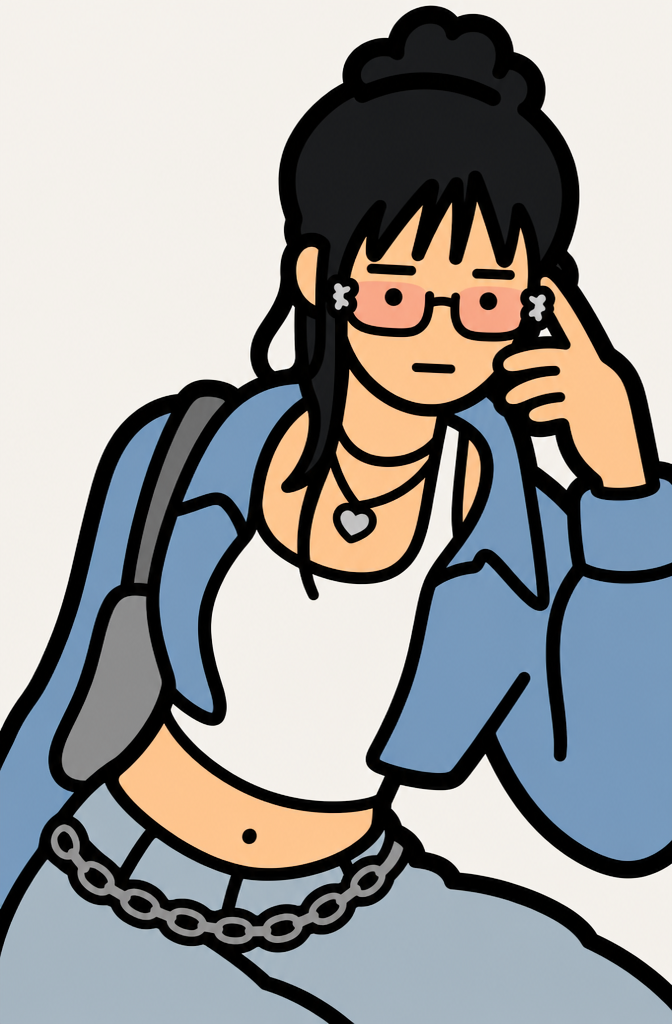
将输入图像中的人物转换为极简的2D扁平插图。

在保留输入图像人物特征的同时,将其转化为绘本风格·矢量艺术风格的简单角色。排除所有阴影、渐变、纹理和细致描绘,仅用扁平颜色和极粗的黑色轮廓线构成。

人物要极端变形·简化。表情无论输入图像如何,都完全设为无表情,眼睛为小点,眉毛为一条线,嘴巴为平直的一条线。发型和服装参考输入图像,但不画细线头发、衣服图案、口袋、纽扣、接缝等,以大的单色块形式表现。构图基于输入图像的半身肖像画。

所有轮廓线均为均匀的极粗黑线。不是细笔线,而是像用粗海报马克笔画出的有重量的黑线。仅将完成的插图轮廓向外膨胀一级般加粗,小细节被粗线吞没。禁止细线、中粗线、精致笔线、草图线、有笔压的线。

关键词:
极简主义, 2D扁平插图, 矢量艺术, 绘本风格, 极粗黑线, 海报马克笔线, 膨胀轮廓, 膨胀黑轮廓, 粗黑轮廓, 无细线, 扁平颜色, 完全无表情, 极端简化, 非写实
Category
Posters & Typography
Model
GPT Image 2
Creator
xie underwood
Source language
zh-CN
Views201
Source ID
11998
Published
May 29, 2026
Studio

Guide

About "将输入图像中的人物转换为极简的2D扁平插图。 在保留输入图像人物特征的同时,将其转化为绘本风格·矢量艺术风格的简单角色。排除所有阴影、渐变、纹理和细致描绘,仅用"

What is this prompt for?

"将输入图像中的人物转换为极简的2D扁平插图。 在保留输入图像人物特征的同时,将其转化为绘本风格·矢量艺术风格的简单角色。排除所有阴影、渐变、纹理和细致描绘,仅用" AI image prompt for GPT Image 2 (Posters & Typography). 将输入图像中的人物转换为极简的2D扁平插…

The full copyable prompt and example visuals above are ready for AI image generation or one-click recreate in Picva.

How to use this prompt

  1. Step 1

    Open the prompt detail

    Review the example visuals, category, and full prompt text for "将输入图像中的人物转换为极简的2D扁平插图。 在保留输入图像人物特征的同时,将其转化为绘本风格·矢量艺术风格的简单角色。排除所有阴影、渐变、纹理和细致描绘,仅用".

  2. Step 2

    Copy the prompt

    Copy the prompt body from this page, or load it directly in Studio.

  3. Step 3

    Pick a model (GPT Image 2)

    Prefer GPT Image 2. If you switch models, keep subject and composition and tweak style terms.

  4. Step 4

    Generate and export

    Recreate the look in Picva, or export into your workflow for editing and publishing.

FAQ

What is the "将输入图像中的人物转换为极简的2D扁平插图。 在保留输入图像人物特征的同时,将其转化为绘本风格·矢量艺术风格的简单角色。排除所有阴影、渐变、纹理和细致描绘,仅用" prompt?
It is an AI image-generation prompt for GPT Image 2 in the Posters & Typography category. This page includes the full prompt text, example visuals, and a one-click recreate path in Picva.
How do I use this prompt to generate an image?
Copy the prompt from this page, or use Generate / Studio. Paste it into a compatible image model, or recreate the look in Picva with optional reference images.
Which model is this prompt for?
This page lists GPT Image 2. Most descriptive prompts also transfer to nearby image models such as GPT Image, Flux, or Midjourney with light style tweaks.
Can I use the result commercially?
You can usually copy the prompt for creation, but commercial use of the final image depends on the model terms, reference-image rights, and the generated content. Follow the source author and platform rules.