19

【构图要求】 - 左侧放置全身或半身照片的主角(时尚街拍风) - 右侧以白底排版列出所有单品 - 每件单品包含:物品图、品牌名、中文品名、价格 - 布局整洁、有
Enlarge

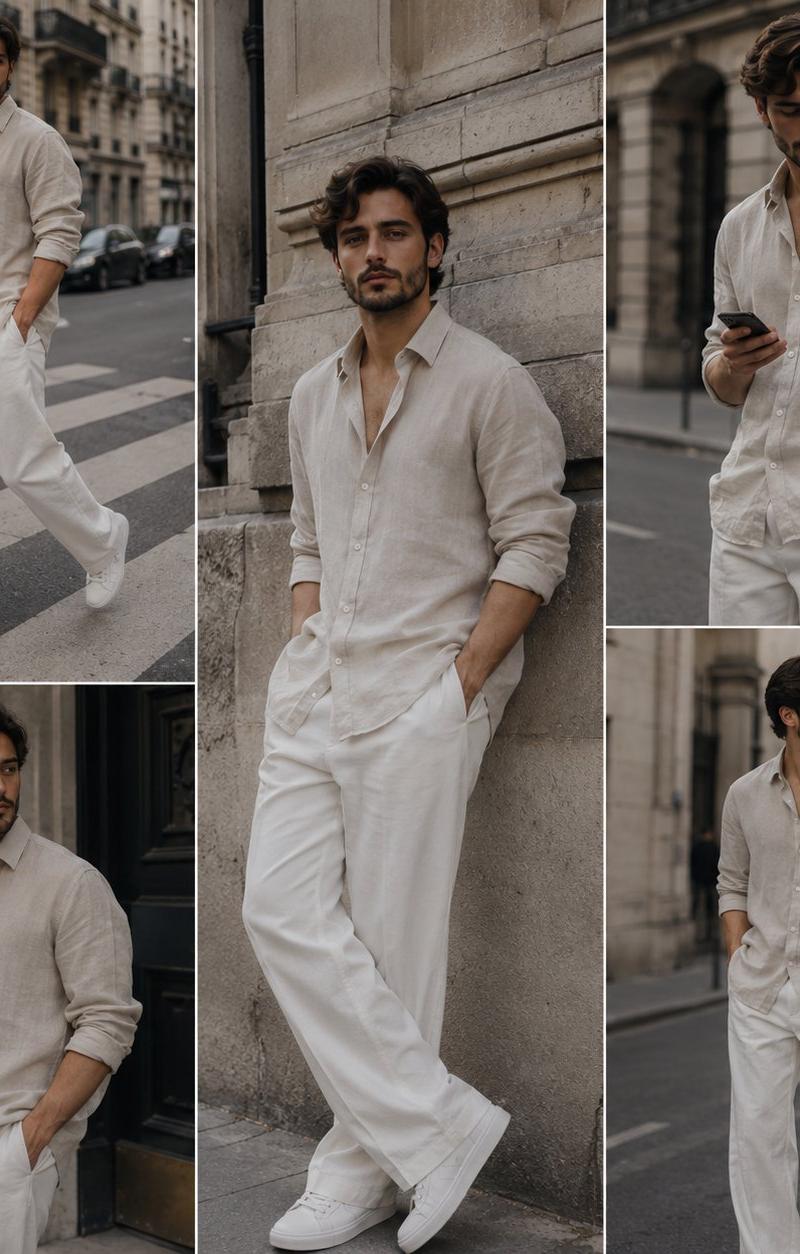
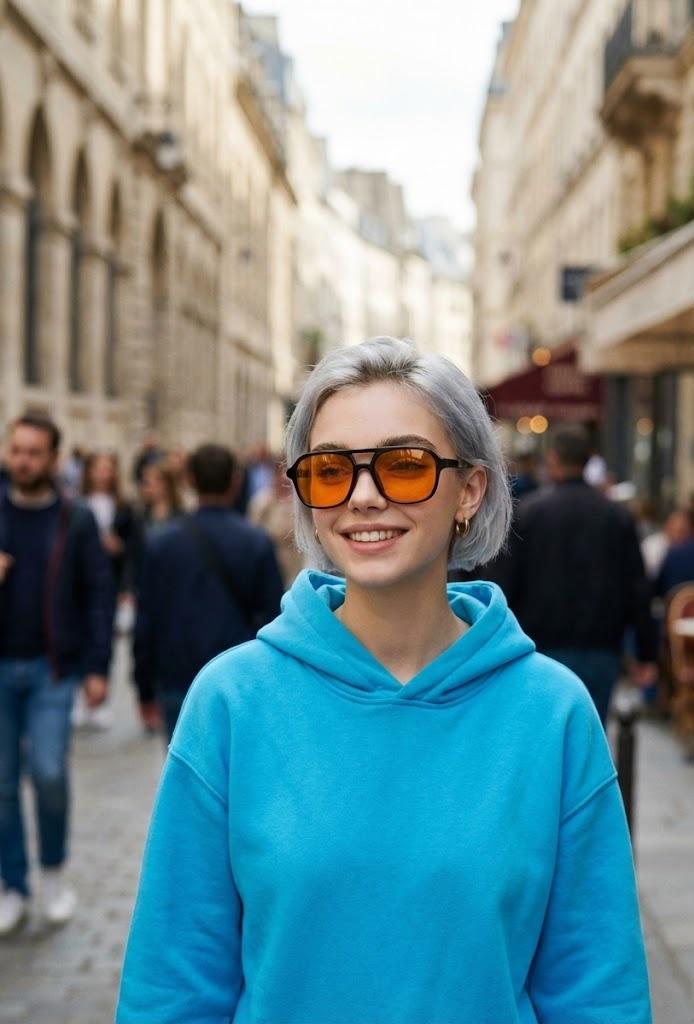
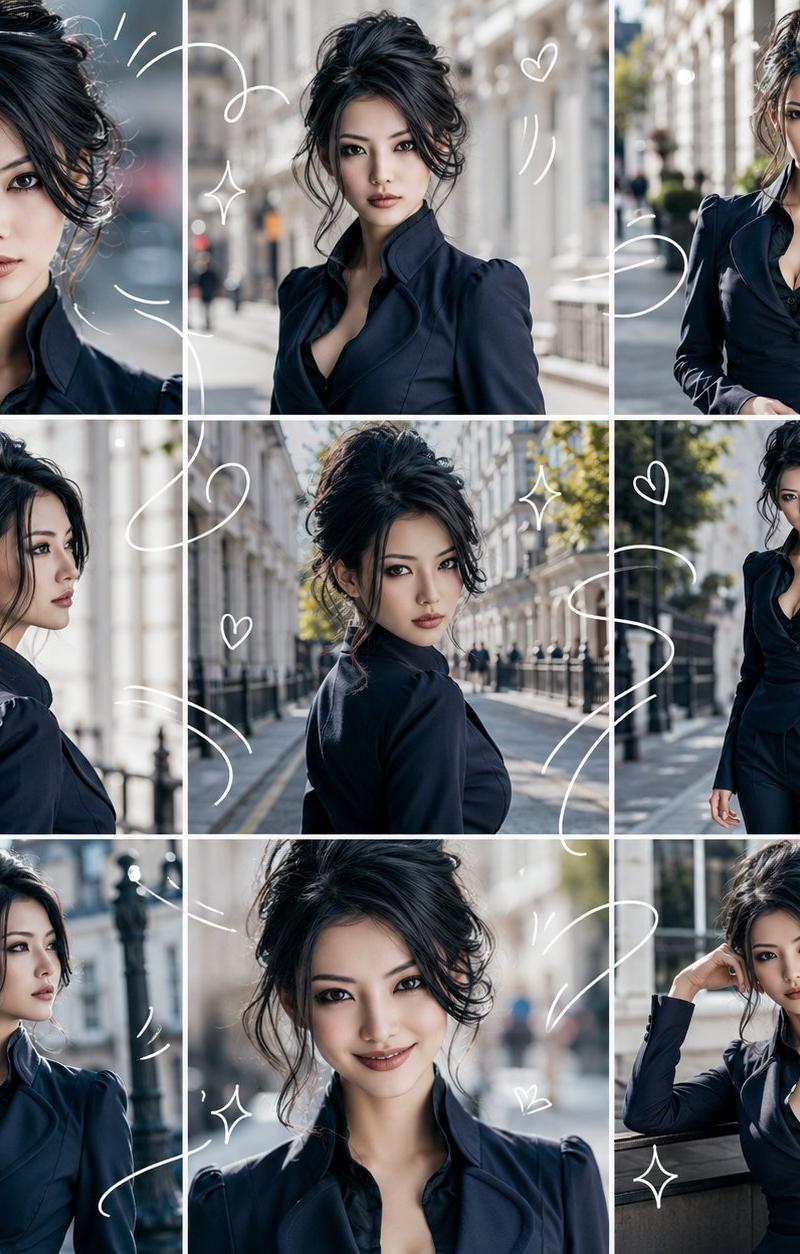
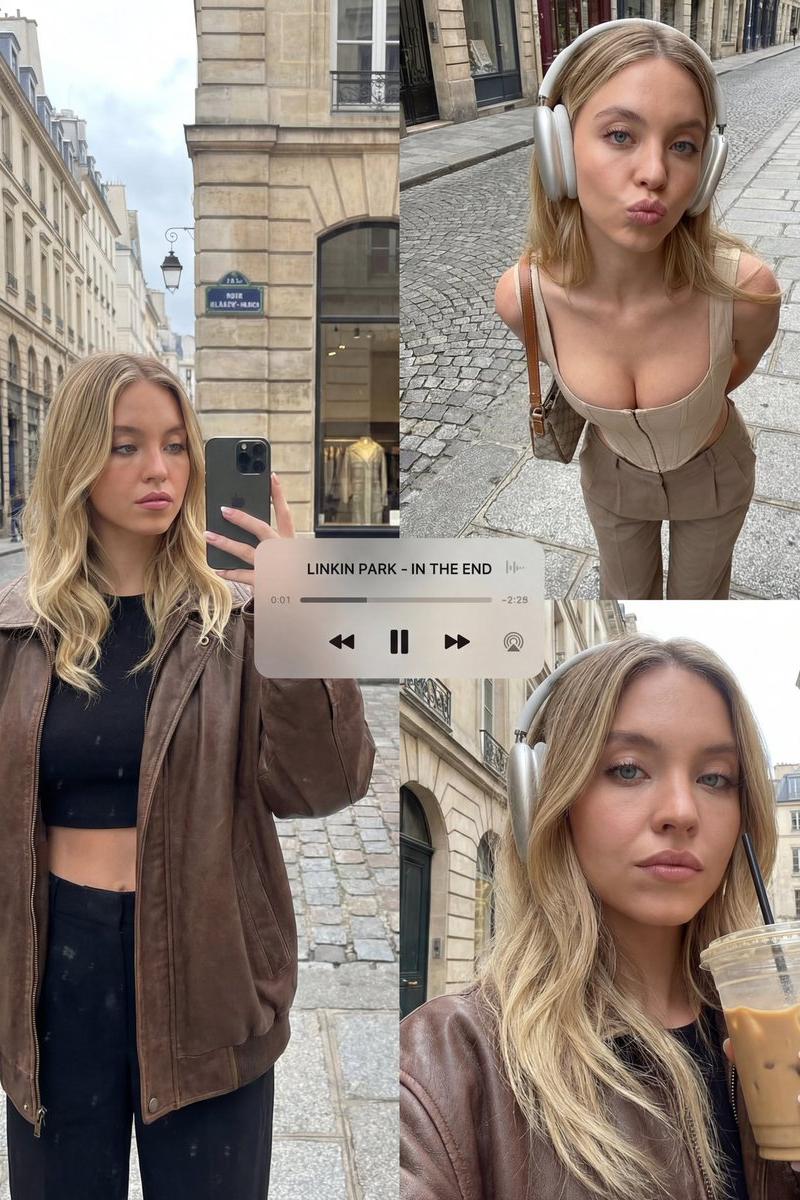
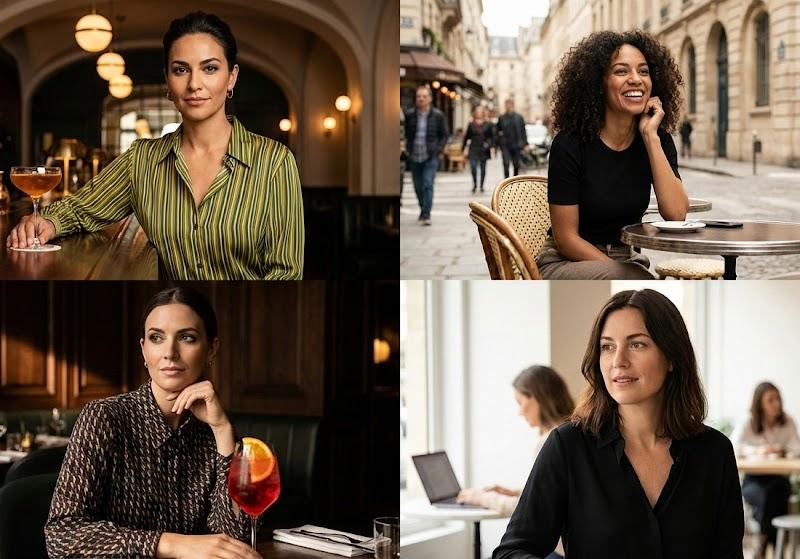
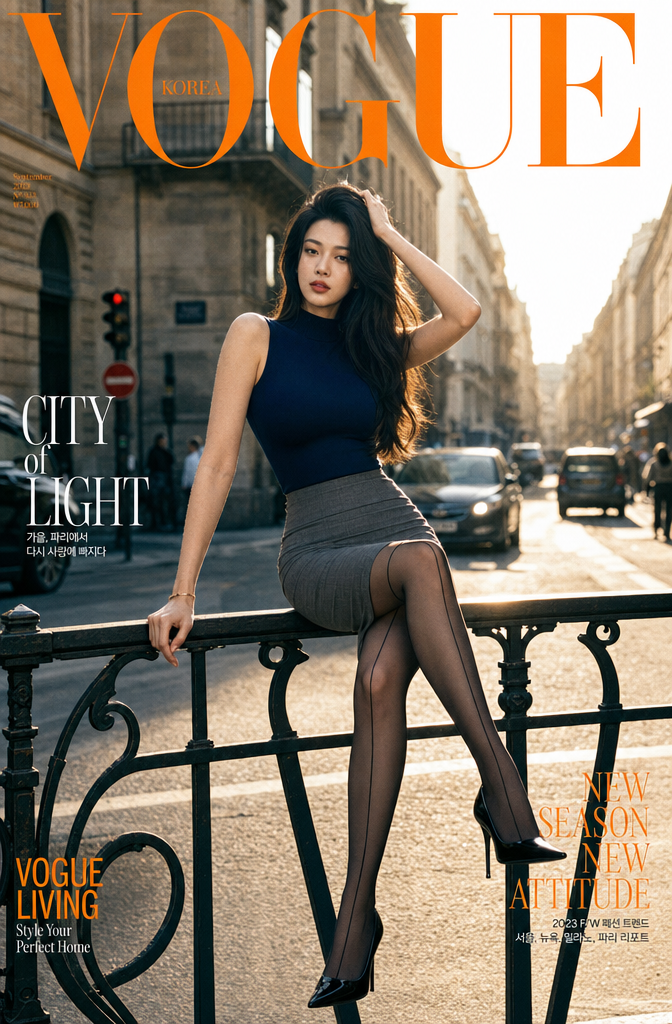
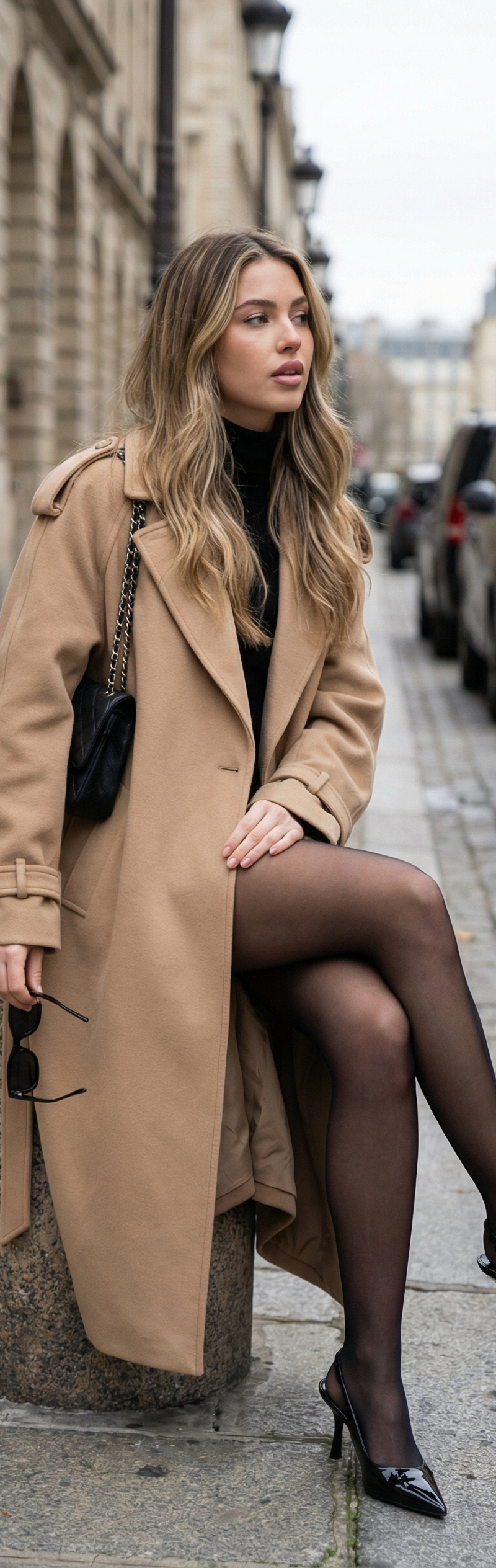
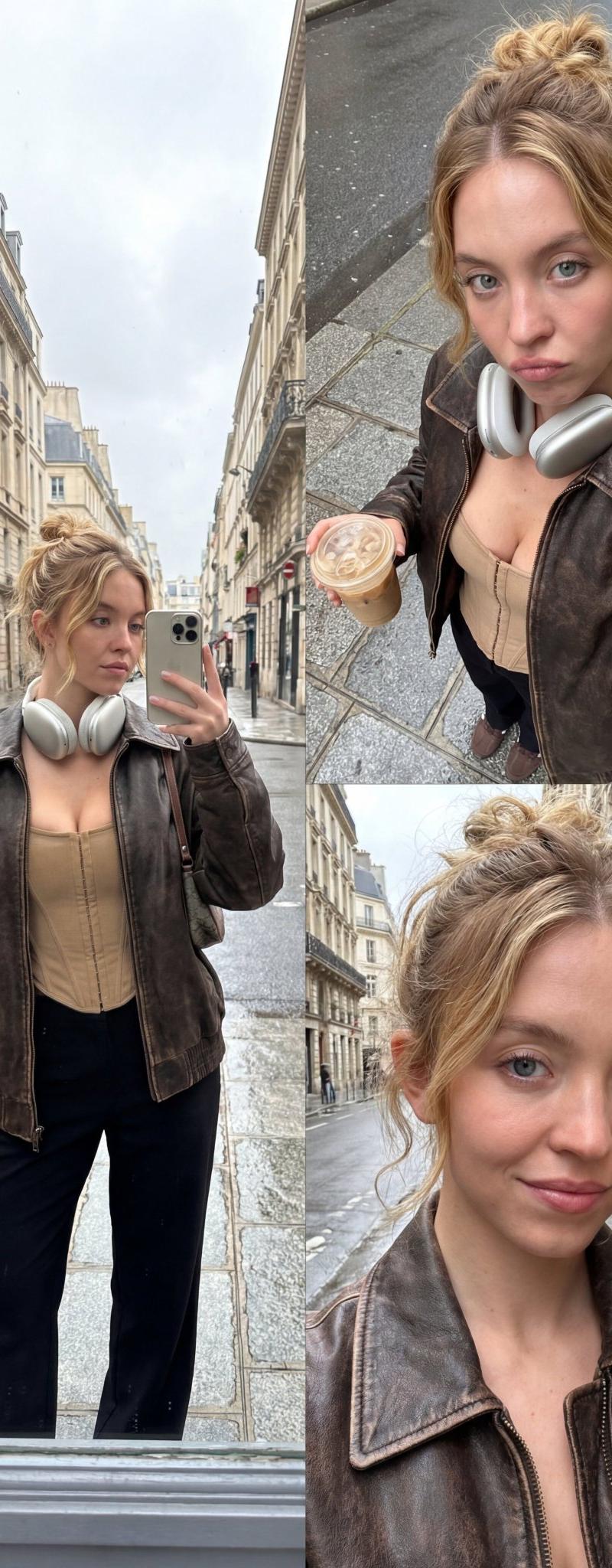
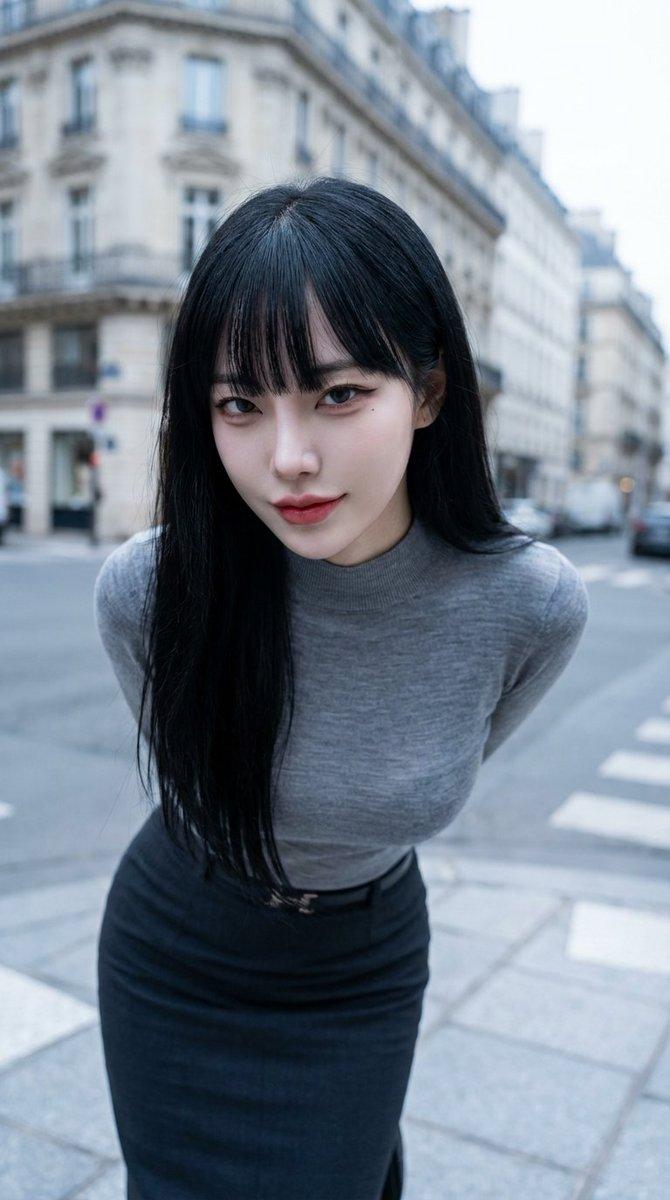
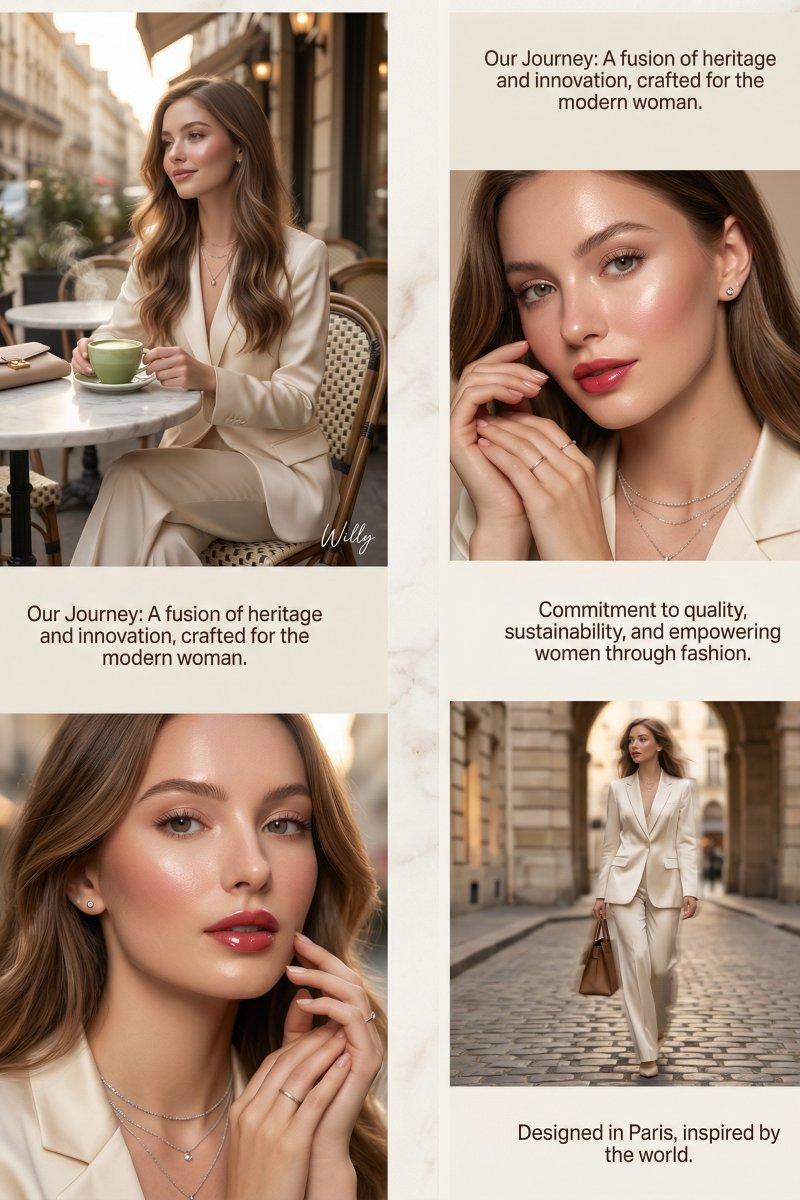
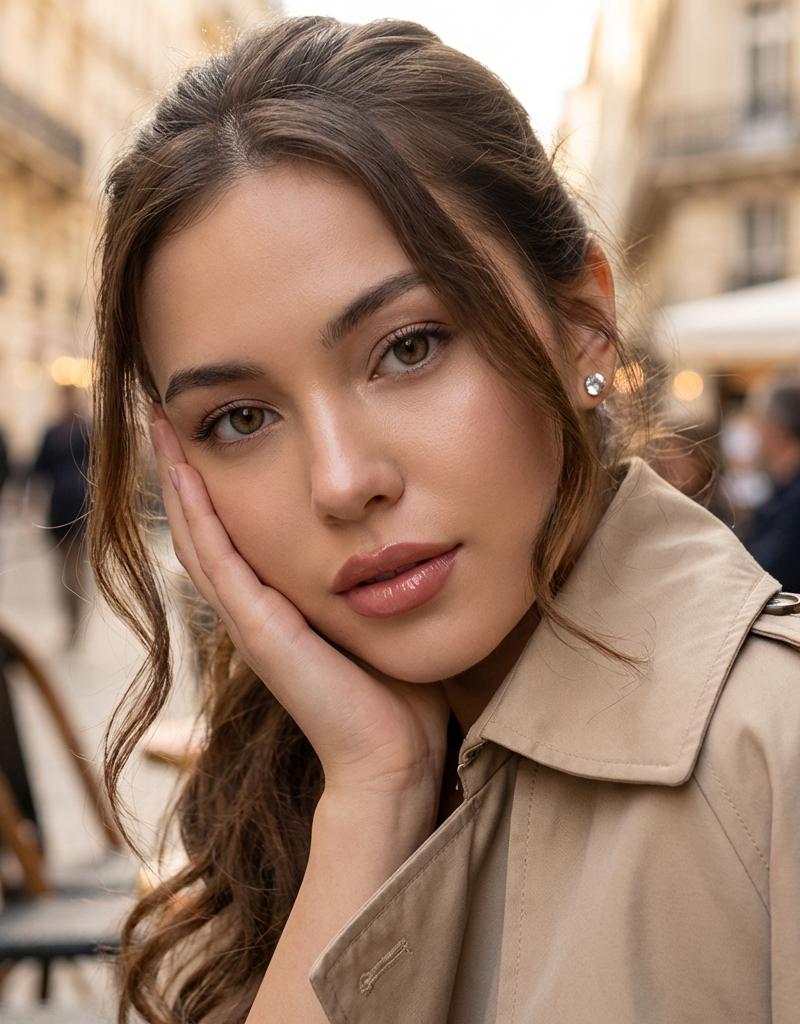
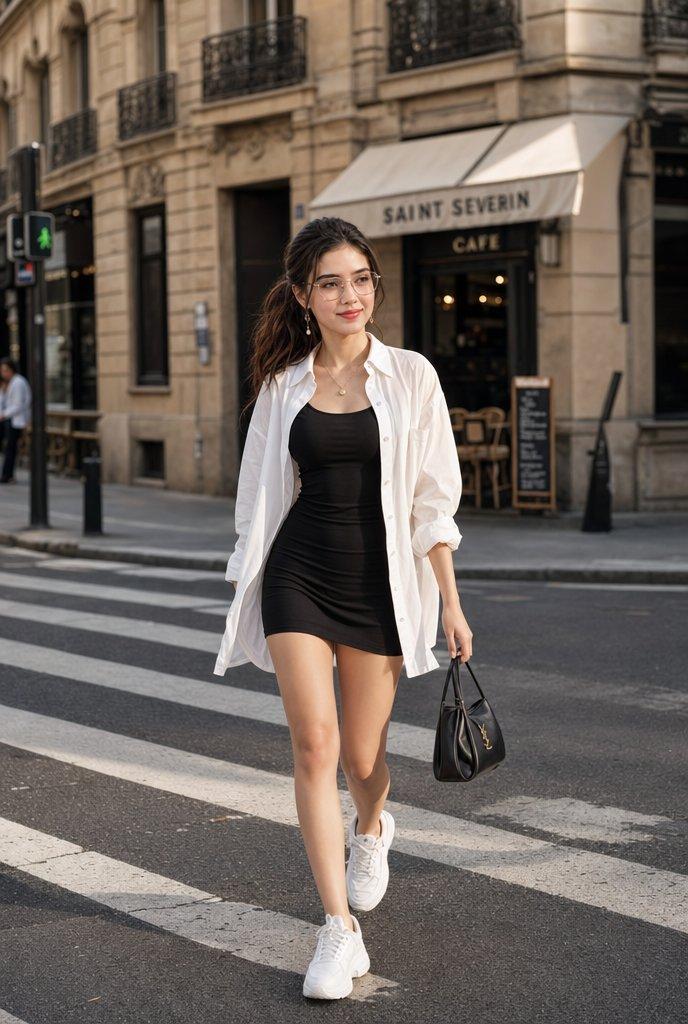
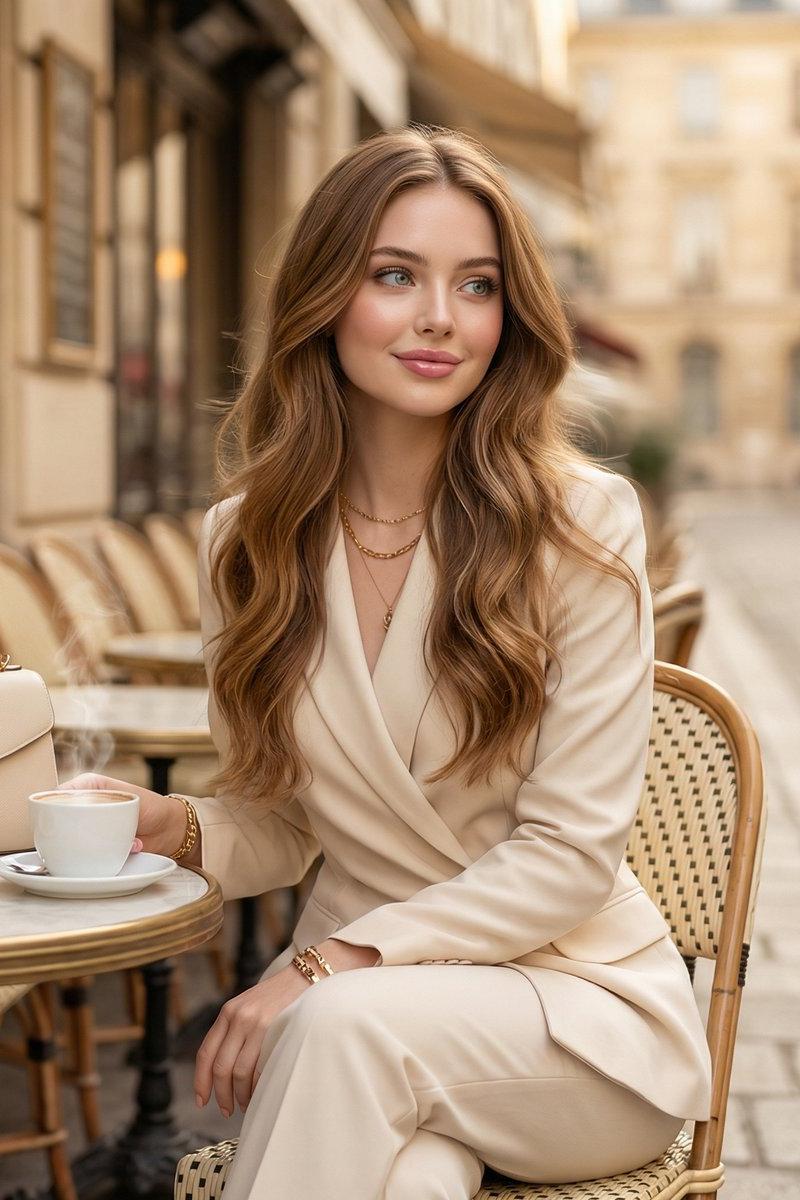
Example images

【构图要求】 - 左侧放置全身或半身照片的主角(时尚街拍风) - 右侧以白底排版列出所有单品 - 每件单品包含:物品图、品牌名、中文品名、价格 - 布局整洁、有

Prompt
【构图要求】
- 左侧放置全身或半身照片的主角(时尚街拍风)
- 右侧以白底排版列出所有单品
- 每件单品包含:物品图、品牌名、中文品名、价格
- 布局整洁、有呼吸感,时尚杂志风格
 
【视觉风格】
- 明亮自然街拍光线
- 真实质感的衣物贴图,呈现清晰材质
- 右侧采用电商风格白底商品照
- 字体干净现代(类似无衬线字体)
- 整体专业、极简、精致
 
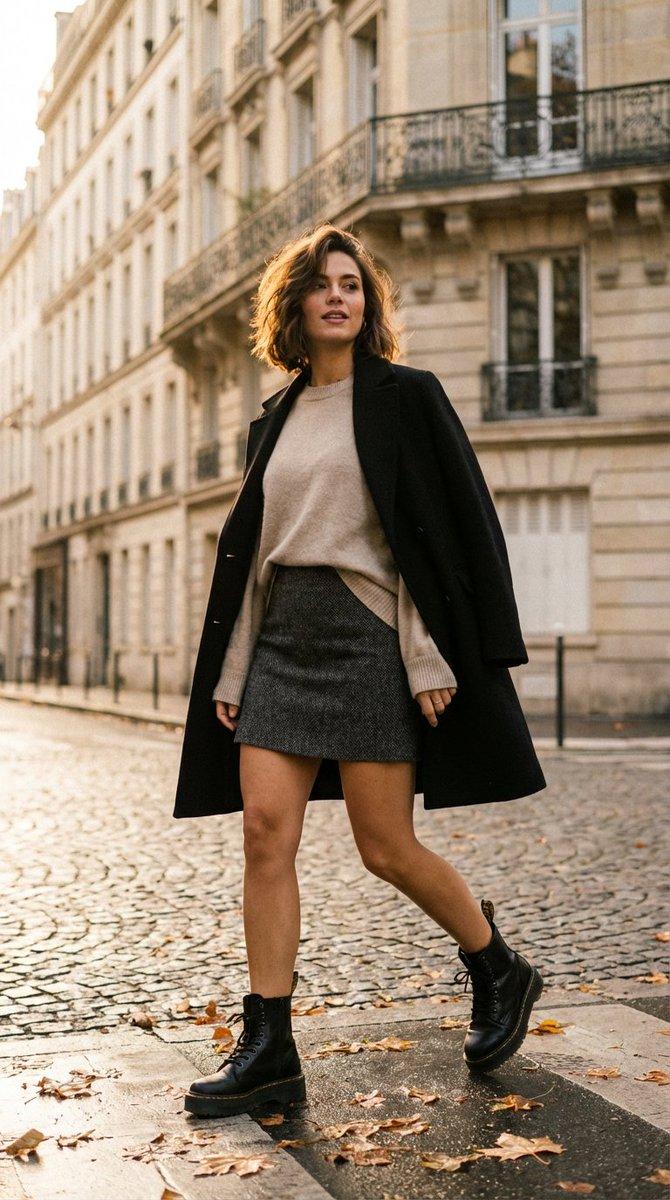
【人物说明】
- 东亚女性角色,时髦、有气质
- 穿着:白色裹身挂脖上衣、浅灰系带半身裙、银色简约项链、白色花朵发夹、金色系戒指
- 造型自然,像真人街拍
 
【单品列表排版】
- 以独立小模块方式呈现每件单品
- 每件单品包括:
- 商品照(剪影风)
- 品牌名(英文或中文)
- 品名(中文)
- 价格(人民币)
 
【整体风格方向】
- 像小红书/微博时尚博主常用的 OOTD 拼贴
- 风格年轻、日常、好看、实用
- 色调统一且具有品牌感
Category
Posters & Typography
Model
Nano Banana 2
Creator
xie underwood
Source language
zh-CN
Views82
Source ID
1406
Published
Mar 30, 2026
Studio

Guide

About "【构图要求】 - 左侧放置全身或半身照片的主角(时尚街拍风) - 右侧以白底排版列出所有单品 - 每件单品包含:物品图、品牌名、中文品名、价格 - 布局整洁、有"

What is this prompt for?

"【构图要求】 - 左侧放置全身或半身照片的主角(时尚街拍风) - 右侧以白底排版列出所有单品 - 每件单品包含:物品图、品牌名、中文品名、价格 - 布局整洁、有" AI image prompt for Nano Banana 2 (Posters & Typography). 【构图要求】 - 左侧放置全身或半身…

The full copyable prompt and example visuals above are ready for AI image generation or one-click recreate in Picva.

How to use this prompt

  1. Step 1

    Open the prompt detail

    Review the example visuals, category, and full prompt text for "【构图要求】 - 左侧放置全身或半身照片的主角(时尚街拍风) - 右侧以白底排版列出所有单品 - 每件单品包含:物品图、品牌名、中文品名、价格 - 布局整洁、有".

  2. Step 2

    Copy the prompt

    Copy the prompt body from this page, or load it directly in Studio.

  3. Step 3

    Pick a model (Nano Banana 2)

    Prefer Nano Banana 2. If you switch models, keep subject and composition and tweak style terms.

  4. Step 4

    Generate and export

    Recreate the look in Picva, or export into your workflow for editing and publishing.

FAQ

What is the "【构图要求】 - 左侧放置全身或半身照片的主角(时尚街拍风) - 右侧以白底排版列出所有单品 - 每件单品包含:物品图、品牌名、中文品名、价格 - 布局整洁、有" prompt?
It is an AI image-generation prompt for Nano Banana 2 in the Posters & Typography category. This page includes the full prompt text, example visuals, and a one-click recreate path in Picva.
How do I use this prompt to generate an image?
Copy the prompt from this page, or use Generate / Studio. Paste it into a compatible image model, or recreate the look in Picva with optional reference images.
Which model is this prompt for?
This page lists Nano Banana 2. Most descriptive prompts also transfer to nearby image models such as GPT Image, Flux, or Midjourney with light style tweaks.
Can I use the result commercially?
You can usually copy the prompt for creation, but commercial use of the final image depends on the model terms, reference-image rights, and the generated content. Follow the source author and platform rules.