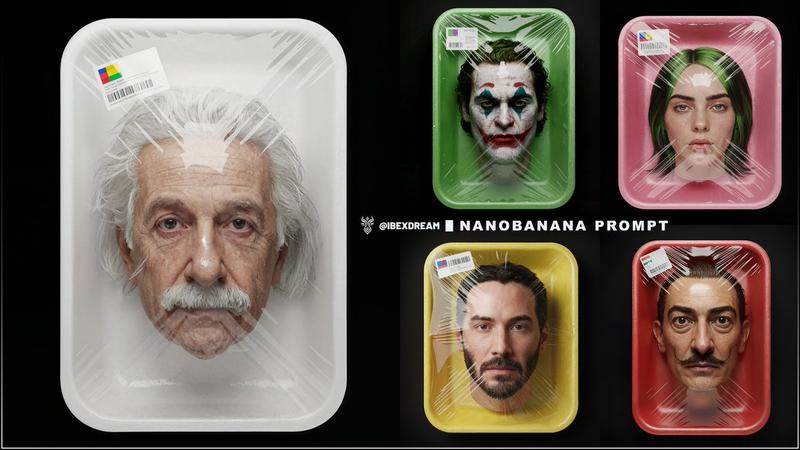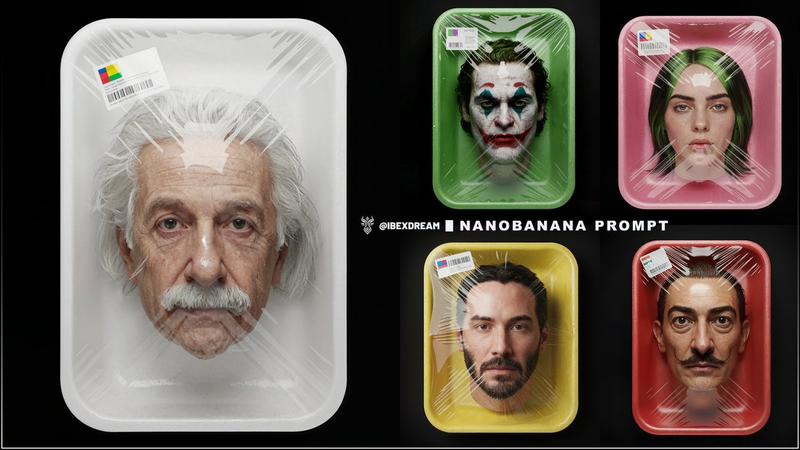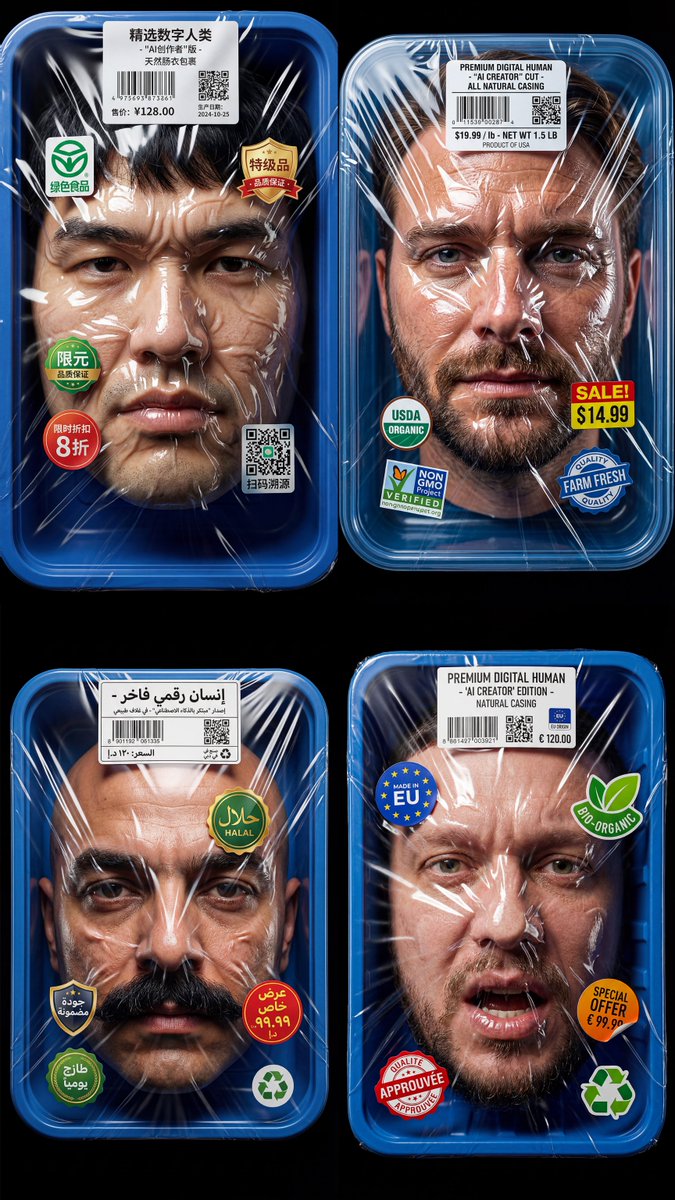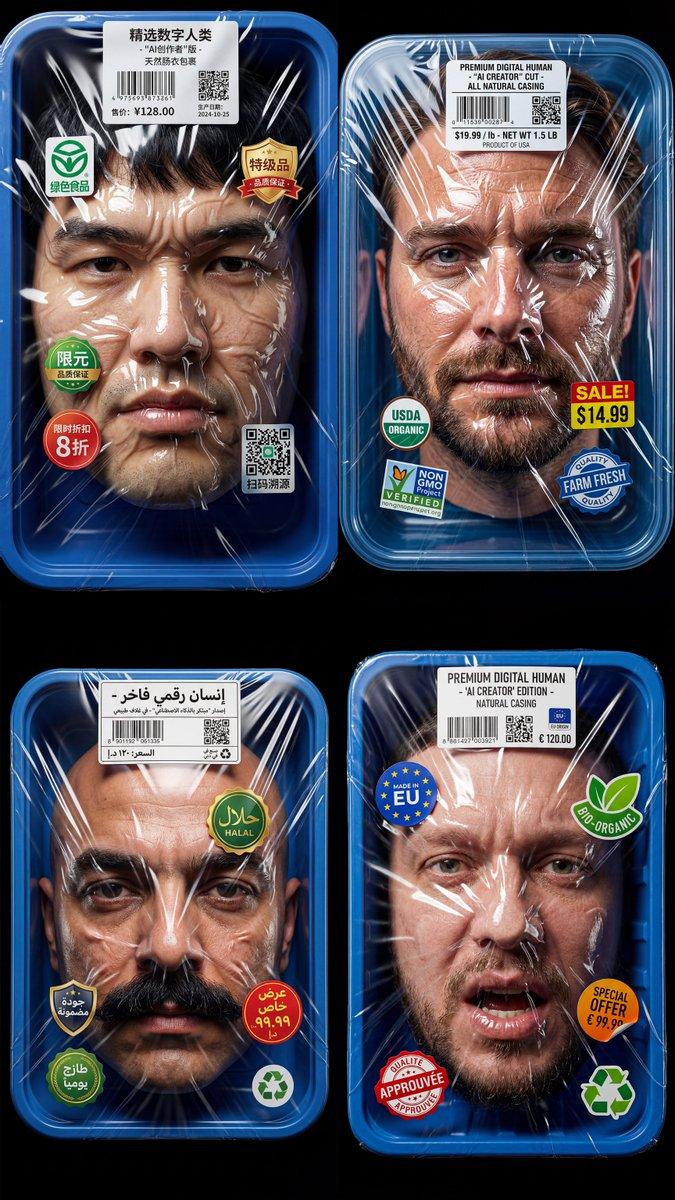
Conceptual hyperrealistic studio image in the style of modern surreal advertisin
Prompt
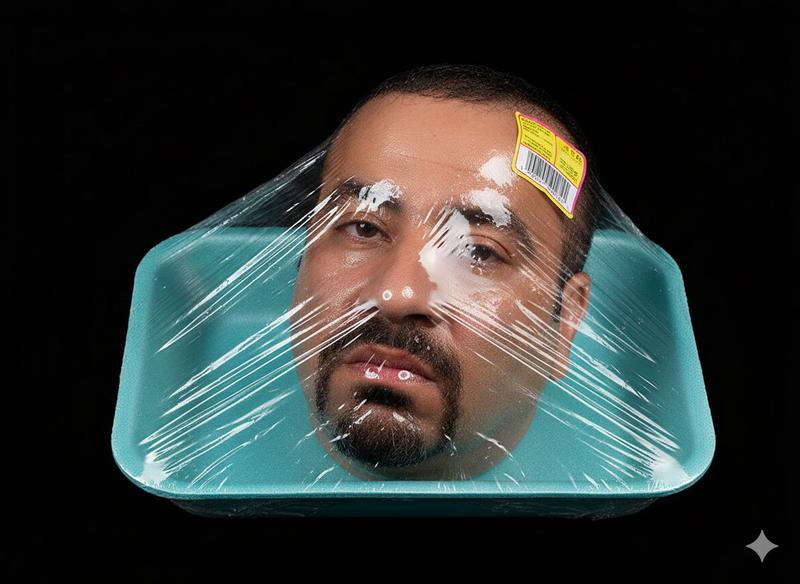
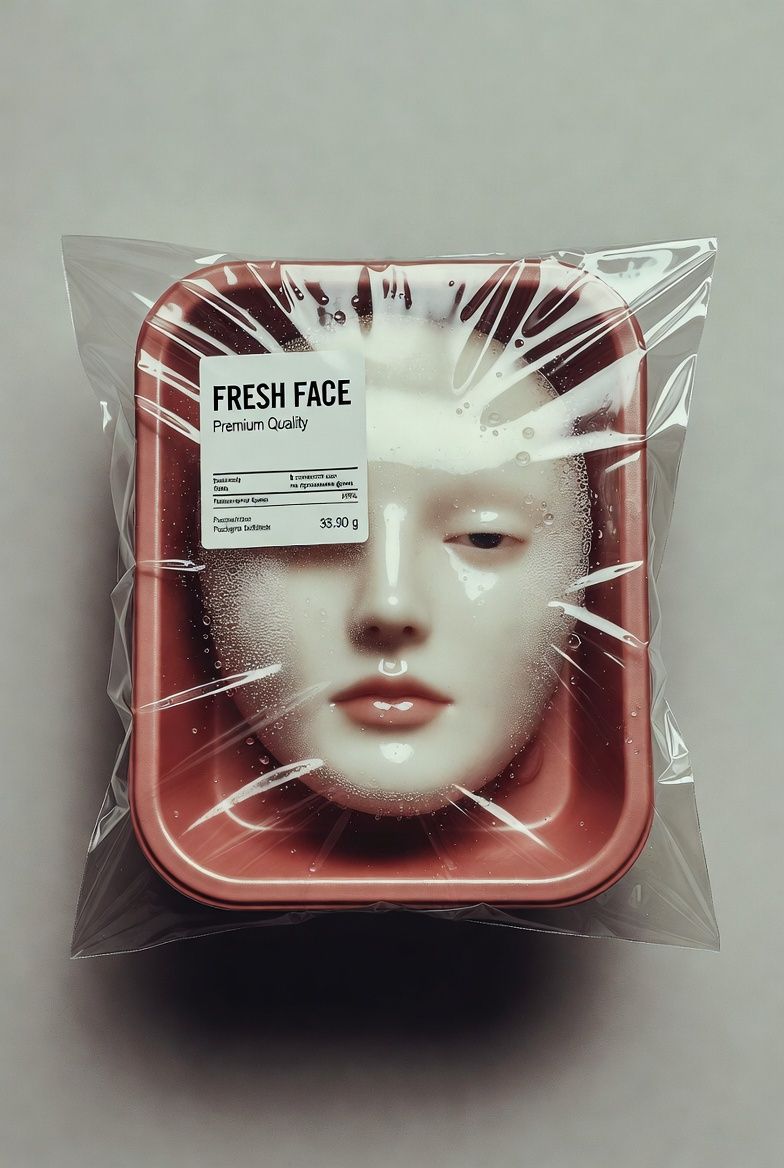
Conceptual hyperrealistic studio image in the style of modern surreal advertising and art photography. A human face presented as a product, sealed inside a supermarket-style plastic tray. A rectangular food container made of semi-transparent red plastic, with rounded corners, placed on a neutral matte gray background. Inside the container a realistic human face (в точности как на приложенном фото) positioned frontally, centered, floating slightly inside the packaging without a visible body. The face appears calm, neutral, emotionless, like a preserved product. The container is tightly wrapped in transparent plastic film, stretched unevenly across the surface. The plastic wrap shows realistic tension lines, folds, reflections, micro scratches, condensation droplets, and small water beads, emphasizing the cold, preserved, packaged feeling. On the top of the packaging a realistic supermarket label sticker with clean typography: "FRESH FACE Premium Quality" Small secondary text with price and packaging date, styled like real food packaging labels. Lighting: soft studio lighting from above and slightly to the side, creating gentle shadows under the container and subtle highlights on the plastic wrap. The face is evenly lit but partially distorted by the plastic film, with light refraction and glare adding realism. Color palette: muted red, pale skin tones, soft gray background, neutral whites. No overly saturated colors. Clean, minimal, modern. Composition: top-down or straight-on product photography angle, perfectly centered, symmetrical, strong negative space around the object. Mood & atmosphere: sterile, unsettling, ironic, thought-provoking. A commentary on beauty standards, commodification of identity, consumer culture, and artificial perfection. Cold, clean, clinical, but visually elegant. Style: conceptual photography, surreal realism, modern art, dystopian advertising, hyperreal product photography, gallery-grade visual art Camera & technical look: Shot as if on a medium format camera (Hasselblad H6D / Phase One), 80mm lens equivalent, shallow-to-medium depth of field, ultra-high resolution, crisp details, realistic textures, no painterly effect. Quality & details: ultra-detailed plastic texture, realistic skin pores, accurate reflections, natural shadows, cinematic realism, high-end commercial photography finish. Negativeno cartoon, no illustration, no painterly style, no fantasy lighting, no blur, no deformation, no extra facial features, no exaggerated expressions, no low resolution, no AI artifacts, no watermark
- Category
- Posters & Typography
- Model
- grok-imagine/text-to-image
- Creator
- xie underwood
- Source ID
- 926
- Published
- Mar 16, 2026
Views42