18

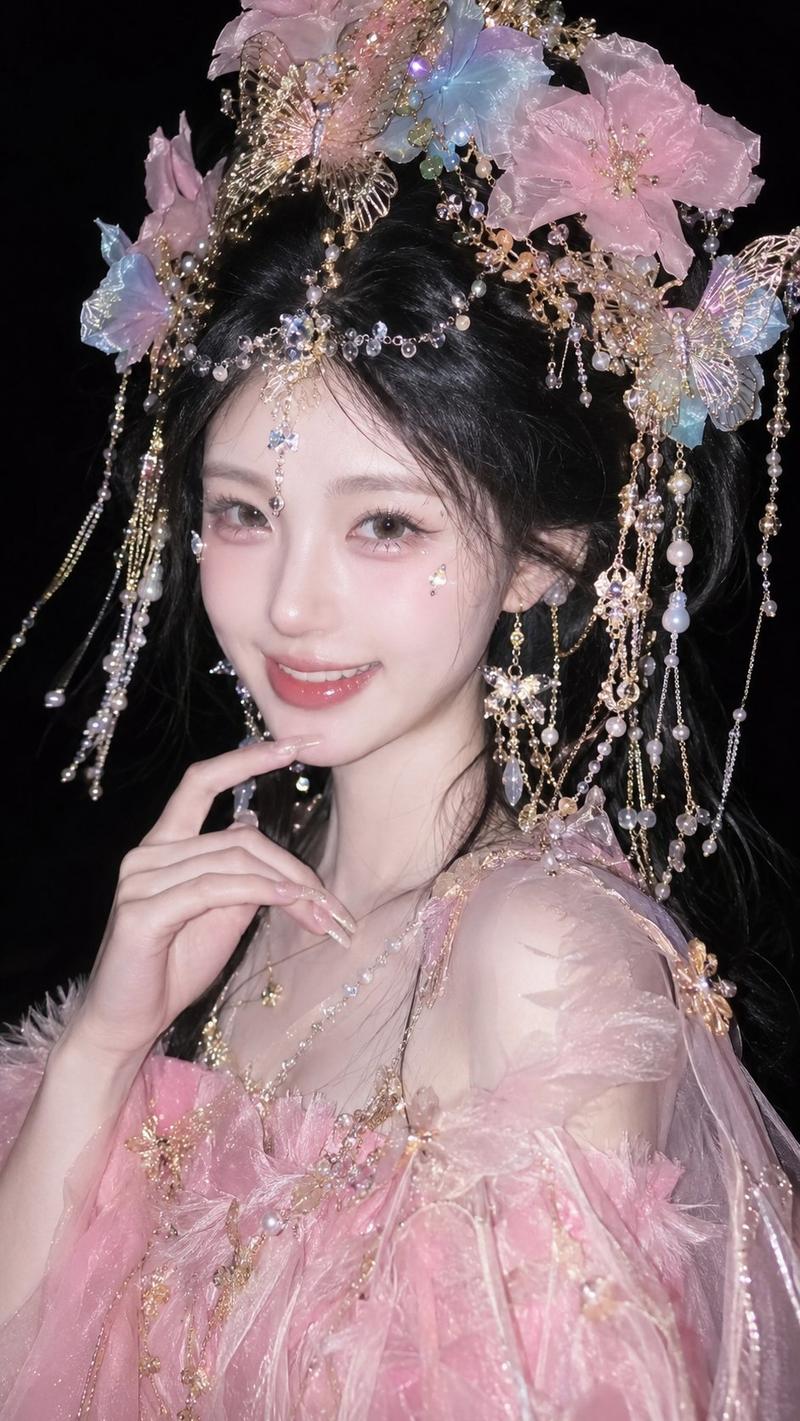
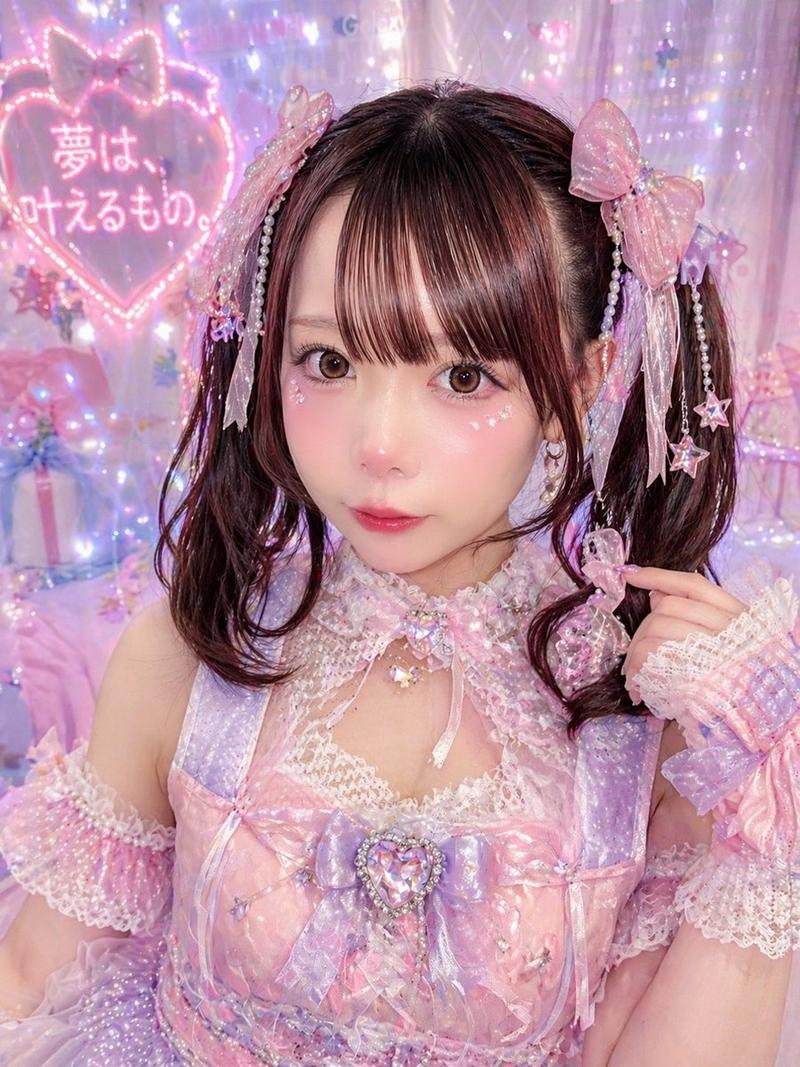
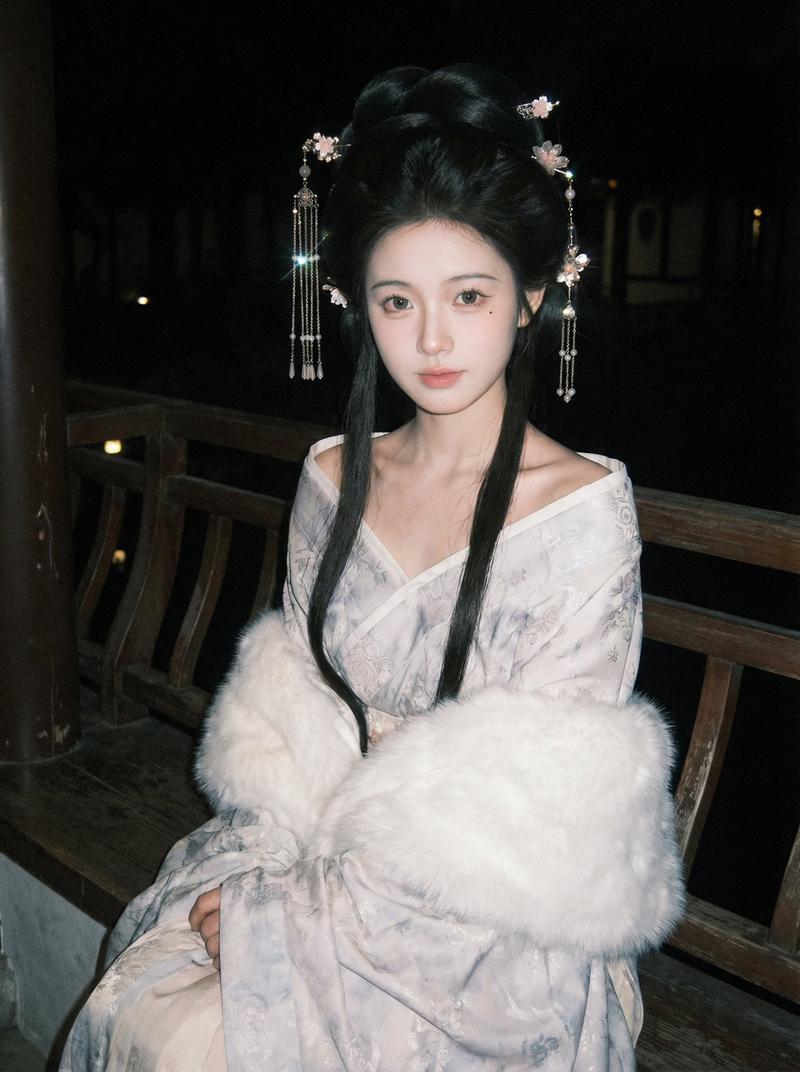
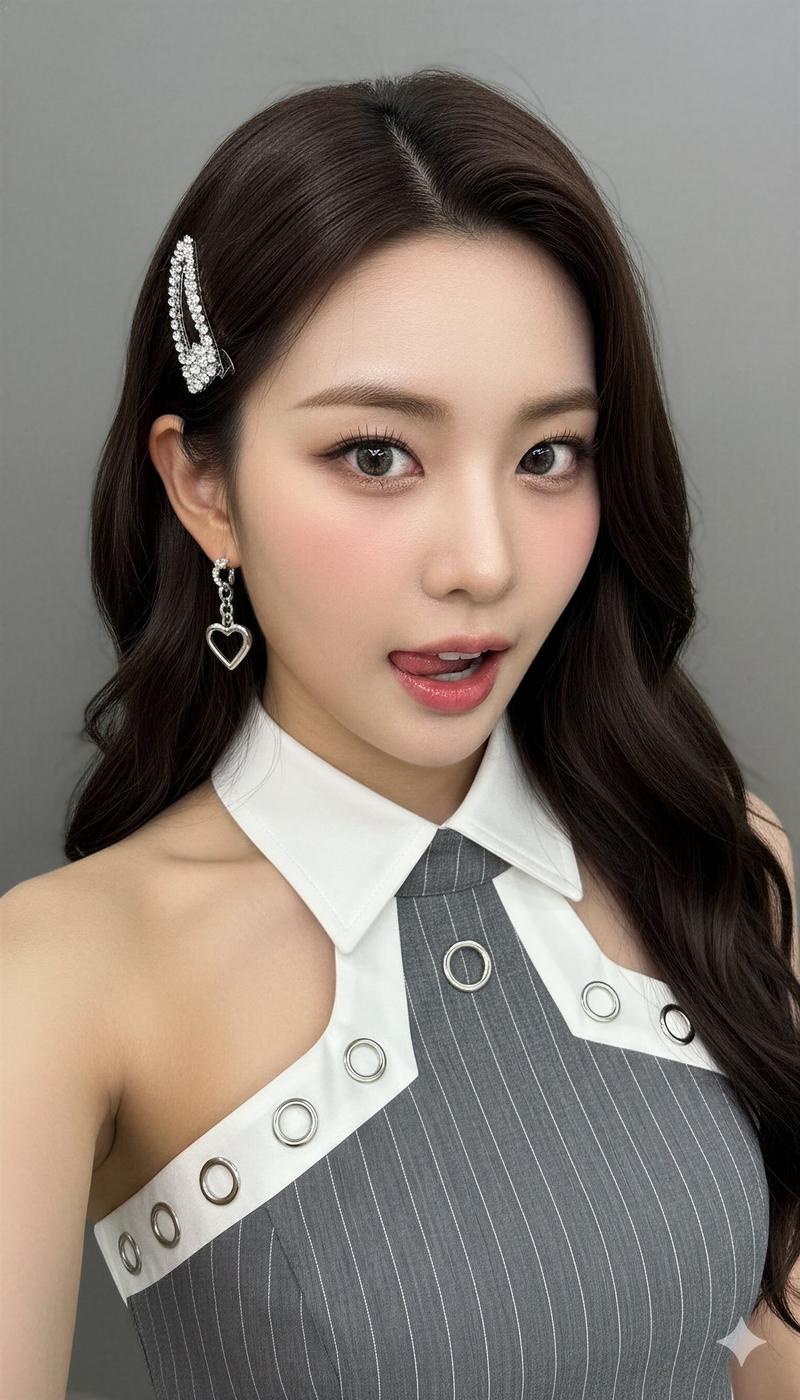
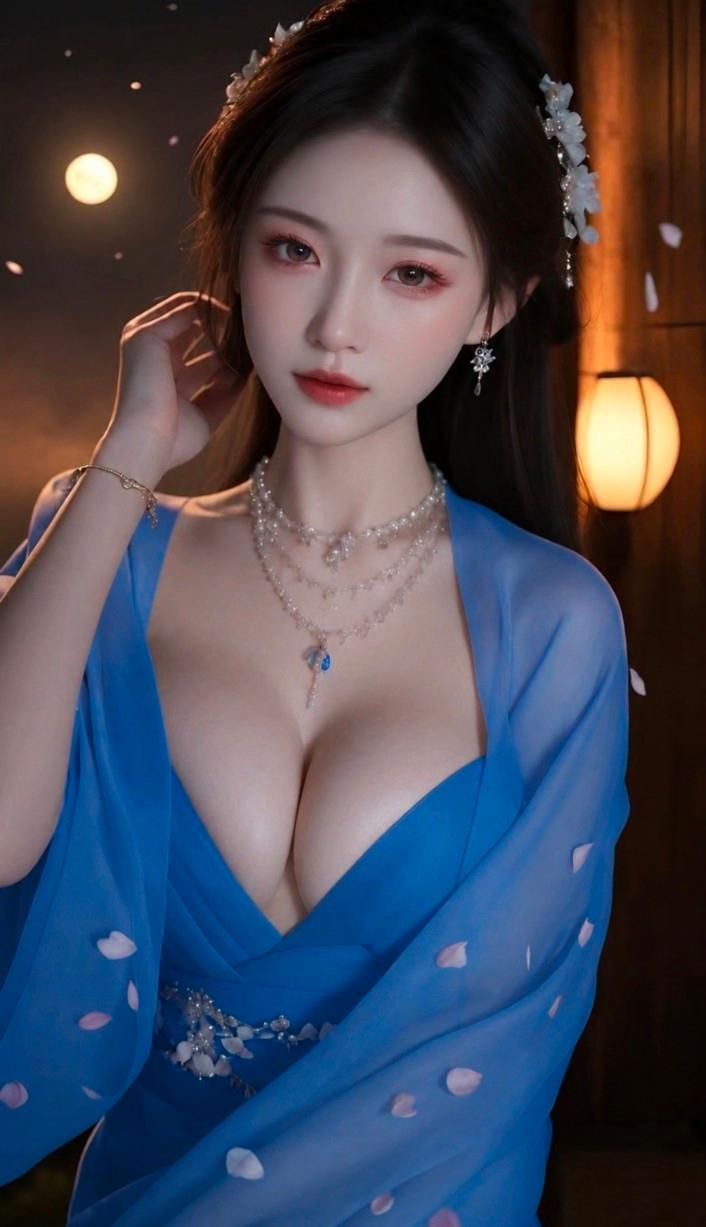
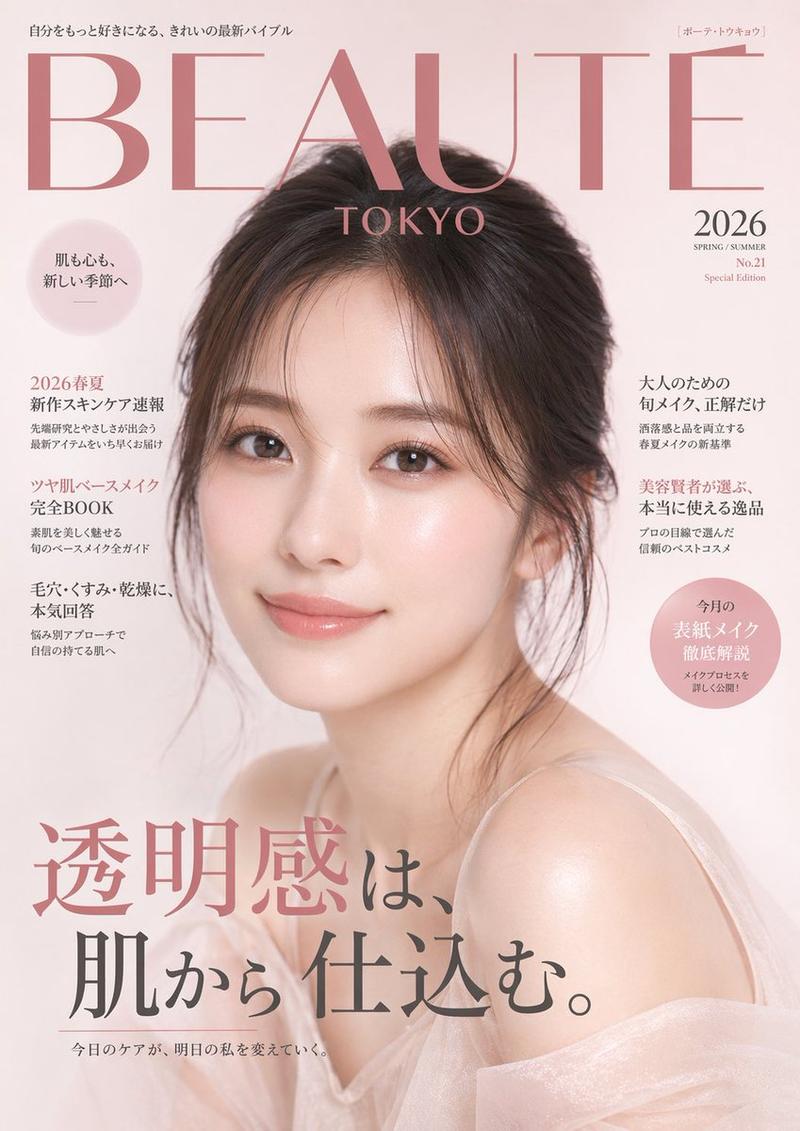
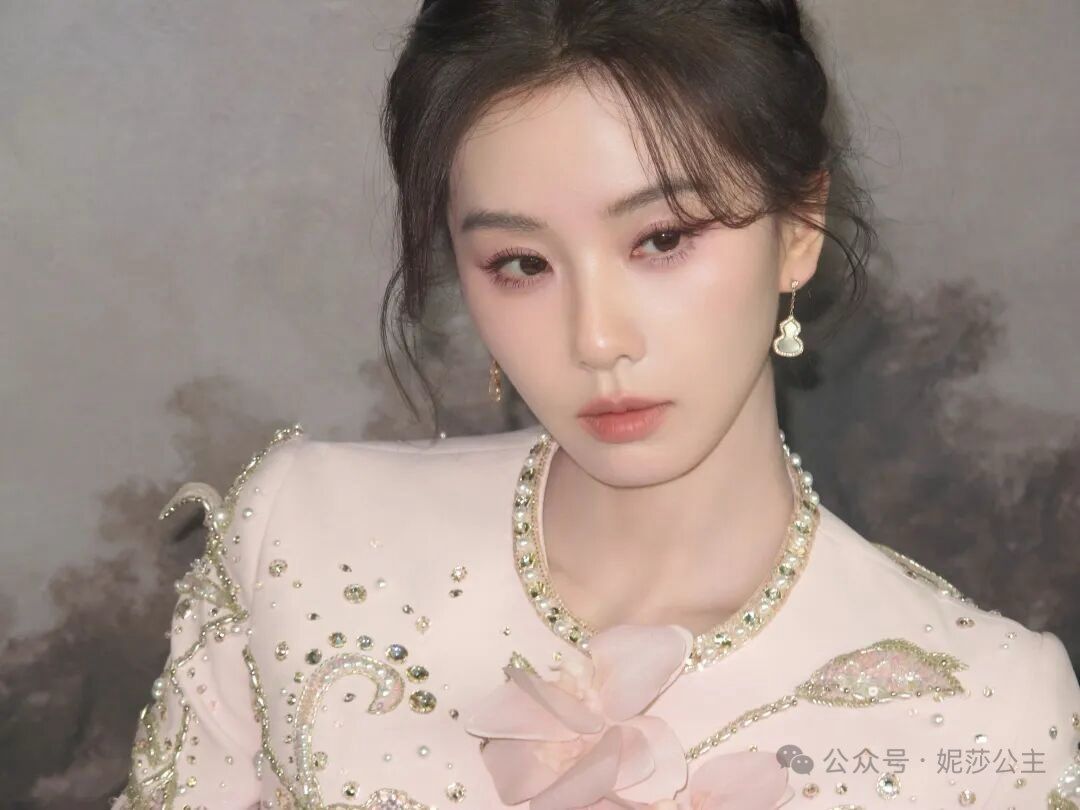
8K画展照片一键替换,逼格高!
Enlarge

8K画展照片一键替换,逼格高!

Prompt
高逼格,8k,逛画展照片一键替换!
(而且画上面是自己👈)
集美们冲啊
上传任何一张照片可以变成艺术展 8k 高清照且后面画的是上传人物照
Prompt:
A commercial grade photograph of [uploaed reference image] posing inside a high-end museum exhibition space.
[the character Source: Based strictly on the uploaded reference image.
Behind them hangs a large, ornate framed classical oil painting.
The painting depicts the same person but rendered in a rich,
traditional oil painting style with thick, visible impasto brushstrokes, deep textures, and rich color palettes on canvas.
Gallery spotlights hit the textured paint surface.
Masterpiece, ultra-detailed, cinematic lighting, strong contrast, dramatic shadows, 8K UHD, highly detailed textures
, professional photography.
Category
Photography & Realism
Model
Unknown
Views0
Source ID
8k-画展照片一键替换-逼格高

Guide

About "8K画展照片一键替换,逼格高!"

What is this prompt for?

"8K画展照片一键替换,逼格高!" AI image prompt for Unknown (Photography & Realism). 高逼格,8k,逛画展照片一键替换! (而且画上面是自己👈) 集美们冲啊 上传任何一张照片可以变成艺术展 8k 高清照且后面画的是上传人物照 Prompt: A commerc…

The full copyable prompt and example visuals above are ready for AI image generation or one-click recreate in Picva.

How to use this prompt

  1. Step 1

    Open the prompt detail

    Review the example visuals, category, and full prompt text for "8K画展照片一键替换,逼格高!".

  2. Step 2

    Copy the prompt

    Copy the prompt body from this page, or load it directly in Studio.

  3. Step 3

    Pick a model (Unknown)

    Prefer Unknown. If you switch models, keep subject and composition and tweak style terms.

  4. Step 4

    Generate and export

    Recreate the look in Picva, or export into your workflow for editing and publishing.

FAQ

What is the "8K画展照片一键替换,逼格高!" prompt?
It is an AI image-generation prompt for Unknown in the Photography & Realism category. This page includes the full prompt text, example visuals, and a one-click recreate path in Picva.
How do I use this prompt to generate an image?
Copy the prompt from this page, or use Generate / Studio. Paste it into a compatible image model, or recreate the look in Picva with optional reference images.
Which model is this prompt for?
This page lists Unknown. Most descriptive prompts also transfer to nearby image models such as GPT Image, Flux, or Midjourney with light style tweaks.
Can I use the result commercially?
You can usually copy the prompt for creation, but commercial use of the final image depends on the model terms, reference-image rights, and the generated content. Follow the source author and platform rules.