16

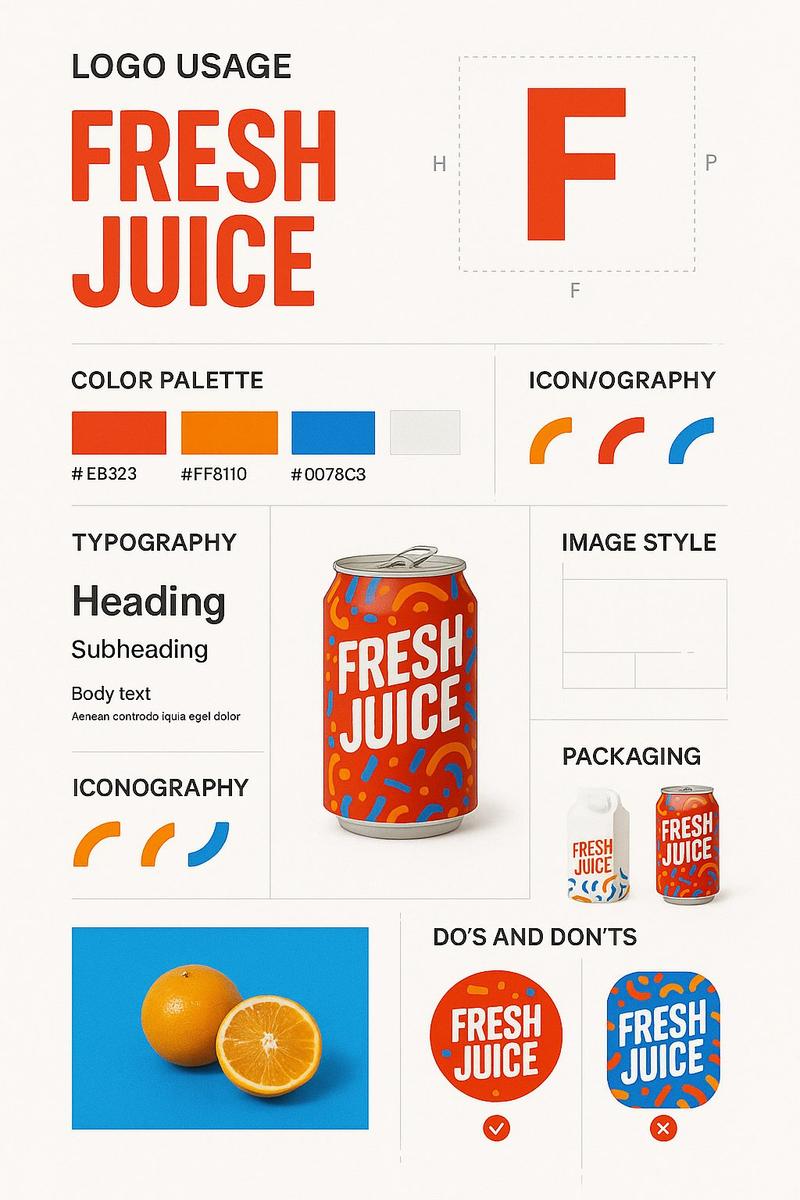
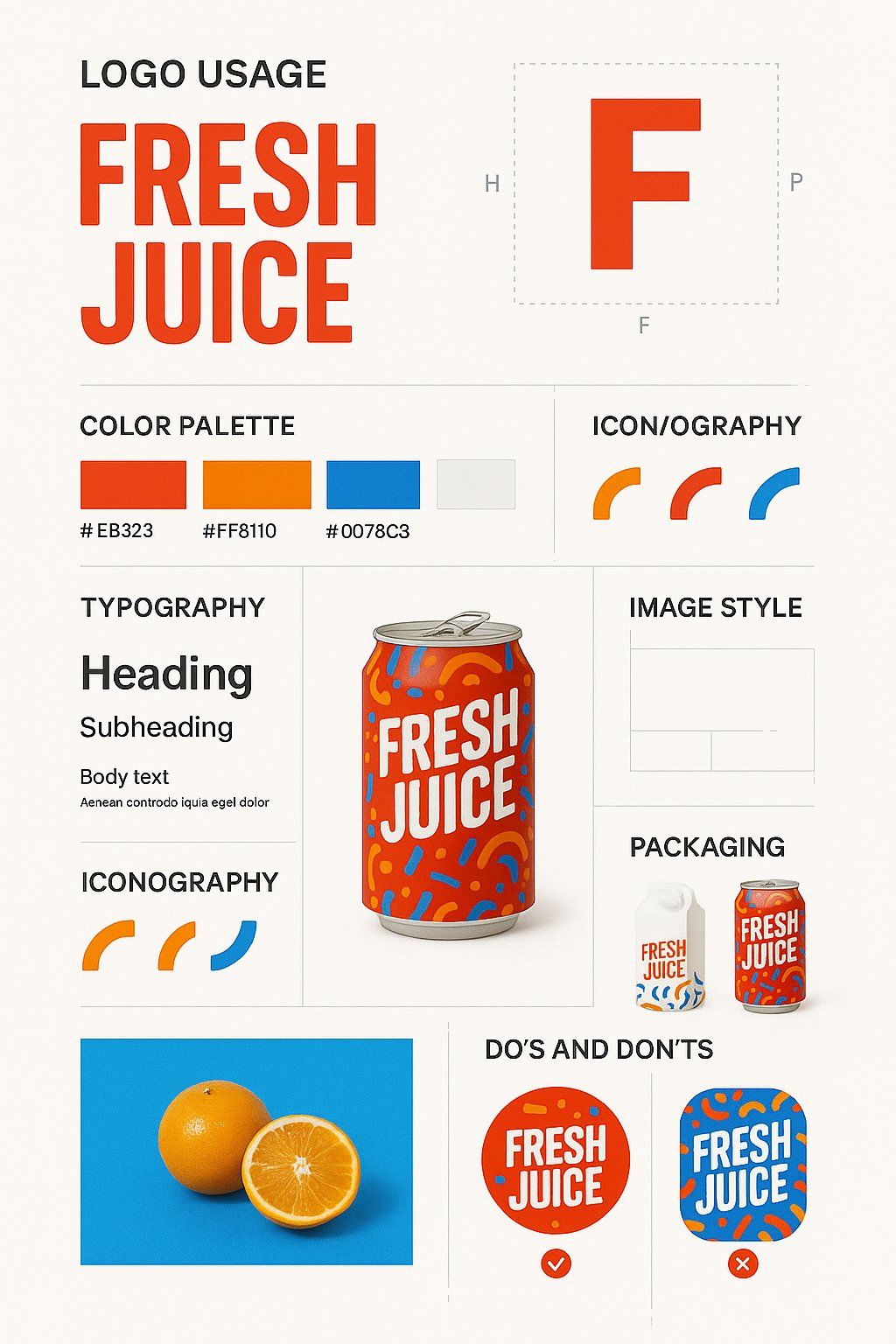
品牌设计指南海报
Enlarge

品牌设计指南海报

Prompt
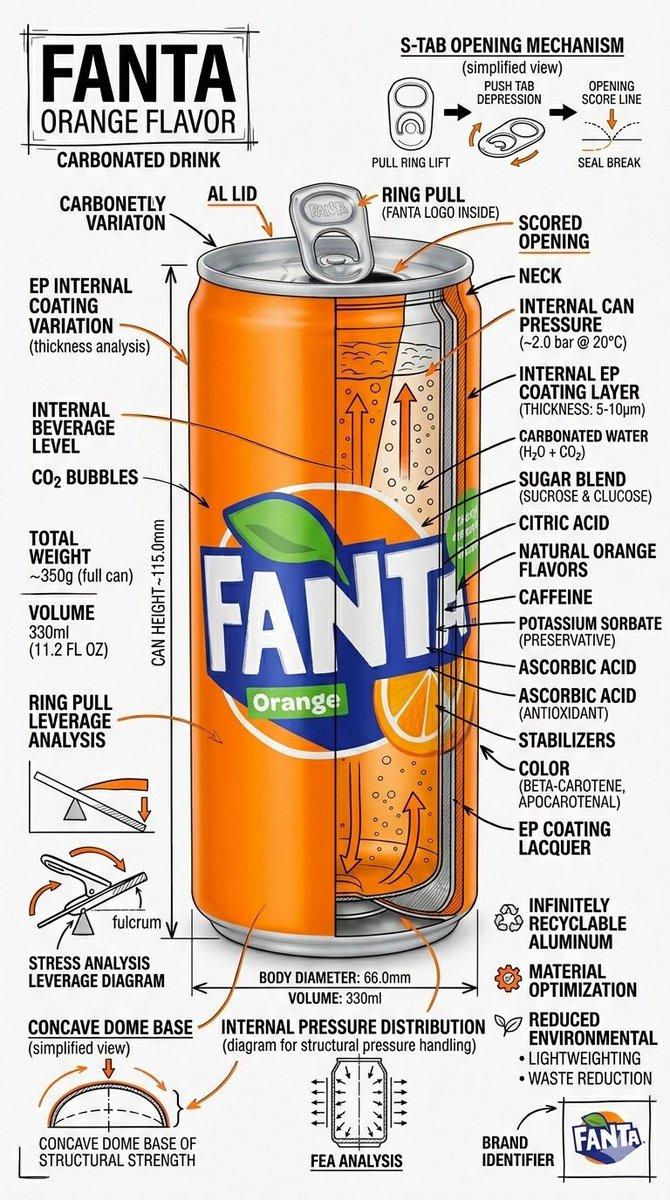
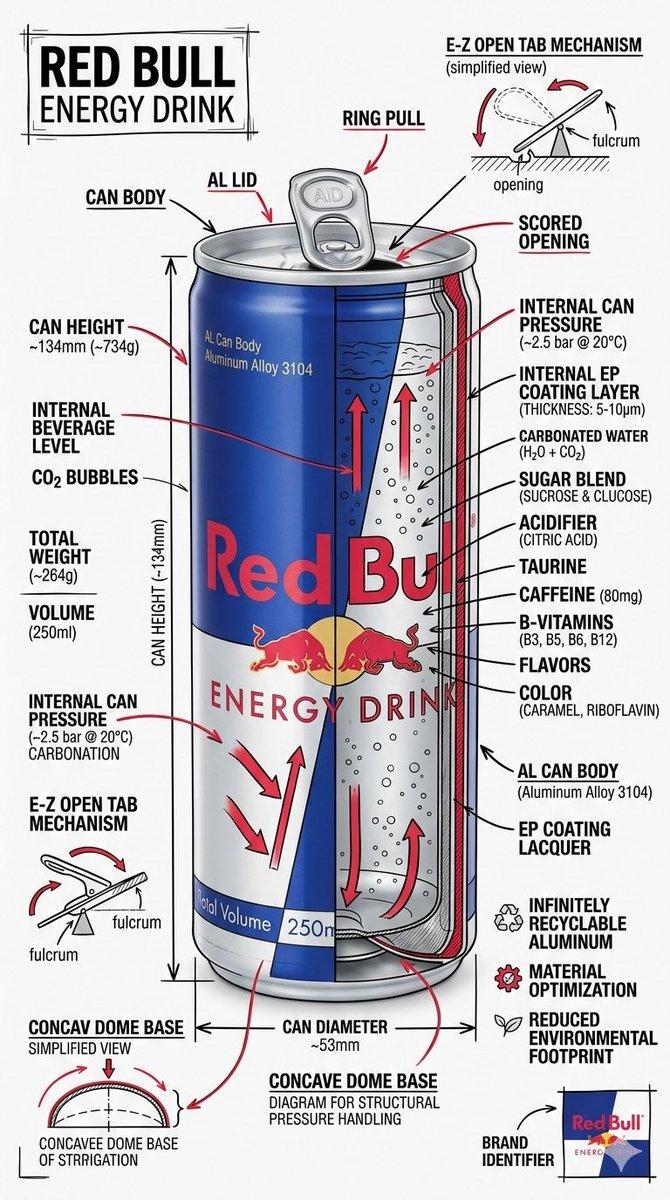
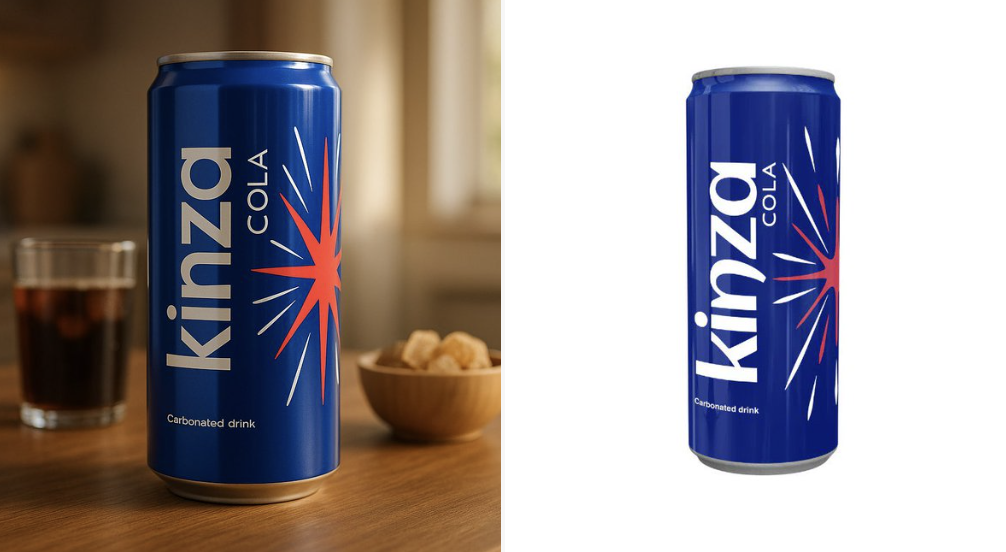
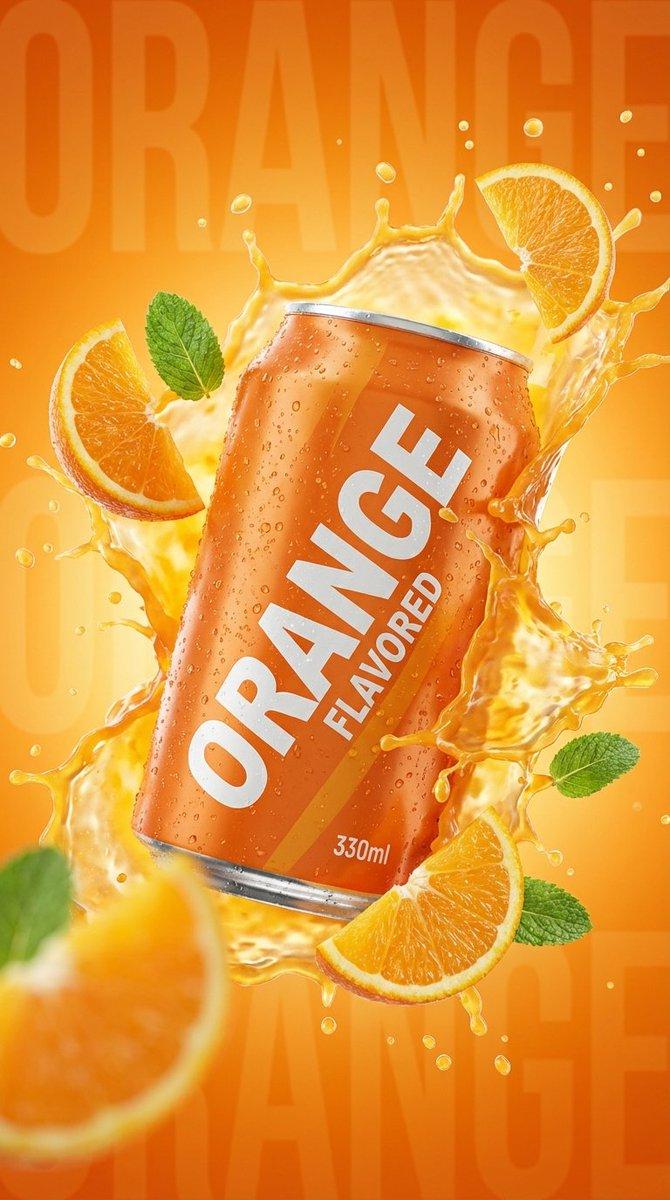
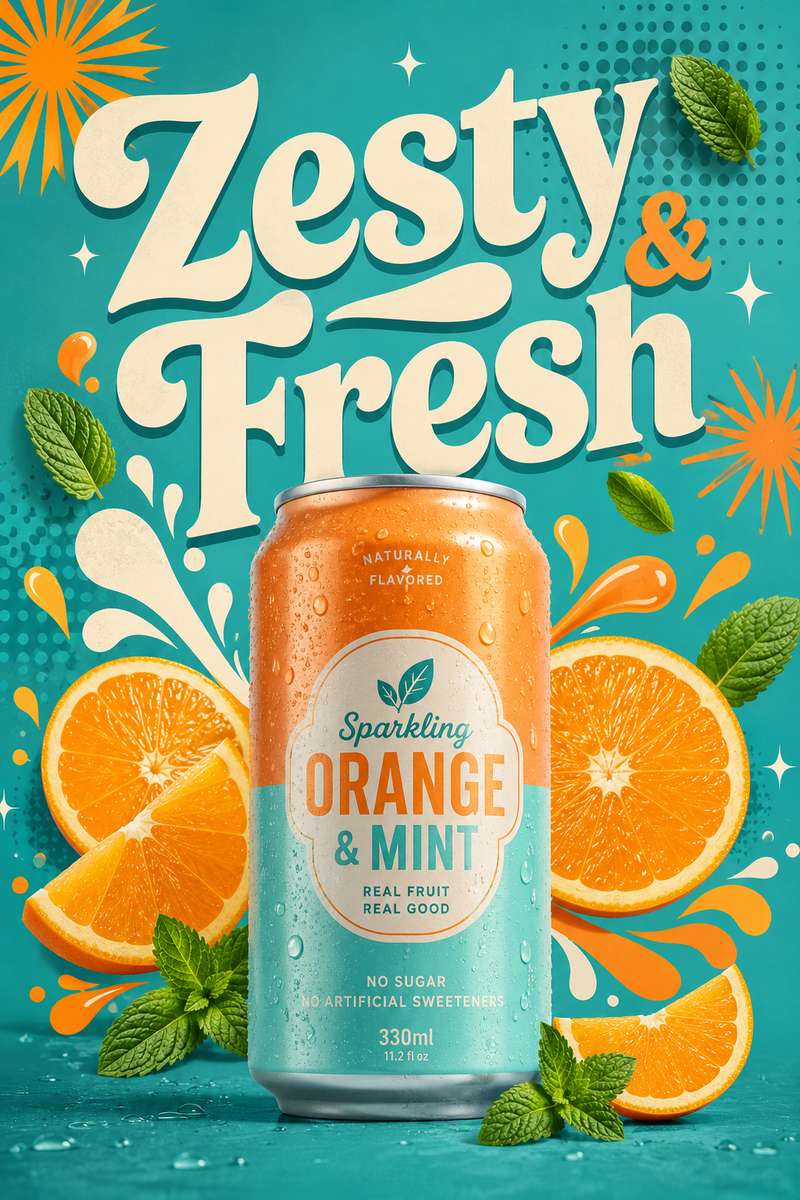
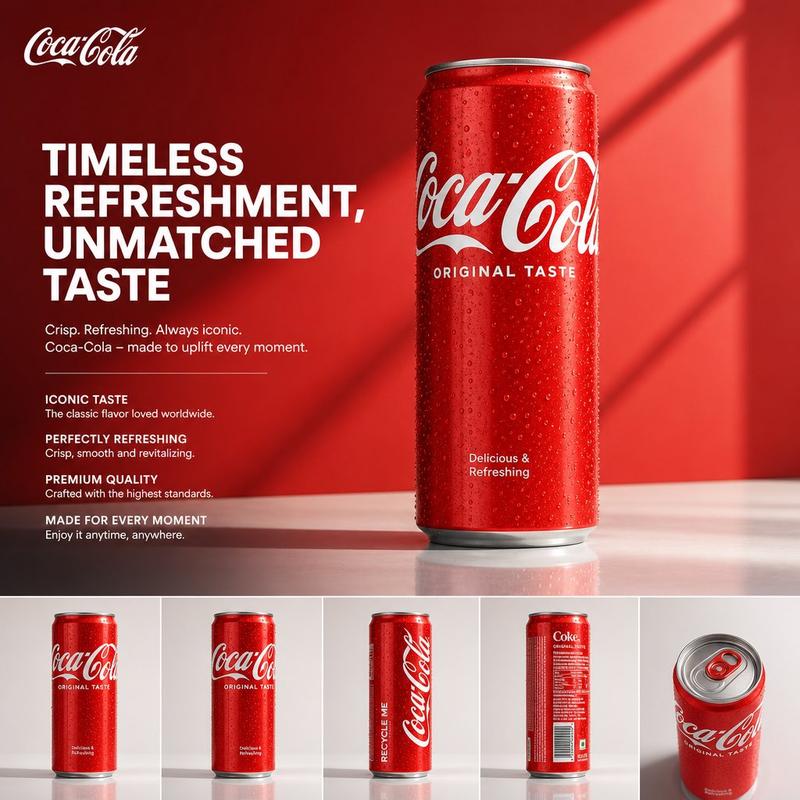
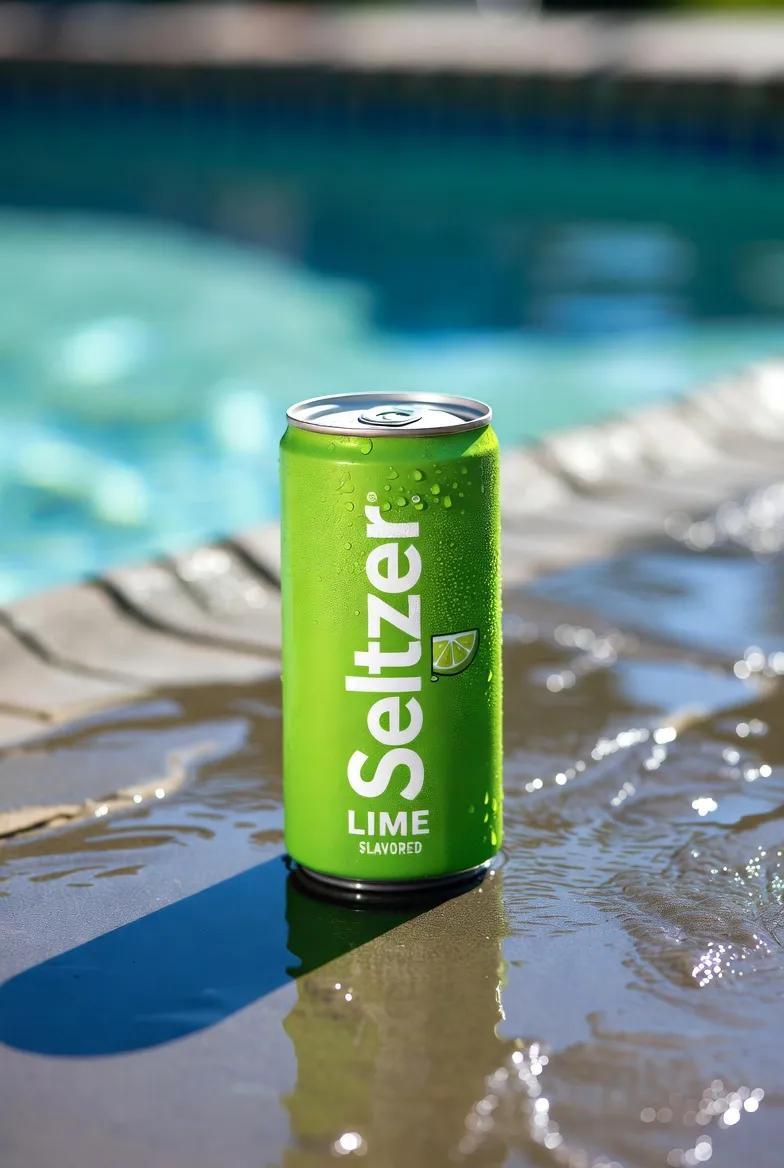
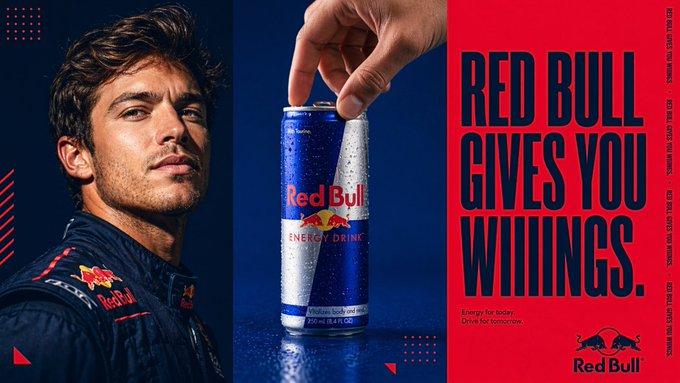
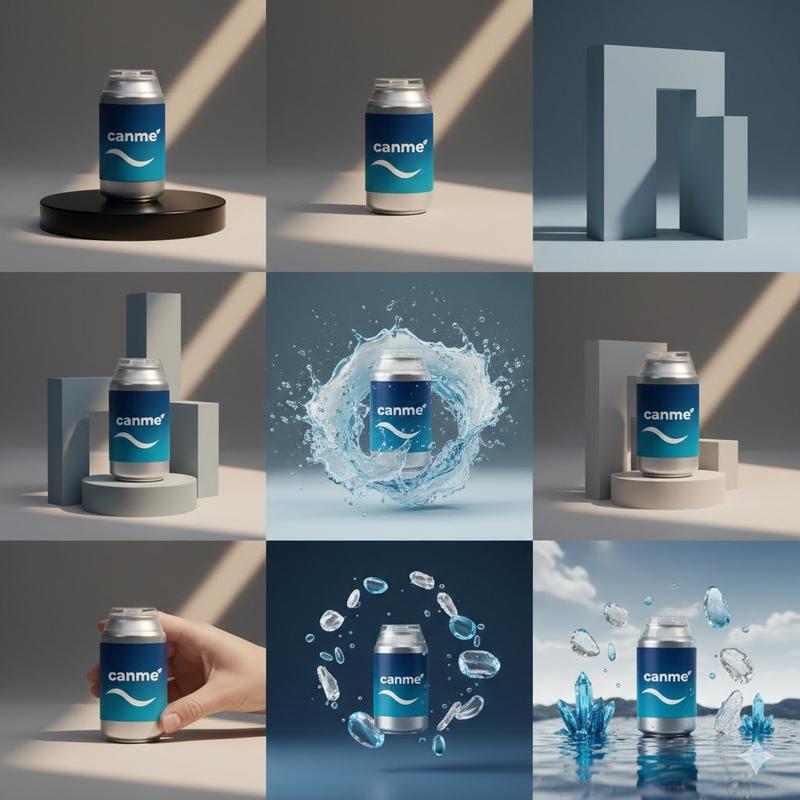
Create a vertical 9:16 brand design guide poster using the uploaded product image. Adapt the design style to match the product’s niche and visual identity. Structure the poster with clear, elegant sections: (1) Large logo display and safe zone usage, (2) Product mockup centered and highlighted, (3) Primary and secondary color palette swatches with hex codes, (4) Typography guide with heading, subheading, body font samples, and line spacing specs, (5) Iconography or graphic motif examples used by the brand, (6) Image treatment style with sample lifestyle or studio visuals, (7) Grid system or layout rules, (8) Packaging mockups and surface applications, (9) Do’s & Don’ts with annotated visuals. Use minimalist white or soft neutral background with structured layout dividers and drop shadows. The result must be visually rich, clean, and suitable for a printed or digital brand book.
Category
Posters & Typography
Model
Unknown
Views0
Source ID
branding-minimalist

Guide

About "品牌设计指南海报"

What is this prompt for?

"品牌设计指南海报" AI image prompt for Unknown (Posters & Typography). Create a vertical 9:16 brand design guide poster using the uploaded product image. Adapt the des…

The full copyable prompt and example visuals above are ready for AI image generation or one-click recreate in Picva.

How to use this prompt

  1. Step 1

    Open the prompt detail

    Review the example visuals, category, and full prompt text for "品牌设计指南海报".

  2. Step 2

    Copy the prompt

    Copy the prompt body from this page, or load it directly in Studio.

  3. Step 3

    Pick a model (Unknown)

    Prefer Unknown. If you switch models, keep subject and composition and tweak style terms.

  4. Step 4

    Generate and export

    Recreate the look in Picva, or export into your workflow for editing and publishing.

FAQ

What is the "品牌设计指南海报" prompt?
It is an AI image-generation prompt for Unknown in the Posters & Typography category. This page includes the full prompt text, example visuals, and a one-click recreate path in Picva.
How do I use this prompt to generate an image?
Copy the prompt from this page, or use Generate / Studio. Paste it into a compatible image model, or recreate the look in Picva with optional reference images.
Which model is this prompt for?
This page lists Unknown. Most descriptive prompts also transfer to nearby image models such as GPT Image, Flux, or Midjourney with light style tweaks.
Can I use the result commercially?
You can usually copy the prompt for creation, but commercial use of the final image depends on the model terms, reference-image rights, and the generated content. Follow the source author and platform rules.