20

时尚风格电影制作工作流程
Enlarge

时尚风格电影制作工作流程

Prompt
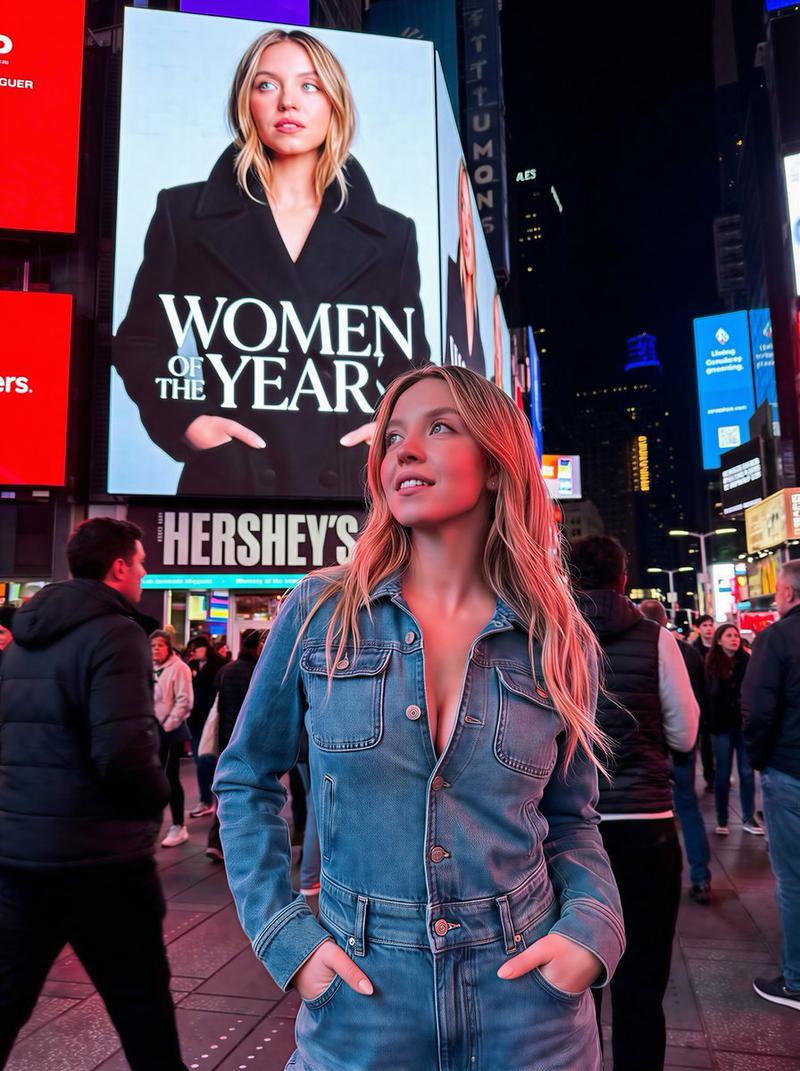
This workflow is perfect for creating short fashion-style cinematic videos.
I simplified the original prompts based on @ReflctWillie’s method, and the whole process is now much faster and more stable:
1. Generate a 3×3 keyframe grid (Nano Banana Pro only)
Use this simple prompt:
“In a 3x3 grid, show this character in different angles, keep the scene the same, random poses.
This is far simpler and more efficient than my old prompts. You can generate multiple times and just pick the keyframes you like most.
2. Extract a high-res keyframe (Super stable trick)
Take a screenshot of the keyframe you want from the 3×3 grid, send it back to Nano Banana Pro, and simply say:
“Give me a high-resolution version.”
This method is much more stable than relying on complex upscaling prompts.
3. Generate the video with Kling 2.5 Turbo
Upload the first and last frames to Kling 2.5 Turbo and use this prompt:
“The camera very slowly and smoothly lowers on a boom.”
From my testing, Kling 2.5 Turbo offers the best balance of stability and cost — other models are either less consistent or noticeably more expensive.
4. Final speed adjustment with @ReflctWillie’s tool (Critical step)
Use the tool built by @ReflctWillie to fine-tune the playback speed of each clip.
This step is essential for getting that premium cinematic feel.
I’ll drop the tool link in the comments.
Category
Photography & Realism
Model
Nano Banana Pro
Creator
underwood
Views0
Source ID
fashion-style-cinematic-video-creation-workflow

Guide

About "时尚风格电影制作工作流程"

What is this prompt for?

"时尚风格电影制作工作流程" AI image prompt for Nano Banana Pro (Photography & Realism). This workflow is perfect for creating short fashion-style cinematic videos. I simpl…

The full copyable prompt and example visuals above are ready for AI image generation or one-click recreate in Picva.

How to use this prompt

  1. Step 1

    Open the prompt detail

    Review the example visuals, category, and full prompt text for "时尚风格电影制作工作流程".

  2. Step 2

    Copy the prompt

    Copy the prompt body from this page, or load it directly in Studio.

  3. Step 3

    Pick a model (Nano Banana Pro)

    Prefer Nano Banana Pro. If you switch models, keep subject and composition and tweak style terms.

  4. Step 4

    Generate and export

    Recreate the look in Picva, or export into your workflow for editing and publishing.

FAQ

What is the "时尚风格电影制作工作流程" prompt?
It is an AI image-generation prompt for Nano Banana Pro in the Photography & Realism category. This page includes the full prompt text, example visuals, and a one-click recreate path in Picva.
How do I use this prompt to generate an image?
Copy the prompt from this page, or use Generate / Studio. Paste it into a compatible image model, or recreate the look in Picva with optional reference images.
Which model is this prompt for?
This page lists Nano Banana Pro. Most descriptive prompts also transfer to nearby image models such as GPT Image, Flux, or Midjourney with light style tweaks.
Can I use the result commercially?
You can usually copy the prompt for creation, but commercial use of the final image depends on the model terms, reference-image rights, and the generated content. Follow the source author and platform rules.