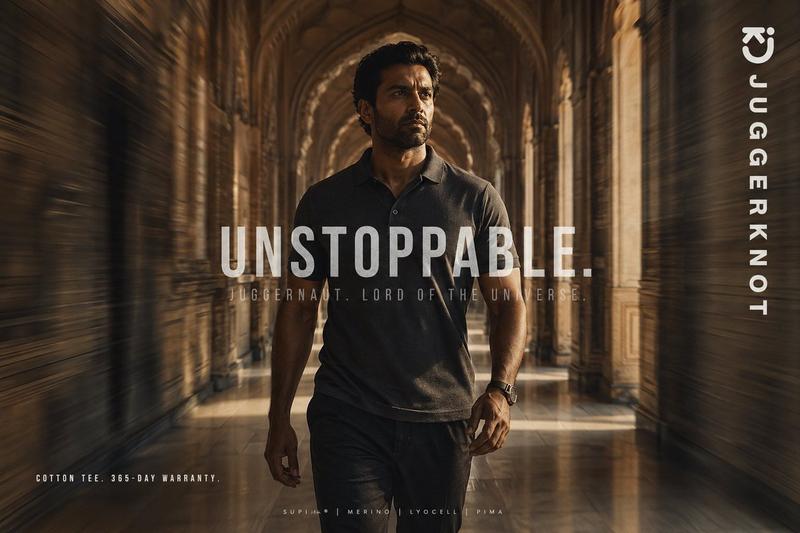
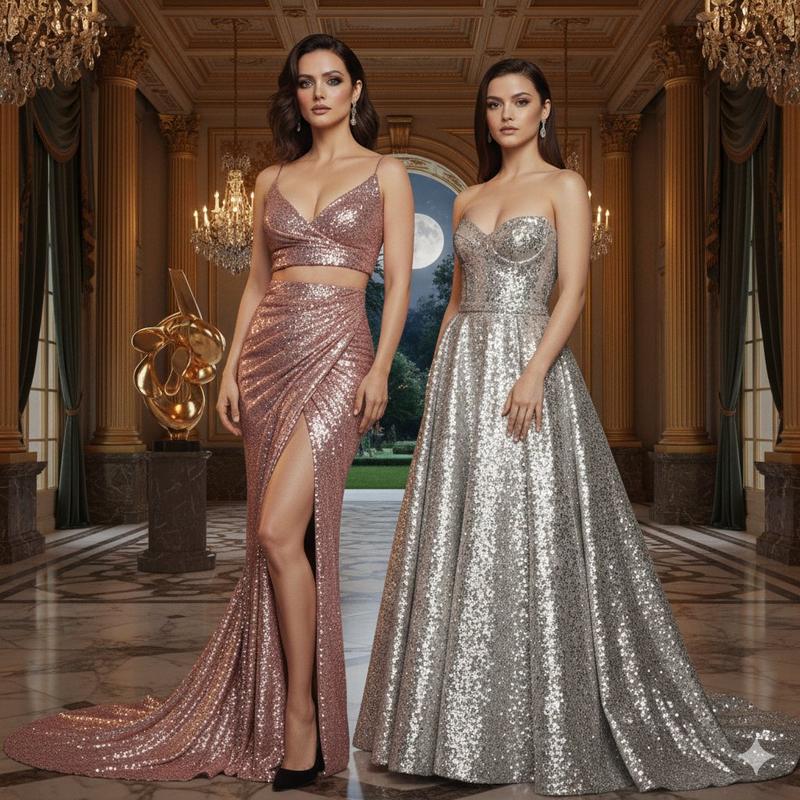
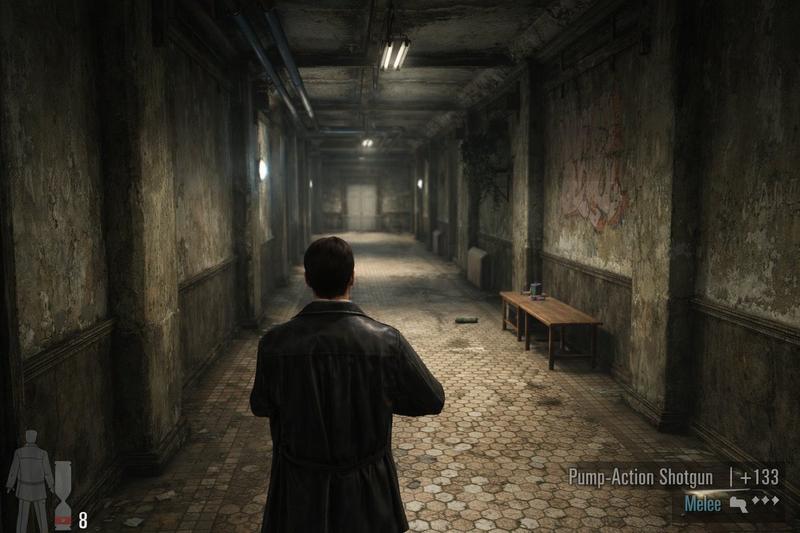
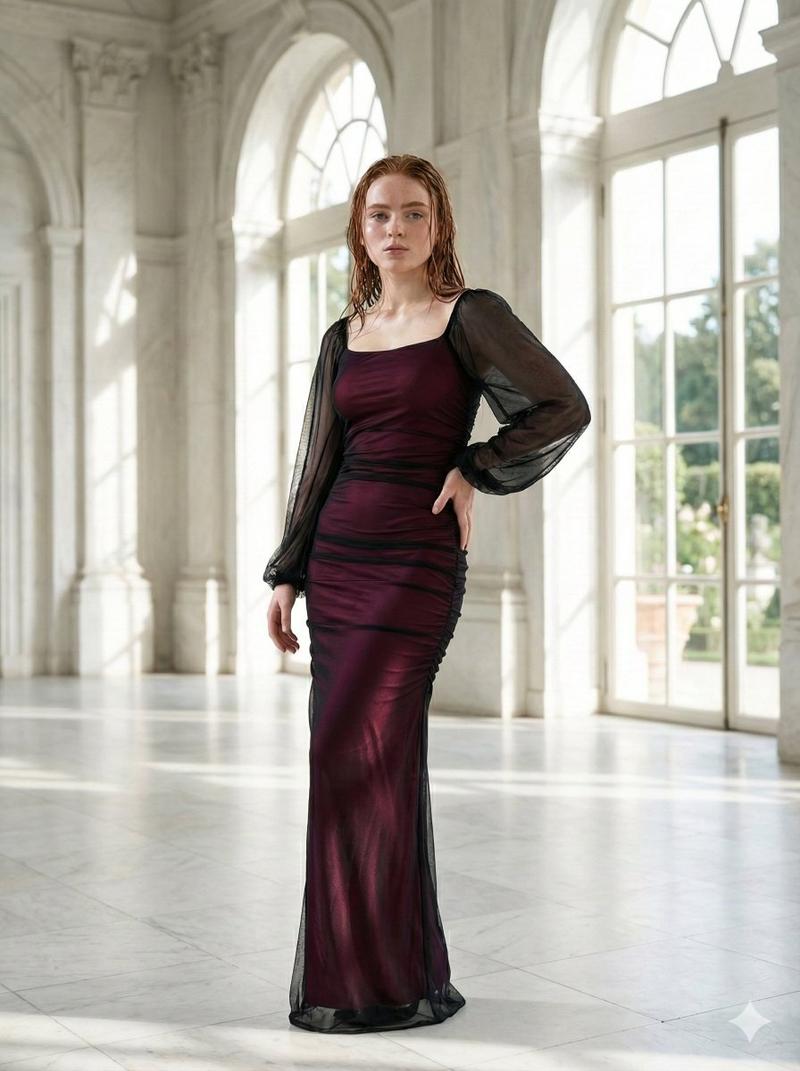
Nanobananapro 文字装飾
Prompt
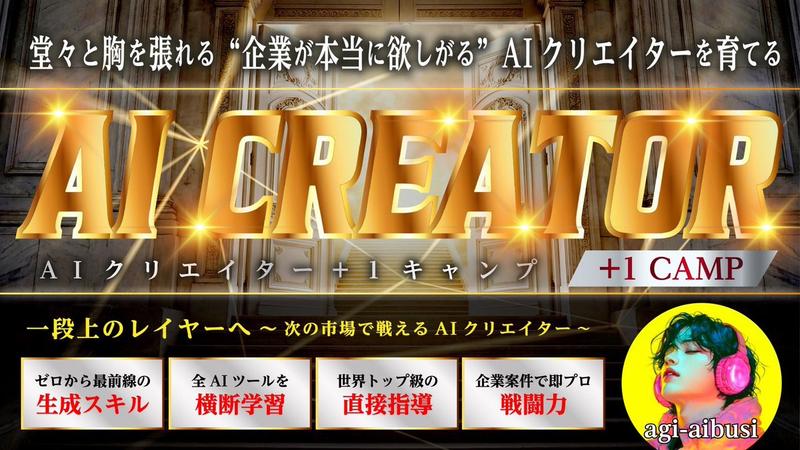
【Nanobananaproで文字装飾】
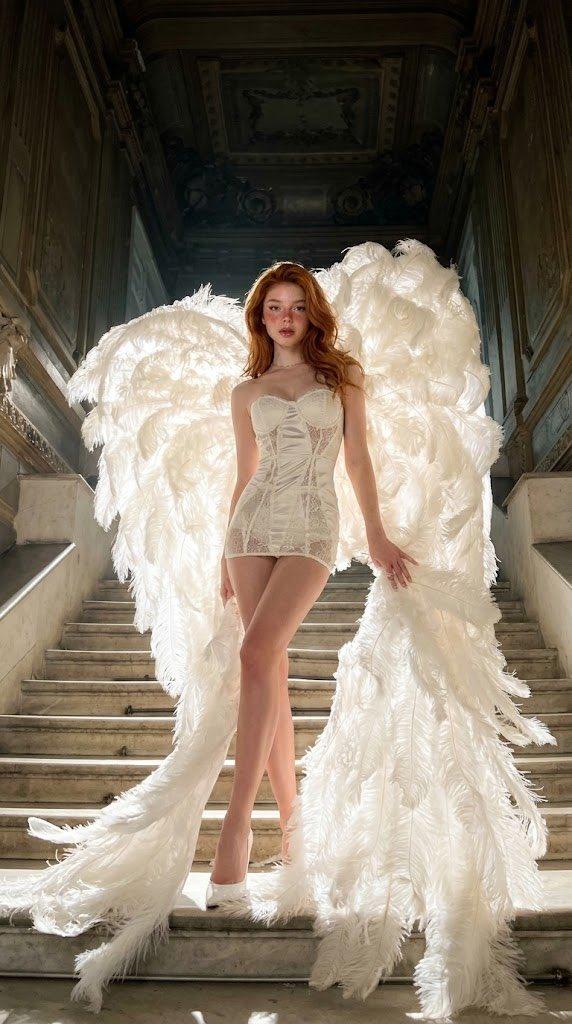
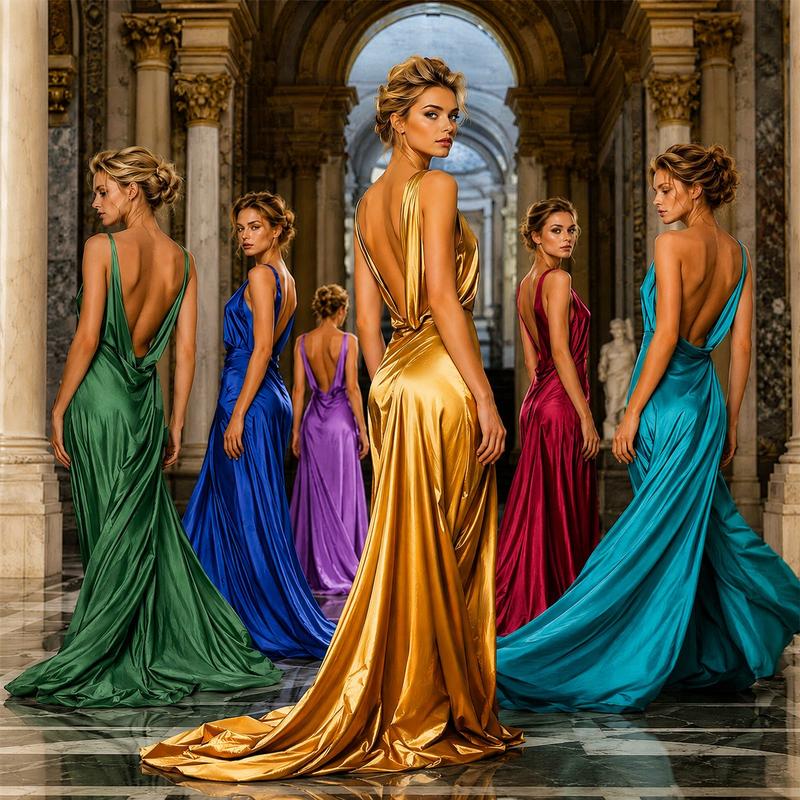
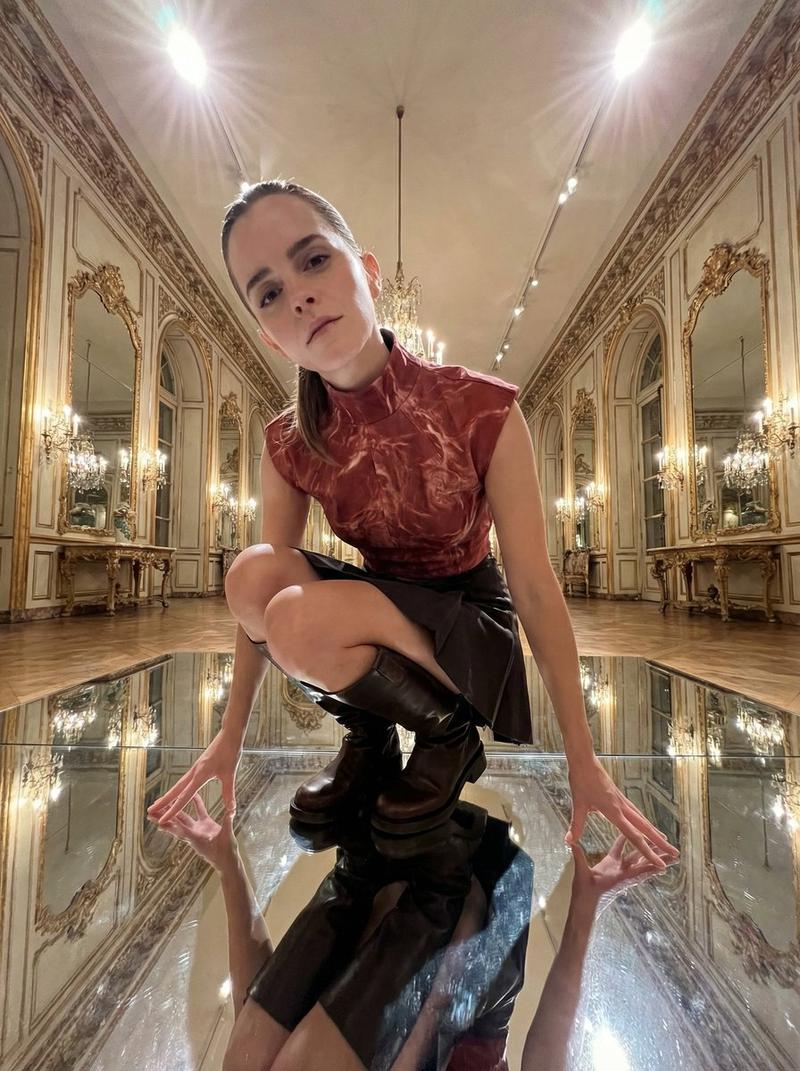
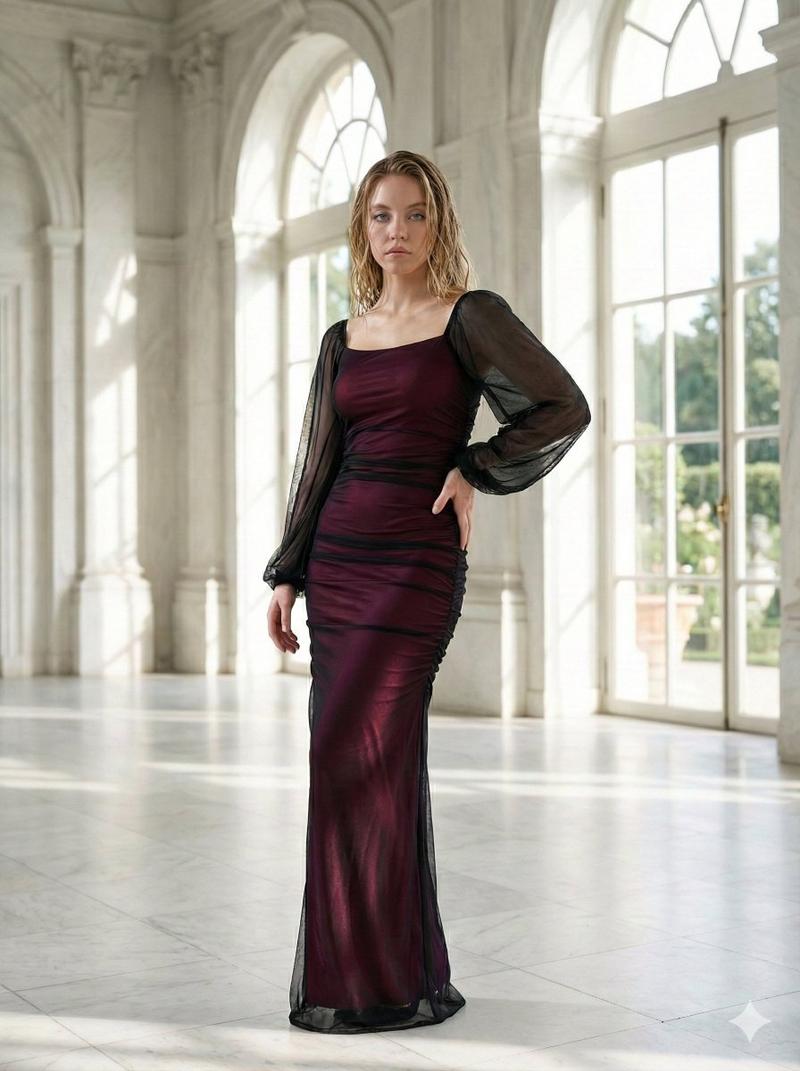
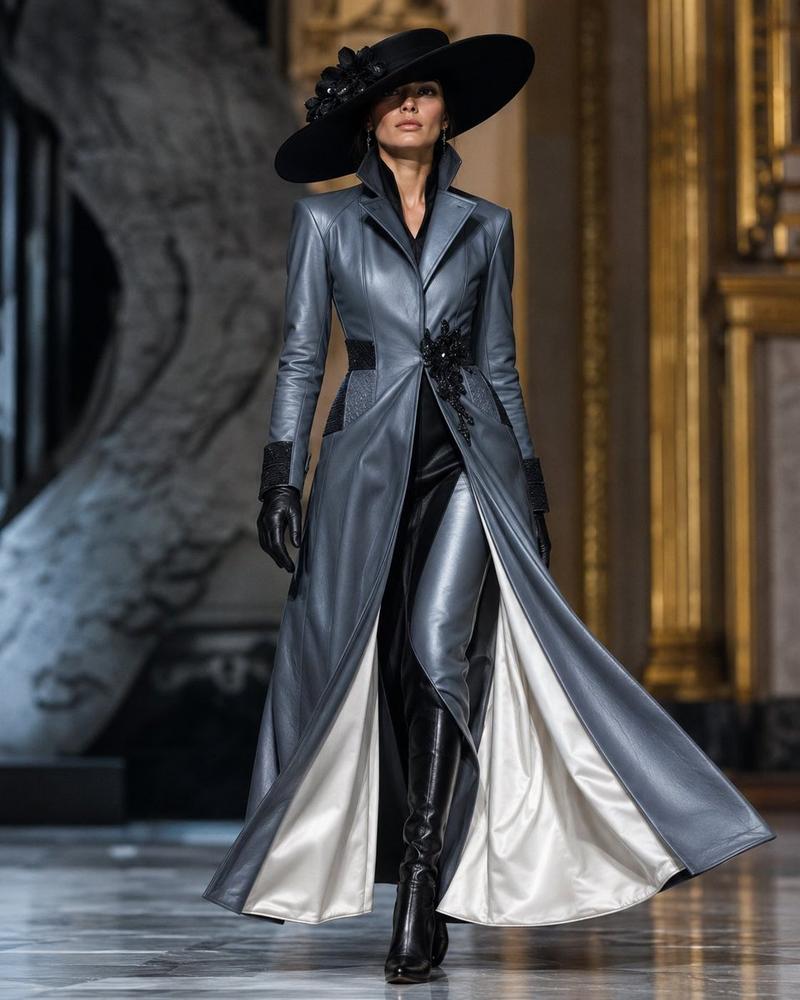
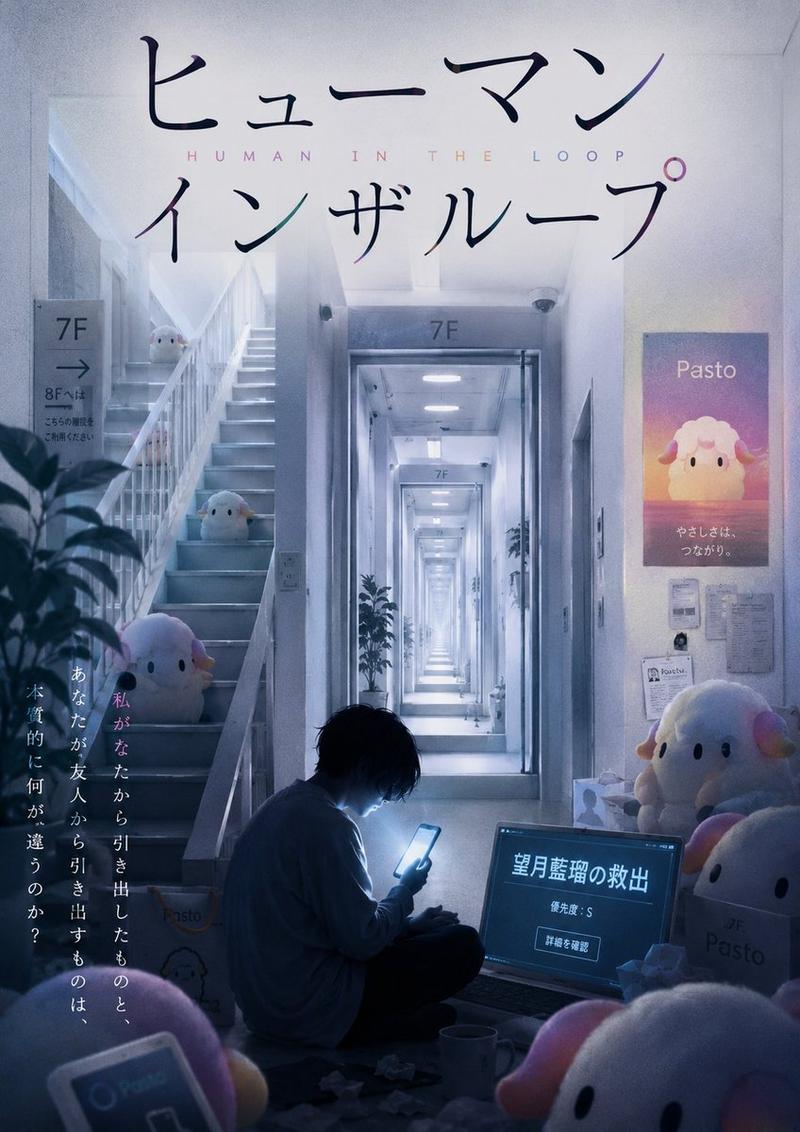
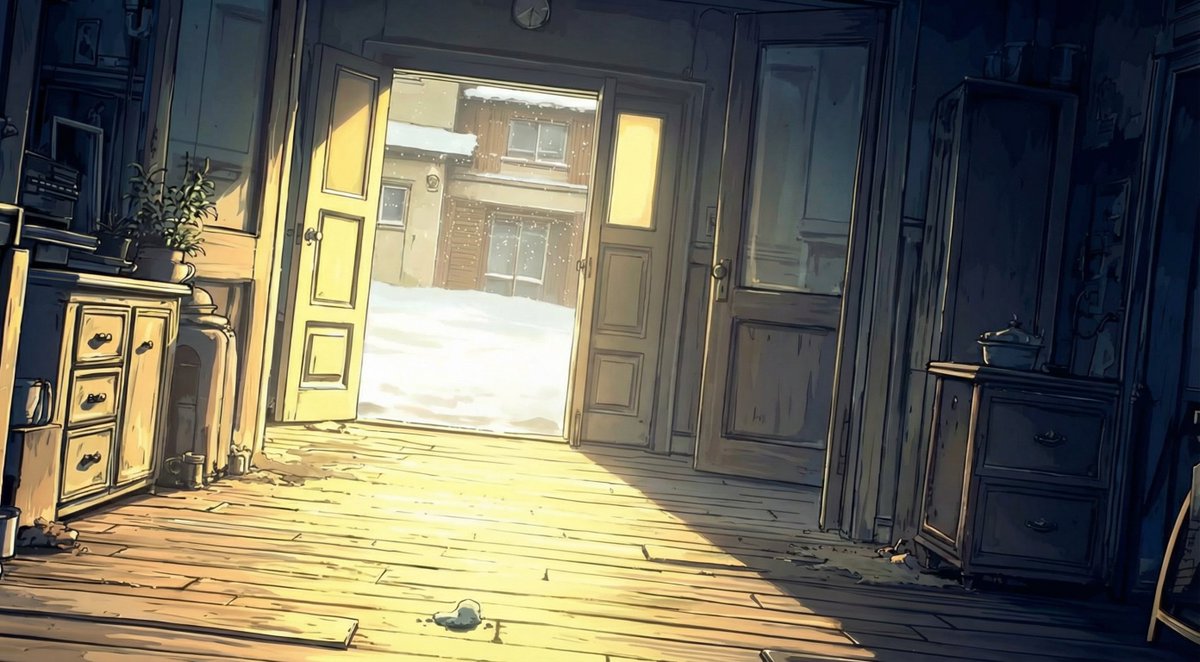
←元画像     文字装飾→
このプロンプトを使えば
サムネの高級感が爆上がりします
プロンプトはツリー⇩ https://t.co/008AOYy3fO
- Category
- Creative Use Cases
- Model
- Unknown
- Creator
- あぎ
- Source ID
- nanobananapro-text-decoration
Views0
19
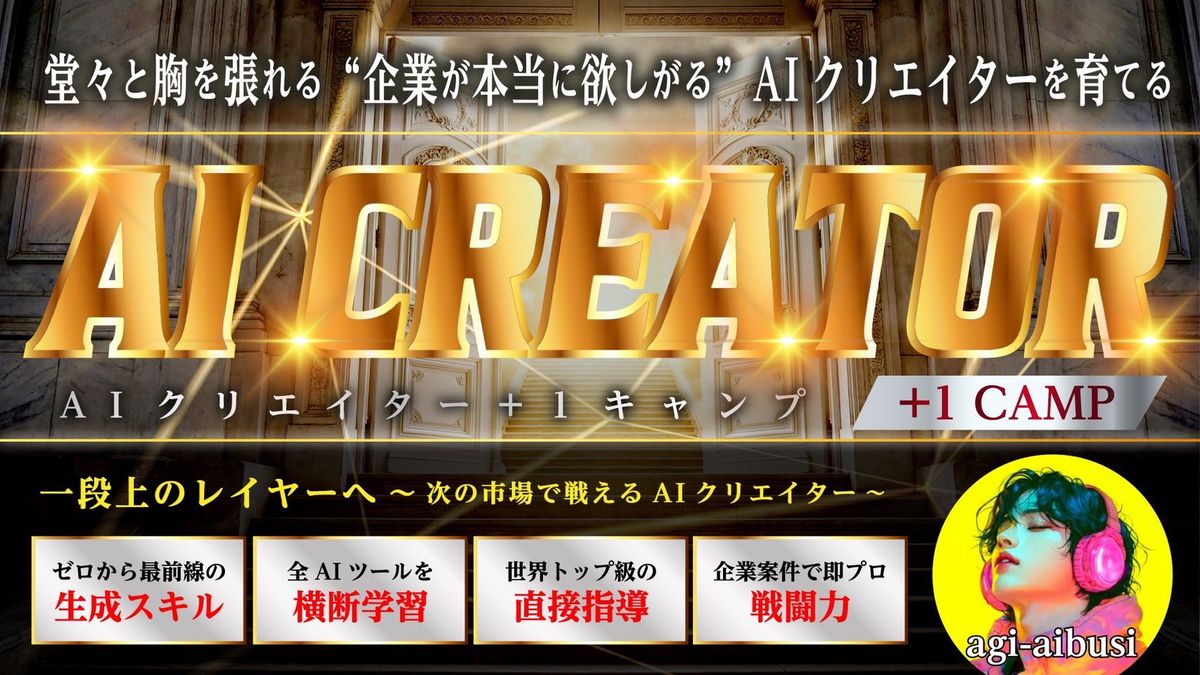
【Nanobananaproで文字装飾】 ←元画像 文字装飾→ このプロンプトを使えば サムネの高級感が爆上がりします プロンプトはツリー⇩ https://t.co/008AOYy3fO
Guide
"Nanobananapro 文字装飾" AI image prompt for Unknown (Creative Use Cases). 【Nanobananaproで文字装飾】 ←元画像 文字装飾→ このプロンプトを使えば サムネの高級感が爆上がりします プロンプトはツリー⇩ https://t.co/008A…
The full copyable prompt and example visuals above are ready for AI image generation or one-click recreate in Picva.
Step 1
Review the example visuals, category, and full prompt text for "Nanobananapro 文字装飾".
Step 2
Copy the prompt body from this page, or load it directly in Studio.
Step 3
Prefer Unknown. If you switch models, keep subject and composition and tweak style terms.
Step 4
Recreate the look in Picva, or export into your workflow for editing and publishing.