19

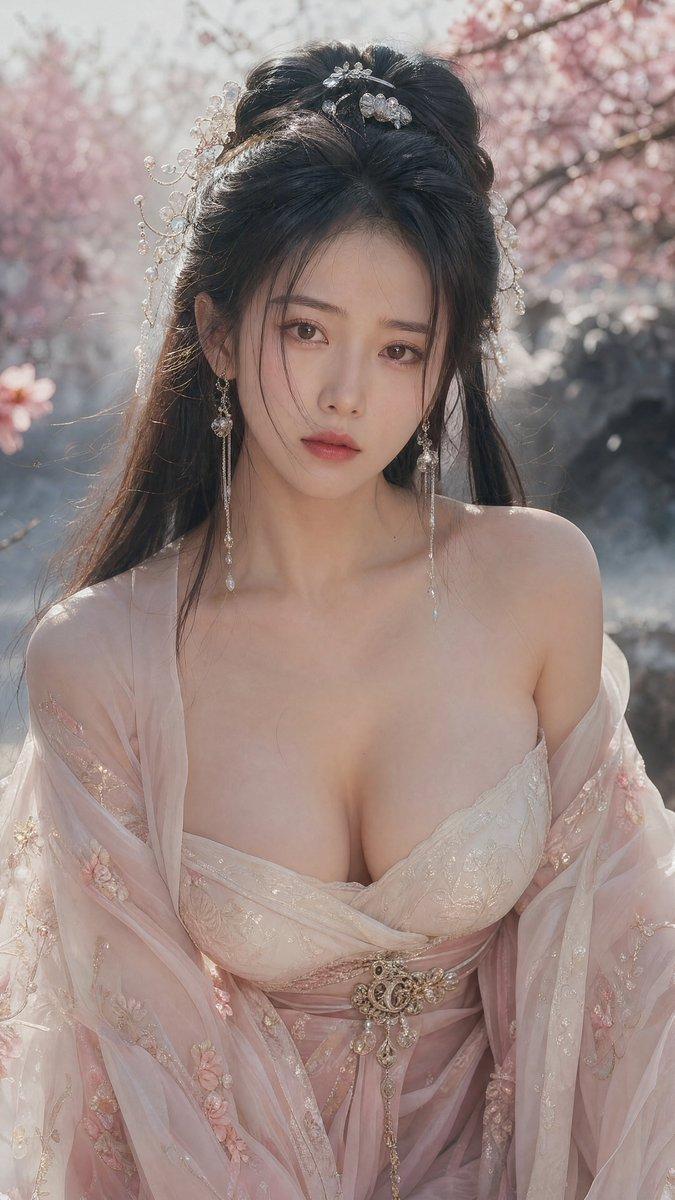
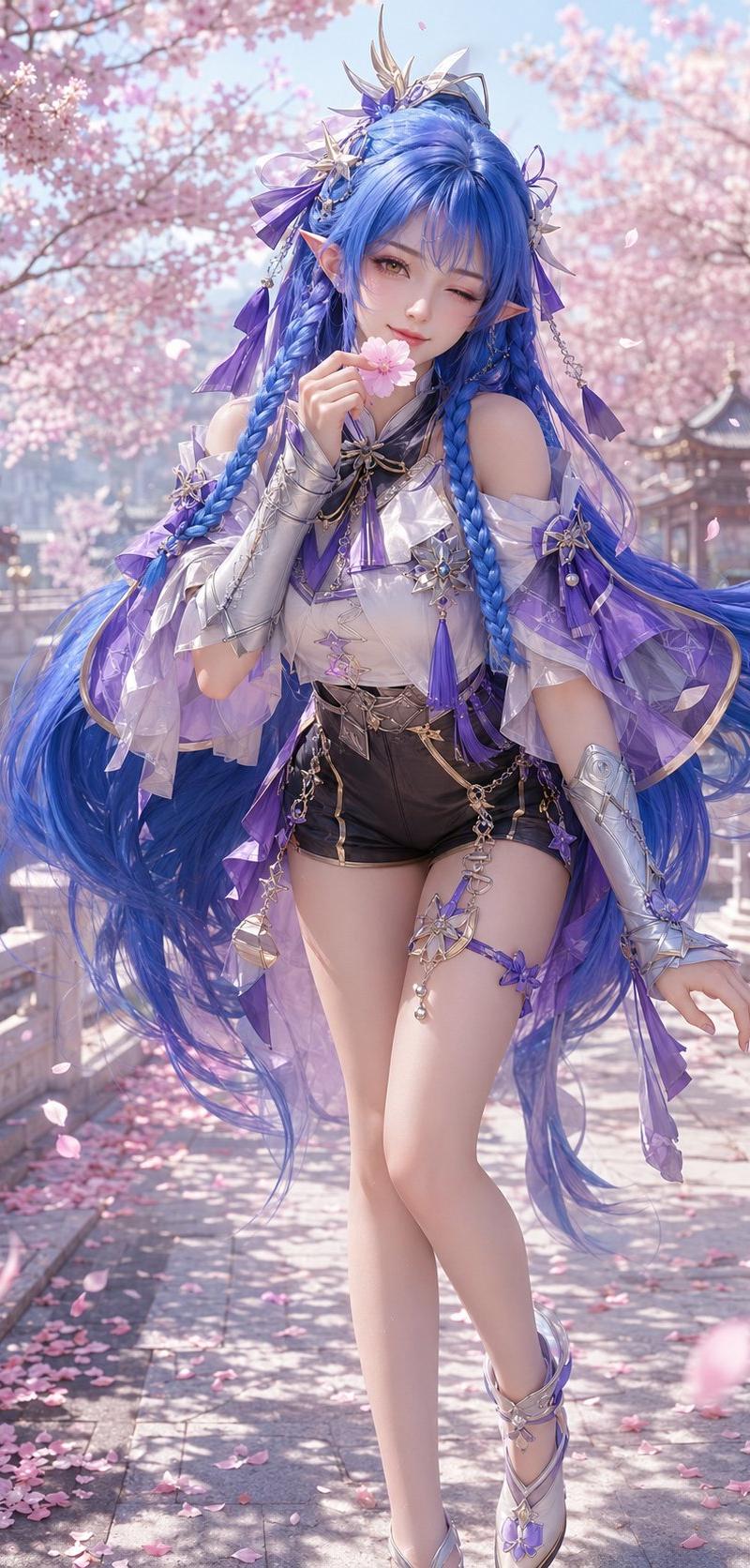
3D CG Oriental Fantasy Character Portrait
Enlarge

Example images

3D CG Oriental Fantasy Character Portrait

Prompt
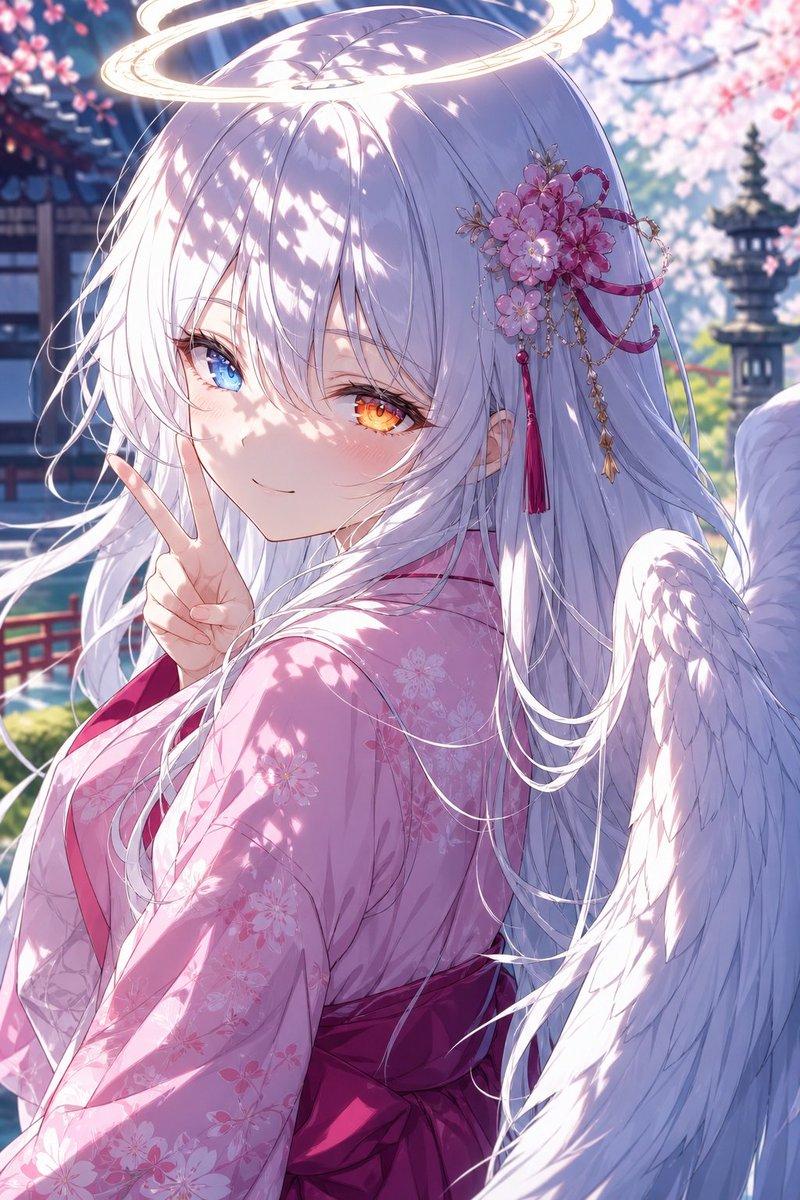
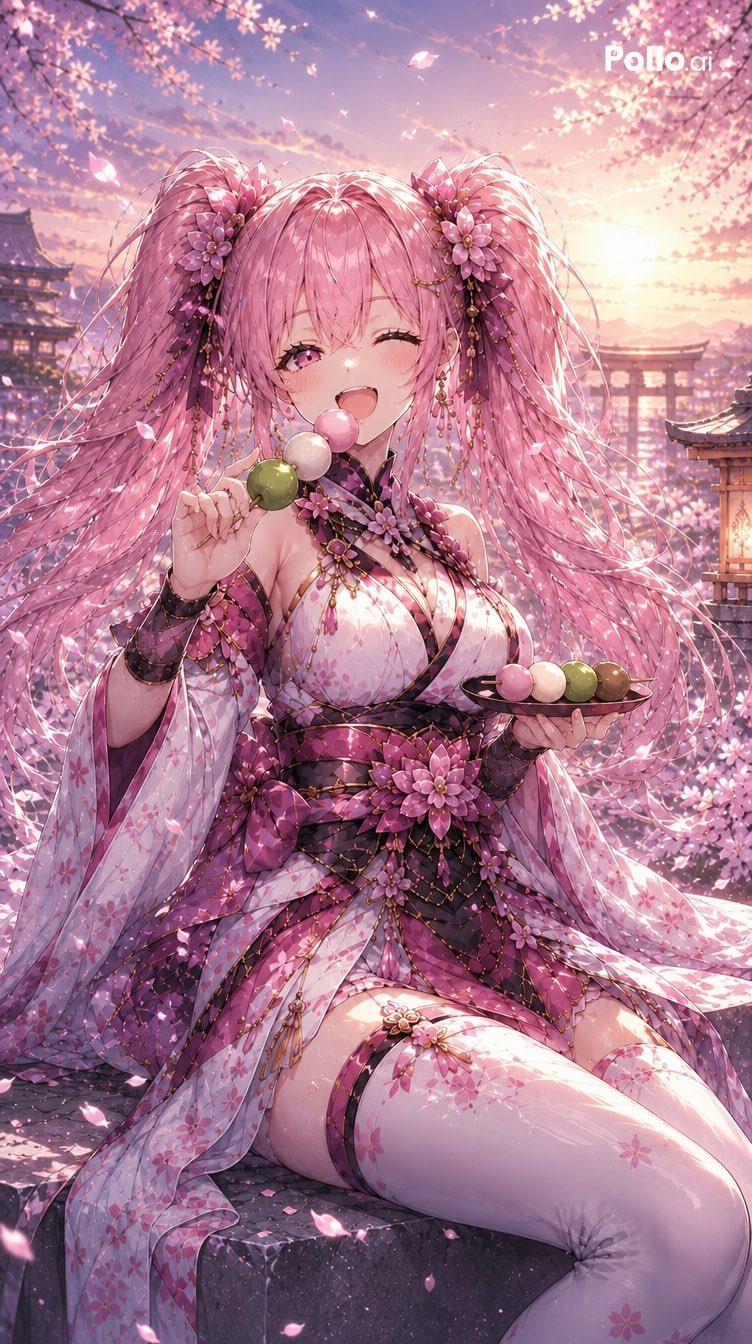
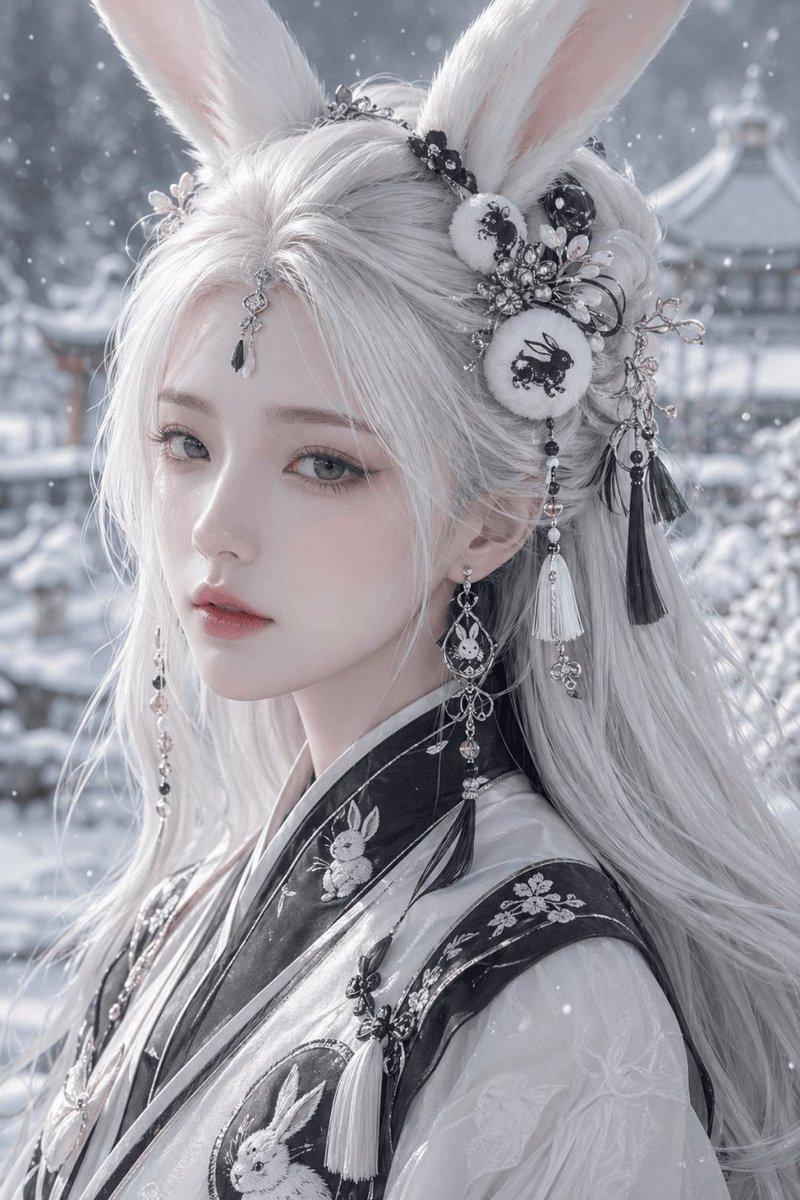
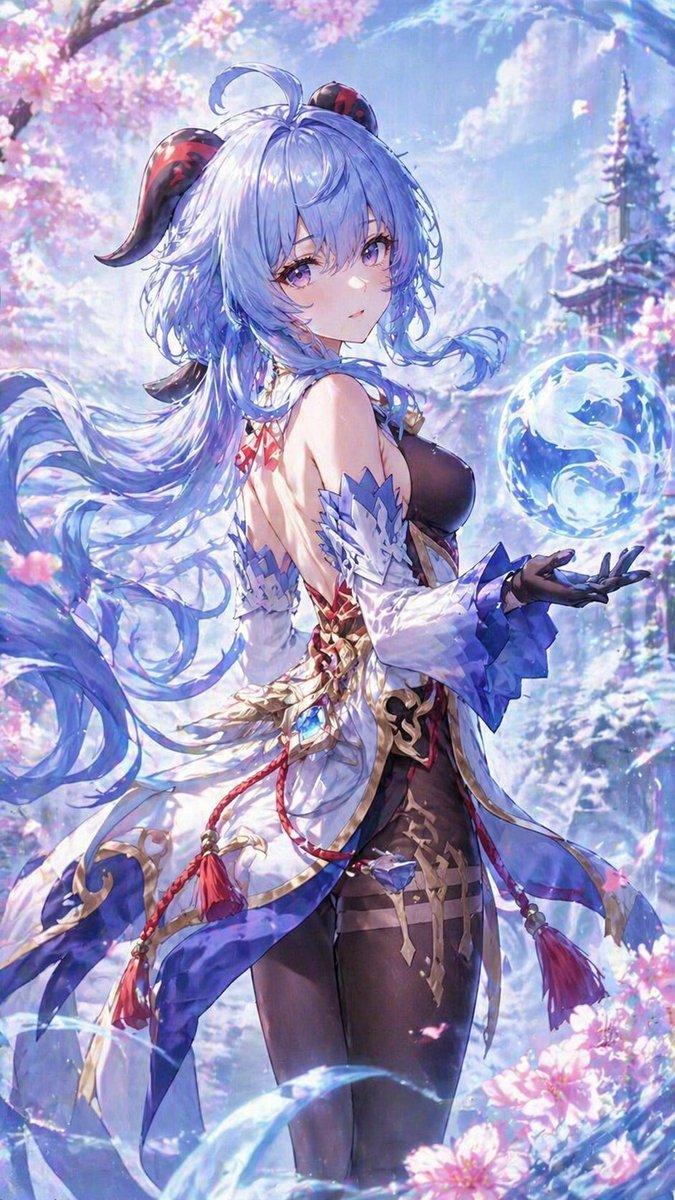
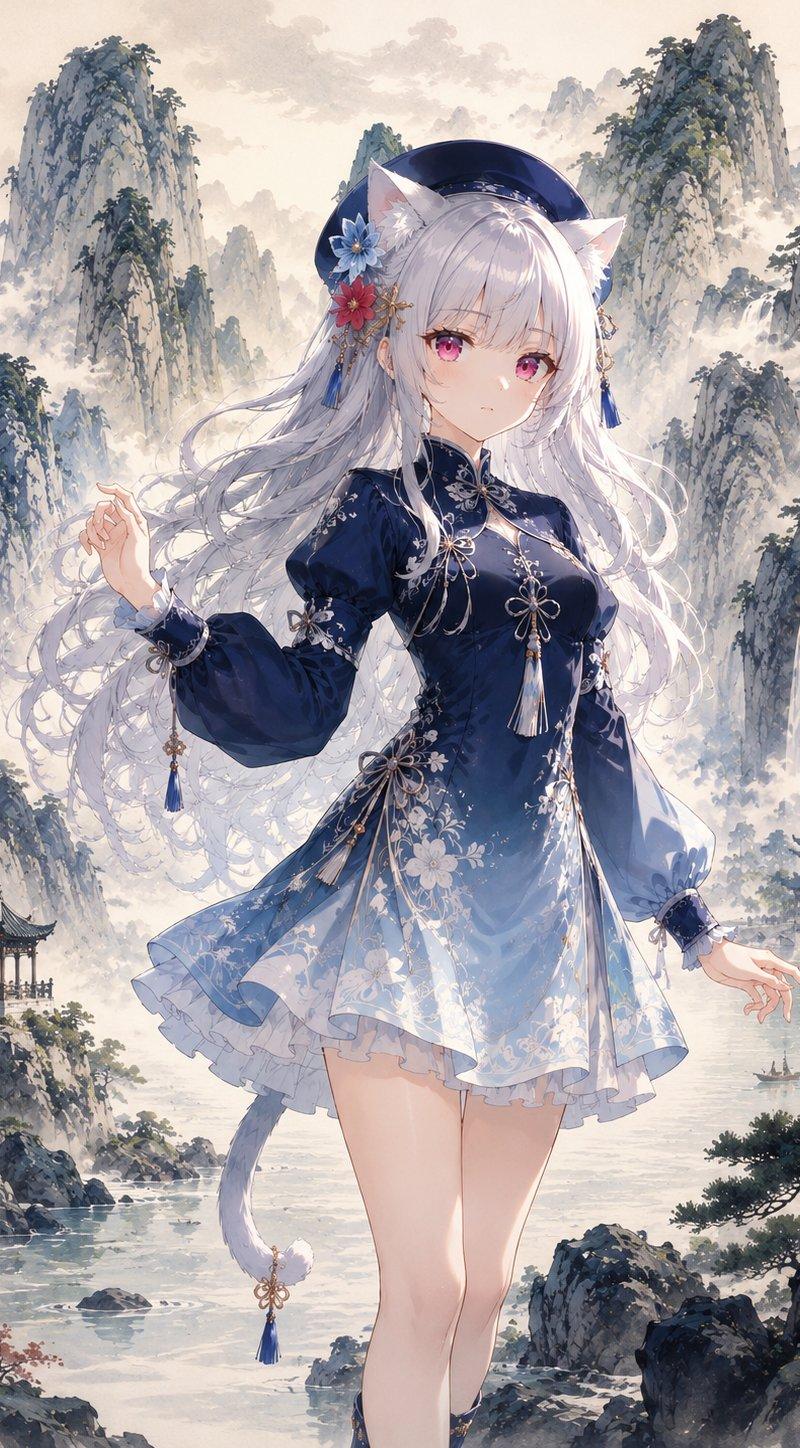
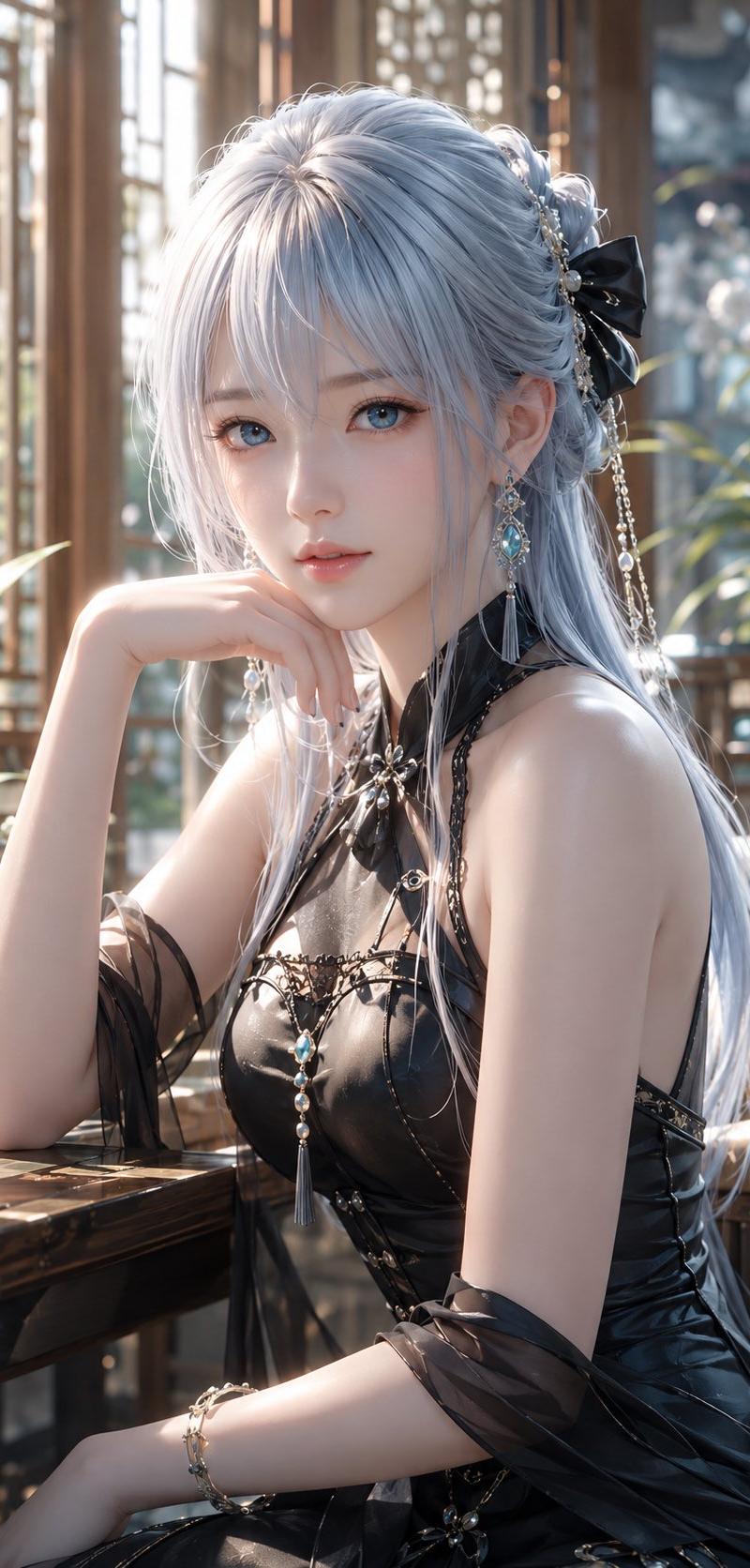
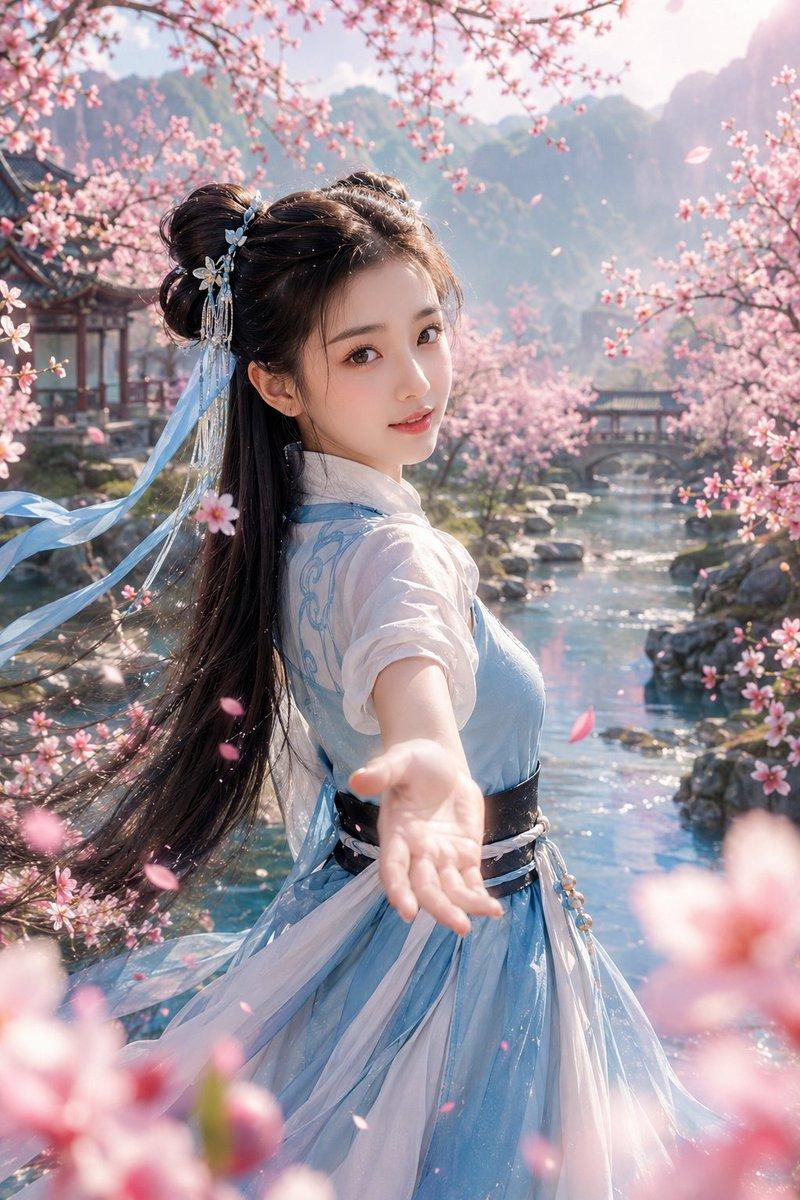
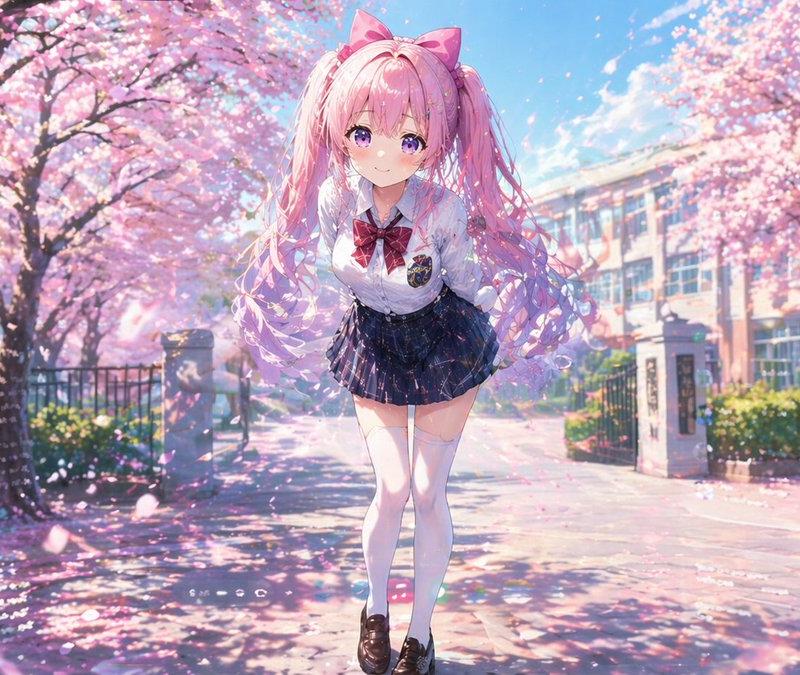
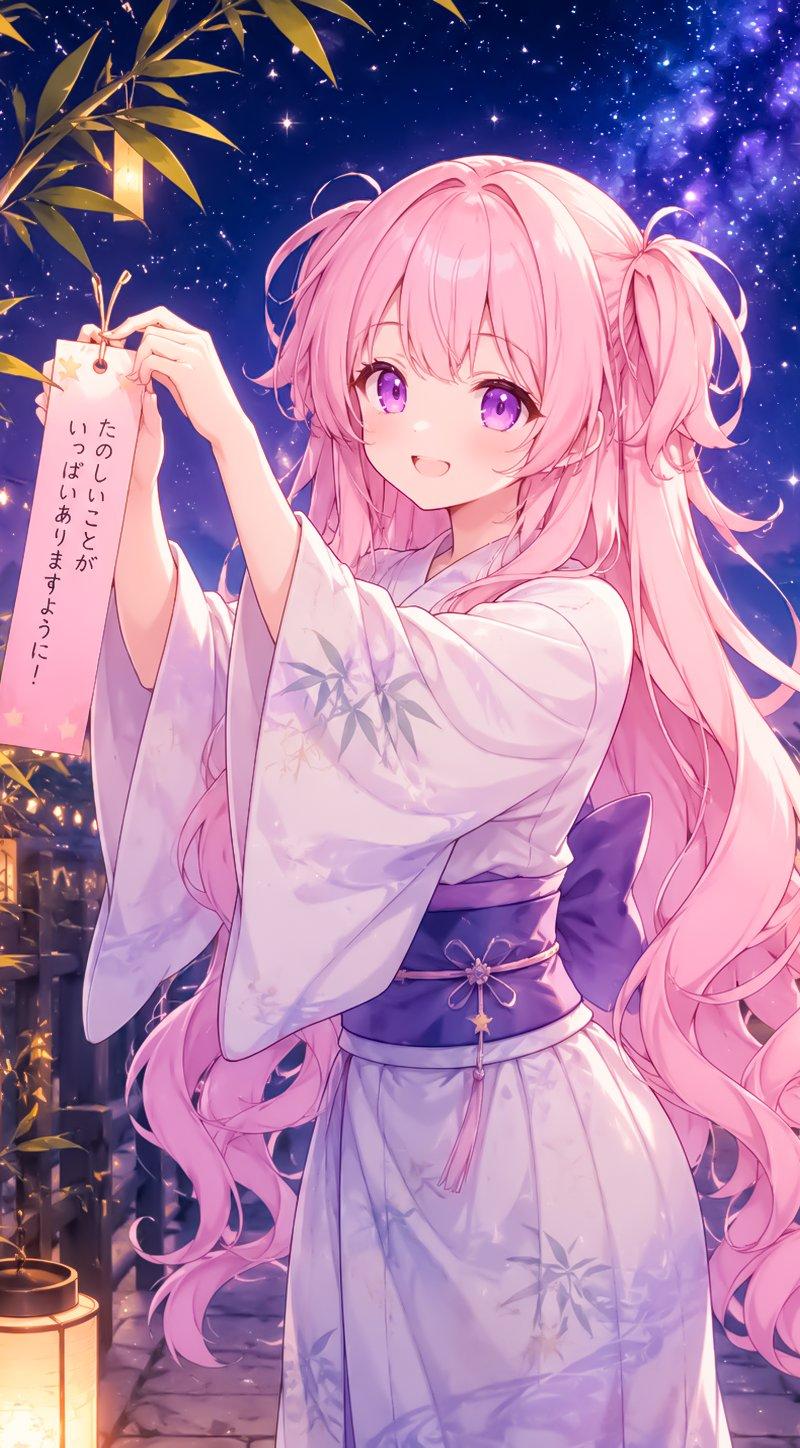
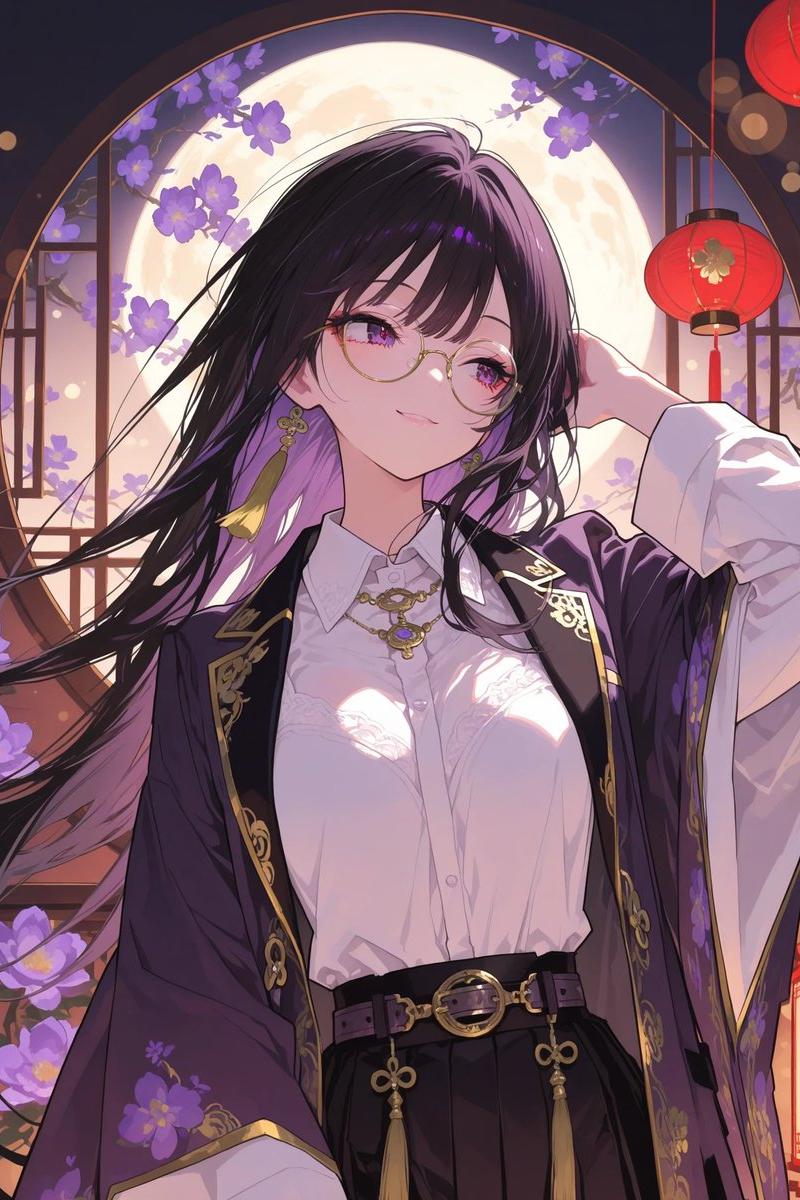
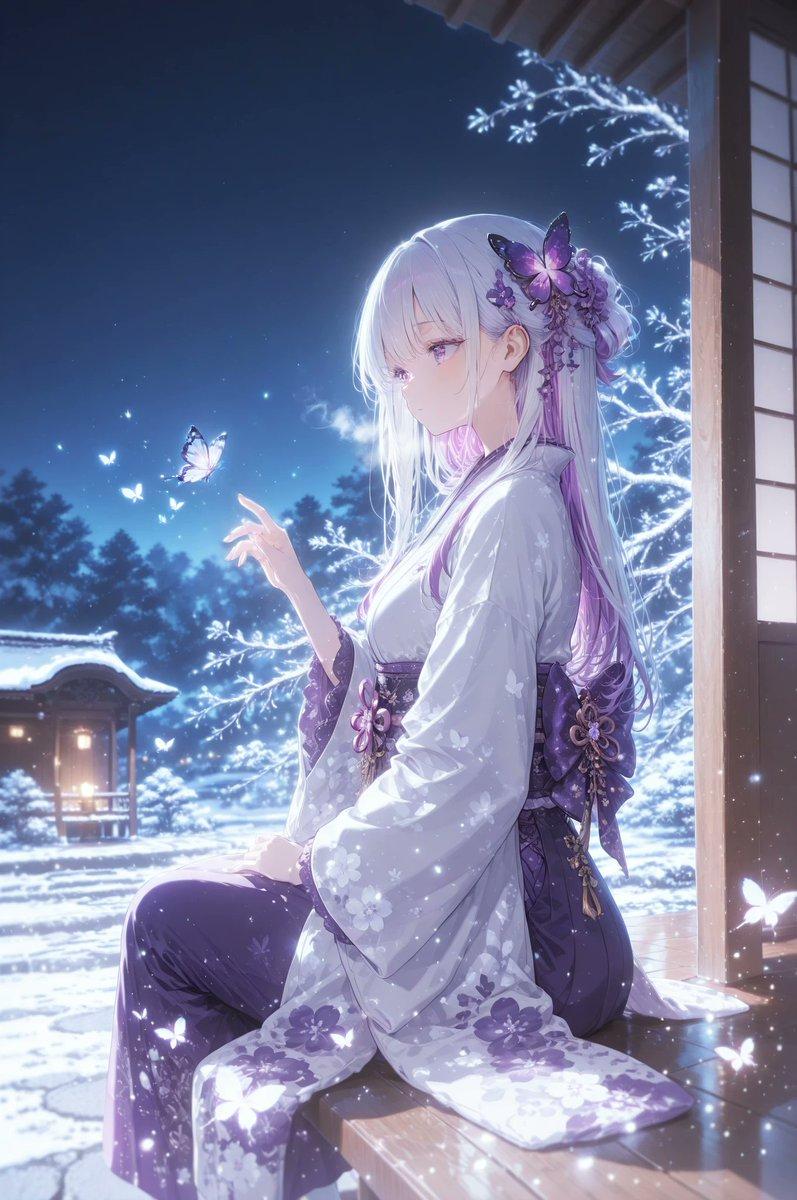
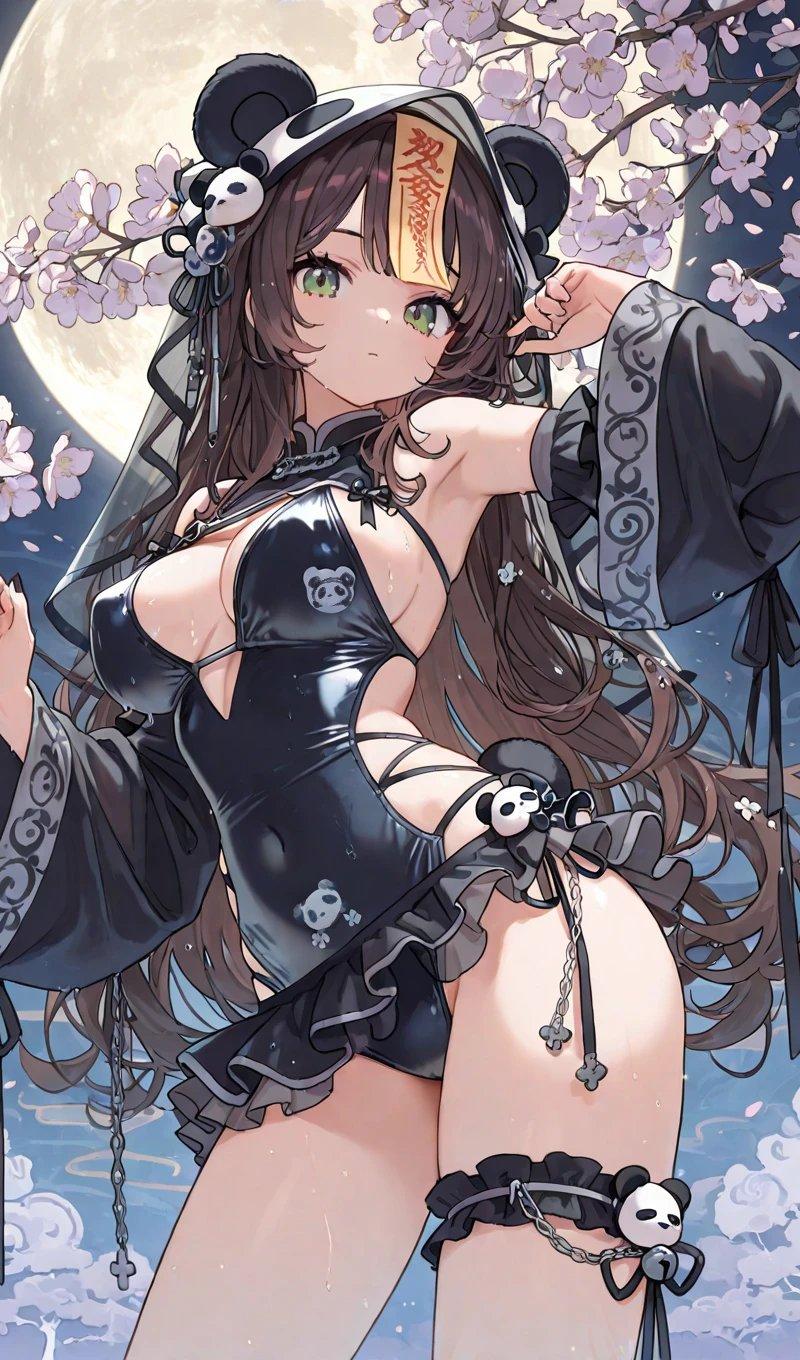
9:16 竖版,高精度 3D CG {argument name="角色类型" default="东方幻想女性"}角色写真,画面主体是一位明确成年的年轻东方幻想系女性,视觉年龄约 20–24 岁,整体气质灵动、甜美、俏皮、轻盈、梦幻,带有春日樱花氛围与精致游戏角色写真感。整体不是平面插画,而是高完成度 3D CG 角色渲染。人物拥有精致甜美的东方幻想美少女脸,瞳色为浅琥珀棕与暖金调混合。发型为高饱和{argument name="发色" default="蓝色"}长发,发尾蓬松灵动。服装为高精度 3D CG 东方幻想轻华丽服饰,具有丝缎、轻纱与刺绣混合质感。背景调整为精致唯美的东方幻想{argument name="背景" default="春日花道"}场景,浅粉樱花盛开。high detail 3D CG render, Unreal Engine quality, Octane render look, cinematic lighting, PBR materials, subsurface scattering skin, realistic hair strands, delicate fantasy costume, glossy fabric, metallic accessories, elegant oriental fantasy styling, cherry blossom atmosphere, volumetric light, cinematic depth of field, soft bloom, ultra detailed, polished anime realism, premium virtual character portrait
Category
Photography & Realism
Model
GPT Image 2
Creator
李岳
Source language
zh-CN
Views19.2K
Source ID
24461
Published
Jun 6, 2026
Studio

Guide

About "3D CG Oriental Fantasy Character Portrait"

What is this prompt for?

"3D CG Oriental Fantasy Character Portrait" AI image prompt for GPT Image 2 (Photography & Realism). A high-precision 3D CG prompt for an oriental fantasy fema…

The full copyable prompt and example visuals above are ready for AI image generation or one-click recreate in Picva.

How to use this prompt

  1. Step 1

    Open the prompt detail

    Review the example visuals, category, and full prompt text for "3D CG Oriental Fantasy Character Portrait".

  2. Step 2

    Copy the prompt

    Copy the prompt body from this page, or load it directly in Studio.

  3. Step 3

    Pick a model (GPT Image 2)

    Prefer GPT Image 2. If you switch models, keep subject and composition and tweak style terms.

  4. Step 4

    Generate and export

    Recreate the look in Picva, or export into your workflow for editing and publishing.

FAQ

What is the "3D CG Oriental Fantasy Character Portrait" prompt?
It is an AI image-generation prompt for GPT Image 2 in the Photography & Realism category. This page includes the full prompt text, example visuals, and a one-click recreate path in Picva.
How do I use this prompt to generate an image?
Copy the prompt from this page, or use Generate / Studio. Paste it into a compatible image model, or recreate the look in Picva with optional reference images.
Which model is this prompt for?
This page lists GPT Image 2. Most descriptive prompts also transfer to nearby image models such as GPT Image, Flux, or Midjourney with light style tweaks.
Can I use the result commercially?
You can usually copy the prompt for creation, but commercial use of the final image depends on the model terms, reference-image rights, and the generated content. Follow the source author and platform rules.