20

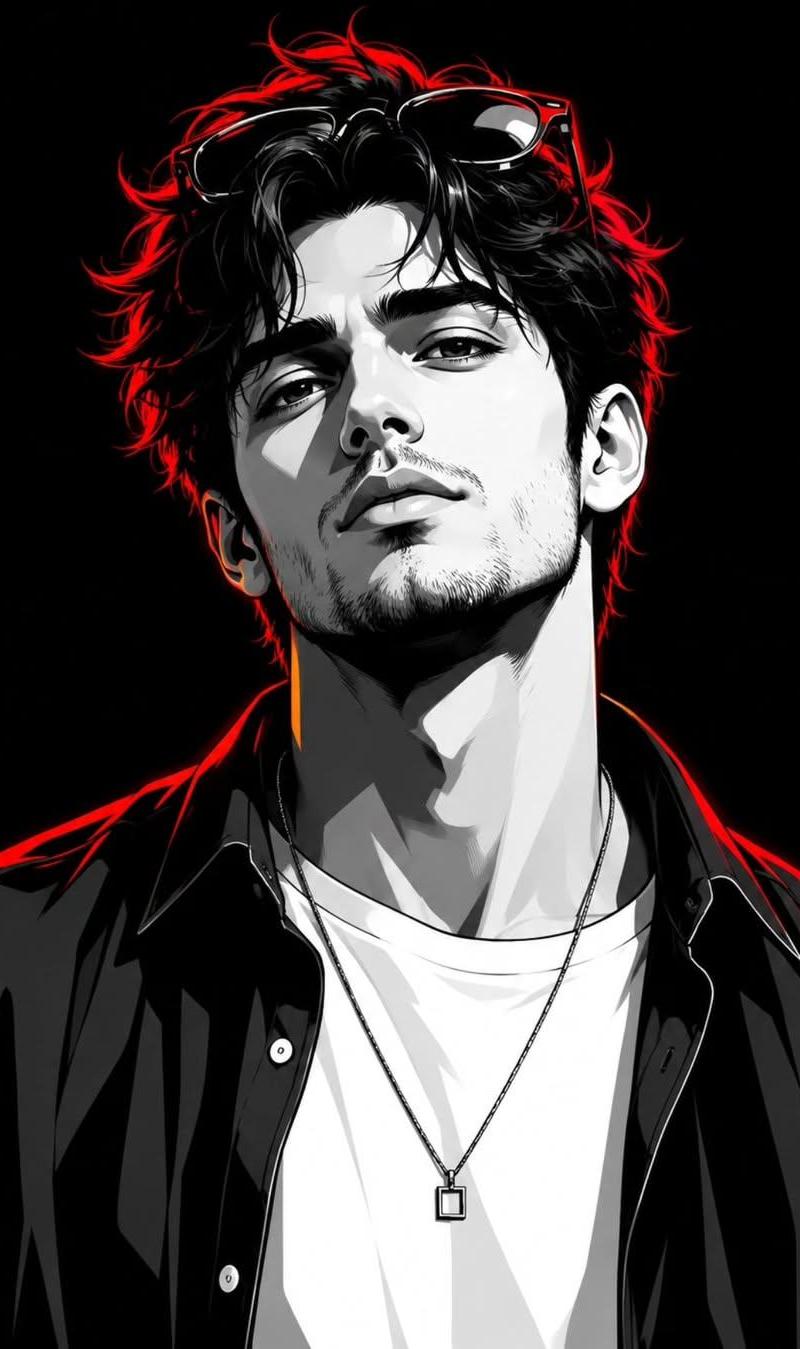
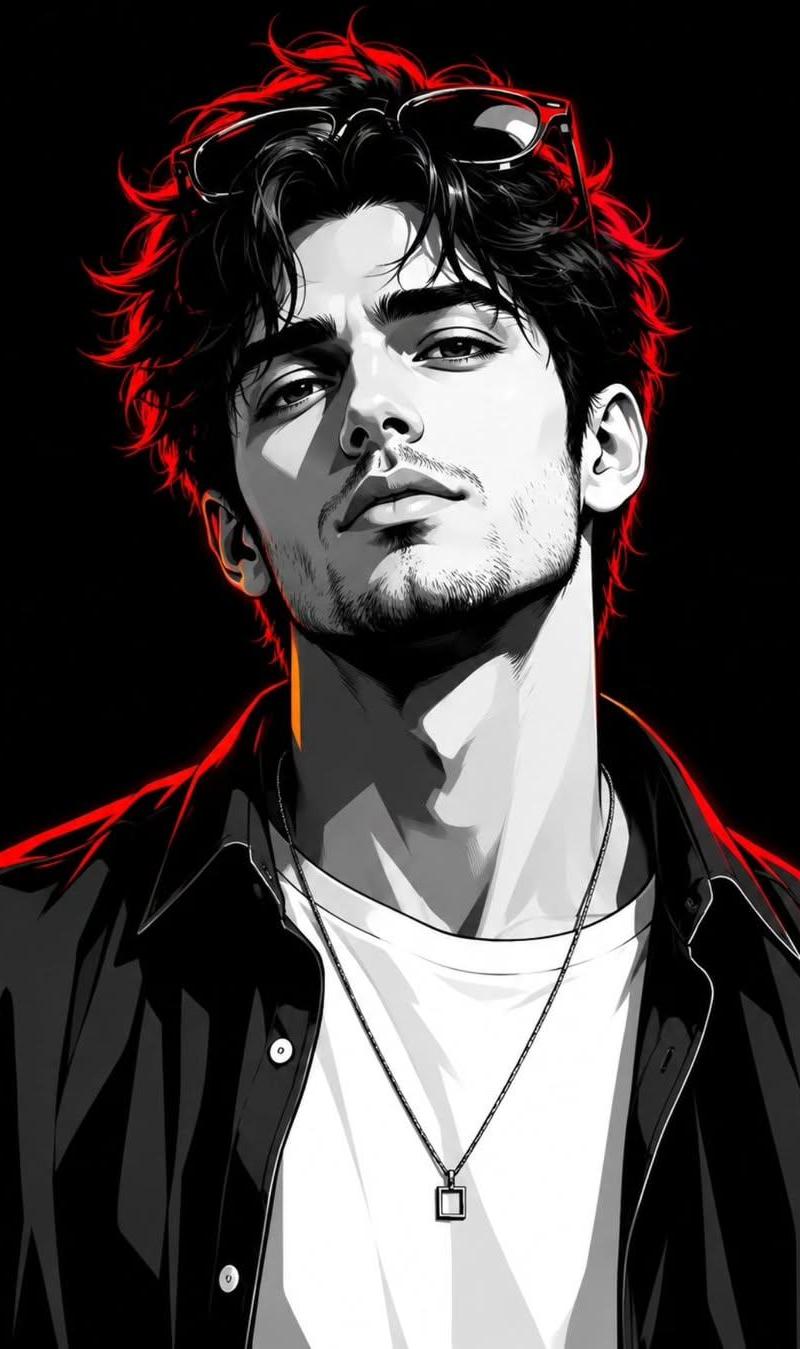
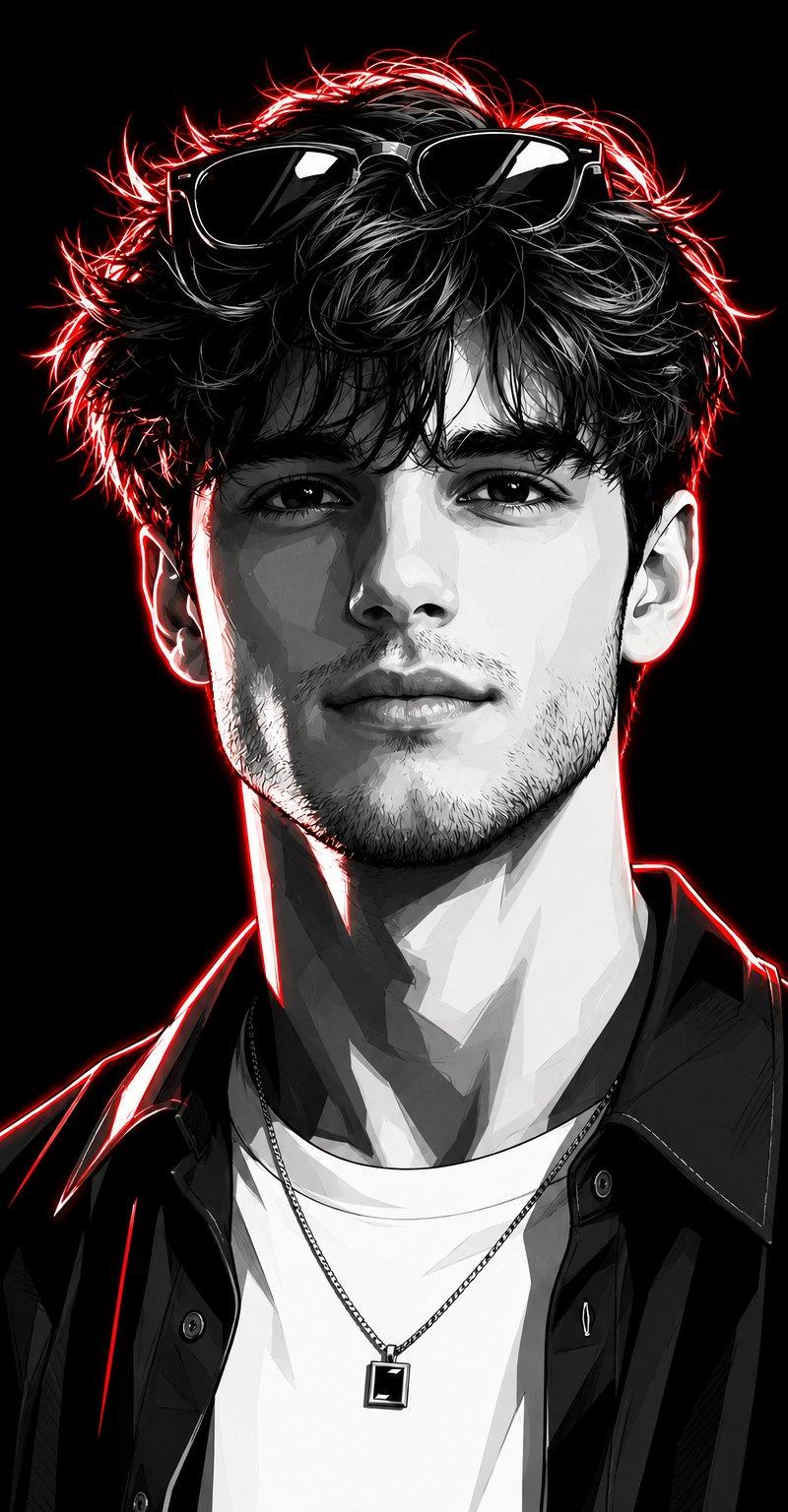
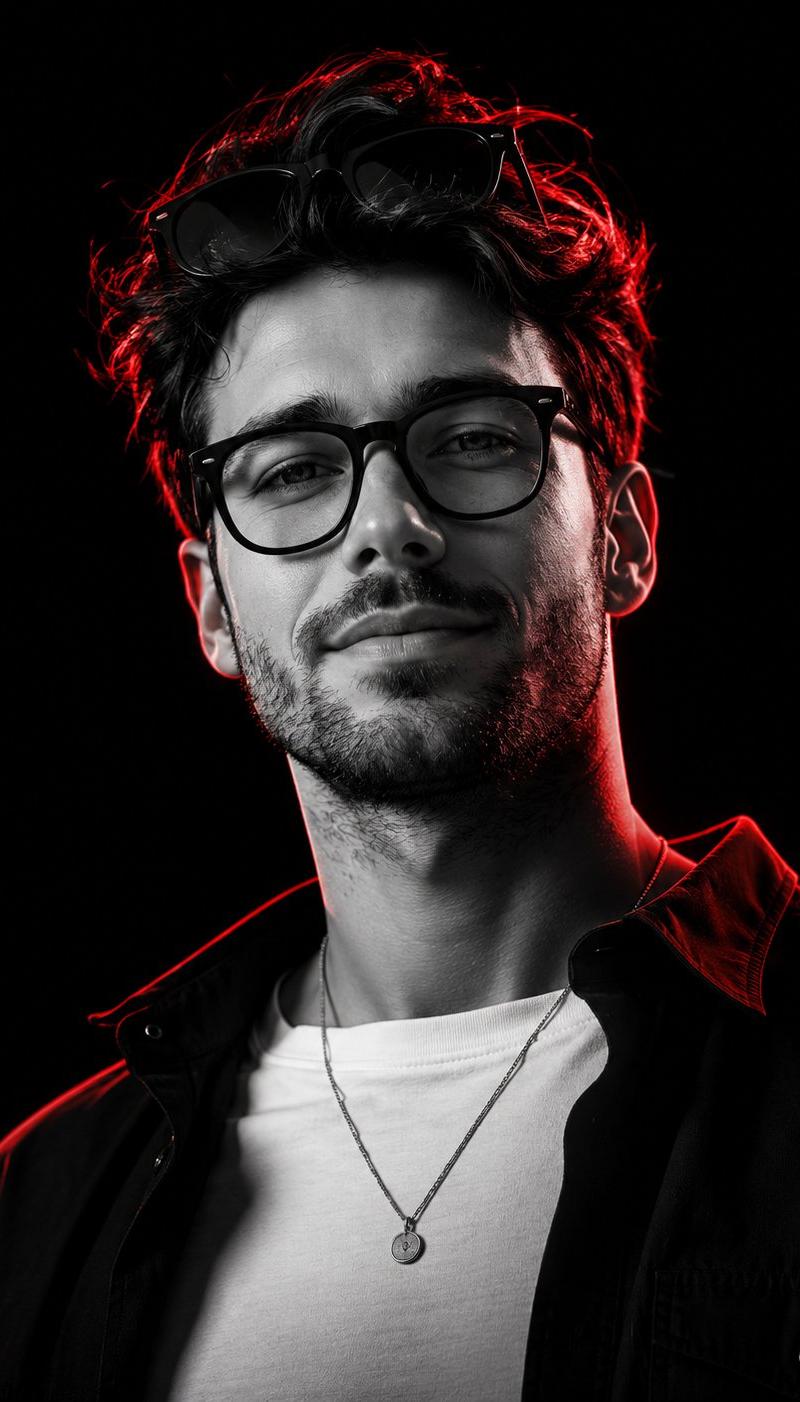
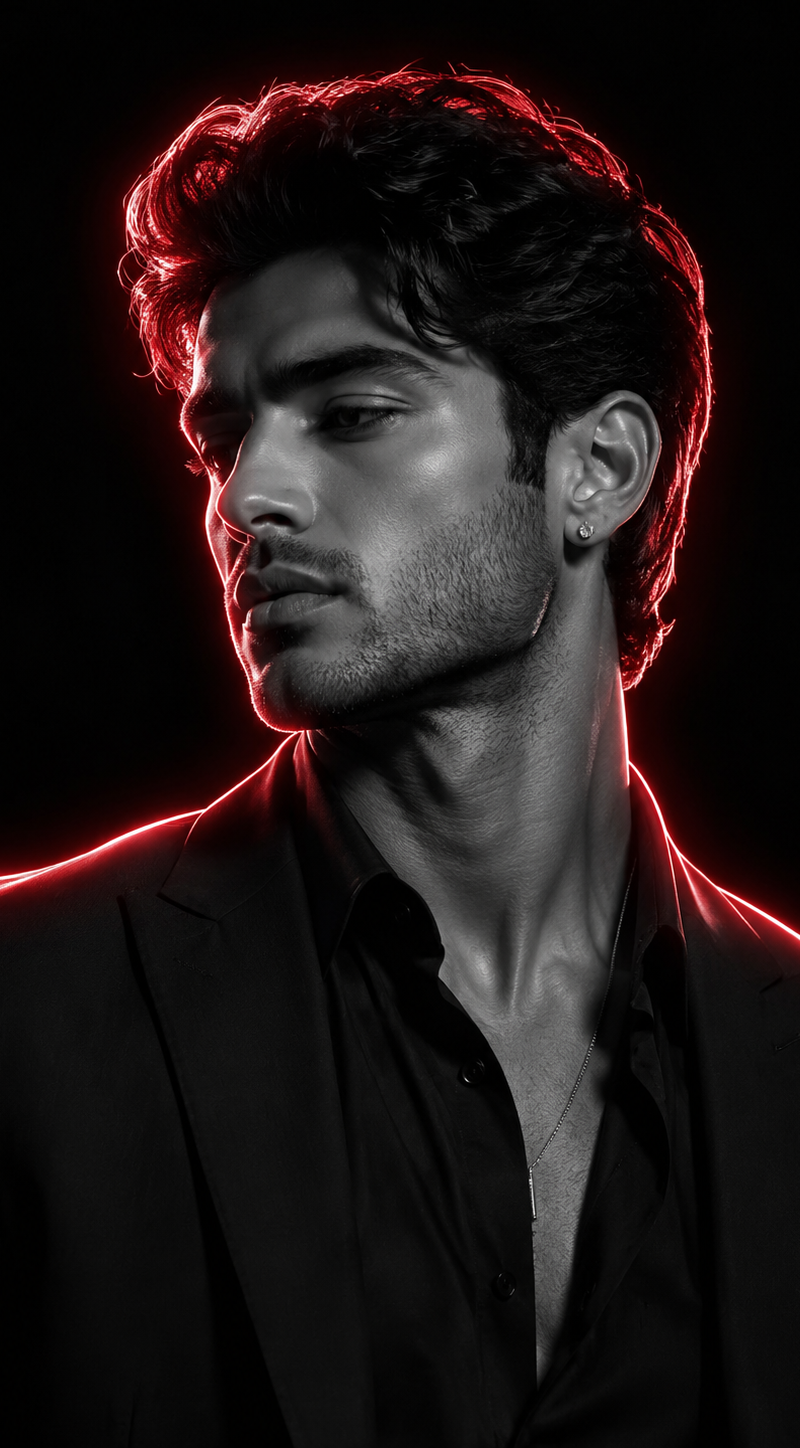
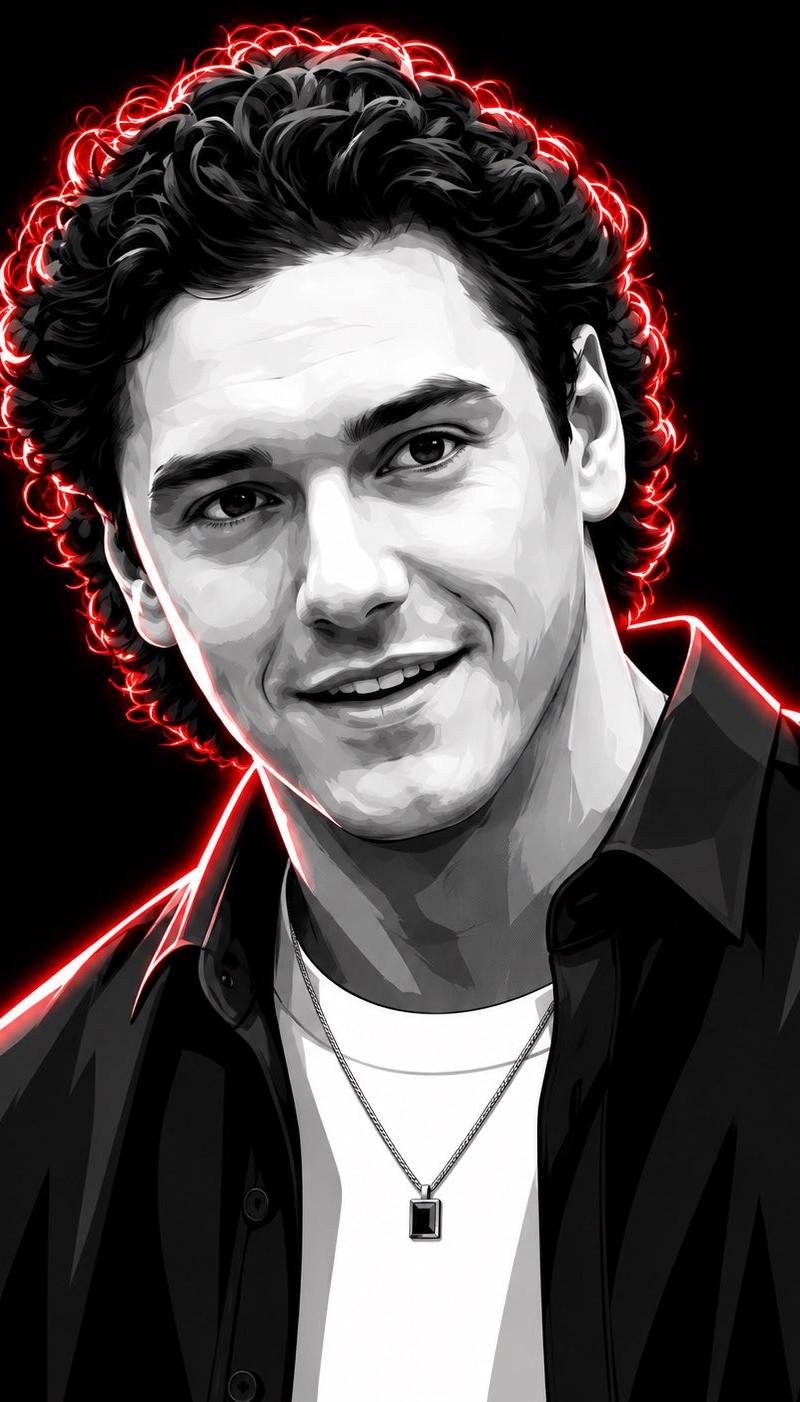
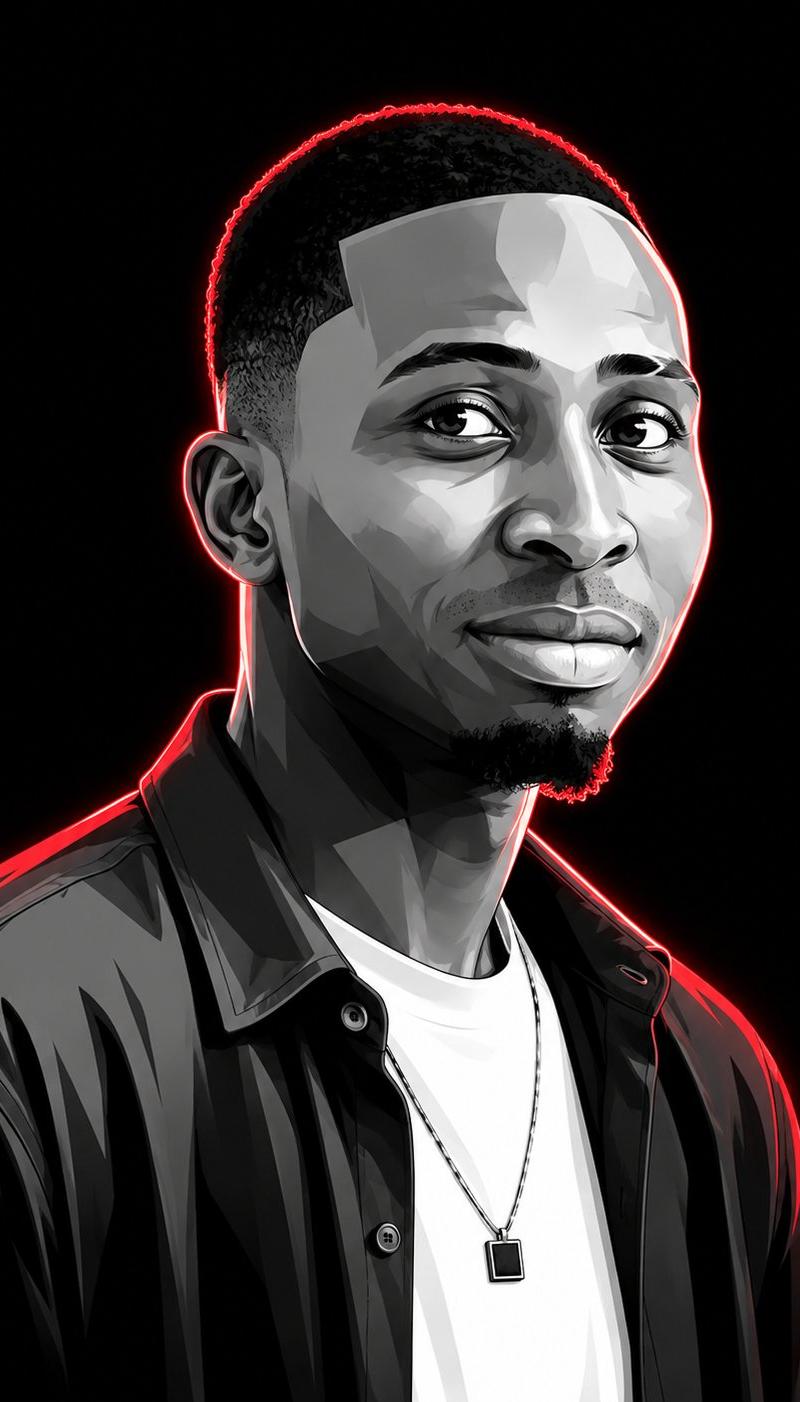
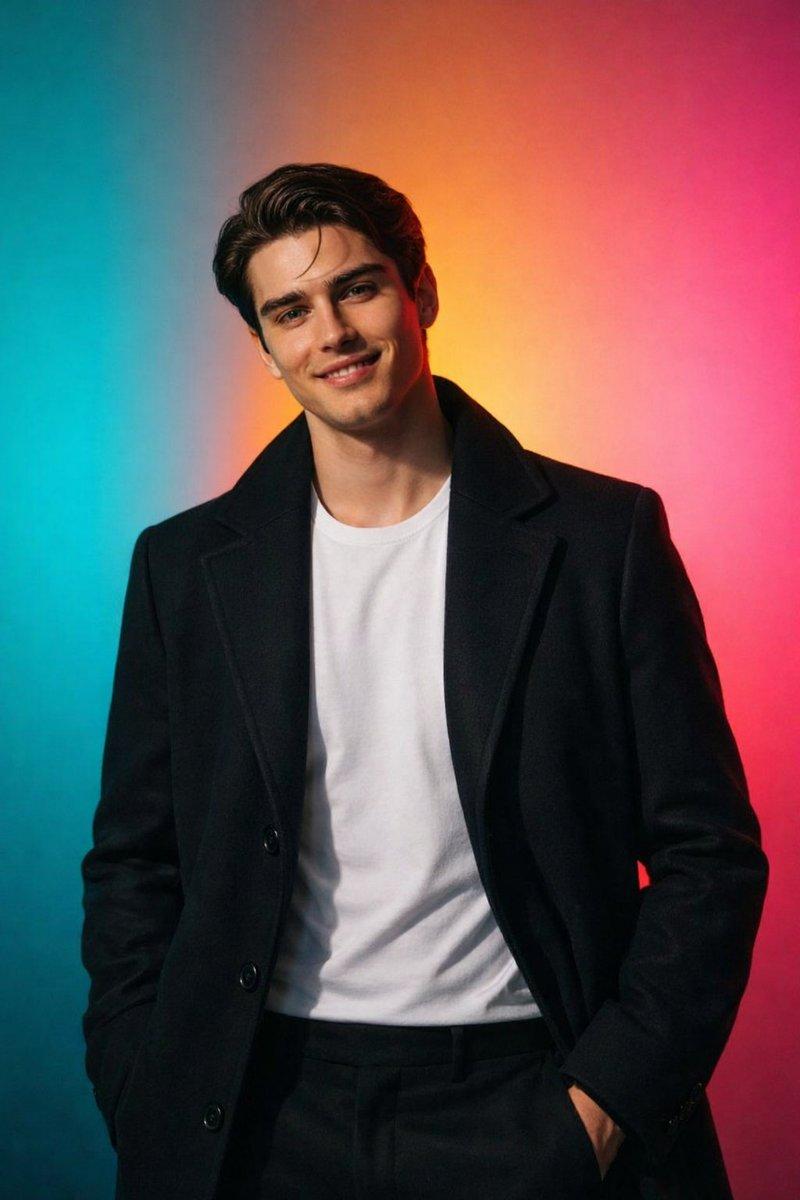
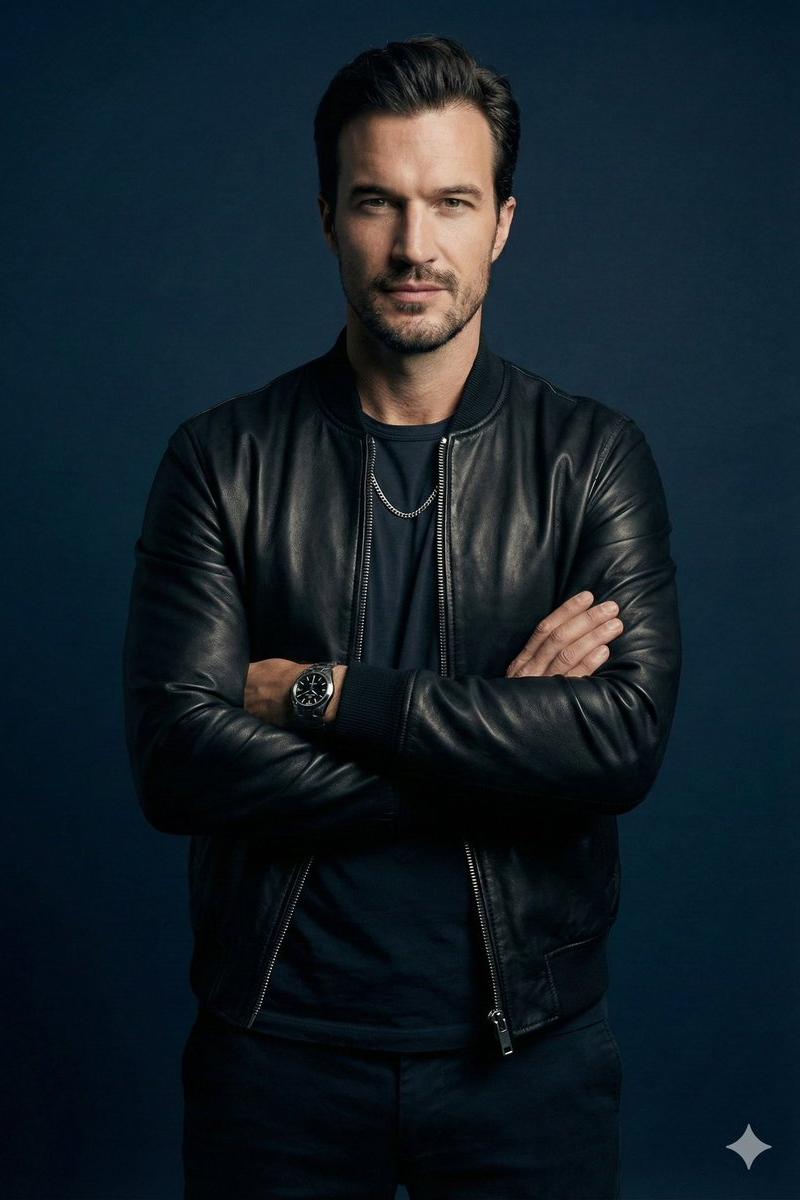
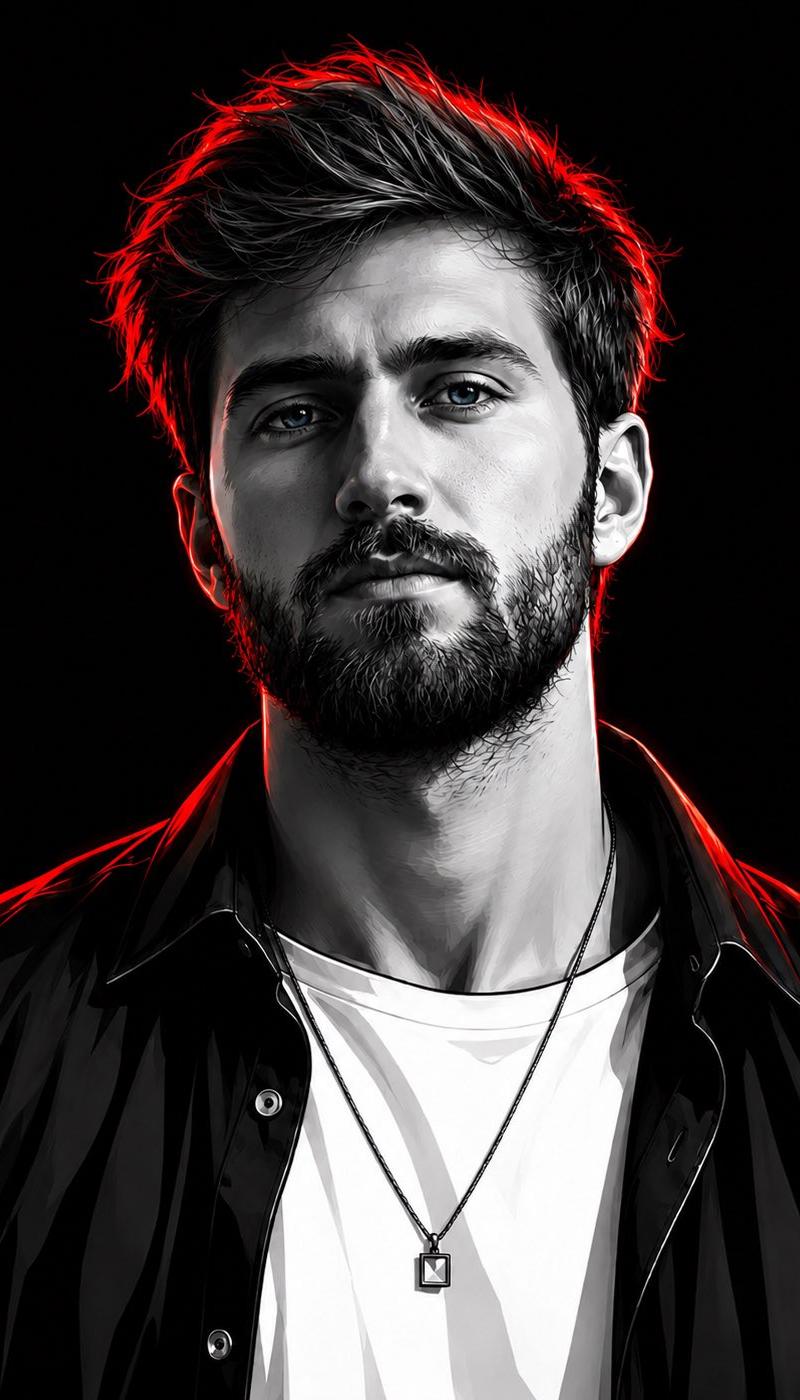
Cyberpunk Neon Rim Lighting Portrait
Enlarge

Example images

Cyberpunk Neon Rim Lighting Portrait

Prompt
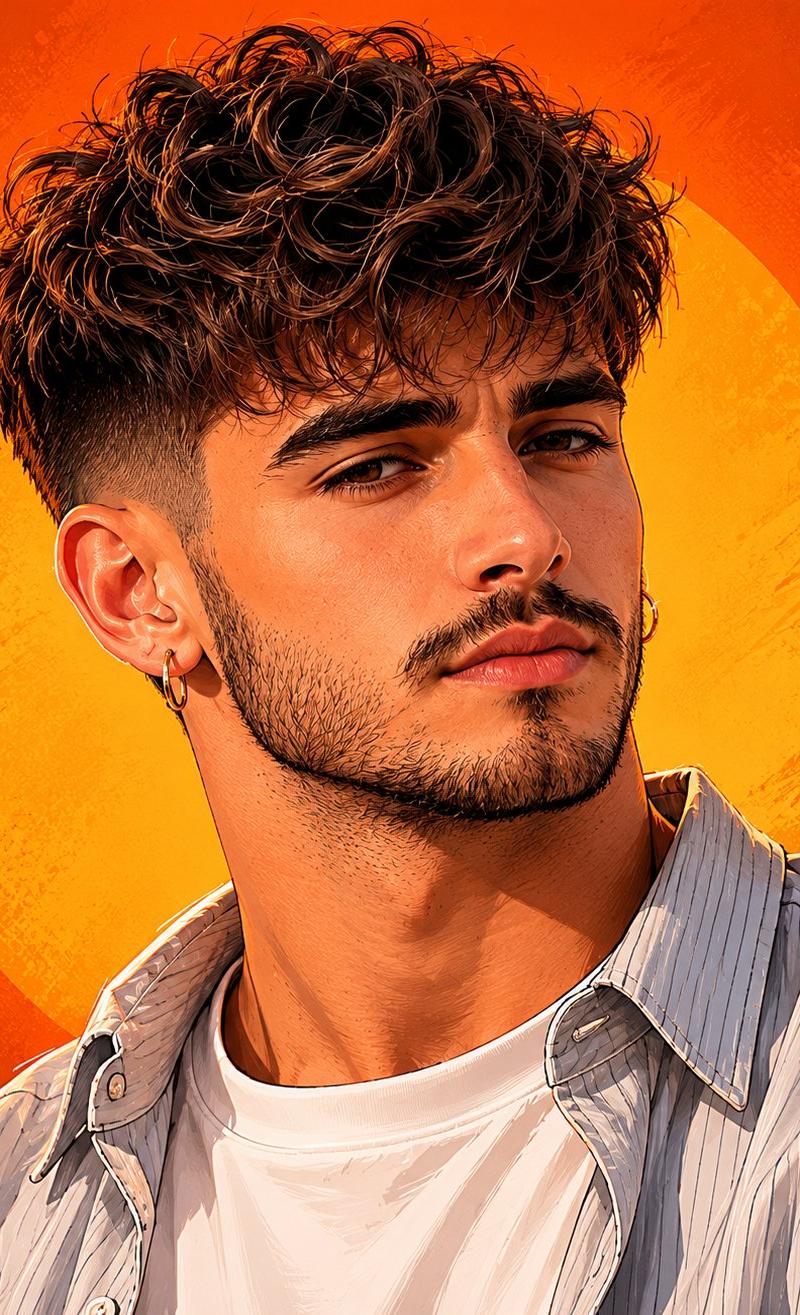
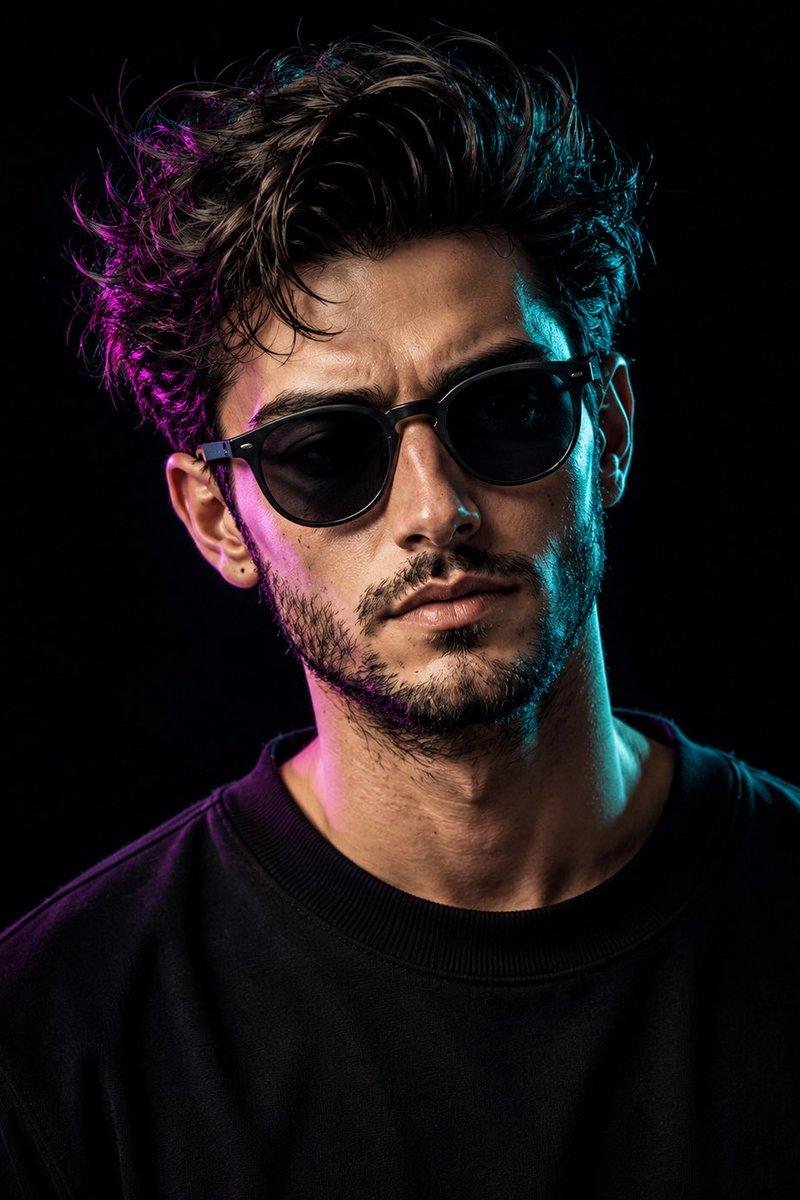
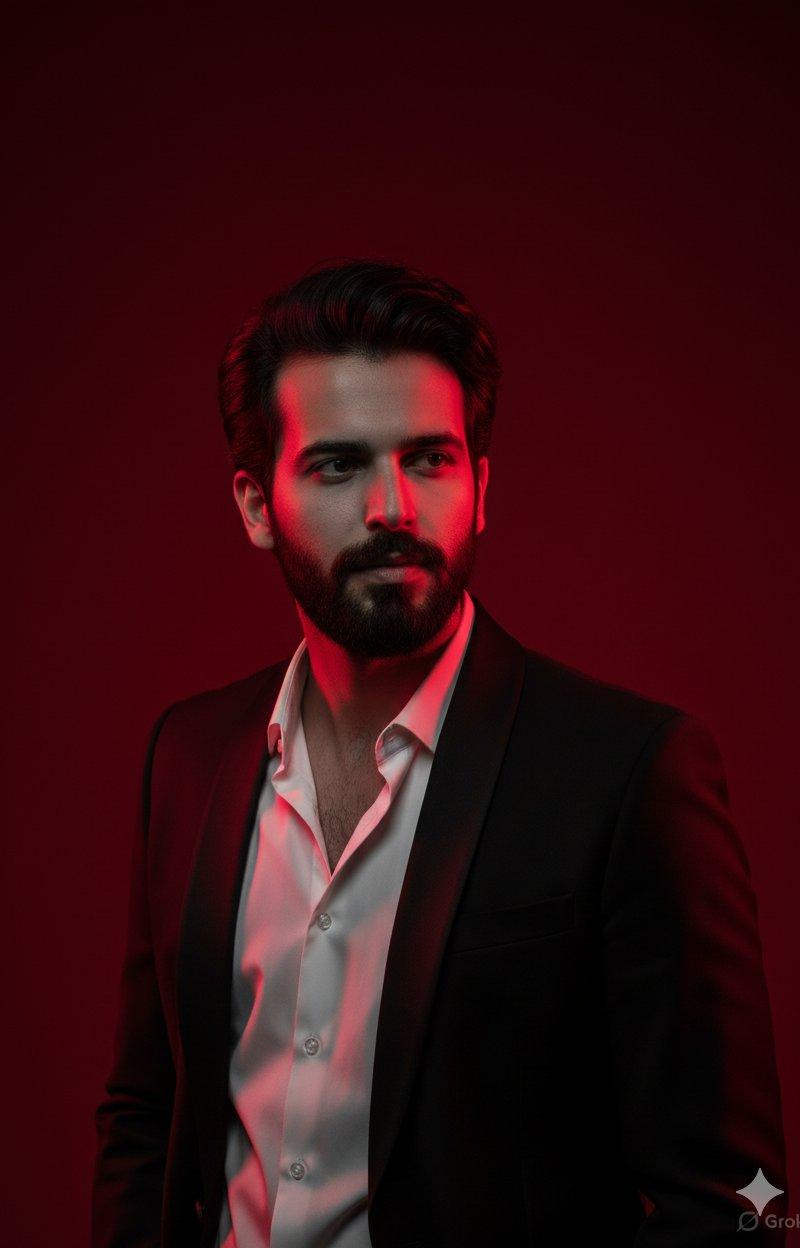
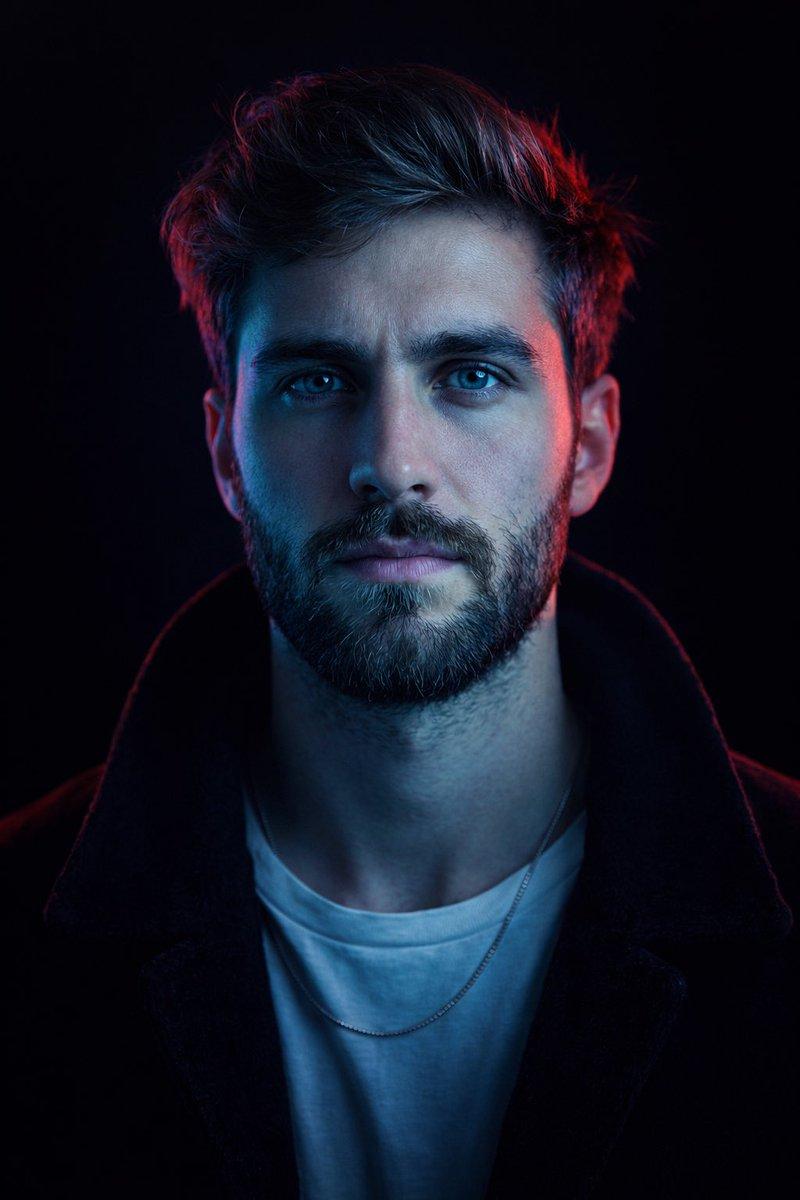
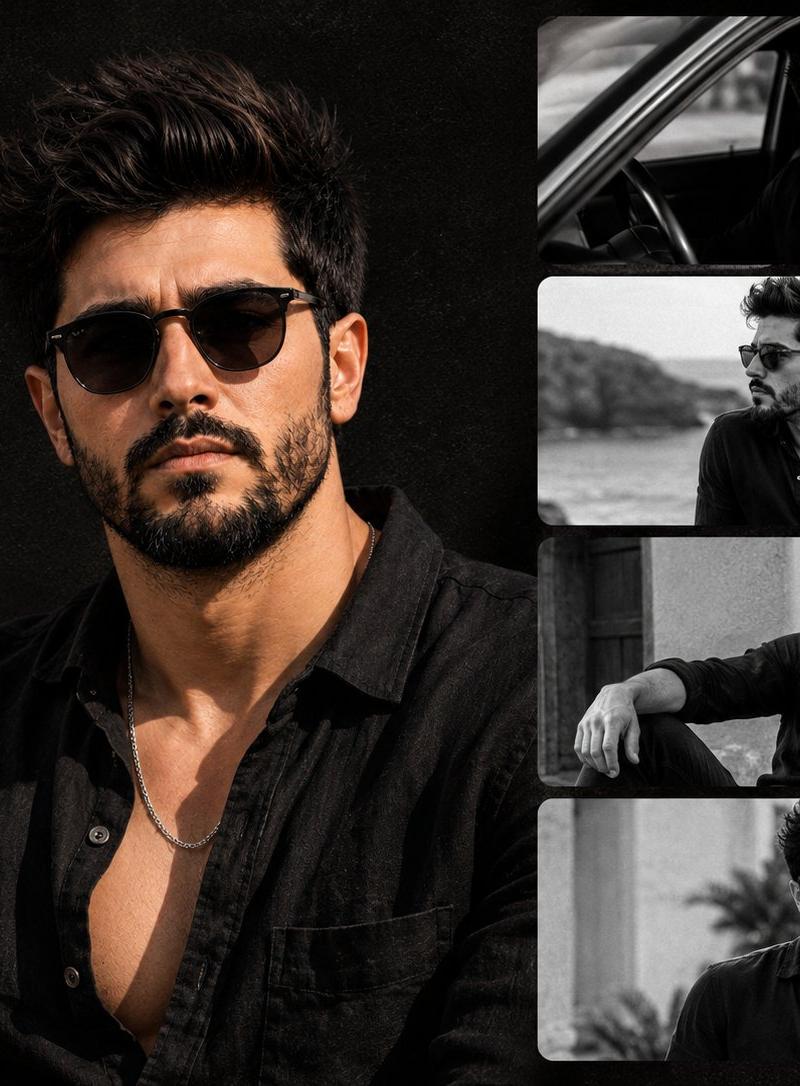
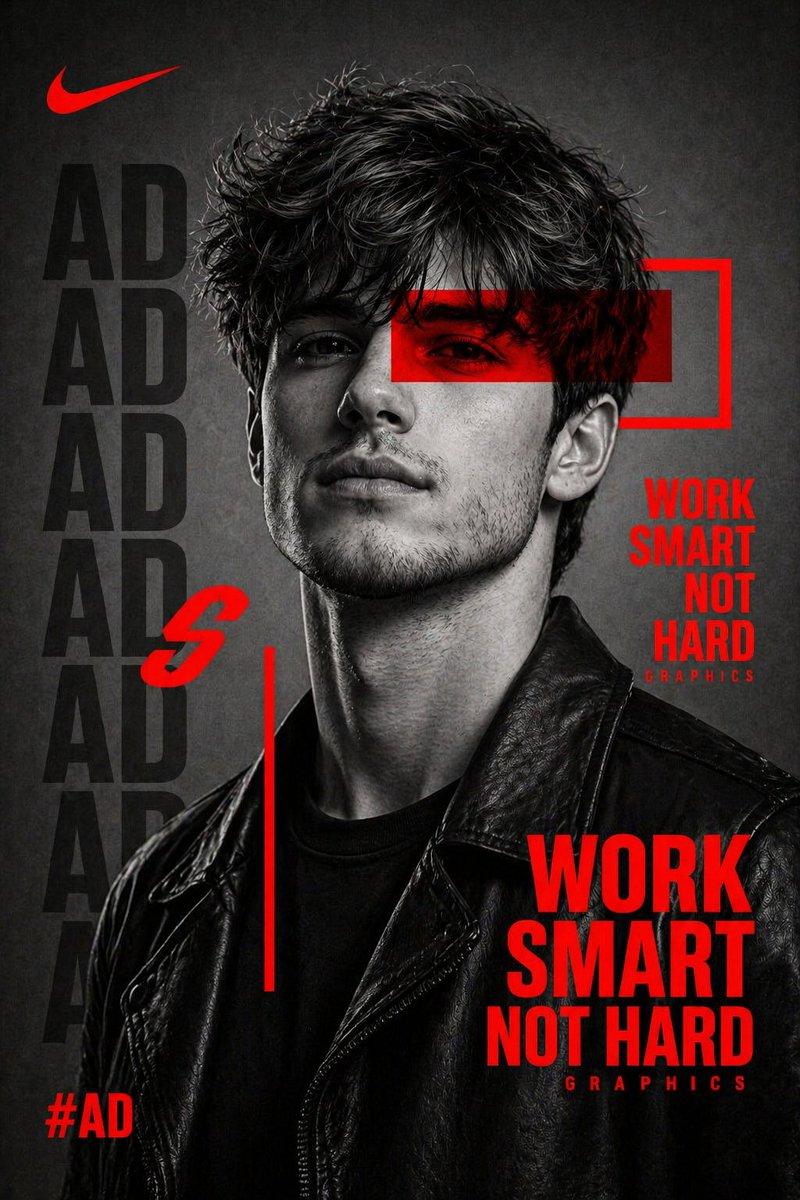
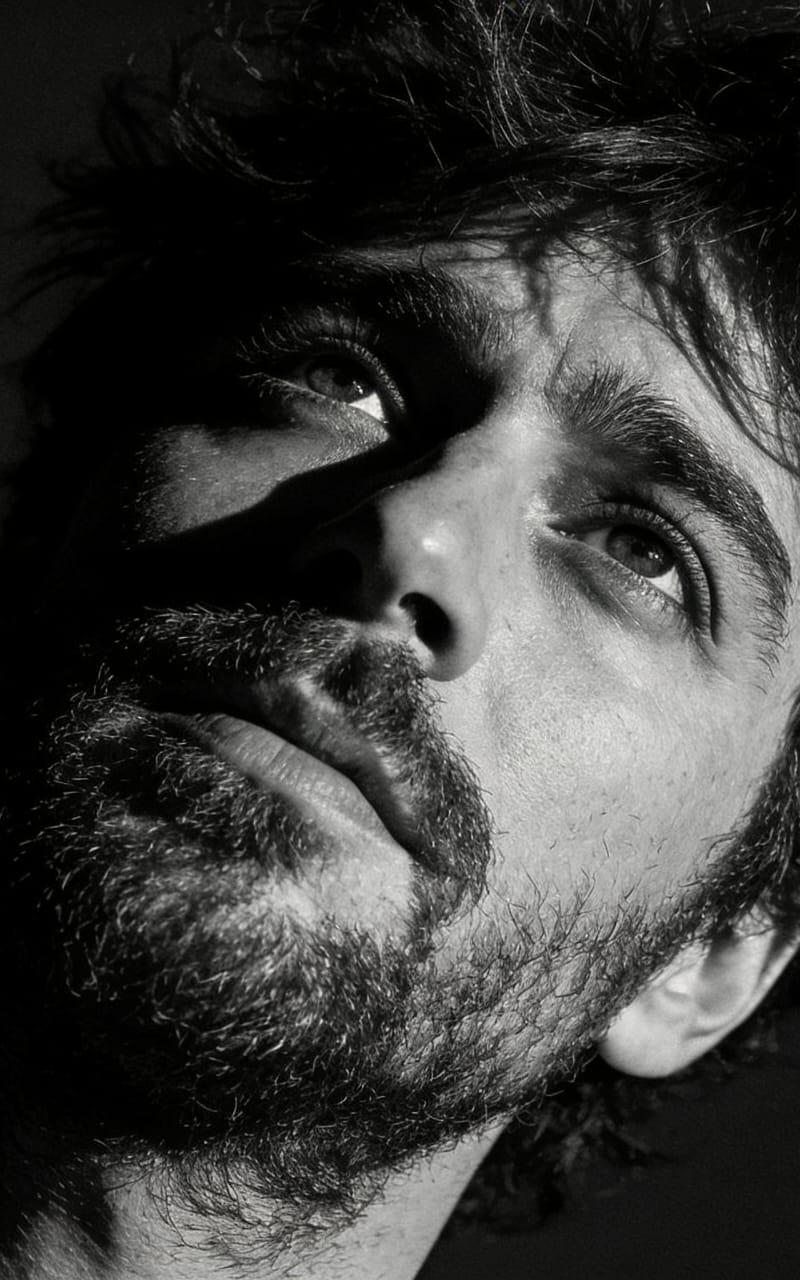
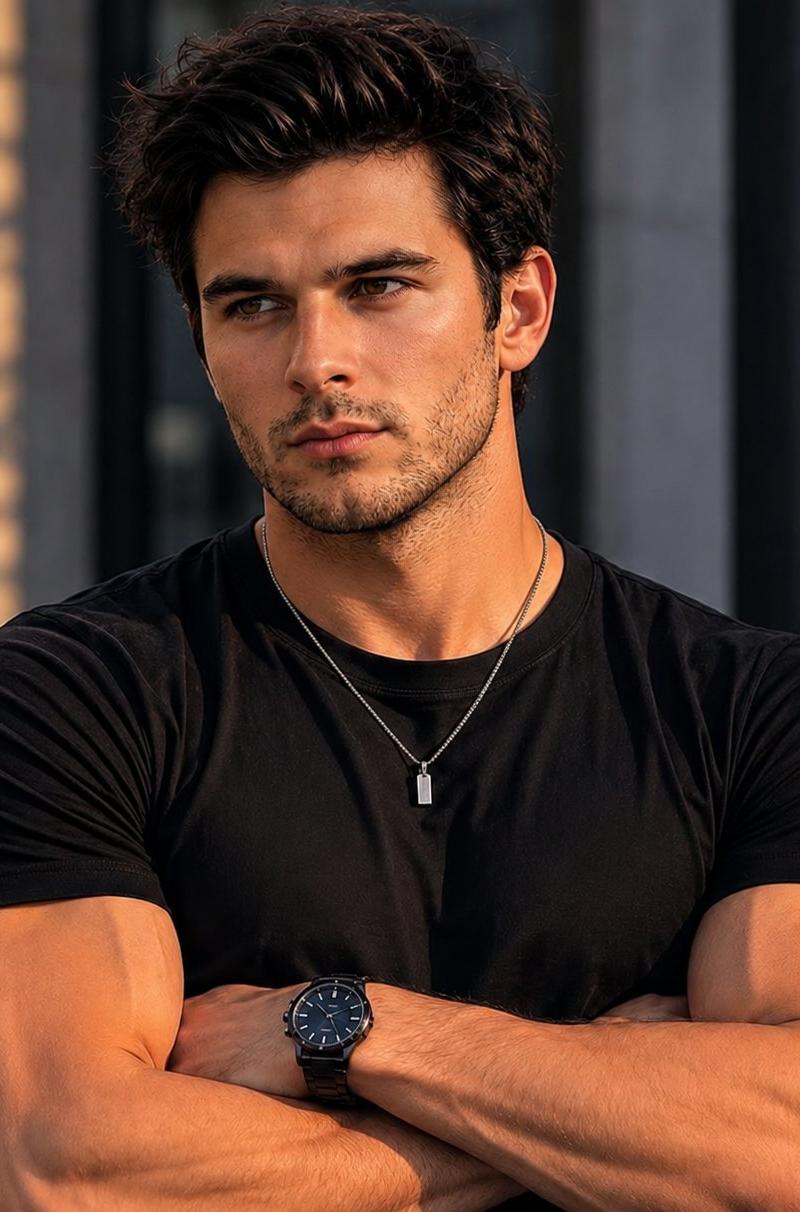
Ultra-detailed cinematic digital portrait of a young man with tousled messy {argument name="hair color" default="black"} hair and light stubble, viewed from a low-angle perspective, projecting confidence and effortless attitude. Black and white monochrome color palette with striking {argument name="glow color" default="neon red"} rim lighting outlining the hair, shoulders, and facial contours. Deep black background with dramatic high-contrast lighting, sharp shadows, and glossy highlights. Sunglasses resting on top of his head, slightly open black shirt layered over a plain white t-shirt, minimalist silver pendant necklace. Intense eyes looking directly at the viewer, relaxed expression, strong jawline, fashion-editorial aesthetic.\n\nModern graphic novel illustration style, ultra-clean vector rendering, smooth gradients, razor-sharp details, premium poster design, luxury streetwear vibe, cyberpunk-inspired red glow accents, cinematic composition, studio-quality lighting, highly detailed facial features, masterpiece quality, 8K resolution, dark moody atmosphere, trending on ArtStation, dramatic contrast, centered composition, black background.
Category
Charts & Infographics
Model
GPT Image 2
Creator
Duet | AI
Source language
en
Views3.1K
Source ID
24600
Published
Jun 7, 2026
Studio

Guide

About "Cyberpunk Neon Rim Lighting Portrait"

What is this prompt for?

"Cyberpunk Neon Rim Lighting Portrait" AI image prompt for GPT Image 2 (Charts & Infographics). A cinematic monochrome portrait prompt featuring high-contrast…

The full copyable prompt and example visuals above are ready for AI image generation or one-click recreate in Picva.

How to use this prompt

  1. Step 1

    Open the prompt detail

    Review the example visuals, category, and full prompt text for "Cyberpunk Neon Rim Lighting Portrait".

  2. Step 2

    Copy the prompt

    Copy the prompt body from this page, or load it directly in Studio.

  3. Step 3

    Pick a model (GPT Image 2)

    Prefer GPT Image 2. If you switch models, keep subject and composition and tweak style terms.

  4. Step 4

    Generate and export

    Recreate the look in Picva, or export into your workflow for editing and publishing.

FAQ

What is the "Cyberpunk Neon Rim Lighting Portrait" prompt?
It is an AI image-generation prompt for GPT Image 2 in the Charts & Infographics category. This page includes the full prompt text, example visuals, and a one-click recreate path in Picva.
How do I use this prompt to generate an image?
Copy the prompt from this page, or use Generate / Studio. Paste it into a compatible image model, or recreate the look in Picva with optional reference images.
Which model is this prompt for?
This page lists GPT Image 2. Most descriptive prompts also transfer to nearby image models such as GPT Image, Flux, or Midjourney with light style tweaks.
Can I use the result commercially?
You can usually copy the prompt for creation, but commercial use of the final image depends on the model terms, reference-image rights, and the generated content. Follow the source author and platform rules.