18

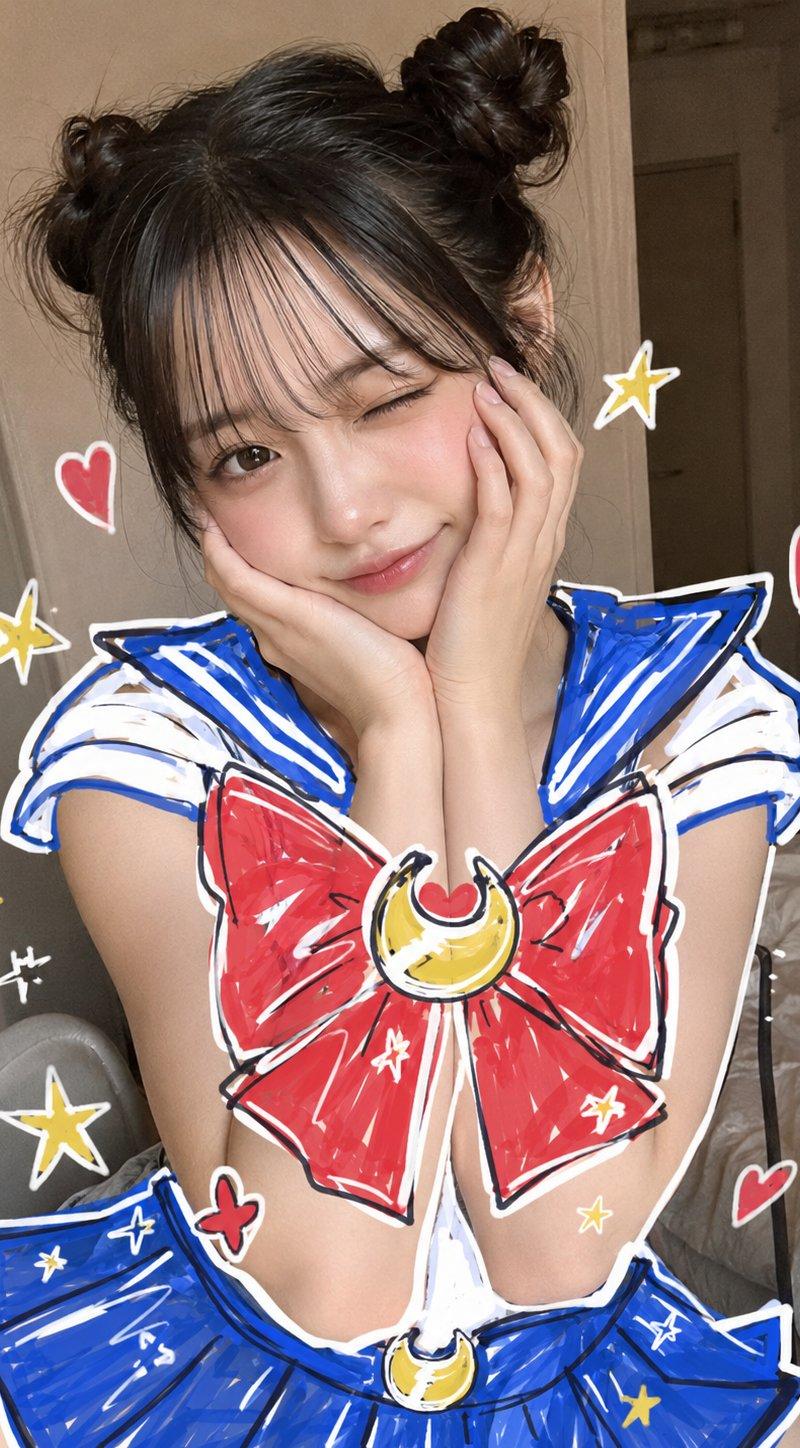
Sailor Moon Doodle Selfie
Enlarge

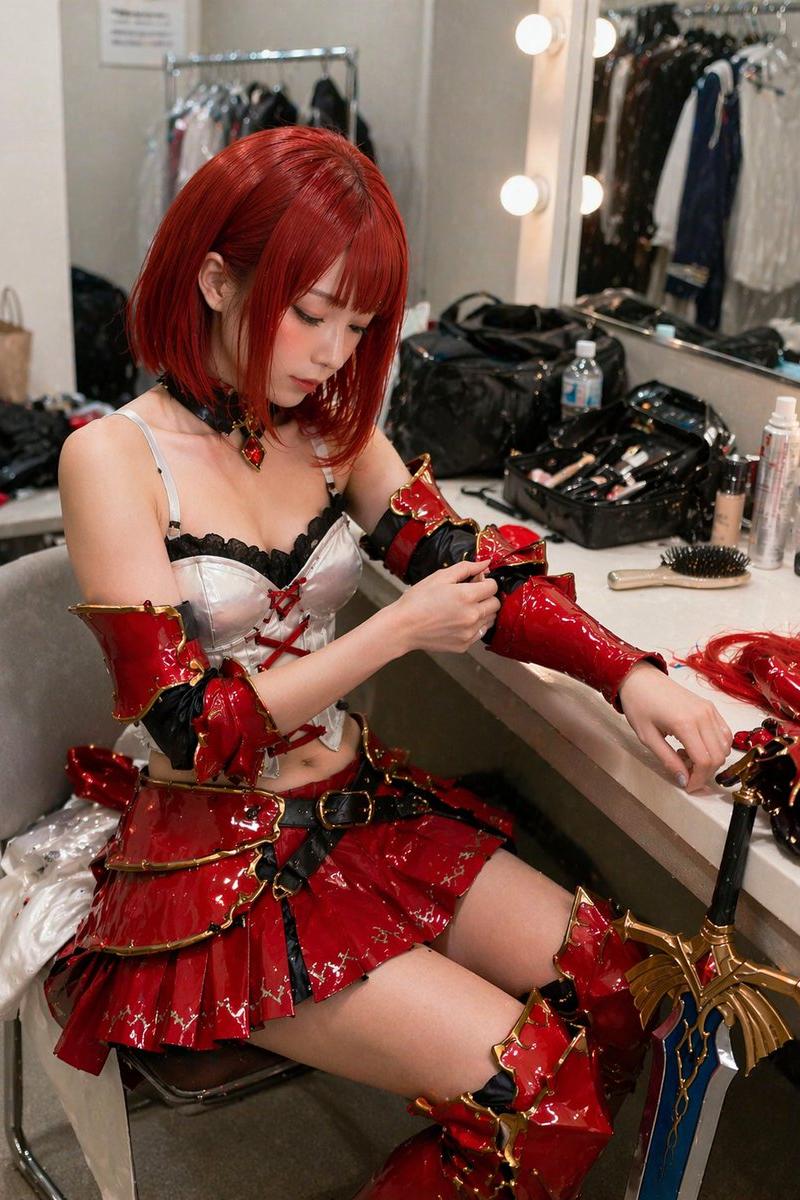
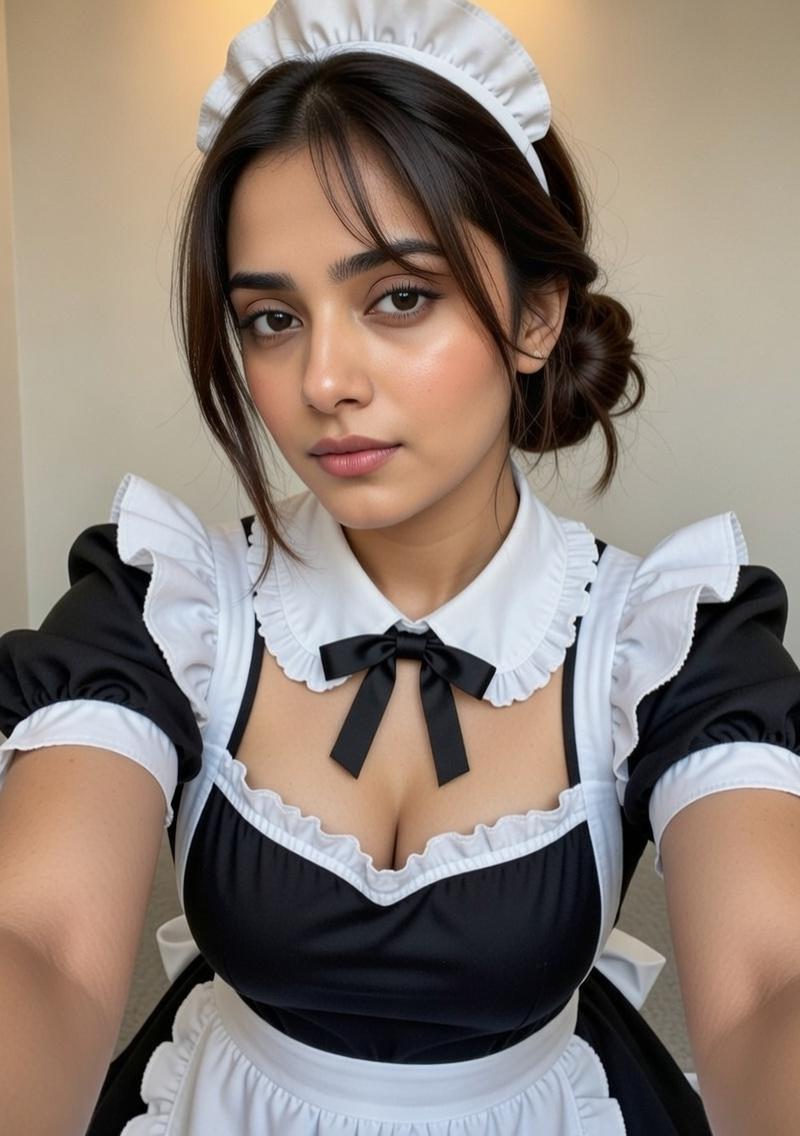
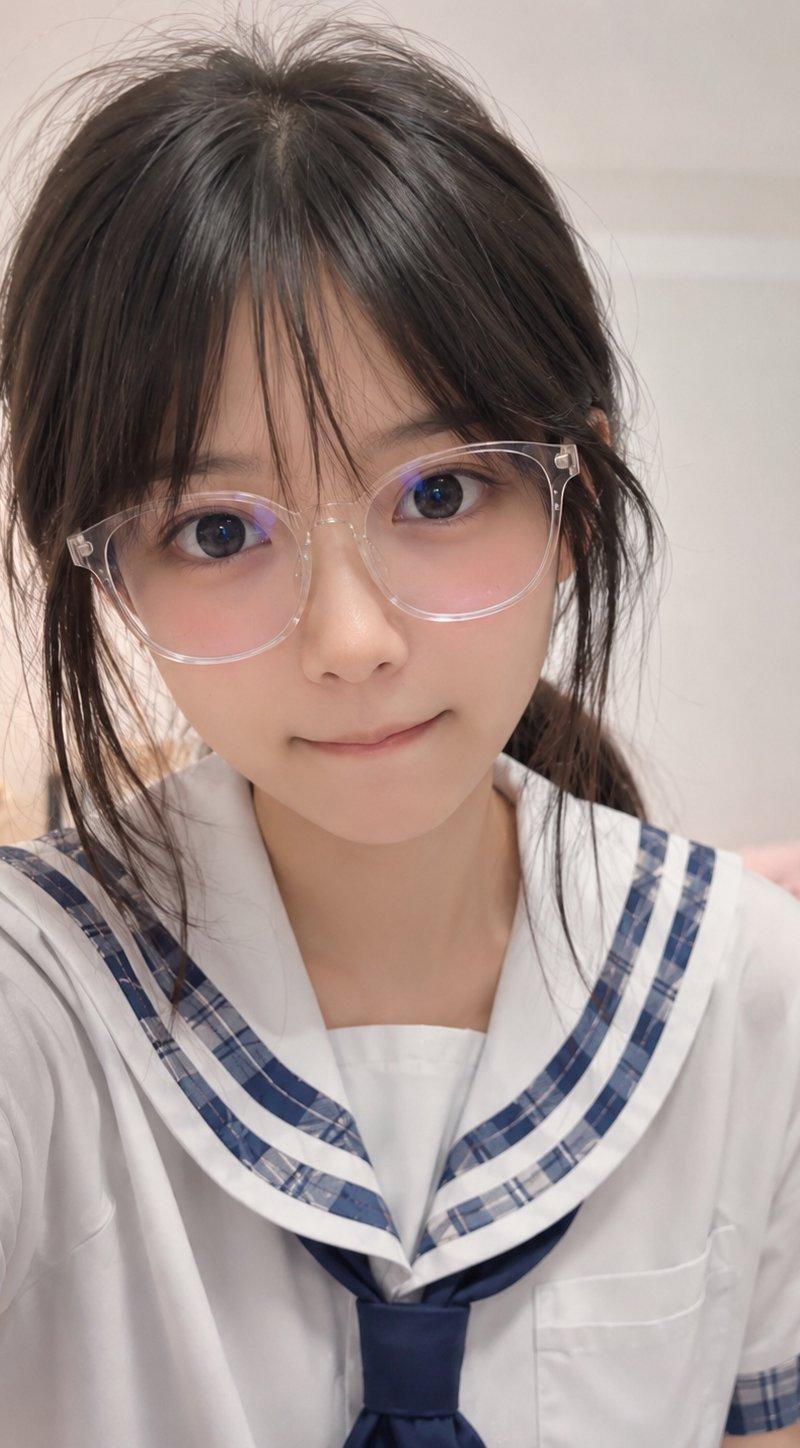
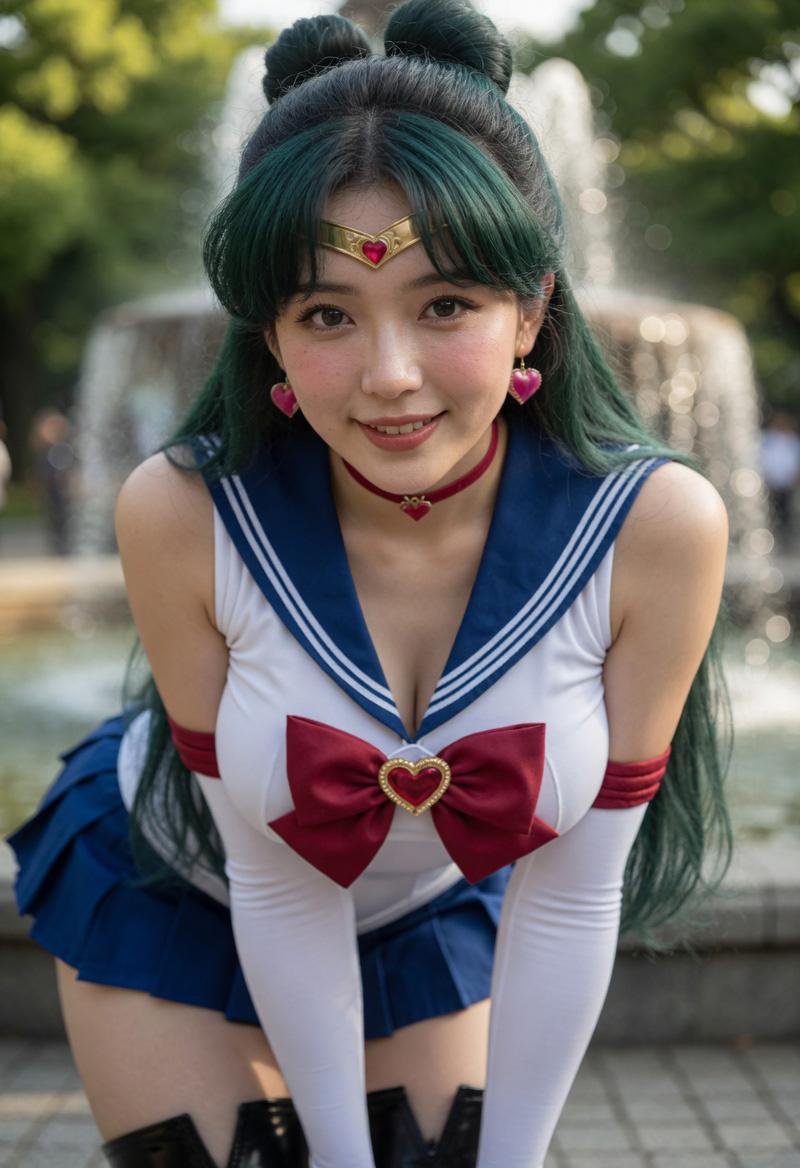
Example images

Sailor Moon Doodle Selfie

Prompt
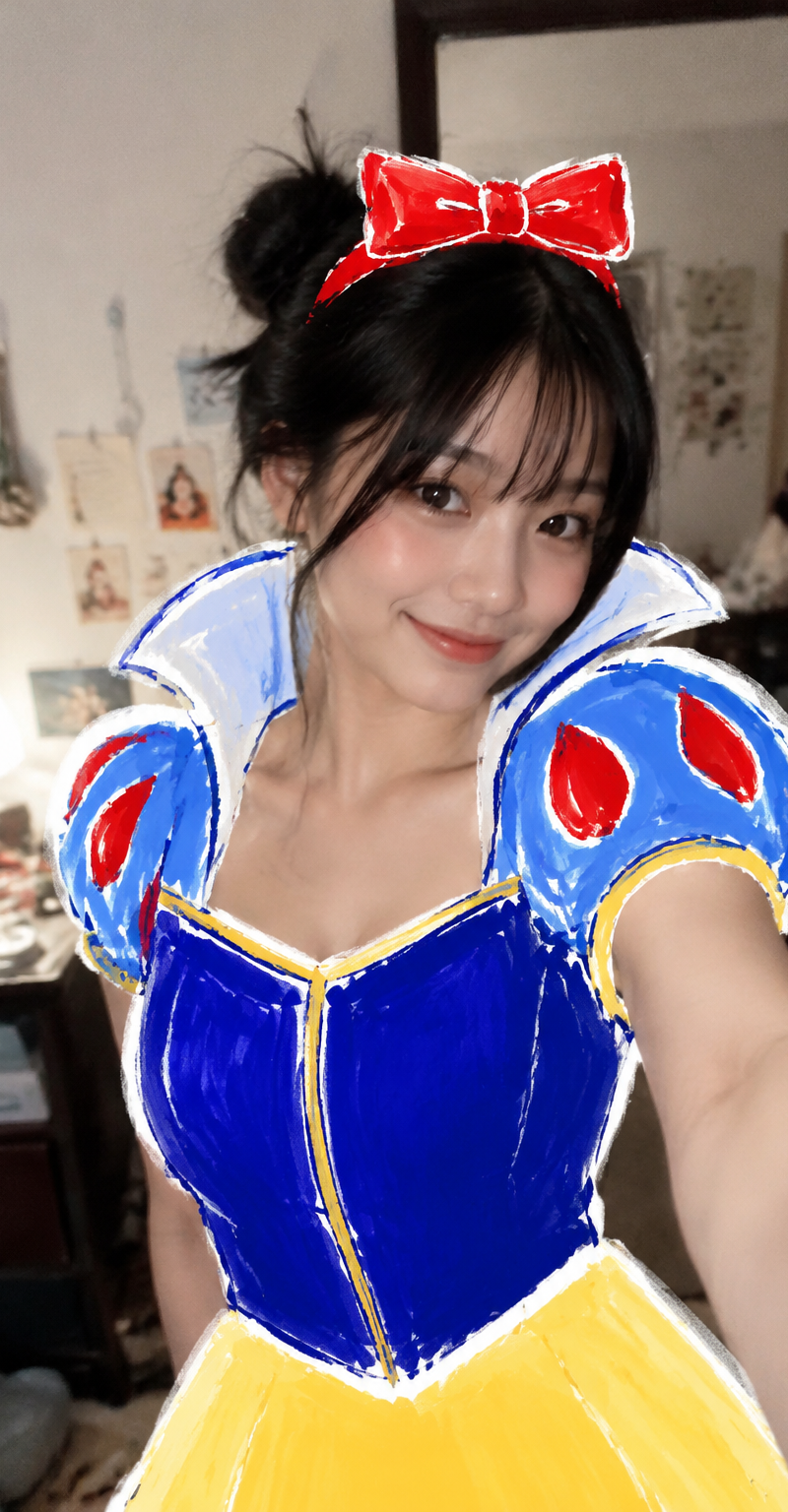
Create a casual vertical smartphone mirror/selfie-style bedroom photo of a young woman posing seated on a bed, face hidden by a large centered square pixelated/blur censor block in a warm beige skin-tone gradient. She has {argument name="hair style" default="dark messy twin buns with loose strands"}, elbows tucked in and both hands cupping her cheeks in a cute morning pose. Overlay the photo with a hand-drawn magical-girl sailor outfit inspired by Sailor Moon: a white top with bold blue sailor collar and shoulder stripes, a huge red chest bow outlined in thick white and black marker strokes, a yellow crescent moon brooch with a small red heart at the center, a blue pleated skirt at the bottom edge, and a matching yellow crescent moon belt ornament. The doodle overlay should look like marker art drawn directly on the photo, with rough sketch lines, white sticker-like borders, blue/red/yellow fill scribbles, and imperfect playful proportions. Surround the subject with exactly 5 red heart doodles, 7 yellow star doodles, 5 small white sparkle doodles, and 2 yellow crescent moon emblems including the chest and waist ornaments. Background: dim indoor bedroom with beige walls, a door and hallway behind her, rumpled white bedding on the right, a chair edge on the left, and a small cluttered table in the back; use realistic flash-photo lighting and a slightly tilted candid composition. Keep the image playful, cute, and homemade, like a social media post about transforming into {argument name="character inspiration" default="Sailor Moon"}.
Category
Charts & Infographics
Model
GPT Image 2
Creator
susumu_Mind
Source language
en
Views3.2K
Source ID
24677
Published
Jun 7, 2026
Studio

Guide

About "Sailor Moon Doodle Selfie"

What is this prompt for?

"Sailor Moon Doodle Selfie" AI image prompt for GPT Image 2 (Charts & Infographics). Generates a candid bedroom selfie with a hand-drawn magical-girl sailor co…

The full copyable prompt and example visuals above are ready for AI image generation or one-click recreate in Picva.

How to use this prompt

  1. Step 1

    Open the prompt detail

    Review the example visuals, category, and full prompt text for "Sailor Moon Doodle Selfie".

  2. Step 2

    Copy the prompt

    Copy the prompt body from this page, or load it directly in Studio.

  3. Step 3

    Pick a model (GPT Image 2)

    Prefer GPT Image 2. If you switch models, keep subject and composition and tweak style terms.

  4. Step 4

    Generate and export

    Recreate the look in Picva, or export into your workflow for editing and publishing.

FAQ

What is the "Sailor Moon Doodle Selfie" prompt?
It is an AI image-generation prompt for GPT Image 2 in the Charts & Infographics category. This page includes the full prompt text, example visuals, and a one-click recreate path in Picva.
How do I use this prompt to generate an image?
Copy the prompt from this page, or use Generate / Studio. Paste it into a compatible image model, or recreate the look in Picva with optional reference images.
Which model is this prompt for?
This page lists GPT Image 2. Most descriptive prompts also transfer to nearby image models such as GPT Image, Flux, or Midjourney with light style tweaks.
Can I use the result commercially?
You can usually copy the prompt for creation, but commercial use of the final image depends on the model terms, reference-image rights, and the generated content. Follow the source author and platform rules.